
 15
15presentation
Flying Saucer History Lesson Deck
Build an engaging World UFO Day session with this flying saucer history lesson deck, featuring retro green-and-brown slides for PowerPoint and Google Slides.
Google SlidesPowerPoint
presentation · English
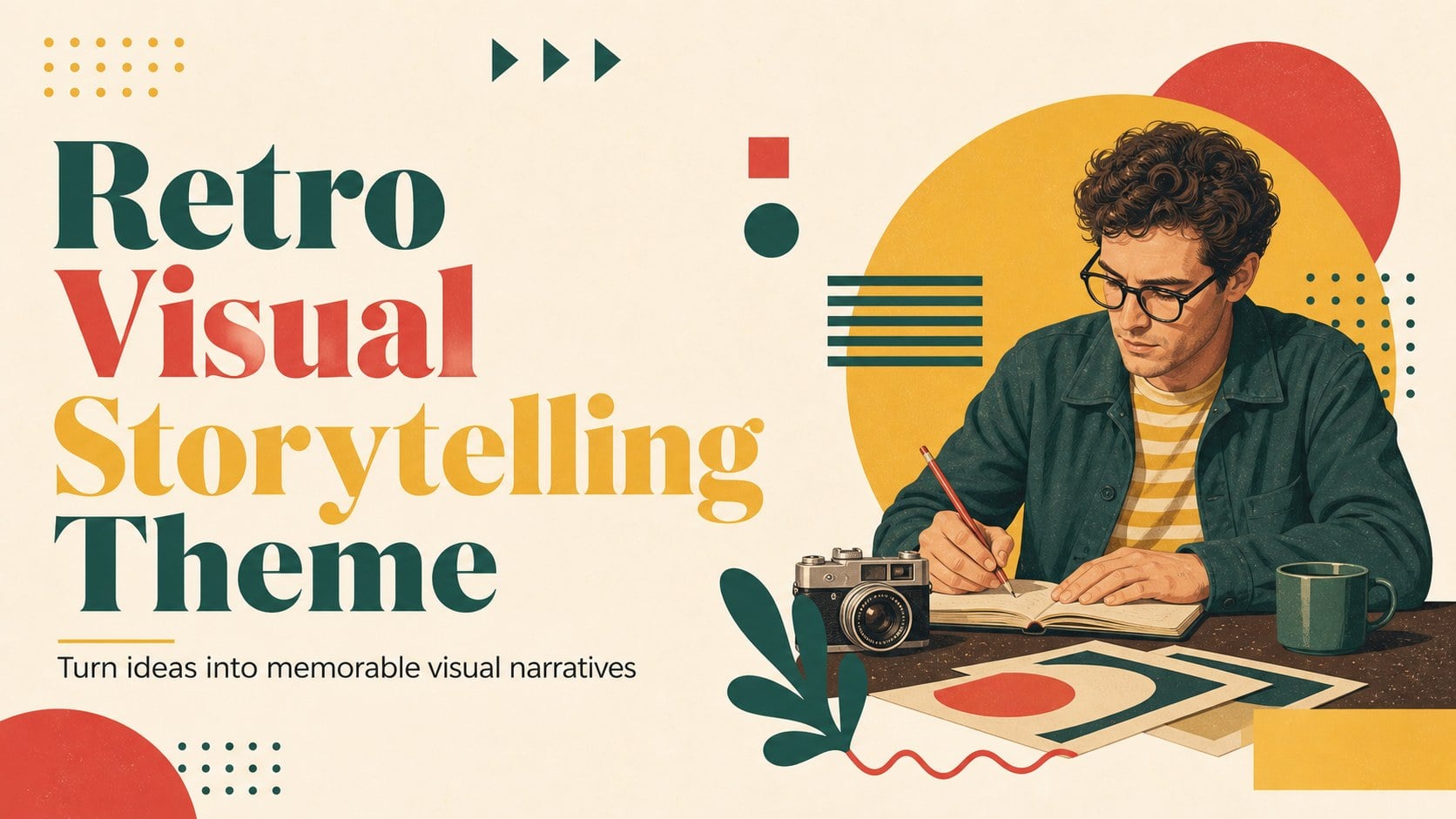
Build memorable pitches and project updates with a retro visual storytelling theme for PowerPoint and Google Slides, featuring editable yellow layouts and…






Design notes
Retro visual storytelling theme brings creative energy to business presentations without losing structure. Its illustrated retro aesthetic, yellow-forward palette, and colorful accents help agencies, marketers, educators, and project teams present ideas with personality. Use the layouts to shape a clear narrative for a proposal, campaign concept, portfolio review, or internal update.
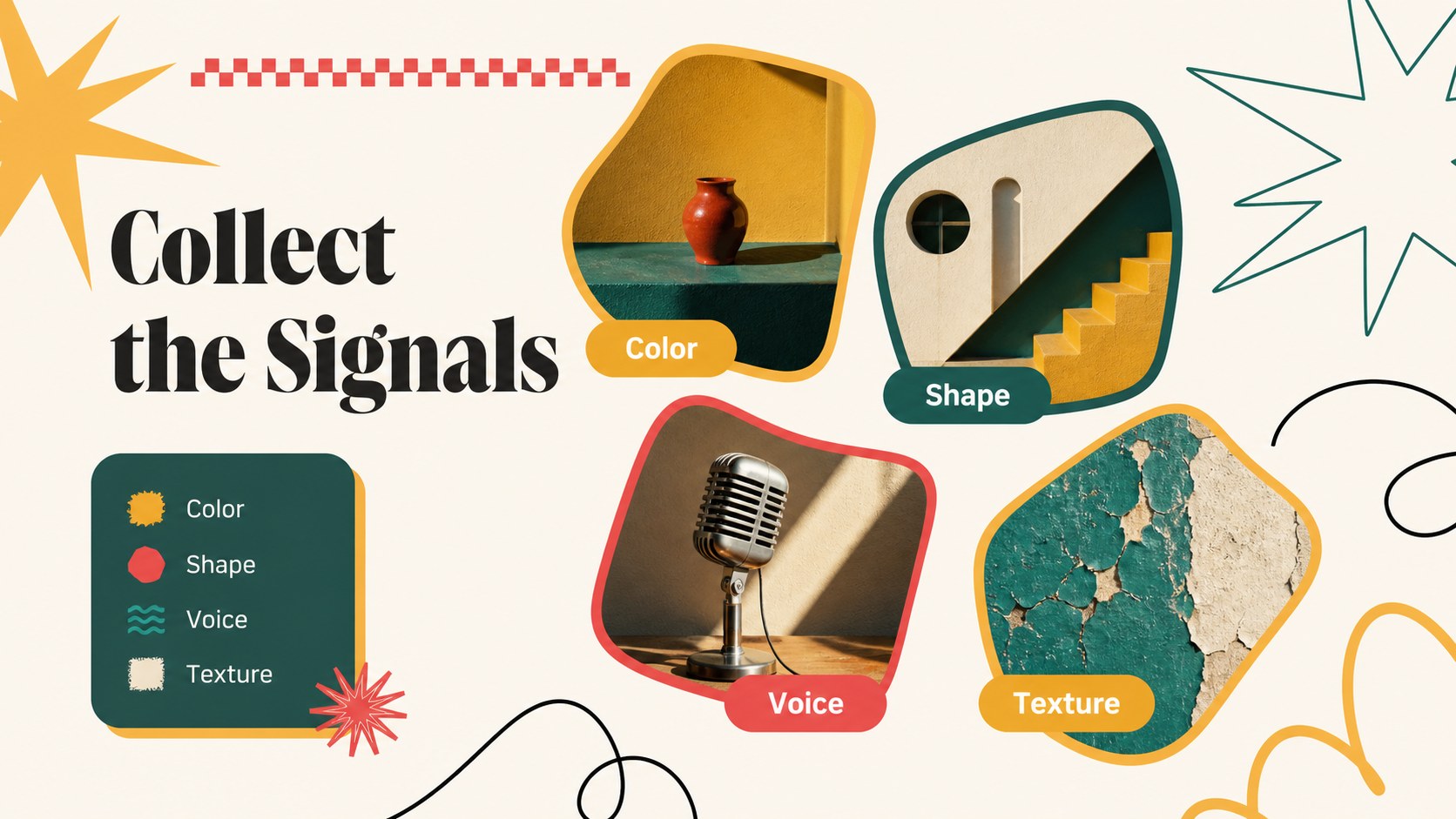
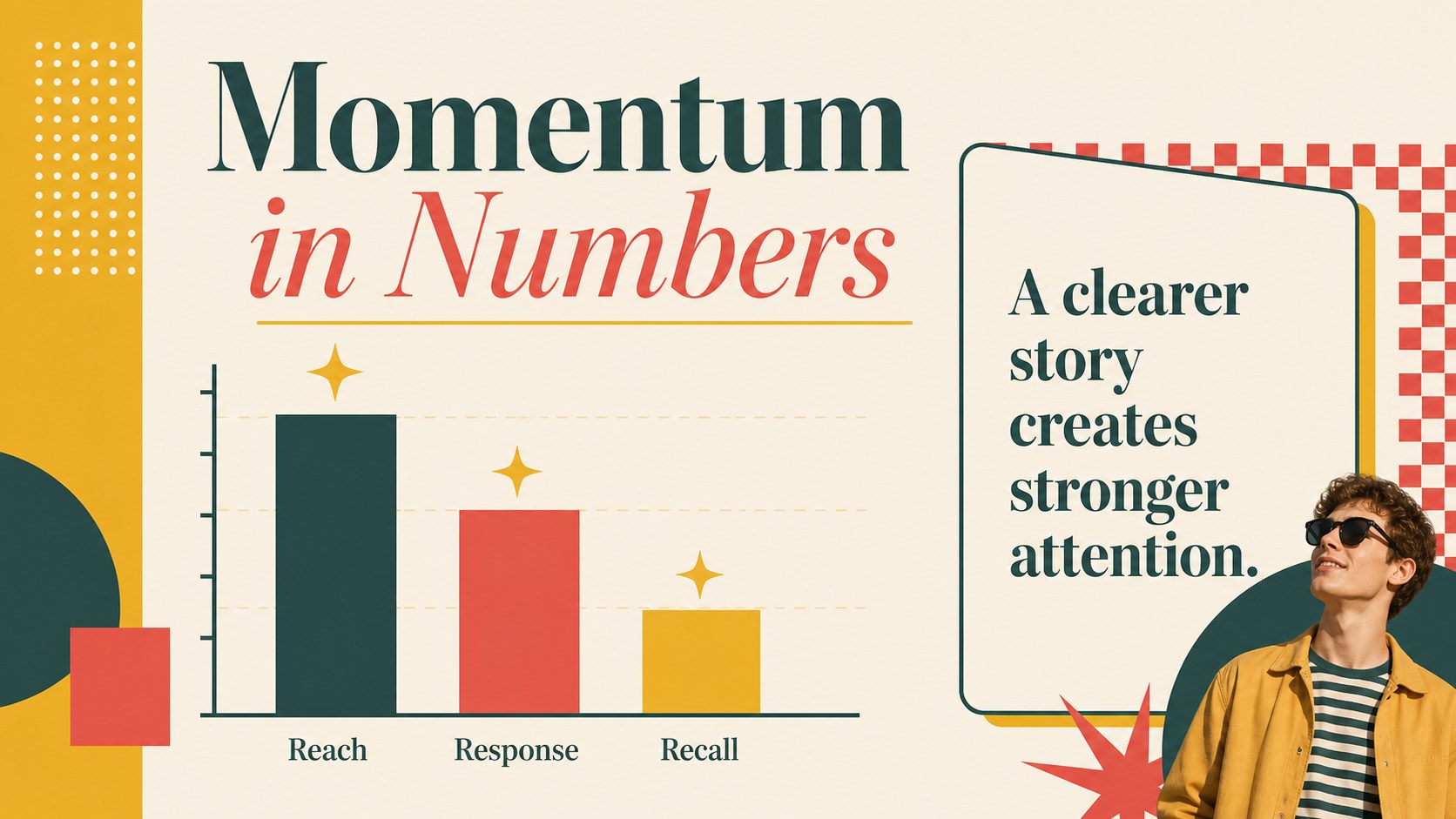
Inside, you’ll find 15 editable 16:9 slides for PowerPoint and Google Slides, including a cover, agenda, section dividers, text layouts, image showcases, comparison tables, data charts, timelines, and a closing slide. The deck supports an illustrated design presentation style with flexible frames, bold headings, playful line details, and space for concise supporting copy. Rearrange sections, replace graphics, adjust colors, and add your own visuals to match each project.
This retro presentation theme is especially useful when a standard corporate deck feels too restrained. It gives creative teams a polished foundation for storytelling while keeping information easy to scan. Present a yellow creative slides concept, explain a new brand direction, or turn a project update into a more engaging visual journey. Download the template and adapt the sequence to your message.
Perfect for: creative agency proposal; brand direction presentation; marketing campaign update; illustrated portfolio review; startup concept pitch.
Frequently asked questions
Can I edit this template in PowerPoint? Yes. The slides are designed for PowerPoint and can be edited with standard text, shape, image, and chart tools. Replace the sample content and adjust the palette to fit your project.
Practical details
Yes. The slides are designed for PowerPoint and can be edited with standard text, shape, image, and chart tools. Replace the sample content and adjust the palette to fit your project.
Yes, you can import the presentation into Google Slides and customize the editable elements there. Some fonts or effects may need minor adjustments after import.
The layout works well for creative proposals, marketing updates, brand strategy, portfolio reviews, and concept pitches. Its visual sequence can also be adapted for team reports or educational storytelling.
Yes. Modify the yellow accents, supporting colors, typography, shapes, and imagery to match your visual identity. The modular layouts make it easy to keep the retro character while creating a distinct presentation.
Keep exploring
15Build an engaging World UFO Day session with this flying saucer history lesson deck, featuring retro green-and-brown slides for PowerPoint and Google Slides.
 15
15Plan a lively animal-learning journey with this jungle zoo adventure lesson deck, ready to customize in PowerPoint and Google Slides for young learners.
 16
16Turn environmental research into a clear story with a Watercolor Ecology Presentation Theme for PowerPoint and Google Slides in calming green and blue.
 16
16Build focused fashion, literature, and humanities presentations with the Red Triangle Editorial Theme, editable in PowerPoint and Google Slides.
 15
15Turn streaming stats, favorite tracks, and concert highlights into a bold annual listening recap slide deck for PowerPoint and Google Slides.
 15
15Turn highlights, milestones, and favorite moments into a colorful year in review slide deck with bold 3D graphics for PowerPoint and Google Slides.
 3
3Build a credible endorsement with Standout Colleague Recommendation Letter Slides, featuring colorful prompts for skills, achievements, and team impact.
 4
4Build clear beginner sessions with an ice hockey fundamentals training deck for coaches, PE teachers, and clubs, ready for PowerPoint and Google Slides.