
 15
15presentation
Flying Saucer History Lesson Deck
Build an engaging World UFO Day session with this flying saucer history lesson deck, featuring retro green-and-brown slides for PowerPoint and Google Slides.
Google SlidesPowerPoint
presentation · English
Build a clear cosmic story with this Retro Space Discovery Infographic Theme for PowerPoint and Google Slides, ideal for astronomy lessons and STEM projects.
Design notes
Turn astronomy facts into an engaging visual narrative with the Retro Space Discovery Infographic Theme. Its restrained gray-and-black palette, vintage scientific details, and minimalist typography give complex ideas room to breathe. Use it to introduce planetary systems, compare celestial objects, explain mission goals, or present key moments in space research.
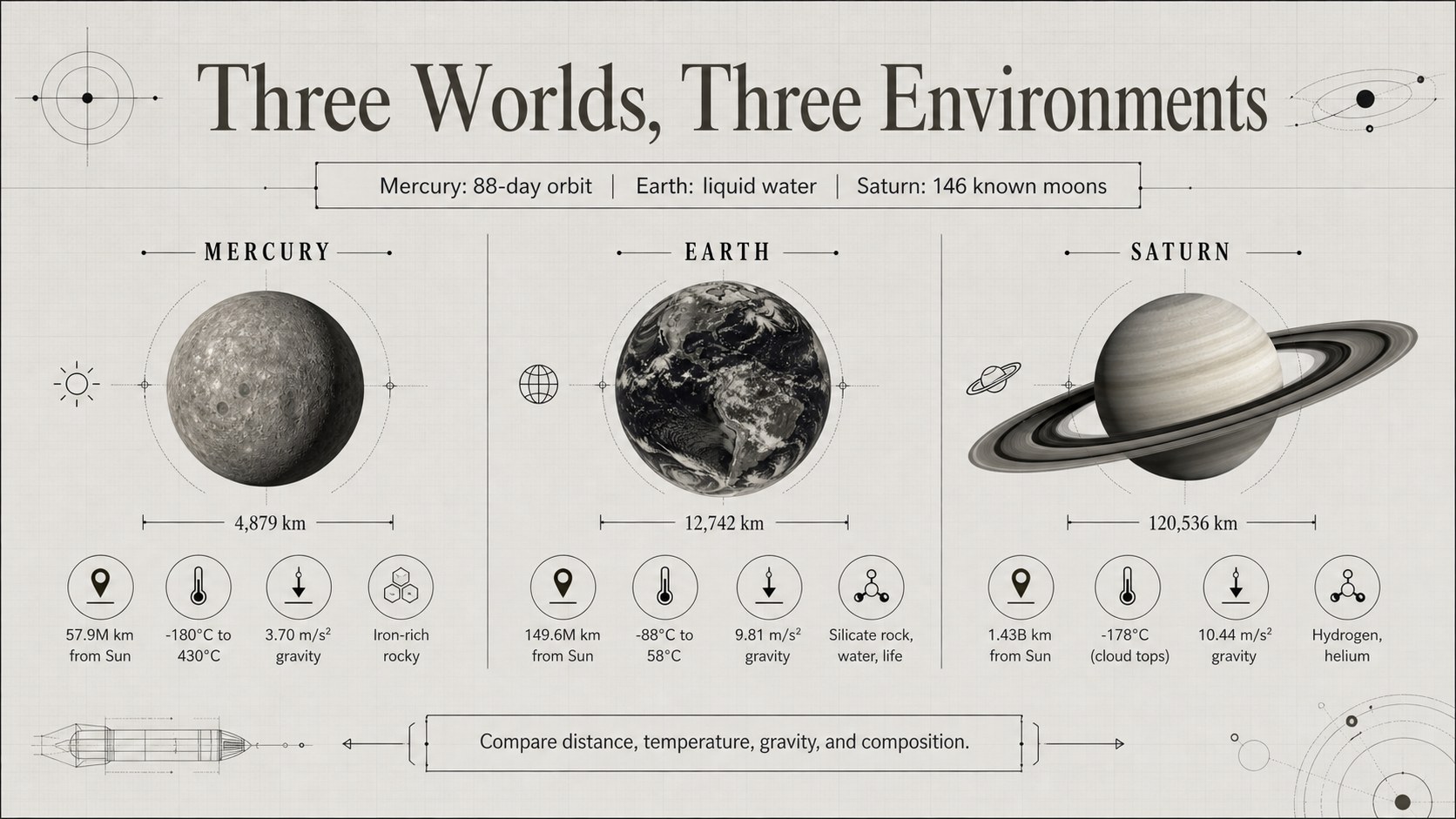
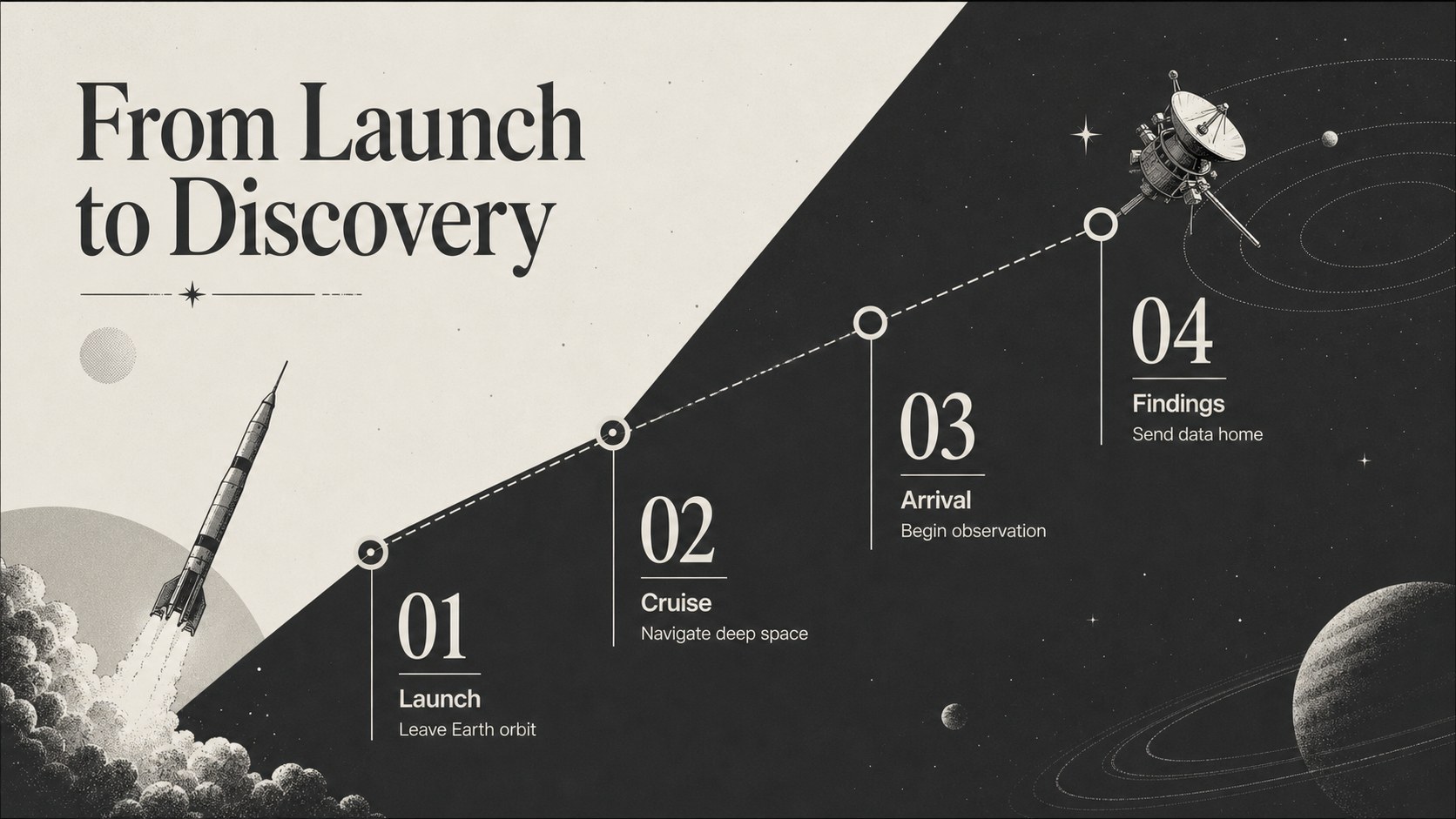
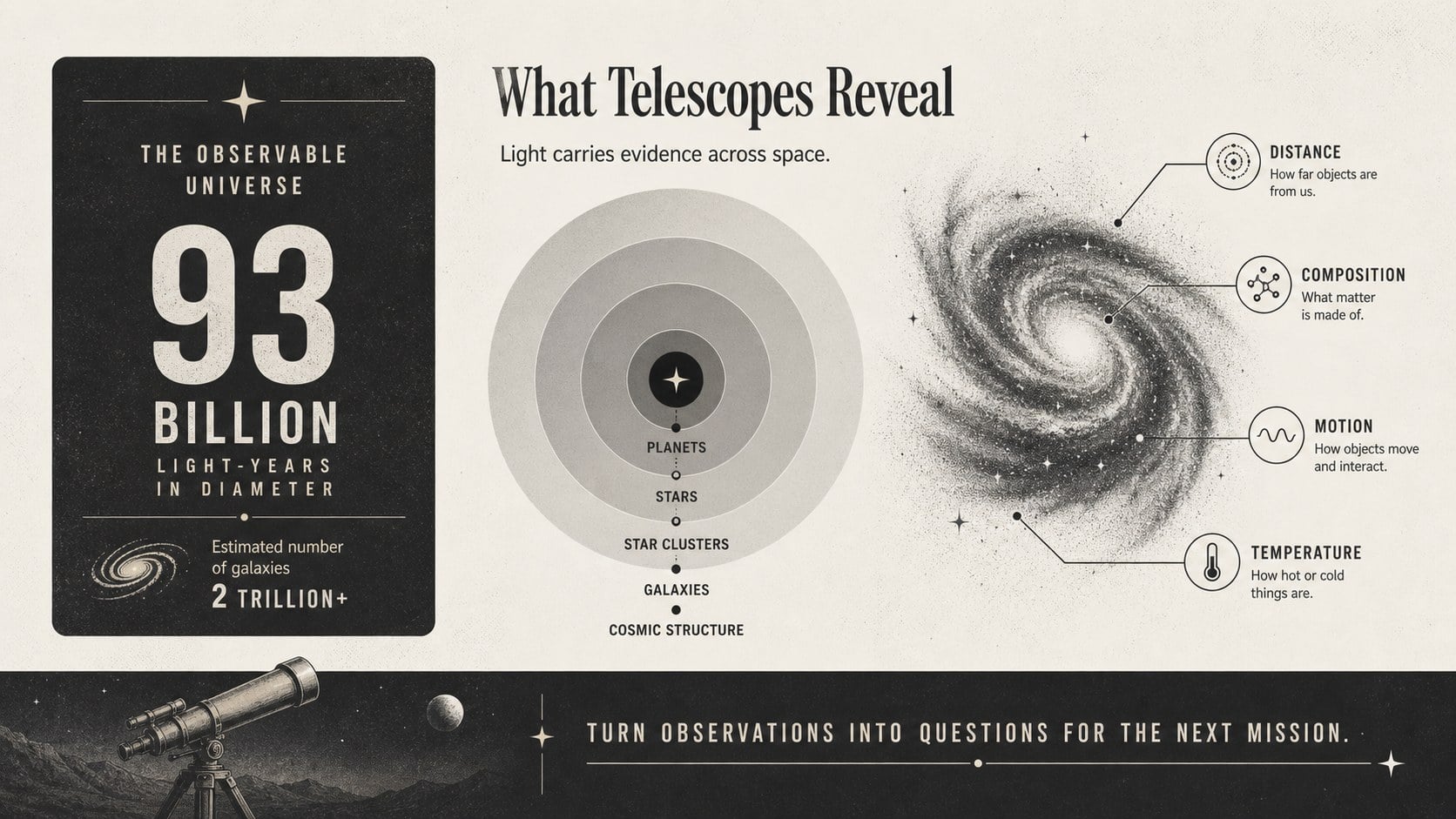
The deck includes a distinctive cover, a planet comparison layout, a mission timeline, and a data-focused closing slide. Diagrams, fact blocks, orbit graphics, and labeled illustrations help organize information without crowding the screen. Every element can be edited in PowerPoint or Google Slides, including text, colors, icons, charts, and image placements. The widescreen format works for classroom projection, online instruction, conference displays, and exported handouts.
Designed as a space exploration presentation for students, the template also supports teachers, science clubs, museum educators, and STEM event organizers. Build retro astronomy infographic slides for an introductory lesson, develop astronomy lesson slides for teachers, or summarize a research assignment with a consistent visual system. Add statistics about planets, short biographies of astronauts, telescope discoveries, spacecraft milestones, or comparisons of distance, temperature, and gravity. The flexible layouts make it easy to create a focused four-slide overview or expand the theme into a longer educational presentation.
Perfect for: middle school astronomy lesson; space mission research report; science fair presentation; planet comparison activity; STEM club workshop; museum education display.
Frequently asked questions
Can I edit every part of this space infographic theme? Yes. Text, colors, diagrams, icons, charts, and image placeholders can be adjusted to match your topic and audience.
Practical details
Yes. Text, colors, diagrams, icons, charts, and image placeholders can be adjusted to match your topic and audience.
The template is designed for PowerPoint and Google Slides. Review font substitutions after importing so the typography remains consistent.
Yes. You can export individual slides as PDF pages or images for classroom handouts, display boards, and science fair materials.
Replace the sample facts with information about your chosen planets, missions, spacecraft, or discoveries. Update the comparison values and timeline dates while keeping the visual hierarchy consistent.
Keep exploring
15Build an engaging World UFO Day session with this flying saucer history lesson deck, featuring retro green-and-brown slides for PowerPoint and Google Slides.
 15
15Plan a lively animal-learning journey with this jungle zoo adventure lesson deck, ready to customize in PowerPoint and Google Slides for young learners.
 16
16Turn environmental research into a clear story with a Watercolor Ecology Presentation Theme for PowerPoint and Google Slides in calming green and blue.
 16
16Build focused fashion, literature, and humanities presentations with the Red Triangle Editorial Theme, editable in PowerPoint and Google Slides.
 15
15Turn streaming stats, favorite tracks, and concert highlights into a bold annual listening recap slide deck for PowerPoint and Google Slides.
 15
15Turn highlights, milestones, and favorite moments into a colorful year in review slide deck with bold 3D graphics for PowerPoint and Google Slides.
 3
3Build a credible endorsement with Standout Colleague Recommendation Letter Slides, featuring colorful prompts for skills, achievements, and team impact.
 4
4Build clear beginner sessions with an ice hockey fundamentals training deck for coaches, PE teachers, and clubs, ready for PowerPoint and Google Slides.