
 15
15presentation
Flying Saucer History Lesson Deck
Build an engaging World UFO Day session with this flying saucer history lesson deck, featuring retro green-and-brown slides for PowerPoint and Google Slides.
Google SlidesPowerPoint
presentation · English
Organize matches, training sessions, and team events with a retro soccer fixture planner in green, ready to customize in PowerPoint or Google Slides.
Design notes
Bring the season into focus with a retro soccer fixture planner built for clear, at-a-glance coordination. The rich green palette, vintage field graphics, and clean typographic structure give everyday scheduling a spirited match-day feel without sacrificing readability. Use it as an editable soccer season calendar for home and away games, training blocks, team meetings, travel notes, and important deadlines.
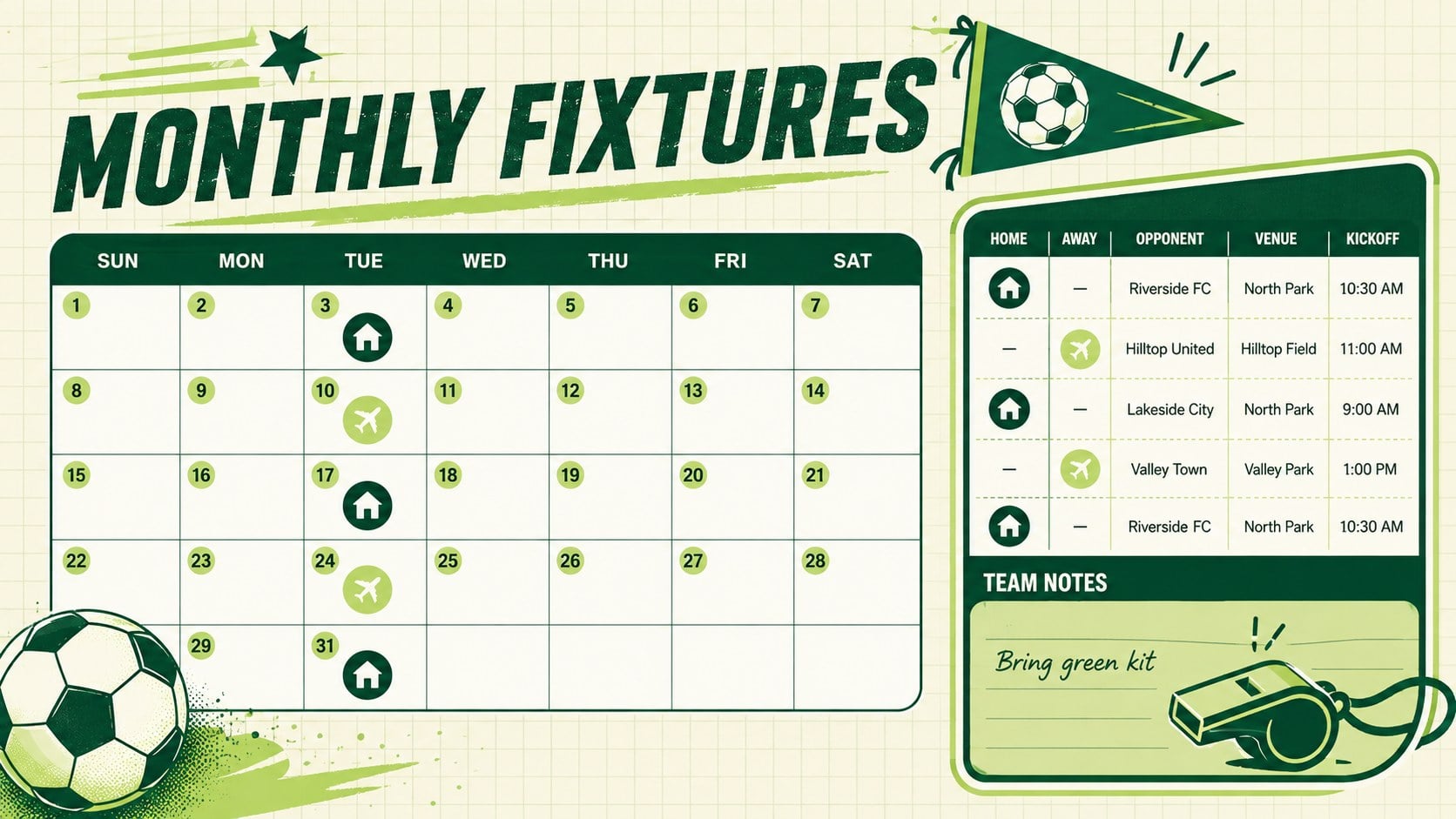
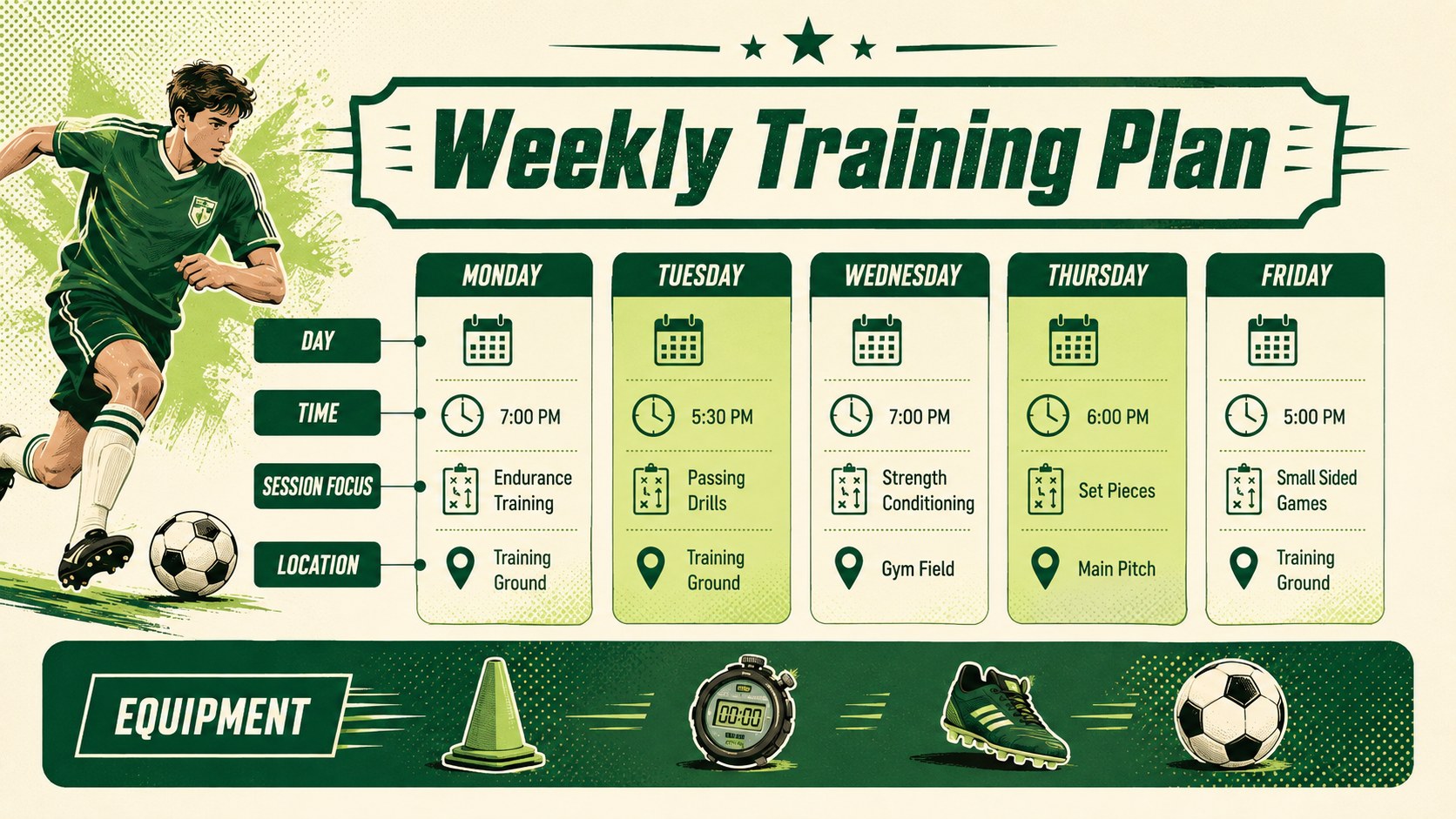
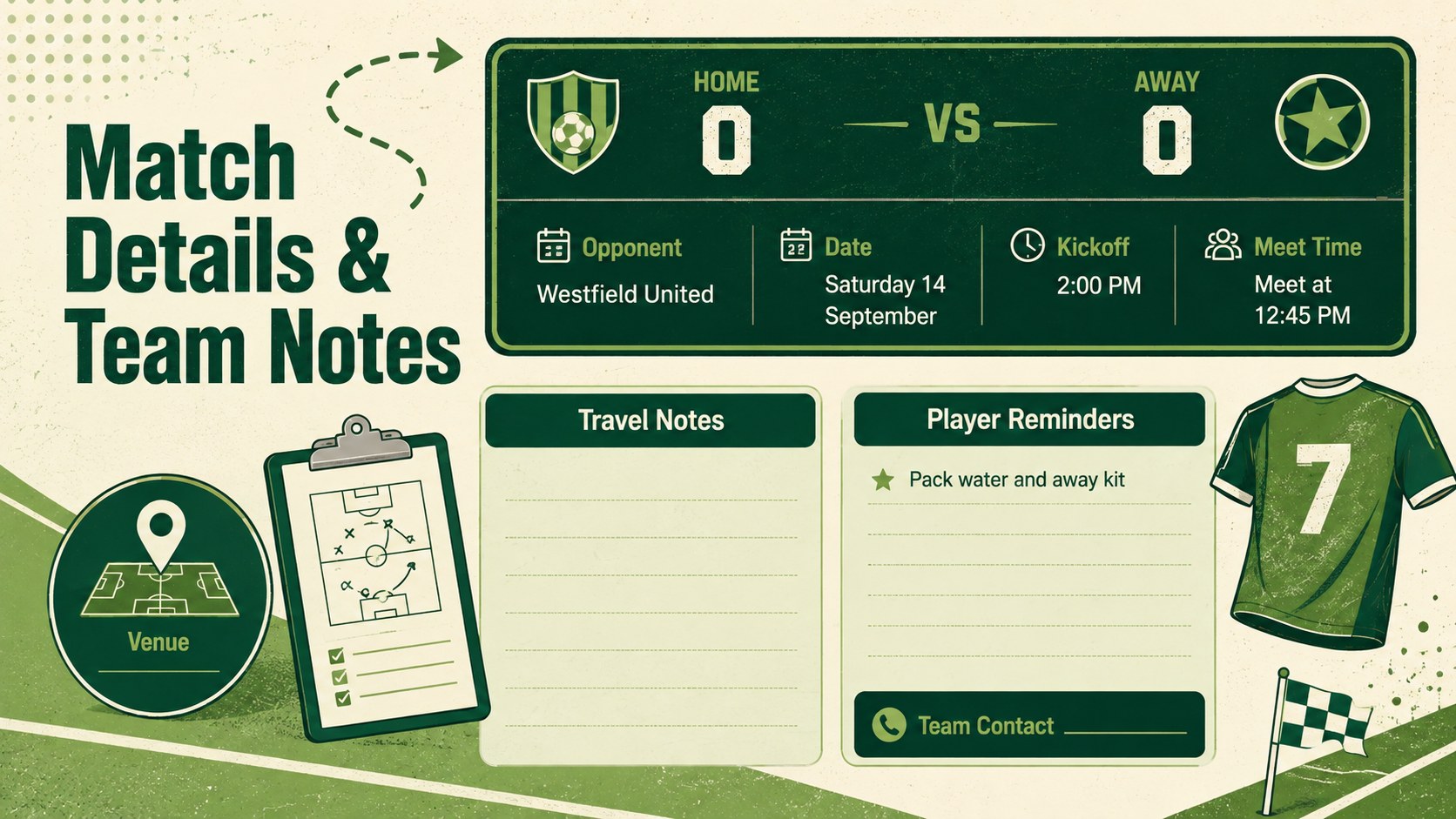
The set includes four coordinated layouts: a season cover, a monthly fixture overview, a weekly training timetable, and a match-detail sheet with space for opponents, venues, kickoff times, and reminders. Each page is ready to adapt in PowerPoint or Google Slides, so you can change dates, labels, colors, and team details. The layouts also print neatly when a paper copy is useful on the sideline or clubhouse noticeboard.
Designed for coaches, club administrators, players, and busy soccer families, this youth soccer match planner keeps everyone working from the same information. It suits school teams, community leagues, recreational clubs, and tournament preparation. Duplicate pages for multiple squads, add your crest or contact details, and use the printable team fixture organizer to share a practical season view at meetings or by email.
Perfect for: youth league season planning; weekly soccer practice scheduling; club fixture coordination; tournament match organization; family game calendar.
Frequently asked questions
Can I edit every date and fixture? Yes. Dates, kickoff times, opponents, venues, labels, and notes can be changed directly in PowerPoint or Google Slides. You can also duplicate layouts to cover additional weeks, months, or squads.
Practical details
Yes. Dates, kickoff times, opponents, venues, labels, and notes can be changed directly in PowerPoint or Google Slides. You can also duplicate layouts to cover additional weeks, months, or squads.
The template is designed for PowerPoint and Google Slides. Both platforms let you update the schedule, adjust the formatting, and present or print the finished pages.
Yes. Replace the sample details with your team name, colors, crest, contacts, and season dates. The green retro styling can also be adjusted to match your club identity.
Yes. The organized layouts are suitable for printing as team handouts or noticeboard schedules. Review your printer settings and select the appropriate scaling option before printing.
Keep exploring
15Build an engaging World UFO Day session with this flying saucer history lesson deck, featuring retro green-and-brown slides for PowerPoint and Google Slides.
 15
15Plan a lively animal-learning journey with this jungle zoo adventure lesson deck, ready to customize in PowerPoint and Google Slides for young learners.
 16
16Turn environmental research into a clear story with a Watercolor Ecology Presentation Theme for PowerPoint and Google Slides in calming green and blue.
 16
16Build focused fashion, literature, and humanities presentations with the Red Triangle Editorial Theme, editable in PowerPoint and Google Slides.
 15
15Turn streaming stats, favorite tracks, and concert highlights into a bold annual listening recap slide deck for PowerPoint and Google Slides.
 15
15Turn highlights, milestones, and favorite moments into a colorful year in review slide deck with bold 3D graphics for PowerPoint and Google Slides.
 3
3Build a credible endorsement with Standout Colleague Recommendation Letter Slides, featuring colorful prompts for skills, achievements, and team impact.
 4
4Build clear beginner sessions with an ice hockey fundamentals training deck for coaches, PE teachers, and clubs, ready for PowerPoint and Google Slides.