
 15
15presentation
Flying Saucer History Lesson Deck
Build an engaging World UFO Day session with this flying saucer history lesson deck, featuring retro green-and-brown slides for PowerPoint and Google Slides.
Google SlidesPowerPoint
presentation · English
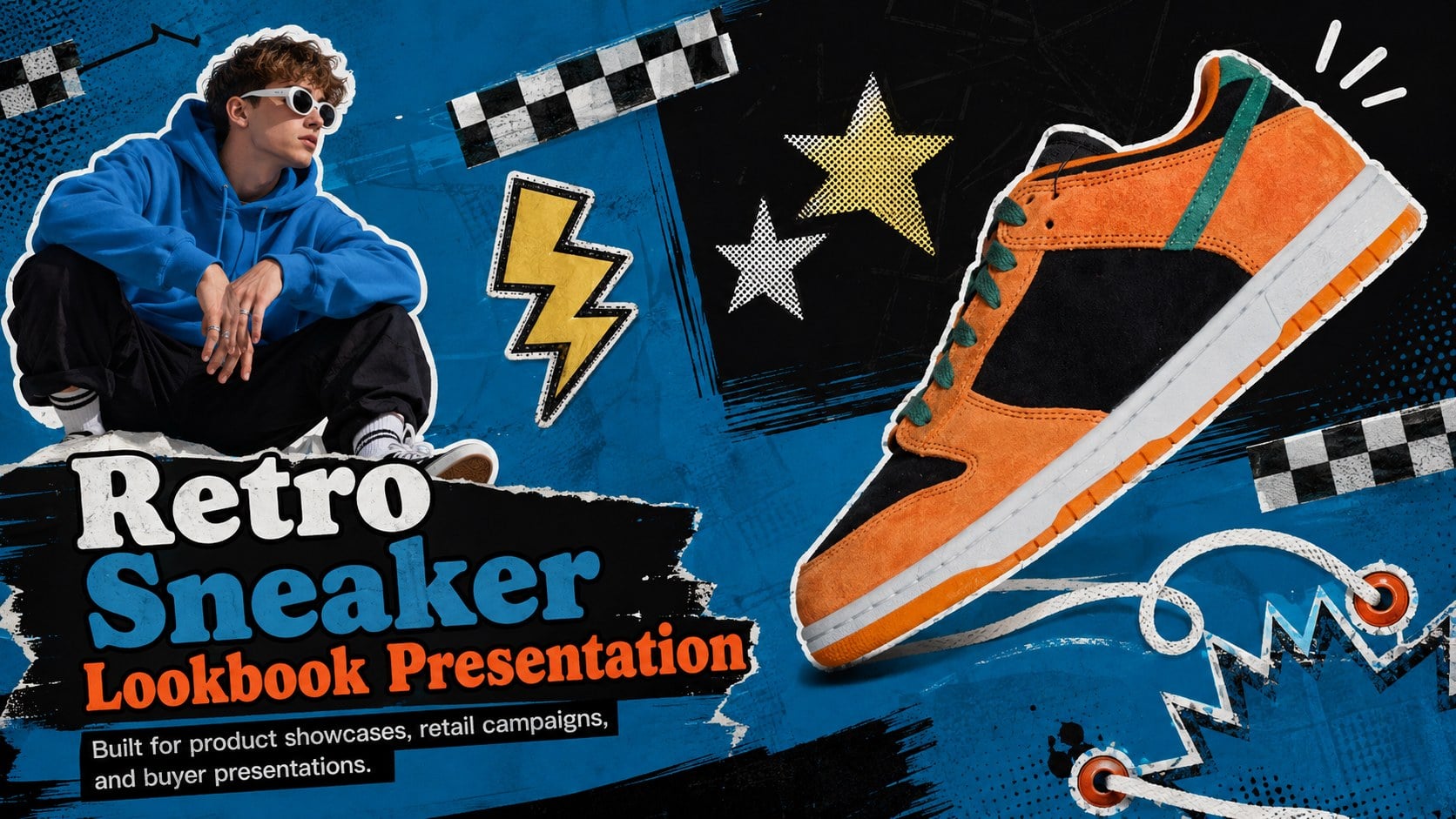
Build a bold retro sneaker lookbook presentation with vivid blue layouts, sticker energy, and editable pages for PowerPoint and Google Slides.
Design notes
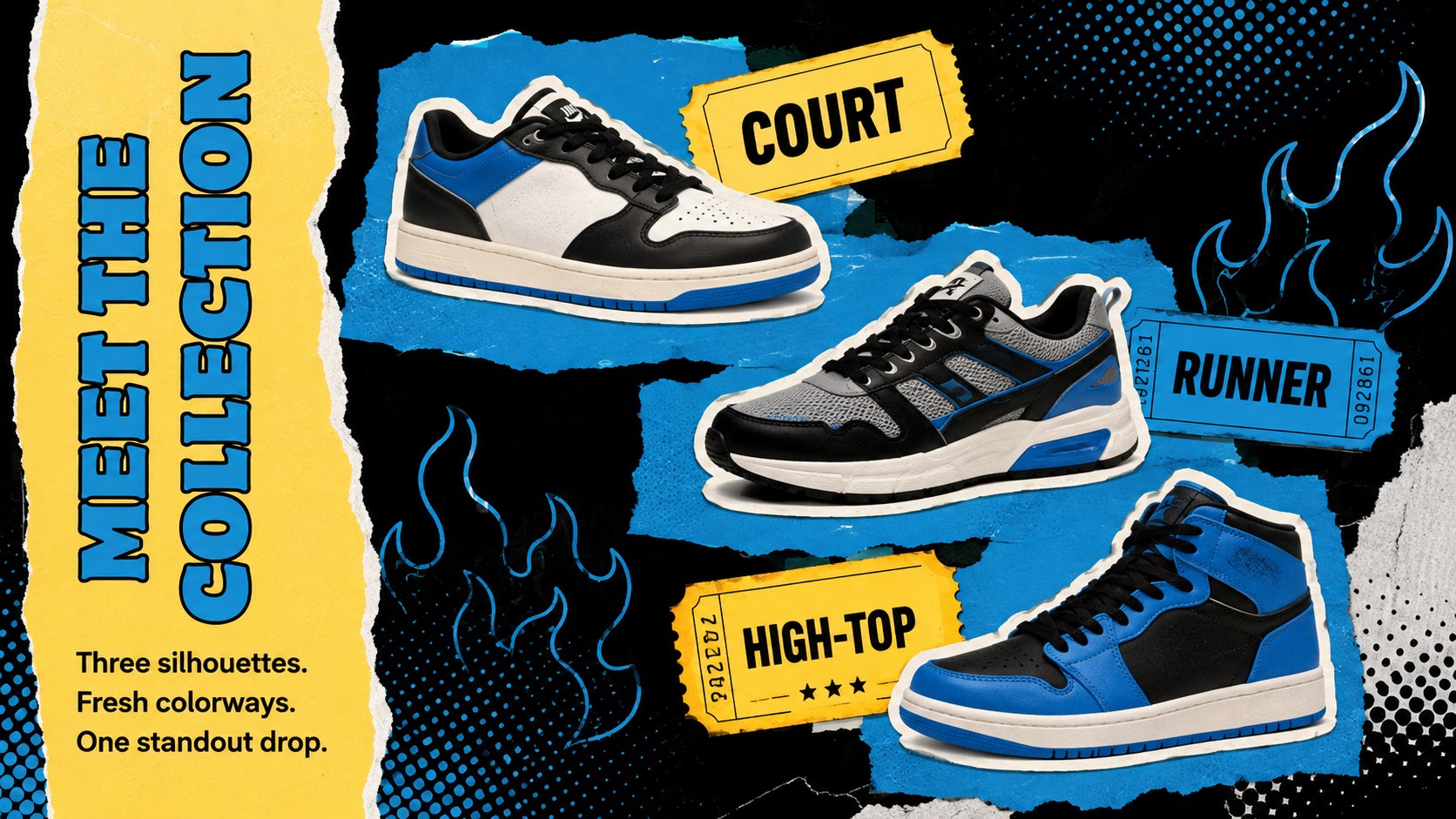
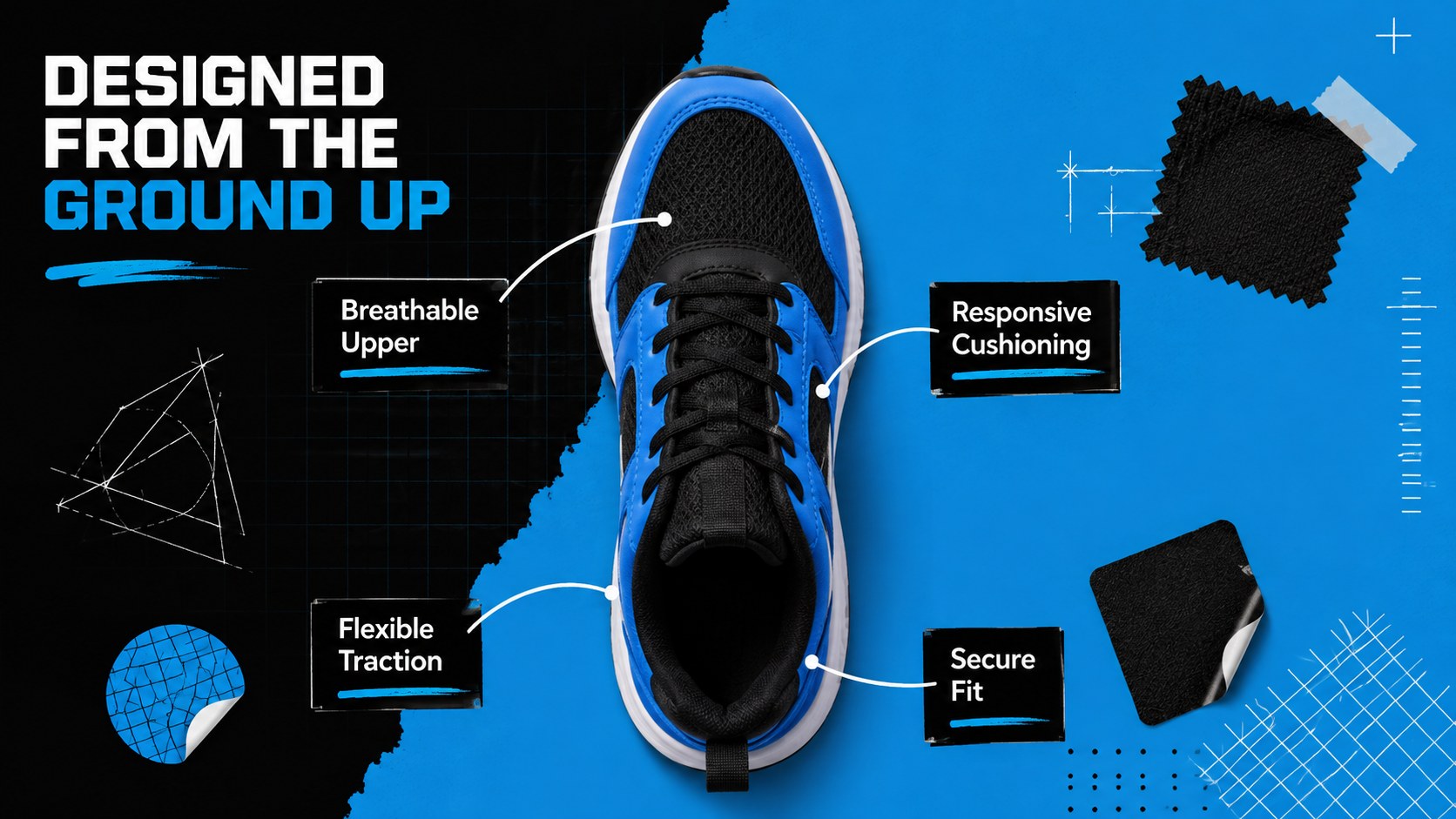
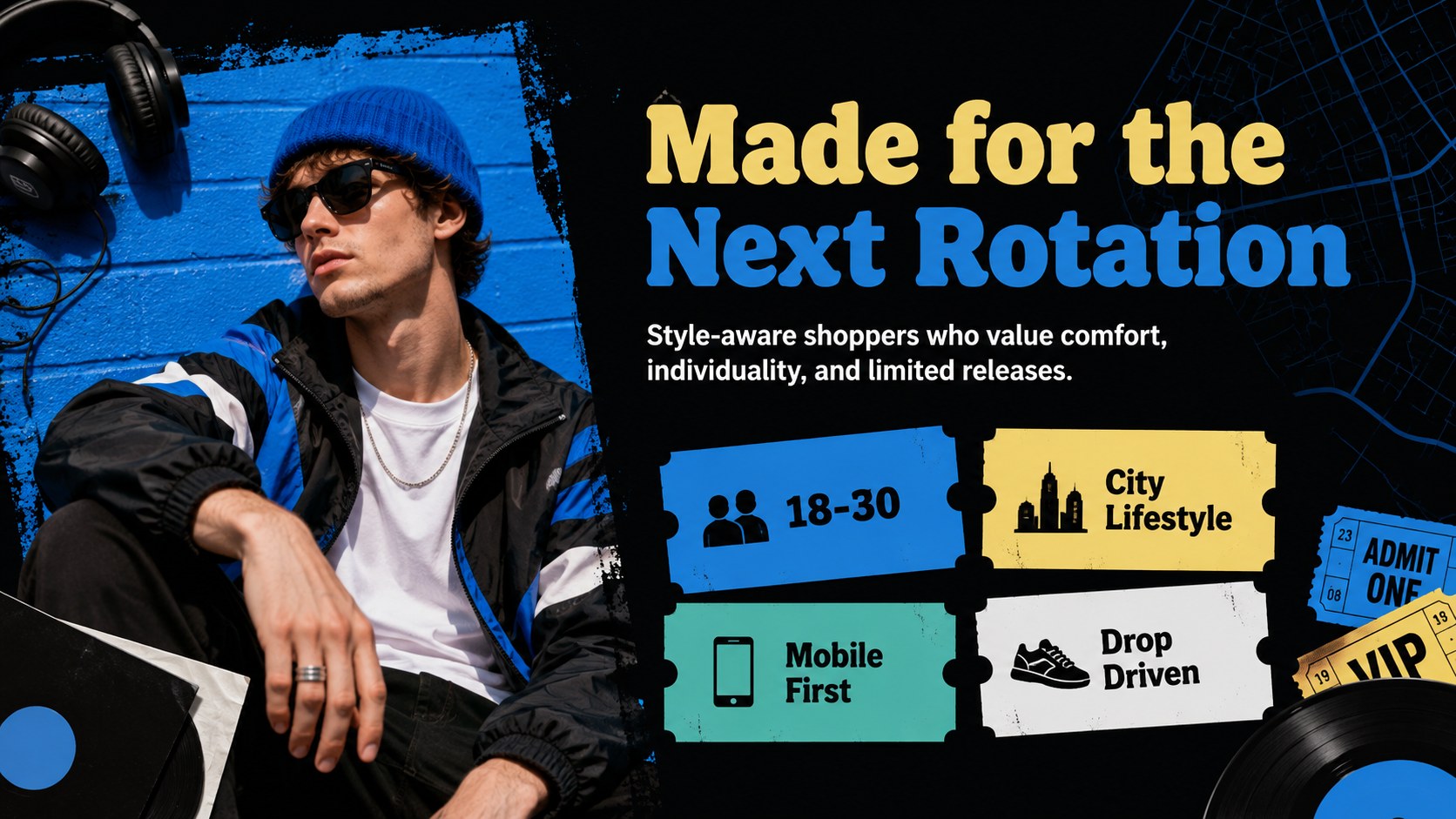
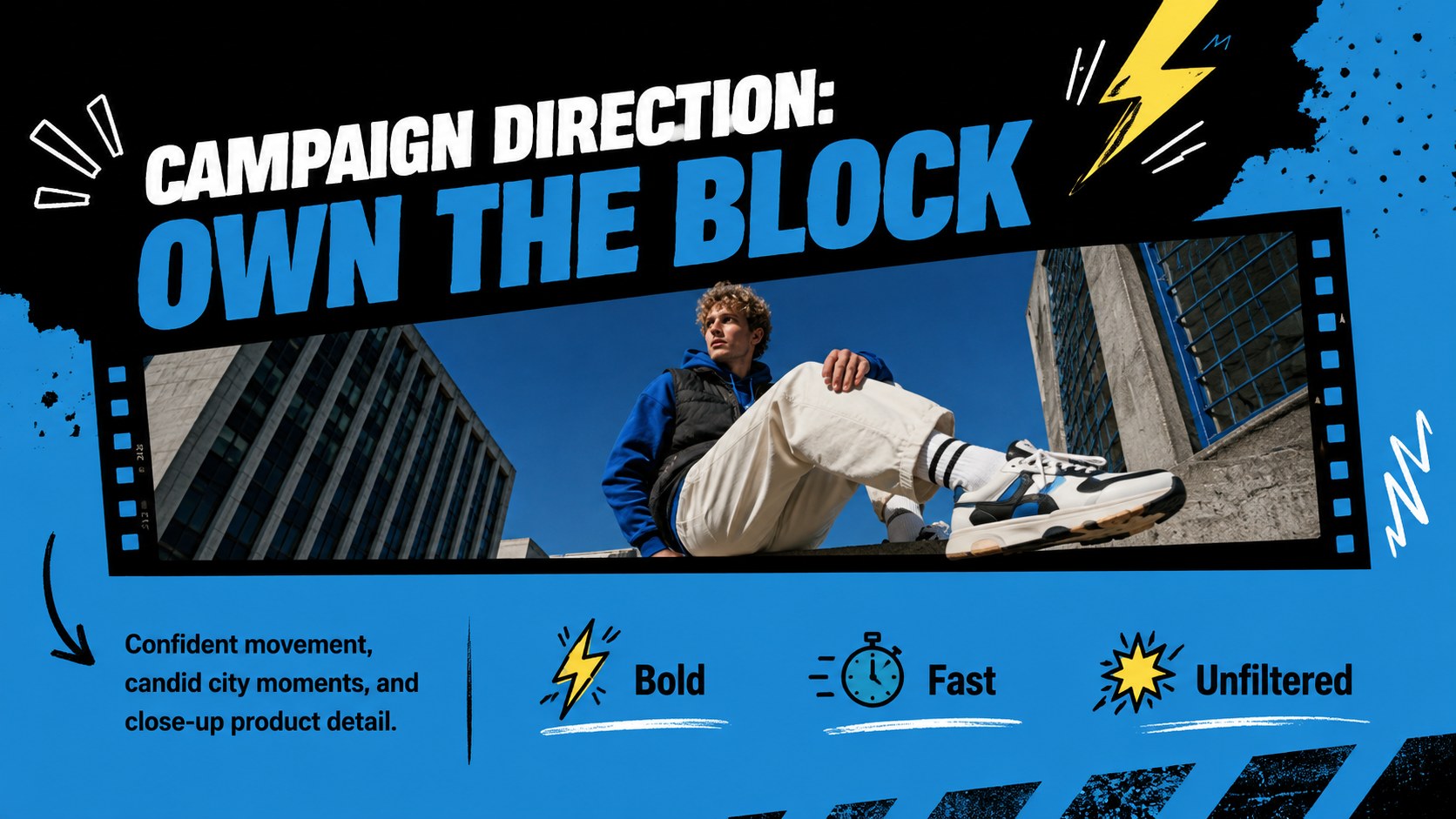
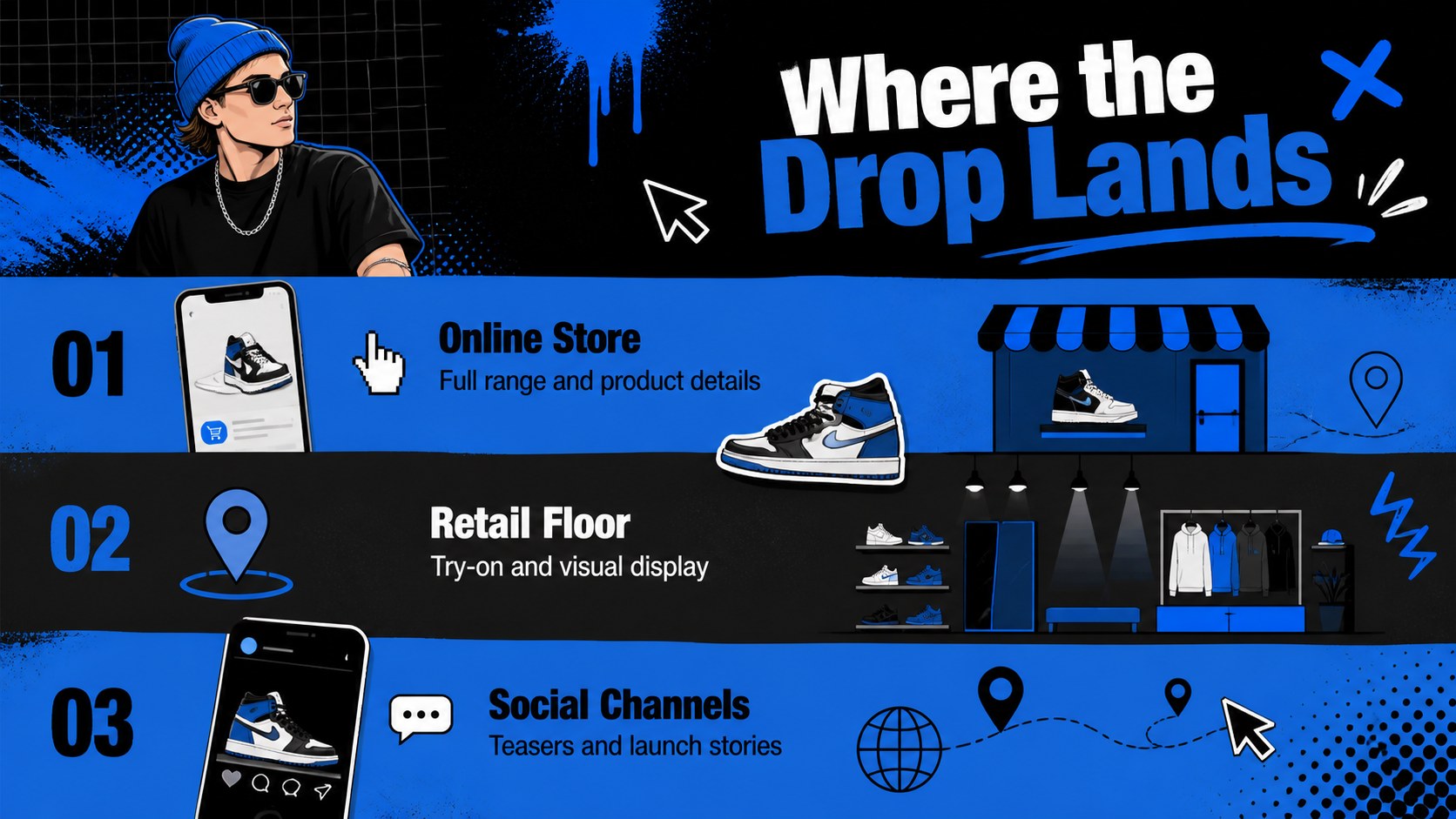
The Retro Sneaker Lookbook Presentation gives footwear marketers and creative retail teams a lively way to introduce collections, seasonal drops, and standout styles. Its colorful black-and-blue palette, energetic sticker graphics, and retro streetwear attitude help product photography command attention without losing essential sales information. Use this sneaker product showcase template to build a clear visual narrative around every release.
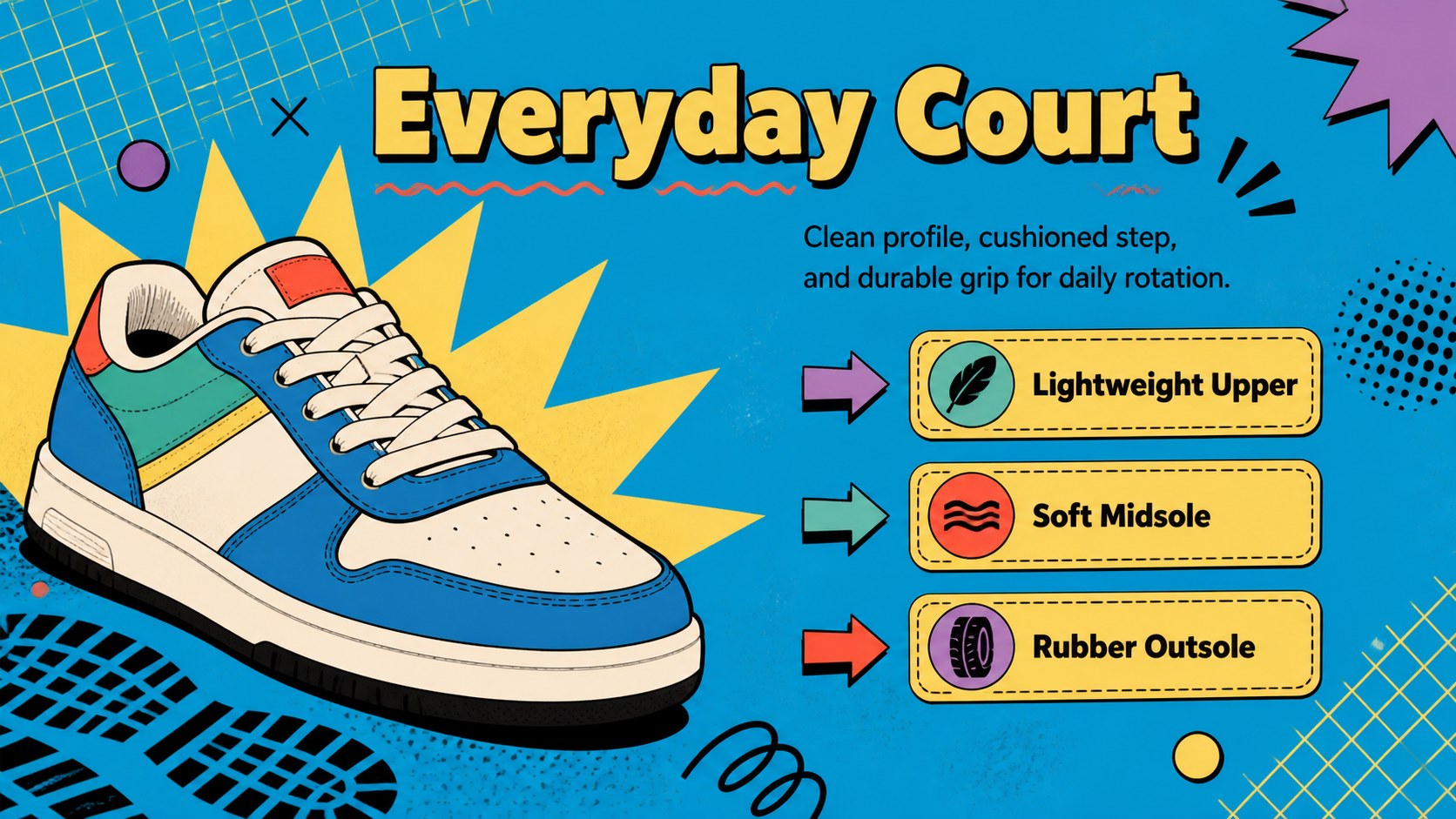
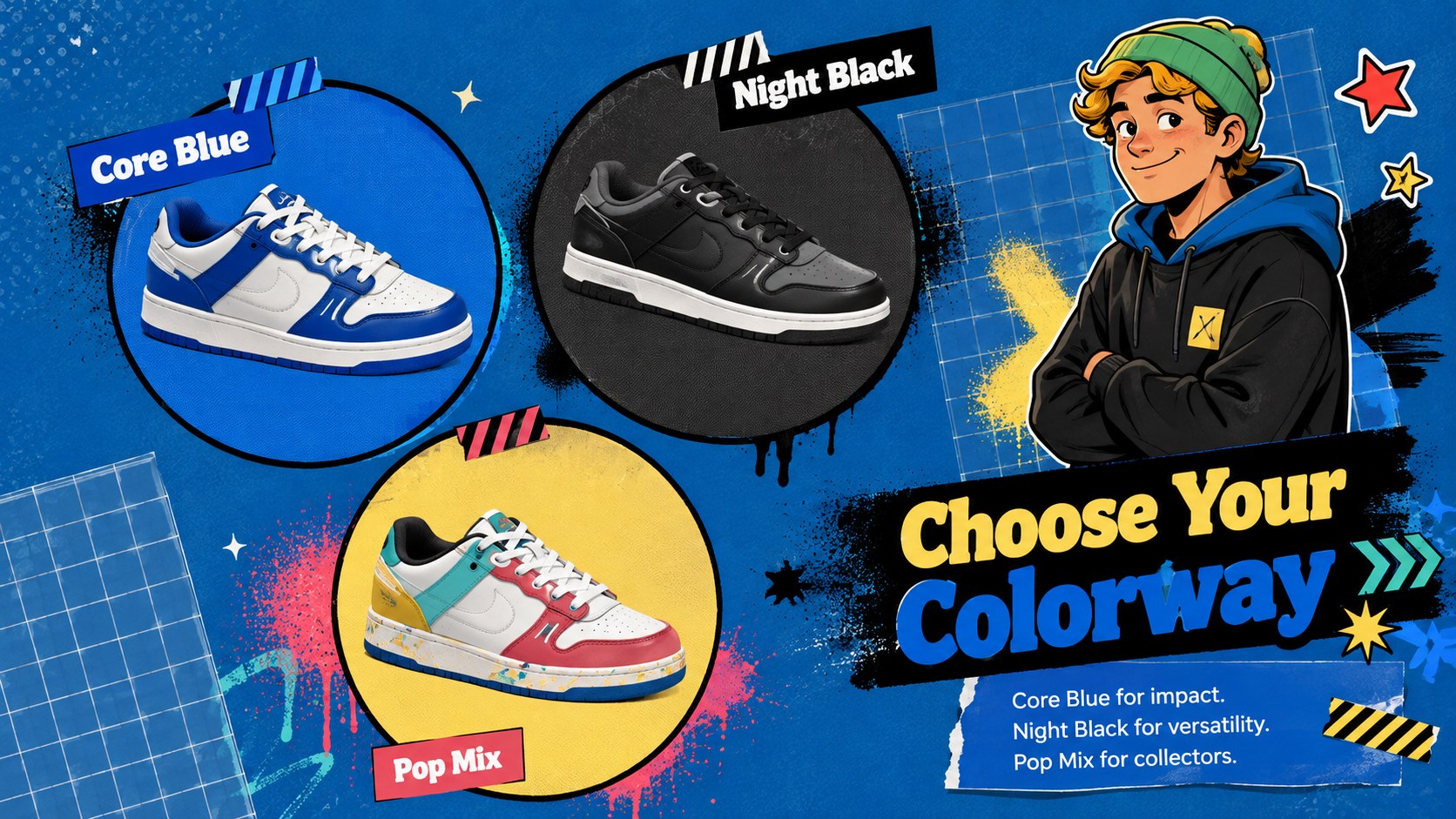
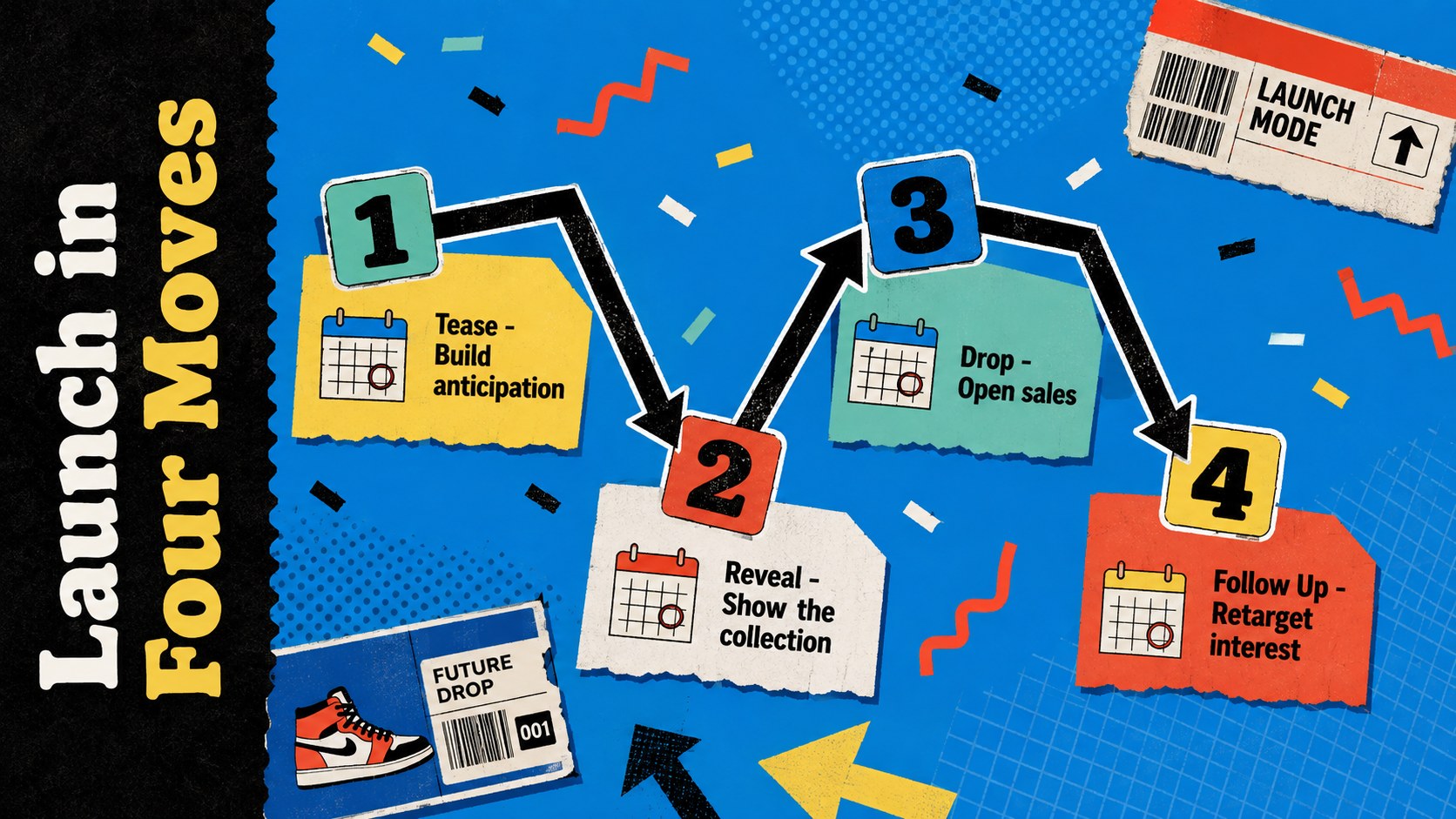
Inside, you will find layouts for collection introductions, individual shoe profiles, colorway comparisons, product specifications, campaign messaging, audience insights, launch timelines, retail highlights, and calls to action. Flexible image frames, graphic labels, charts, and editable text areas make the deck suitable for both compact edits and detailed presentations. Subtle motion can add extra impact when presenting the animated footwear catalog slides live.
This retro streetwear presentation deck is designed for sneaker brands, independent shops, marketing agencies, sales representatives, fashion students, and product teams. Adapt it for a wholesale buyer meeting, digital lookbook, product launch, sales pitch, or promotional campaign. Every slide can be customized in PowerPoint or Google Slides, including colors, typography, photos, text, shapes, and transitions. Replace the sample content with your own collection details to create a polished presentation that feels distinctive, youthful, and ready for the next drop.
Perfect for: seasonal sneaker collection launch; wholesale footwear buyer meeting; streetwear retail campaign; digital shoe lookbook; sneaker brand sales pitch.
Frequently asked questions
Can I edit this sneaker lookbook in PowerPoint? Yes. You can change the product photos, text, colors, typefaces, shapes, charts, and slide order in PowerPoint. Animations and transitions can also be adjusted to suit your presentation style.
Practical details
Yes. You can change the product photos, text, colors, typefaces, shapes, charts, and slide order in PowerPoint. Animations and transitions can also be adjusted to suit your presentation style.
Yes. Open an editable copy in Google Slides to update the layouts and collaborate with your team online. Some fonts or motion effects may need minor adjustments after import.
Replace the sample shoe images and collection details, then apply your own logo, typography, and approved brand colors. Reuse the product profile and colorway layouts to keep larger collections consistent.
Yes. The deck includes space for product benefits, colorways, specifications, audience insights, launch timing, and retail information. Add wholesale pricing or order details when preparing a private buyer version.
Keep exploring
15Build an engaging World UFO Day session with this flying saucer history lesson deck, featuring retro green-and-brown slides for PowerPoint and Google Slides.
 15
15Plan a lively animal-learning journey with this jungle zoo adventure lesson deck, ready to customize in PowerPoint and Google Slides for young learners.
 16
16Turn environmental research into a clear story with a Watercolor Ecology Presentation Theme for PowerPoint and Google Slides in calming green and blue.
 16
16Build focused fashion, literature, and humanities presentations with the Red Triangle Editorial Theme, editable in PowerPoint and Google Slides.
 15
15Turn streaming stats, favorite tracks, and concert highlights into a bold annual listening recap slide deck for PowerPoint and Google Slides.
 15
15Turn highlights, milestones, and favorite moments into a colorful year in review slide deck with bold 3D graphics for PowerPoint and Google Slides.
 3
3Build a credible endorsement with Standout Colleague Recommendation Letter Slides, featuring colorful prompts for skills, achievements, and team impact.
 4
4Build clear beginner sessions with an ice hockey fundamentals training deck for coaches, PE teachers, and clubs, ready for PowerPoint and Google Slides.