
 15
15presentation
Flying Saucer History Lesson Deck
Build an engaging World UFO Day session with this flying saucer history lesson deck, featuring retro green-and-brown slides for PowerPoint and Google Slides.
Google SlidesPowerPoint
presentation · English
Build a retro screen storyboard moodboard for film concepts, episode pitches, and visual memories with editable PowerPoint and Google Slides layouts.
Design notes
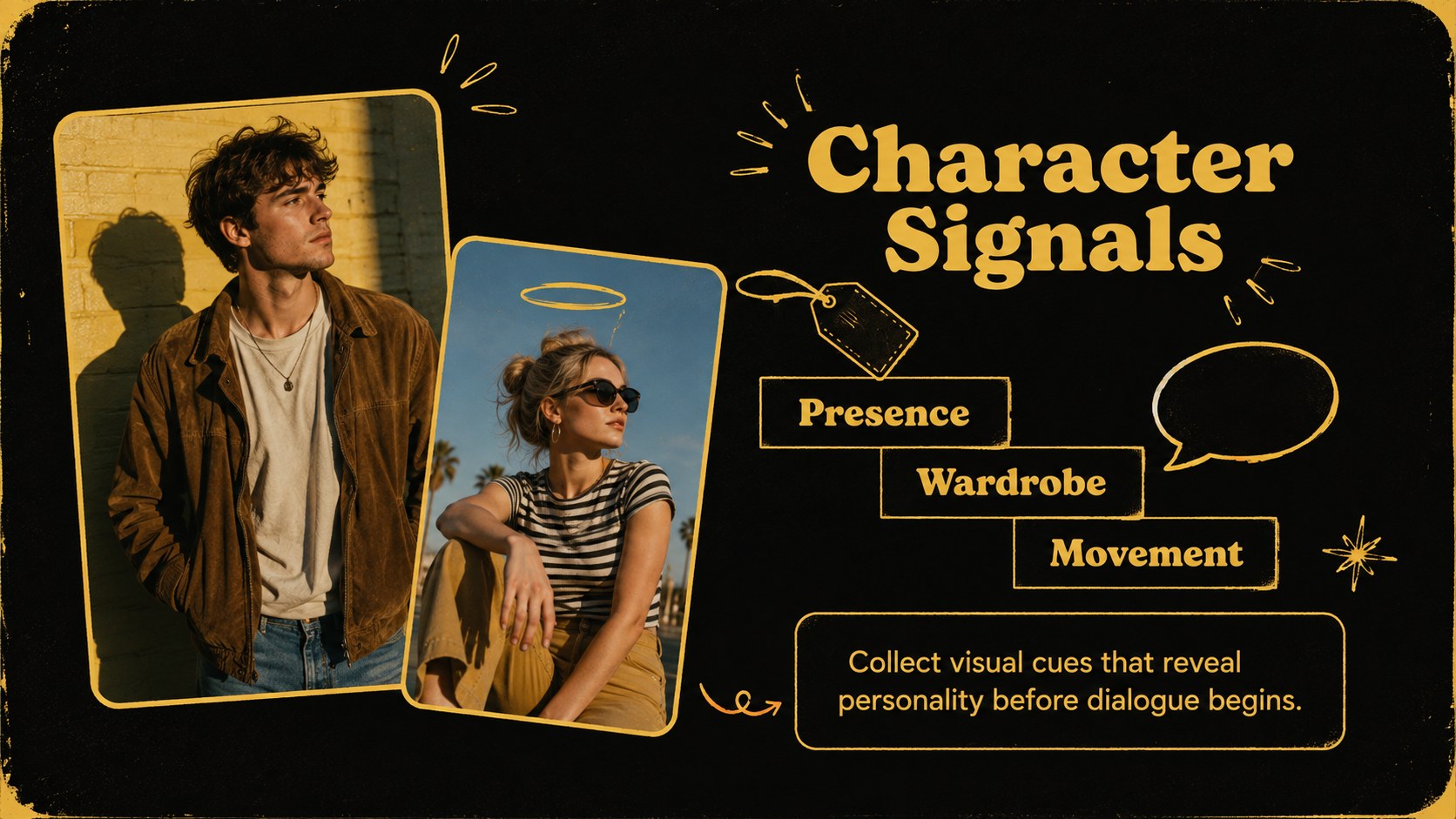
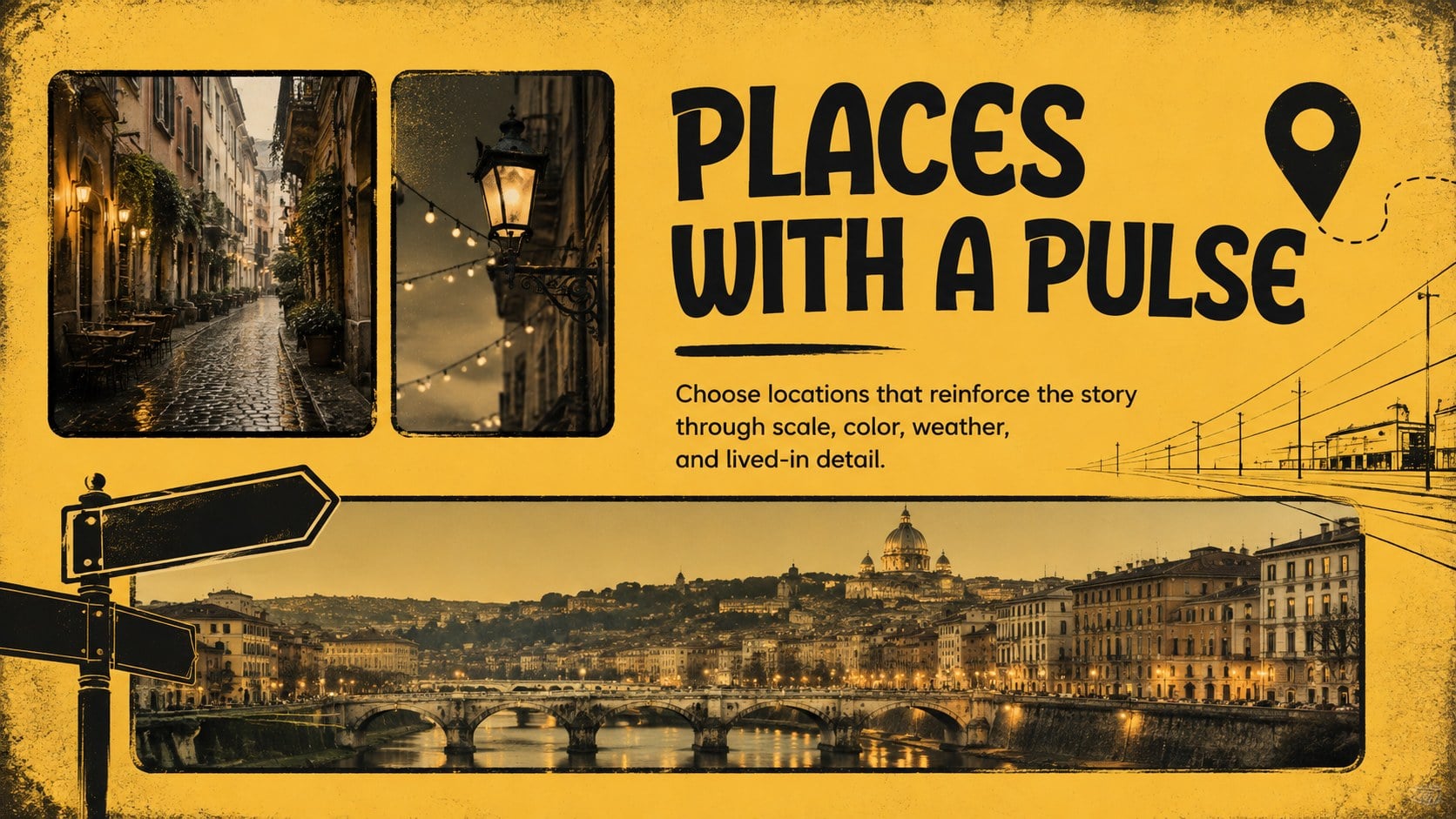
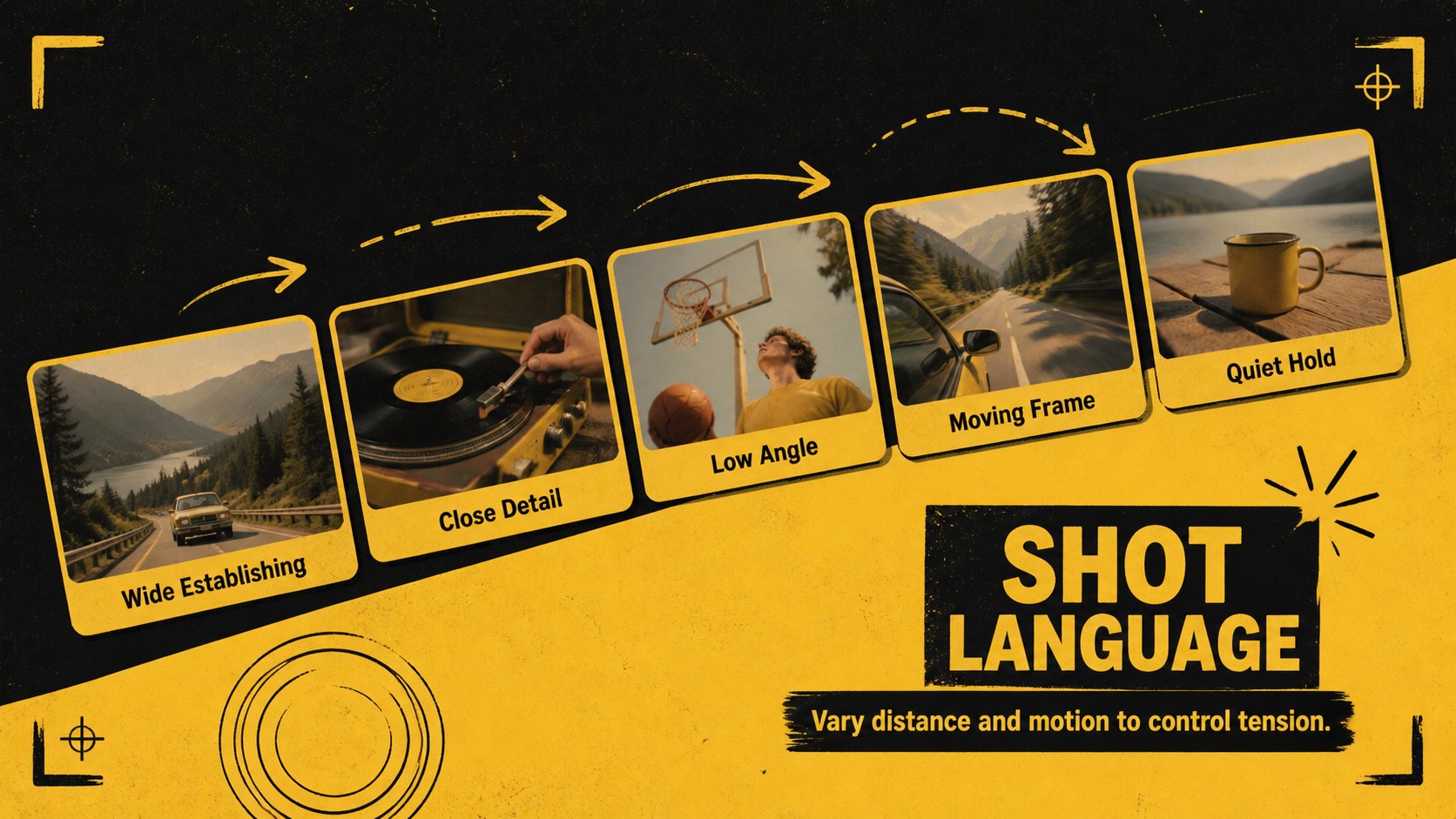
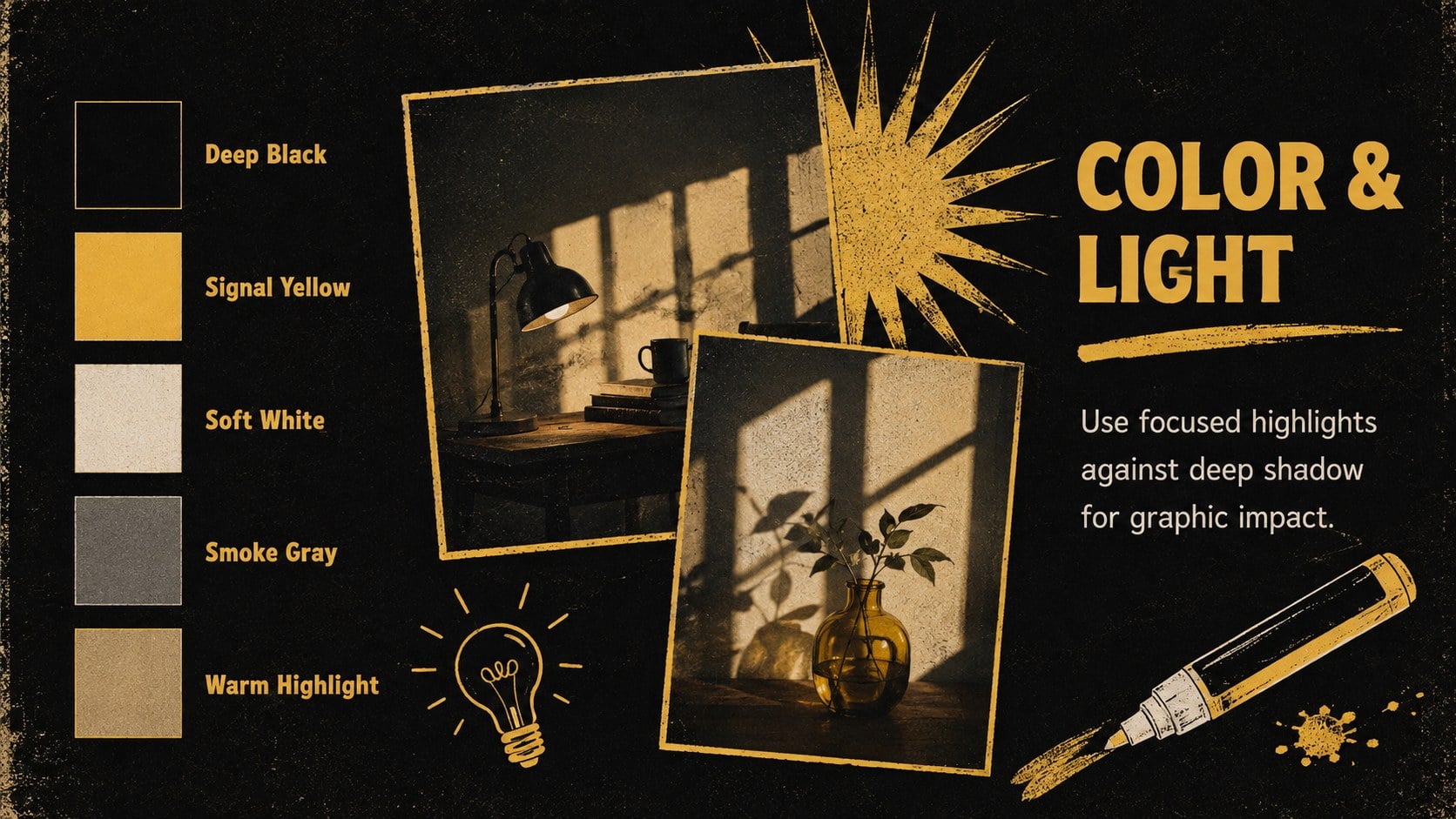
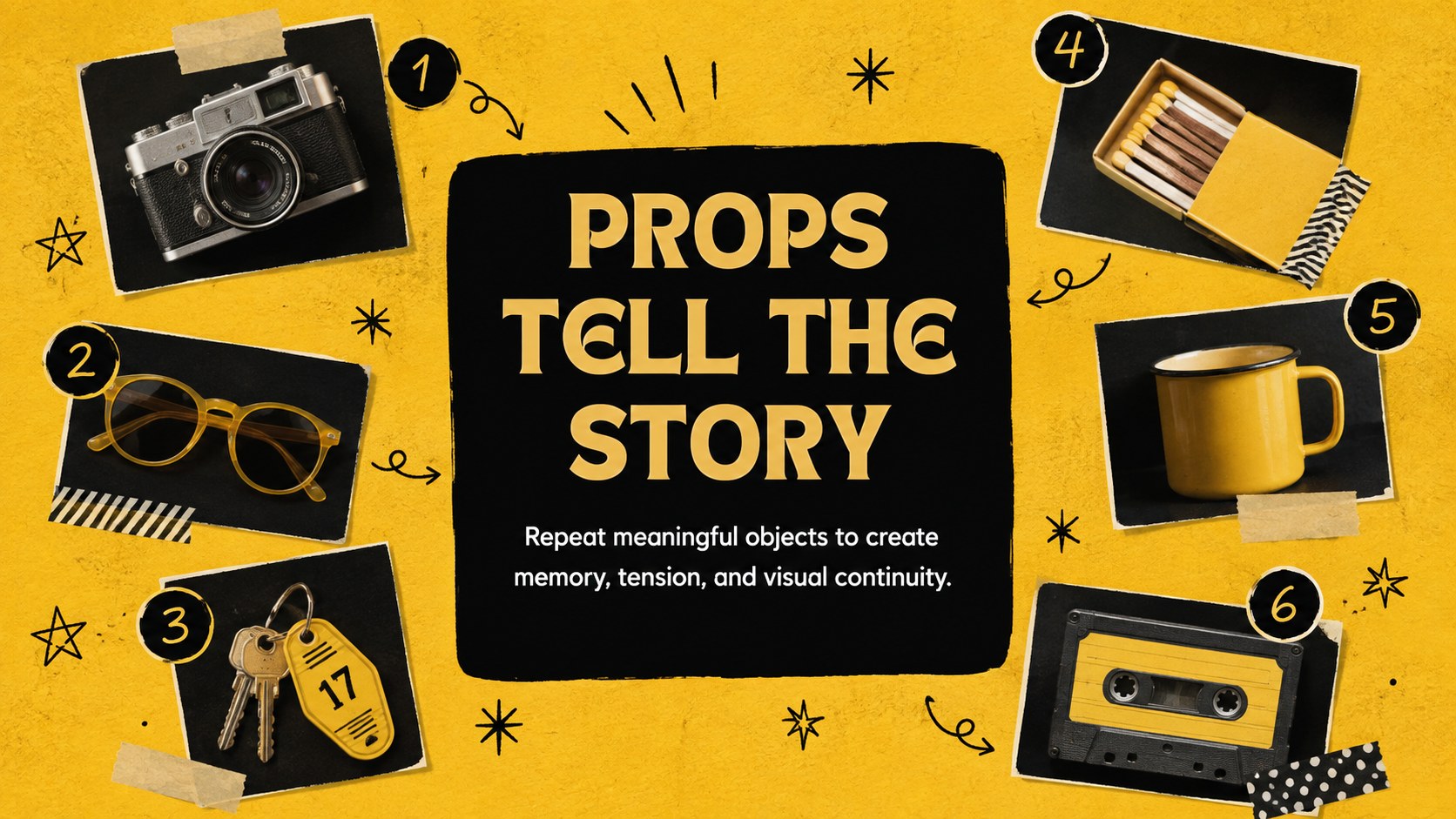
The Retro Screen Storyboard Moodboard Deck gives filmmakers, students, photographers, and creative teams a bold way to organize visual references. Its black-and-yellow palette combines vintage screen culture with energetic doodles, tactile photo treatments, and editorial typography. Use it to establish atmosphere, compare influences, or present the creative direction behind a film, television episode, photo series, or personal media journal.
Inside, you will find layouts for project introductions, tone references, character inspiration, locations, shot ideas, color direction, scene sequencing, and closing notes. Flexible image frames support stills, sketches, textures, and production photography, while short text areas keep every concept easy to scan. The deck can also serve as an episode concept board or a visual development deck for filmmakers who need to communicate ideas before production begins.
Every slide is editable in PowerPoint and Google Slides, including text, colors, image placement, and decorative elements. Adapt the black and yellow film presentation for a director treatment, classroom analysis, portfolio case study, creative pitch, or nostalgic memory collection. The varied layouts make it simple to move from broad inspiration to a clear visual narrative without losing the deck's playful retro character.
Perfect for: independent film concept pitch; television episode moodboard; director treatment presentation; cinema studies project; photography narrative portfolio; screen memories photo journal.
Frequently asked questions
Can I edit every part of this storyboard moodboard? Yes. You can change the text, photographs, colors, shapes, and layout elements to match your production or creative project. Image placeholders can be replaced with film stills, location references, sketches, or original photography.
Practical details
Yes. You can change the text, photographs, colors, shapes, and layout elements to match your production or creative project. Image placeholders can be replaced with film stills, location references, sketches, or original photography.
The template is designed for PowerPoint and Google Slides. Some fonts, transitions, or image effects may render slightly differently between the two platforms, so review the final deck before presenting.
Select the background, shape, or text element you want to update and choose a new fill or font color. For a cohesive result, use one dark base color, one bright accent, and a neutral shade for longer text.
Yes. The layouts also work for photography portfolios, media studies assignments, visual journals, music video treatments, and creative campaign concepts. Replace the screen-specific wording with concise labels suited to your subject.
Keep exploring
15Build an engaging World UFO Day session with this flying saucer history lesson deck, featuring retro green-and-brown slides for PowerPoint and Google Slides.
 15
15Plan a lively animal-learning journey with this jungle zoo adventure lesson deck, ready to customize in PowerPoint and Google Slides for young learners.
 16
16Turn environmental research into a clear story with a Watercolor Ecology Presentation Theme for PowerPoint and Google Slides in calming green and blue.
 16
16Build focused fashion, literature, and humanities presentations with the Red Triangle Editorial Theme, editable in PowerPoint and Google Slides.
 15
15Turn streaming stats, favorite tracks, and concert highlights into a bold annual listening recap slide deck for PowerPoint and Google Slides.
 15
15Turn highlights, milestones, and favorite moments into a colorful year in review slide deck with bold 3D graphics for PowerPoint and Google Slides.
 3
3Build a credible endorsement with Standout Colleague Recommendation Letter Slides, featuring colorful prompts for skills, achievements, and team impact.
 4
4Build clear beginner sessions with an ice hockey fundamentals training deck for coaches, PE teachers, and clubs, ready for PowerPoint and Google Slides.