
 15
15presentation
Flying Saucer History Lesson Deck
Build an engaging World UFO Day session with this flying saucer history lesson deck, featuring retro green-and-brown slides for PowerPoint and Google Slides.
Google SlidesPowerPoint
presentation · English
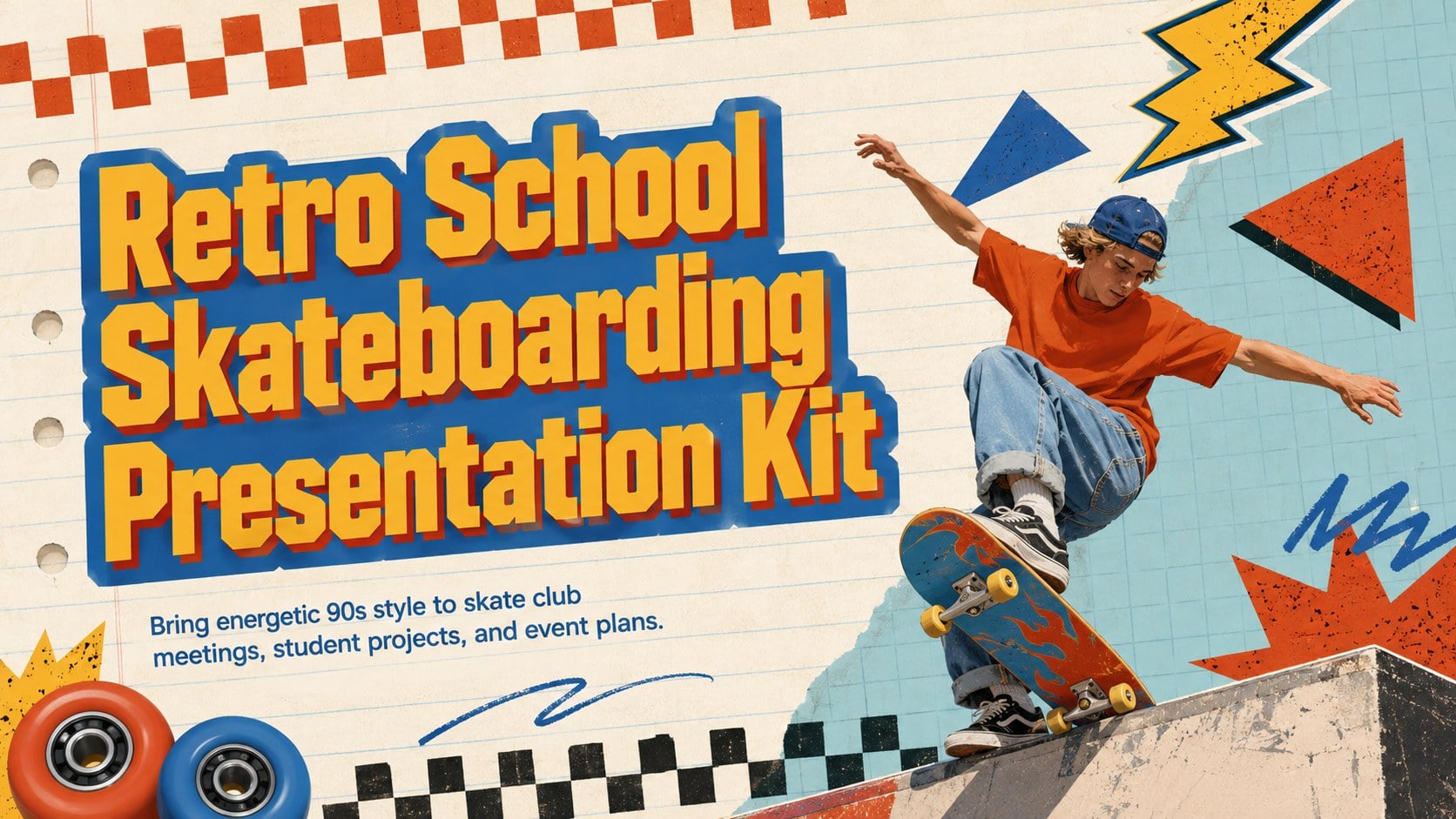
Plan lively club sessions with a retro school skateboarding presentation featuring bold blue, red, and orange layouts for PowerPoint and Google Slides.

Design notes
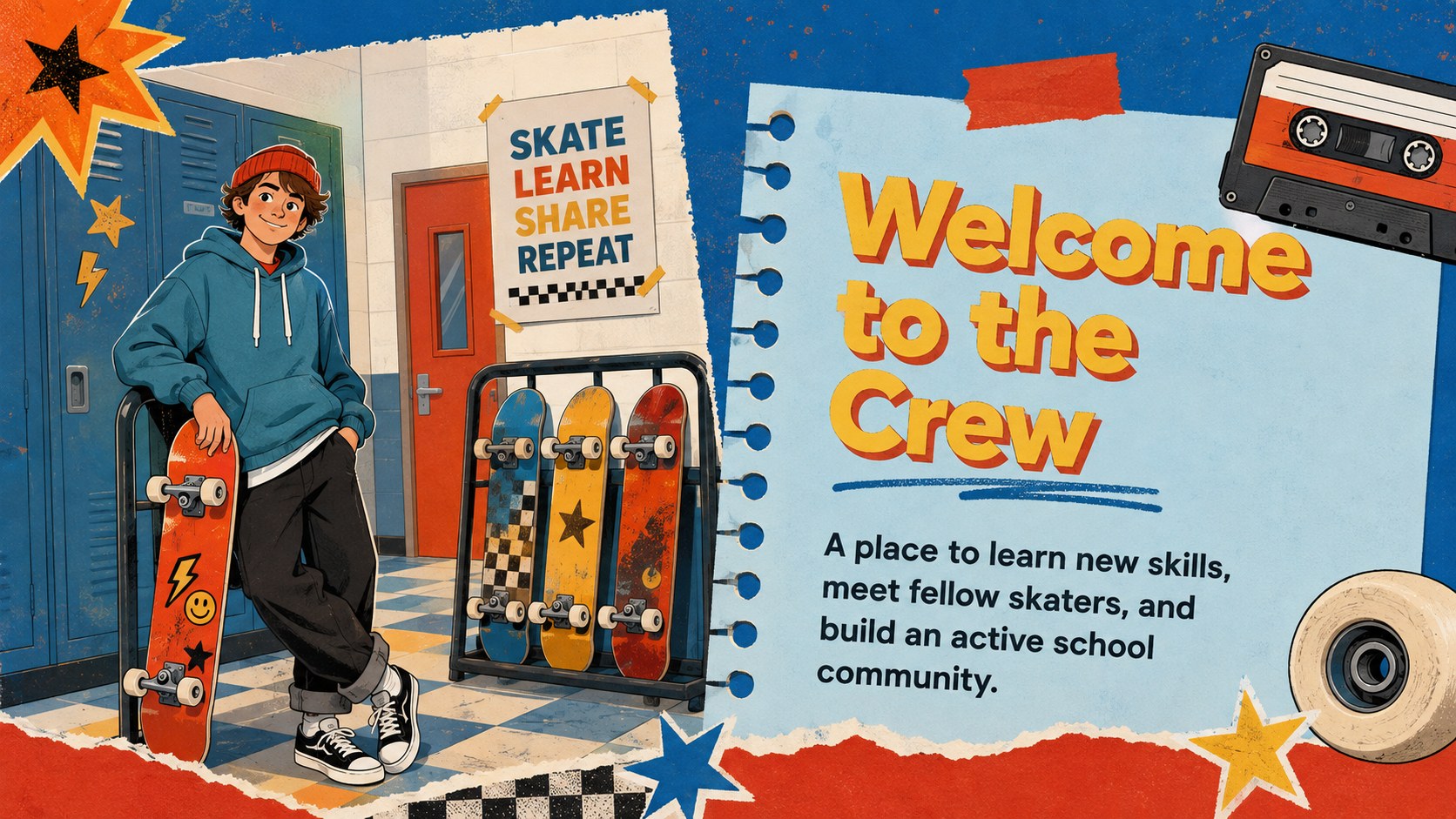
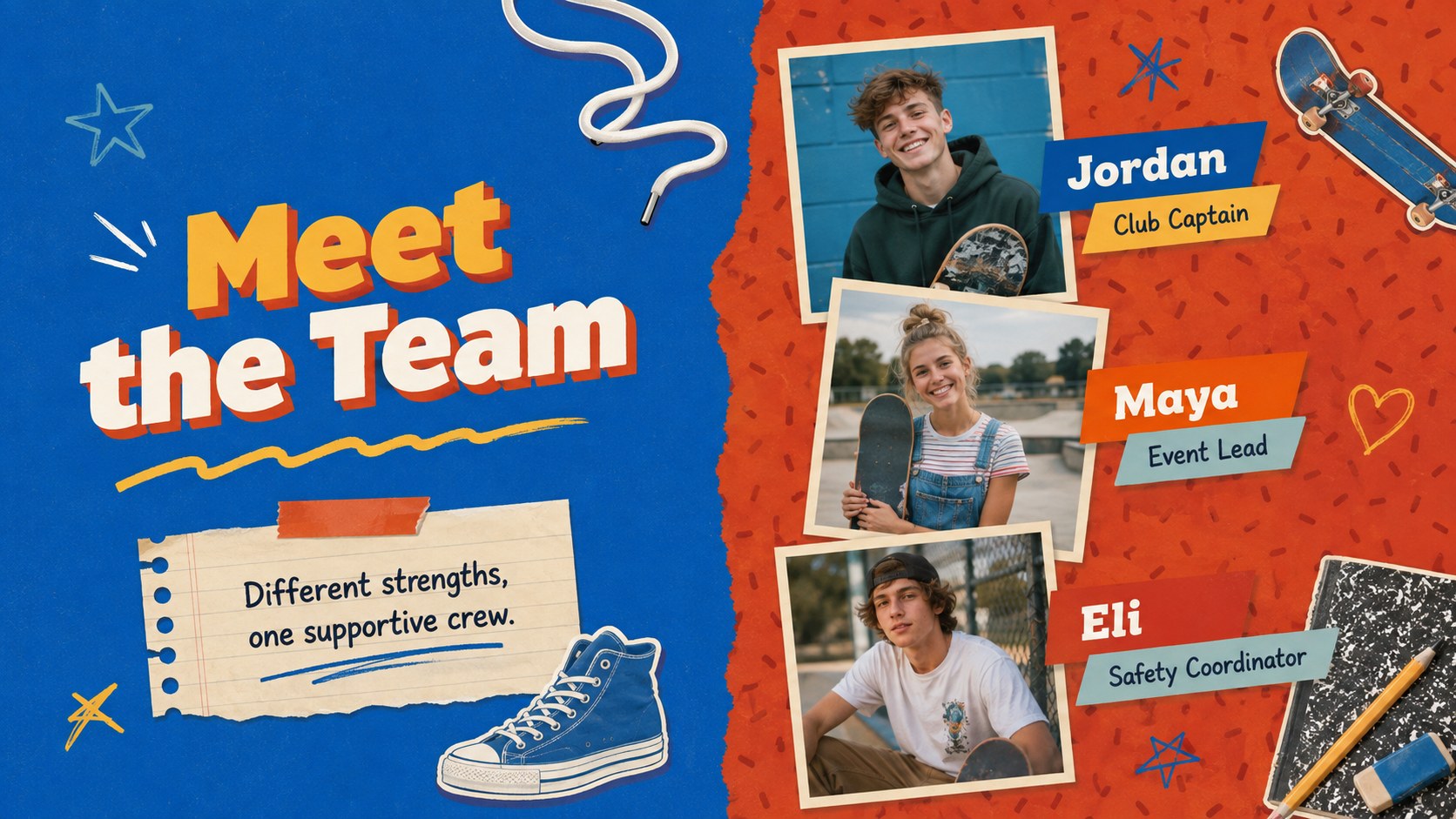
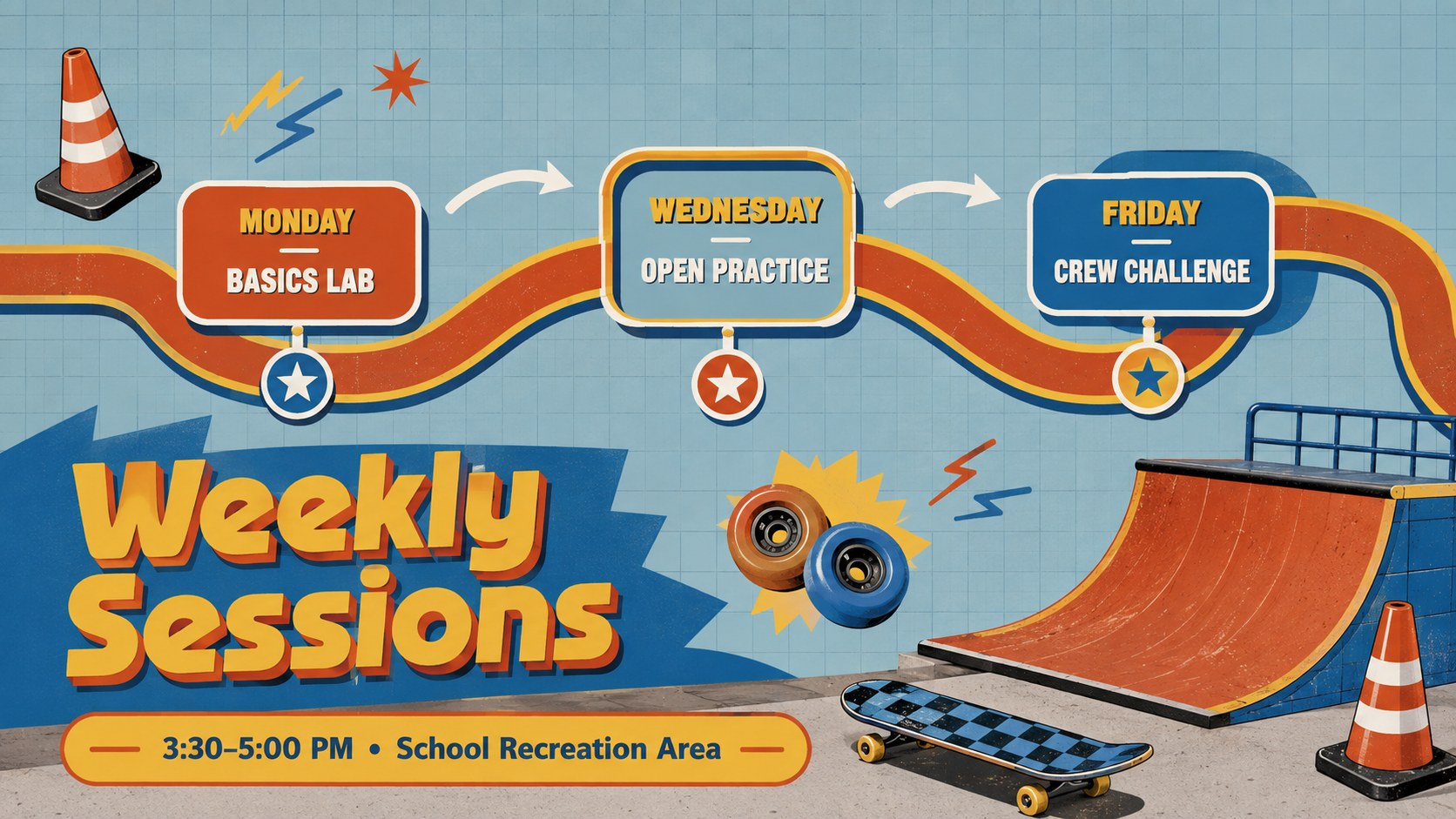
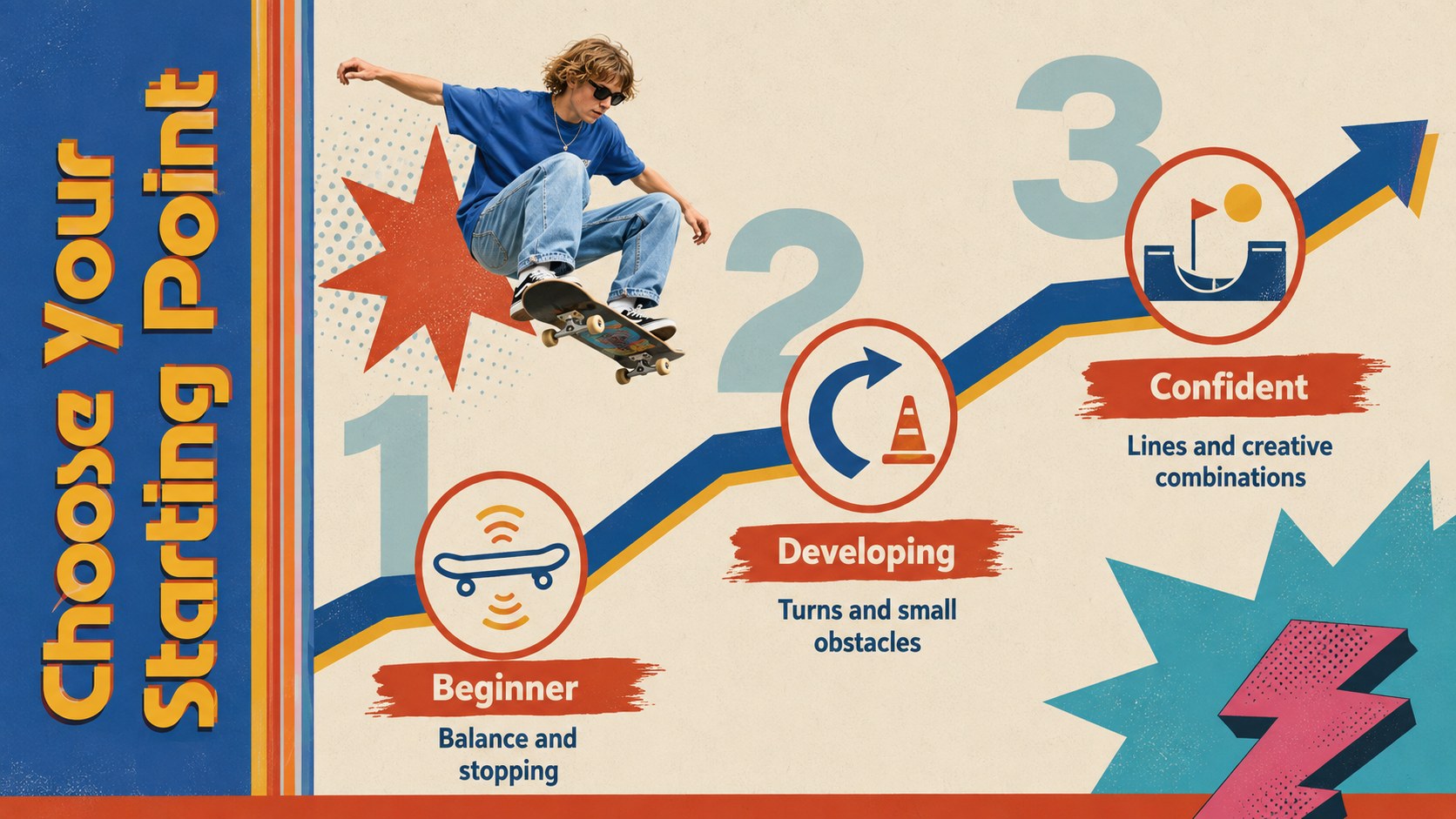
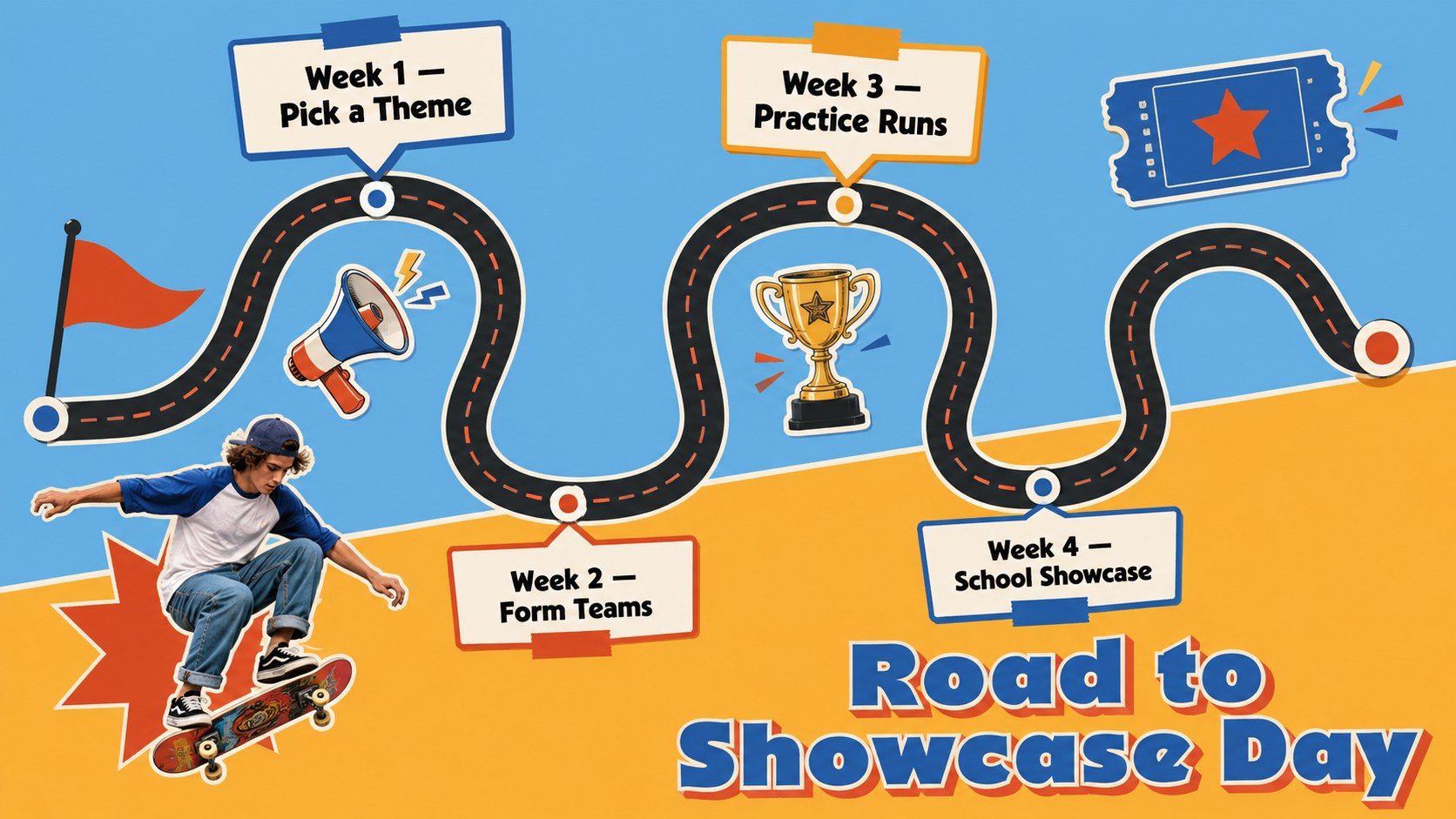
Bring movement and personality to your next club session with this retro school skateboarding presentation. Its energetic 90s-inspired look combines saturated blue, red, and orange with playful geometric graphics, bold typography, and illustrated skate details. Every layout is designed to feel youthful and expressive while keeping announcements, schedules, and project information easy to follow.
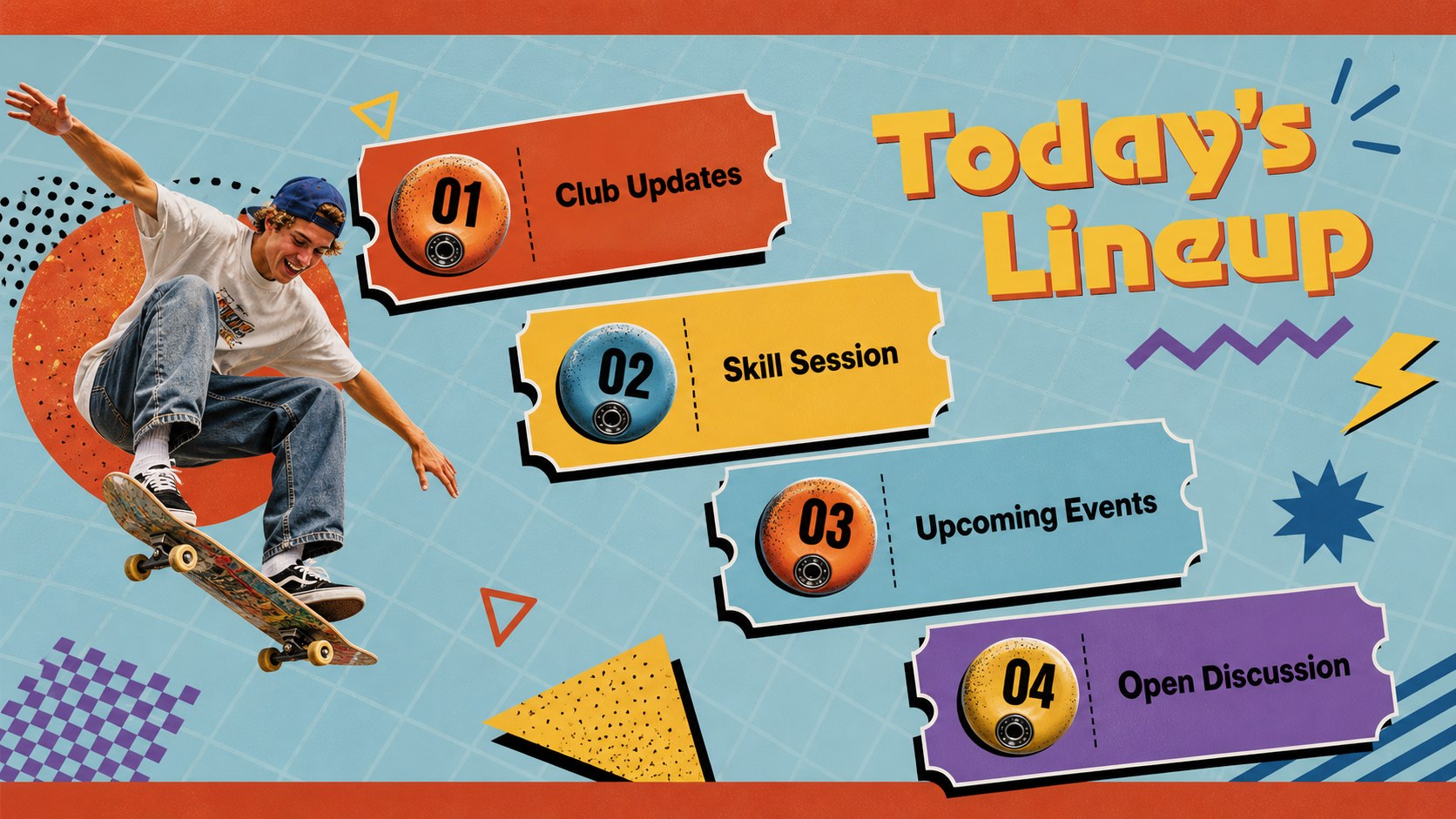
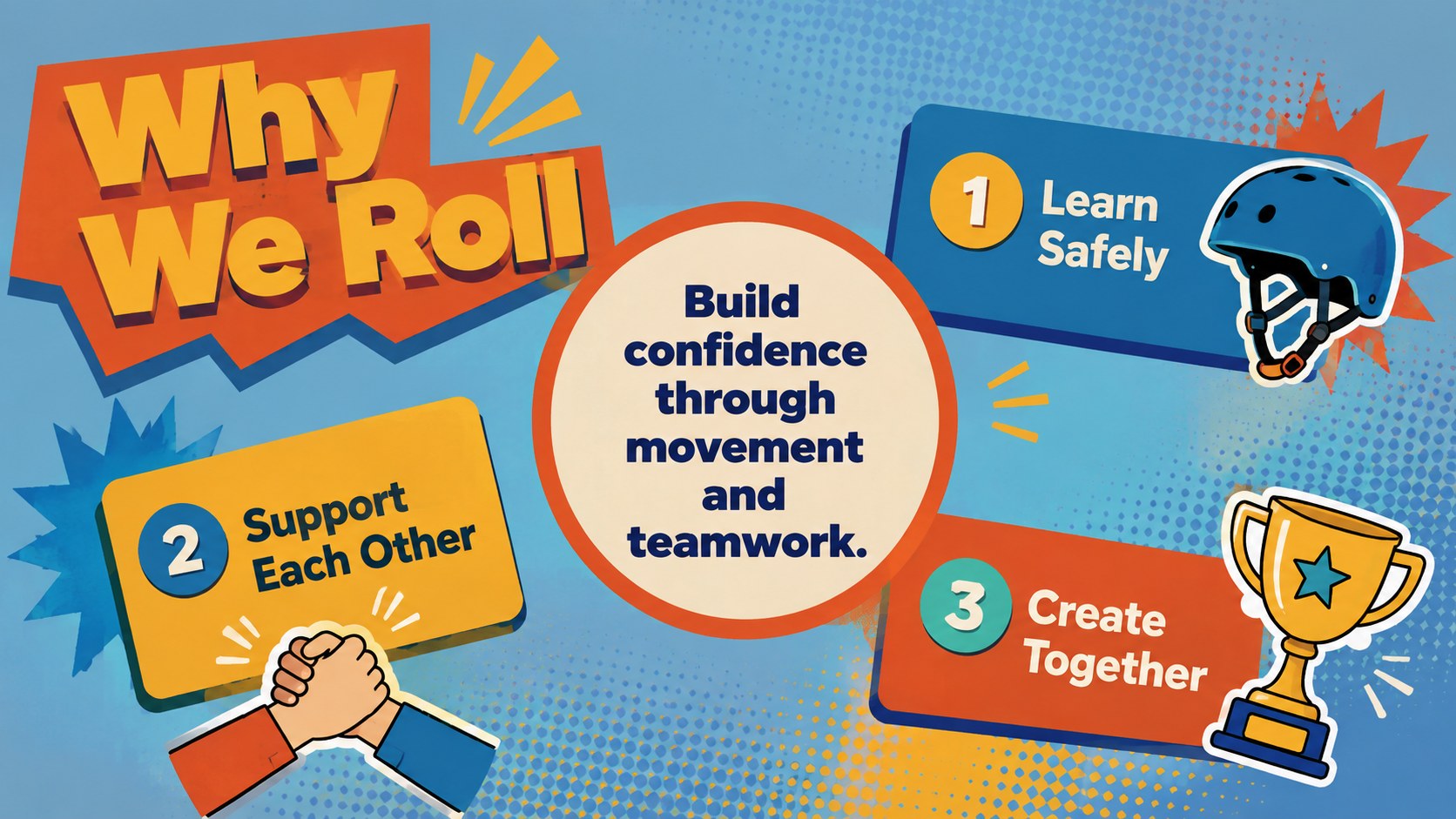
Inside, you will find adaptable slides for introductions, meeting agendas, club goals, member profiles, weekly activities, skill levels, safety reminders, event timelines, location planning, promotional ideas, and progress updates. Use the visual charts and structured content areas to turn the deck into a complete school skate club meeting deck or a focused student campaign. It also works as a 90s skate club PowerPoint template for assemblies, recruitment sessions, and end-of-term showcases.
Teachers, student leaders, sports coordinators, and youth program organizers can customize the text, colors, images, and layout elements in PowerPoint or Google Slides. Choose the retro skateboarding Google Slides theme when collaborating online, or edit the PowerPoint version for classroom and auditorium presentations. The flexible design supports elementary, middle, and high school audiences while preserving the same bold, approachable visual character throughout.
Perfect for: after-school skate club meeting; student membership drive; skateboarding safety workshop; campus skate event plan; youth sports project; club progress showcase.
Frequently asked questions
Can I edit this presentation in PowerPoint and Google Slides? Yes. The layouts, text, colors, and visual elements can be customized in PowerPoint or Google Slides. Some font spacing or transitions may need minor adjustment when moving between platforms.
Practical details
Yes. The layouts, text, colors, and visual elements can be customized in PowerPoint or Google Slides. Some font spacing or transitions may need minor adjustment when moving between platforms.
Yes. Replace the theme colors with your school, team, or event colors using the presentation editor. For a consistent result, update repeated background shapes, headings, and accents together.
Yes. Teachers and club leaders can simplify the wording for younger students or add more detailed planning content for middle and high school groups. The illustrated retro style remains accessible across age levels.
Yes. Replace the sample visuals with member photos, skatepark images, logos you have permission to use, and event information. Image frames and content blocks can be resized without changing the overall design system.
Keep exploring
15Build an engaging World UFO Day session with this flying saucer history lesson deck, featuring retro green-and-brown slides for PowerPoint and Google Slides.
 15
15Plan a lively animal-learning journey with this jungle zoo adventure lesson deck, ready to customize in PowerPoint and Google Slides for young learners.
 16
16Turn environmental research into a clear story with a Watercolor Ecology Presentation Theme for PowerPoint and Google Slides in calming green and blue.
 16
16Build focused fashion, literature, and humanities presentations with the Red Triangle Editorial Theme, editable in PowerPoint and Google Slides.
 15
15Turn streaming stats, favorite tracks, and concert highlights into a bold annual listening recap slide deck for PowerPoint and Google Slides.
 15
15Turn highlights, milestones, and favorite moments into a colorful year in review slide deck with bold 3D graphics for PowerPoint and Google Slides.
 3
3Build a credible endorsement with Standout Colleague Recommendation Letter Slides, featuring colorful prompts for skills, achievements, and team impact.
 4
4Build clear beginner sessions with an ice hockey fundamentals training deck for coaches, PE teachers, and clubs, ready for PowerPoint and Google Slides.