
 15
15presentation
Flying Saucer History Lesson Deck
Build an engaging World UFO Day session with this flying saucer history lesson deck, featuring retro green-and-brown slides for PowerPoint and Google Slides.
Google SlidesPowerPoint
presentation · English
Plan compelling magazine and newspaper pitches with a retro print advertising campaign deck featuring colorful collage layouts for PowerPoint and Google…



Design notes
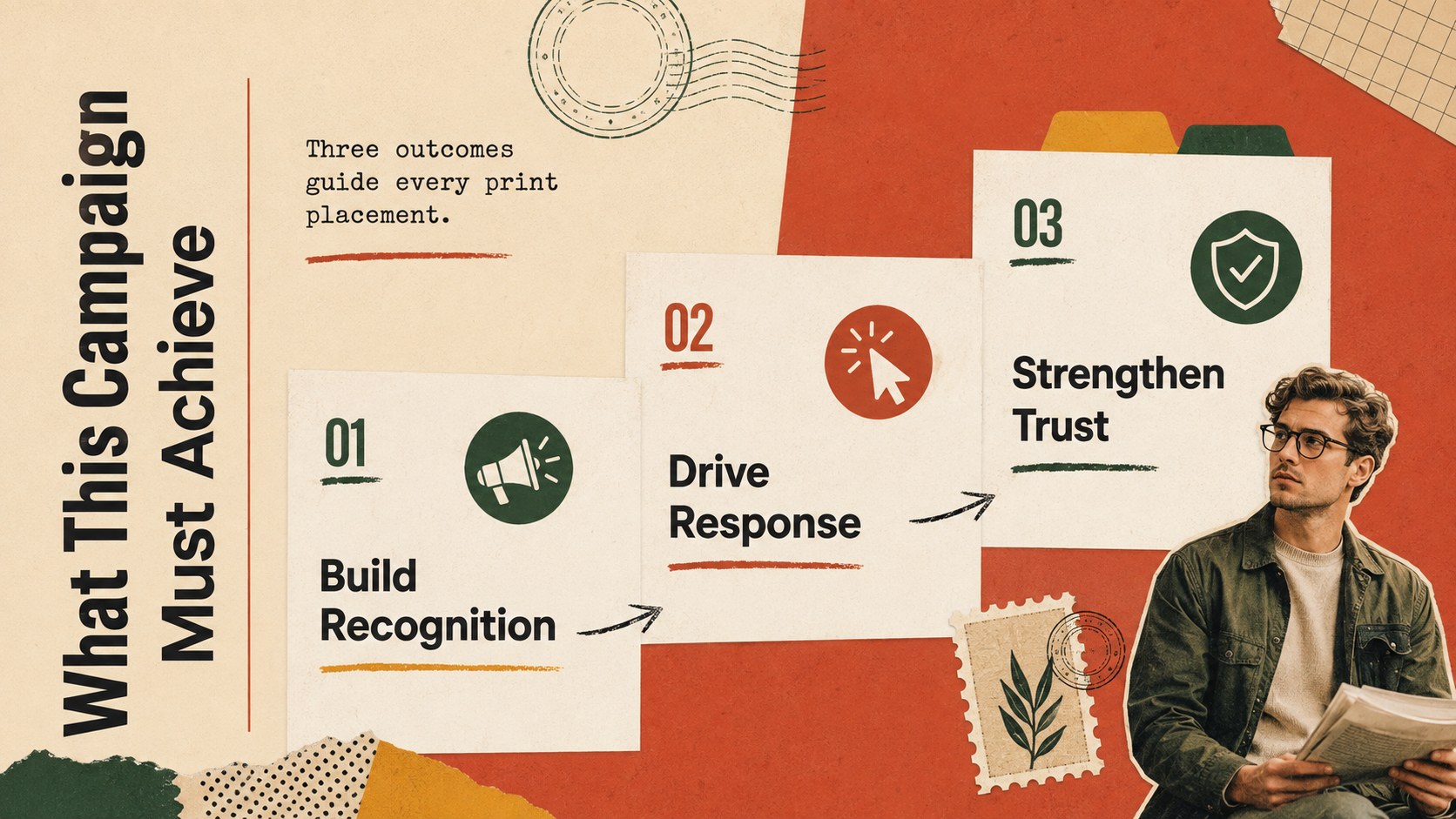
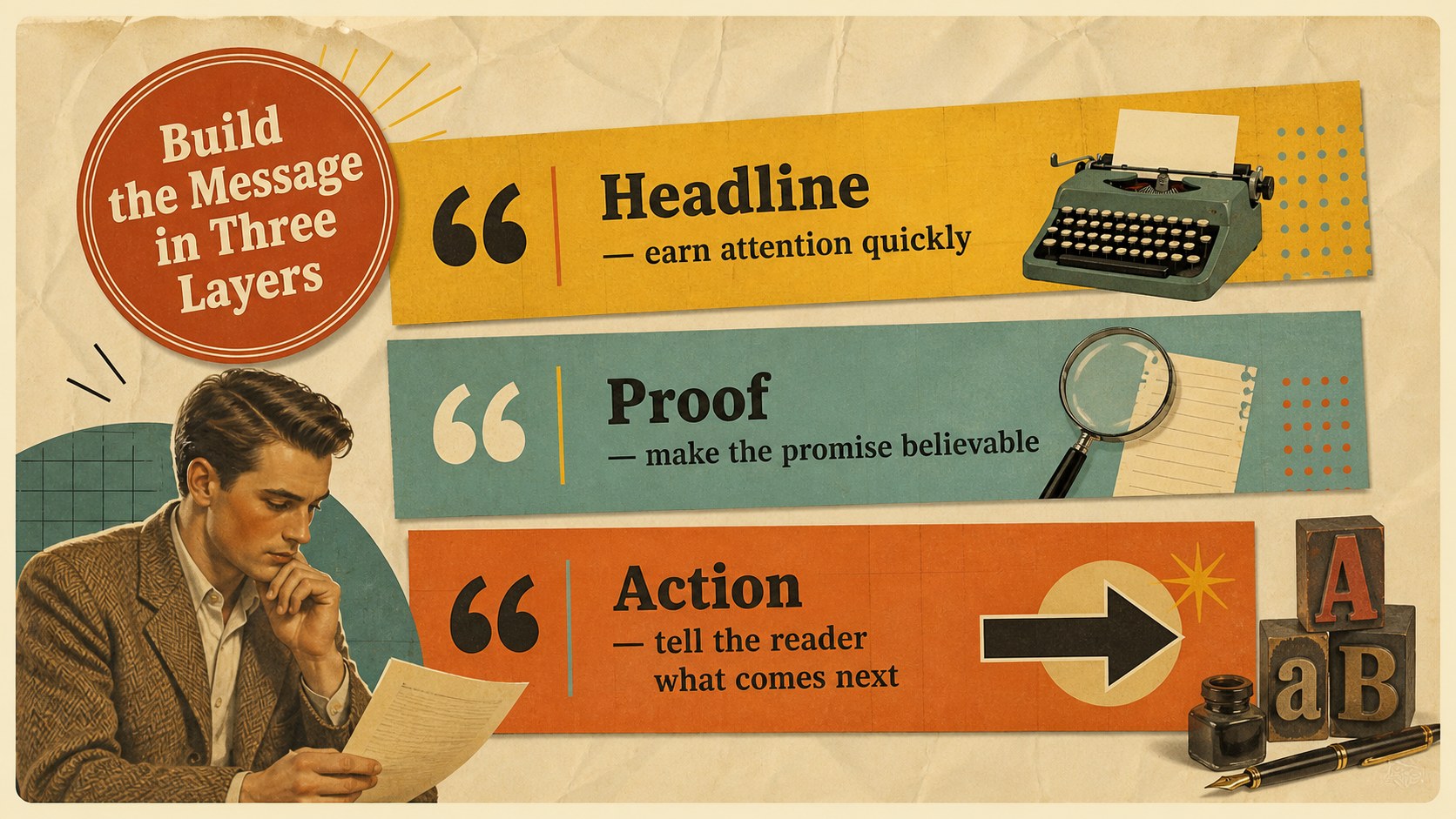
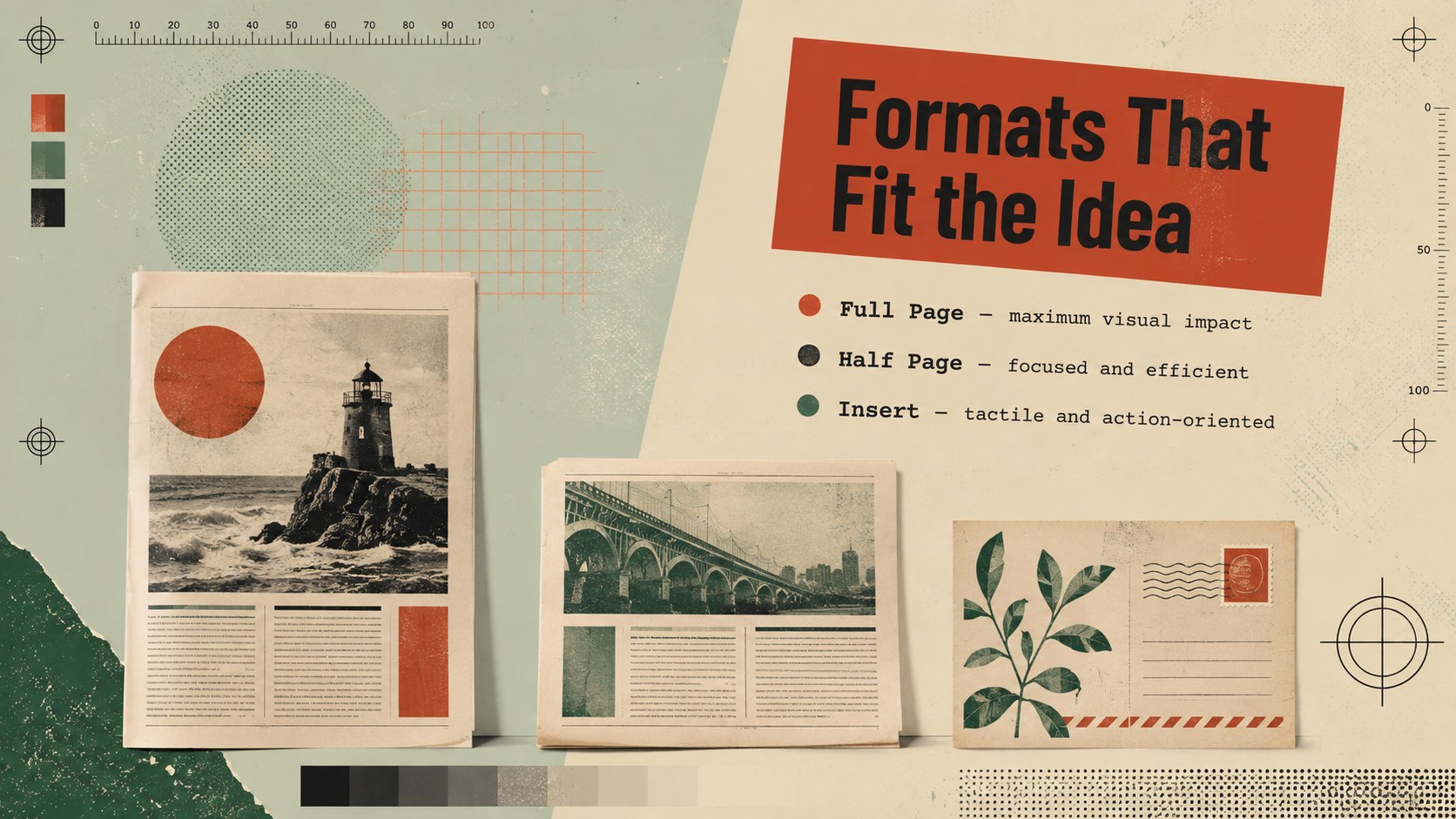
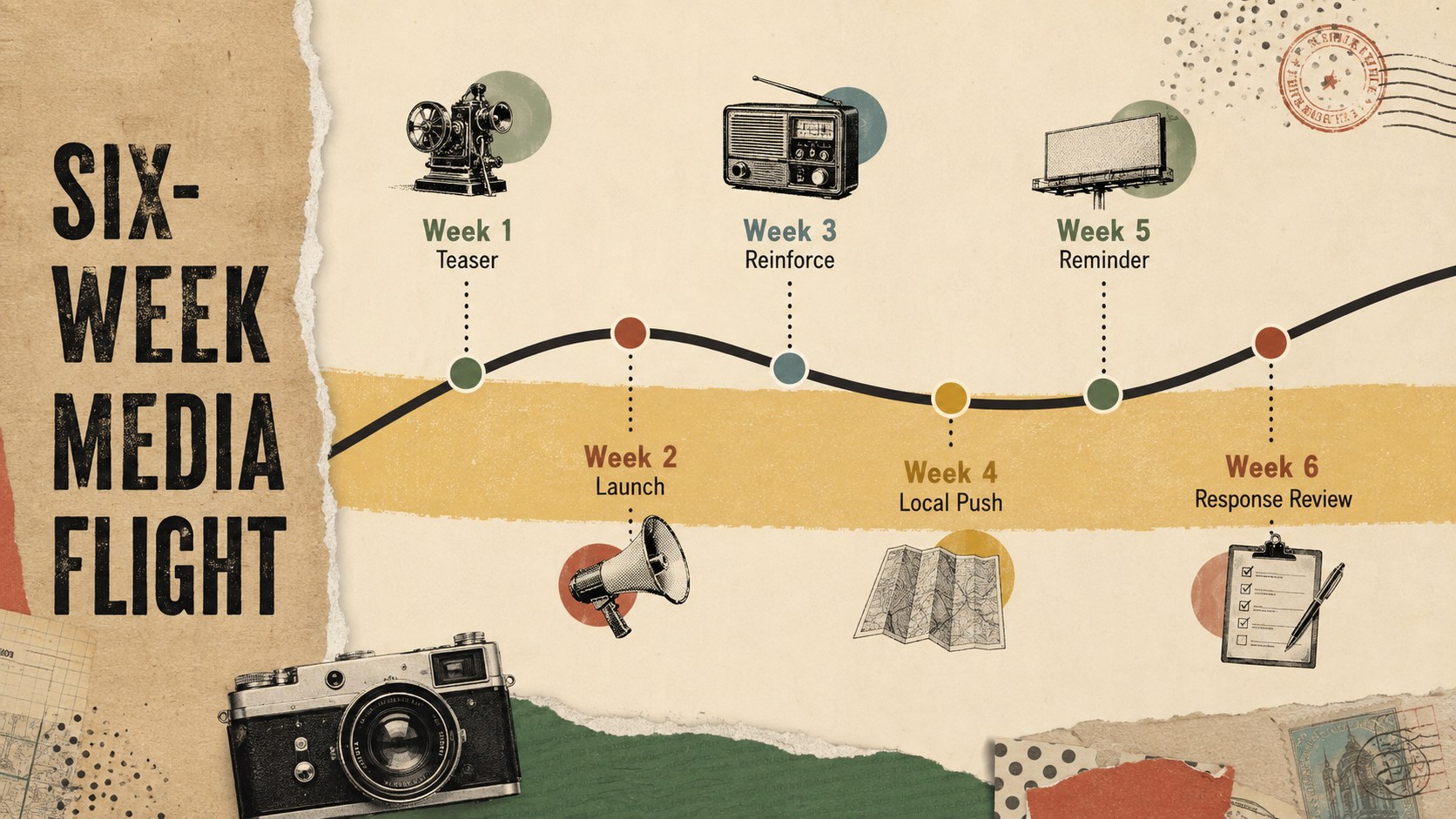
Give print campaigns a distinctive editorial edge with this retro print advertising campaign deck. Layered paper textures, bold typography, lively color accents, and magazine-inspired compositions create a memorable setting for presenting creative concepts without distracting from the strategy behind them. Every layout is designed for clear storytelling in PowerPoint and Google Slides.
The deck includes sections for campaign goals, audience insights, publication choices, ad formats, messaging, visual direction, media schedules, budget allocation, performance indicators, and next steps. Flexible layouts support photographs, mockups, charts, timelines, comparison tables, and concise talking points. Use it as a magazine advertising pitch template, a print ad media plan presentation, or an editorial collage marketing deck for a coordinated campaign proposal.
Marketing teams can adapt the slides for internal planning, while agencies and independent creatives can shape them into polished client presentations. It also suits publishers, media sales teams, communication students, and small businesses preparing newspaper or magazine promotions. Replace the sample wording, apply campaign imagery, adjust the multicolored beige palette, and reorganize sections to match a brief. The retro collage style adds personality while maintaining the structure needed to explain decisions, secure approval, and guide campaign production.
Perfect for: magazine advertising pitch; newspaper campaign proposal; agency client review; print media planning session; creative concept presentation.
Frequently asked questions
Can I edit the deck in PowerPoint and Google Slides? Yes. All text, colors, images, charts, and layout elements can be edited in PowerPoint or Google Slides. Font availability and minor spacing may vary between platforms.
Practical details
Yes. All text, colors, images, charts, and layout elements can be edited in PowerPoint or Google Slides. Font availability and minor spacing may vary between platforms.
Replace the sample photographs and paper elements with campaign assets, then adjust accent colors to suit the client or publication. Keep a consistent set of textures and type styles across the deck for a unified editorial look.
Yes. The layouts cover objectives, audiences, publications, formats, scheduling, budget, creative direction, and measurement. Sections can be duplicated, removed, or reordered to fit the scope of the plan.
Yes. It combines expressive collage visuals with practical layouts for campaign reasoning, mockups, and performance data. Replace all placeholders and verify media figures before presenting the deck externally.
Keep exploring
15Build an engaging World UFO Day session with this flying saucer history lesson deck, featuring retro green-and-brown slides for PowerPoint and Google Slides.
 15
15Plan a lively animal-learning journey with this jungle zoo adventure lesson deck, ready to customize in PowerPoint and Google Slides for young learners.
 16
16Turn environmental research into a clear story with a Watercolor Ecology Presentation Theme for PowerPoint and Google Slides in calming green and blue.
 16
16Build focused fashion, literature, and humanities presentations with the Red Triangle Editorial Theme, editable in PowerPoint and Google Slides.
 15
15Turn streaming stats, favorite tracks, and concert highlights into a bold annual listening recap slide deck for PowerPoint and Google Slides.
 15
15Turn highlights, milestones, and favorite moments into a colorful year in review slide deck with bold 3D graphics for PowerPoint and Google Slides.
 3
3Build a credible endorsement with Standout Colleague Recommendation Letter Slides, featuring colorful prompts for skills, achievements, and team impact.
 4
4Build clear beginner sessions with an ice hockey fundamentals training deck for coaches, PE teachers, and clubs, ready for PowerPoint and Google Slides.