
 15
15presentation
Flying Saucer History Lesson Deck
Build an engaging World UFO Day session with this flying saucer history lesson deck, featuring retro green-and-brown slides for PowerPoint and Google Slides.
Google SlidesPowerPoint
presentation · English
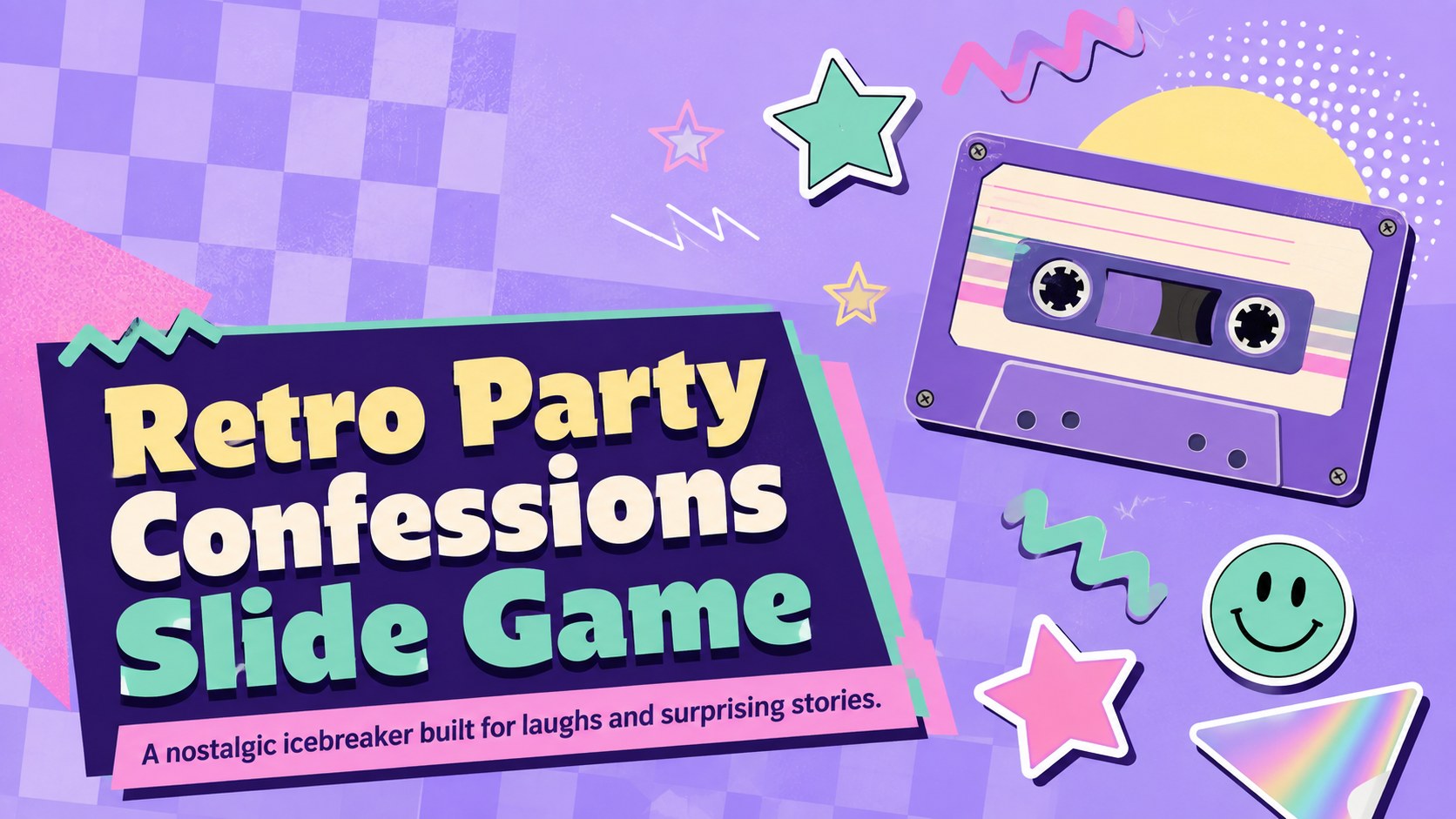
Turn any gathering into a nostalgic icebreaker with this Retro Party Confessions Slide Game, featuring editable prompts for PowerPoint and Google Slides.
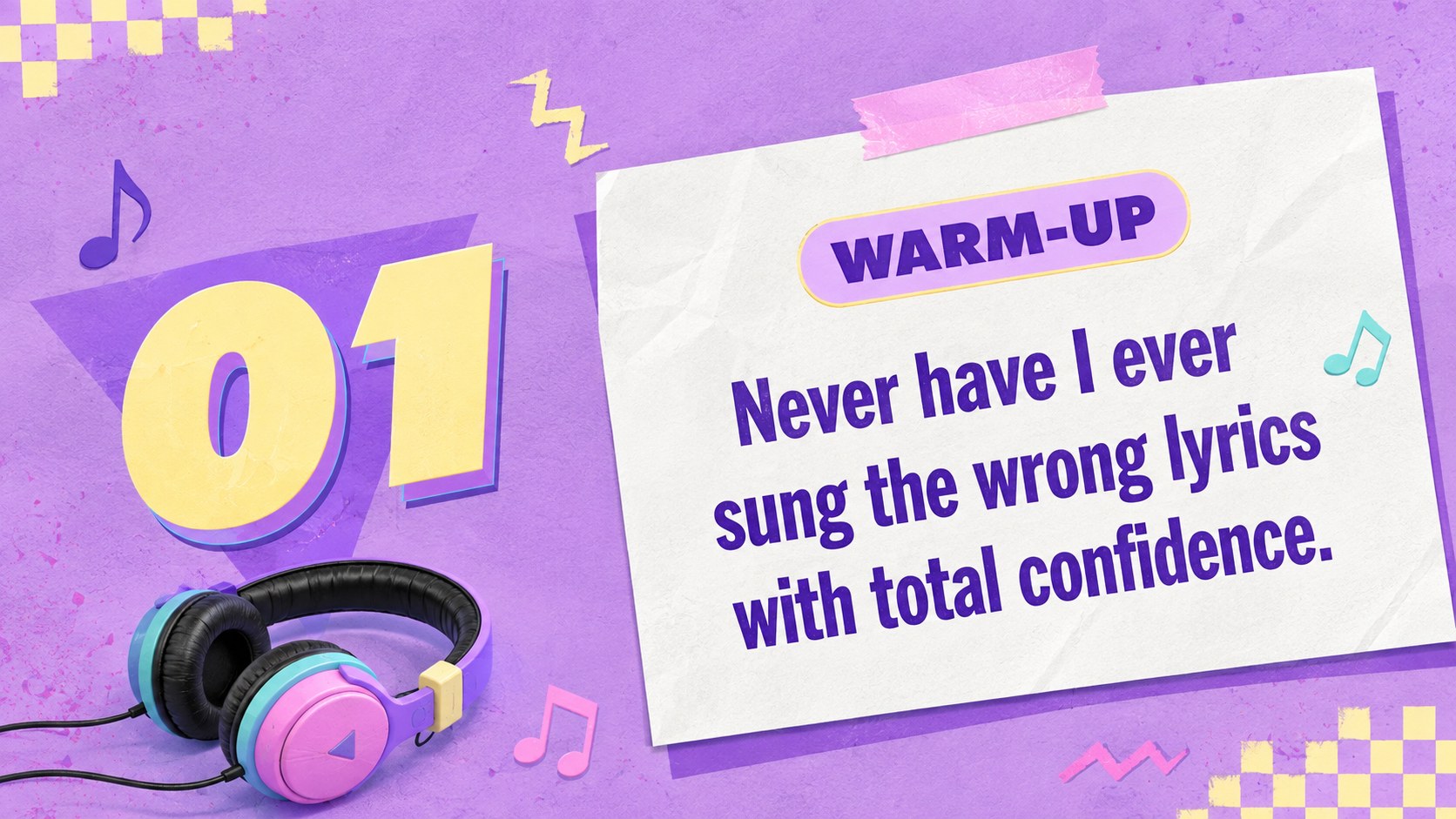
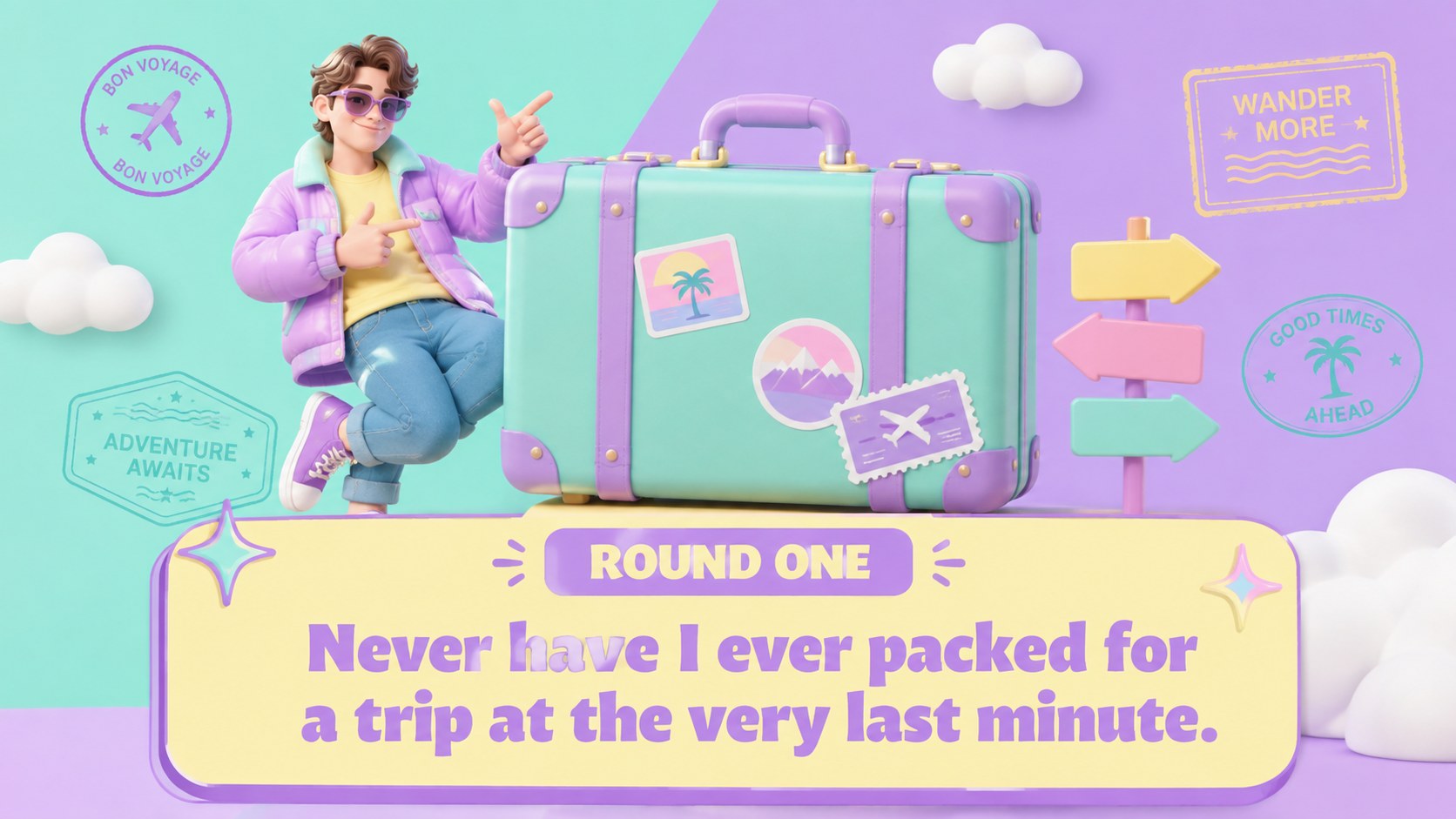
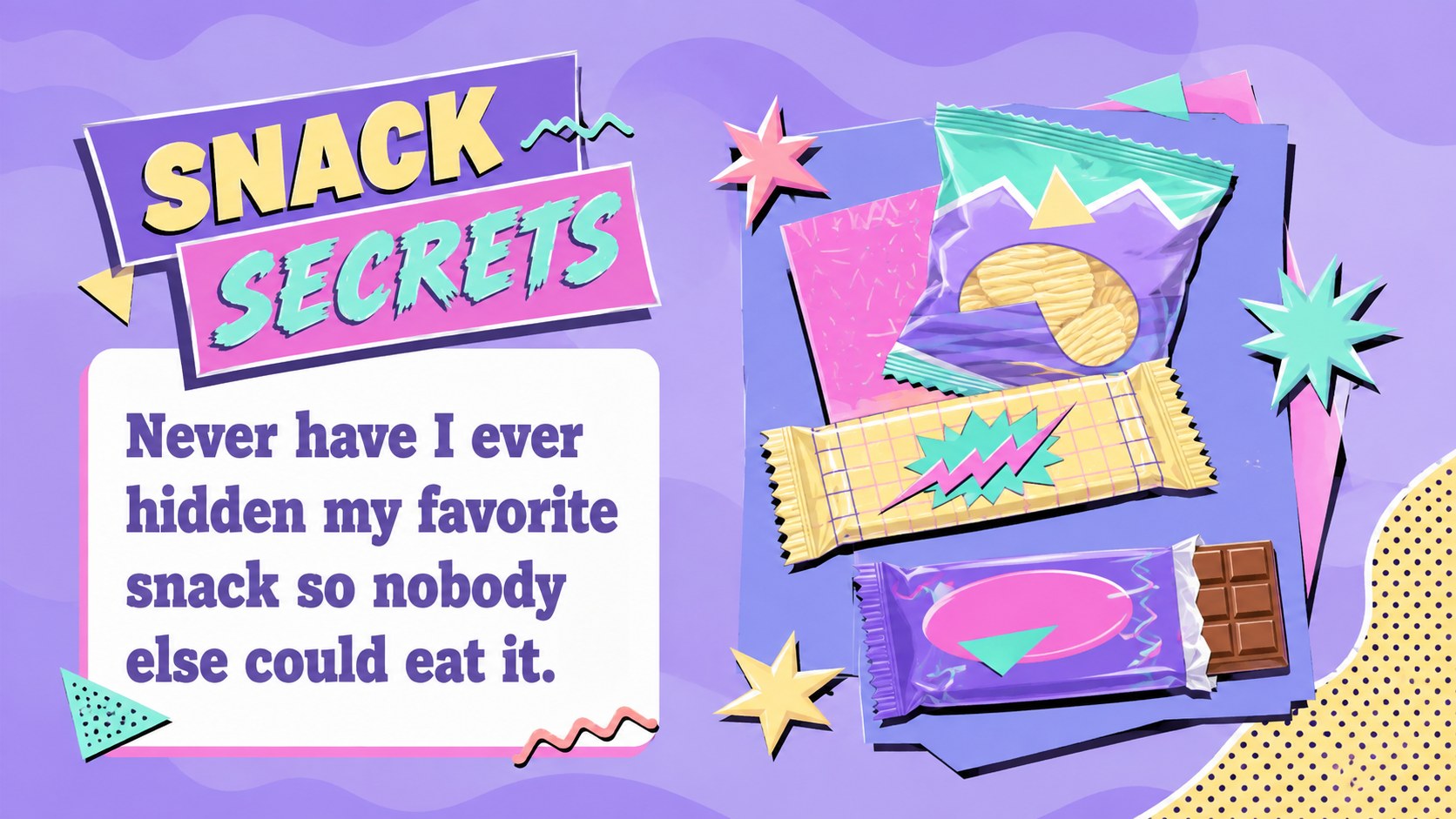
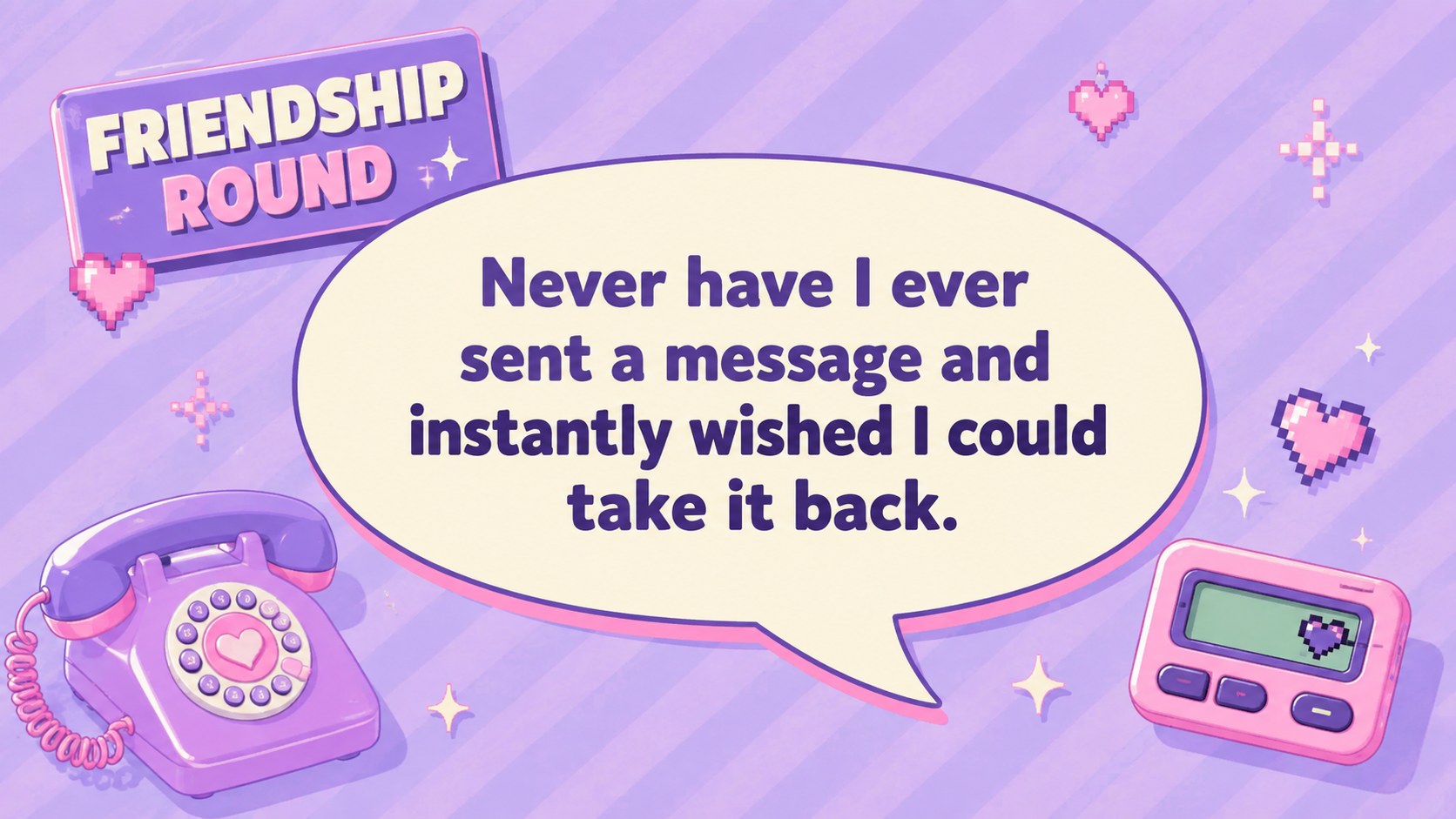
Design notes
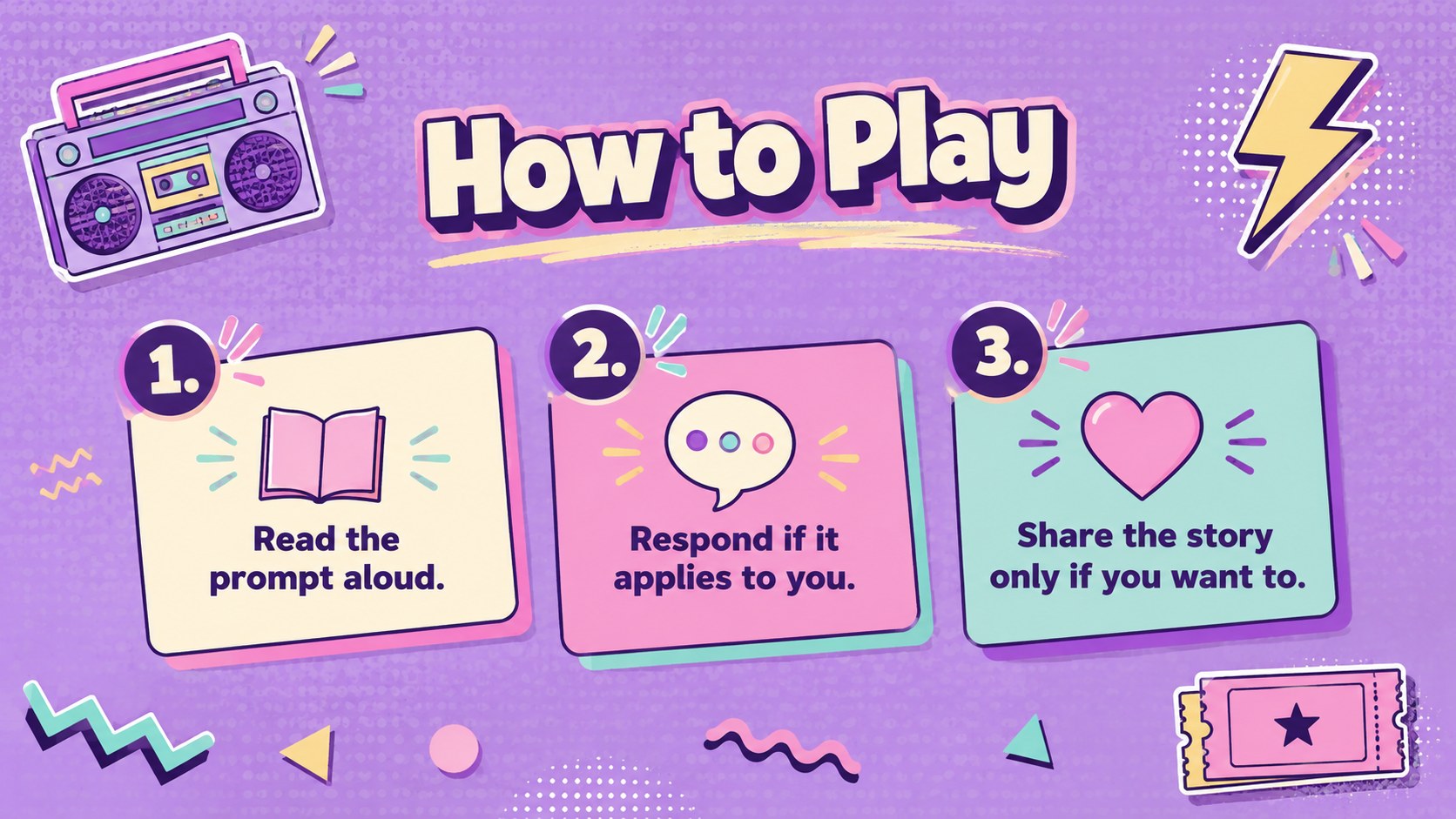
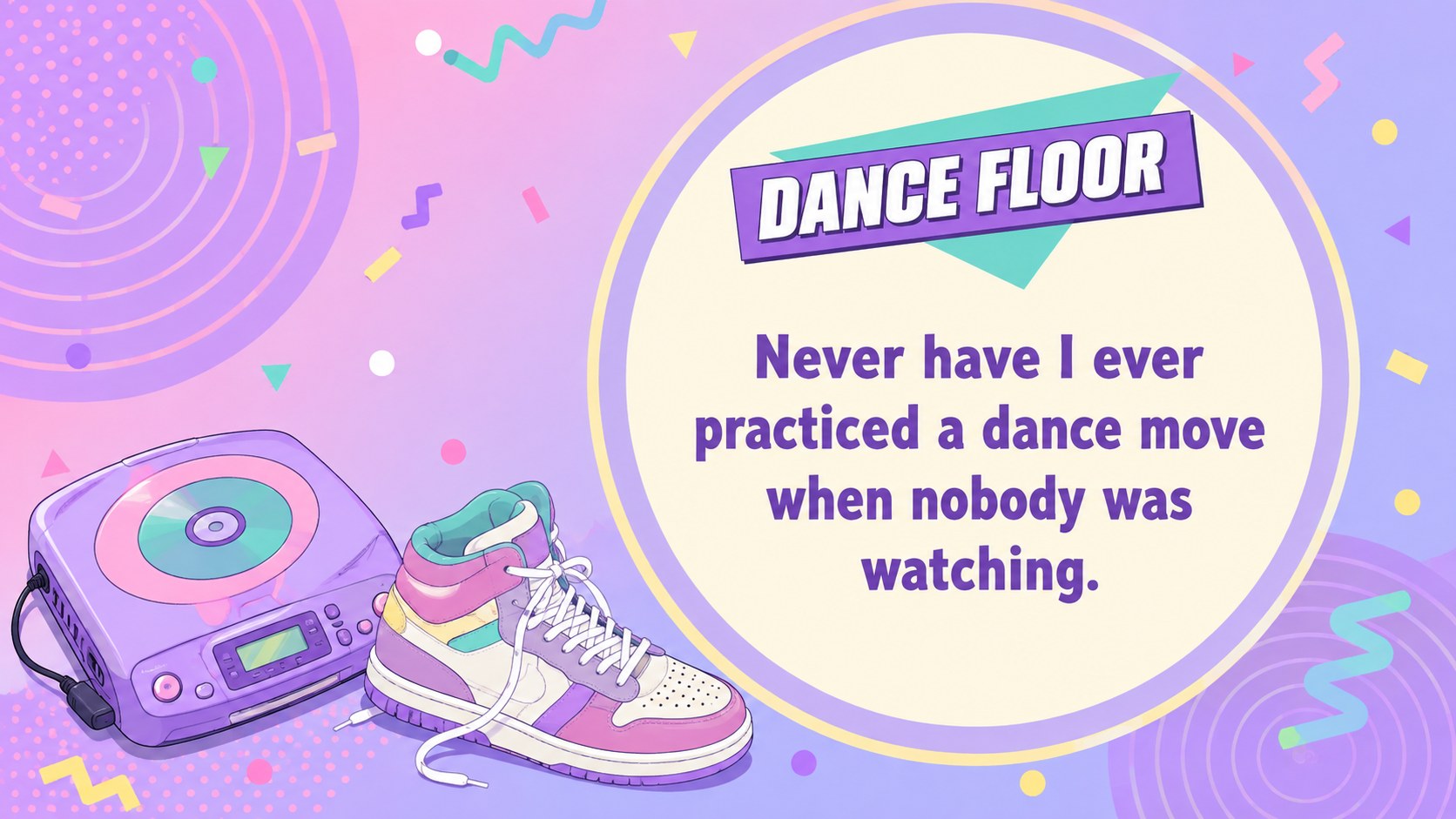
Bring playful throwback energy to your next gathering with the Retro Party Confessions Slide Game. Inspired by colorful 1990s graphics, this interactive deck turns the familiar never-have-I-ever format into a lively group activity. Display each prompt, invite players to respond, and let the unexpected stories unfold.
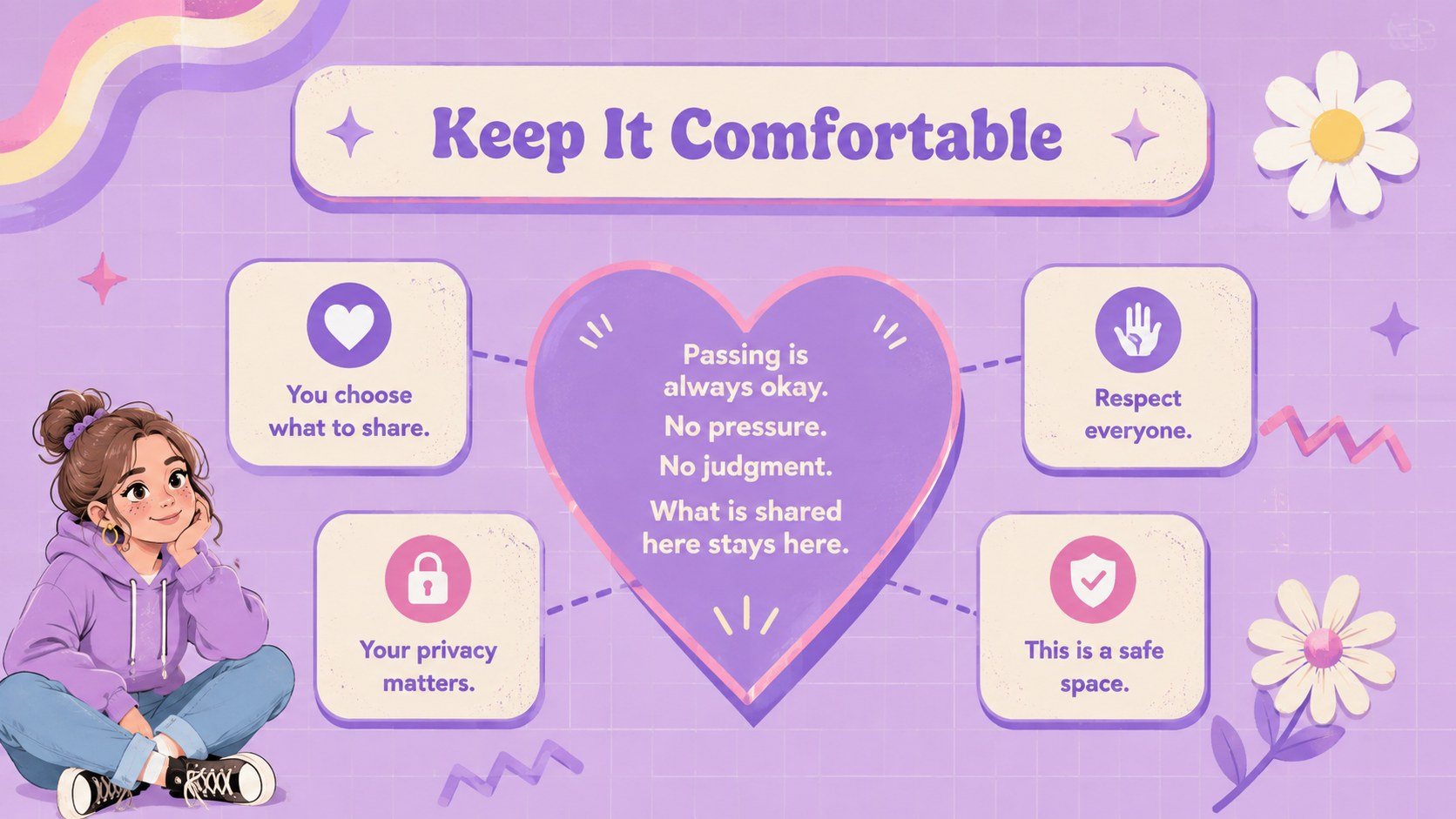
Inside, you will find editable confession prompts, simple rules, warm-up questions, reaction screens, and a closing slide. The purple pastel palette, energetic patterns, and nostalgic details give this retro party game presentation a cheerful look without distracting from the activity. Every slide can be adjusted in PowerPoint or Google Slides, making it easy to change wording, reorder rounds, add inside jokes, or create age-appropriate variations.
Use these 90s icebreaker slides for adults at birthday parties, college reunions, team socials, bachelorette weekends, or relaxed evenings at home. Hosts can also adapt the editable confession game prompts for classroom celebrations and youth groups. Whether guests already know one another or are meeting for the first time, the deck provides a clear structure for conversation, laughter, and memorable revelations.
Perfect for: birthday party icebreaker; college reunion activity; bachelorette weekend game; team social warm-up; sleepover group game; friends night gathering.
Frequently asked questions
Can I edit every question in the game? Yes. All prompts, headings, and instructions can be replaced with your own wording in PowerPoint or Google Slides. You can also duplicate, delete, or reorder slides to create custom rounds.
Practical details
Yes. All prompts, headings, and instructions can be replaced with your own wording in PowerPoint or Google Slides. You can also duplicate, delete, or reorder slides to create custom rounds.
The template is designed for Microsoft PowerPoint and Google Slides. Open the appropriate file, then edit the text, colors, and slide order using the platform's standard tools.
Yes. Replace any prompt that does not suit your guests and add questions appropriate to their age and setting. Reviewing the complete deck before presenting is recommended.
Change the fonts, accent colors, decorative graphics, and background elements directly in the slide editor. The purple pastel palette can be retained for a 1990s look or adjusted to match a specific event.
Keep exploring
15Build an engaging World UFO Day session with this flying saucer history lesson deck, featuring retro green-and-brown slides for PowerPoint and Google Slides.
 15
15Plan a lively animal-learning journey with this jungle zoo adventure lesson deck, ready to customize in PowerPoint and Google Slides for young learners.
 16
16Turn environmental research into a clear story with a Watercolor Ecology Presentation Theme for PowerPoint and Google Slides in calming green and blue.
 16
16Build focused fashion, literature, and humanities presentations with the Red Triangle Editorial Theme, editable in PowerPoint and Google Slides.
 15
15Turn streaming stats, favorite tracks, and concert highlights into a bold annual listening recap slide deck for PowerPoint and Google Slides.
 15
15Turn highlights, milestones, and favorite moments into a colorful year in review slide deck with bold 3D graphics for PowerPoint and Google Slides.
 3
3Build a credible endorsement with Standout Colleague Recommendation Letter Slides, featuring colorful prompts for skills, achievements, and team impact.
 4
4Build clear beginner sessions with an ice hockey fundamentals training deck for coaches, PE teachers, and clubs, ready for PowerPoint and Google Slides.