
 15
15presentation
Flying Saucer History Lesson Deck
Build an engaging World UFO Day session with this flying saucer history lesson deck, featuring retro green-and-brown slides for PowerPoint and Google Slides.
Google SlidesPowerPoint
presentation · English
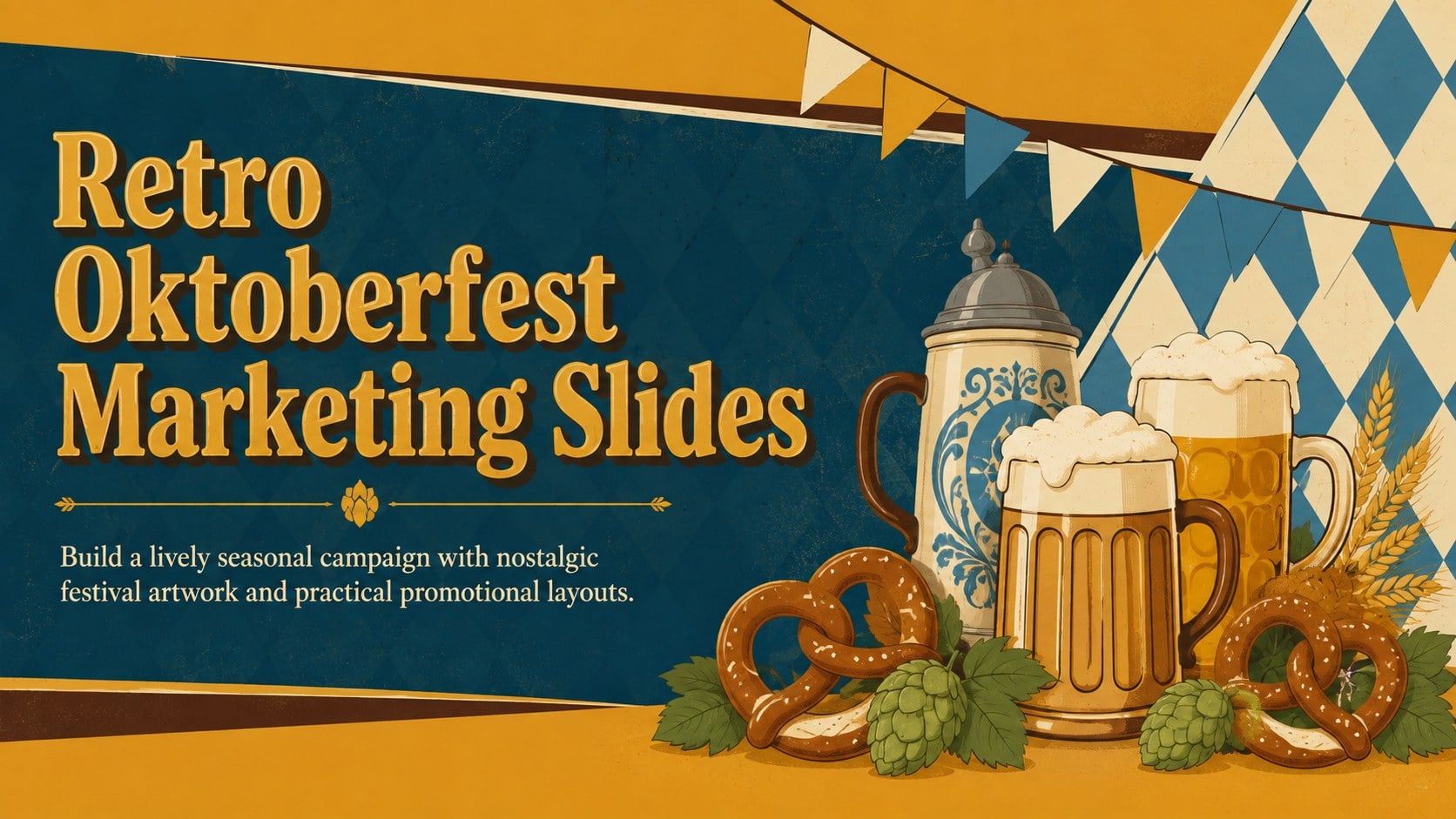
Plan a memorable beer-hall campaign with retro Oktoberfest marketing slides in gold, yellow, brown, and blue for PowerPoint and Google Slides.
Design notes
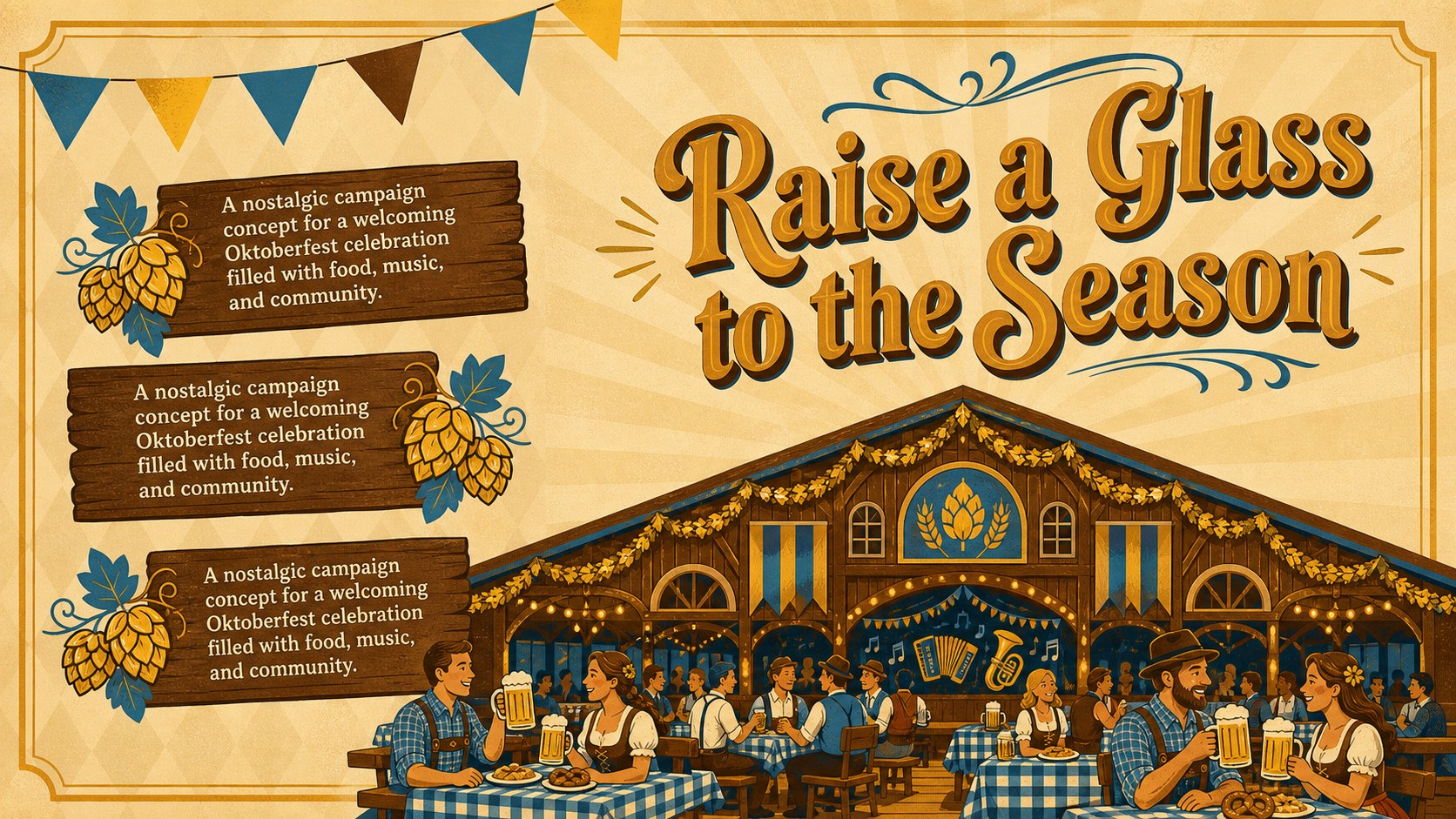
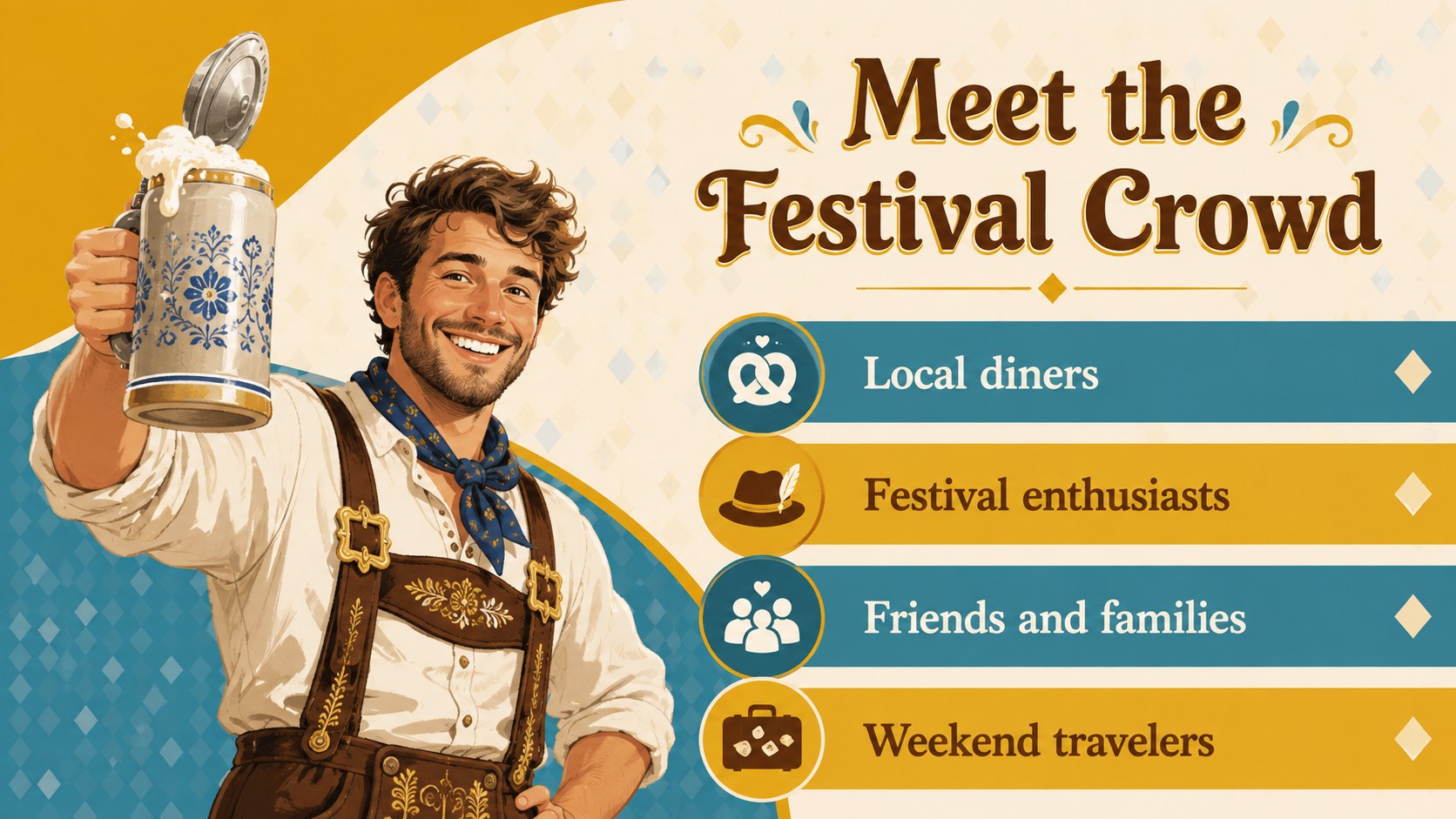
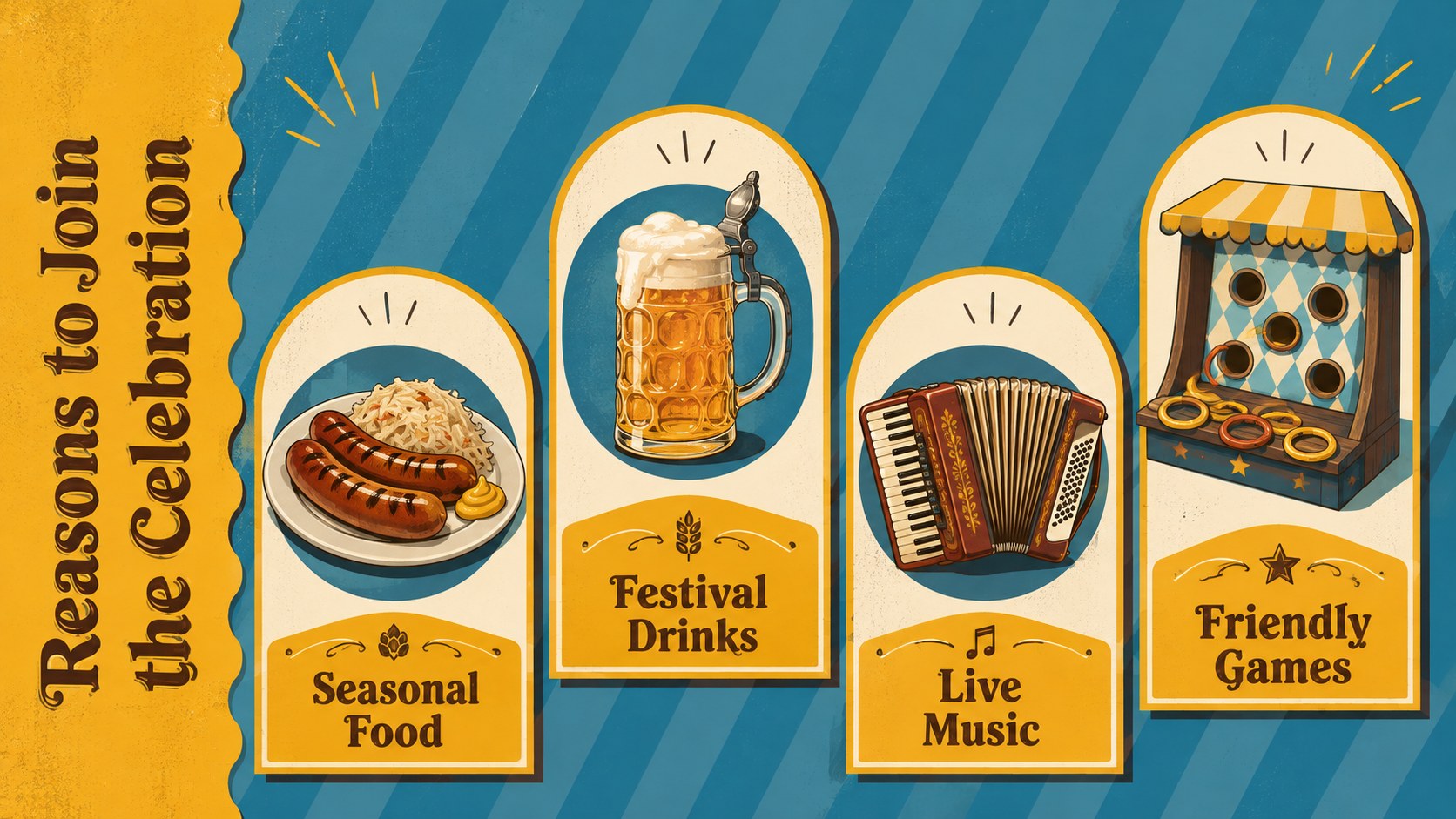
Bring the energy of a classic beer-hall celebration to your next campaign with Retro Oktoberfest Marketing Slides. Gold, yellow, brown, and blue create a warm vintage palette, while bold type and playful illustrations give every message a festive personality. The result is a flexible beer hall event marketing deck that feels nostalgic without looking dated.
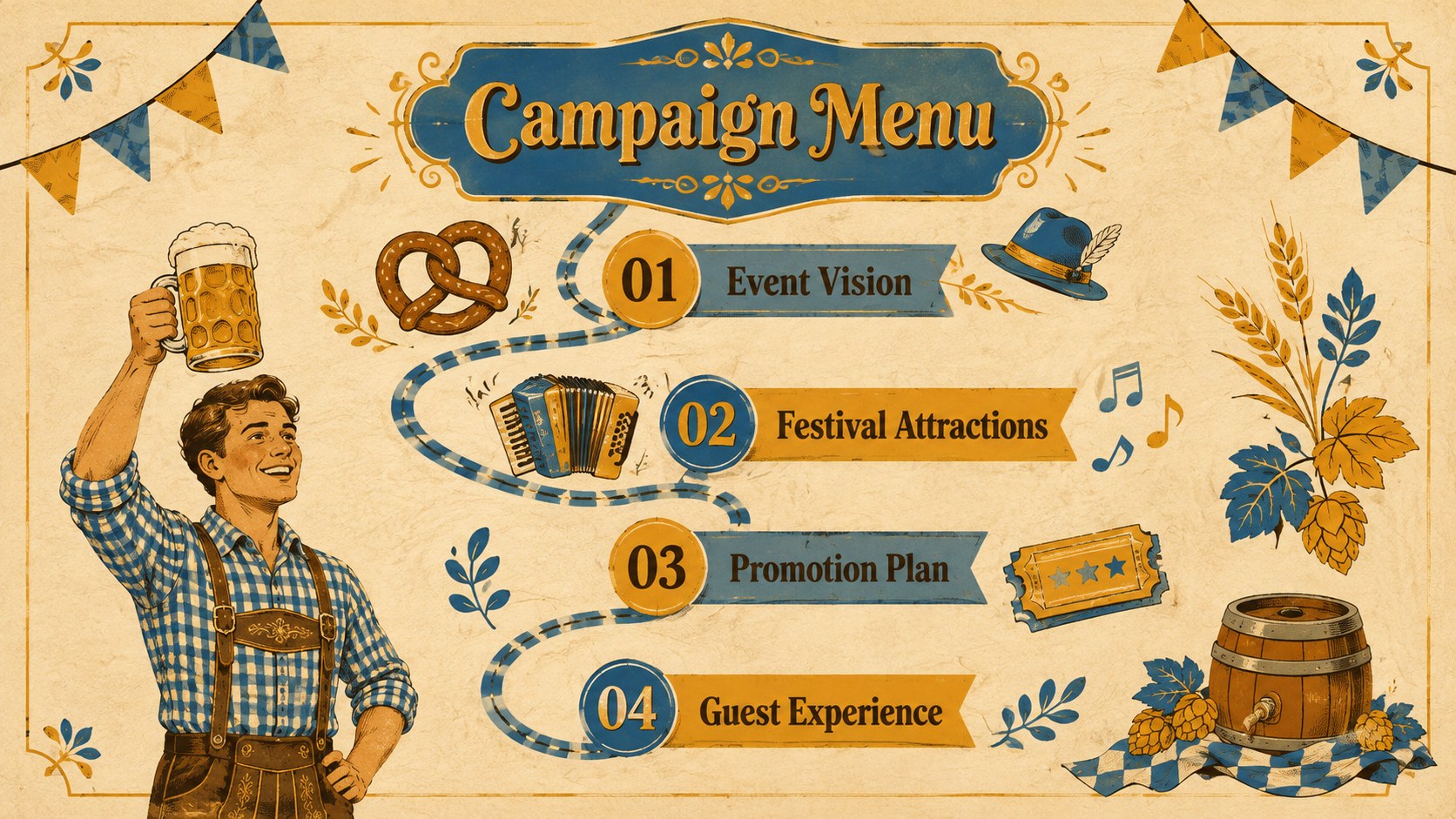
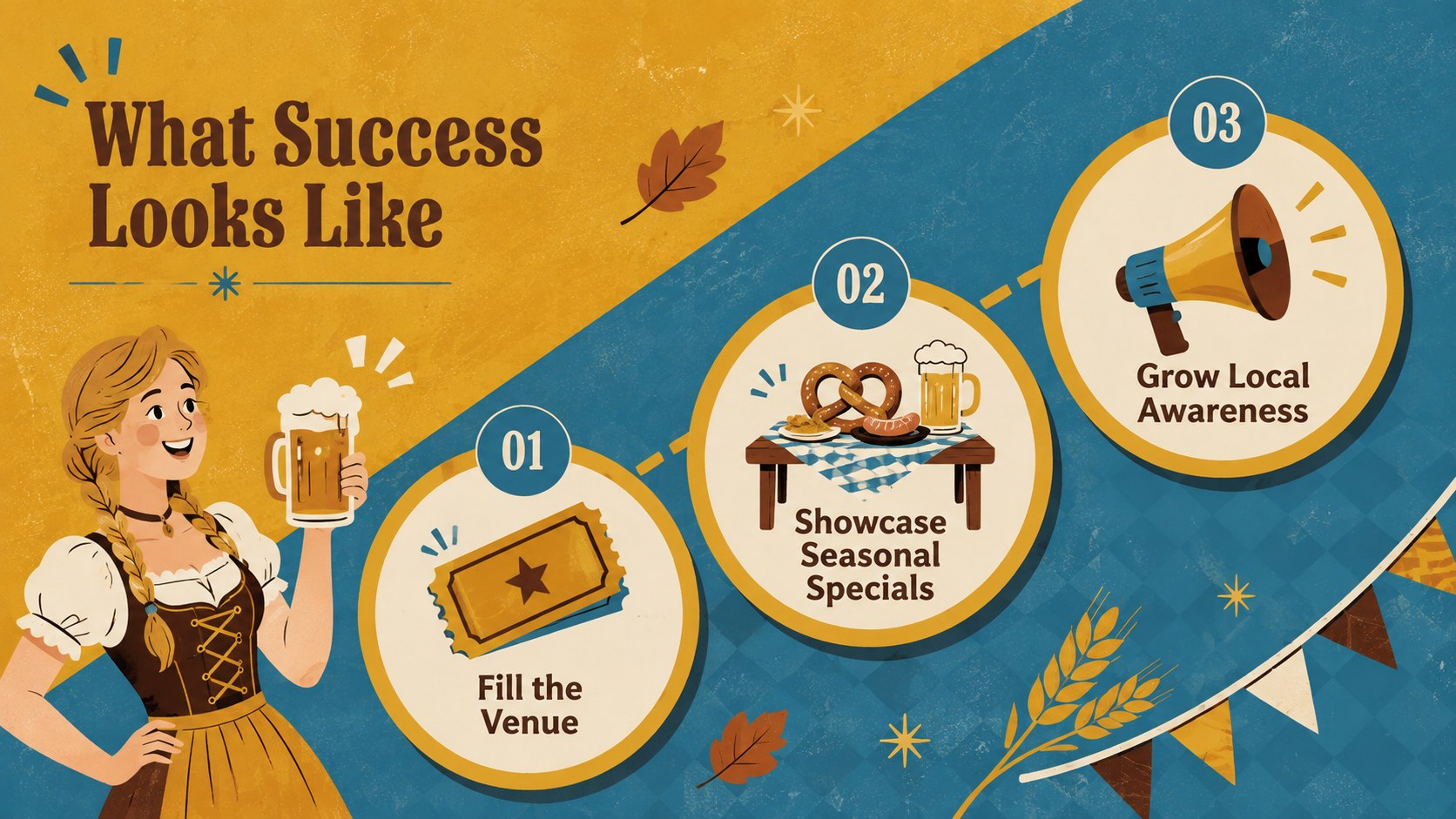
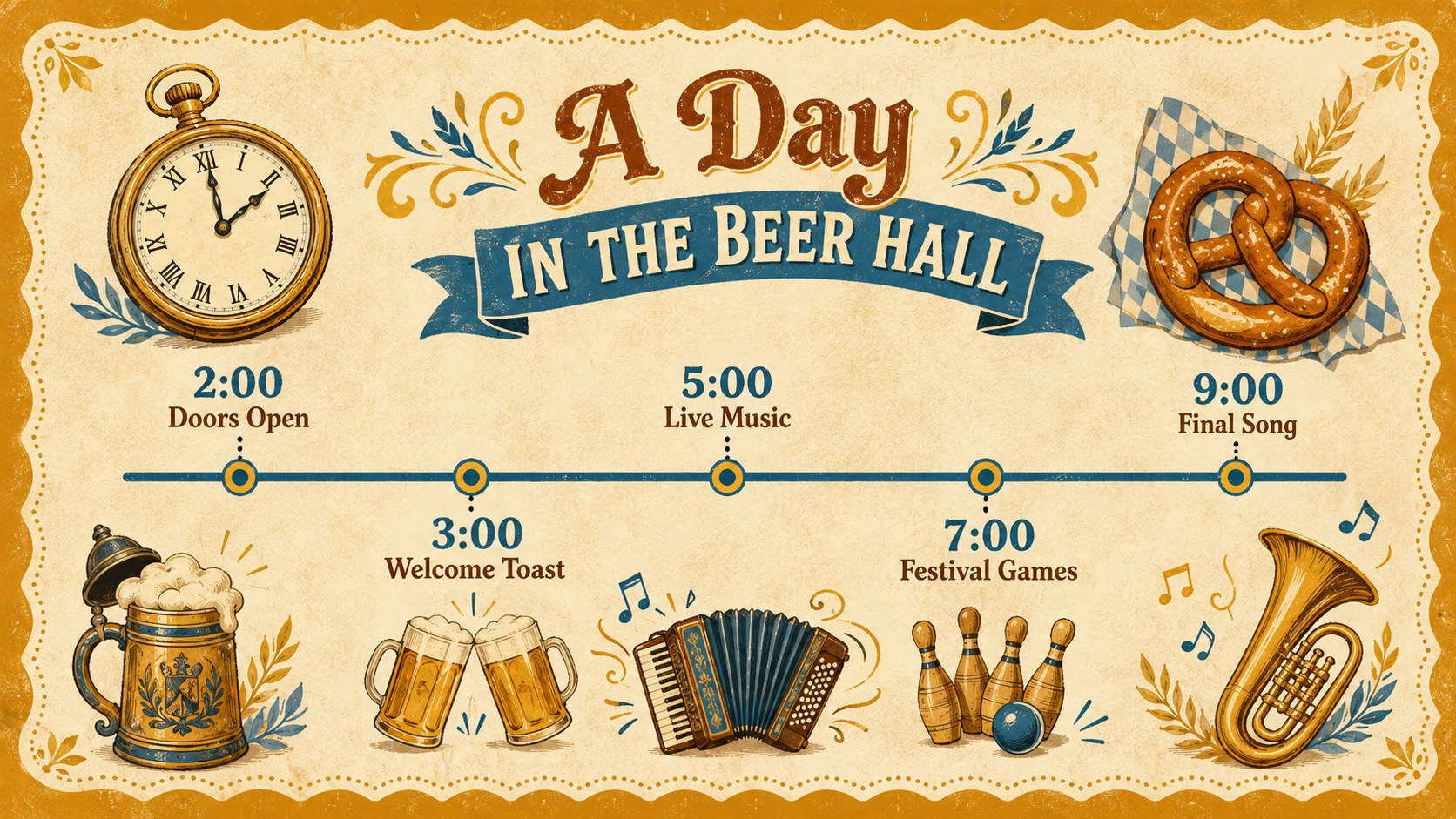
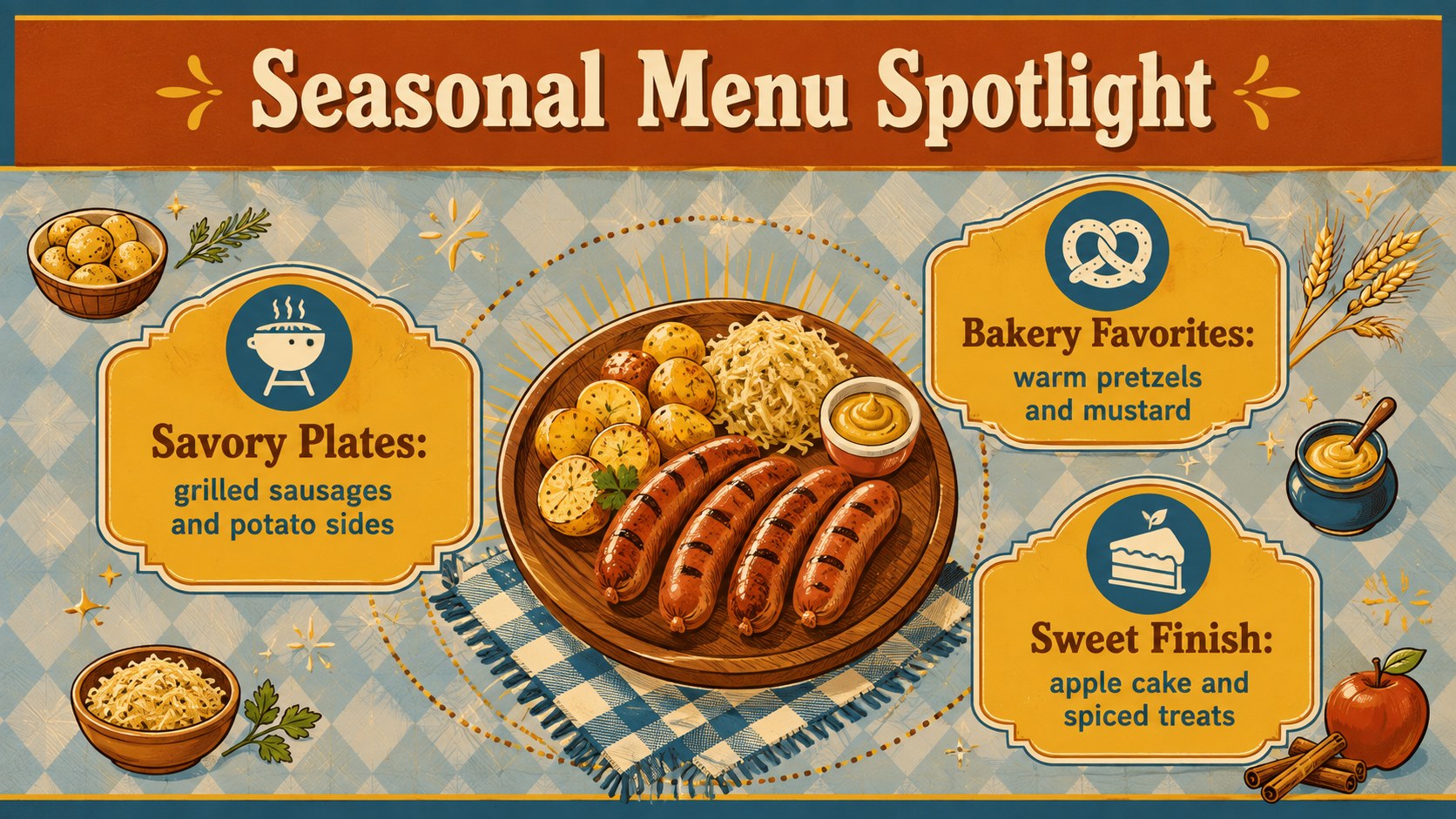
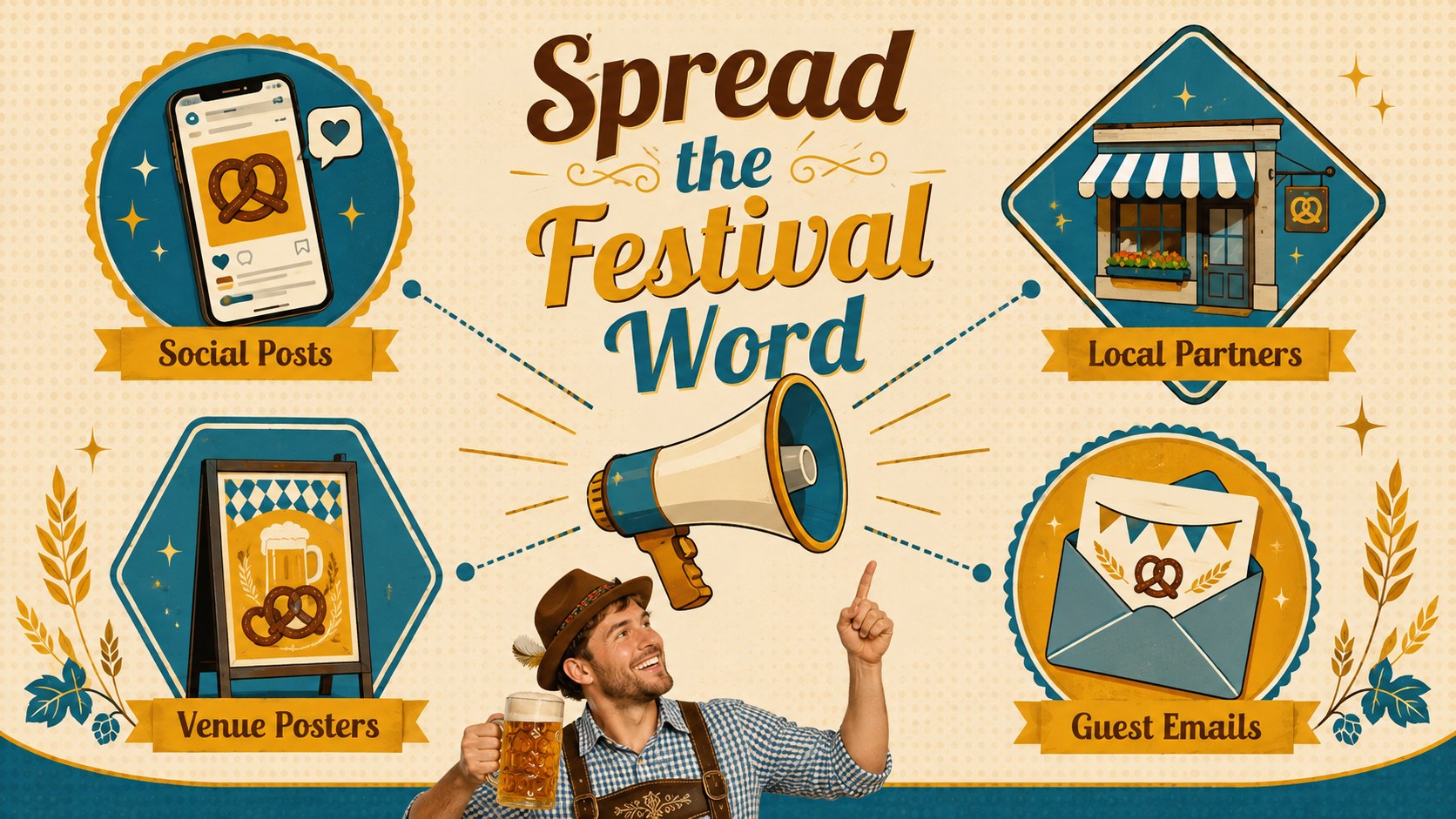
Inside, you will find adaptable layouts for event announcements, schedules, featured food and drink, entertainment lineups, venue details, campaign goals, audience insights, promotional channels, and closing information. Charts, timelines, image frames, and concise text arrangements help transform the design into an Oktoberfest social media presentation, sponsor proposal, or on-screen event guide. All elements can be edited in PowerPoint and Google Slides, including colors, wording, photos, and graphic placement.
These retro Oktoberfest marketing slides are designed for restaurant owners, festival organizers, hospitality teams, tourism groups, community associations, and marketing professionals. Use them to promote a brewery gathering, introduce a seasonal menu, pitch a celebration concept, brief event staff, or coordinate an autumn advertising campaign. The vintage beer festival slide template balances cheerful illustrated details with organized content areas, helping practical information remain readable while preserving the spirited character of Oktoberfest.
Perfect for: beer hall event promotion; seasonal restaurant campaign; festival sponsor pitch; Oktoberfest staff briefing; brewery celebration schedule; autumn social media campaign.
Frequently asked questions
Can I edit these slides in PowerPoint and Google Slides? Yes. The presentation is designed for both PowerPoint and Google Slides, with editable text, colors, images, and layout elements. Some fonts or effects may vary slightly between platforms.
Practical details
Yes. The presentation is designed for both PowerPoint and Google Slides, with editable text, colors, images, and layout elements. Some fonts or effects may vary slightly between platforms.
Yes. Replace the sample event details with your venue, menu, schedule, ticket information, and contact details. You can also adjust the palette to match an existing restaurant or brewery identity.
The layouts work for event presentations, sponsor proposals, venue screens, campaign planning, and social media concepts. Individual slides can also be exported as images for digital announcements.
The main text, colors, charts, and common presentation shapes are editable. Grouped illustrations may need to be ungrouped before individual colors or components can be changed.
Keep exploring
15Build an engaging World UFO Day session with this flying saucer history lesson deck, featuring retro green-and-brown slides for PowerPoint and Google Slides.
 15
15Plan a lively animal-learning journey with this jungle zoo adventure lesson deck, ready to customize in PowerPoint and Google Slides for young learners.
 16
16Turn environmental research into a clear story with a Watercolor Ecology Presentation Theme for PowerPoint and Google Slides in calming green and blue.
 16
16Build focused fashion, literature, and humanities presentations with the Red Triangle Editorial Theme, editable in PowerPoint and Google Slides.
 15
15Turn streaming stats, favorite tracks, and concert highlights into a bold annual listening recap slide deck for PowerPoint and Google Slides.
 15
15Turn highlights, milestones, and favorite moments into a colorful year in review slide deck with bold 3D graphics for PowerPoint and Google Slides.
 3
3Build a credible endorsement with Standout Colleague Recommendation Letter Slides, featuring colorful prompts for skills, achievements, and team impact.
 4
4Build clear beginner sessions with an ice hockey fundamentals training deck for coaches, PE teachers, and clubs, ready for PowerPoint and Google Slides.