
 15
15presentation
Flying Saucer History Lesson Deck
Build an engaging World UFO Day session with this flying saucer history lesson deck, featuring retro green-and-brown slides for PowerPoint and Google Slides.
Google SlidesPowerPoint
spreadsheet · English
Bring motion, force, and energy to life with a Retro Neon Physics Lesson Deck featuring editable visuals for PowerPoint and Google Slides classrooms.
Design notes
Turn abstract science into an energetic visual lesson with the Retro Neon Physics Lesson Deck. Designed for middle school educators, this editable resource combines bright green accents, halftone textures, retro illustrations, and approachable layouts that make core physics ideas easier to discuss. Use it as a middle school forces and motion presentation or adapt it for review sessions, science clubs, and student-led projects.
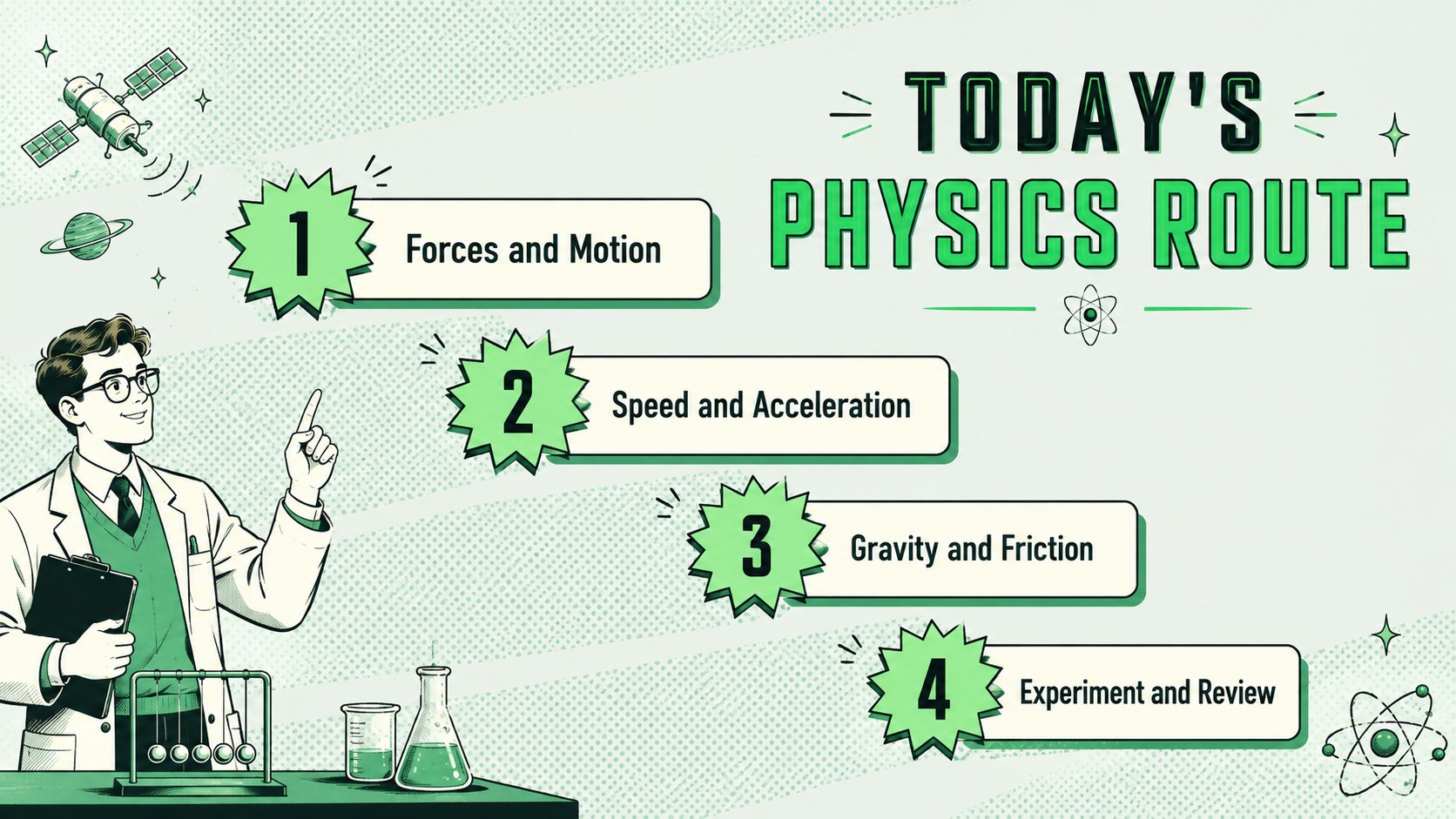
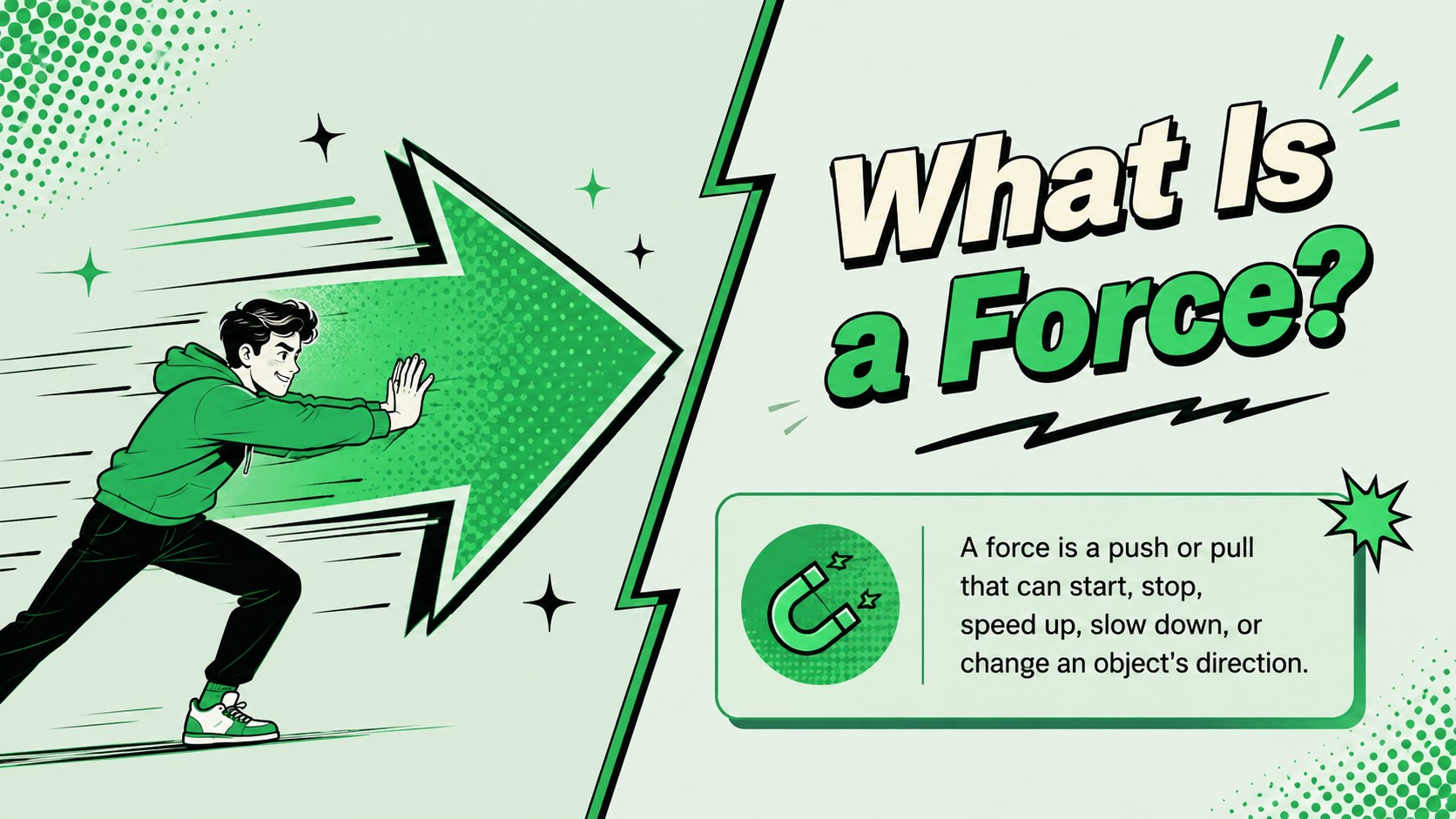
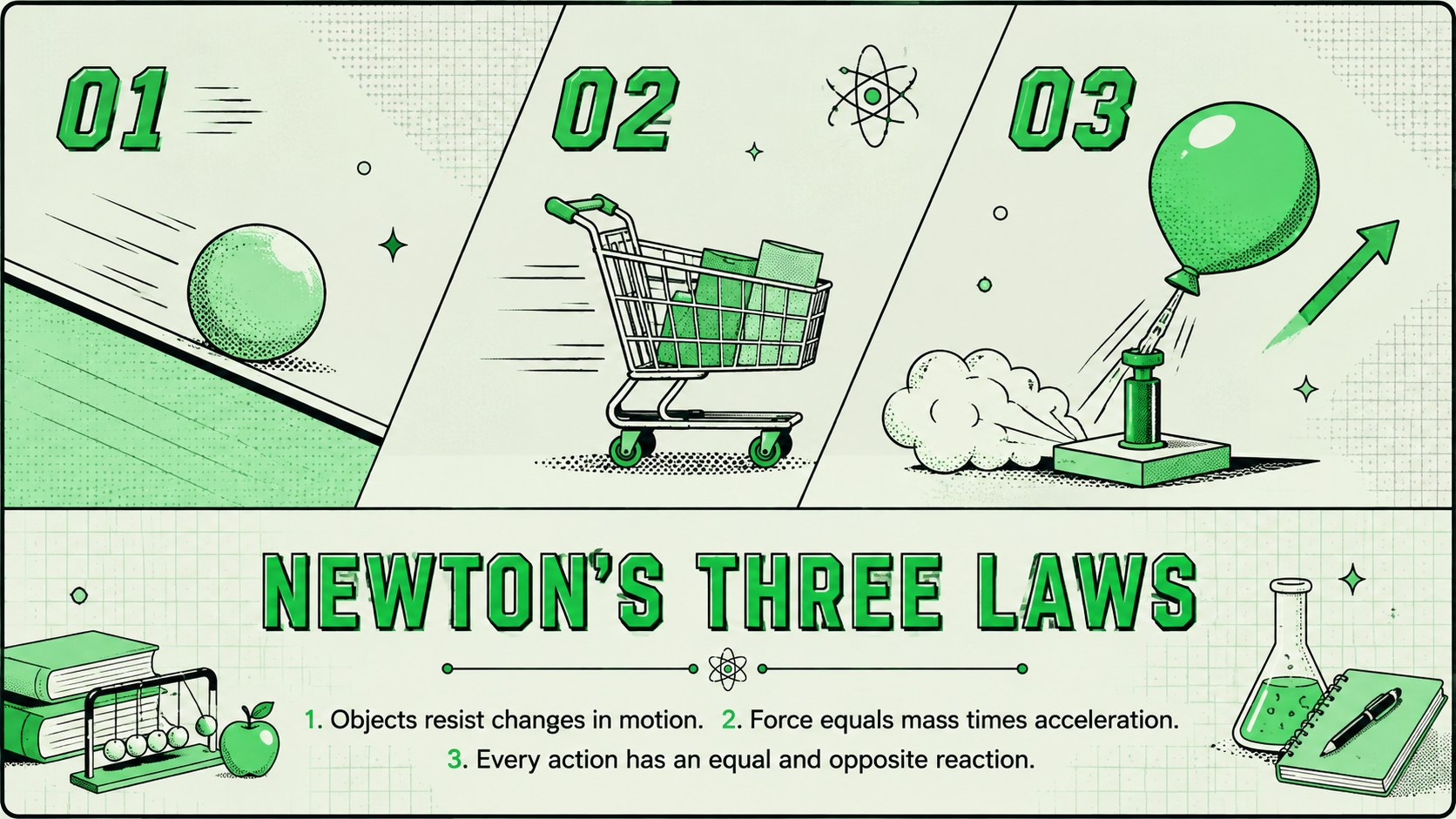
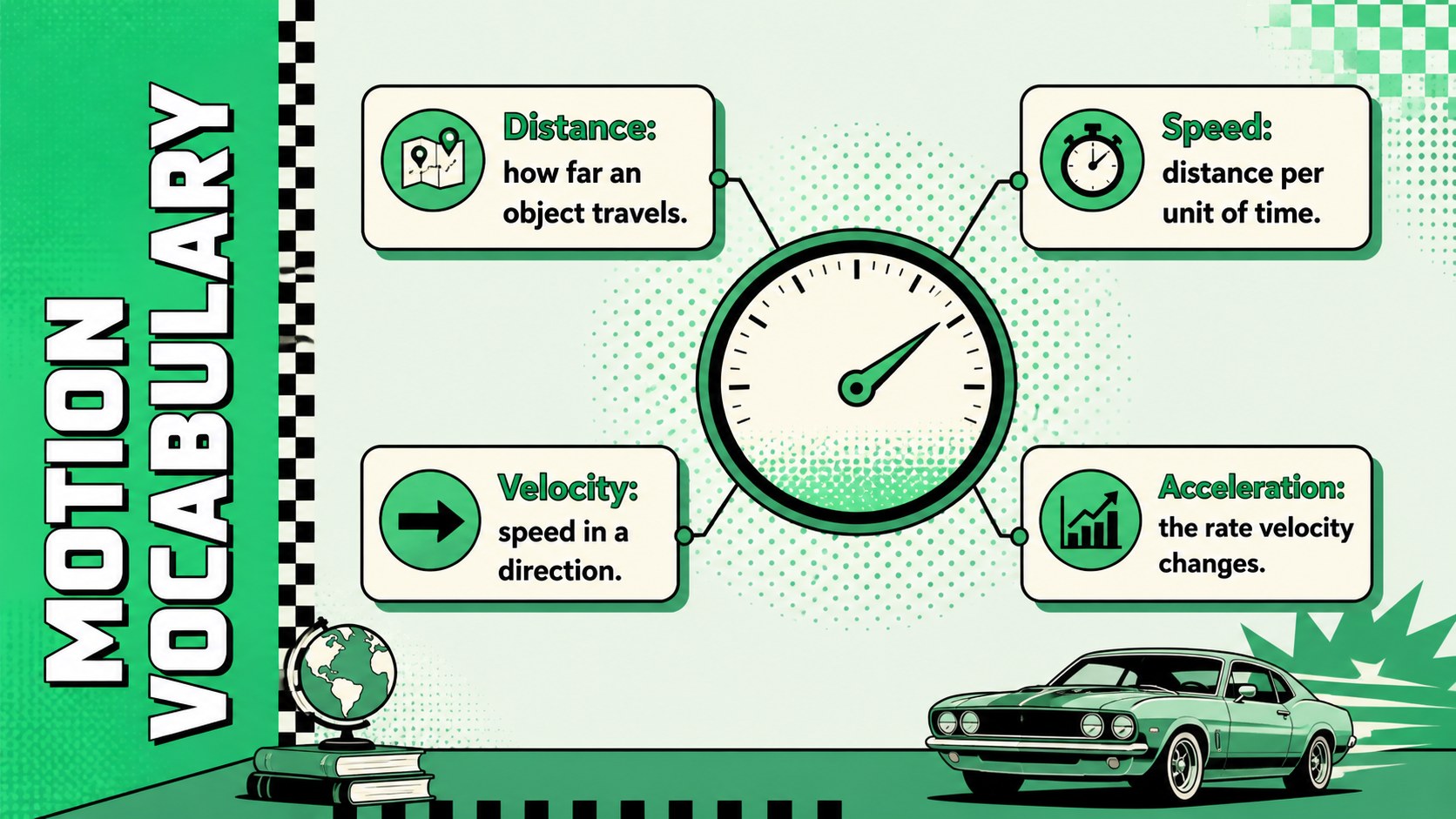
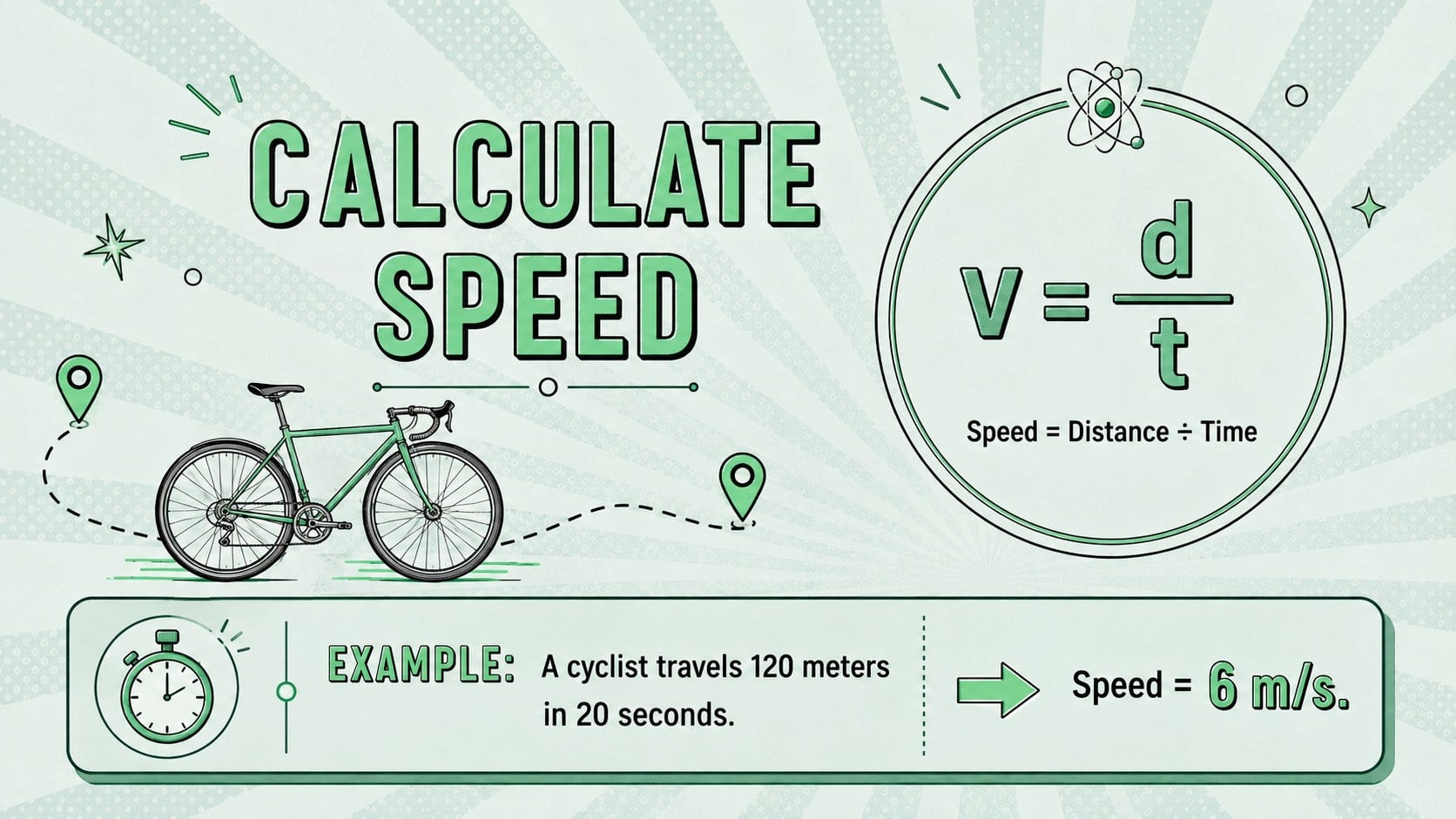
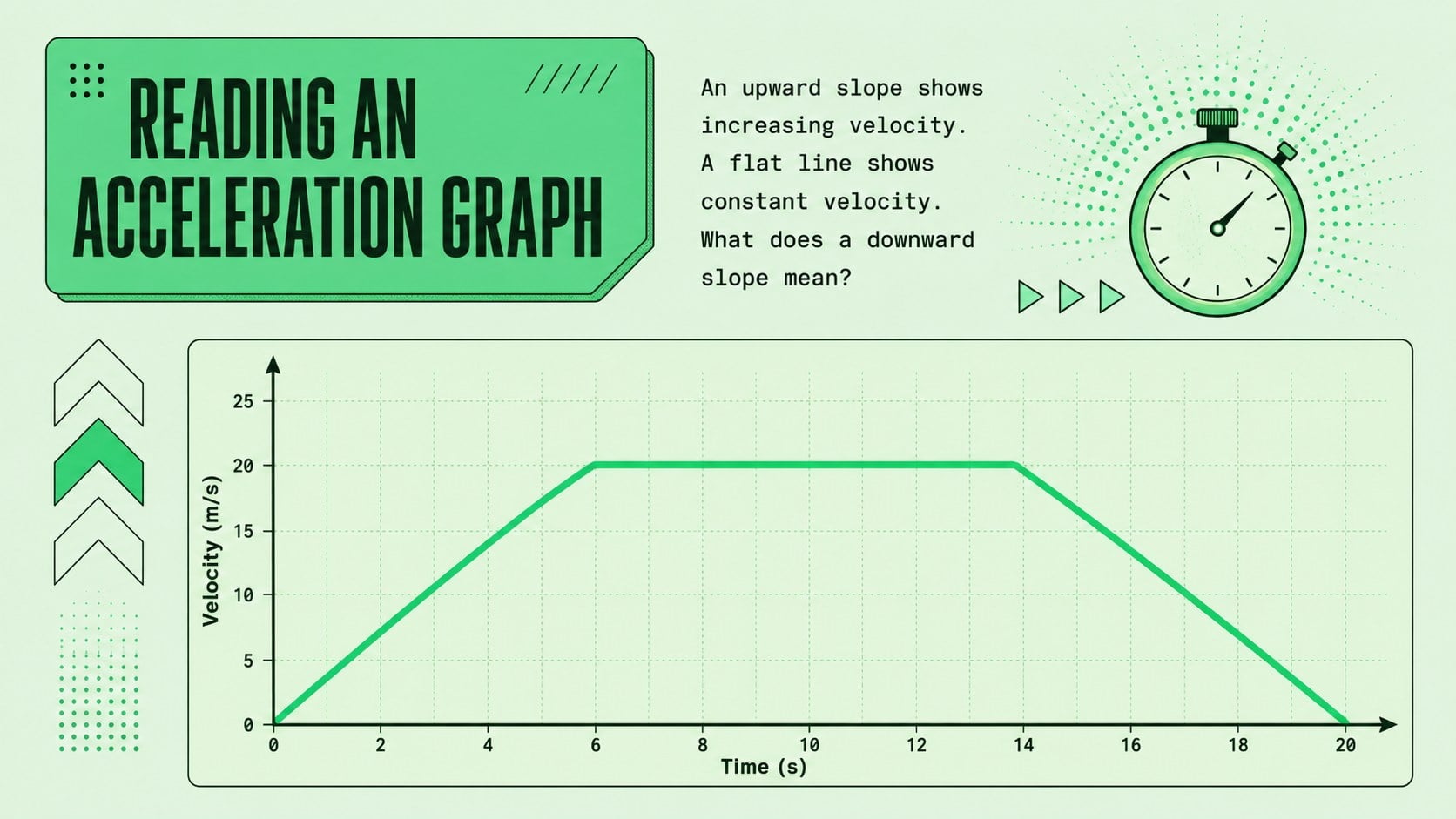
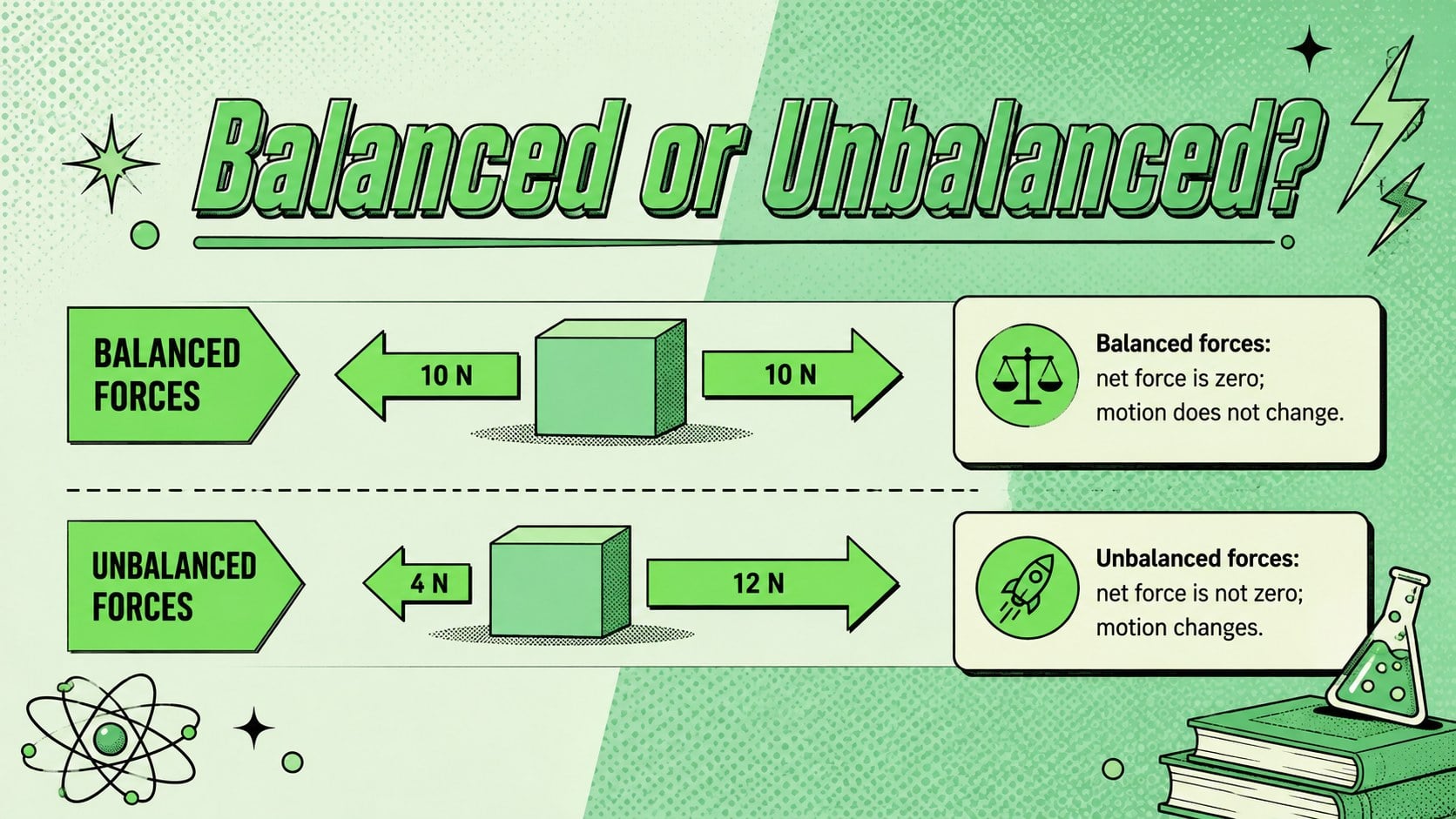
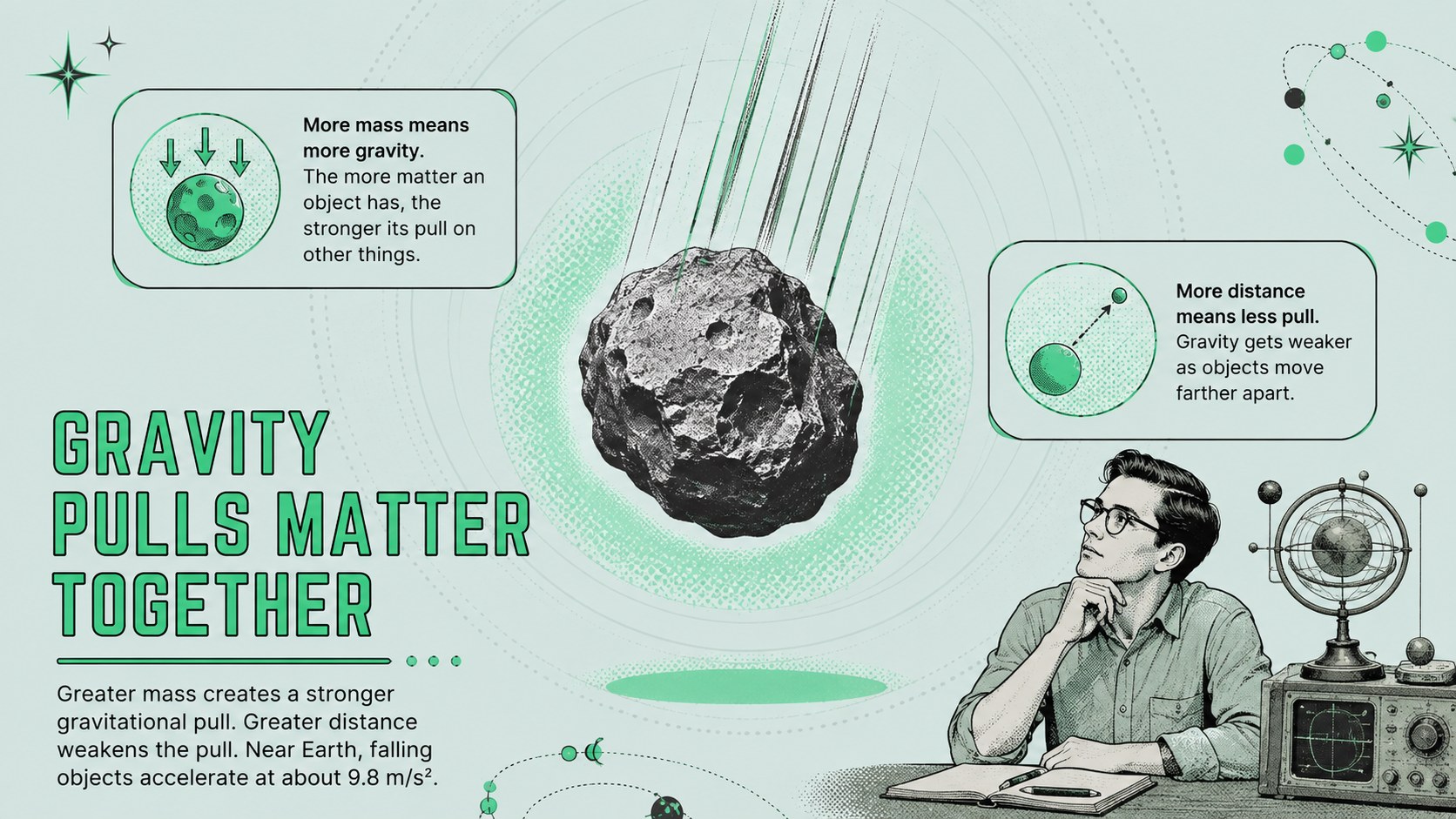
The deck provides layouts for learning goals, key vocabulary, Newton's laws, speed and acceleration formulas, force diagrams, gravity, friction, energy transfer, experiment steps, data charts, discussion prompts, and assessment questions. Visual callouts give important definitions room to stand out, while timelines and comparison pages help organize multi-step explanations. A retro pop art physics theme keeps the material lively without distracting from classroom content.
Teachers can customize the slides in PowerPoint or Google Slides by changing text, rearranging sections, adding diagrams, and applying transitions. The flexible structure works for a neon green science class template, a short unit introduction, or a complete lesson sequence. It is especially useful for educators seeking a distinctive but practical design for grades 6-8, as well as students preparing physics reports or science fair presentations.
Perfect for: middle school physics lesson; forces and motion unit introduction; Newton's laws classroom review; student science project; physics experiment briefing; STEM club presentation.
Frequently asked questions
Can I edit this physics lesson deck? Yes. You can replace the lesson text, adjust colors, move visual elements, and add your own diagrams, examples, or school branding.
Practical details
Yes. You can replace the lesson text, adjust colors, move visual elements, and add your own diagrams, examples, or school branding.
The deck is designed for PowerPoint and Google Slides. Layouts and text remain editable after opening the file in either platform.
Yes. The modular layouts can cover mechanics, energy, waves, or another introductory physics topic by replacing the sample wording and visuals.
Yes. Students can use the structured sections for science reports, experiment summaries, and class projects while keeping information clear and visually consistent.
Keep exploring
15Build an engaging World UFO Day session with this flying saucer history lesson deck, featuring retro green-and-brown slides for PowerPoint and Google Slides.
 15
15Plan a lively animal-learning journey with this jungle zoo adventure lesson deck, ready to customize in PowerPoint and Google Slides for young learners.
 16
16Turn environmental research into a clear story with a Watercolor Ecology Presentation Theme for PowerPoint and Google Slides in calming green and blue.
 16
16Build focused fashion, literature, and humanities presentations with the Red Triangle Editorial Theme, editable in PowerPoint and Google Slides.
 15
15Turn streaming stats, favorite tracks, and concert highlights into a bold annual listening recap slide deck for PowerPoint and Google Slides.
 15
15Turn highlights, milestones, and favorite moments into a colorful year in review slide deck with bold 3D graphics for PowerPoint and Google Slides.
 3
3Build a credible endorsement with Standout Colleague Recommendation Letter Slides, featuring colorful prompts for skills, achievements, and team impact.
 4
4Build clear beginner sessions with an ice hockey fundamentals training deck for coaches, PE teachers, and clubs, ready for PowerPoint and Google Slides.