
 15
15presentation
Flying Saucer History Lesson Deck
Build an engaging World UFO Day session with this flying saucer history lesson deck, featuring retro green-and-brown slides for PowerPoint and Google Slides.
Google SlidesPowerPoint
presentation · English
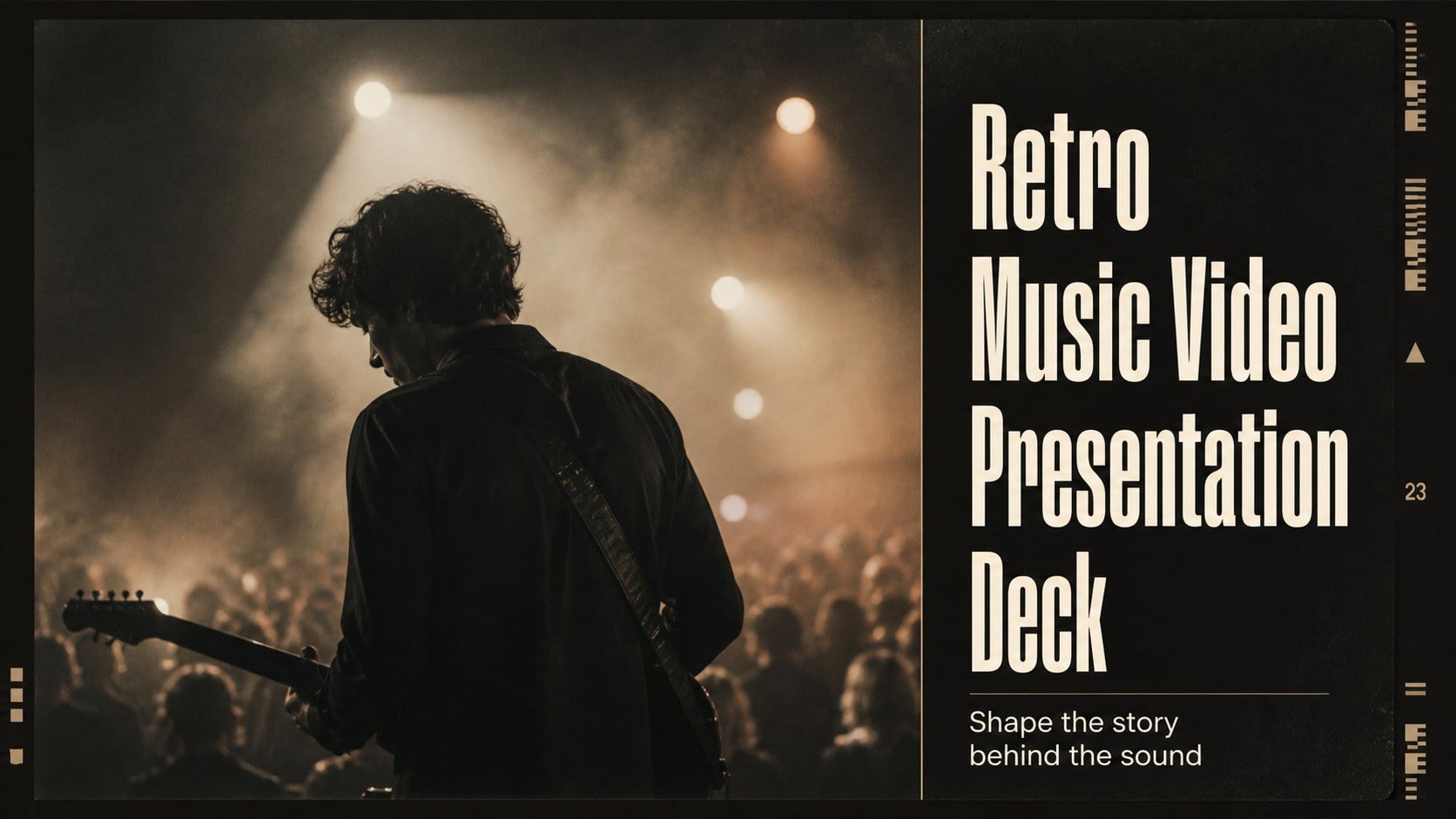
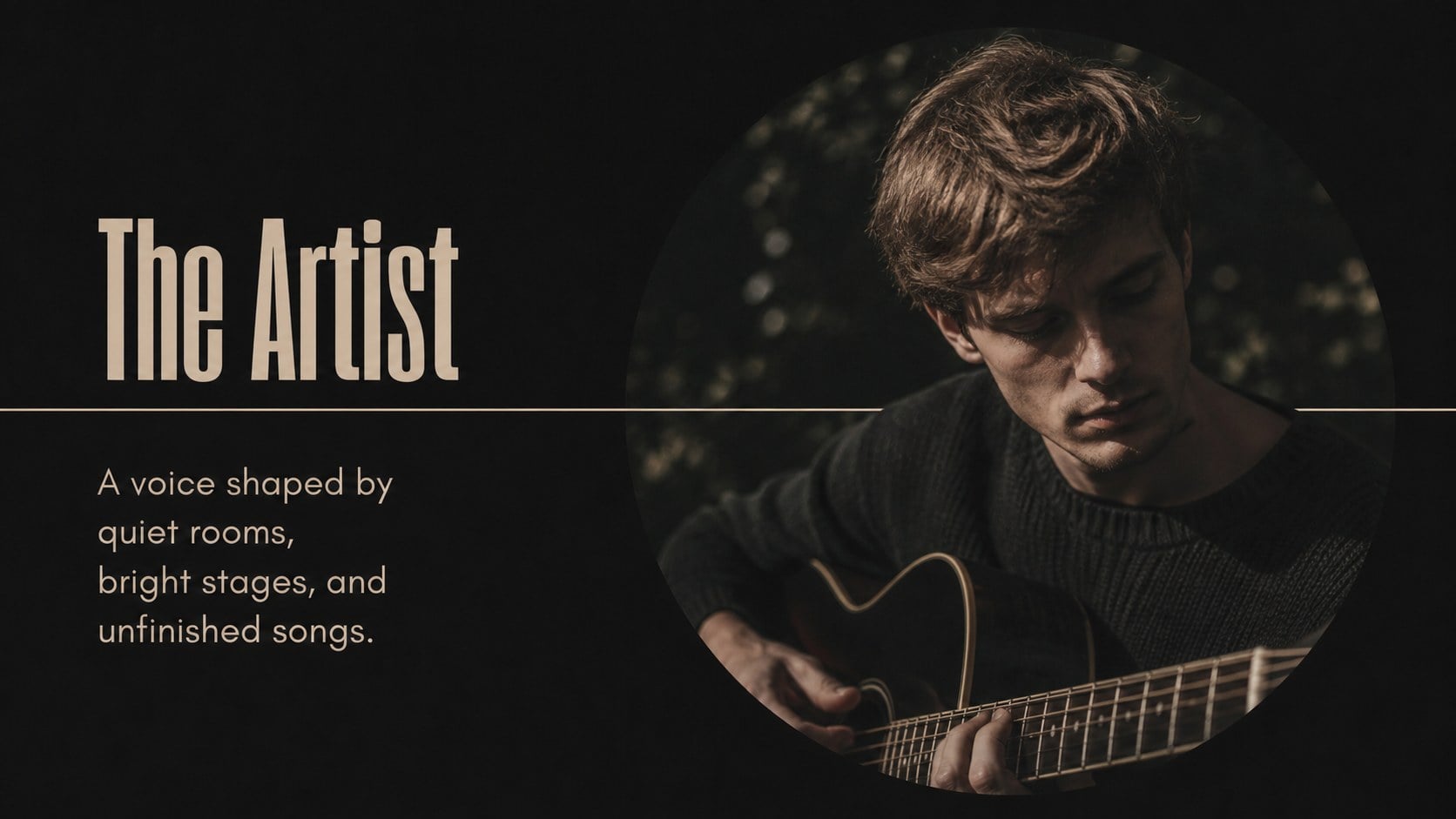
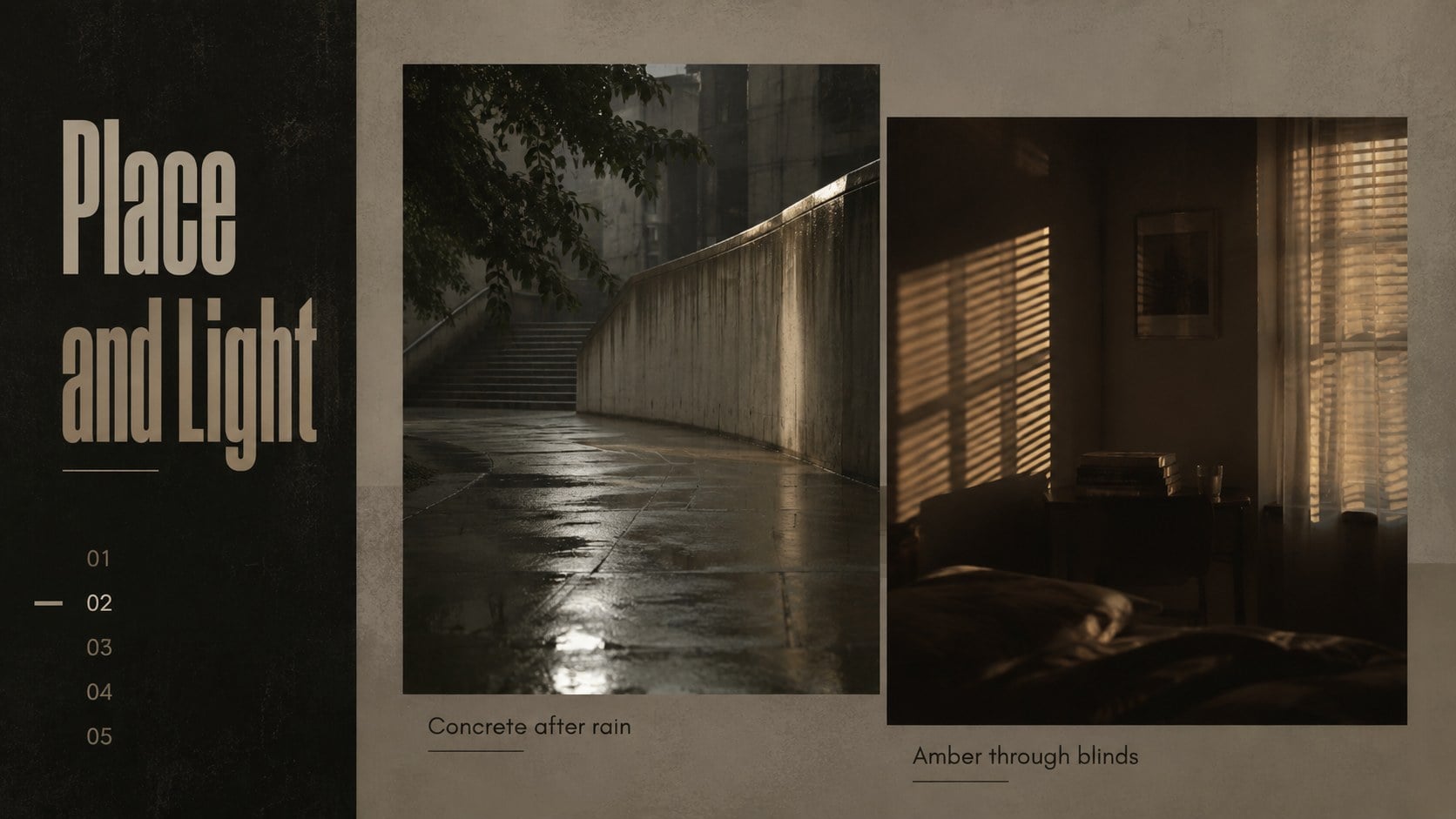
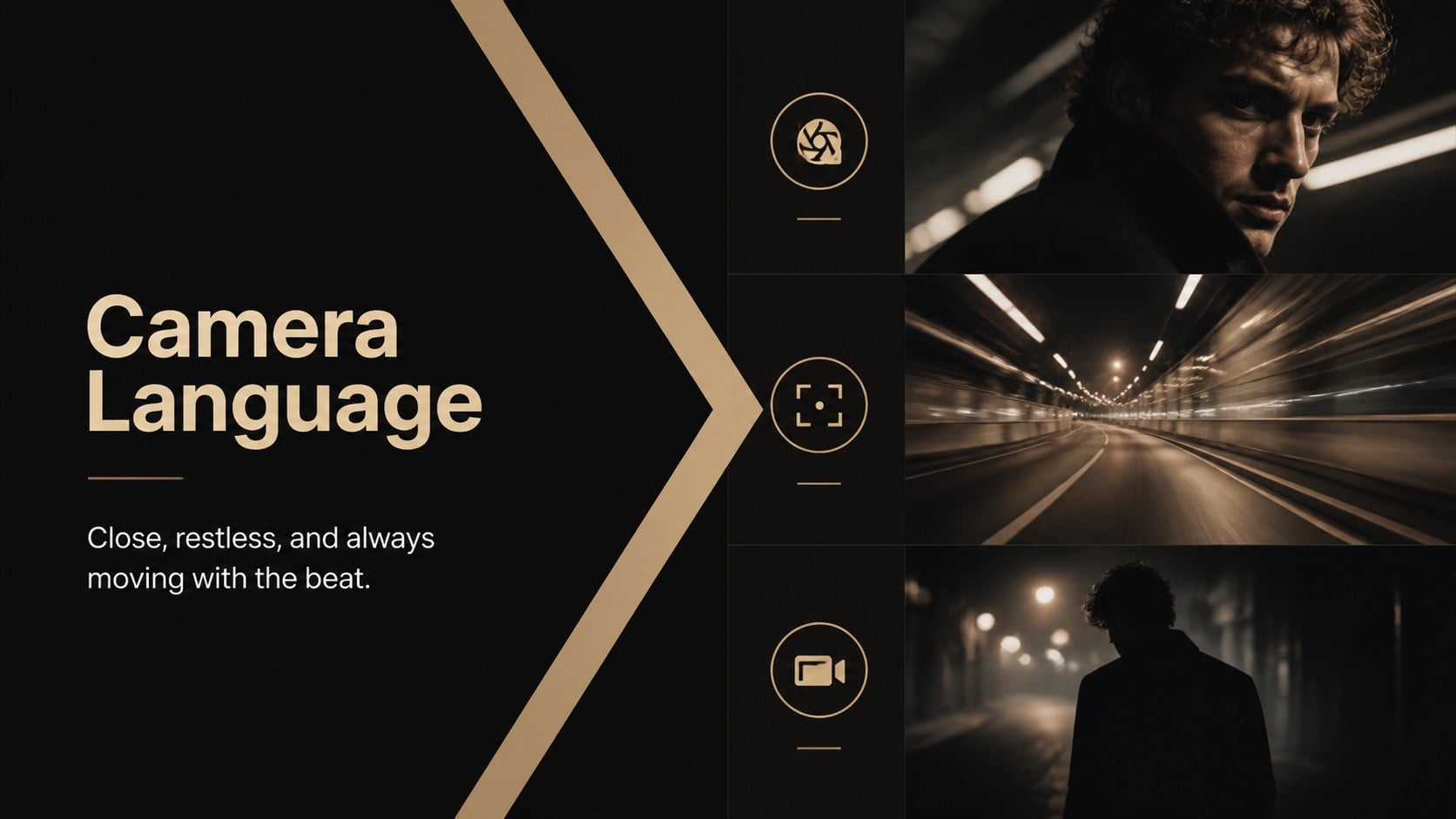
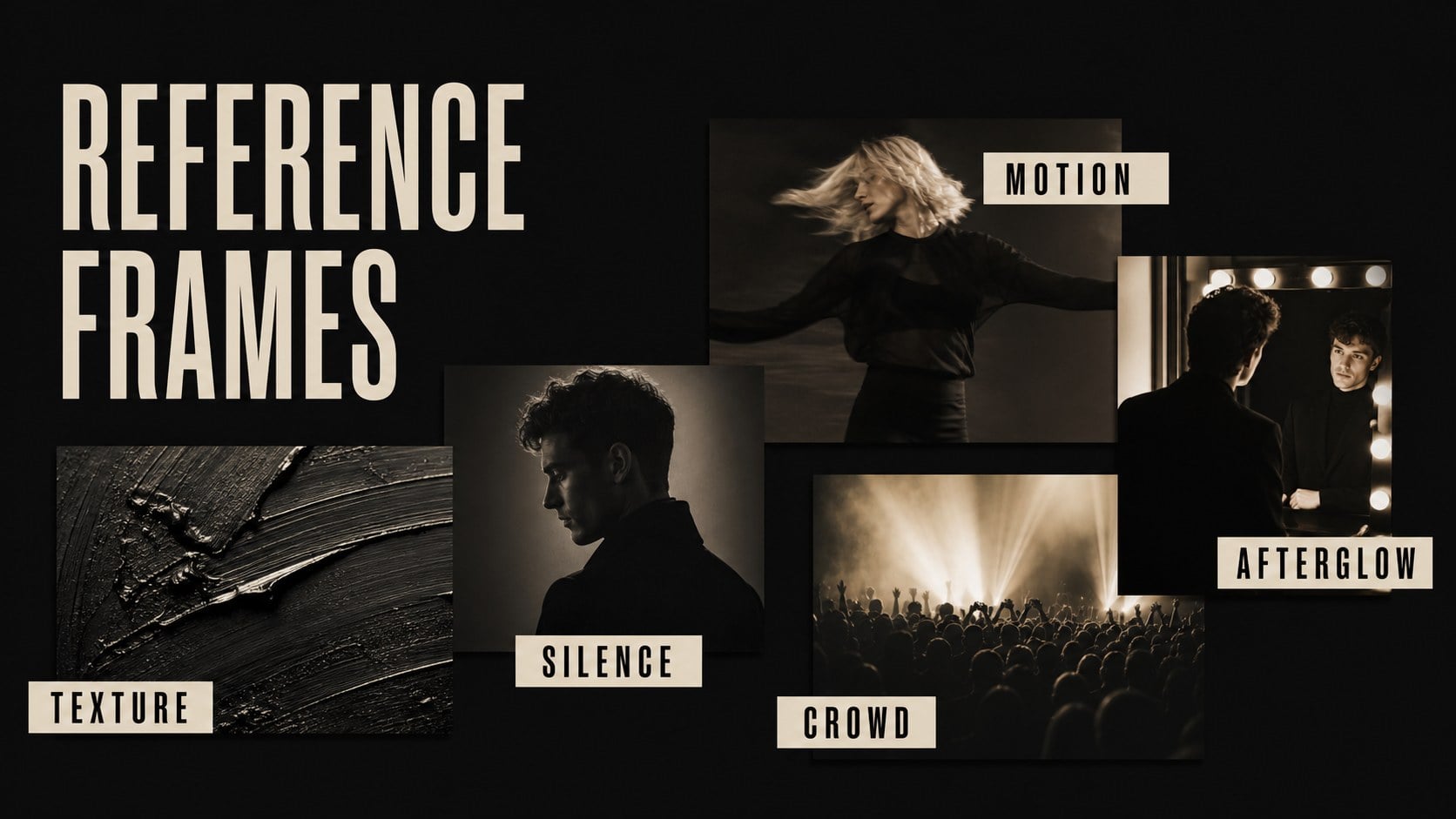
Build a retro music video presentation with bold photography, warm beige accents, and flexible layouts for artists, classes, portfolios, and fan projects.
Design notes
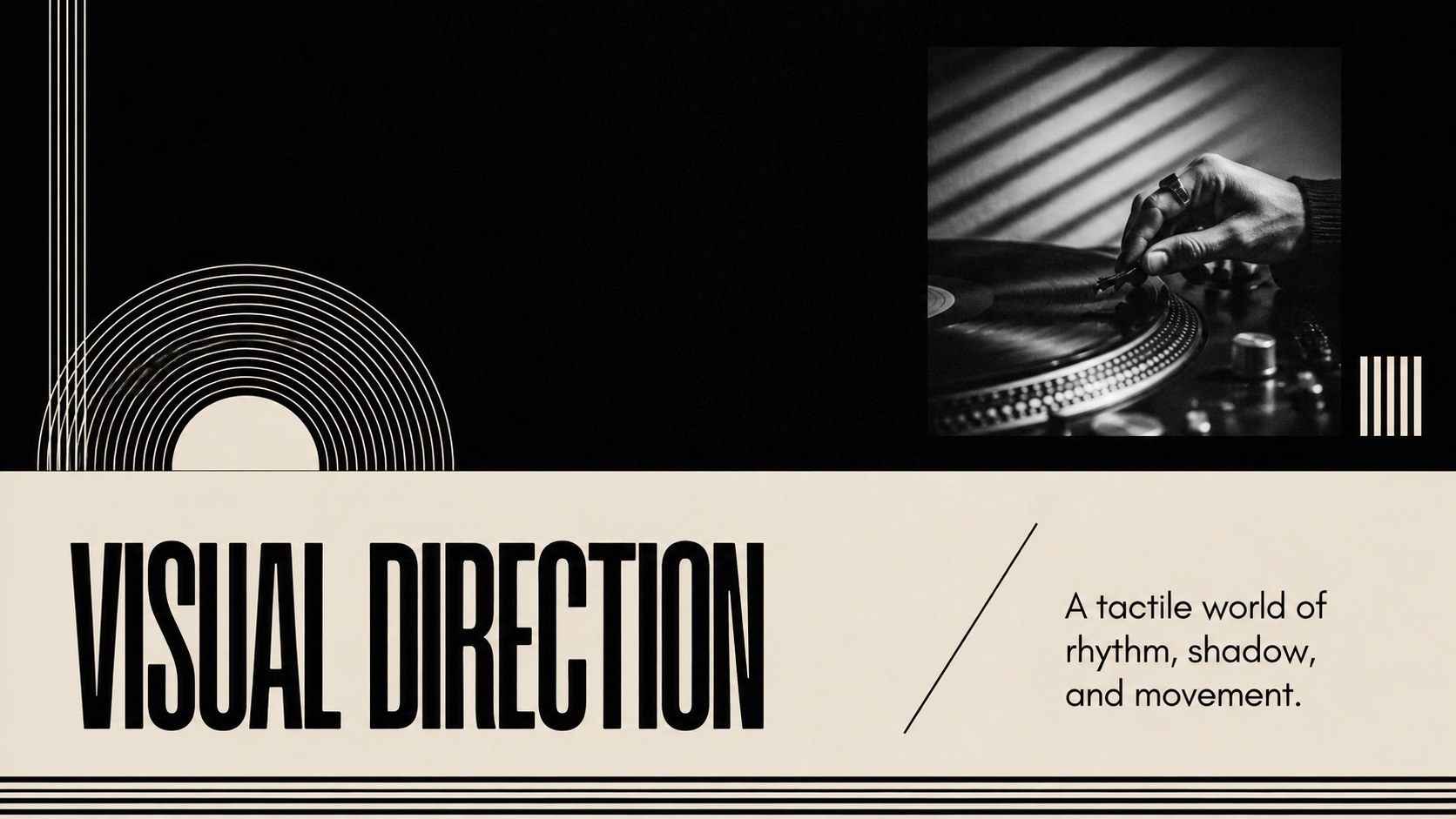
Retro music video presentation layouts give artists, students, creative teams, and music fans a focused way to tell a visual story. The black-and-beige palette, oversized photography, film-inspired details, and editorial typography create a nostalgic atmosphere without overwhelming the content. Use the deck to introduce a music video concept, present a treatment, document production, or build a memorable tribute to a favorite performer.
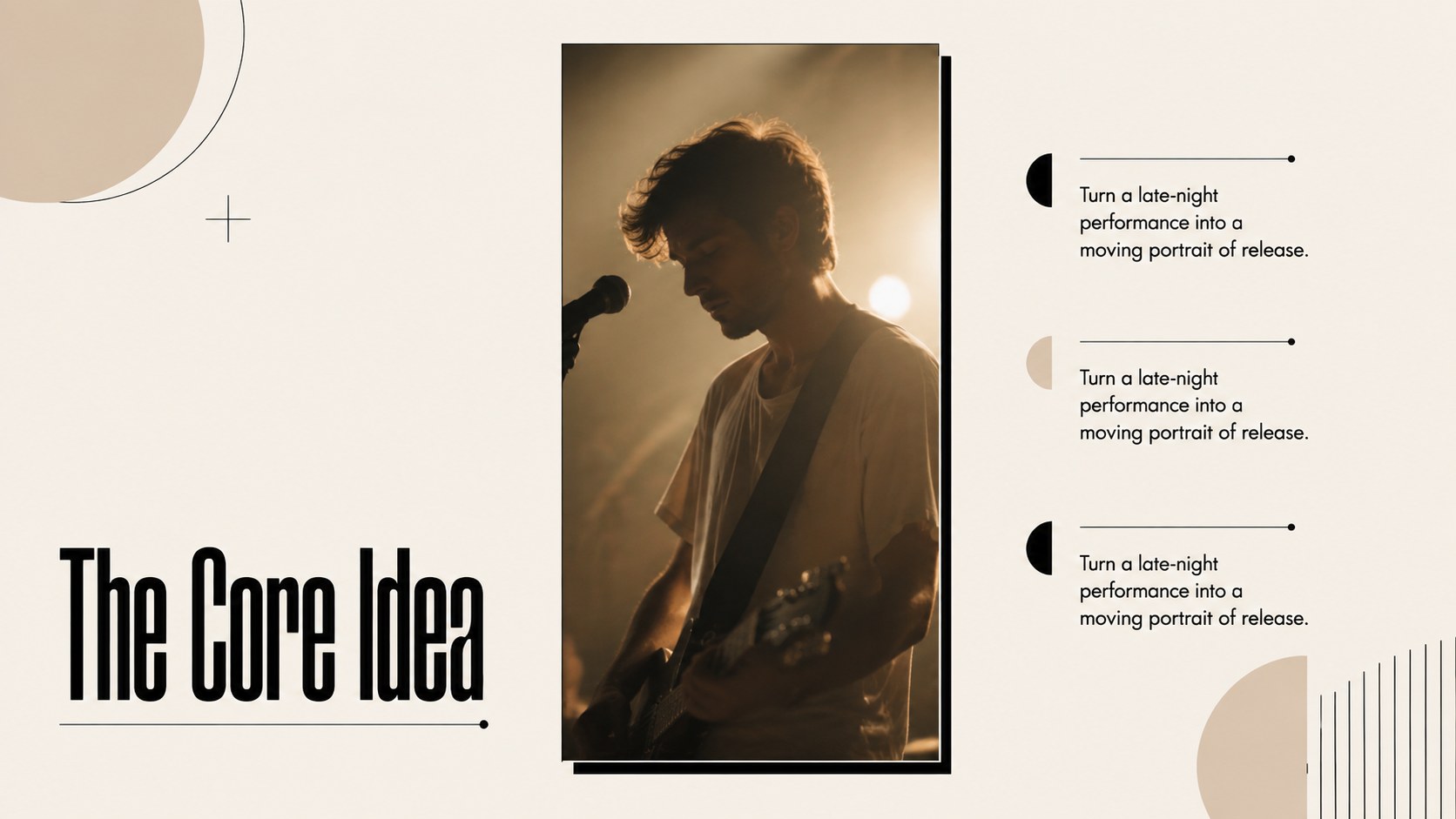
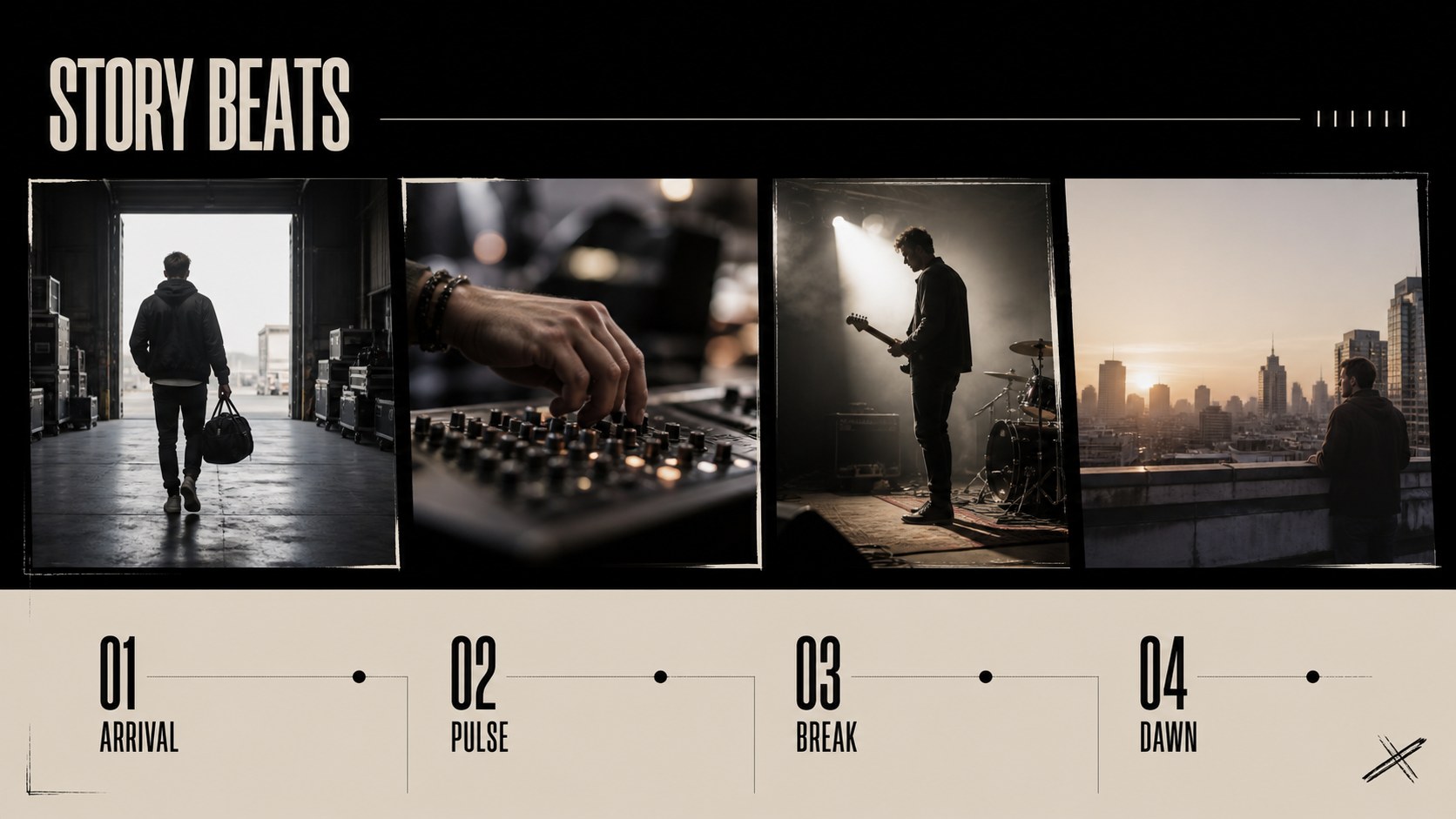
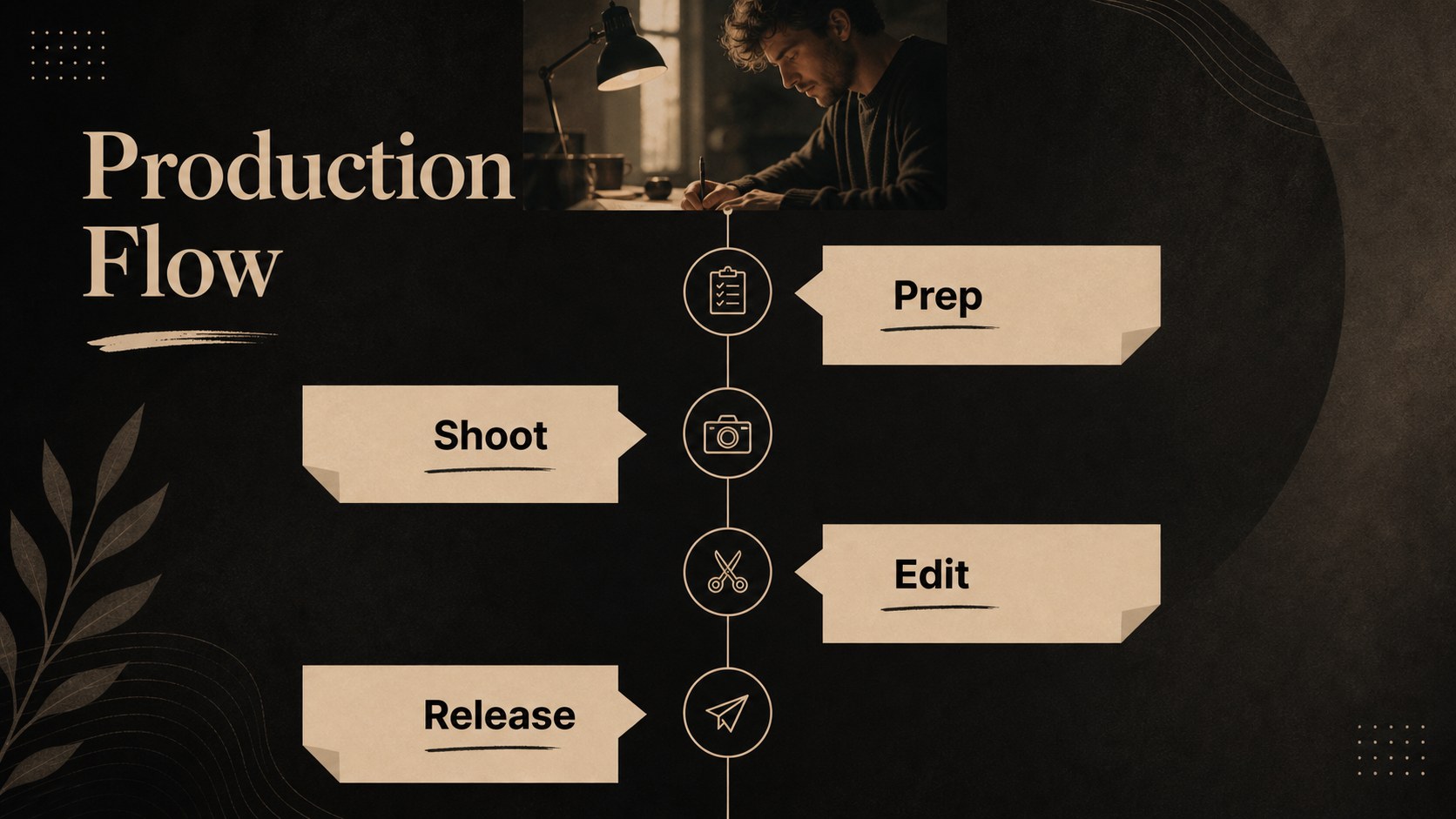
Inside, you’ll find 17 fully editable 16:9 slides with title treatments, photo layouts, text columns, credits, process sections, and closing pages. Add stills, lyrics, production notes, references, timelines, or audience insights to shape the story around your project. The modular layouts also work well for a music video storyboard presentation, an artist portfolio, or a classroom lesson about visual storytelling.
Customize colors, type, images, charts, lines, and geometric accents in PowerPoint or Google Slides. The template supports simple transitions and animations, and each slide can be rearranged for a shorter pitch or expanded project review. Whether you are presenting a director’s vision, reviewing a finished video, or planning a shoot, this retro music video presentation keeps the narrative visual, structured, and easy to follow.
Perfect for: music video concept pitch; director treatment review; artist portfolio showcase; classroom visual storytelling lesson; music production planning; fan tribute presentation.
Frequently asked questions
Can I edit this deck in PowerPoint or Google Slides? Yes. The presentation is designed for editing in both PowerPoint and Google Slides. Replace the sample text and imagery, then adjust layouts to fit your project.
Practical details
Yes. The presentation is designed for editing in both PowerPoint and Google Slides. Replace the sample text and imagery, then adjust layouts to fit your project.
Use it for a music video treatment, artist portfolio, production review, storyboard, or visual storytelling lesson. Its photo-led layouts can also support a finished-video case study.
Yes. You can modify the background colors, accent tones, typography, and image treatments to match your project. Keeping the high-contrast structure will preserve the deck’s editorial character.
Yes. Replace the photography, captions, credits, lyrics, and production notes with your own material. Slides can be duplicated, reordered, or removed as your presentation develops.
Keep exploring
15Build an engaging World UFO Day session with this flying saucer history lesson deck, featuring retro green-and-brown slides for PowerPoint and Google Slides.
 15
15Plan a lively animal-learning journey with this jungle zoo adventure lesson deck, ready to customize in PowerPoint and Google Slides for young learners.
 16
16Turn environmental research into a clear story with a Watercolor Ecology Presentation Theme for PowerPoint and Google Slides in calming green and blue.
 16
16Build focused fashion, literature, and humanities presentations with the Red Triangle Editorial Theme, editable in PowerPoint and Google Slides.
 15
15Turn streaming stats, favorite tracks, and concert highlights into a bold annual listening recap slide deck for PowerPoint and Google Slides.
 15
15Turn highlights, milestones, and favorite moments into a colorful year in review slide deck with bold 3D graphics for PowerPoint and Google Slides.
 3
3Build a credible endorsement with Standout Colleague Recommendation Letter Slides, featuring colorful prompts for skills, achievements, and team impact.
 4
4Build clear beginner sessions with an ice hockey fundamentals training deck for coaches, PE teachers, and clubs, ready for PowerPoint and Google Slides.