
 15
15presentation
Flying Saucer History Lesson Deck
Build an engaging World UFO Day session with this flying saucer history lesson deck, featuring retro green-and-brown slides for PowerPoint and Google Slides.
Google SlidesPowerPoint
presentation · English
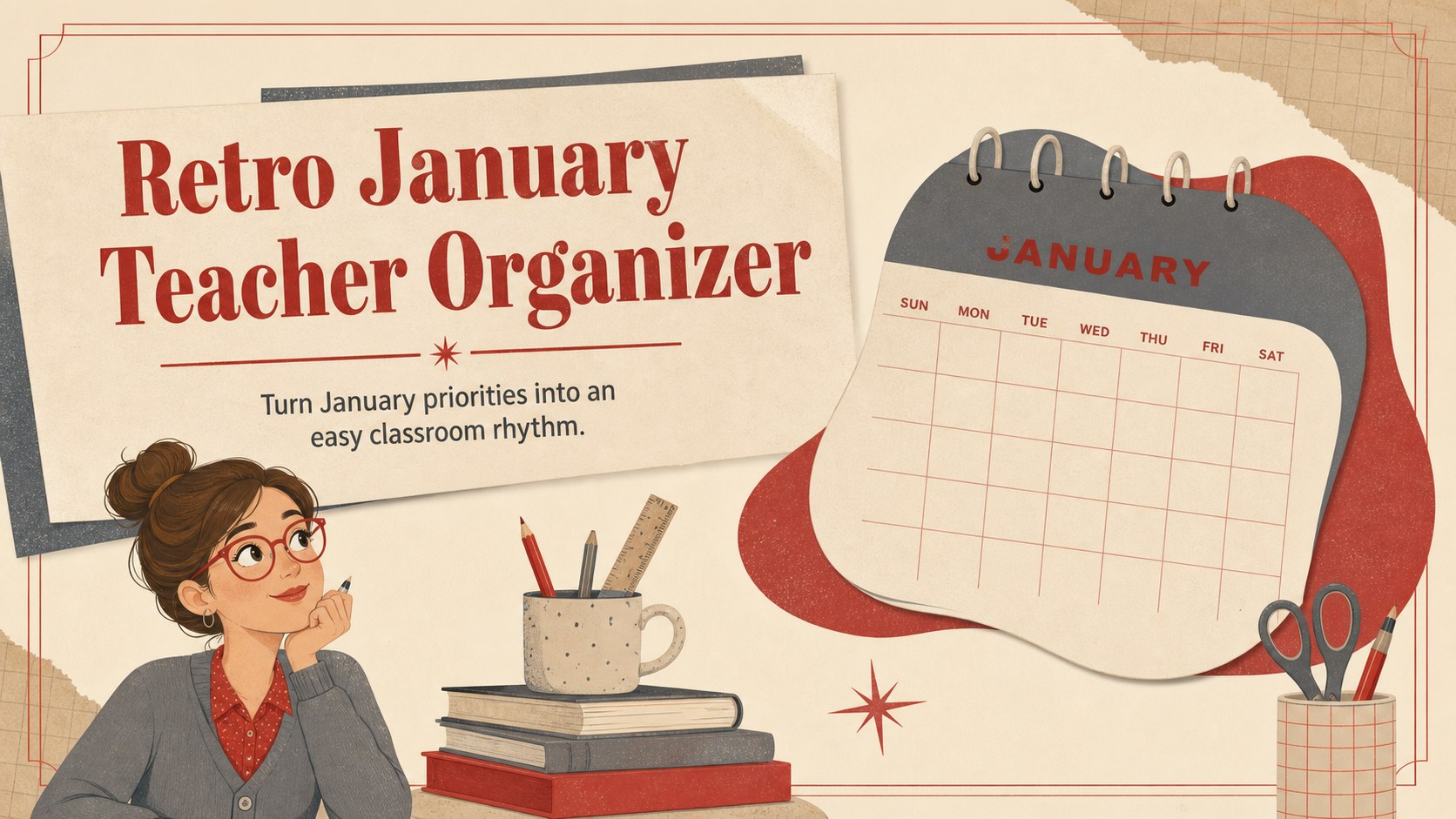
Build a classroom month with this retro January teacher organizer, featuring editable lessons, deadlines, events, and notes for PowerPoint and Google Slides.
Design notes
Bring structure to the first school month of the year with this retro January teacher organizer. Designed for busy educators, the deck combines clear planning space with a warm gray, beige, and red palette. Its nostalgic typography and playful illustrated accents create an inviting look while keeping schedules, priorities, and reminders easy to scan.
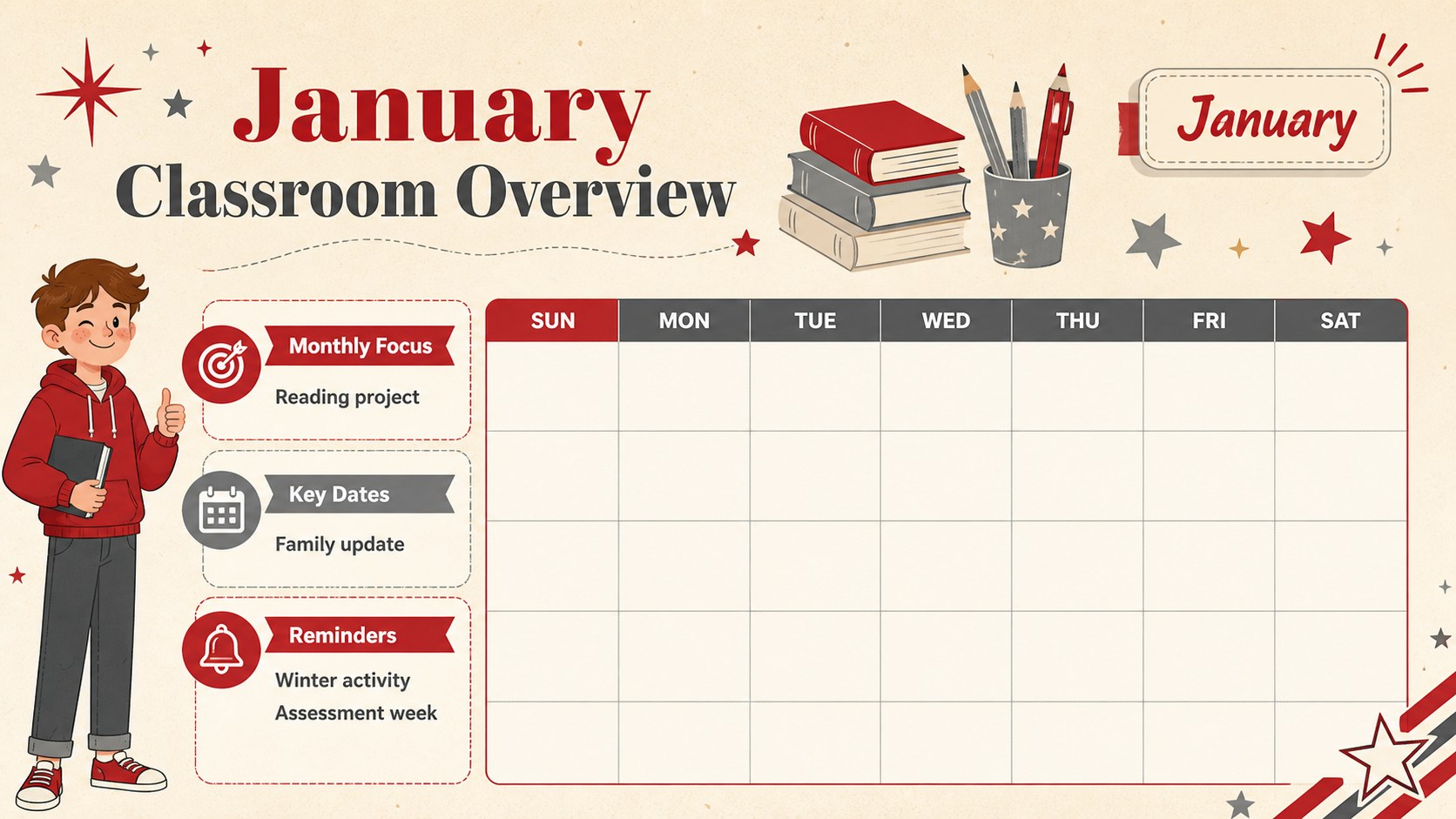
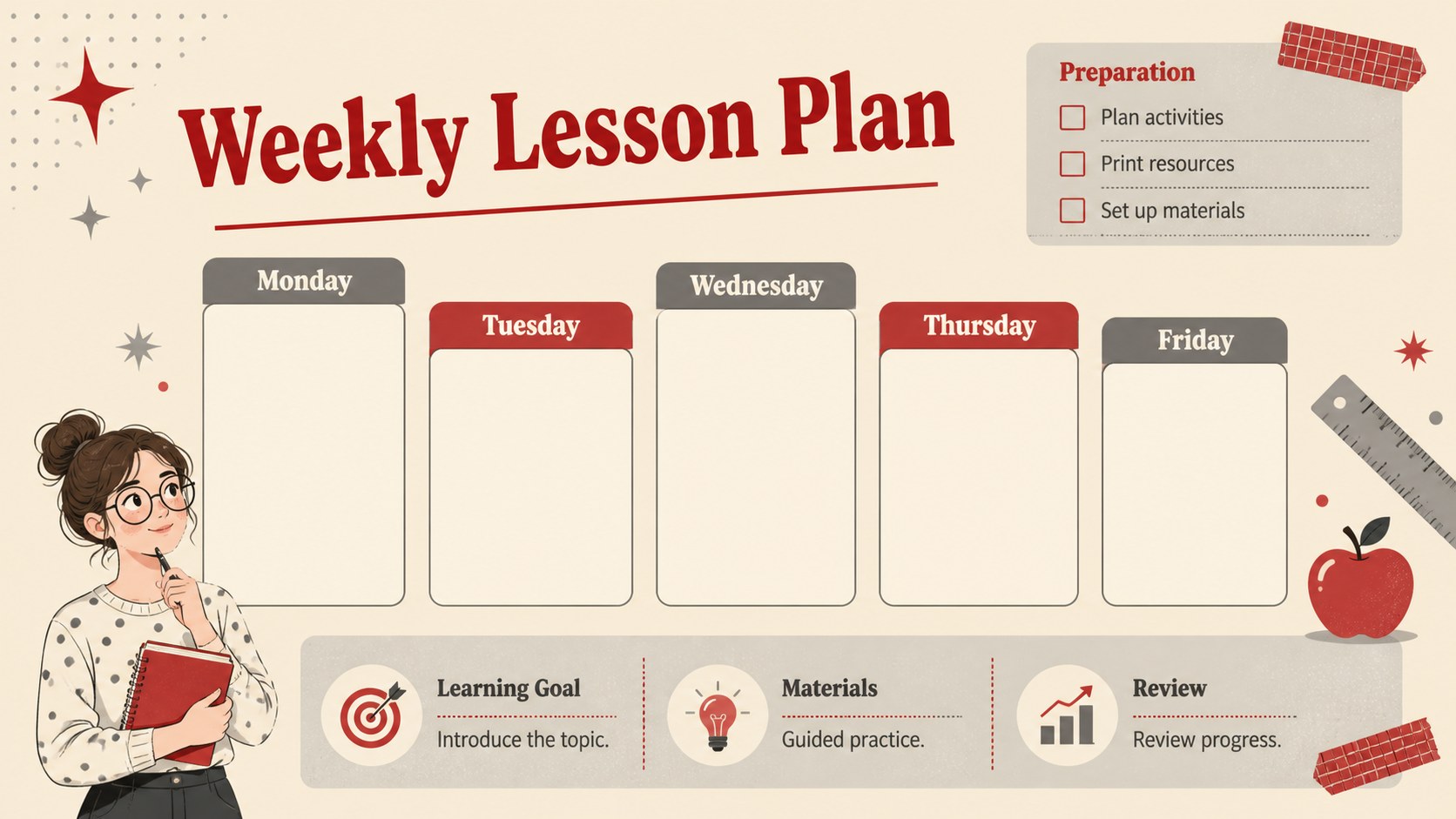
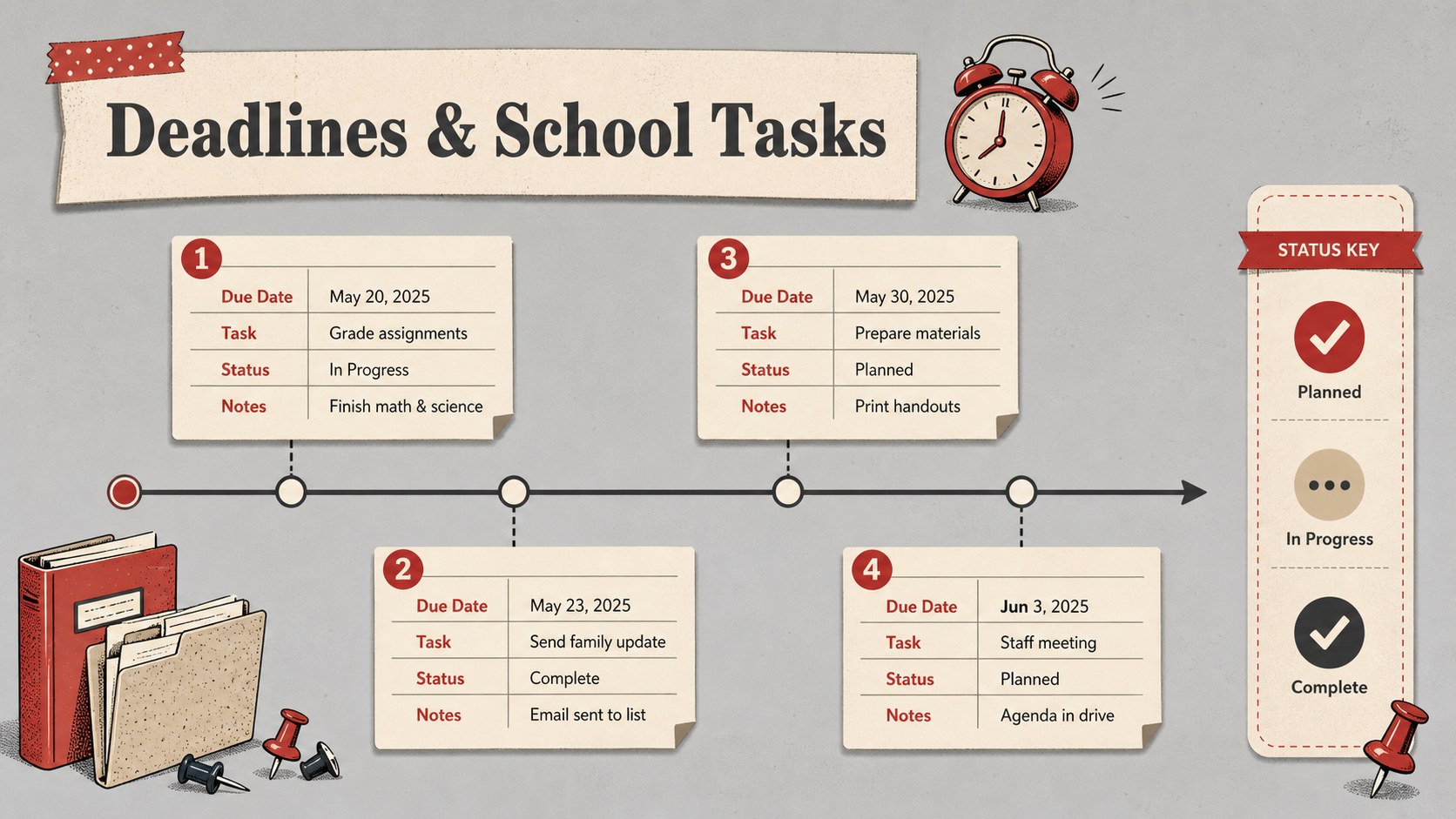
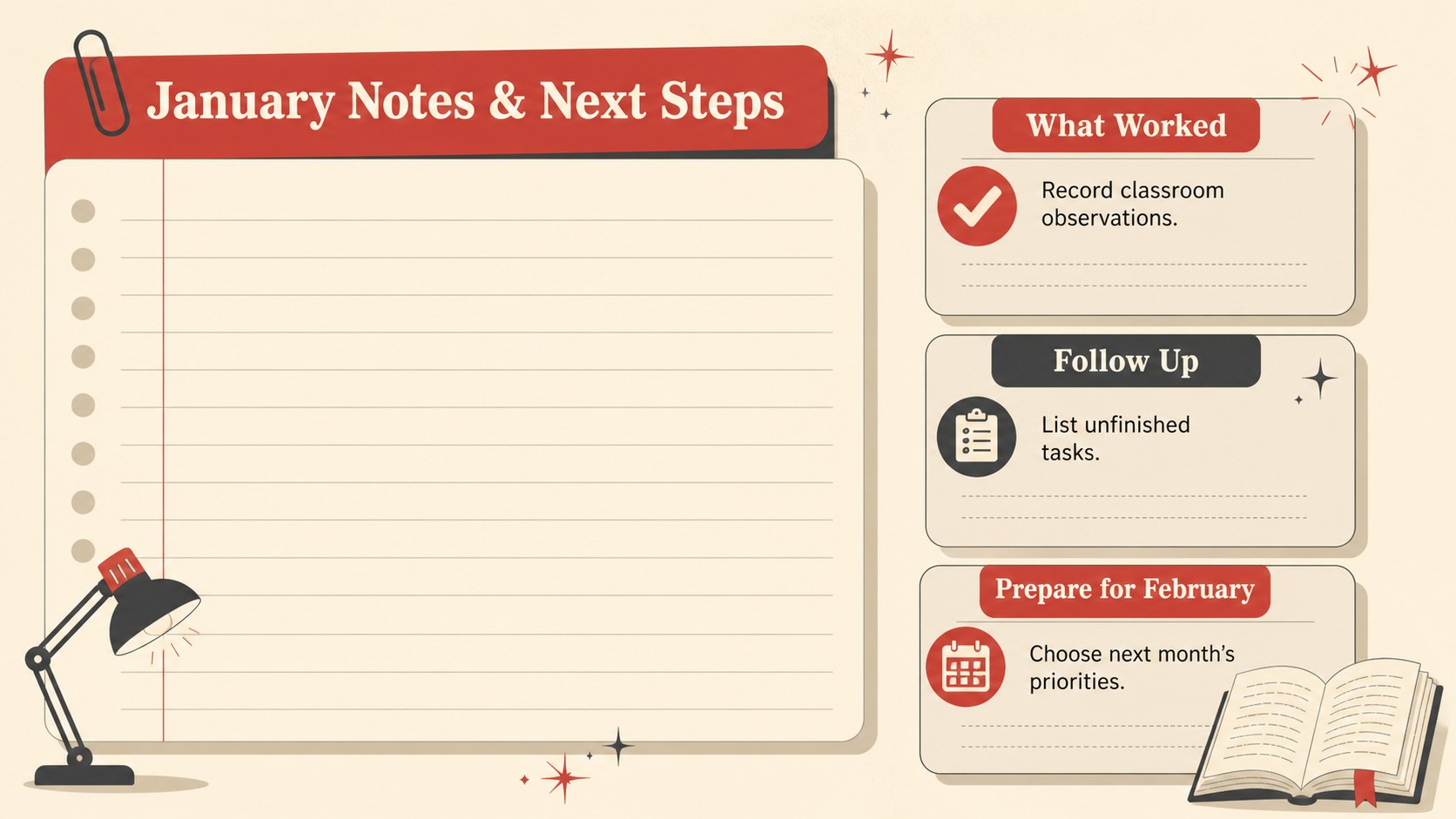
Inside, you will find five coordinated layouts for monthly scheduling, weekly lesson preparation, important deadlines, classroom events, and flexible notes. Use the editable January lesson planning slides to map learning objectives, assign preparation tasks, or highlight assessment dates. A dedicated January deadline tracker for teachers makes it simple to monitor grading, meetings, forms, and parent communication without crowding the main calendar.
This printable January classroom planner works especially well for elementary and middle school teachers, tutors, homeschool educators, and academic coordinators. Every page can be personalized in PowerPoint or Google Slides by changing text, moving elements, adjusting colors, and adding school-specific details. Present the layouts digitally during planning meetings or export completed pages for a classroom binder. Whether you are organizing a new term, coordinating winter activities, or resetting routines after the holiday break, the template offers a practical visual system for keeping the month focused and manageable.
Perfect for: January lesson scheduling; classroom event coordination; assignment deadline tracking; weekly teacher preparation; homeschool month planning.
Frequently asked questions
Can I edit every planning page? Yes. Text, colors, shapes, dates, and decorative elements can be adjusted to fit your classroom schedule and teaching style.
Practical details
Yes. Text, colors, shapes, dates, and decorative elements can be adjusted to fit your classroom schedule and teaching style.
The organizer is designed for PowerPoint and Google Slides. You can edit it online or on your computer, depending on the platform you use.
Yes. After adding your schedule, export the completed layouts as PDF files and print them for a planning binder, desk display, or staff noticeboard.
Yes. Duplicate any page and customize the labels, subjects, deadlines, or events for separate classes, grade levels, or teaching groups.
Keep exploring
15Build an engaging World UFO Day session with this flying saucer history lesson deck, featuring retro green-and-brown slides for PowerPoint and Google Slides.
 15
15Plan a lively animal-learning journey with this jungle zoo adventure lesson deck, ready to customize in PowerPoint and Google Slides for young learners.
 16
16Turn environmental research into a clear story with a Watercolor Ecology Presentation Theme for PowerPoint and Google Slides in calming green and blue.
 16
16Build focused fashion, literature, and humanities presentations with the Red Triangle Editorial Theme, editable in PowerPoint and Google Slides.
 15
15Turn streaming stats, favorite tracks, and concert highlights into a bold annual listening recap slide deck for PowerPoint and Google Slides.
 15
15Turn highlights, milestones, and favorite moments into a colorful year in review slide deck with bold 3D graphics for PowerPoint and Google Slides.
 3
3Build a credible endorsement with Standout Colleague Recommendation Letter Slides, featuring colorful prompts for skills, achievements, and team impact.
 4
4Build clear beginner sessions with an ice hockey fundamentals training deck for coaches, PE teachers, and clubs, ready for PowerPoint and Google Slides.