
 15
15presentation
Flying Saucer History Lesson Deck
Build an engaging World UFO Day session with this flying saucer history lesson deck, featuring retro green-and-brown slides for PowerPoint and Google Slides.
Google SlidesPowerPoint
presentation · English
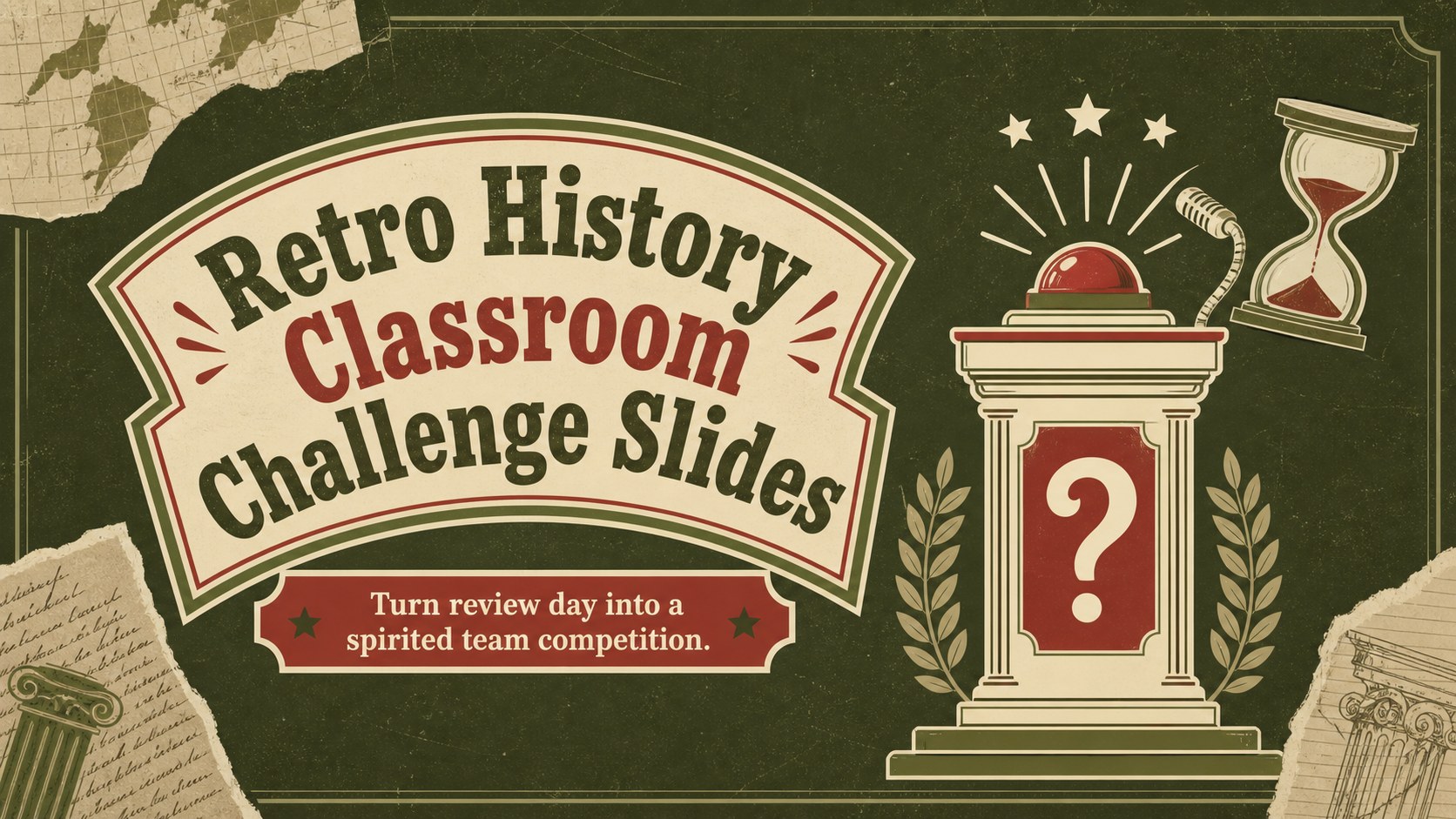
Turn review day into a lively retro history classroom challenge with editable green-and-red quiz slides for teachers using PowerPoint and Google Slides.
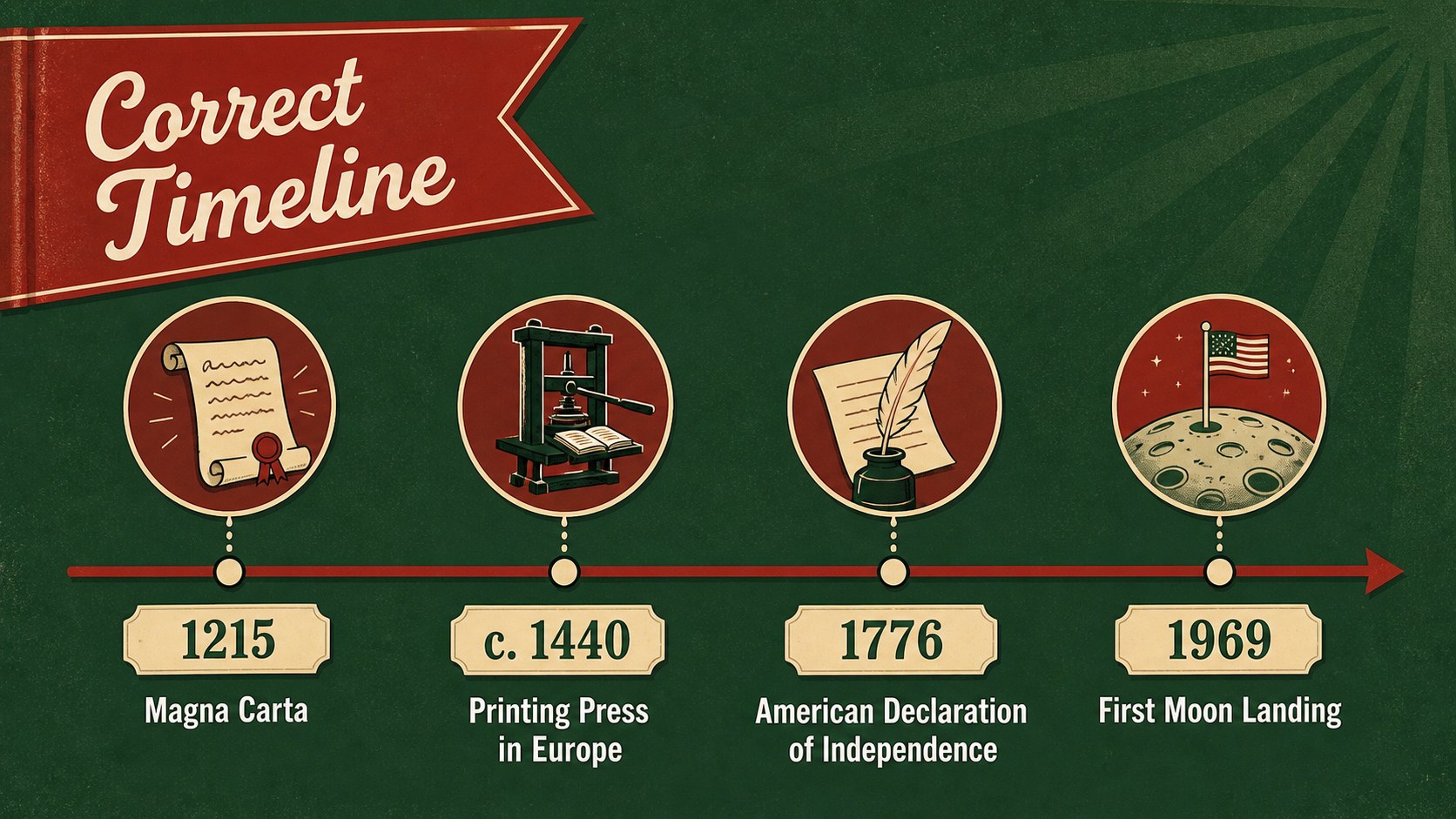
Design notes
Bring energy and structure to revision sessions with Retro History Classroom Challenge Slides, a vintage-inspired quiz deck created for teachers who want students actively involved. Its green and red palette, playful illustrations, and clear scoring layouts turn historical recall into a friendly classroom contest. Edit the questions, answers, categories, and team names in PowerPoint or Google Slides to match any period, unit, or grade level.
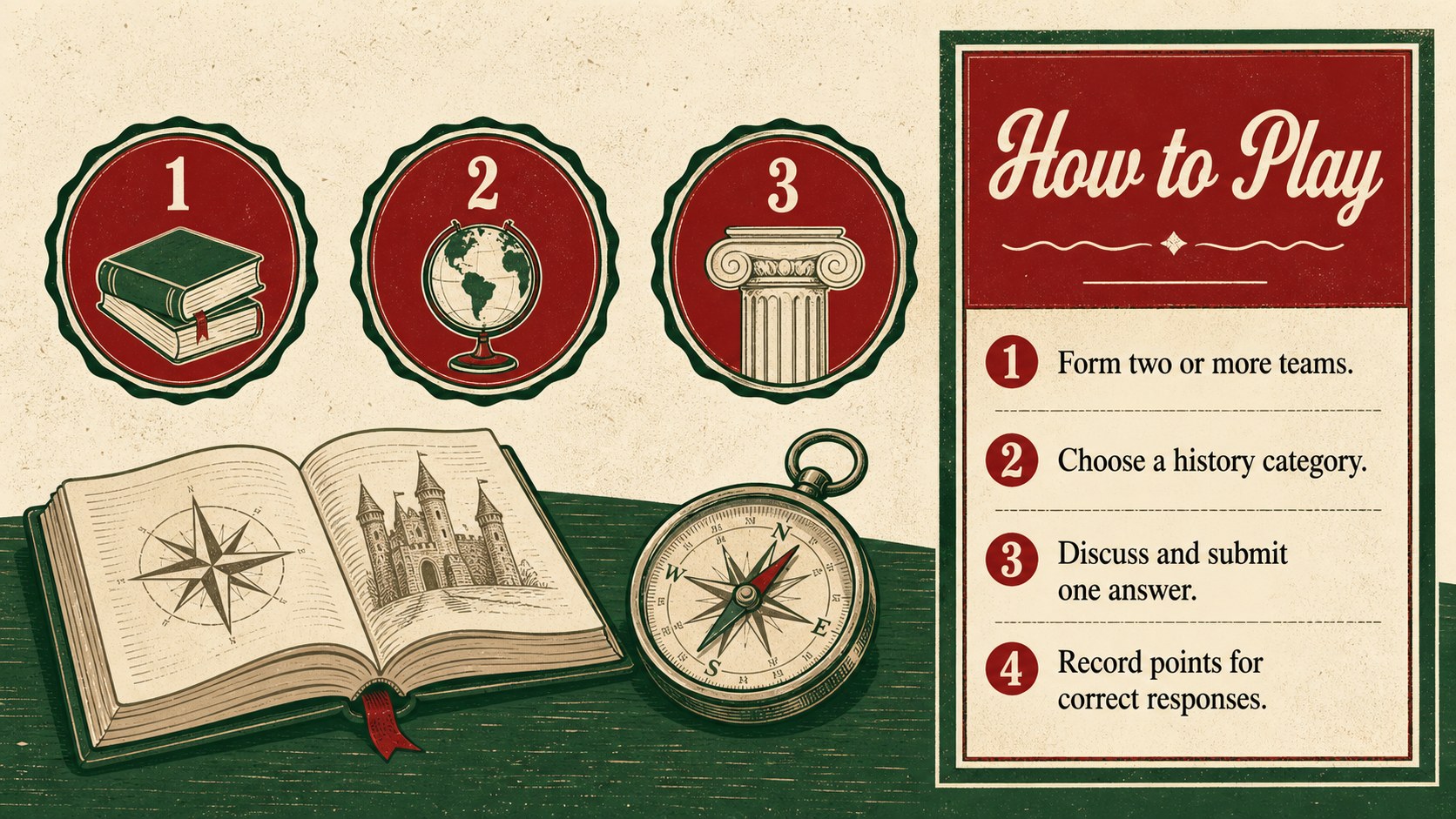
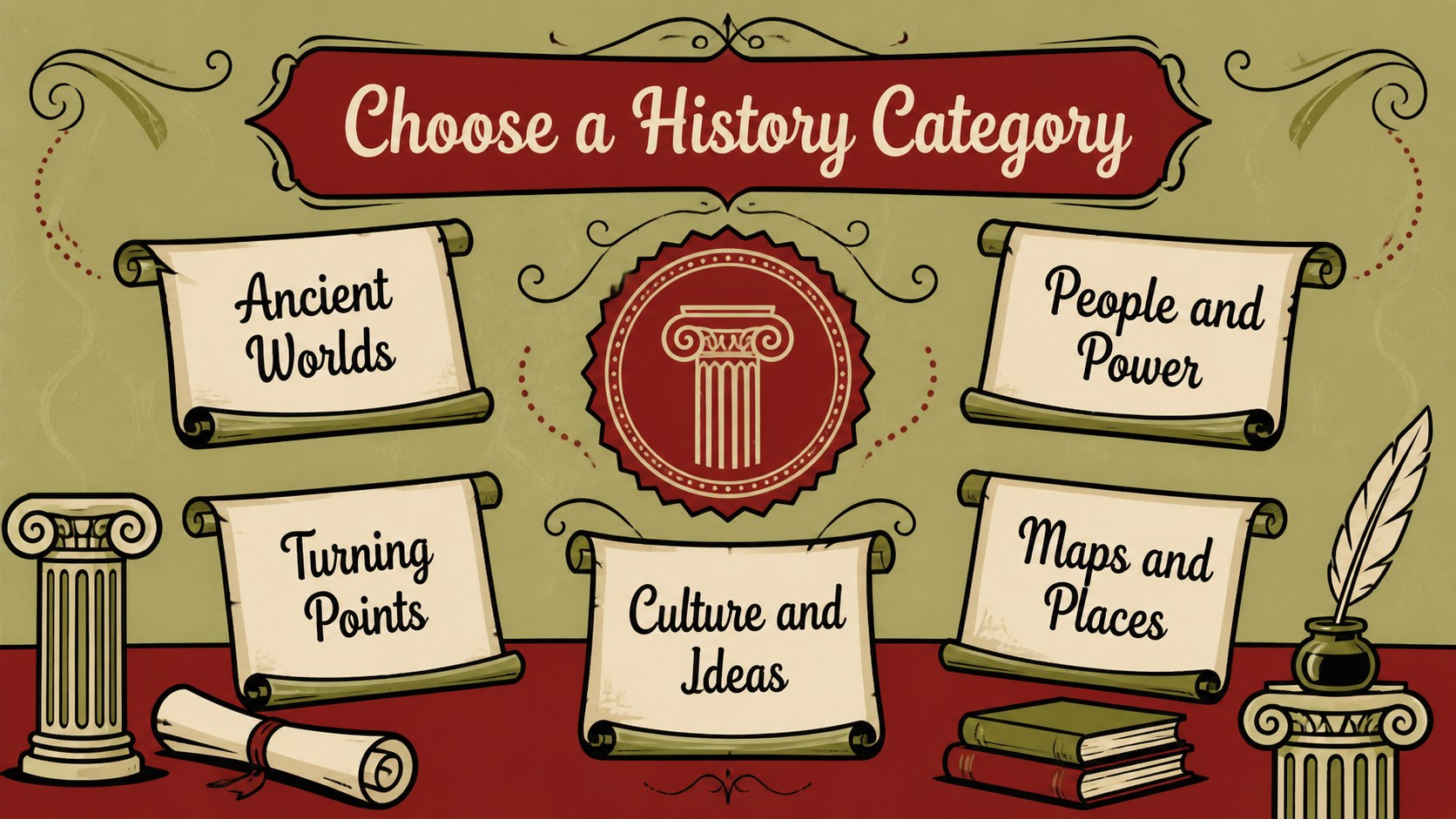
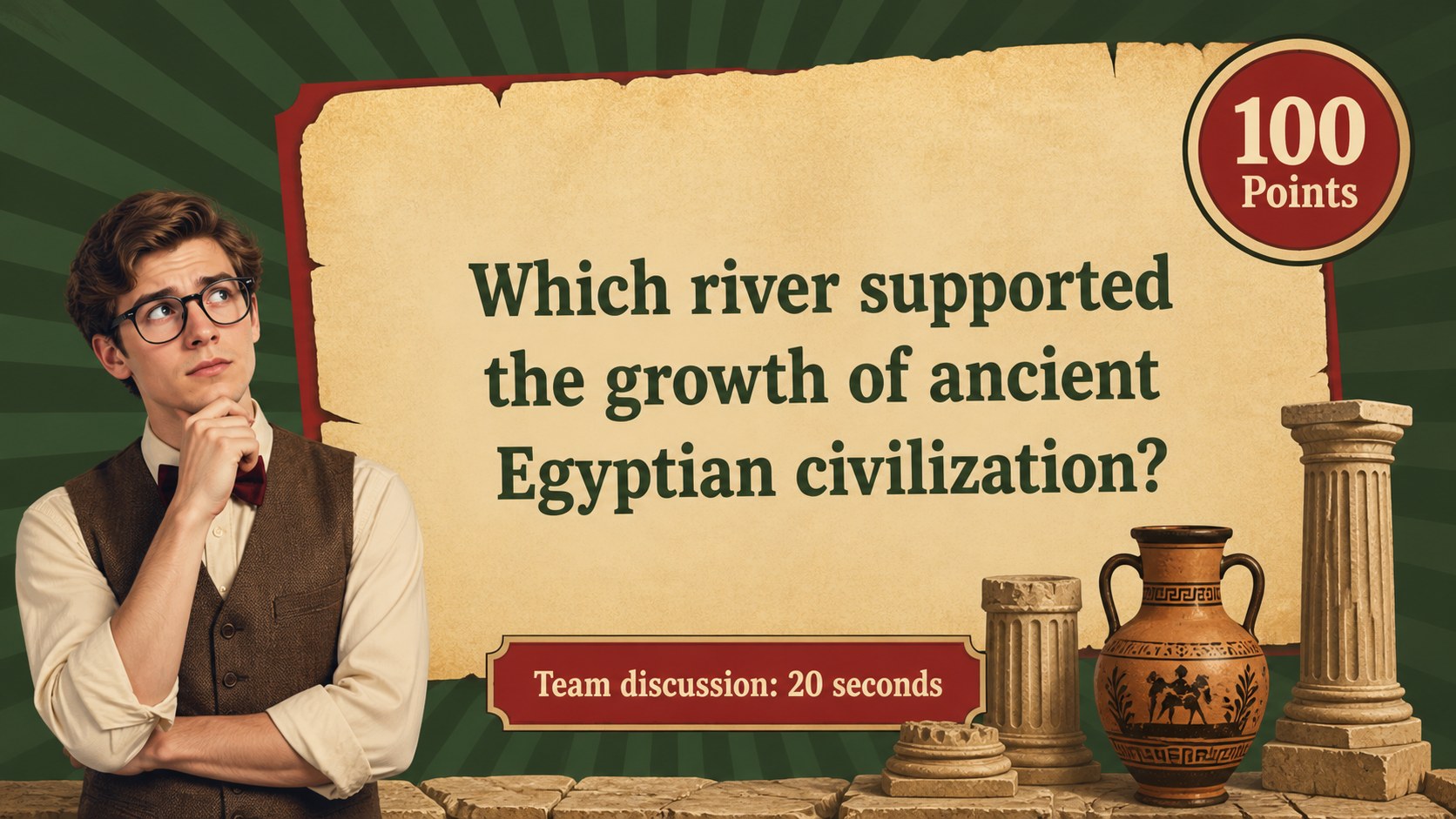
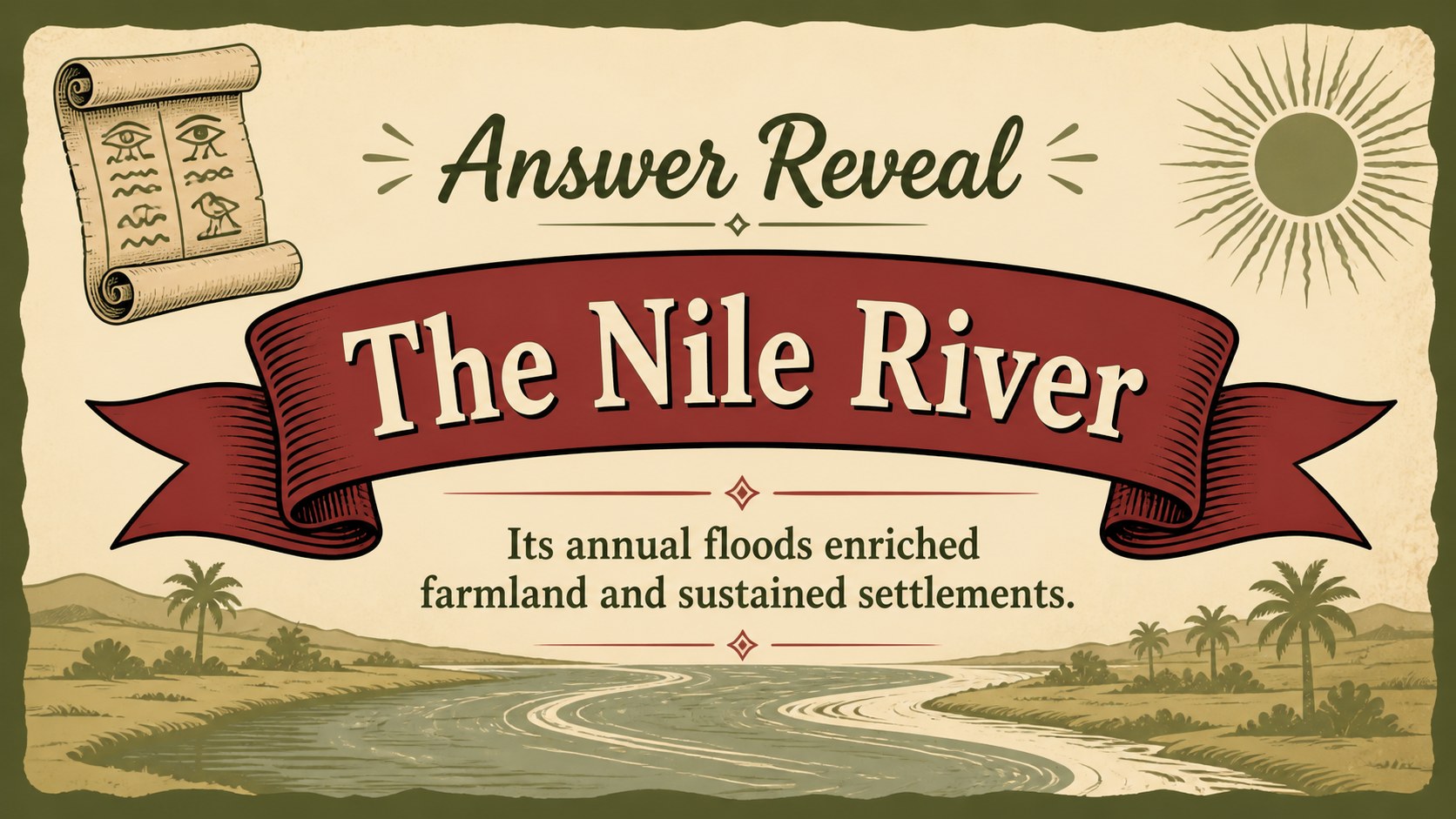
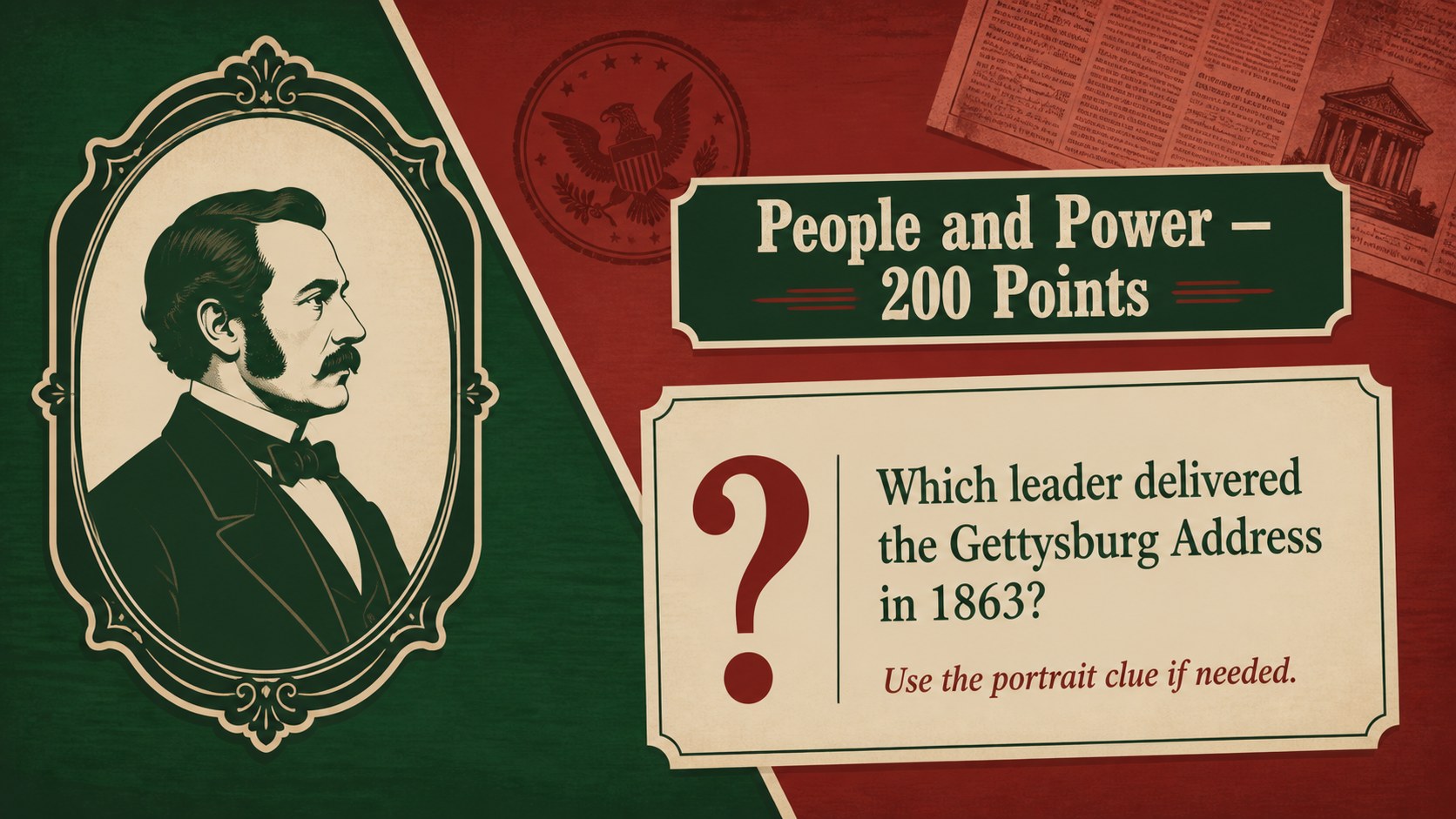
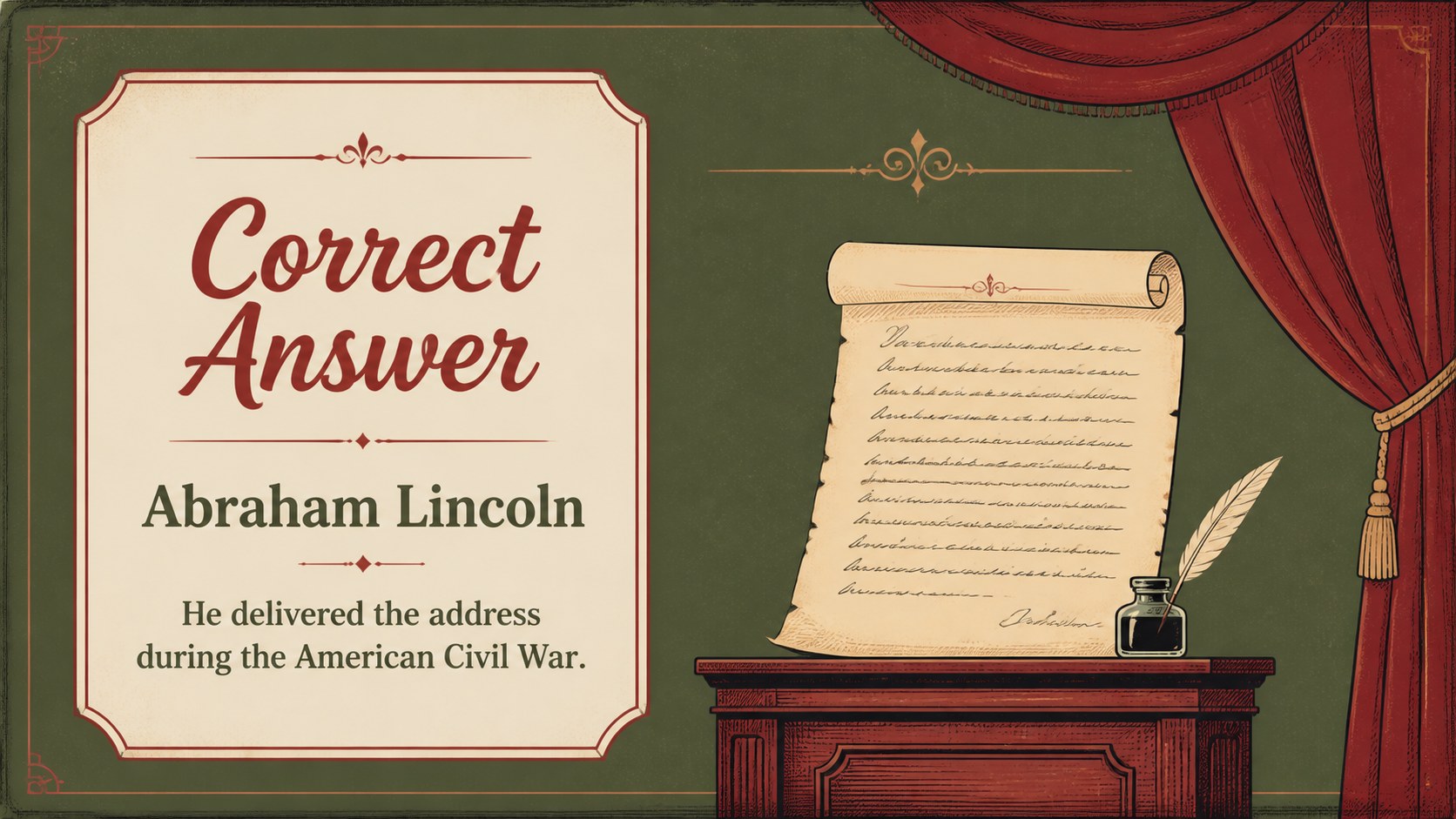
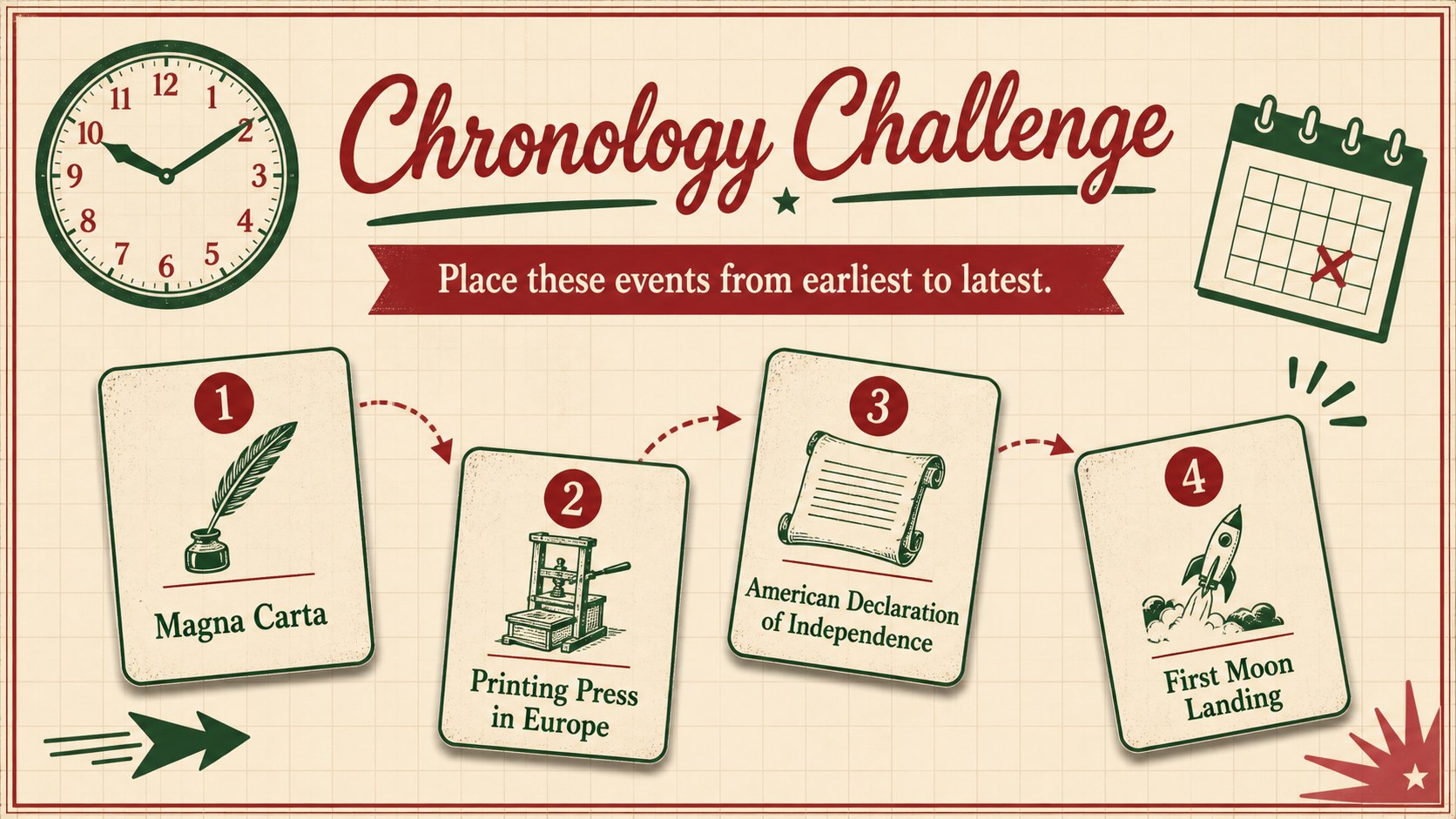
The deck includes an opening screen, game instructions, category boards, question and answer layouts, score tracking, challenge rounds, and a final results page. Use it as a retro history quiz game template for whole-class review, small-group stations, or an end-of-unit activity. Flexible layouts also support image clues, primary-source prompts, timelines, vocabulary checks, and rapid-fire questions without disrupting the visual style.
Designed for history and social studies educators, this editable classroom history competition works well for middle school, high school, tutoring, and homeschool lessons. Teachers can adapt it for ancient civilizations, national history, world wars, political movements, cultural milestones, or local heritage. The result is a team based social studies review that encourages discussion, quick recall, and collaborative reasoning while keeping scores and instructions easy to follow.
Perfect for: end-of-unit history review; social studies team competition; historical vocabulary practice; exam preparation lesson; homeschool history trivia; classroom knowledge check.
Frequently asked questions
Can I replace the history questions with my own content? Yes. All question prompts, answers, categories, team names, and score labels can be edited to fit your curriculum, historical period, and student level.
Practical details
Yes. All question prompts, answers, categories, team names, and score labels can be edited to fit your curriculum, historical period, and student level.
The deck is designed for Microsoft PowerPoint and Google Slides. Upload or open the file in your preferred platform, then adjust the text and game content before presenting.
Yes. You can update the colors, fonts, illustrations, and decorative elements while retaining the game structure. For a consistent result, apply the same changes across category, question, answer, and scoring slides.
Divide students into teams and assign each group a name before the game begins. Use the included score layouts to record points after each question, challenge, or bonus round.
Keep exploring
15Build an engaging World UFO Day session with this flying saucer history lesson deck, featuring retro green-and-brown slides for PowerPoint and Google Slides.
 15
15Plan a lively animal-learning journey with this jungle zoo adventure lesson deck, ready to customize in PowerPoint and Google Slides for young learners.
 16
16Turn environmental research into a clear story with a Watercolor Ecology Presentation Theme for PowerPoint and Google Slides in calming green and blue.
 16
16Build focused fashion, literature, and humanities presentations with the Red Triangle Editorial Theme, editable in PowerPoint and Google Slides.
 15
15Turn streaming stats, favorite tracks, and concert highlights into a bold annual listening recap slide deck for PowerPoint and Google Slides.
 15
15Turn highlights, milestones, and favorite moments into a colorful year in review slide deck with bold 3D graphics for PowerPoint and Google Slides.
 3
3Build a credible endorsement with Standout Colleague Recommendation Letter Slides, featuring colorful prompts for skills, achievements, and team impact.
 4
4Build clear beginner sessions with an ice hockey fundamentals training deck for coaches, PE teachers, and clubs, ready for PowerPoint and Google Slides.