
 15
15presentation
Flying Saucer History Lesson Deck
Build an engaging World UFO Day session with this flying saucer history lesson deck, featuring retro green-and-brown slides for PowerPoint and Google Slides.
Google SlidesPowerPoint
presentation · English
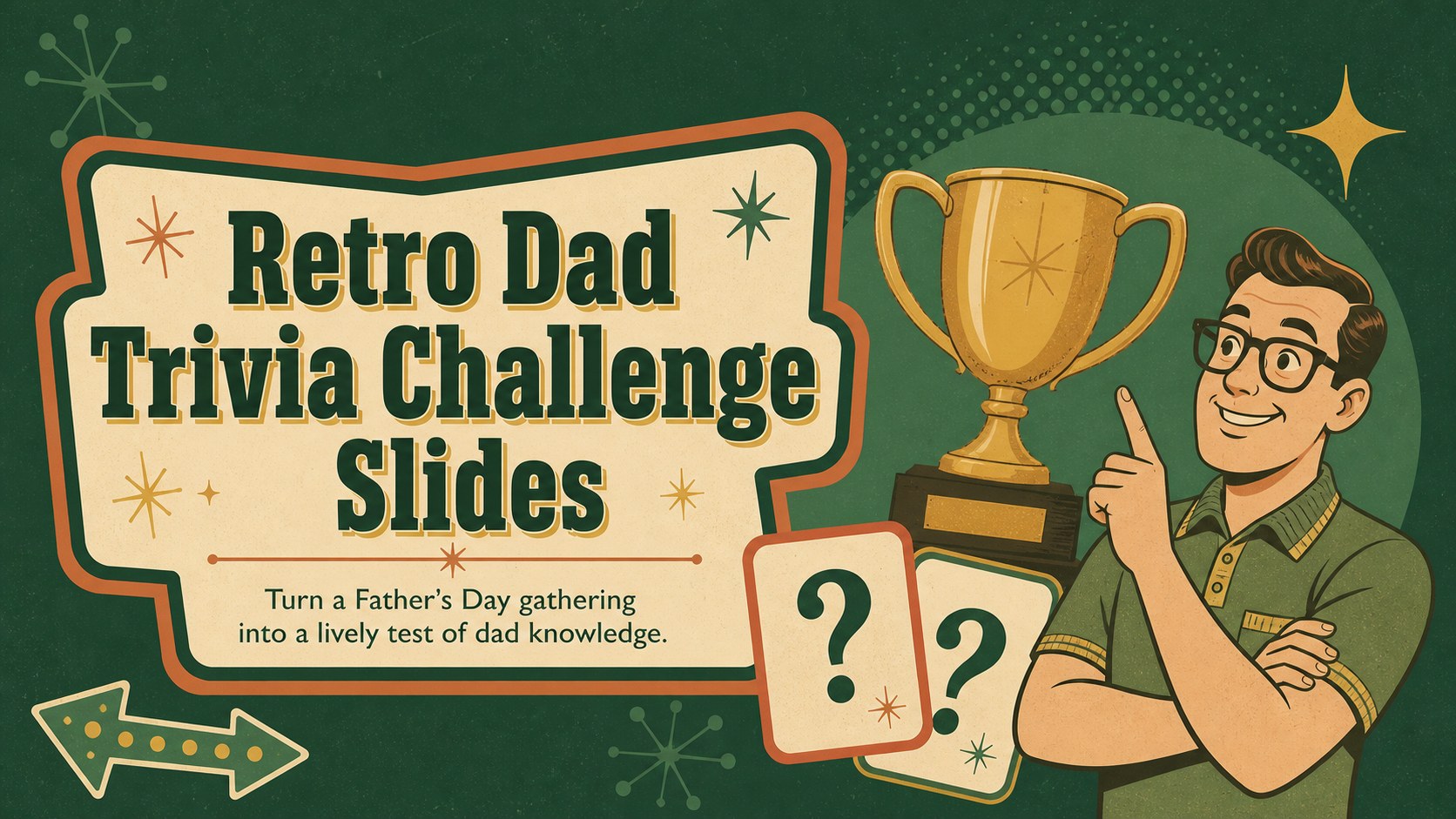
Bring retro game-show energy to any celebration with dad trivia challenge slides for PowerPoint and Google Slides, featuring editable rounds and scoring.

Design notes
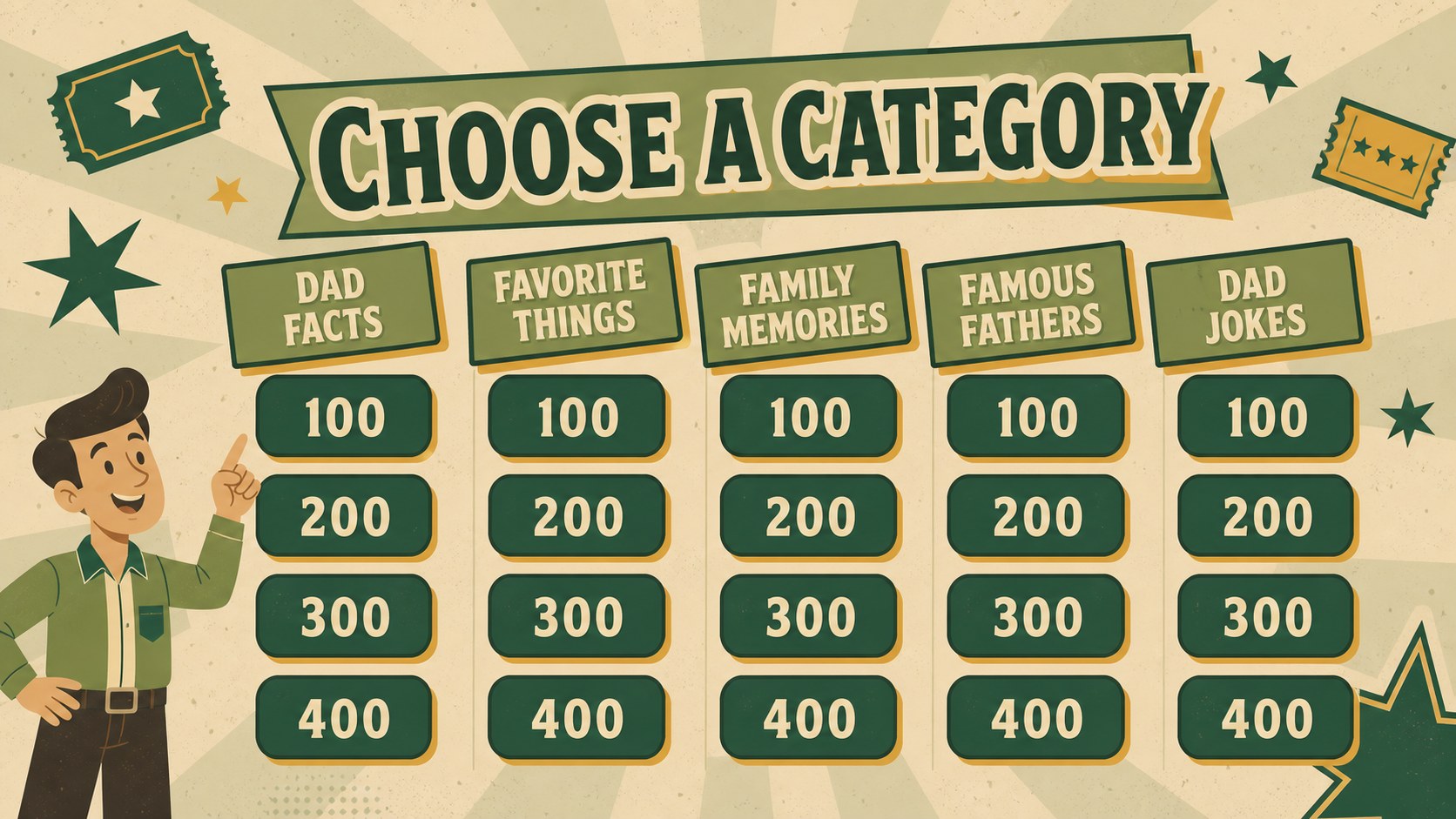
Bring everyone together for a cheerful battle of family facts with these dad trivia challenge slides. The illustrated green design combines vintage game-show character with clear, readable layouts, giving Father's Day celebrations a playful structure without losing their warm, personal feel. Customize the questions around favorite sayings, hobbies, family stories, memorable trips, or the guest of honor's funniest habits.
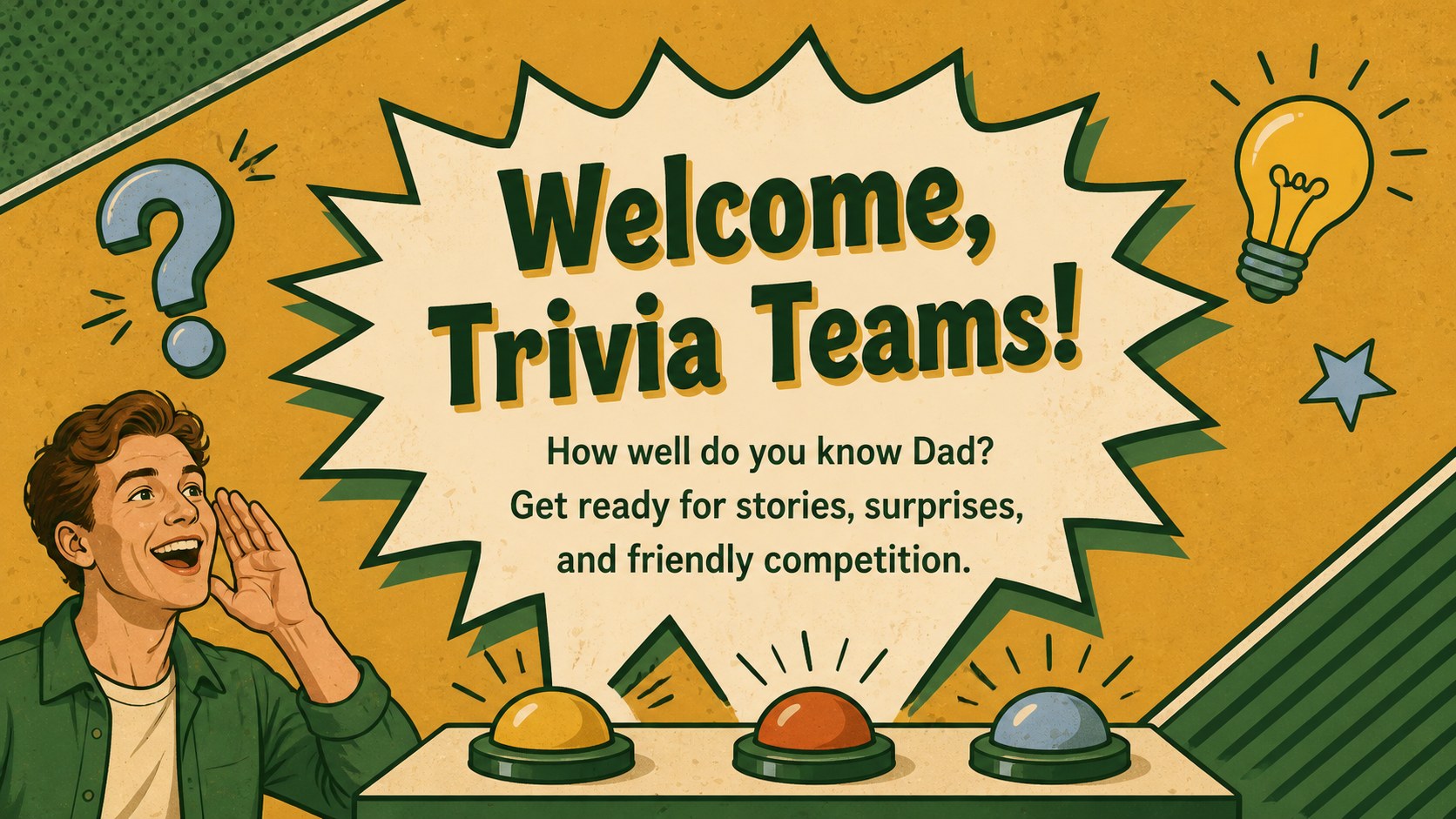
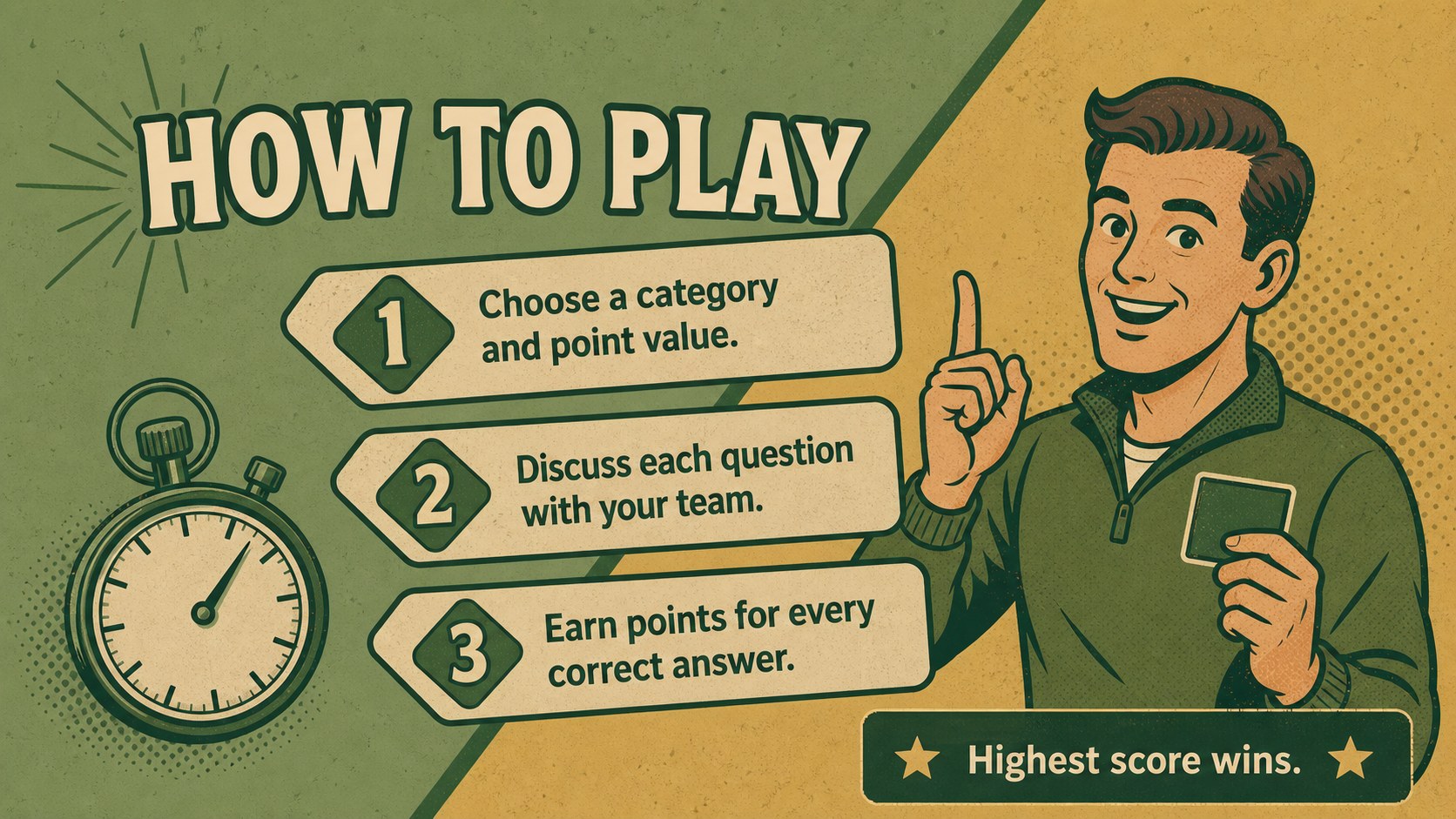
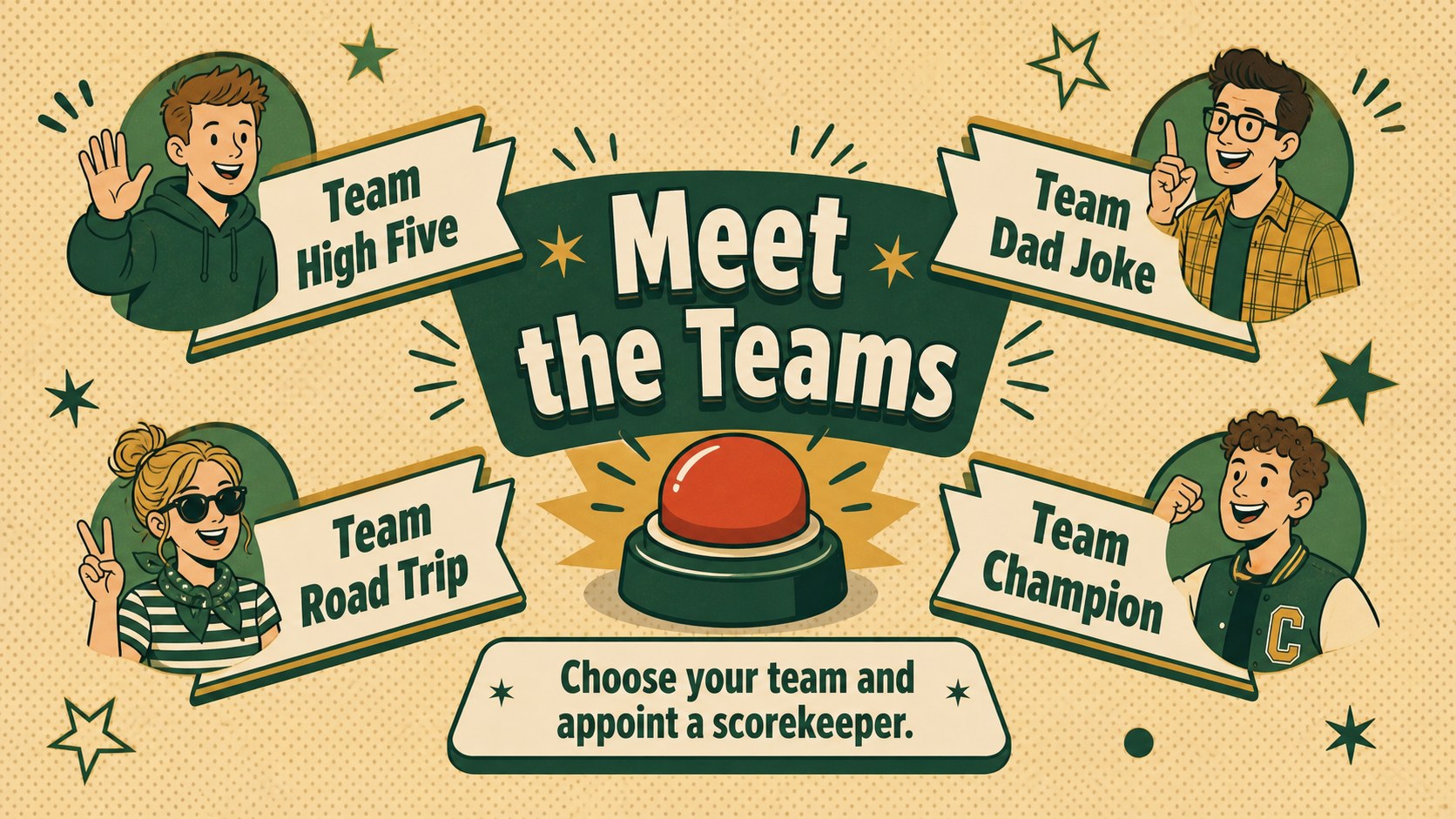
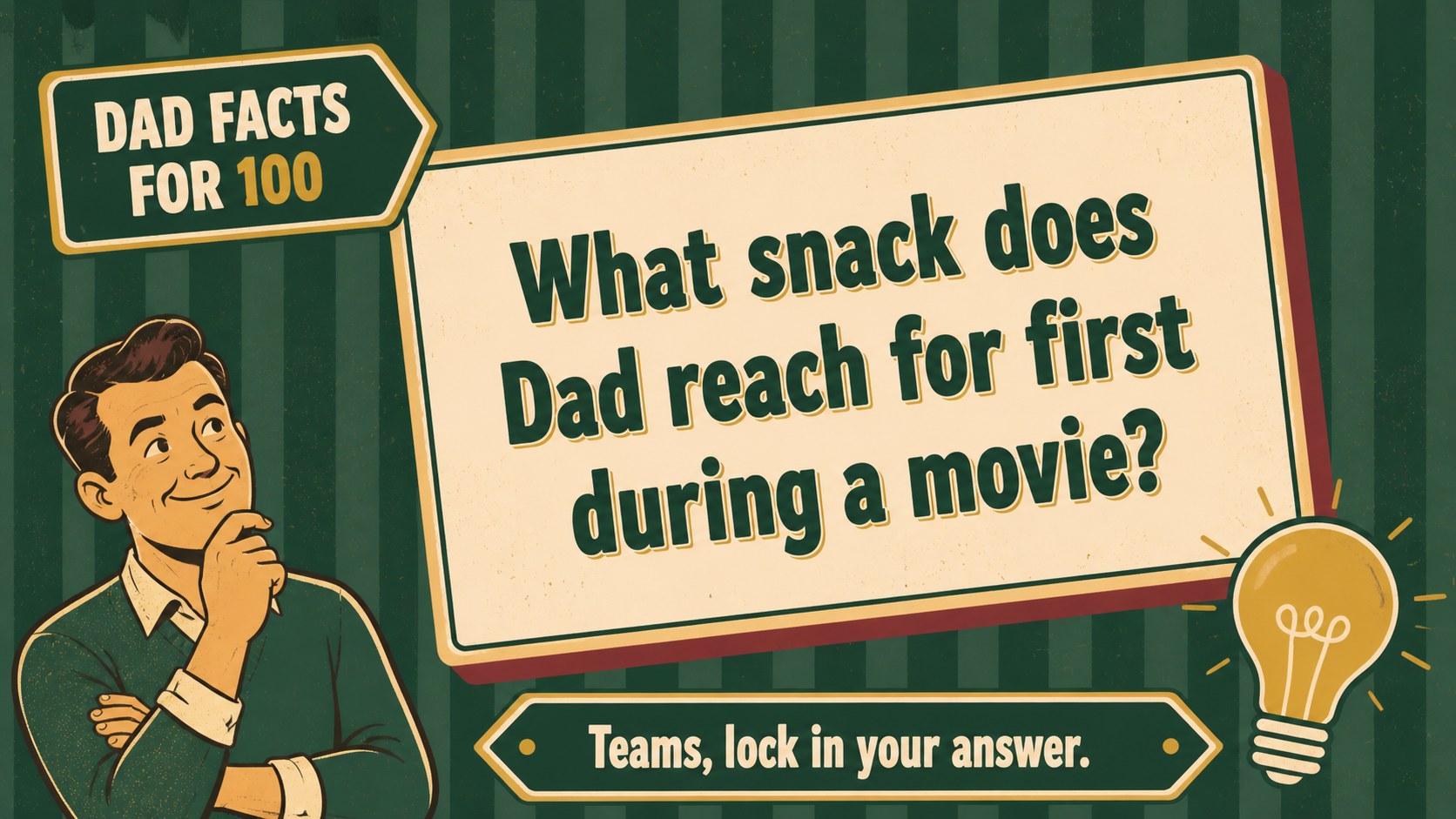
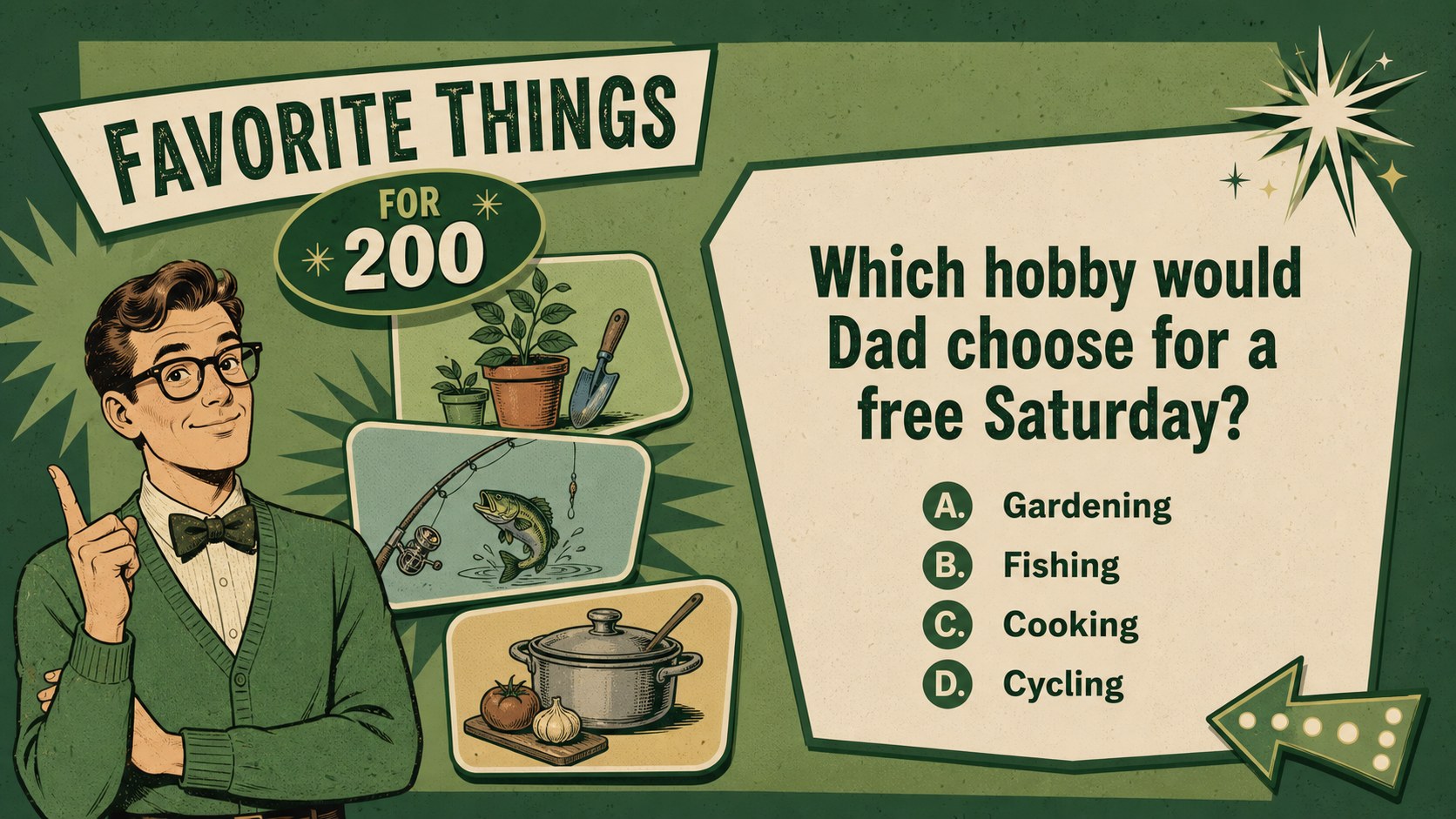
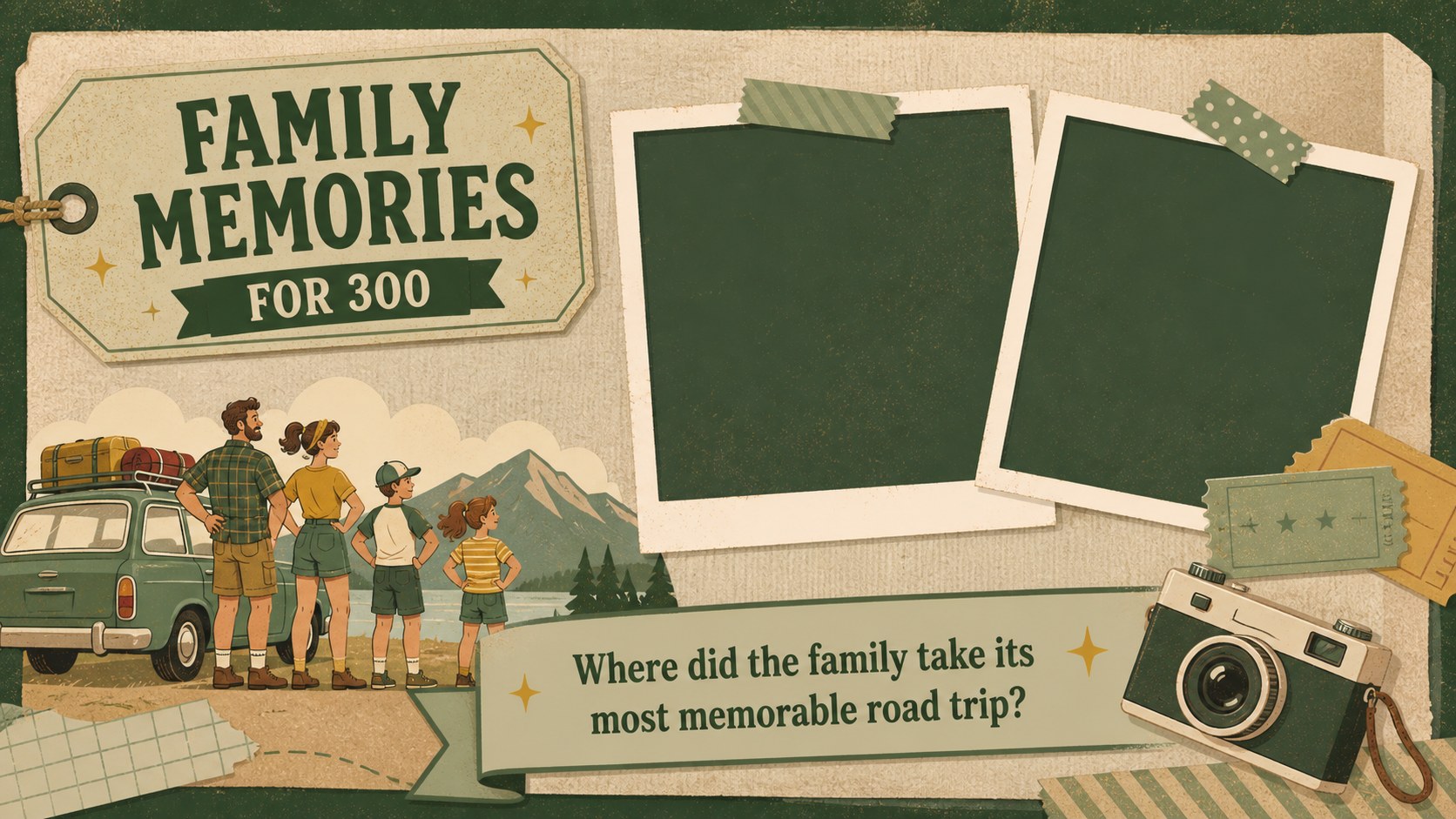
The deck includes 26 editable 16:9 slides for opening the game, introducing teams, explaining rules, displaying categories, presenting questions and answers, tracking points, handling a tiebreaker, and announcing the winner. Flexible layouts, reusable shapes, and simple visual cues help hosts create a polished family dad quiz presentation in PowerPoint or Google Slides. Colors, type, illustrations, question values, and scoring labels can all be adjusted for different groups and age ranges.
Use this Father's Day classroom trivia game for school celebrations, community events, multigenerational parties, or relaxed family gatherings at home. Teachers can build questions about famous fathers or positive role models, while families can focus on personal memories. The nostalgic artwork and green palette suit audiences who want a lighthearted activity with an old-school personality, straightforward navigation, and plenty of room for original questions.
Perfect for: Father's Day family party; classroom dad trivia activity; community holiday celebration; multigenerational family reunion; dad appreciation team game.
Frequently asked questions
Can I edit the trivia questions and answers? Yes. Every question, answer, category, point value, and instruction can be replaced with your own content in PowerPoint or Google Slides.
Practical details
Yes. Every question, answer, category, point value, and instruction can be replaced with your own content in PowerPoint or Google Slides.
The deck is designed for Microsoft PowerPoint and Google Slides. Download or open the appropriate version, then edit the slides using the platform's standard presentation tools.
Yes. You can change the color palette, fonts, illustrations, shapes, and background elements to match your event. Duplicate question layouts when you need additional rounds.
Assign each group a team name and use the included scoreboard layouts to update points between questions. The tiebreaker and winner slides provide a clear finish when scores are close.
Keep exploring
15Build an engaging World UFO Day session with this flying saucer history lesson deck, featuring retro green-and-brown slides for PowerPoint and Google Slides.
 15
15Plan a lively animal-learning journey with this jungle zoo adventure lesson deck, ready to customize in PowerPoint and Google Slides for young learners.
 16
16Turn environmental research into a clear story with a Watercolor Ecology Presentation Theme for PowerPoint and Google Slides in calming green and blue.
 16
16Build focused fashion, literature, and humanities presentations with the Red Triangle Editorial Theme, editable in PowerPoint and Google Slides.
 15
15Turn streaming stats, favorite tracks, and concert highlights into a bold annual listening recap slide deck for PowerPoint and Google Slides.
 15
15Turn highlights, milestones, and favorite moments into a colorful year in review slide deck with bold 3D graphics for PowerPoint and Google Slides.
 3
3Build a credible endorsement with Standout Colleague Recommendation Letter Slides, featuring colorful prompts for skills, achievements, and team impact.
 4
4Build clear beginner sessions with an ice hockey fundamentals training deck for coaches, PE teachers, and clubs, ready for PowerPoint and Google Slides.