
 15
15presentation
Flying Saucer History Lesson Deck
Build an engaging World UFO Day session with this flying saucer history lesson deck, featuring retro green-and-brown slides for PowerPoint and Google Slides.
Google SlidesPowerPoint
presentation · English
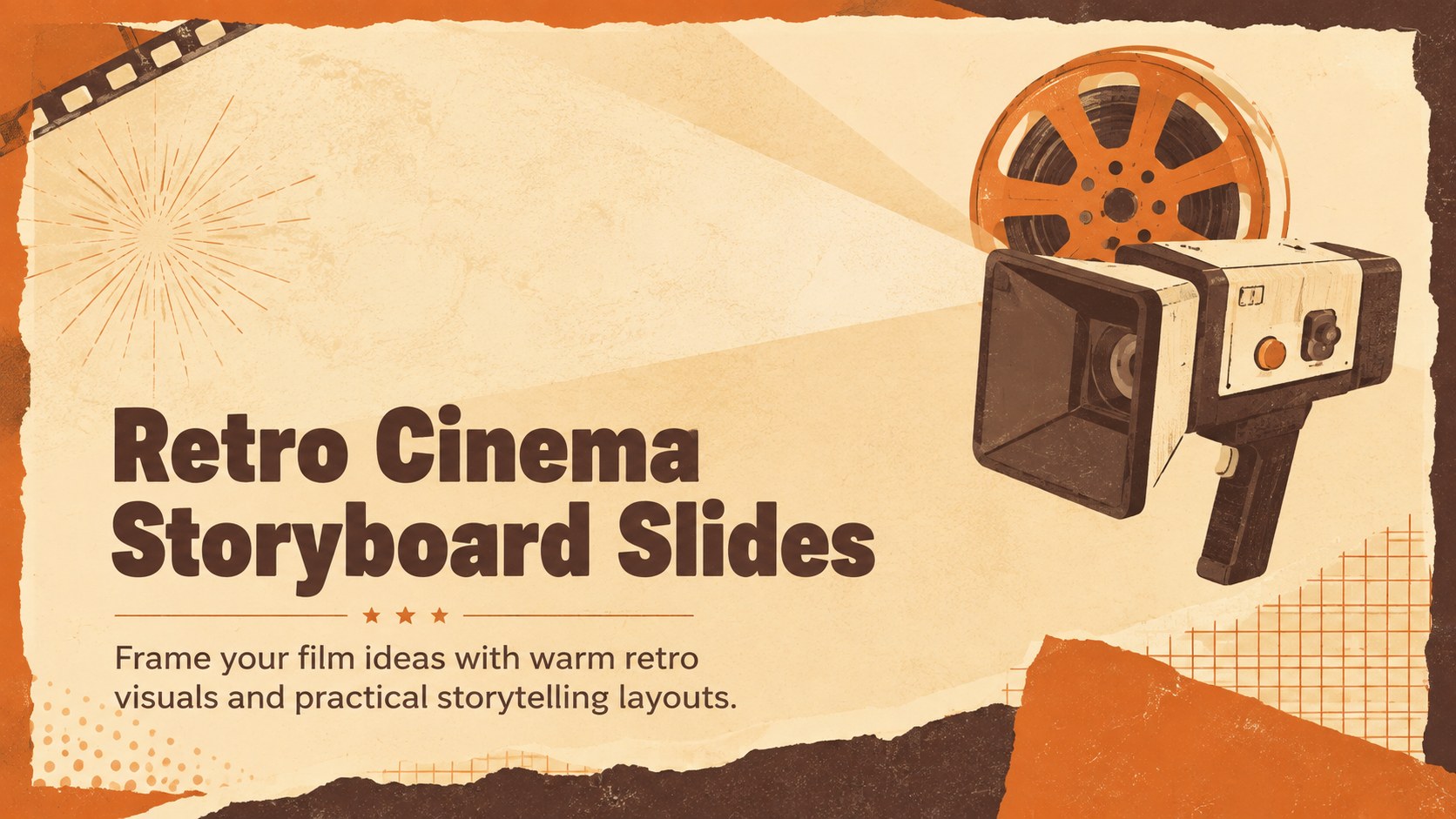
Shape film pitches, class projects, and screening plans with retro cinema storyboard slides in warm beige and orange for PowerPoint and Google Slides.
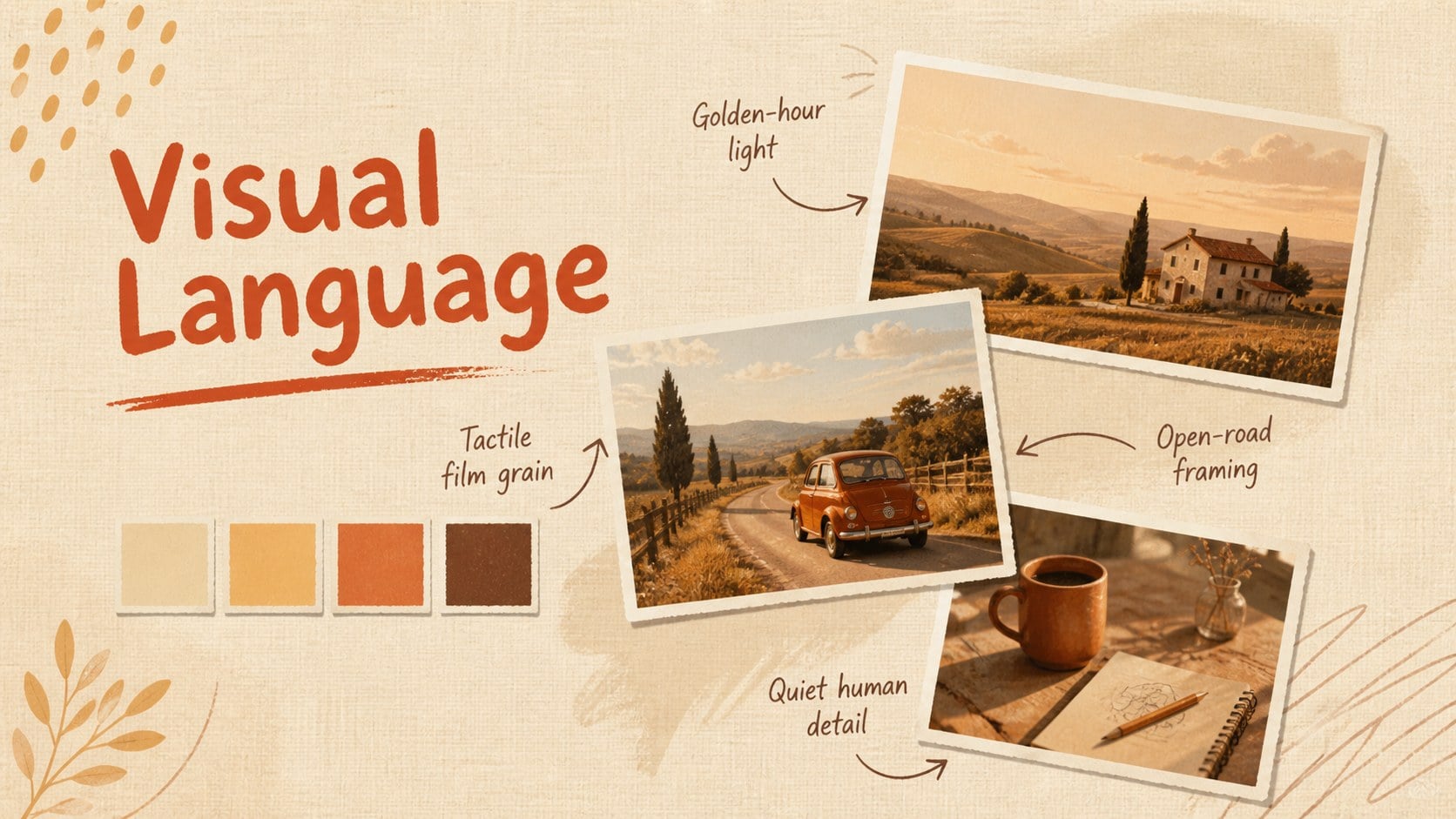
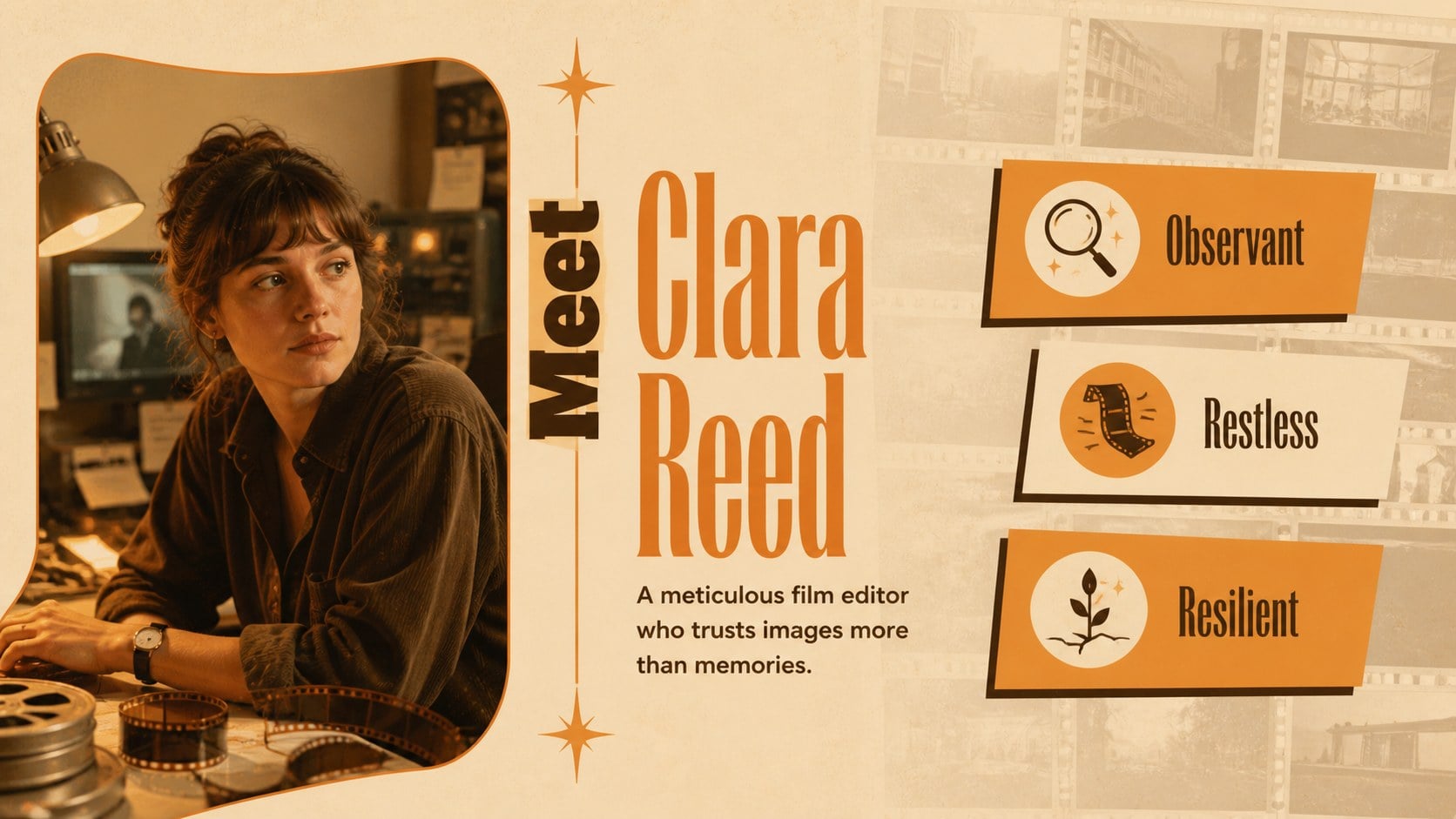
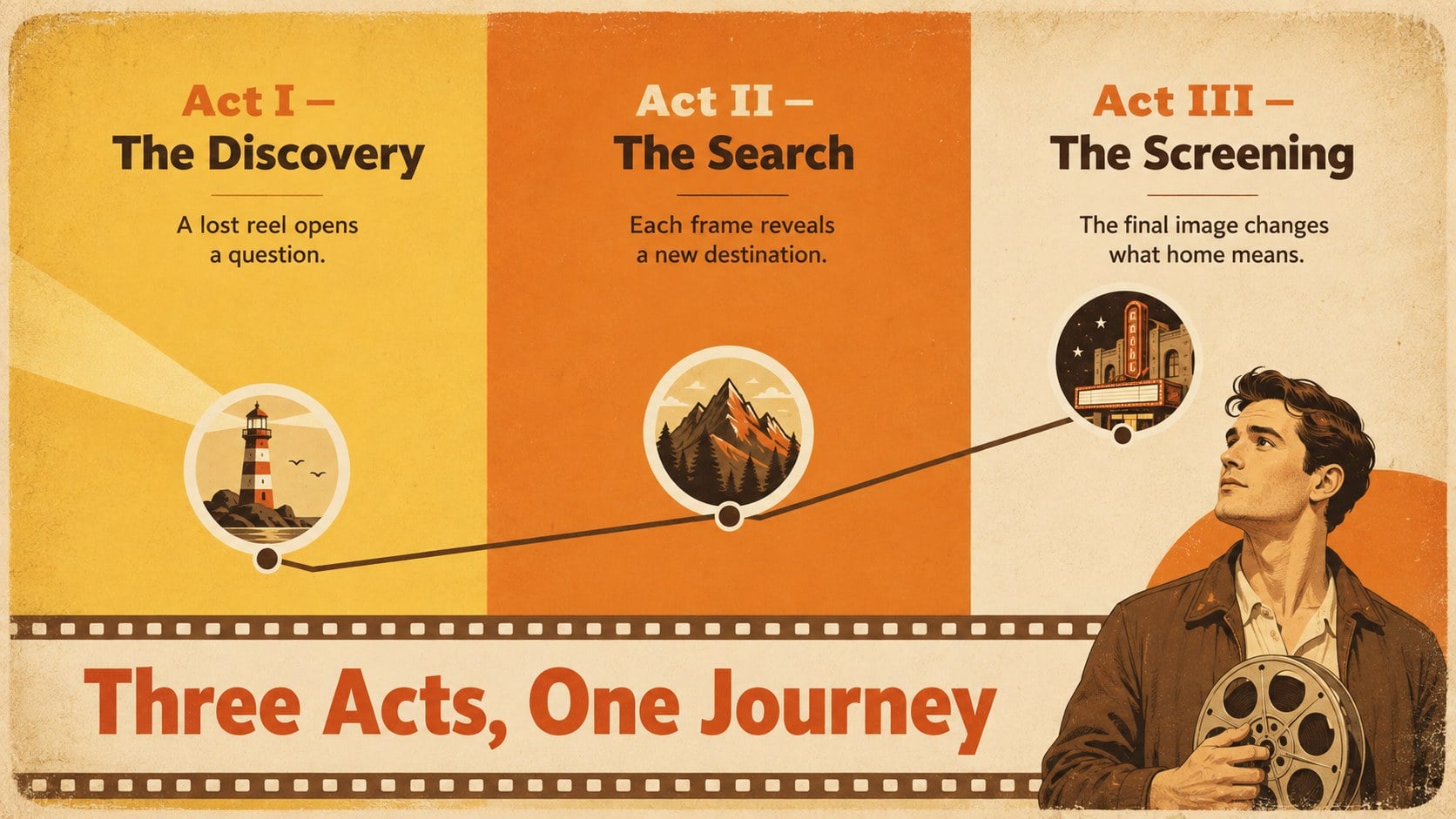
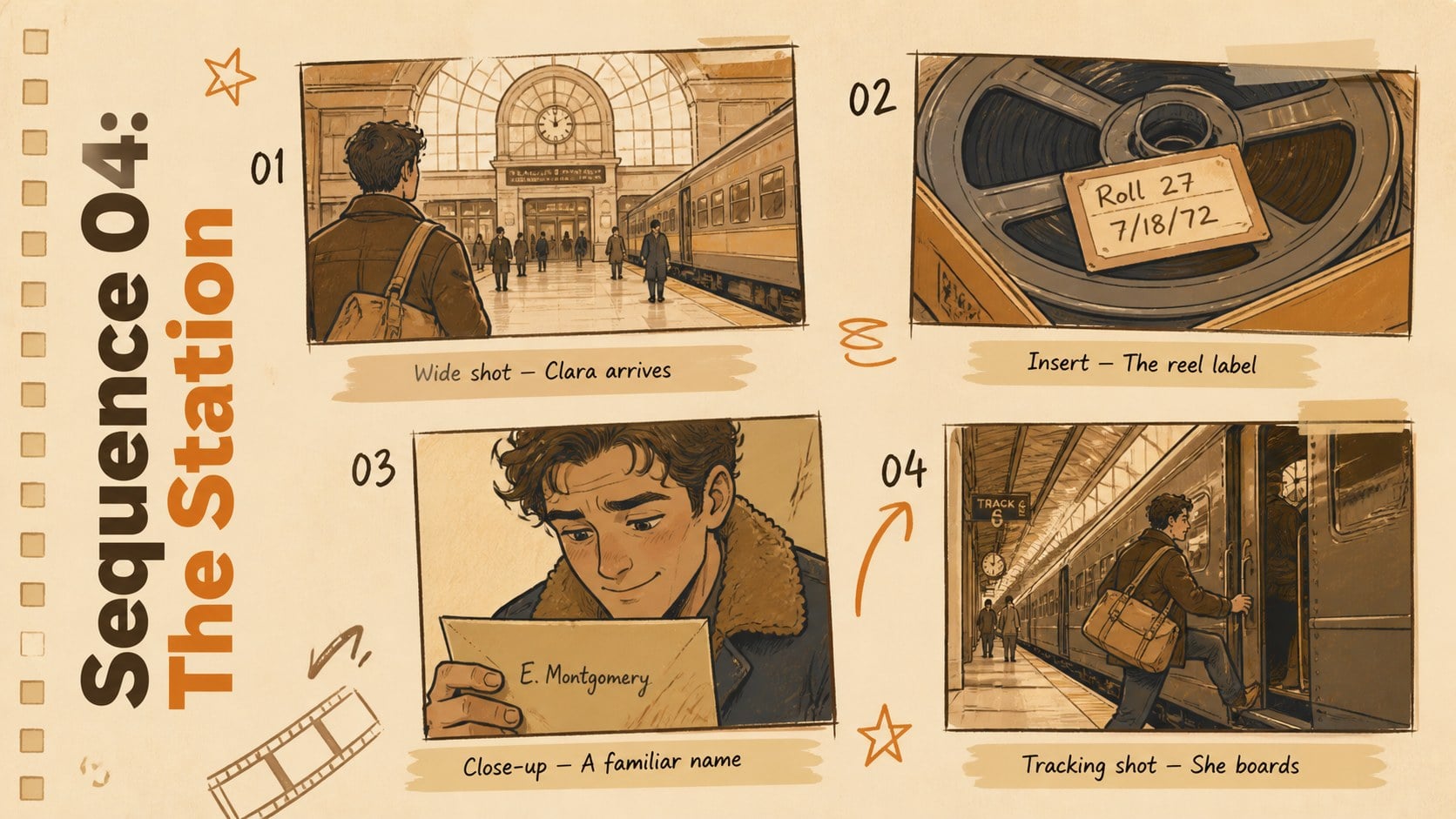
Design notes
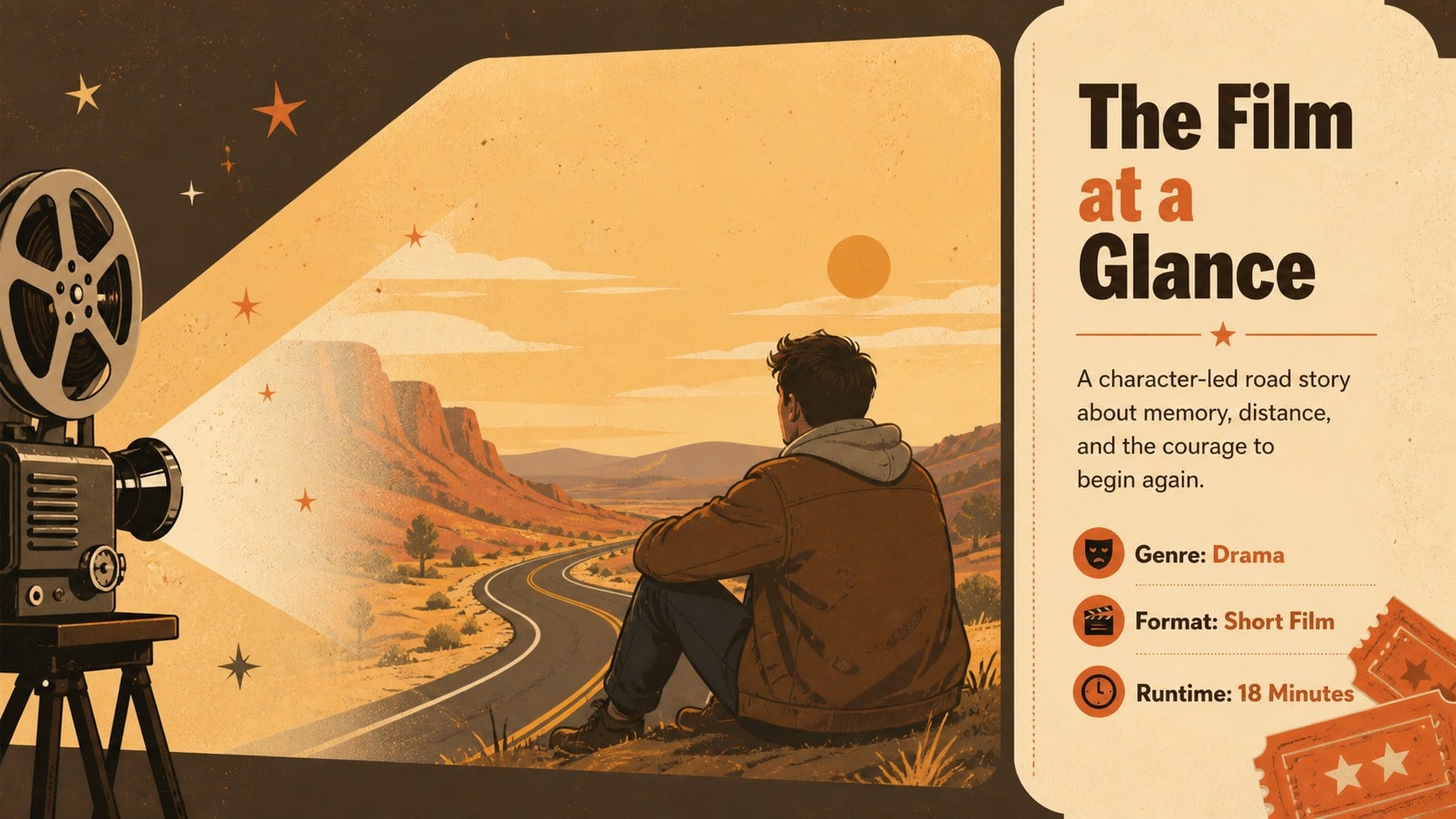
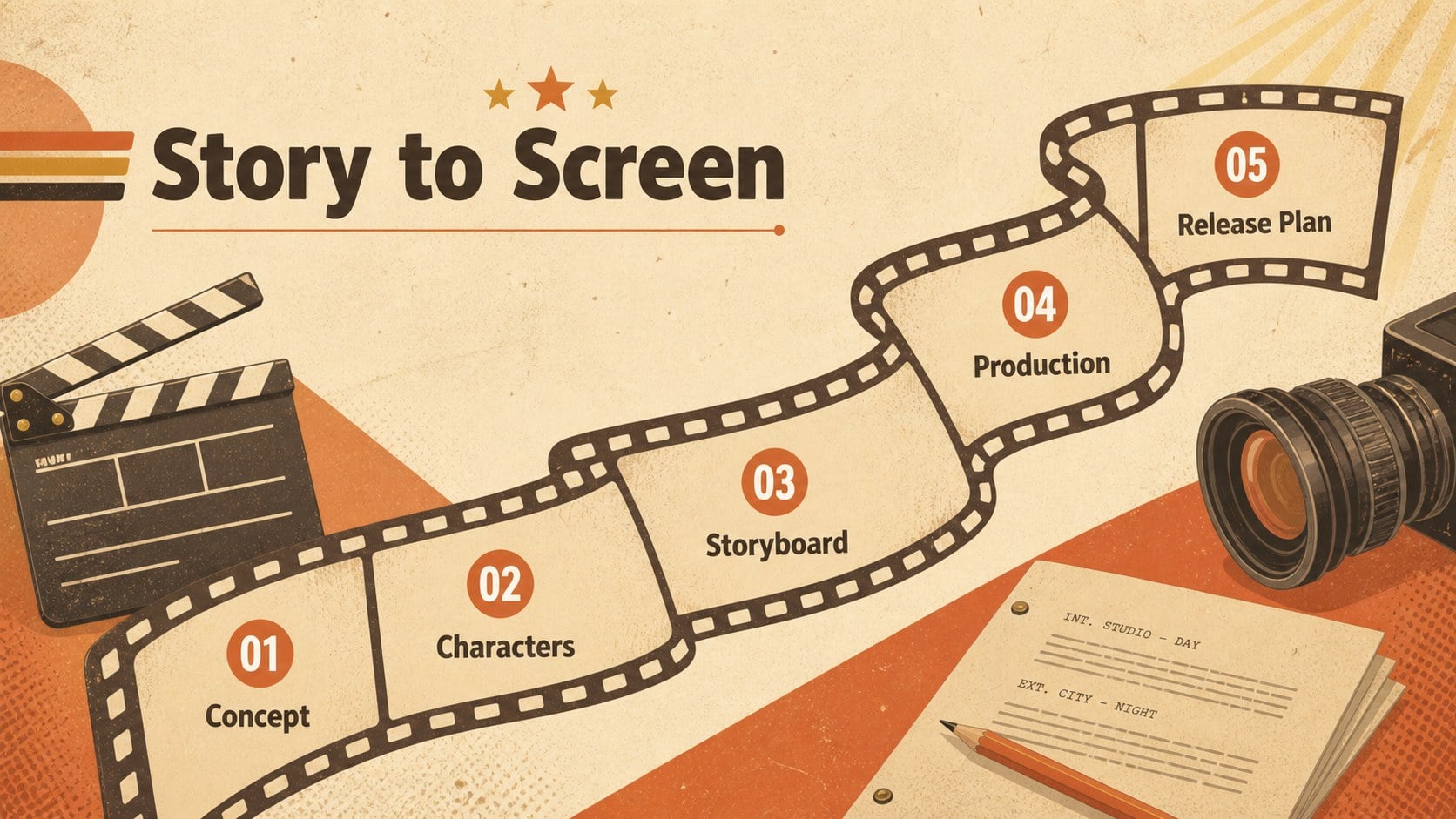
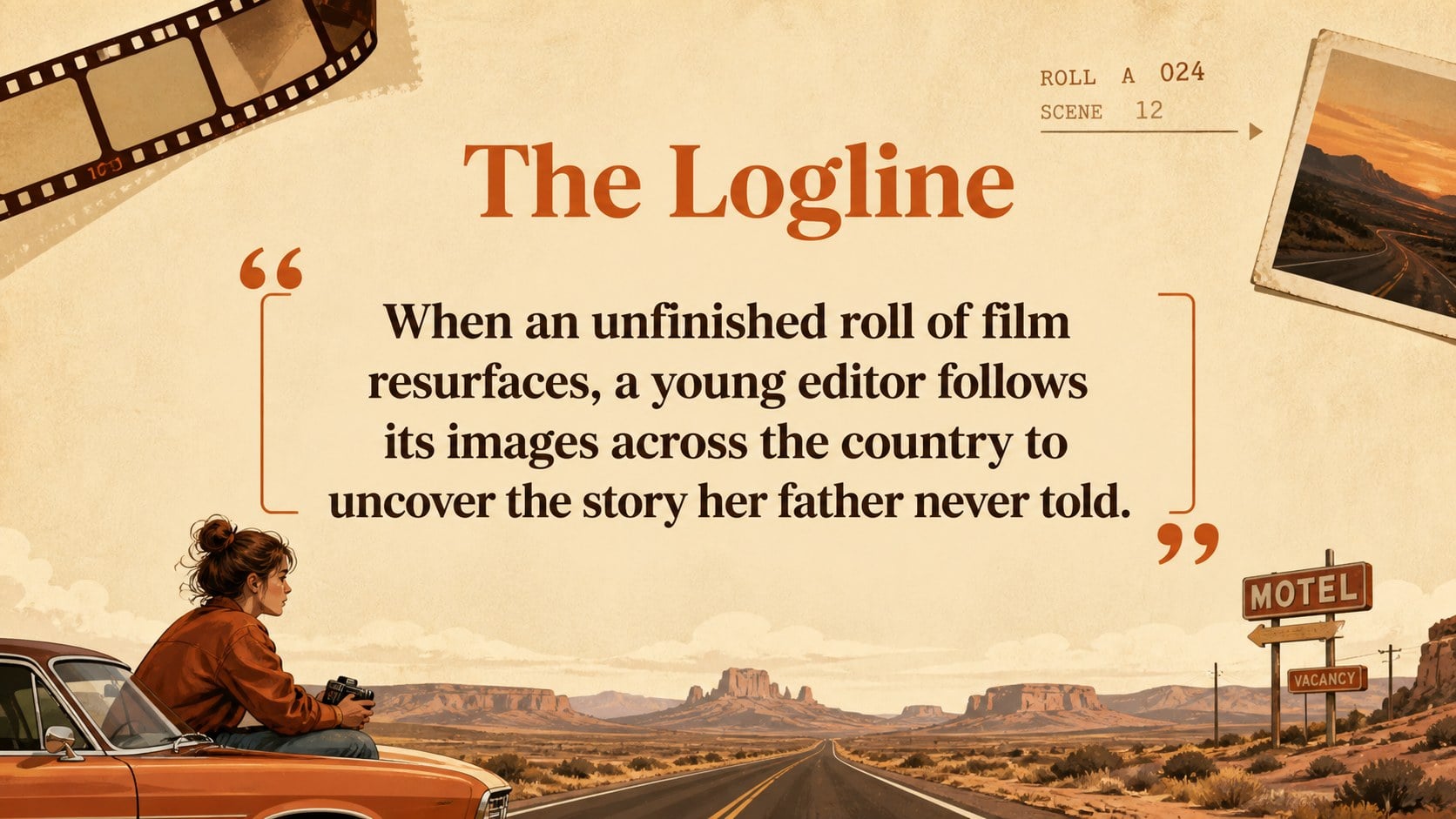
These retro cinema storyboard slides turn film concepts into a clear visual narrative using warm beige, orange, and brown tones. Illustrated cinematic details, understated typography, and nostalgic textures give the deck an inviting character without distracting from your story. Edit every layout in PowerPoint or Google Slides to match a short film, feature concept, classroom assignment, or screening proposal.
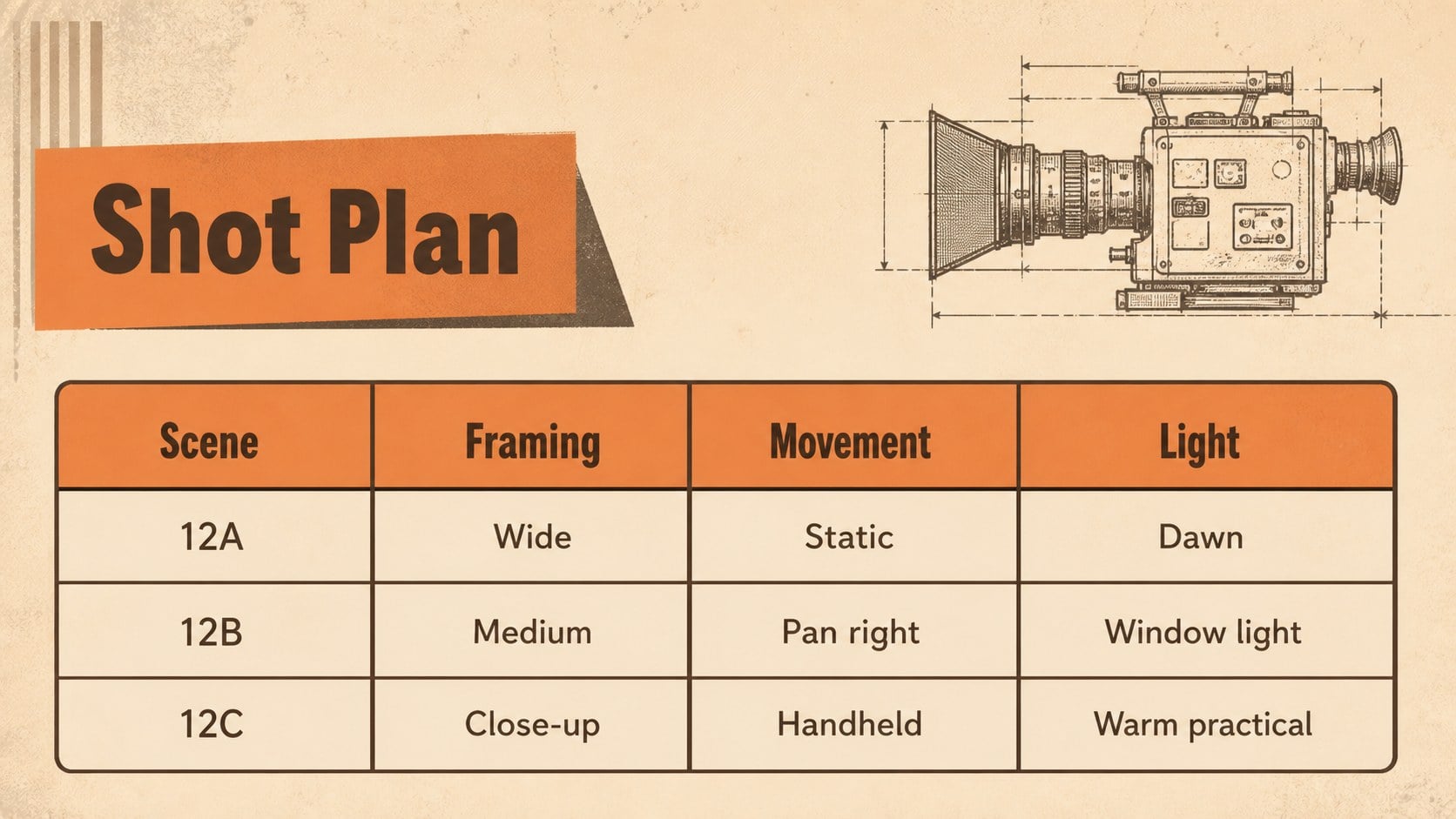
Inside, you will find space for a logline, project overview, character profiles, plot progression, storyboard frames, shot planning, visual references, sound direction, production milestones, budget figures, and team introductions. The flexible layouts also support quotes, photographs, charts, timelines, and embedded media. Together, they create a cohesive movie storyboard presentation that can move naturally from an opening idea to a polished production plan.
This vintage film pitch deck is designed for filmmakers, media students, educators, creative agencies, screenwriters, and festival organizers. Use it to explain narrative choices, pitch a production, review a scene sequence, teach cinematic structure, or prepare a screening event. Colors, fonts, illustrations, and text can be customized while preserving the warm neutral cinema theme. Presenter notes and familiar editing tools make the deck practical for collaborative planning as well as live presentations.
Perfect for: short film concept pitch; film studies class project; scene storyboard review; production planning meeting; festival screening proposal; screenwriting workshop.
Frequently asked questions
Can I edit these slides in PowerPoint and Google Slides? Yes. The layouts, text, colors, and visual elements can be edited in PowerPoint or Google Slides. Some fonts may be substituted automatically if they are not installed on your device.
Practical details
Yes. The layouts, text, colors, and visual elements can be edited in PowerPoint or Google Slides. Some fonts may be substituted automatically if they are not installed on your device.
Yes. Replace image placeholders with stills, location photos, character references, or production artwork. Use images with consistent lighting and color treatment to maintain the warm retro style.
Change the theme colors to update repeated accents throughout the presentation. Keeping beige as the main background and using orange and brown selectively will preserve the original cinematic mood.
Yes. PowerPoint and Google Slides support linked or embedded media, although playback options vary by platform. Test all clips on the presentation device before a live pitch or screening.
Keep exploring
15Build an engaging World UFO Day session with this flying saucer history lesson deck, featuring retro green-and-brown slides for PowerPoint and Google Slides.
 15
15Plan a lively animal-learning journey with this jungle zoo adventure lesson deck, ready to customize in PowerPoint and Google Slides for young learners.
 16
16Turn environmental research into a clear story with a Watercolor Ecology Presentation Theme for PowerPoint and Google Slides in calming green and blue.
 16
16Build focused fashion, literature, and humanities presentations with the Red Triangle Editorial Theme, editable in PowerPoint and Google Slides.
 15
15Turn streaming stats, favorite tracks, and concert highlights into a bold annual listening recap slide deck for PowerPoint and Google Slides.
 15
15Turn highlights, milestones, and favorite moments into a colorful year in review slide deck with bold 3D graphics for PowerPoint and Google Slides.
 3
3Build a credible endorsement with Standout Colleague Recommendation Letter Slides, featuring colorful prompts for skills, achievements, and team impact.
 4
4Build clear beginner sessions with an ice hockey fundamentals training deck for coaches, PE teachers, and clubs, ready for PowerPoint and Google Slides.