
 15
15presentation
Flying Saucer History Lesson Deck
Build an engaging World UFO Day session with this flying saucer history lesson deck, featuring retro green-and-brown slides for PowerPoint and Google Slides.
Google SlidesPowerPoint
presentation · English
Build clearer client conversations with a retirement wealth planning presentation featuring modern green visuals for PowerPoint and Google Slides.
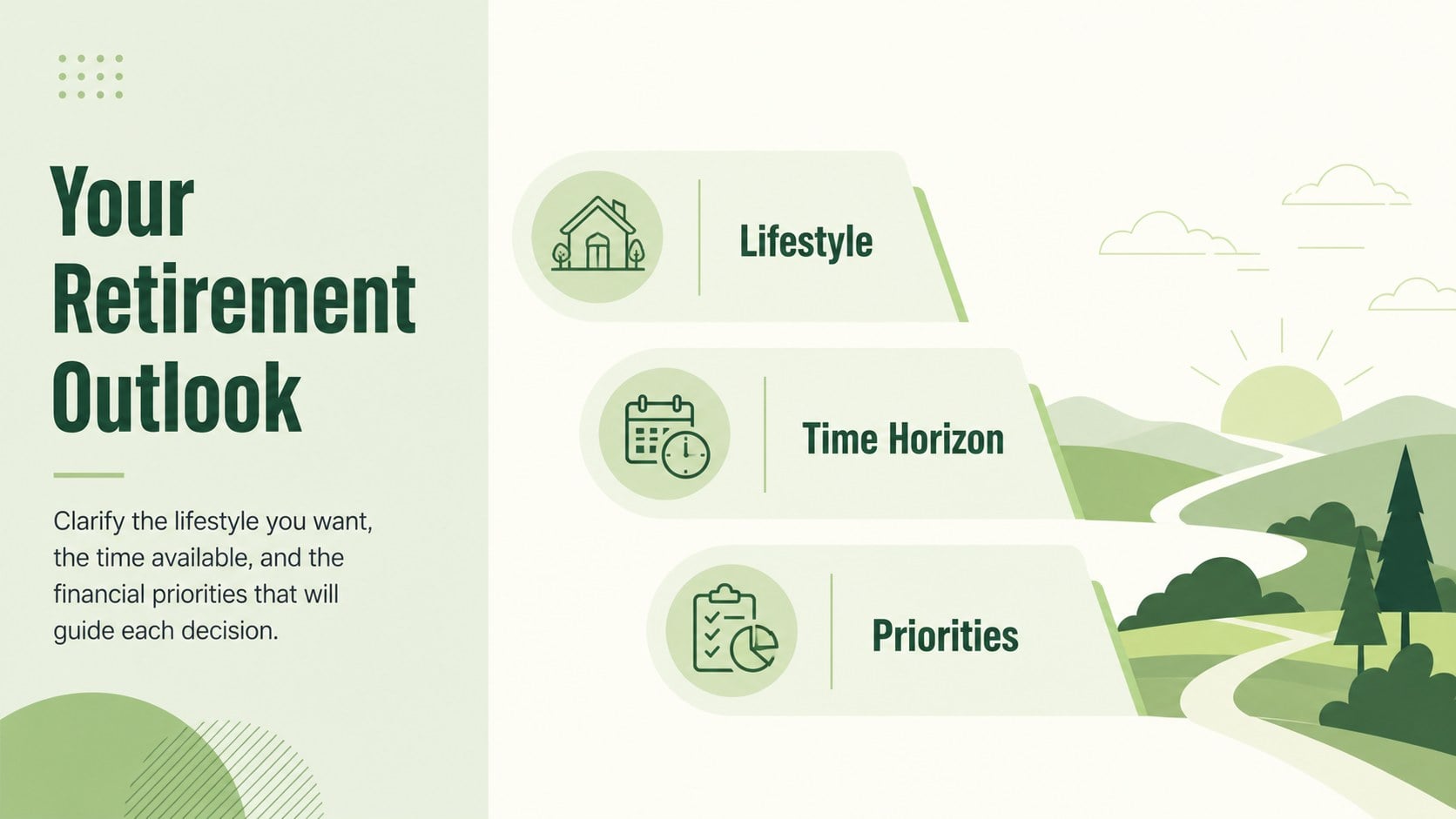
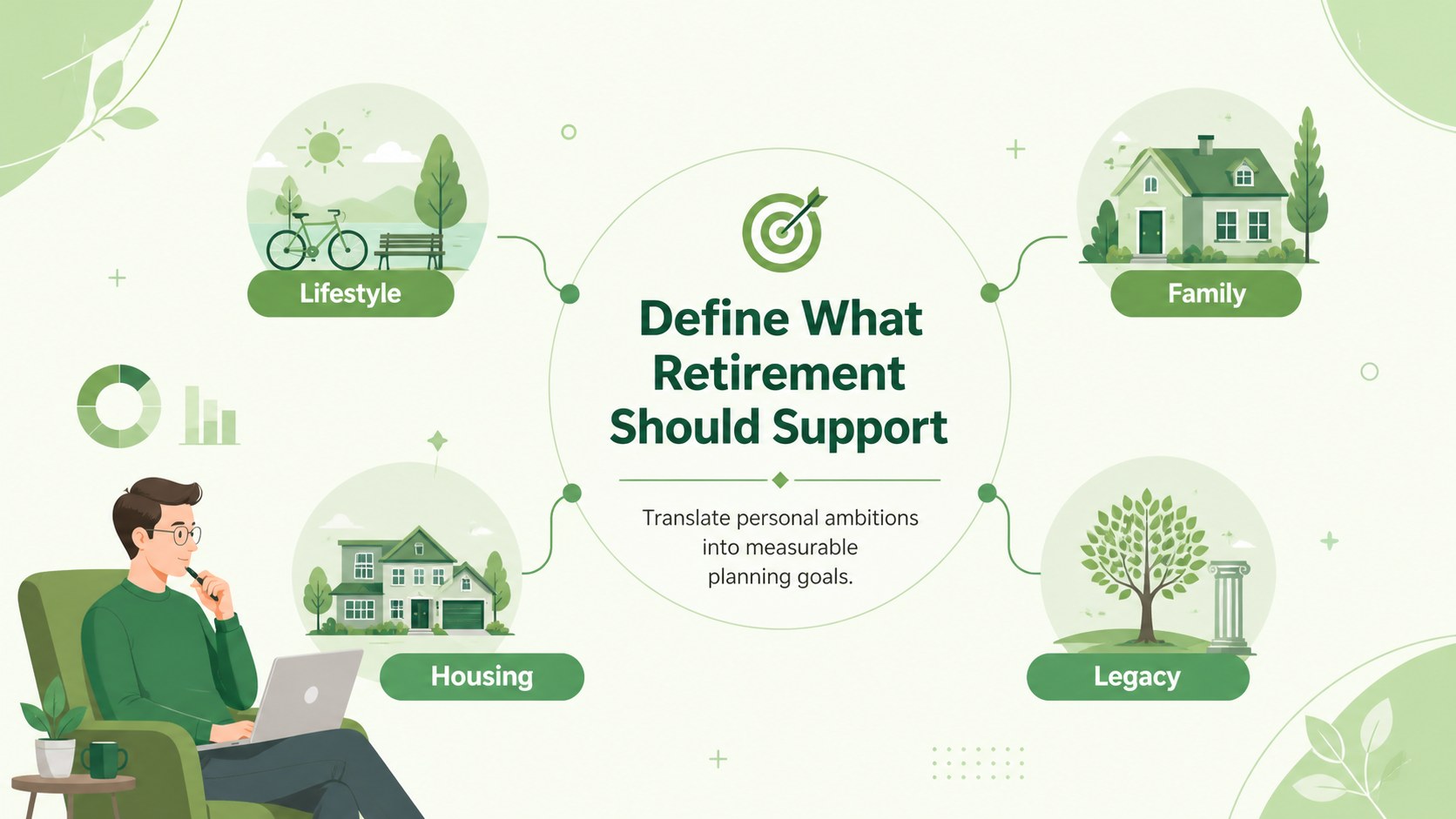
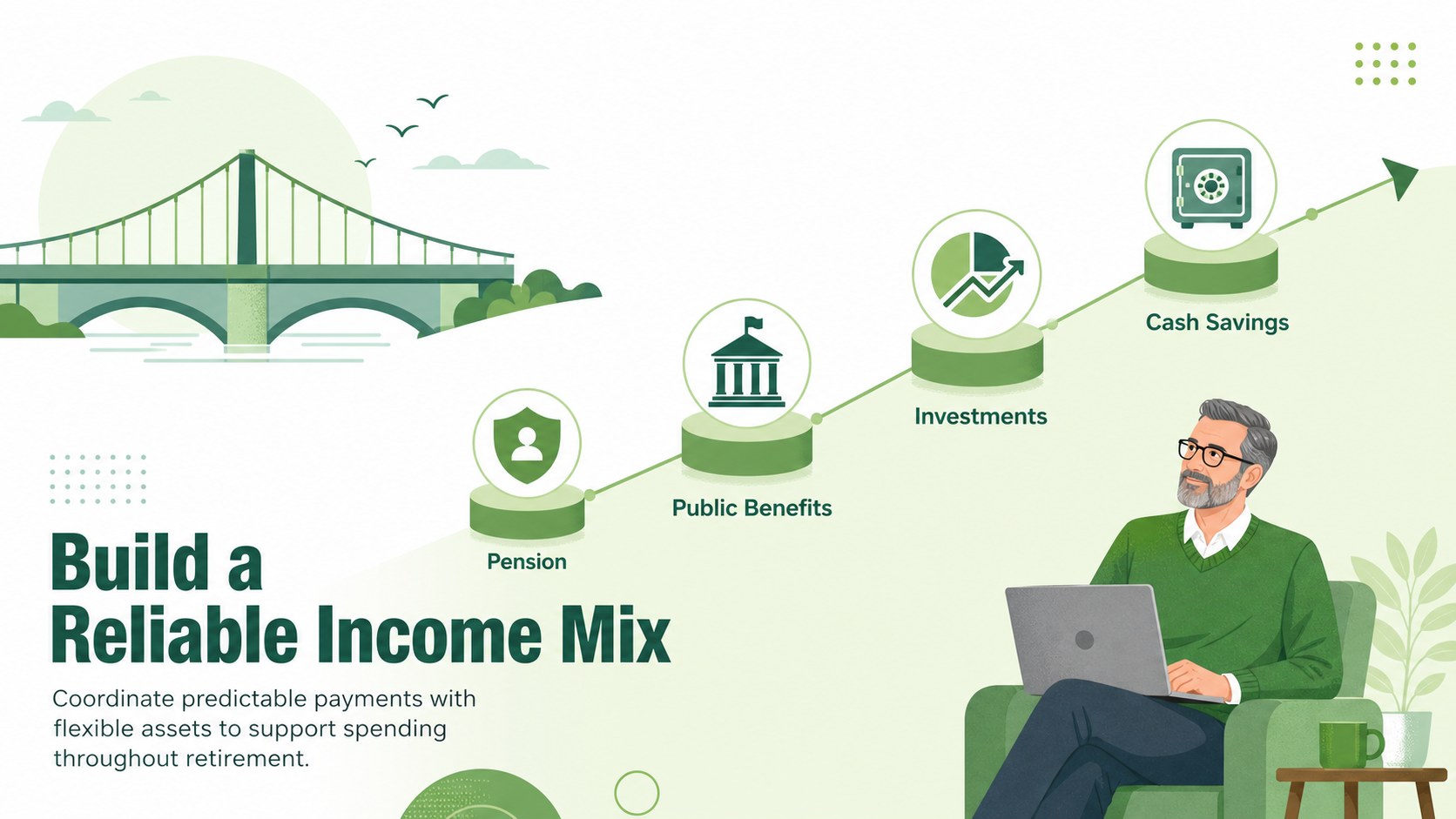
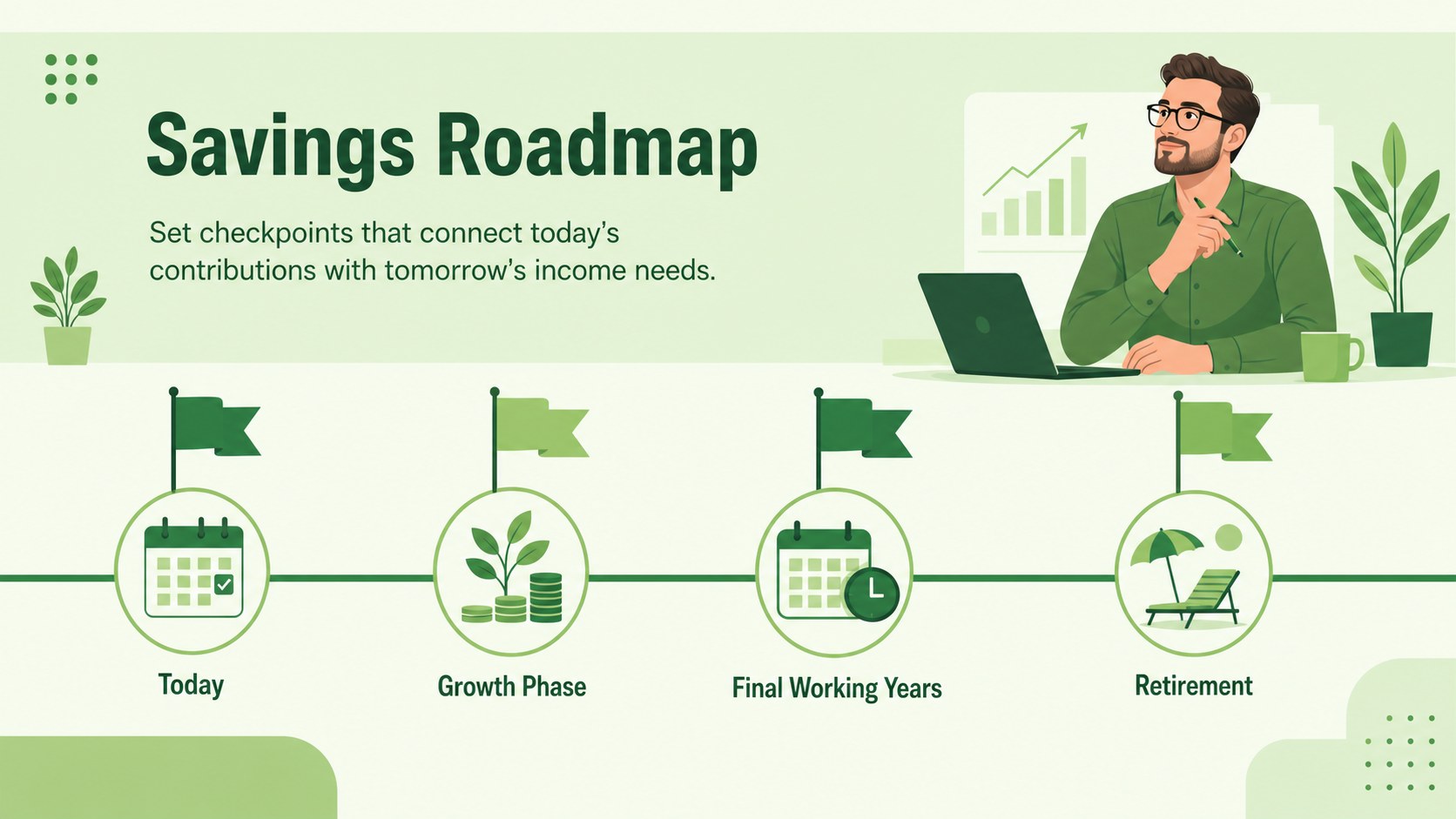
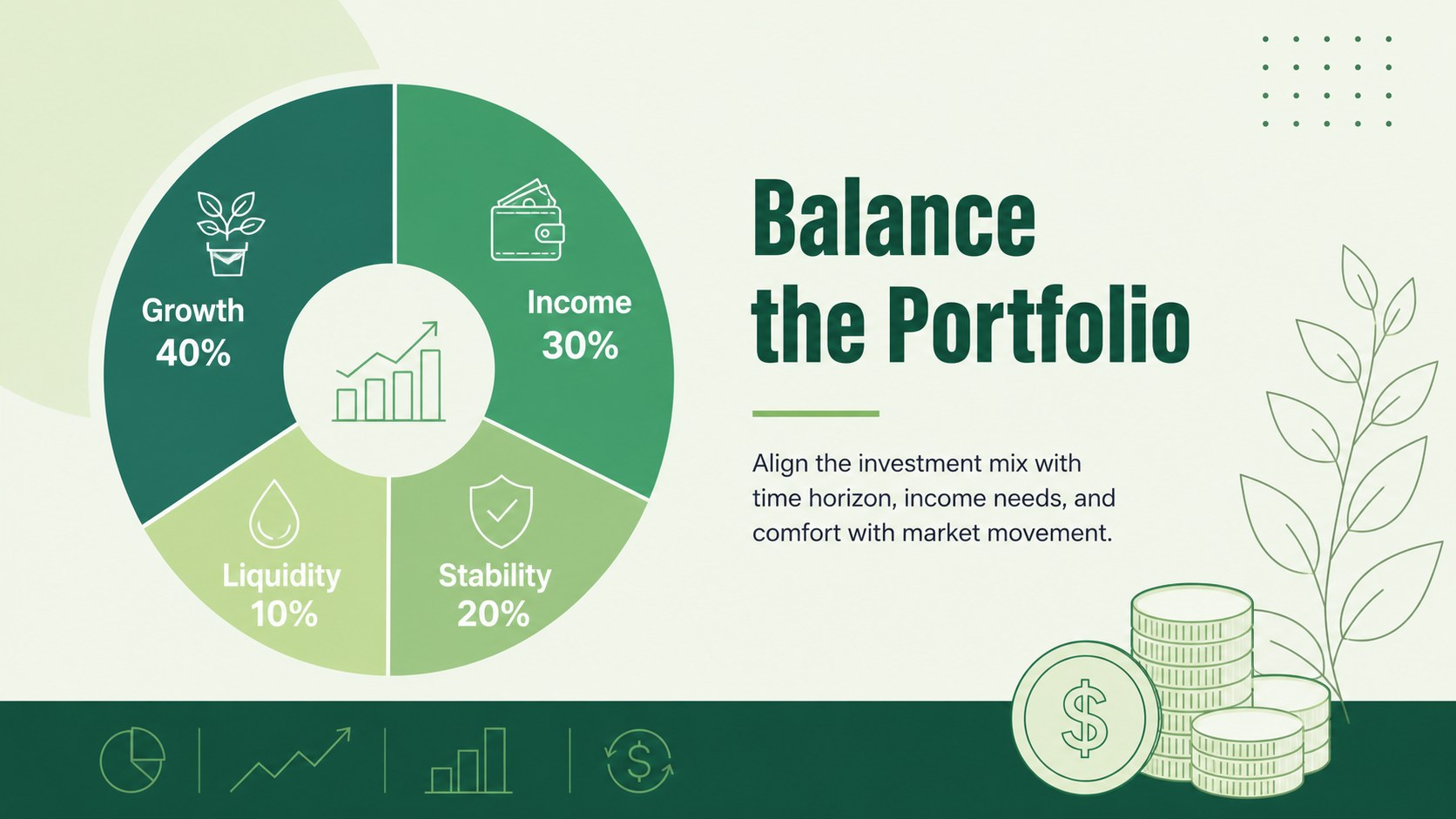
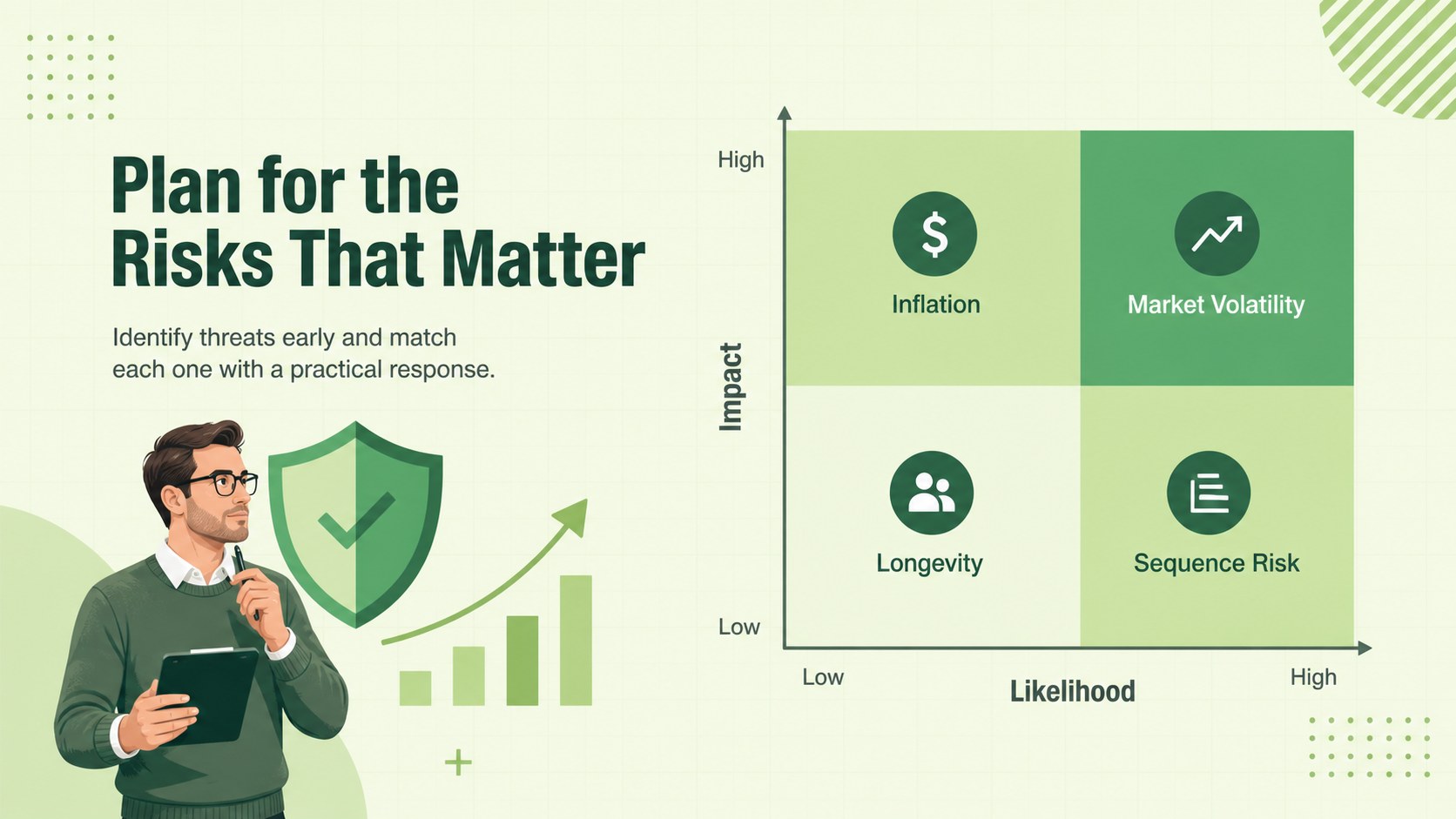
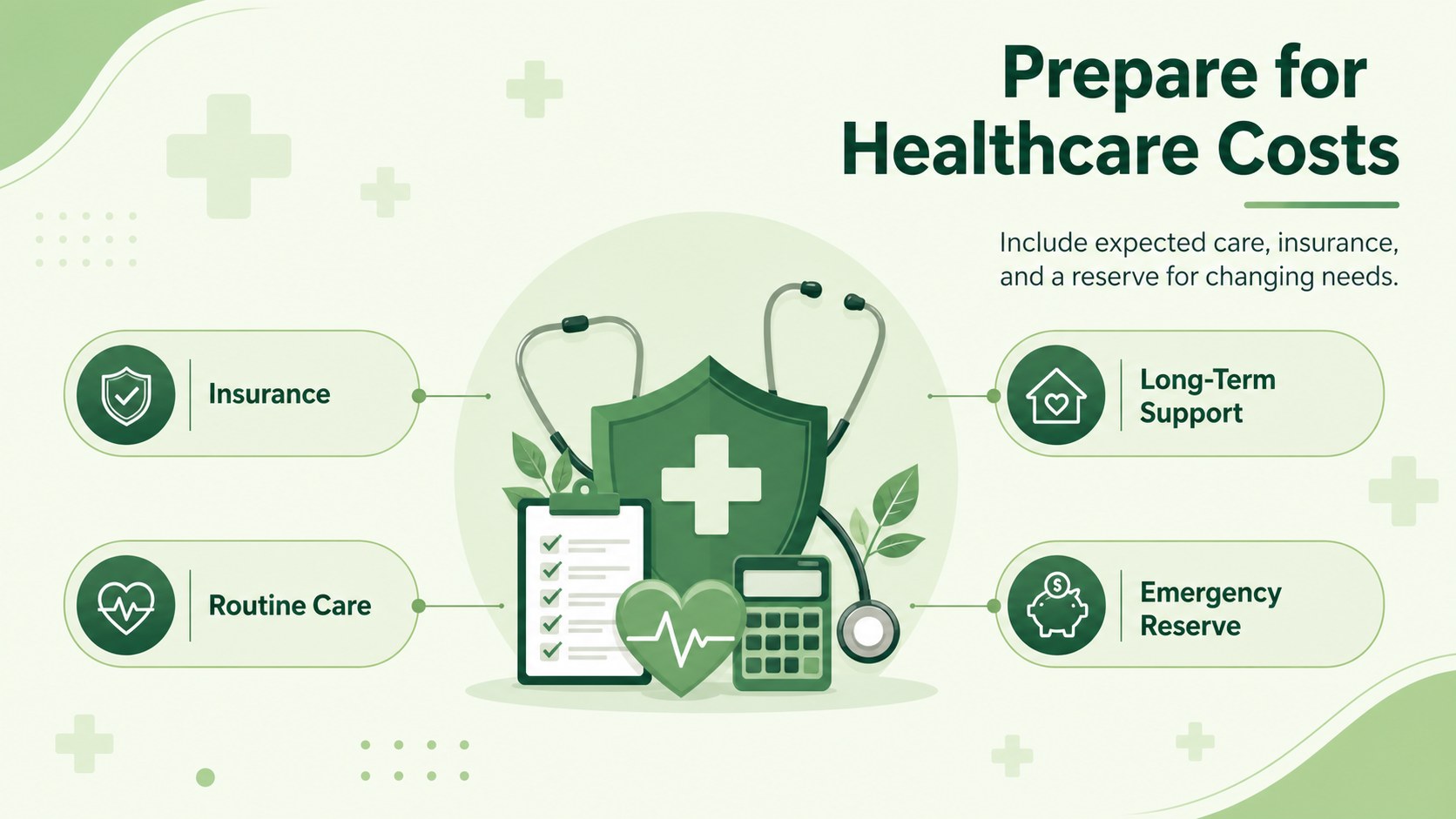
Design notes
The Retirement Wealth Planning Presentation helps financial professionals turn long-term money decisions into a clear, approachable story. Its modern illustrated style, restrained green palette, and minimalist layouts create a reassuring setting for discussing savings, income, risk, and future priorities. Use it as a retirement planning presentation for financial advisors who need polished visuals without overwhelming clients with technical detail.
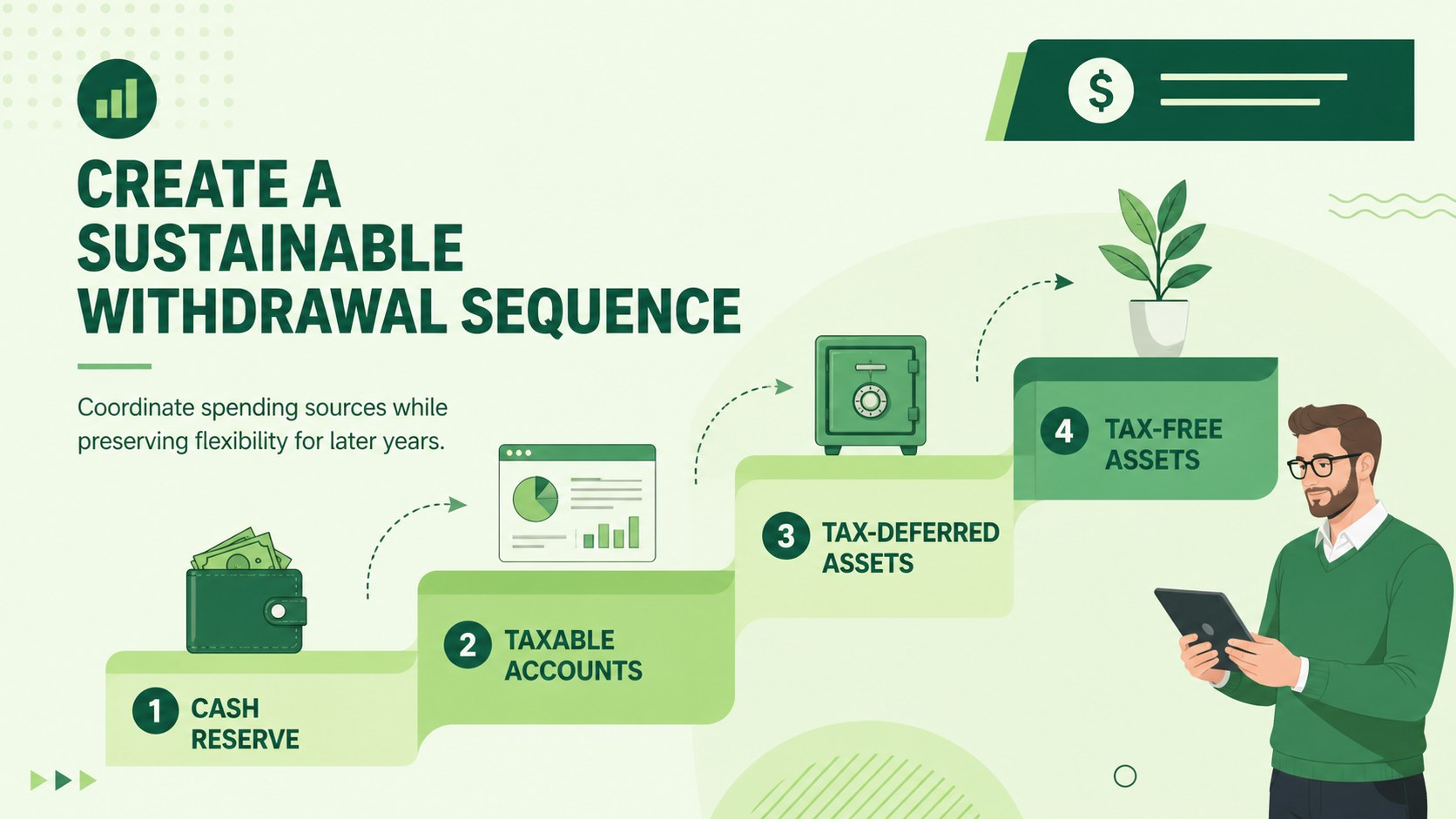
Inside, you will find adaptable layouts for retirement goals, income sources, portfolio allocation, healthcare costs, withdrawal planning, risk scenarios, and action timelines. Charts, comparison pages, process diagrams, and summary slides make this retirement income strategy slide deck suitable for both data-led reviews and educational conversations. Every element can be edited in PowerPoint or Google Slides, including text, colors, illustrations, tables, and chart values.
The deck is designed for wealth managers, retirement consultants, benefits specialists, financial educators, and individuals preparing a structured planning session. It can support an initial consultation, annual portfolio review, workplace seminar, or family finance discussion. Customize the green finance presentation template with client assumptions, projected figures, and organization-specific guidance, then reorder the slides to match your preferred workflow. The result is a focused presentation that connects current financial choices with a practical retirement roadmap.
Perfect for: client retirement consultation; annual wealth review; employee retirement seminar; retirement income workshop; family financial planning session.
Frequently asked questions
Can I edit the financial figures and charts? Yes. Replace the sample values, labels, and assumptions with your own data, then adjust chart colors and formats to fit the discussion. All core slide elements are intended to be editable.
Practical details
Yes. Replace the sample values, labels, and assumptions with your own data, then adjust chart colors and formats to fit the discussion. All core slide elements are intended to be editable.
The template is designed for PowerPoint and Google Slides. Some fonts or transition effects may vary slightly between the two platforms, so review the final deck before presenting.
Yes. Add client goals, account balances, projected income, timelines, and risk considerations to the relevant layouts. You can also remove or reorder sections to create a shorter consultation deck.
Yes. The visual structure works for group seminars as well as one-to-one planning meetings. Presenters should replace sample content with accurate guidance appropriate to their audience and jurisdiction.
Keep exploring
15Build an engaging World UFO Day session with this flying saucer history lesson deck, featuring retro green-and-brown slides for PowerPoint and Google Slides.
 15
15Plan a lively animal-learning journey with this jungle zoo adventure lesson deck, ready to customize in PowerPoint and Google Slides for young learners.
 16
16Turn environmental research into a clear story with a Watercolor Ecology Presentation Theme for PowerPoint and Google Slides in calming green and blue.
 16
16Build focused fashion, literature, and humanities presentations with the Red Triangle Editorial Theme, editable in PowerPoint and Google Slides.
 15
15Turn streaming stats, favorite tracks, and concert highlights into a bold annual listening recap slide deck for PowerPoint and Google Slides.
 15
15Turn highlights, milestones, and favorite moments into a colorful year in review slide deck with bold 3D graphics for PowerPoint and Google Slides.
 3
3Build a credible endorsement with Standout Colleague Recommendation Letter Slides, featuring colorful prompts for skills, achievements, and team impact.
 4
4Build clear beginner sessions with an ice hockey fundamentals training deck for coaches, PE teachers, and clubs, ready for PowerPoint and Google Slides.