
 15
15presentation
Flying Saucer History Lesson Deck
Build an engaging World UFO Day session with this flying saucer history lesson deck, featuring retro green-and-brown slides for PowerPoint and Google Slides.
Google SlidesPowerPoint
presentation · English
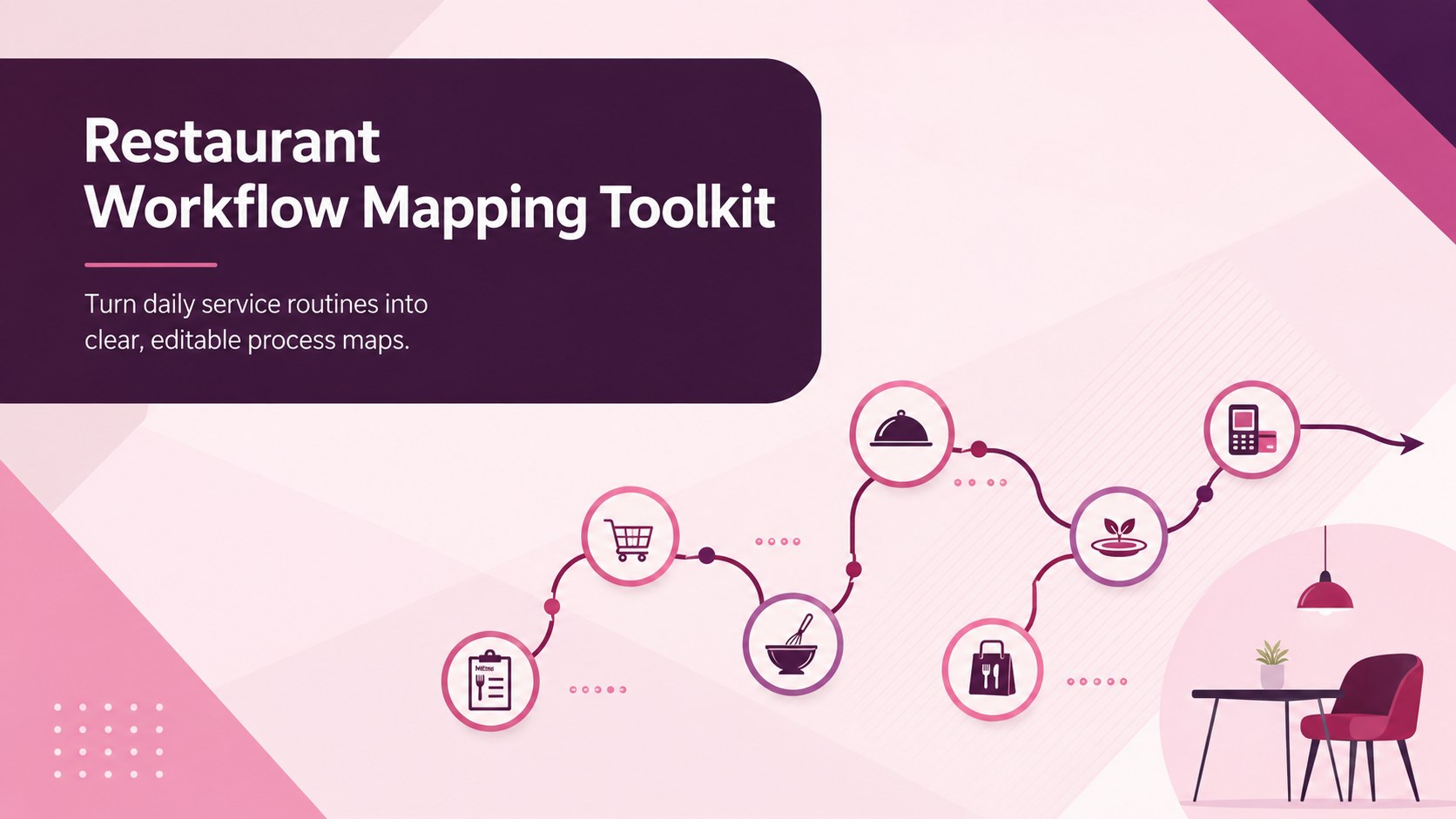
Map kitchen and front-of-house tasks with a restaurant workflow mapping toolkit built for clearer handoffs, faster training, and smoother daily service.
Design notes
Build a shared view of daily service with this restaurant workflow mapping toolkit for PowerPoint and Google Slides. The modern pink and purple design turns complex procedures into structured visual paths, helping teams understand responsibilities, decision points, and handoffs without relying on dense operating manuals.
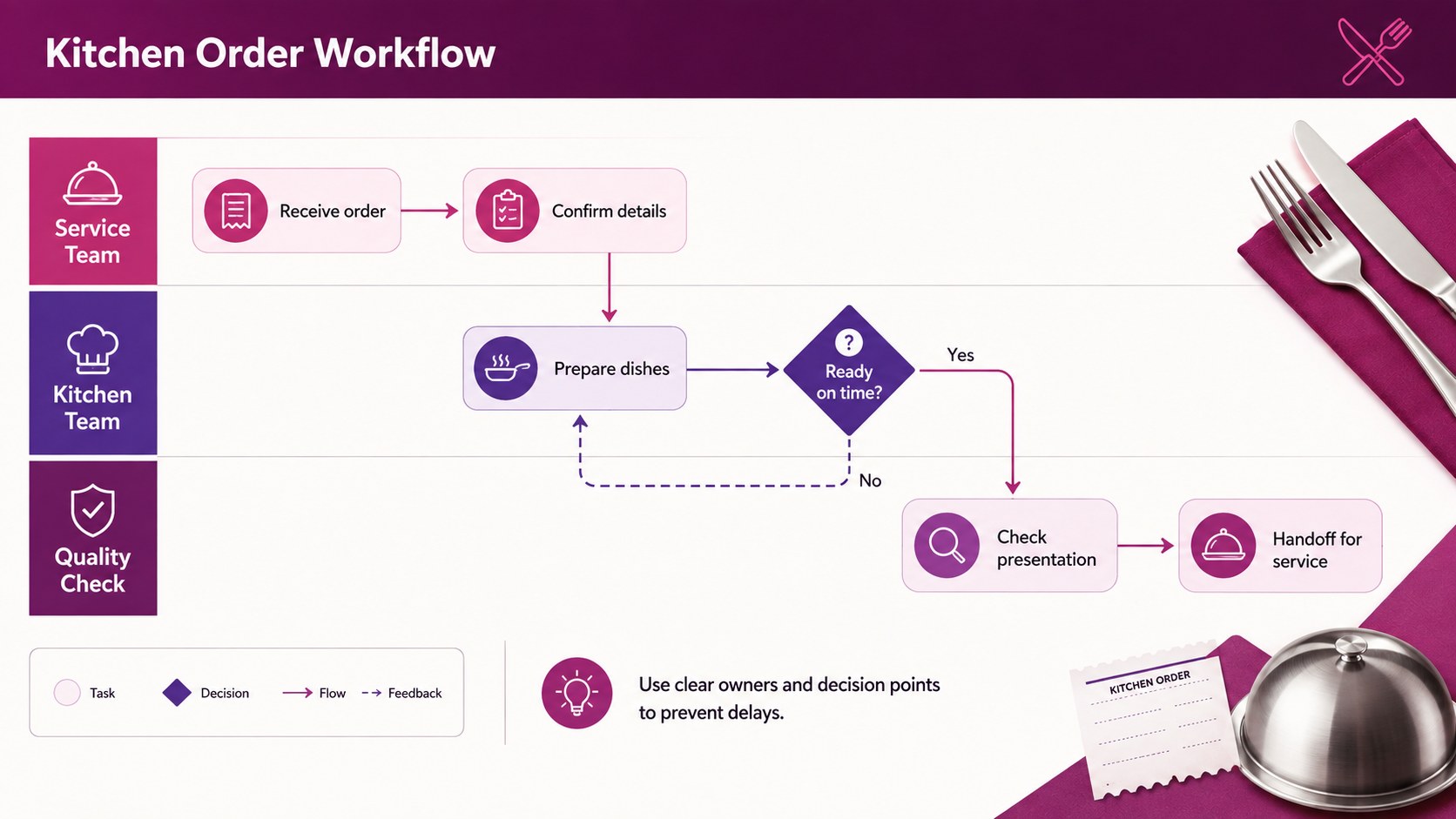
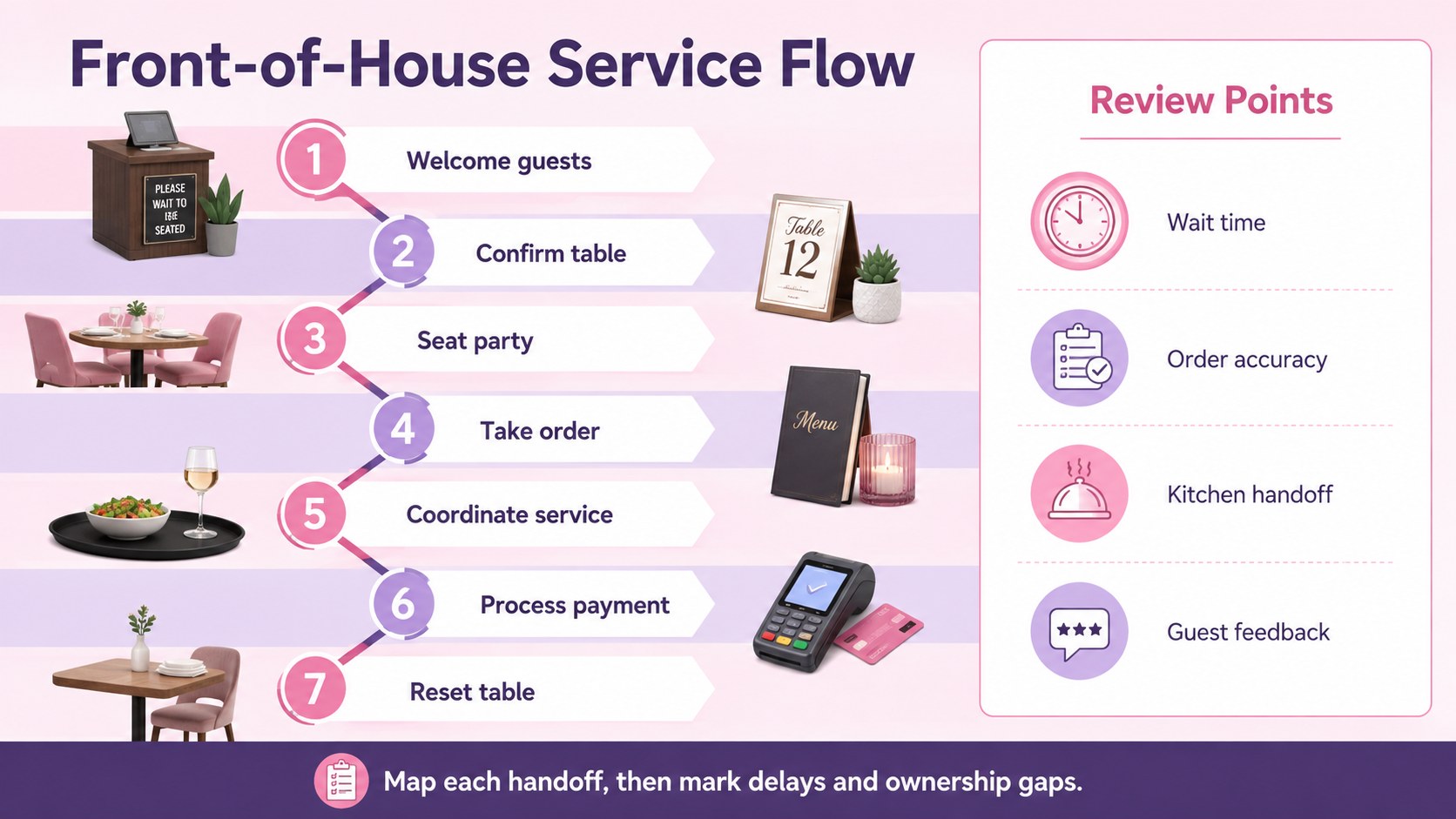
Inside are three editable 16:9 layouts for presenting an end-to-end service process, separating kitchen and dining-room responsibilities, and documenting improvement opportunities. Use the connectors, task nodes, decision symbols, labels, and color-coded lanes to create kitchen workflow diagram slides or a front of house process flow. Every element can be moved, recolored, resized, or rewritten to reflect your restaurant's terminology and operating model.
The toolkit is designed for restaurant owners, operations managers, chefs, shift leaders, trainers, and hospitality consultants. It can support opening and closing procedures, order fulfillment reviews, service redesign workshops, food safety planning, and restaurant staff onboarding workflow sessions. Teams can also use the diagrams to expose duplicated work, unclear approvals, communication gaps, or delays between order entry, preparation, quality checks, and table delivery.
Edit the slides directly in PowerPoint or Google Slides, then present them during team meetings or export them for inclusion in training documents. The polished visual system keeps operational discussions focused while leaving enough flexibility for quick-service, casual dining, fine dining, catering, and multi-location restaurant environments.
Perfect for: kitchen order flow review; front-of-house handoff planning; restaurant staff onboarding; opening and closing procedure mapping; service bottleneck workshop; multi-location process standardization.
Frequently asked questions
Practical details
Yes. Task boxes, decision points, connectors, labels, colors, and swimlanes can be edited to match your restaurant's processes. You can also duplicate sections to document longer or more detailed workflows.
The toolkit is designed for PowerPoint and Google Slides. Open it in your preferred platform to update the wording, rearrange process steps, and present the finished workflow.
Yes. Replace the sample steps with procedures for quick-service restaurants, cafes, bars, catering teams, fine dining venues, or delivery kitchens. The flexible layout can represent both simple and cross-department processes.
No. The layouts use familiar process shapes and clear directional connectors that are easy to customize. Teams with BPMN experience can apply more formal notation where their documentation requires it.
Keep exploring
15Build an engaging World UFO Day session with this flying saucer history lesson deck, featuring retro green-and-brown slides for PowerPoint and Google Slides.
 15
15Plan a lively animal-learning journey with this jungle zoo adventure lesson deck, ready to customize in PowerPoint and Google Slides for young learners.
 16
16Turn environmental research into a clear story with a Watercolor Ecology Presentation Theme for PowerPoint and Google Slides in calming green and blue.
 16
16Build focused fashion, literature, and humanities presentations with the Red Triangle Editorial Theme, editable in PowerPoint and Google Slides.
 15
15Turn streaming stats, favorite tracks, and concert highlights into a bold annual listening recap slide deck for PowerPoint and Google Slides.
 15
15Turn highlights, milestones, and favorite moments into a colorful year in review slide deck with bold 3D graphics for PowerPoint and Google Slides.
 3
3Build a credible endorsement with Standout Colleague Recommendation Letter Slides, featuring colorful prompts for skills, achievements, and team impact.
 4
4Build clear beginner sessions with an ice hockey fundamentals training deck for coaches, PE teachers, and clubs, ready for PowerPoint and Google Slides.