
 15
15presentation
Flying Saucer History Lesson Deck
Build an engaging World UFO Day session with this flying saucer history lesson deck, featuring retro green-and-brown slides for PowerPoint and Google Slides.
Google SlidesPowerPoint
presentation · English
Shape a stronger funding story with a Restaurant Growth Proposal Deck in warm beige, brown, and black, built for clear hospitality planning and pitches.


Design notes
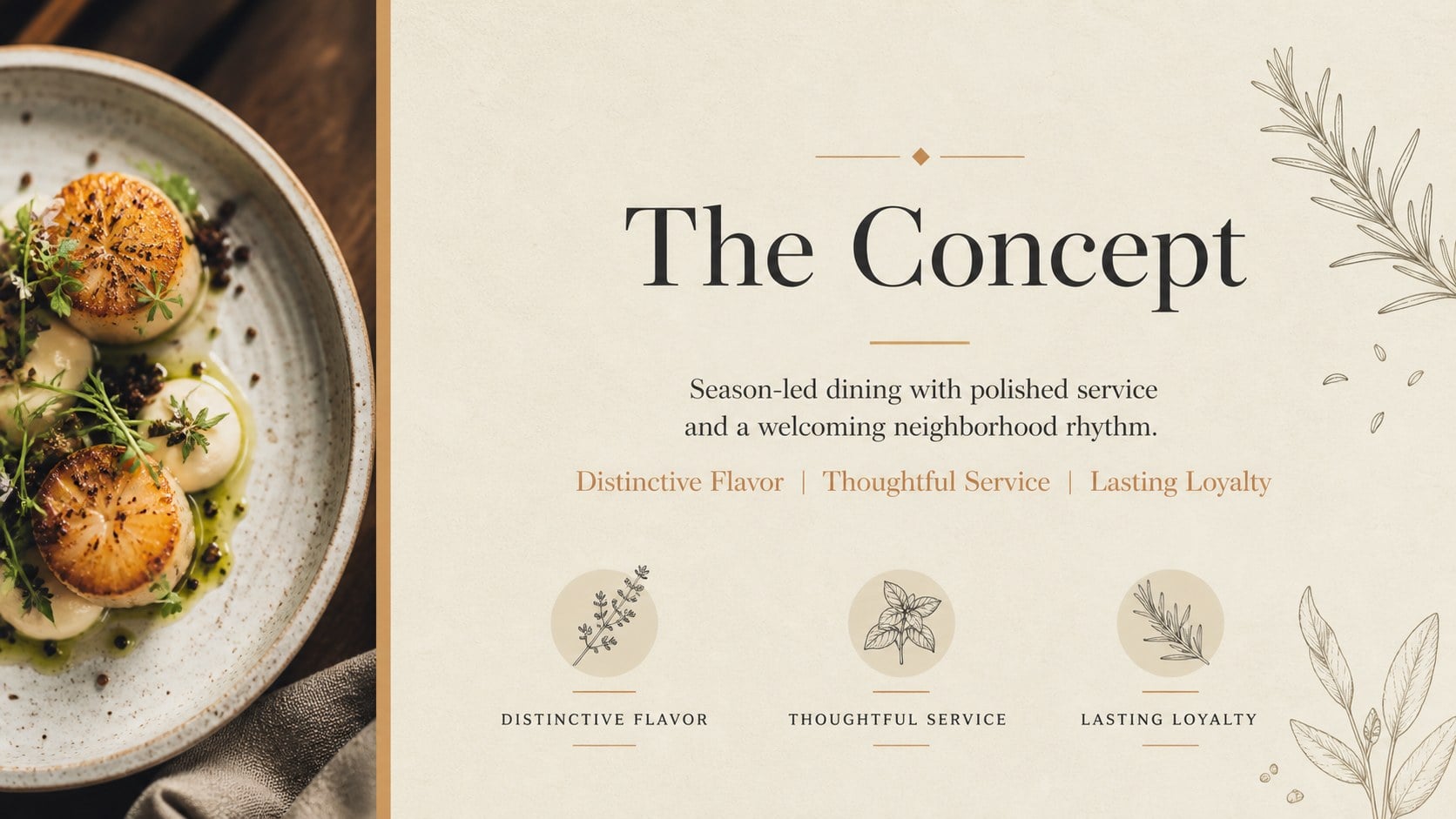
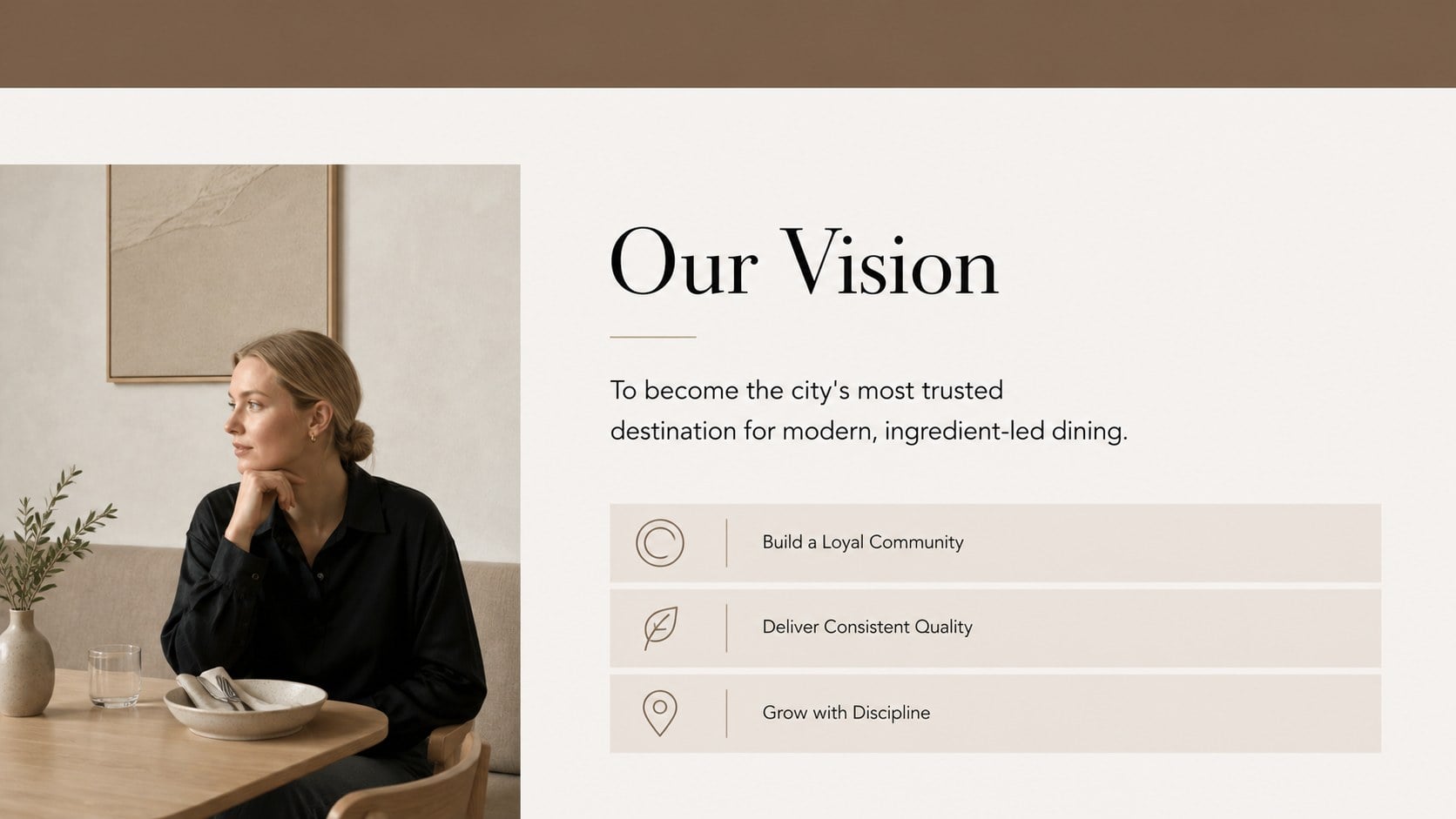
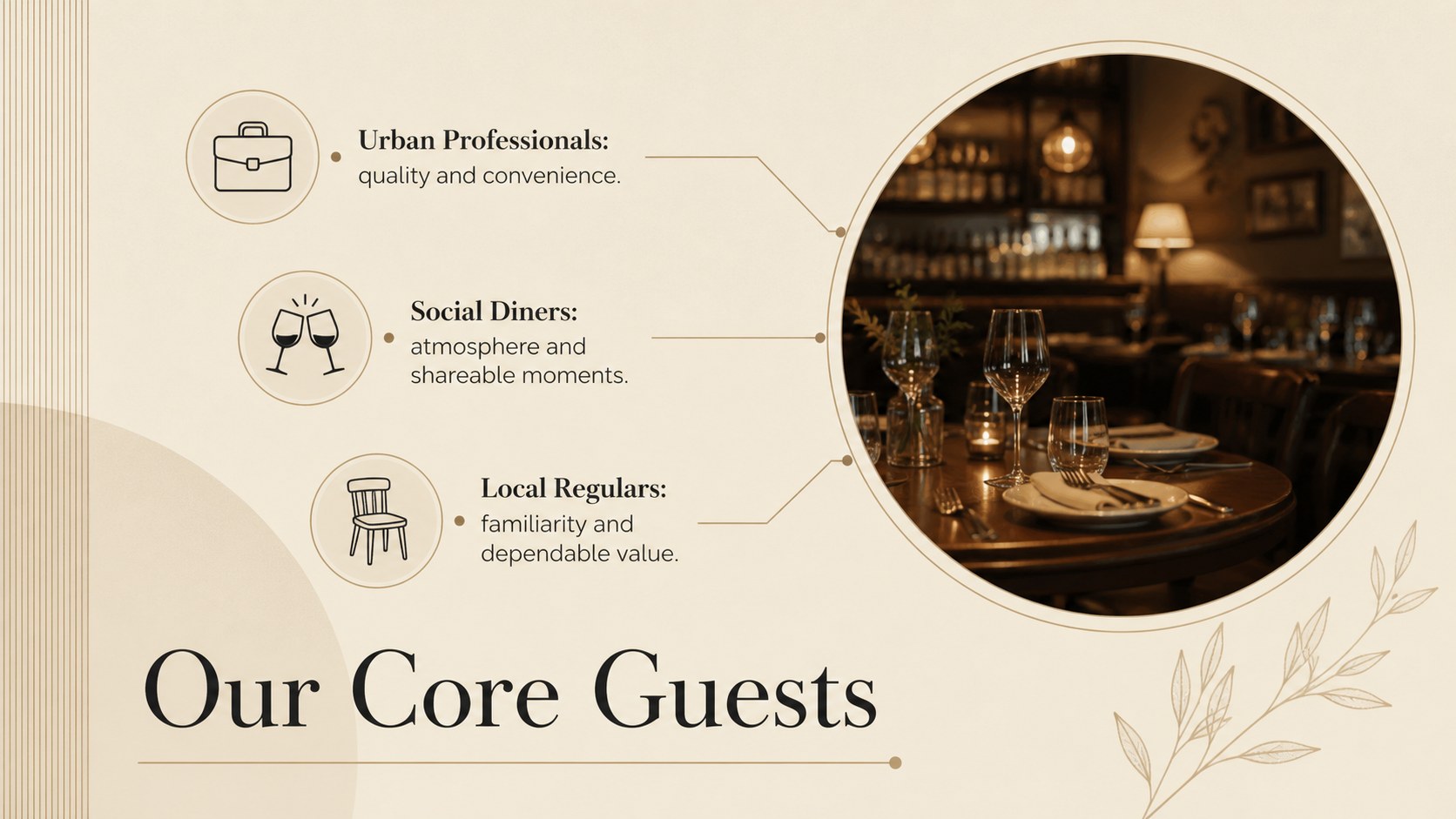
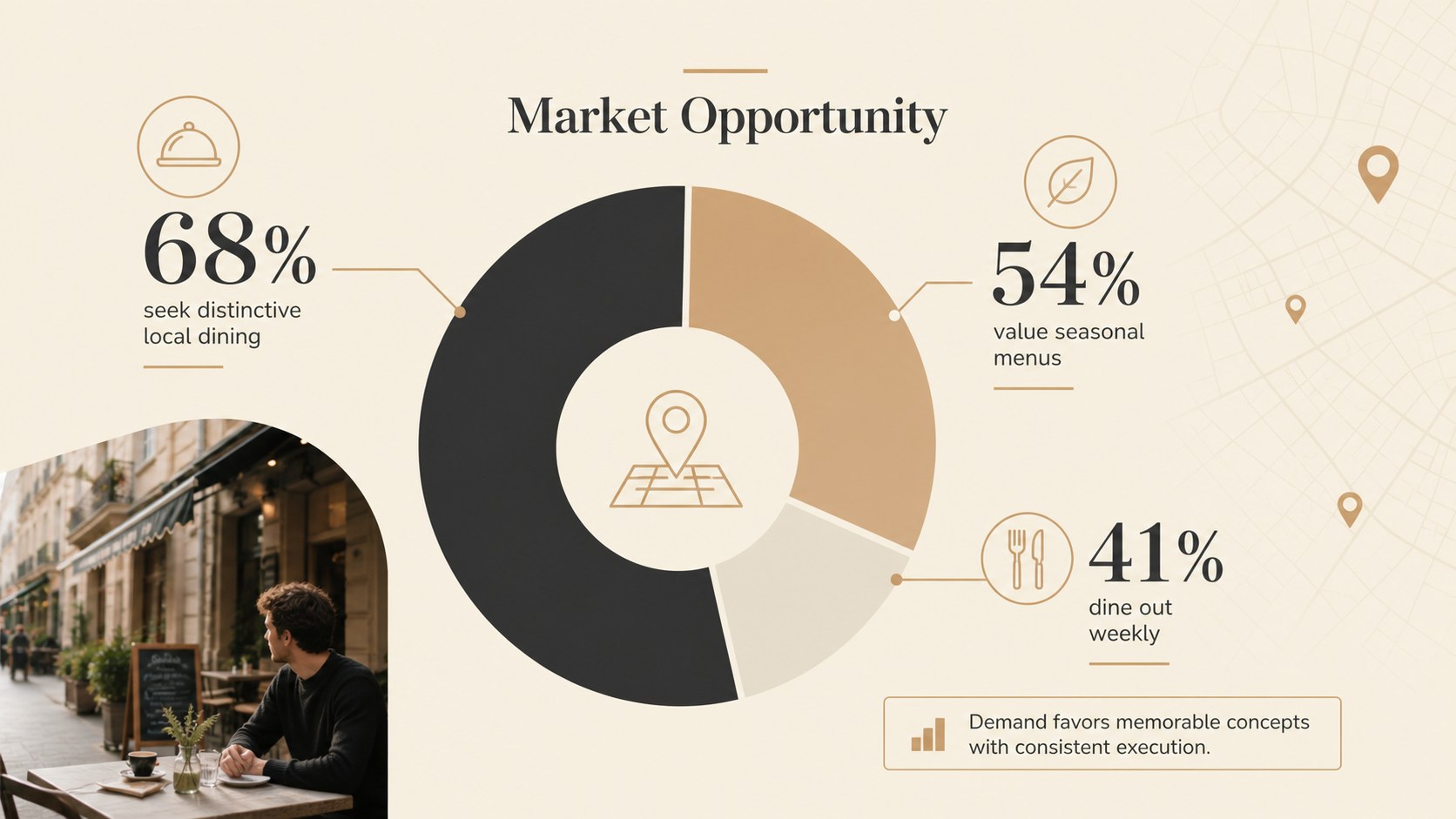
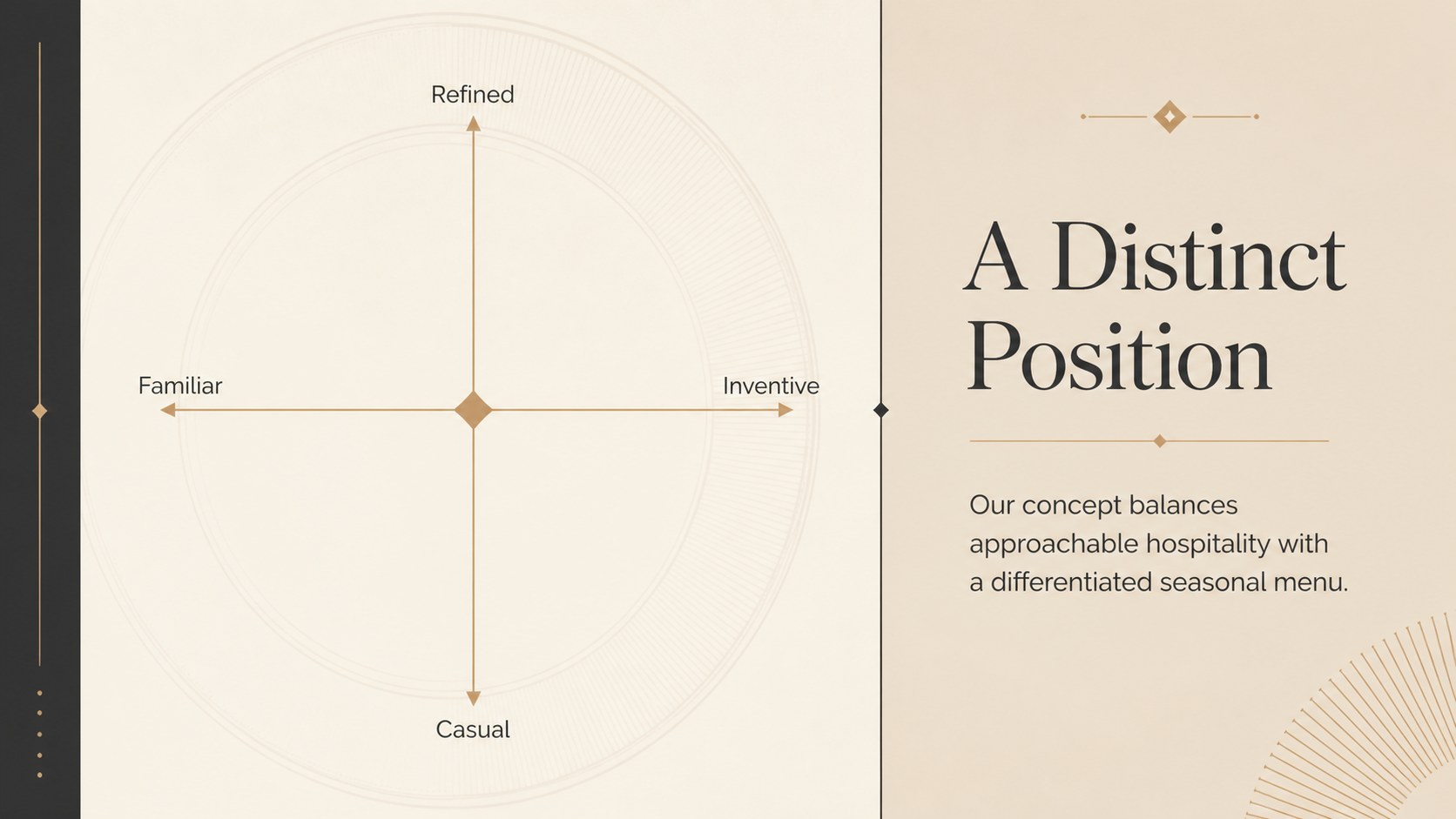
Build a persuasive case for a new venue, expansion, or refreshed dining concept with a polished Restaurant Growth Proposal Deck. Its minimalist editorial style combines warm beige, light brown, and black with refined typography, generous spacing, and food-focused visual details. The result feels sophisticated without distracting from your strategy, numbers, or operational plan.
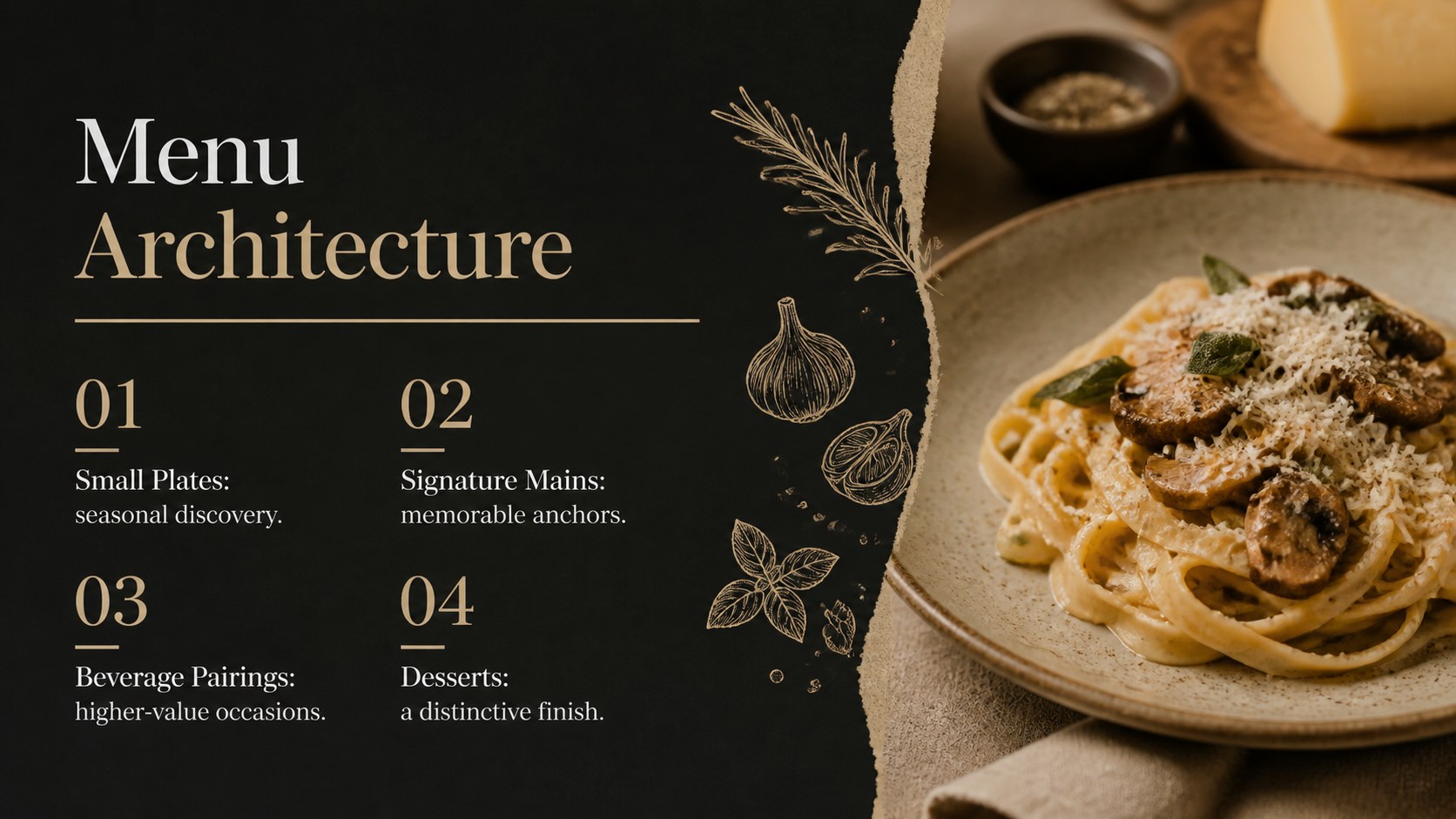
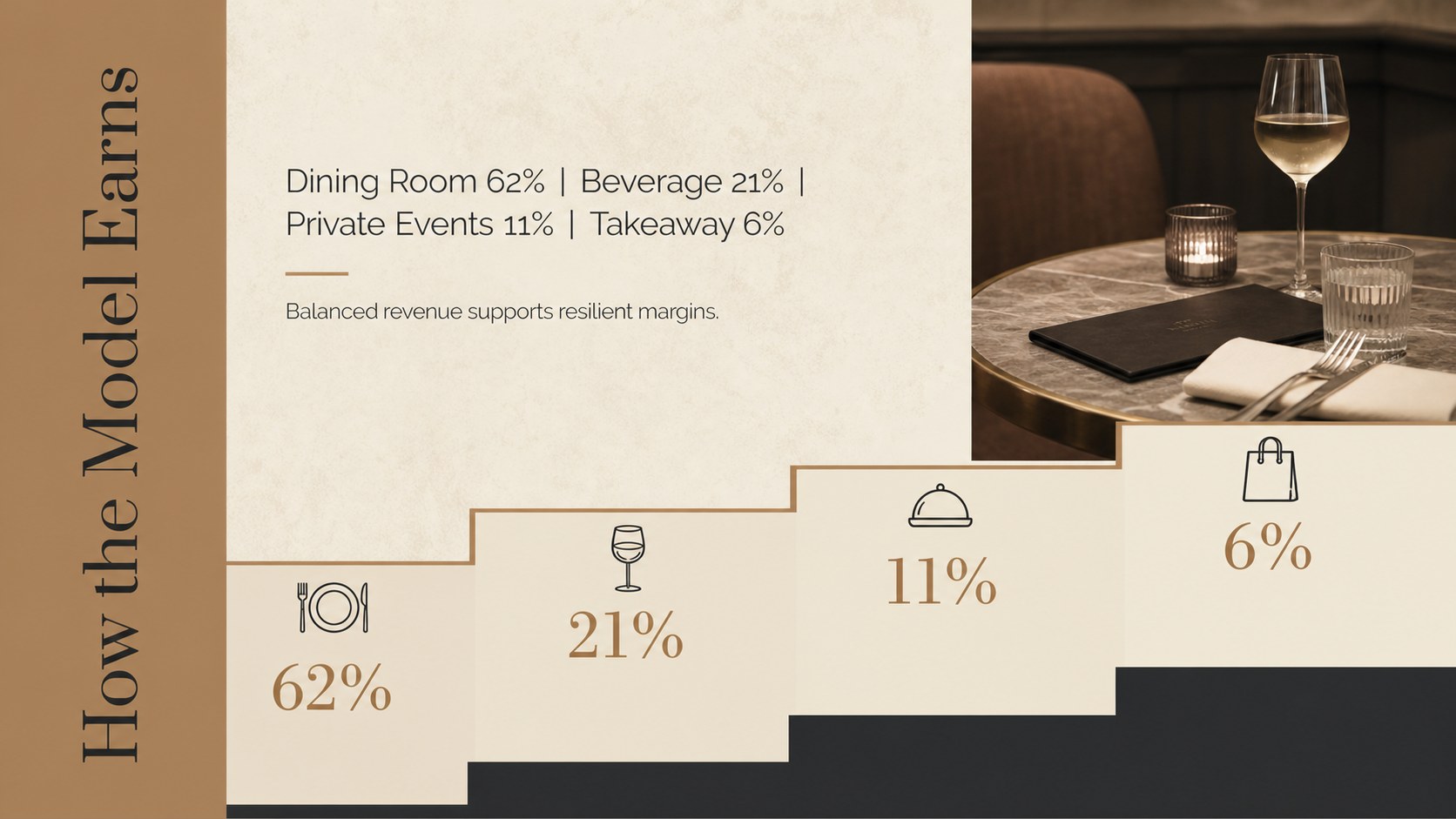
The deck includes 15 adaptable layouts covering the concept story, company vision, customer profile, market opportunity, competitive position, menu direction, revenue model, marketing channels, team credentials, rollout milestones, and funding request. Charts, timelines, image frames, icons, and structured text areas make it suitable as a restaurant investor pitch deck or a concise restaurant expansion plan presentation. Every slide can be edited in PowerPoint or Google Slides.
Created for independent restaurateurs, hospitality groups, chefs, consultants, and food entrepreneurs, these hospitality business proposal slides support both internal planning and external presentations. Use them to introduce a fine-dining launch, propose a second location, secure financing, align operating partners, or present a brand repositioning strategy.
Customize the photographs, figures, typography, and section order to match your concept. The neutral palette works especially well for premium, modern, farm-to-table, bakery, cafe, and boutique hospitality brands.
Perfect for: new restaurant investor pitch; second-location expansion proposal; hospitality financing meeting; fine-dining concept presentation; restaurant brand repositioning; operating partner strategy review.
Frequently asked questions
Practical details
Yes. All text, colors, images, charts, and layout elements can be adjusted in PowerPoint to reflect your restaurant concept and financial story.
Yes. You can open and customize the presentation in Google Slides, then share it with partners or present it directly from your browser.
Replace the sample photography and figures, apply your logo and type choices, and adjust the beige, brown, and black palette as needed. You can also reorder or duplicate sections to suit a launch, expansion, or funding proposal.
Gather your concept summary, target customer profile, market research, sample menu, operating model, team details, financial projections, and funding request. These materials will let you complete the core story without overcrowding the slides.
Keep exploring
15Build an engaging World UFO Day session with this flying saucer history lesson deck, featuring retro green-and-brown slides for PowerPoint and Google Slides.
 15
15Plan a lively animal-learning journey with this jungle zoo adventure lesson deck, ready to customize in PowerPoint and Google Slides for young learners.
 16
16Turn environmental research into a clear story with a Watercolor Ecology Presentation Theme for PowerPoint and Google Slides in calming green and blue.
 16
16Build focused fashion, literature, and humanities presentations with the Red Triangle Editorial Theme, editable in PowerPoint and Google Slides.
 15
15Turn streaming stats, favorite tracks, and concert highlights into a bold annual listening recap slide deck for PowerPoint and Google Slides.
 15
15Turn highlights, milestones, and favorite moments into a colorful year in review slide deck with bold 3D graphics for PowerPoint and Google Slides.
 3
3Build a credible endorsement with Standout Colleague Recommendation Letter Slides, featuring colorful prompts for skills, achievements, and team impact.
 4
4Build clear beginner sessions with an ice hockey fundamentals training deck for coaches, PE teachers, and clubs, ready for PowerPoint and Google Slides.