
 15
15presentation
Flying Saucer History Lesson Deck
Build an engaging World UFO Day session with this flying saucer history lesson deck, featuring retro green-and-brown slides for PowerPoint and Google Slides.
Google SlidesPowerPoint
presentation · English
Plan device connections, spot coverage gaps, and explain upgrades with a residential network mapping deck for PowerPoint and Google Slides with ease.
Design notes
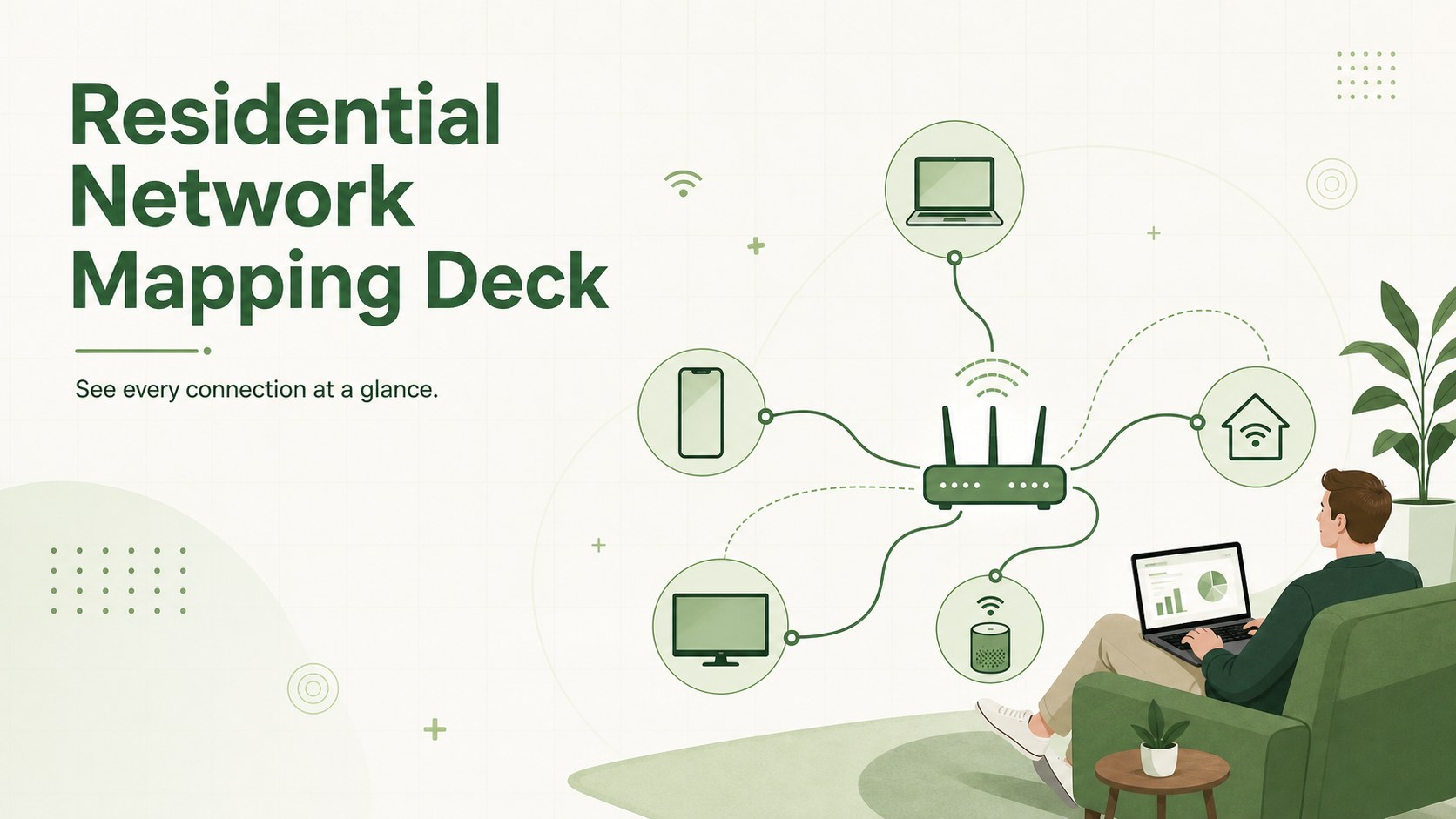
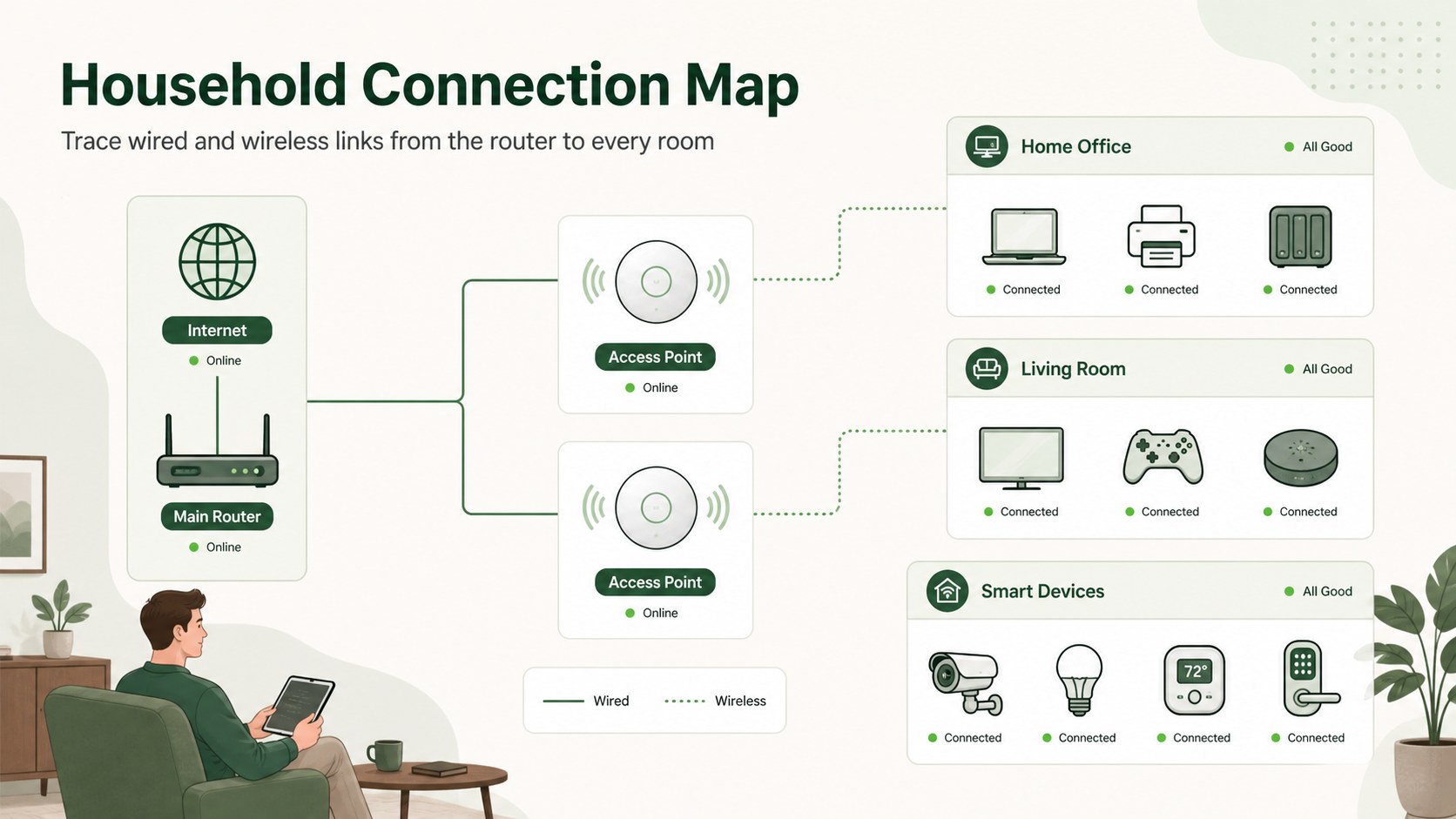
Turn a complicated collection of household devices into an easy-to-follow residential network mapping deck. Its clean green palette, professional iconography, and structured whiteboard layouts help you document how internet service, routers, access points, computers, entertainment systems, and smart technology connect across a property.
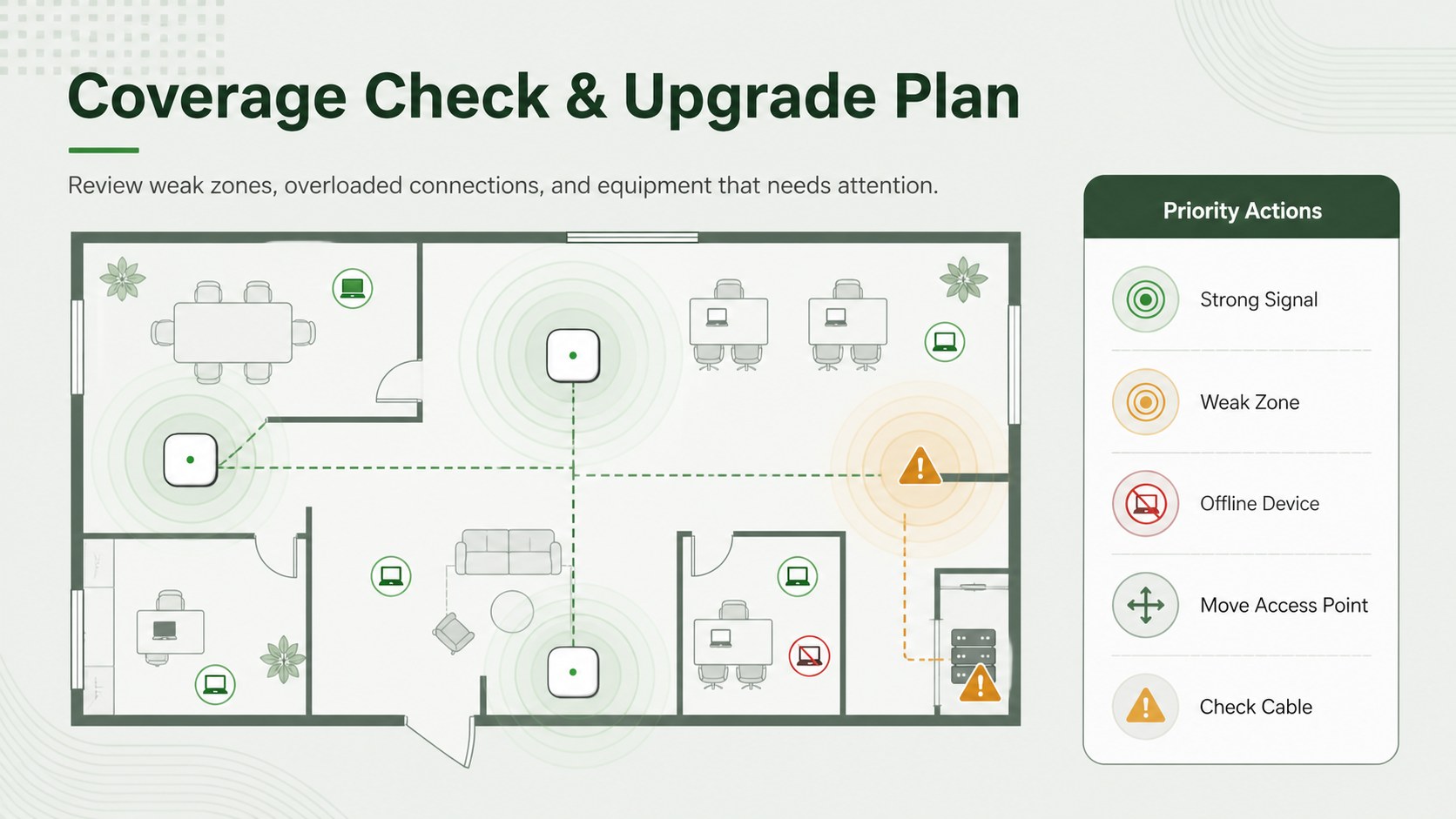
The three-slide set includes a polished cover, a home WiFi topology presentation layout, and a troubleshooting view for identifying weak signals or disconnected equipment. Editable connectors, device labels, status markers, and room-based groups make it simple to create a router and device connection map that reflects your actual setup. Reposition components, adjust colors, add notes, or expand the diagram as new technology is installed.
This residential network mapping deck is useful for homeowners planning equipment upgrades, IT professionals explaining recommendations, property managers documenting connected systems, and families organizing smart-home technology. It can also serve as a smart home network planning template when comparing router locations, wired backhaul options, guest access, and coverage zones.
Customize every slide in PowerPoint or Google Slides. The 16:9 format works well for technical discussions, remote support sessions, household documentation, and upgrade proposals, while the restrained visual style keeps complex information readable for both technical and nontechnical audiences.
Perfect for: home WiFi upgrade planning; smart device documentation; router placement review; remote network troubleshooting; property technology handover.
Frequently asked questions
Practical details
Yes. You can move device icons, reroute connectors, rename equipment, and add rooms or coverage zones to match your household network.
Yes. The deck is designed for editing in both PowerPoint and Google Slides, although minor spacing differences may occur between platforms.
Yes. Update the fills, lines, icons, and text colors to match your preferred palette or an existing technical documentation standard.
Yes. The visual structure uses familiar device symbols and straightforward labels, making the network easier to explain to both technical and nontechnical viewers.
Keep exploring
15Build an engaging World UFO Day session with this flying saucer history lesson deck, featuring retro green-and-brown slides for PowerPoint and Google Slides.
 15
15Plan a lively animal-learning journey with this jungle zoo adventure lesson deck, ready to customize in PowerPoint and Google Slides for young learners.
 16
16Turn environmental research into a clear story with a Watercolor Ecology Presentation Theme for PowerPoint and Google Slides in calming green and blue.
 16
16Build focused fashion, literature, and humanities presentations with the Red Triangle Editorial Theme, editable in PowerPoint and Google Slides.
 15
15Turn streaming stats, favorite tracks, and concert highlights into a bold annual listening recap slide deck for PowerPoint and Google Slides.
 15
15Turn highlights, milestones, and favorite moments into a colorful year in review slide deck with bold 3D graphics for PowerPoint and Google Slides.
 3
3Build a credible endorsement with Standout Colleague Recommendation Letter Slides, featuring colorful prompts for skills, achievements, and team impact.
 4
4Build clear beginner sessions with an ice hockey fundamentals training deck for coaches, PE teachers, and clubs, ready for PowerPoint and Google Slides.