
 15
15presentation
Flying Saucer History Lesson Deck
Build an engaging World UFO Day session with this flying saucer history lesson deck, featuring retro green-and-brown slides for PowerPoint and Google Slides.
Google SlidesPowerPoint
presentation · English
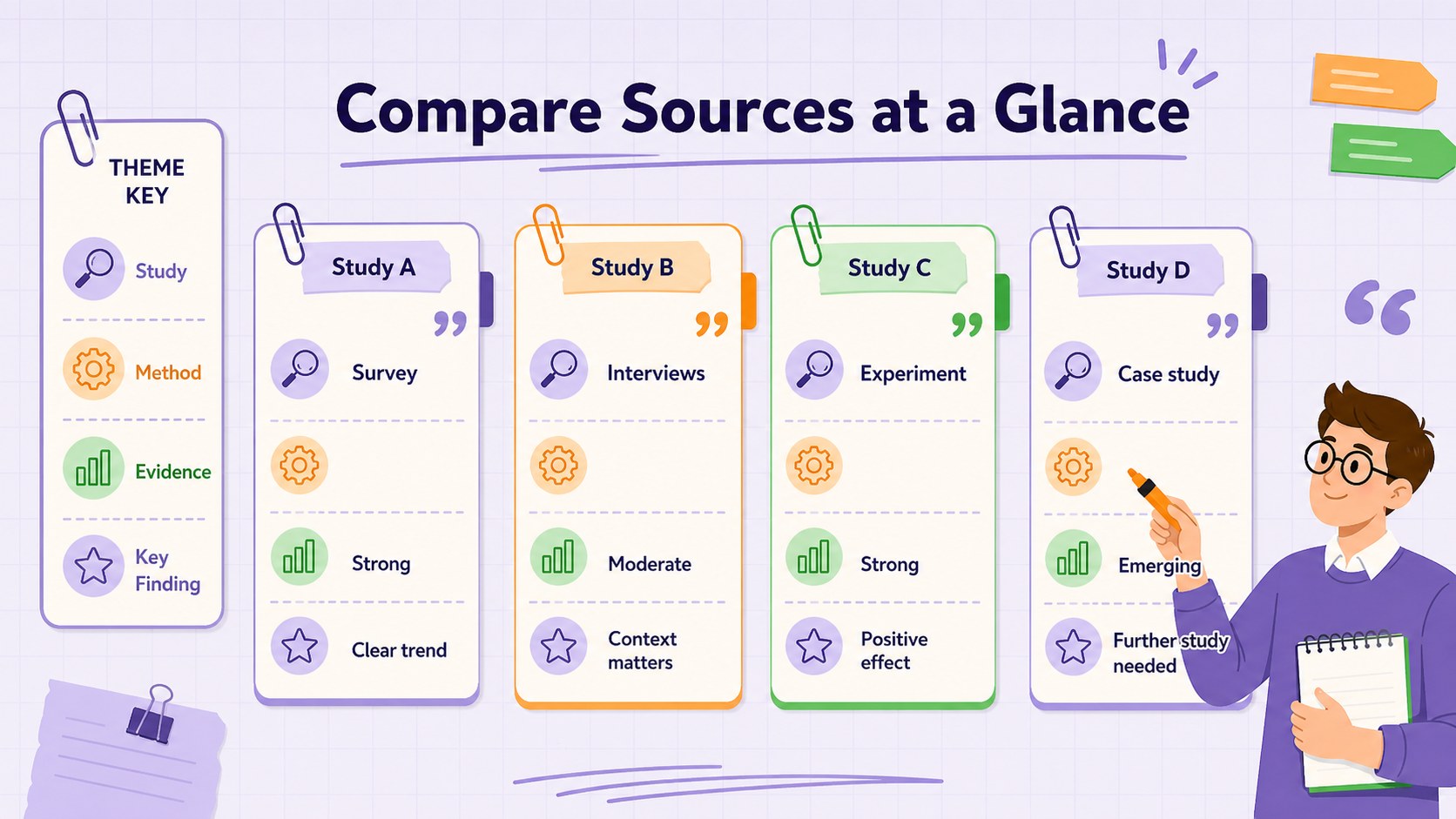
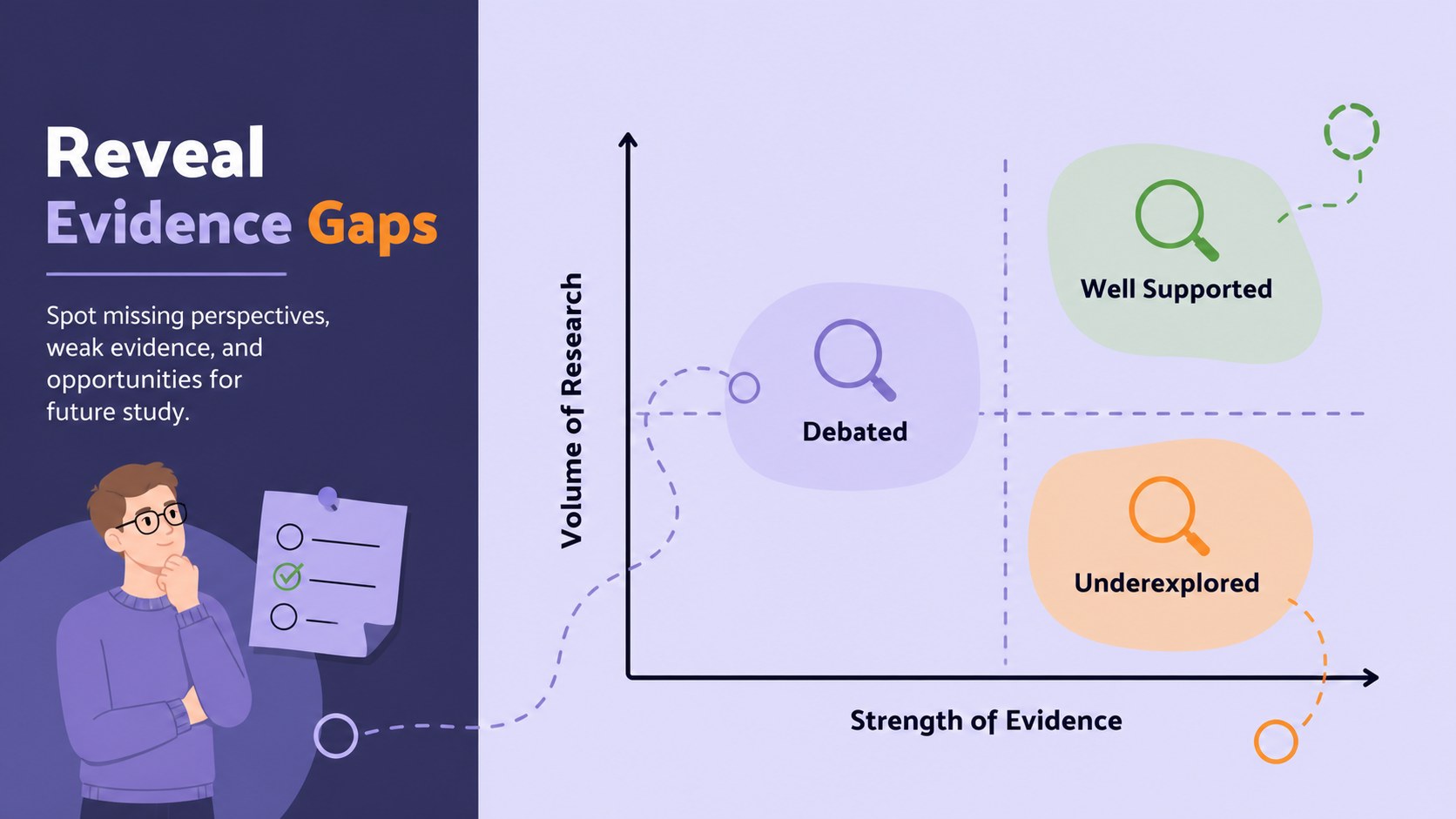
Compare sources, trace themes, and reveal evidence gaps with research synthesis matrix slides for focused academic analysis in PowerPoint and Google Slides.
Design notes
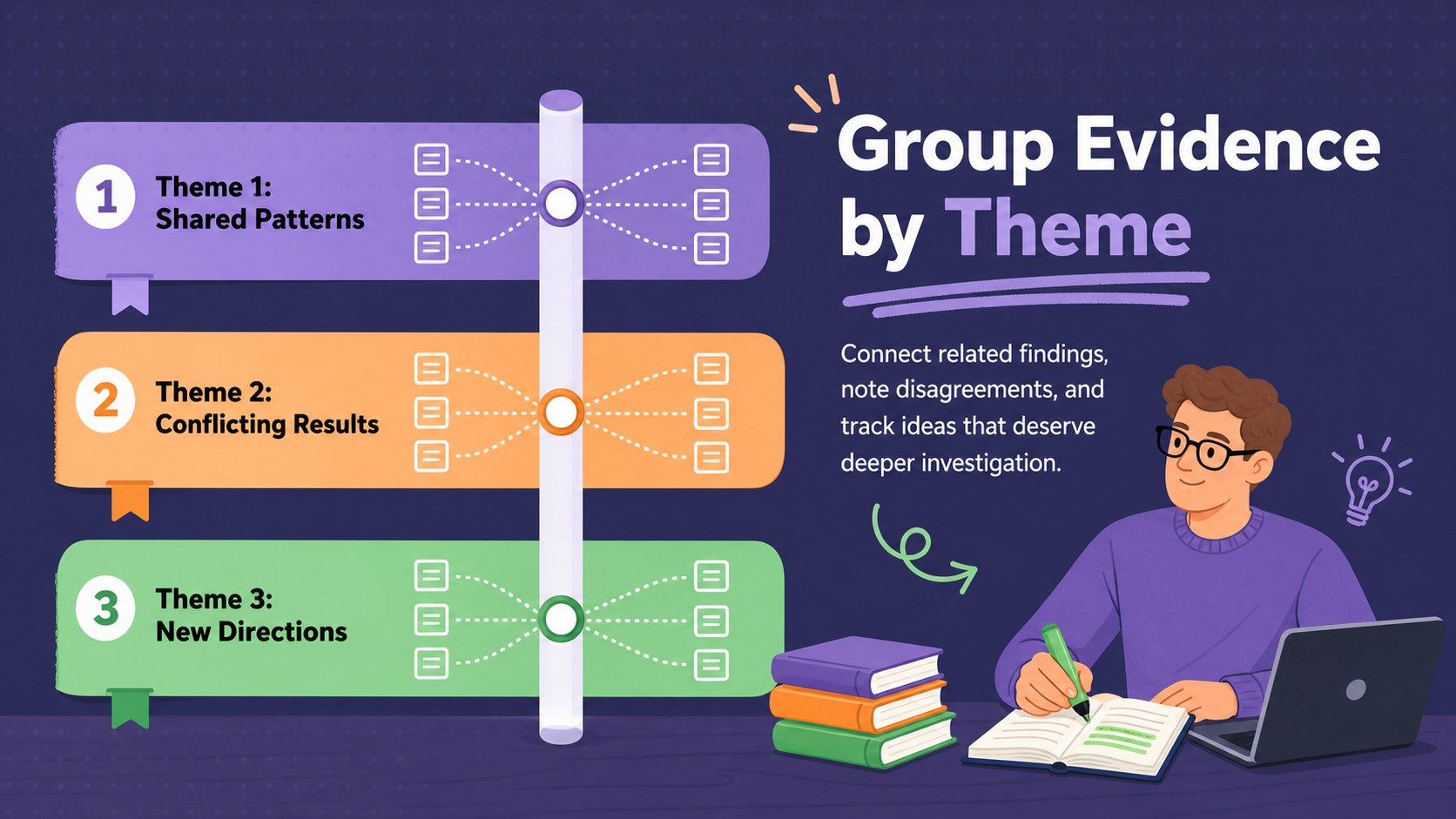
Research Synthesis Matrix Slides turn dense reading notes into an organized visual framework for comparing evidence, methods, themes, and conclusions. The playful minimalist design combines violet, orange, and green accents with clear typography, helping academic findings remain approachable without losing professional credibility. Use the layouts to explain how sources connect, where authors disagree, and which questions still need investigation.
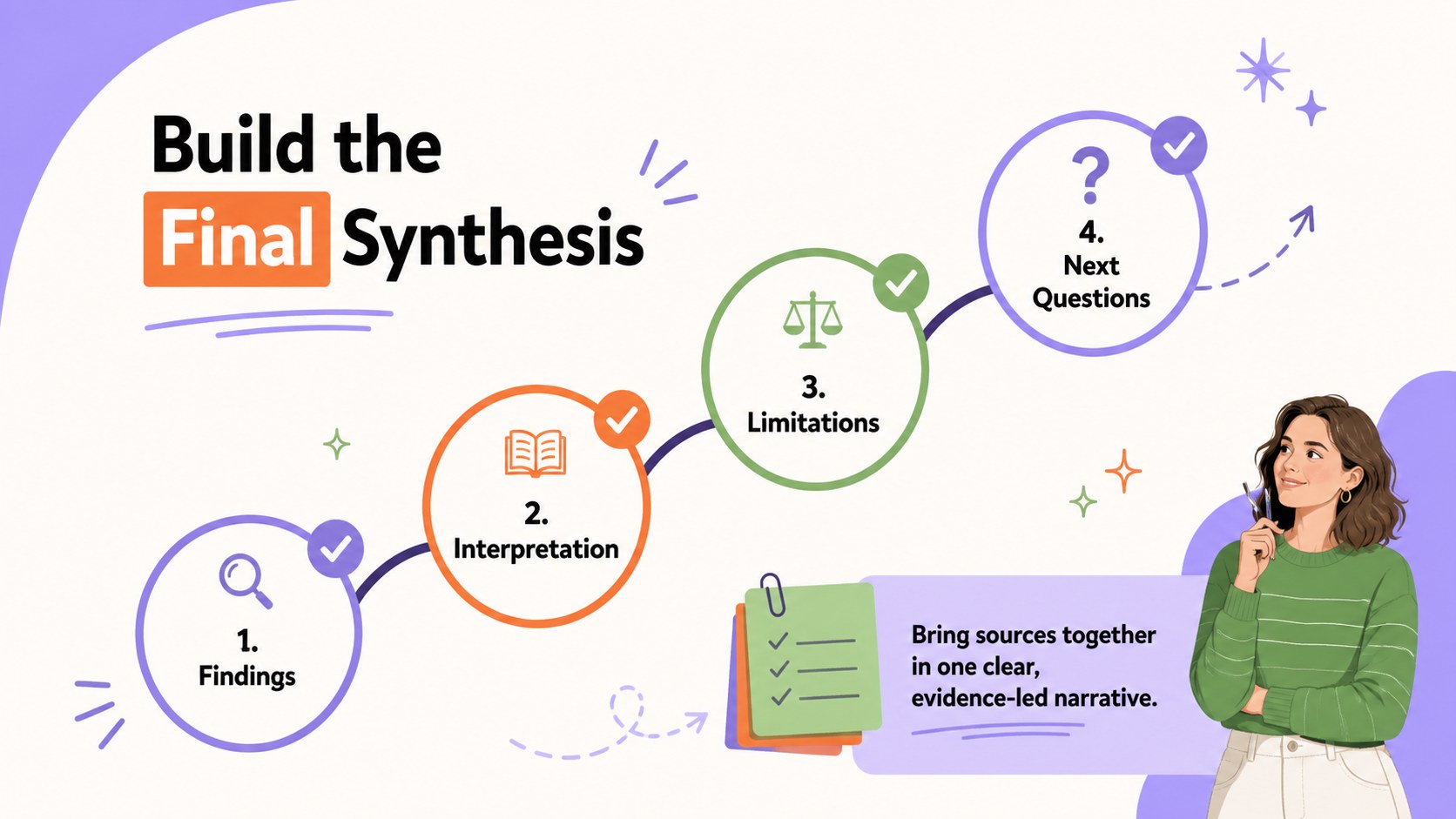
The deck includes five editable infographic layouts for source comparison, thematic grouping, methodology review, evidence-gap mapping, and final synthesis. Each page can be adapted as a research synthesis matrix template or a literature gap analysis matrix, with flexible text areas, directional graphics, shapes, and color-coded sections. Replace the sample wording, adjust the categories, and add citations or concise study notes directly in PowerPoint or Google Slides. The 16:9 format works well for classroom screens, conference presentations, research meetings, and exported PDF handouts.
These research synthesis matrix slides are designed for university students, educators, doctoral candidates, librarians, analysts, and research teams. They are especially useful when preparing a thesis proposal, summarizing a systematic review, leading a journal club, or building academic source comparison slides for a seminar. The structured visuals make complex reading easier to scan while preserving the relationships among authors, findings, and research gaps.
Perfect for: thesis literature synthesis; systematic review briefing; graduate research seminar; journal club discussion; evidence gap assessment.
Frequently asked questions
Can I edit the research categories and source fields? Yes. All headings, comparison fields, labels, colors, and shapes can be edited to match your research question, discipline, or citation method.
Practical details
Yes. All headings, comparison fields, labels, colors, and shapes can be edited to match your research question, discipline, or citation method.
The slides are designed for PowerPoint and Google Slides. You can present them directly or export the finished deck as a PDF for submission and distribution.
Yes. Adapt the columns to compare populations, interventions, methodologies, outcomes, limitations, or quality criteria across studies. The evidence-gap layout can also highlight missing or contradictory findings.
Assign the violet, orange, and green accents to consistent categories such as themes, methods, or evidence strength. Keep the same meaning across slides so viewers can interpret the synthesis quickly.
Keep exploring
15Build an engaging World UFO Day session with this flying saucer history lesson deck, featuring retro green-and-brown slides for PowerPoint and Google Slides.
 15
15Plan a lively animal-learning journey with this jungle zoo adventure lesson deck, ready to customize in PowerPoint and Google Slides for young learners.
 16
16Turn environmental research into a clear story with a Watercolor Ecology Presentation Theme for PowerPoint and Google Slides in calming green and blue.
 16
16Build focused fashion, literature, and humanities presentations with the Red Triangle Editorial Theme, editable in PowerPoint and Google Slides.
 15
15Turn streaming stats, favorite tracks, and concert highlights into a bold annual listening recap slide deck for PowerPoint and Google Slides.
 15
15Turn highlights, milestones, and favorite moments into a colorful year in review slide deck with bold 3D graphics for PowerPoint and Google Slides.
 3
3Build a credible endorsement with Standout Colleague Recommendation Letter Slides, featuring colorful prompts for skills, achievements, and team impact.
 4
4Build clear beginner sessions with an ice hockey fundamentals training deck for coaches, PE teachers, and clubs, ready for PowerPoint and Google Slides.