
 15
15presentation
Flying Saucer History Lesson Deck
Build an engaging World UFO Day session with this flying saucer history lesson deck, featuring retro green-and-brown slides for PowerPoint and Google Slides.
Google SlidesPowerPoint
presentation · English
Build a reproductive health rights visual guide for lessons, advocacy workshops, and community outreach in editable PowerPoint and Google Slides.
Design notes
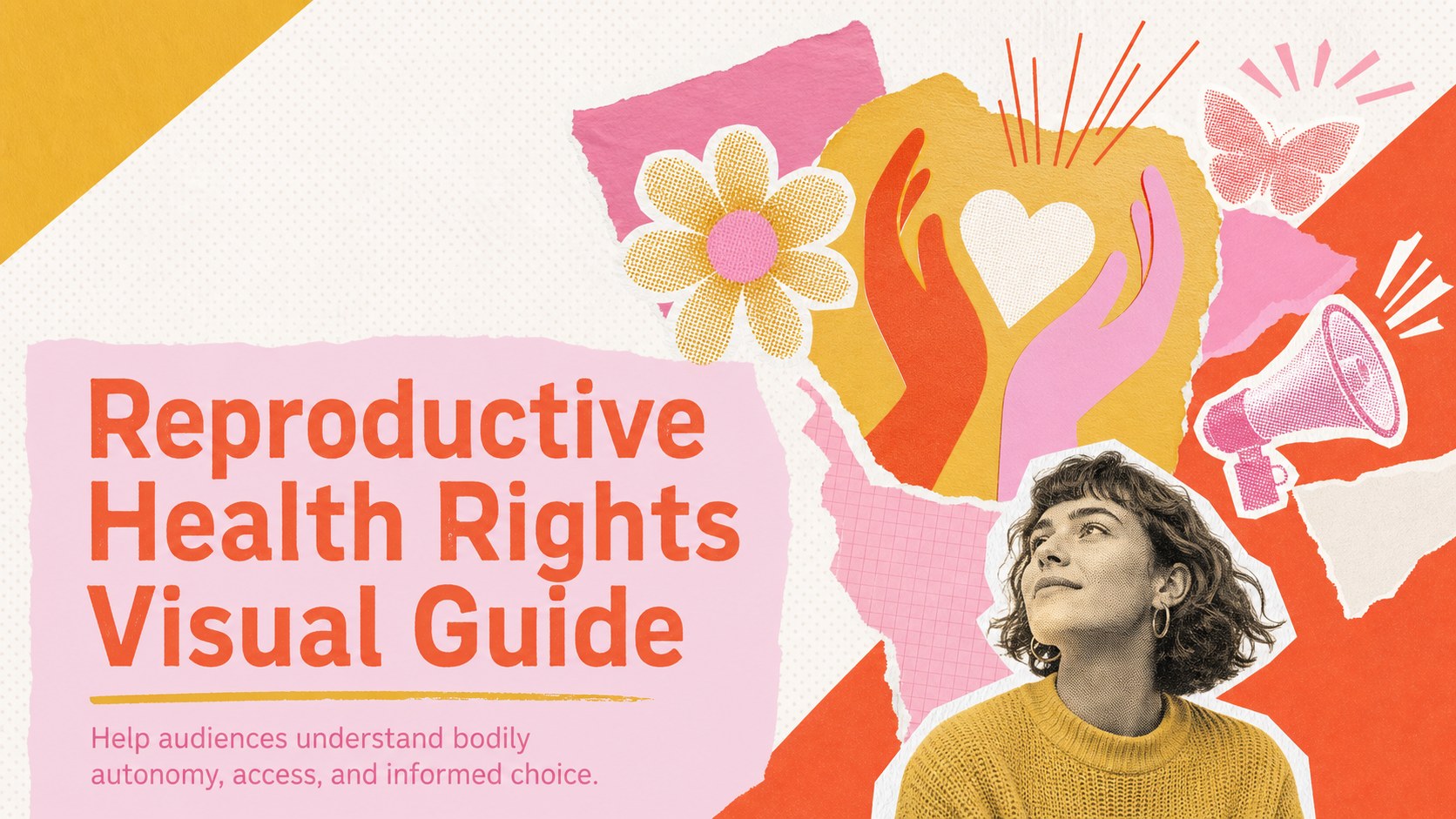
Make complex information easier to discuss with a reproductive health rights visual guide designed for education, advocacy, and public outreach. Its energetic collage style combines orange, pink, yellow, and white with bold typography, layered shapes, and accessible information blocks. The result feels engaging and contemporary while leaving room for a respectful, evidence-based message.
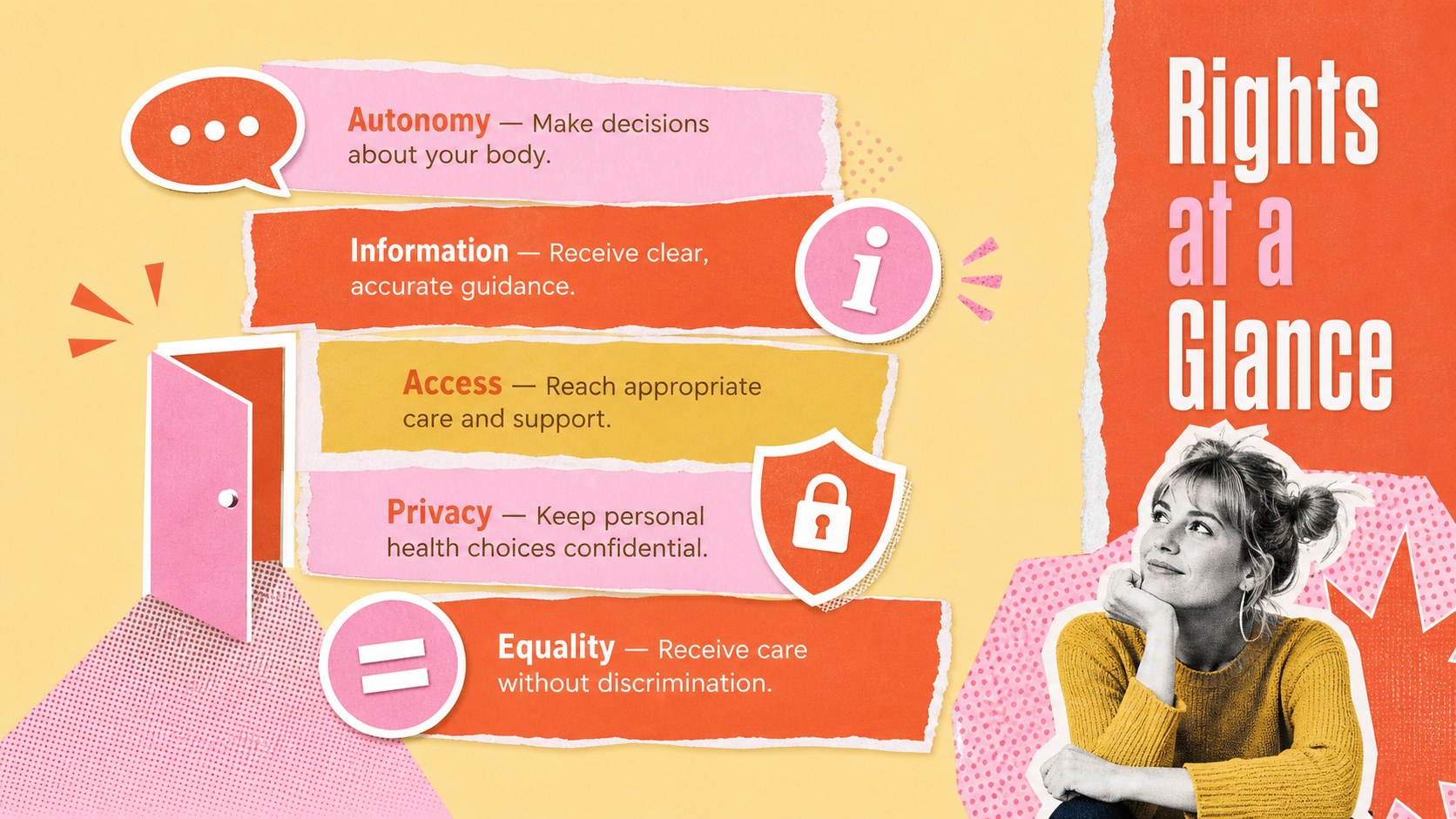
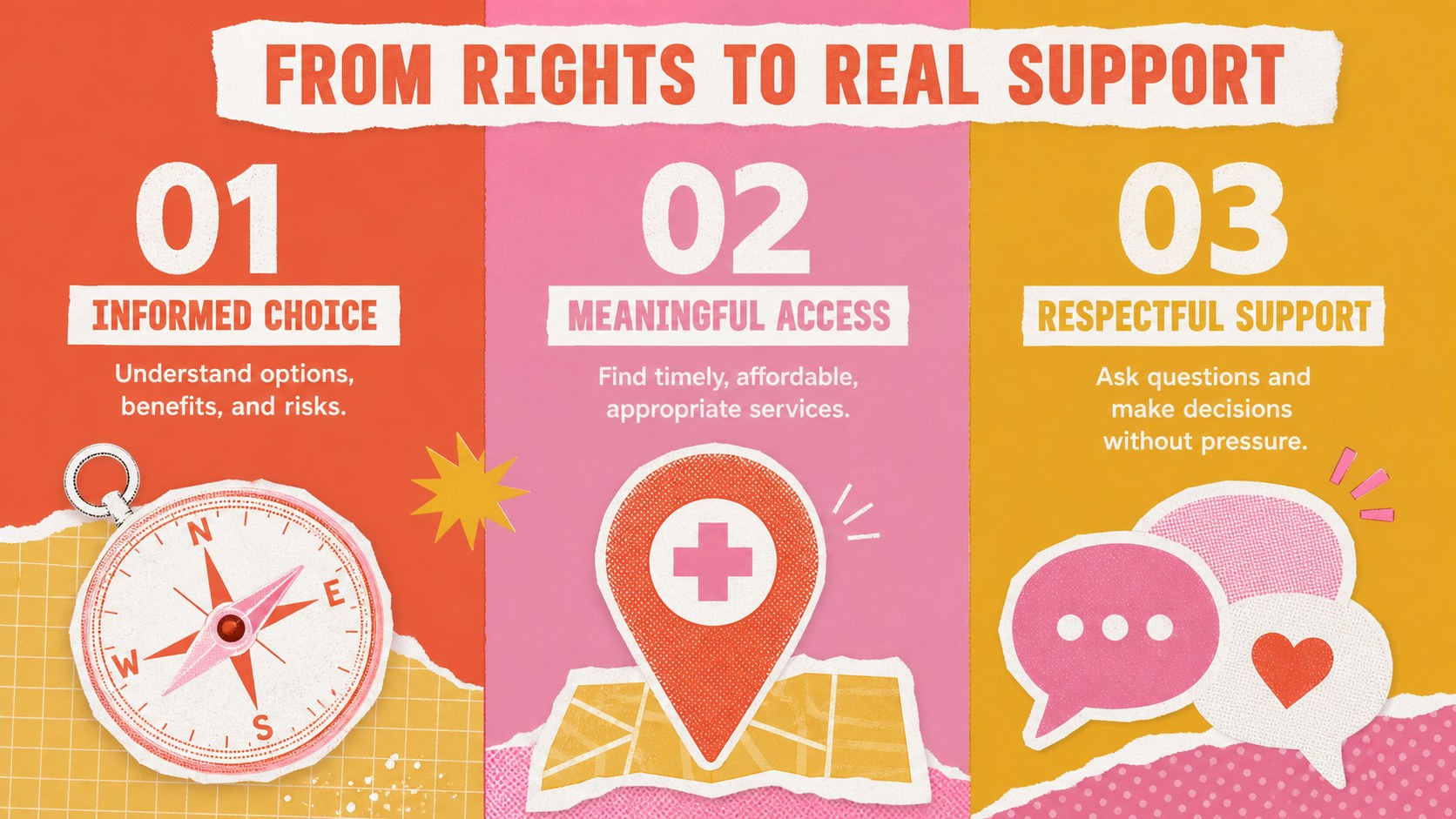
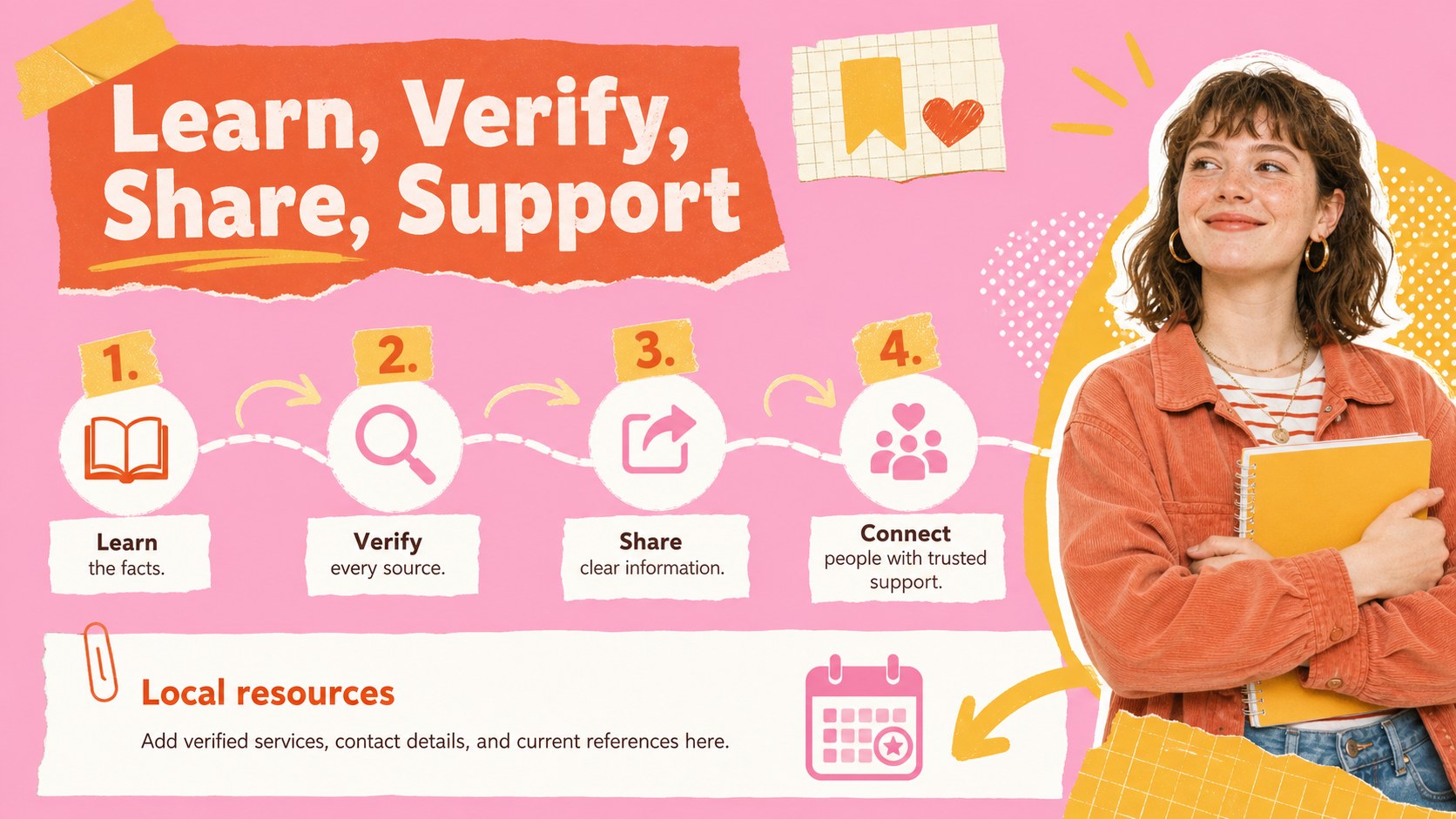
The deck includes four coordinated layouts: an opening cover, a clear overview of core rights, a three-part framework for access and autonomy, and an action-focused resource page. Use the editable sections to add verified statistics, legal context, support services, citations, and audience-specific calls to action. This reproductive rights education presentation can also be adapted into bodily autonomy classroom slides or a community health advocacy infographic for events and digital sharing.
Created for teachers, health educators, nonprofit teams, student groups, advocates, and communications professionals, the template supports both introductory lessons and focused awareness campaigns. Every slide can be customized in PowerPoint or Google Slides, including headings, colors, icons, diagrams, and content blocks. Keep the vivid palette for an upbeat editorial look, or adjust the visual emphasis to suit a school, clinic, workshop, or community organization. Add locally relevant resources and current sources before presenting so audiences receive accurate, practical guidance.
Perfect for: health education lesson; reproductive justice workshop; community awareness campaign; nonprofit advocacy briefing; student discussion session.
Frequently asked questions
Can I edit every part of this visual guide? Yes. Headings, body text, colors, icons, shapes, and information blocks can all be changed to match your audience and organization.
Practical details
Yes. Headings, body text, colors, icons, shapes, and information blocks can all be changed to match your audience and organization.
The template is designed for PowerPoint and Google Slides. Check font availability after importing and substitute a similar typeface if your system does not include the original font.
Replace general examples with current local laws, services, helplines, and healthcare access information. Cite reliable sources and have sensitive or legal claims reviewed before presenting.
Yes. Keep the educational layouts for classroom teaching, or revise the final slide with campaign resources, event details, and a clear call to action for public outreach.
Keep exploring
15Build an engaging World UFO Day session with this flying saucer history lesson deck, featuring retro green-and-brown slides for PowerPoint and Google Slides.
 15
15Plan a lively animal-learning journey with this jungle zoo adventure lesson deck, ready to customize in PowerPoint and Google Slides for young learners.
 16
16Turn environmental research into a clear story with a Watercolor Ecology Presentation Theme for PowerPoint and Google Slides in calming green and blue.
 16
16Build focused fashion, literature, and humanities presentations with the Red Triangle Editorial Theme, editable in PowerPoint and Google Slides.
 15
15Turn streaming stats, favorite tracks, and concert highlights into a bold annual listening recap slide deck for PowerPoint and Google Slides.
 15
15Turn highlights, milestones, and favorite moments into a colorful year in review slide deck with bold 3D graphics for PowerPoint and Google Slides.
 3
3Build a credible endorsement with Standout Colleague Recommendation Letter Slides, featuring colorful prompts for skills, achievements, and team impact.
 4
4Build clear beginner sessions with an ice hockey fundamentals training deck for coaches, PE teachers, and clubs, ready for PowerPoint and Google Slides.