
 15
15presentation
Flying Saucer History Lesson Deck
Build an engaging World UFO Day session with this flying saucer history lesson deck, featuring retro green-and-brown slides for PowerPoint and Google Slides.
Google SlidesPowerPoint
presentation · English
Build a reproductive freedom awareness poster for lessons, campaigns, or outreach with bold collage visuals, editable facts, and clear calls to action.
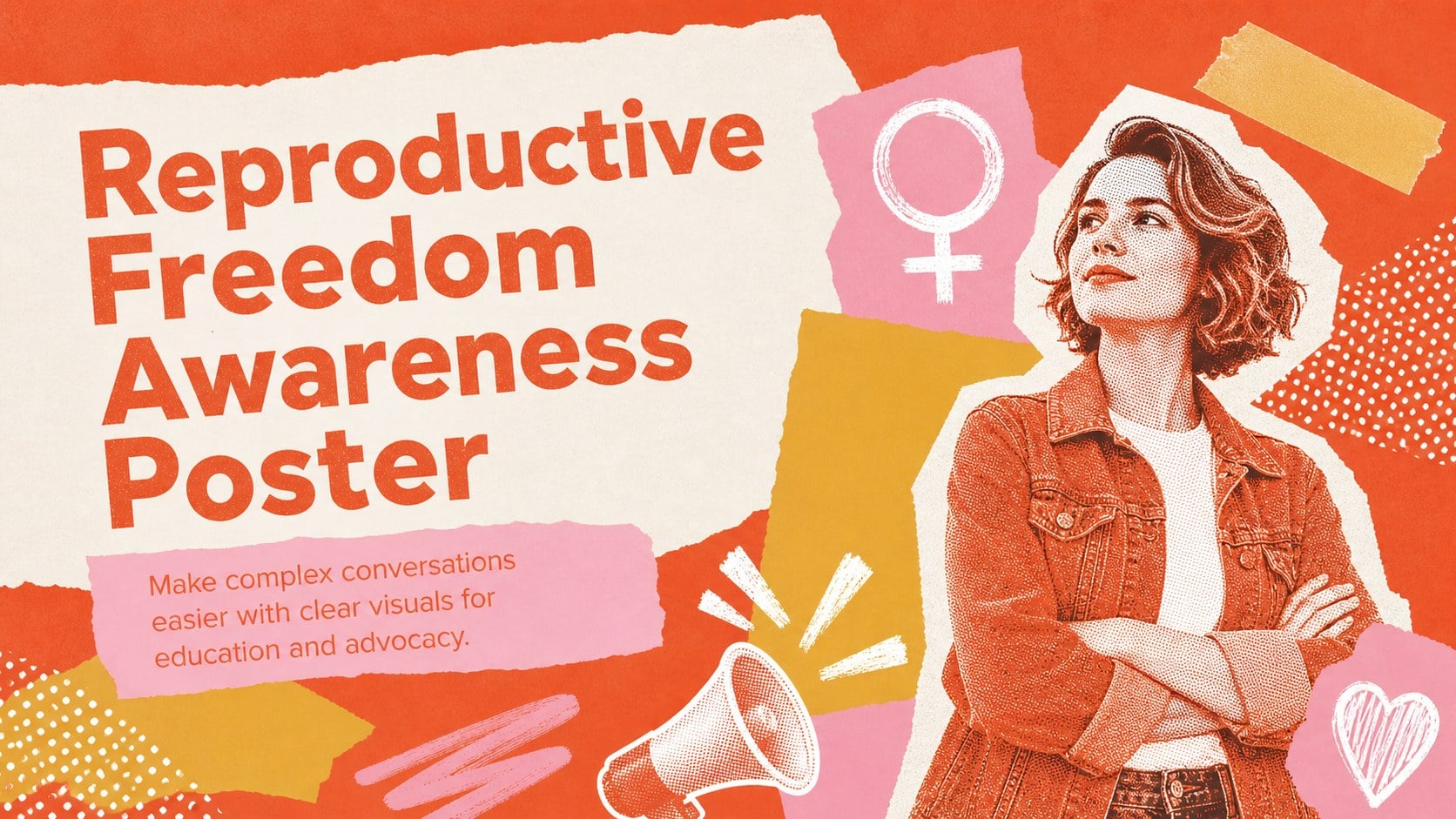
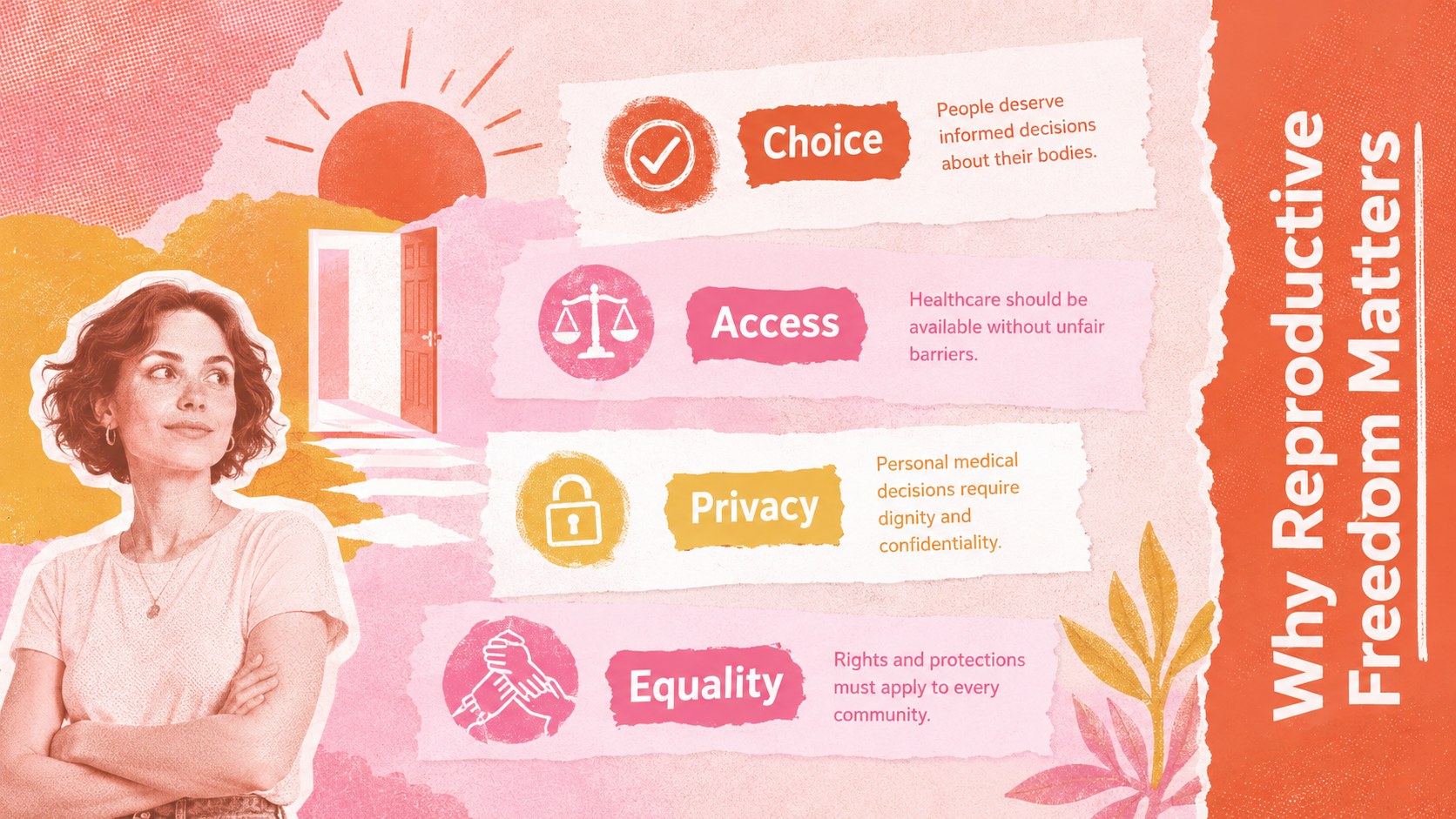
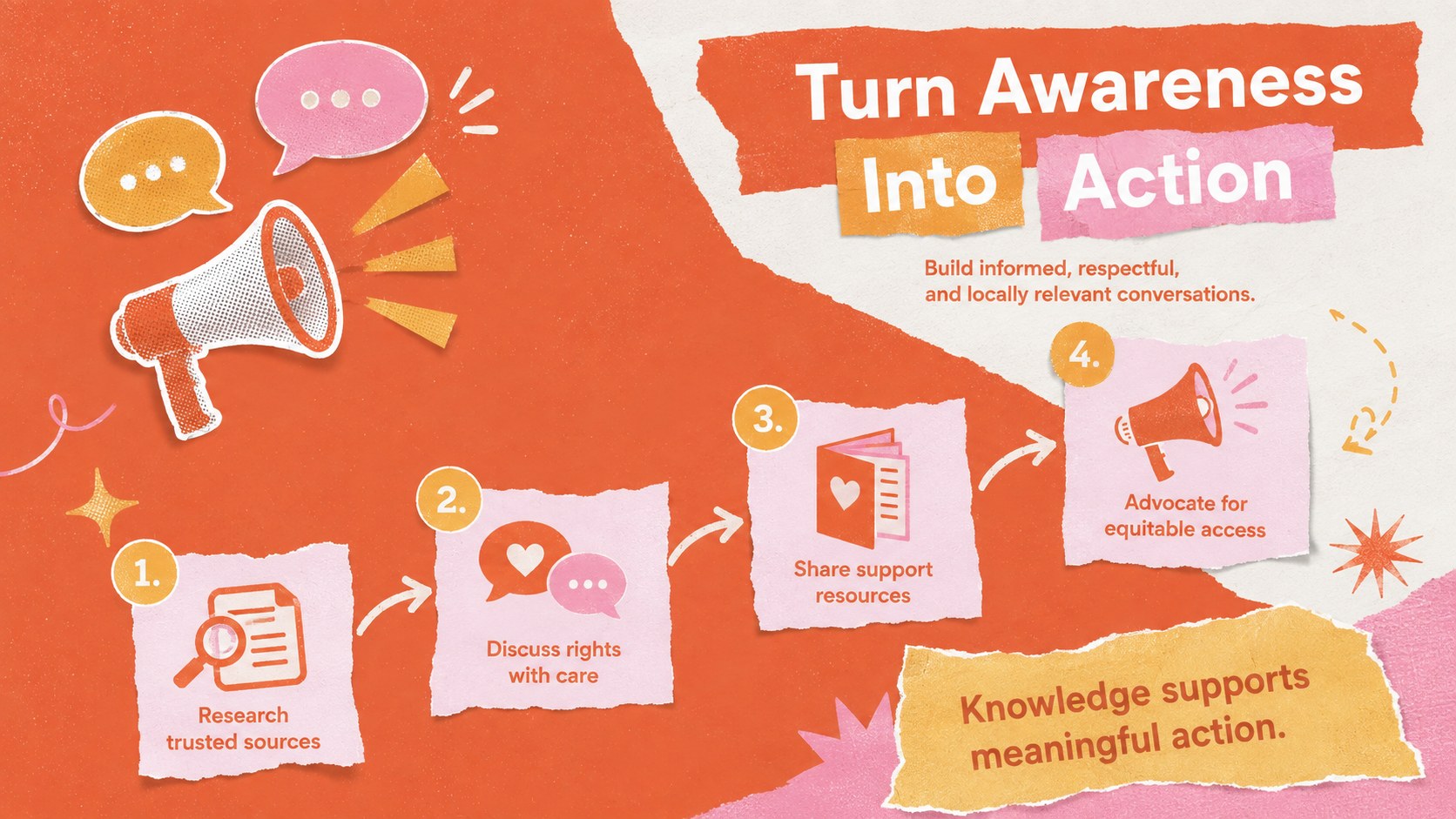
Design notes
Help audiences understand bodily autonomy, healthcare access, informed choice, and equal protection with the Reproductive Freedom Awareness Poster. Built for sensitive but direct communication, its vivid orange, pink, yellow, and white collage aesthetic balances urgency with approachability. Use it to introduce core principles, frame discussion questions, or connect personal wellbeing with broader human rights.
This editable resource includes a strong cover message, a concise explainer section, and an action-focused closing layout. Add local statistics, policy context, service contacts, quotations, or campaign goals without rebuilding the visual hierarchy. The modular composition works as a reproductive health advocacy presentation, a one-screen digital poster, or a short handout exported from PowerPoint or Google Slides. Clear headings and compact text areas keep key points easy to scan.
Designed for educators, nonprofit teams, healthcare communicators, student groups, and community organizers, this bodily autonomy education slides set supports lessons, workshops, awareness events, and social posts. It also adapts well as a reproductive justice campaign template when you need consistent messaging across presentations and outreach materials. Customize the language for your audience, verify facts against trusted sources, and include region-specific support information before publishing.
Perfect for: community rights workshop; classroom health discussion; nonprofit awareness campaign; patient education session; student advocacy event.
Frequently asked questions
Can I edit the poster in PowerPoint and Google Slides? Yes. You can replace the text, adjust colors, move visual elements, and add your own statistics in either PowerPoint or Google Slides.
Practical details
Yes. You can replace the text, adjust colors, move visual elements, and add your own statistics in either PowerPoint or Google Slides.
Replace the sample wording with region-specific laws, healthcare information, service contacts, and verified data. Review every statement with a qualified source before presenting or publishing it.
Yes. Individual slides can be exported as images or PDFs for digital posters, classroom displays, social posts, and outreach handouts.
Yes. The orange, pink, yellow, and white palette can be updated to match an organization or campaign while retaining strong contrast and readable text.
Keep exploring
15Build an engaging World UFO Day session with this flying saucer history lesson deck, featuring retro green-and-brown slides for PowerPoint and Google Slides.
 15
15Plan a lively animal-learning journey with this jungle zoo adventure lesson deck, ready to customize in PowerPoint and Google Slides for young learners.
 16
16Turn environmental research into a clear story with a Watercolor Ecology Presentation Theme for PowerPoint and Google Slides in calming green and blue.
 16
16Build focused fashion, literature, and humanities presentations with the Red Triangle Editorial Theme, editable in PowerPoint and Google Slides.
 15
15Turn streaming stats, favorite tracks, and concert highlights into a bold annual listening recap slide deck for PowerPoint and Google Slides.
 15
15Turn highlights, milestones, and favorite moments into a colorful year in review slide deck with bold 3D graphics for PowerPoint and Google Slides.
 3
3Build a credible endorsement with Standout Colleague Recommendation Letter Slides, featuring colorful prompts for skills, achievements, and team impact.
 4
4Build clear beginner sessions with an ice hockey fundamentals training deck for coaches, PE teachers, and clubs, ready for PowerPoint and Google Slides.