
 15
15presentation
Flying Saucer History Lesson Deck
Build an engaging World UFO Day session with this flying saucer history lesson deck, featuring retro green-and-brown slides for PowerPoint and Google Slides.
Google SlidesPowerPoint
presentation · English
Build a clear rental property investment roadmap with colorful geometric slides for market analysis, portfolio goals, financial projections, and real estate…







Design notes
Make your next property pitch easier to follow with a rental property investment roadmap designed for real estate professionals. The colorful geometric style brings energy to market research, acquisition planning, and portfolio discussions while keeping each message organized and presentation-ready.
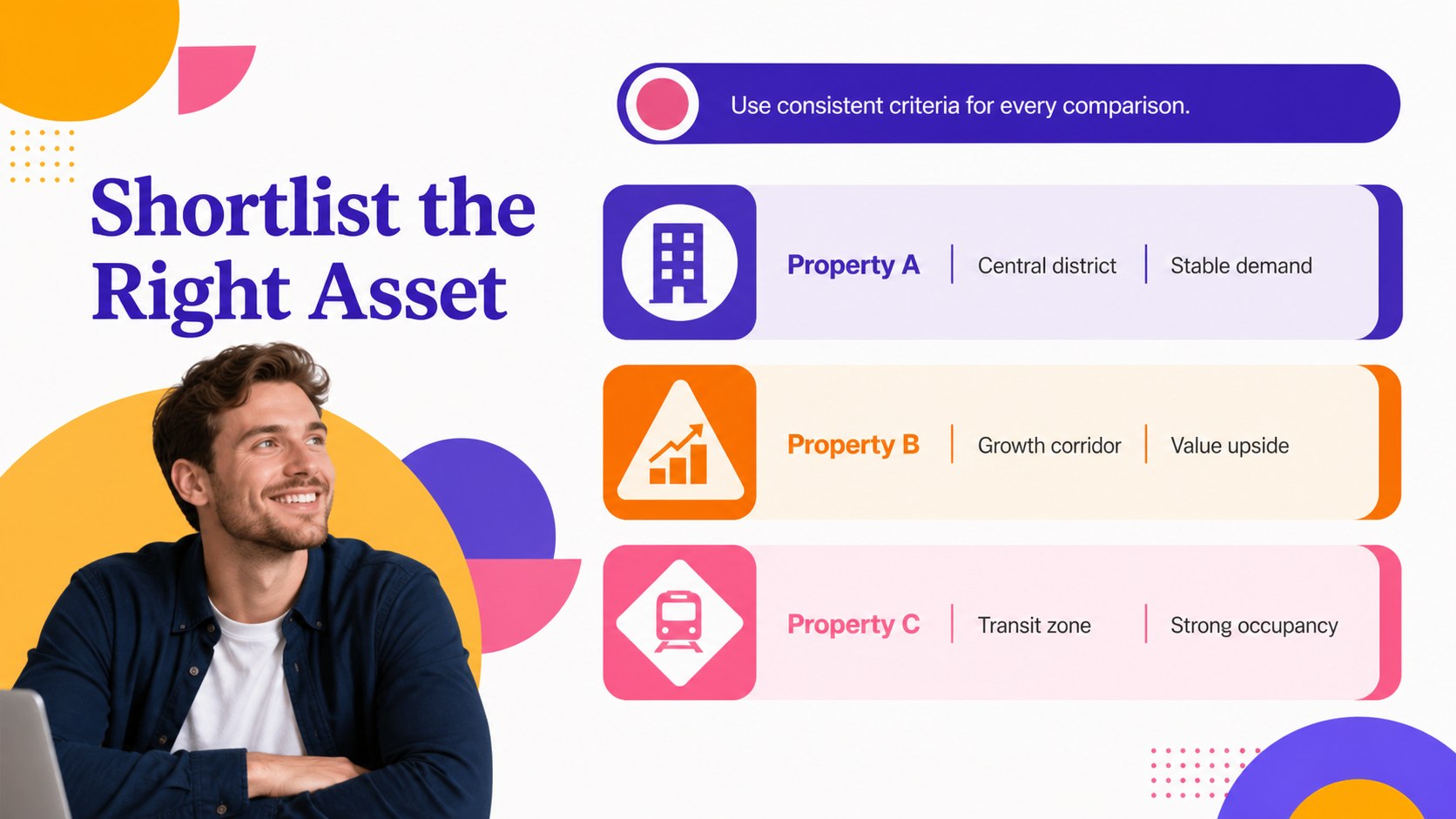
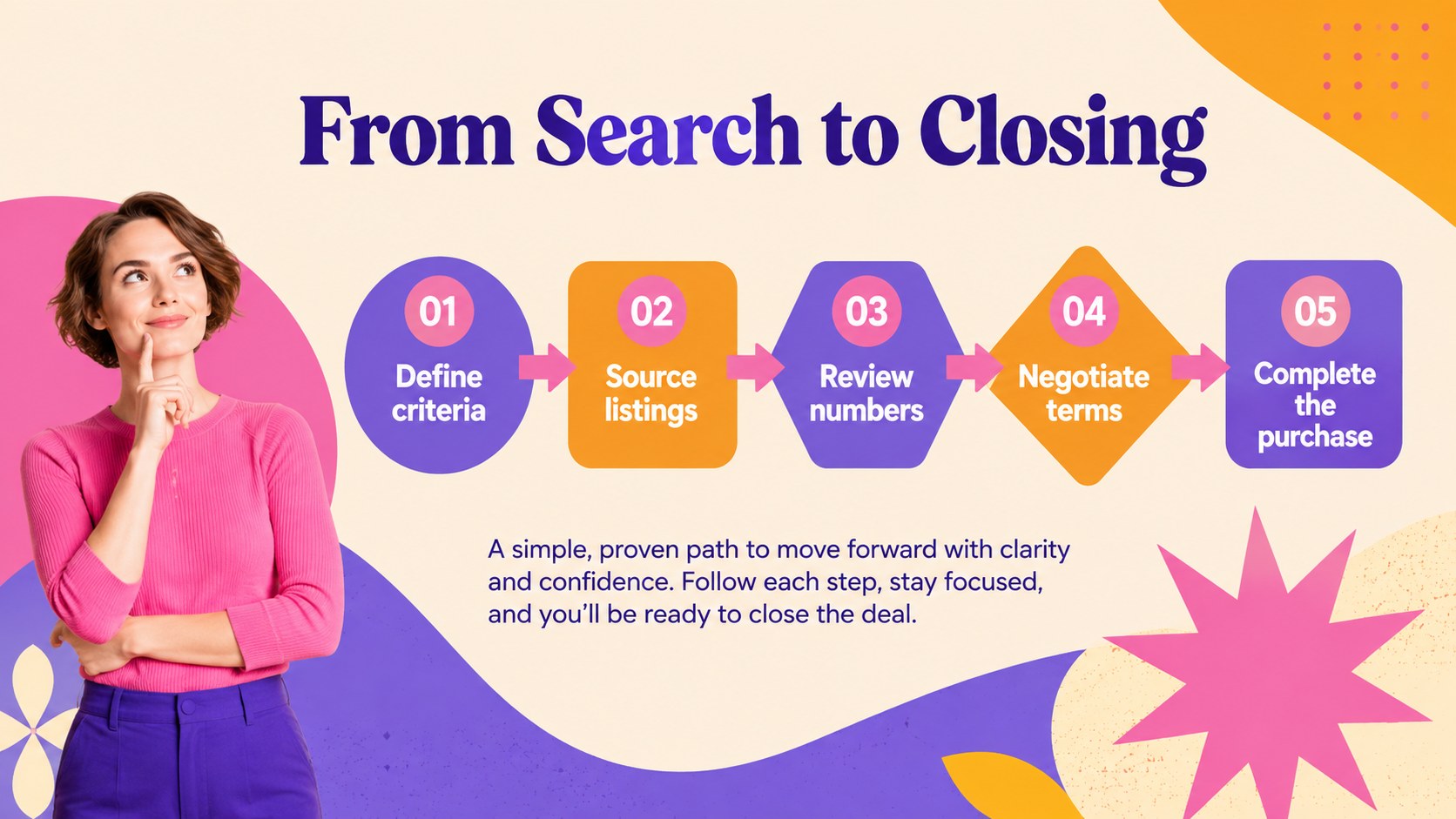
Inside, you will find more than 25 editable slides for company introductions, neighborhood analysis, property comparisons, rental income forecasts, investment goals, marketing plans, timelines, and next steps. Charts, timelines, image frames, diagrams, and adaptable content blocks help you explain both the opportunity and the path to execution. Use the layouts to build a rental portfolio strategy, outline a property management proposal, or present a focused acquisition plan.
This template is suitable for real estate agencies, independent Realtors, property managers, developers, landlords, and investment teams. It works well for client consultations, internal planning meetings, partnership proposals, and investor presentations. Edit the text, numbers, imagery, and diagrams in PowerPoint or Google Slides, then adjust the bright purple, orange, yellow, and pink accents to match your project while preserving the playful geometric character.
Perfect for: real estate investor pitch; rental portfolio planning; property acquisition proposal; property management briefing; client investment consultation.
Frequently asked questions
Can I edit this template in PowerPoint? Yes. The presentation is designed for PowerPoint editing, with customizable text, charts, shapes, images, and layouts. You can also export the finished deck to common presentation formats.
Practical details
Yes. The presentation is designed for PowerPoint editing, with customizable text, charts, shapes, images, and layouts. You can also export the finished deck to common presentation formats.
Yes, you can open and edit the presentation in Google Slides. Review fonts and spacing after importing, then replace the sample figures and imagery with your own project data.
You can update the market figures, property details, financial projections, timelines, colors, photos, and written content. The geometric shapes and layout elements can also be rearranged to suit your narrative.
It is built for Realtors, landlords, property managers, developers, and investment teams. The layouts support investor pitches, acquisition proposals, portfolio reviews, and client-facing planning sessions.
Keep exploring
15Build an engaging World UFO Day session with this flying saucer history lesson deck, featuring retro green-and-brown slides for PowerPoint and Google Slides.
 15
15Plan a lively animal-learning journey with this jungle zoo adventure lesson deck, ready to customize in PowerPoint and Google Slides for young learners.
 16
16Turn environmental research into a clear story with a Watercolor Ecology Presentation Theme for PowerPoint and Google Slides in calming green and blue.
 16
16Build focused fashion, literature, and humanities presentations with the Red Triangle Editorial Theme, editable in PowerPoint and Google Slides.
 15
15Turn streaming stats, favorite tracks, and concert highlights into a bold annual listening recap slide deck for PowerPoint and Google Slides.
 15
15Turn highlights, milestones, and favorite moments into a colorful year in review slide deck with bold 3D graphics for PowerPoint and Google Slides.
 3
3Build a credible endorsement with Standout Colleague Recommendation Letter Slides, featuring colorful prompts for skills, achievements, and team impact.
 4
4Build clear beginner sessions with an ice hockey fundamentals training deck for coaches, PE teachers, and clubs, ready for PowerPoint and Google Slides.