
 15
15presentation
Flying Saucer History Lesson Deck
Build an engaging World UFO Day session with this flying saucer history lesson deck, featuring retro green-and-brown slides for PowerPoint and Google Slides.
Google SlidesPowerPoint
presentation · English
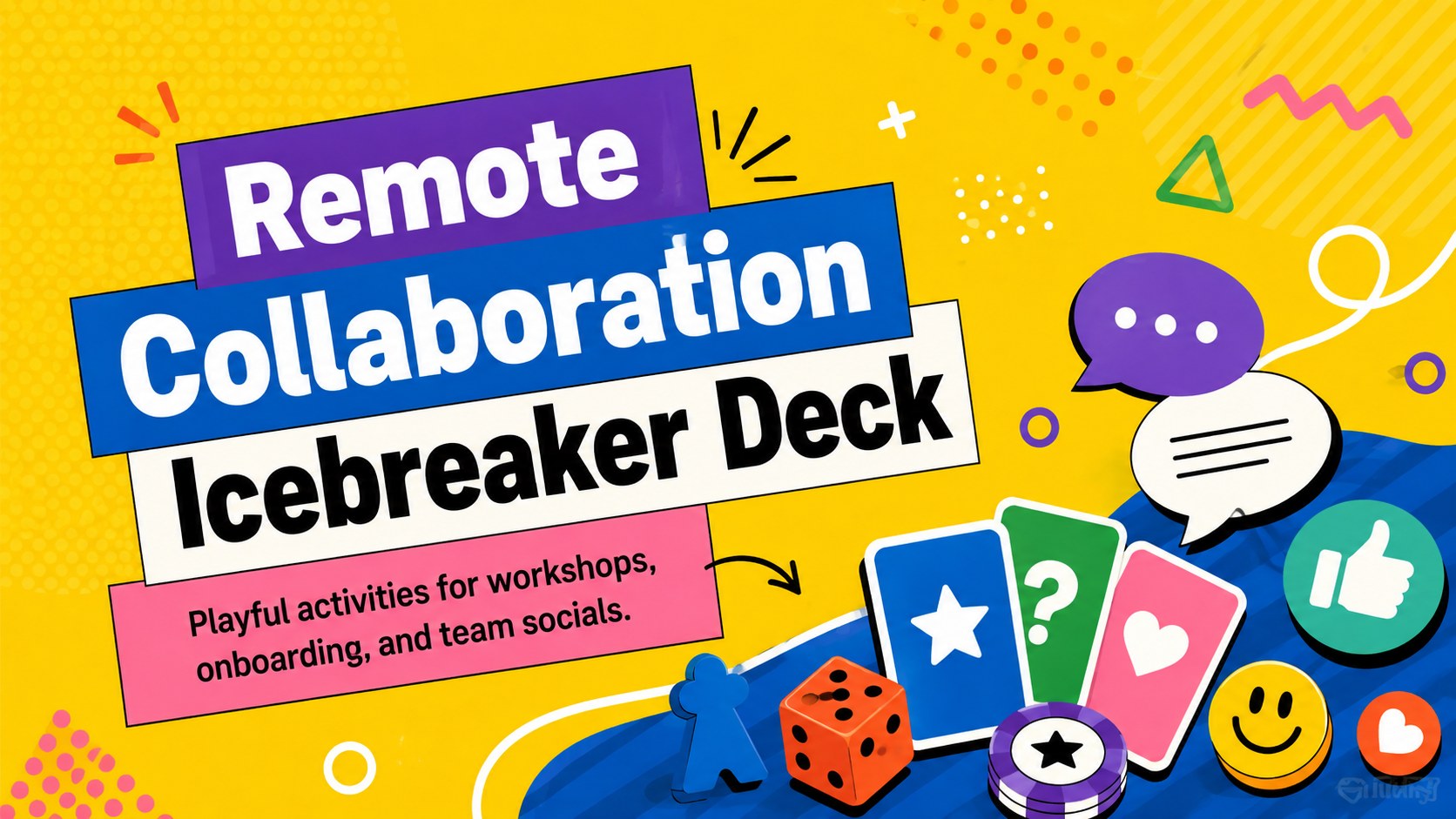
Turn virtual meetings into lively shared experiences with a remote collaboration icebreaker deck for workshops, onboarding sessions, and team socials.
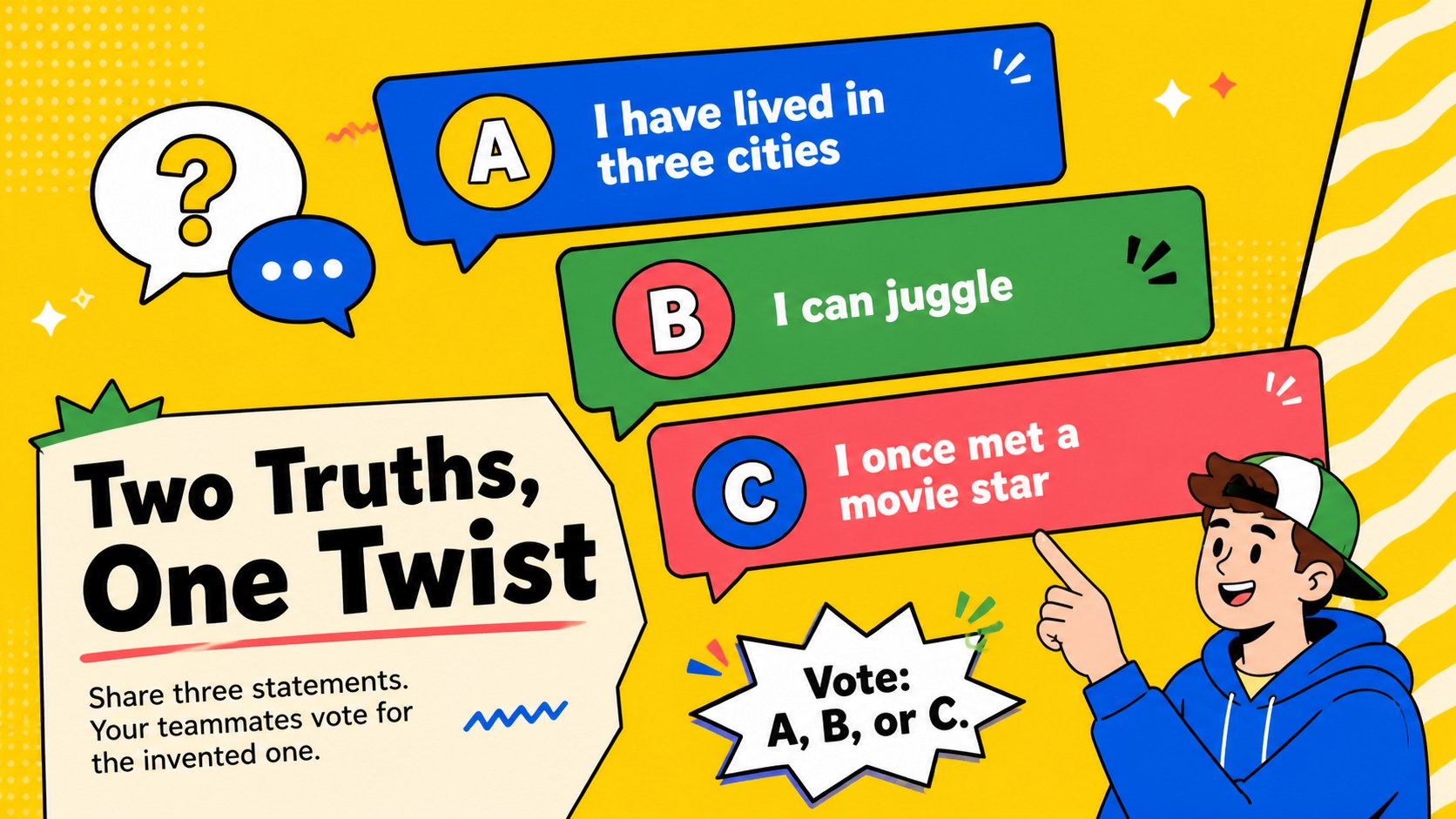
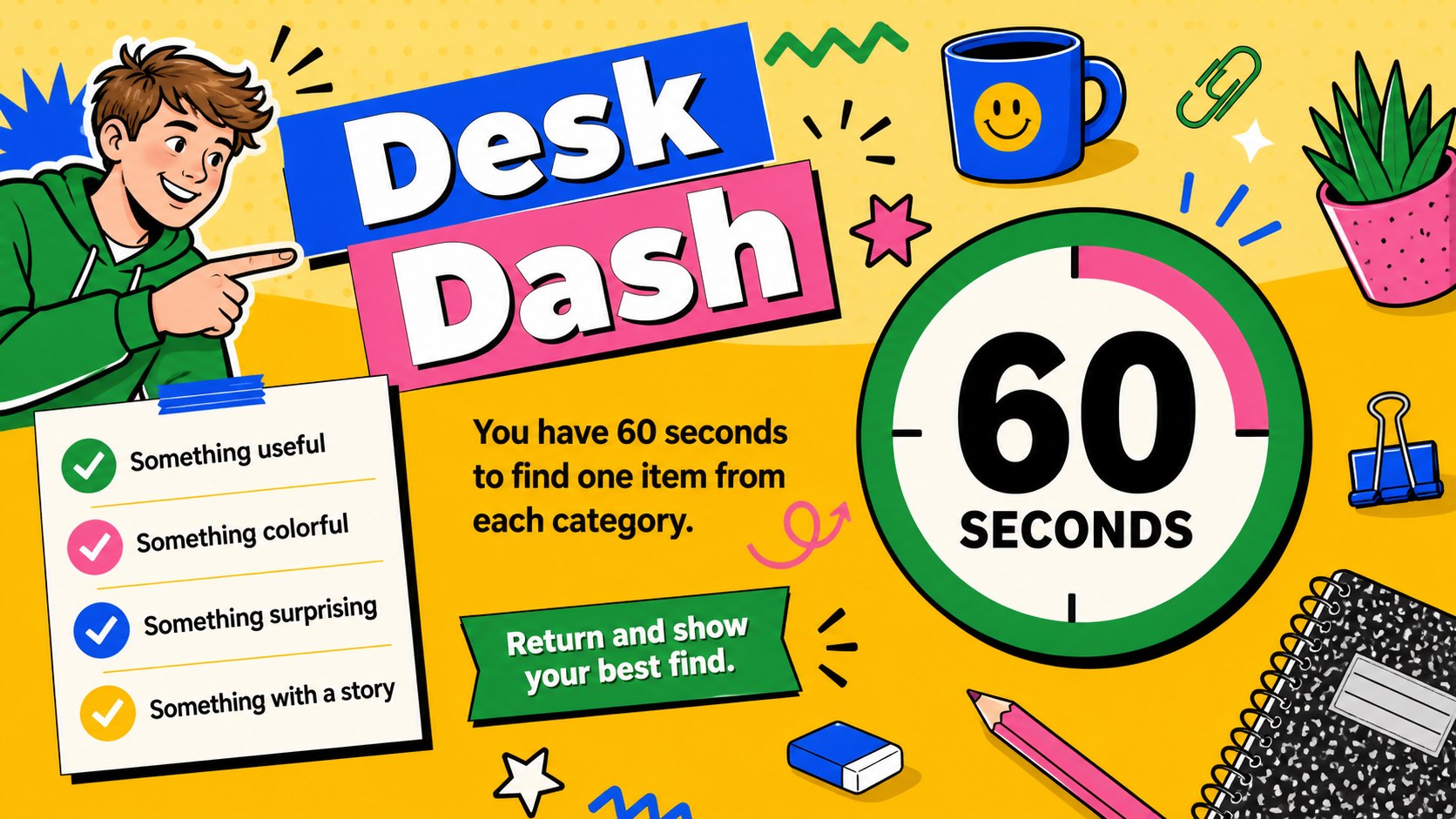
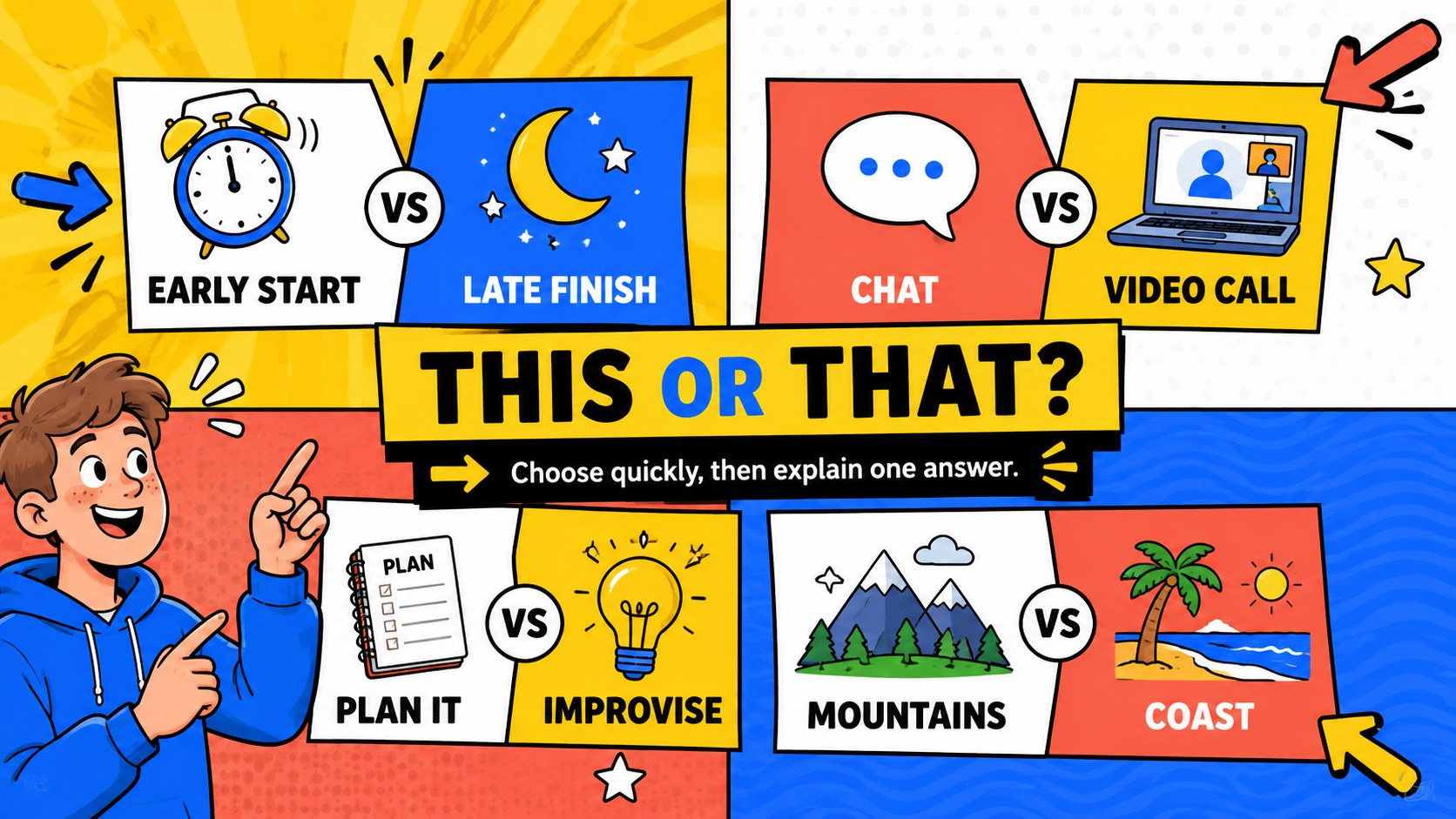
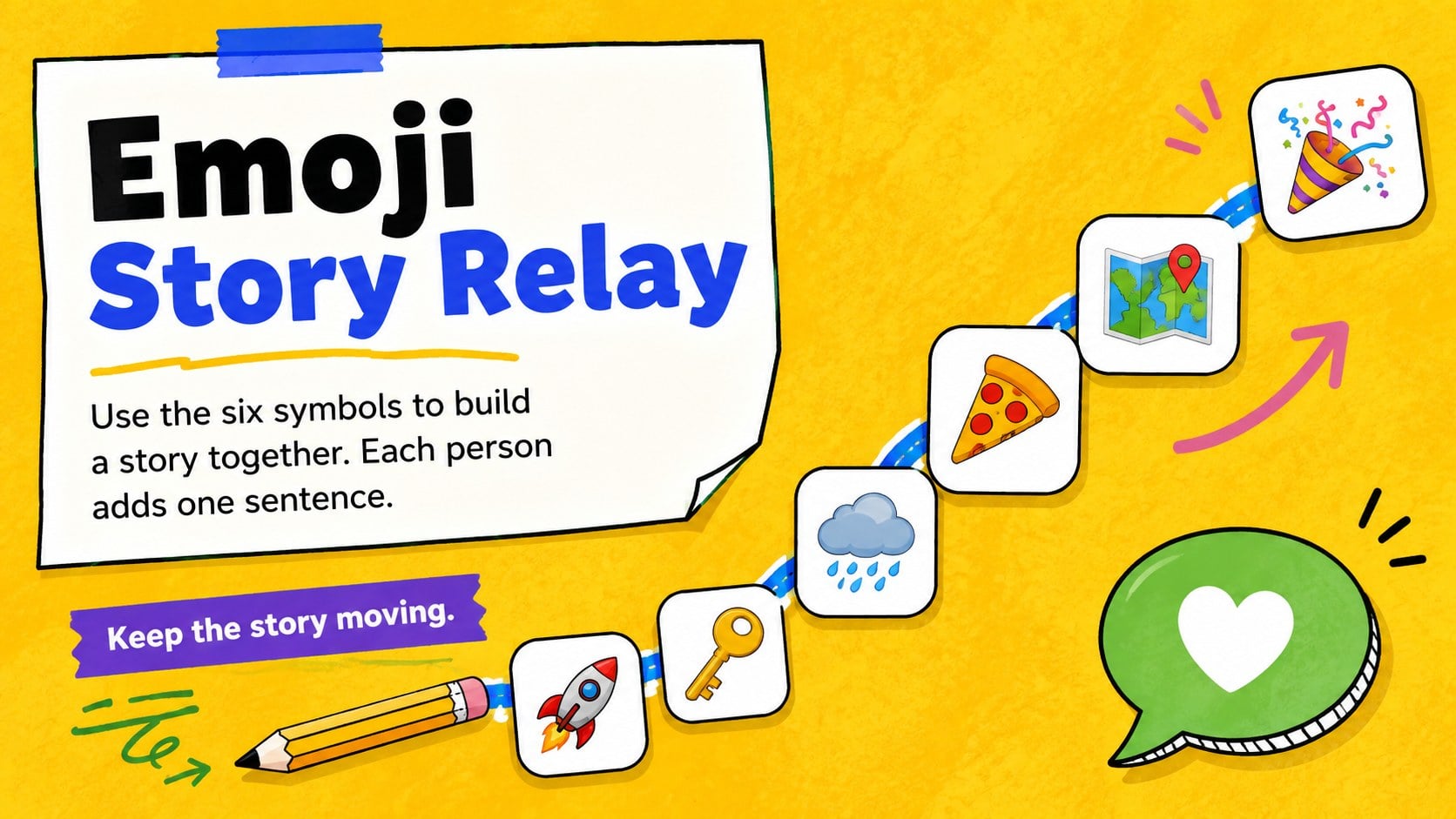
Design notes
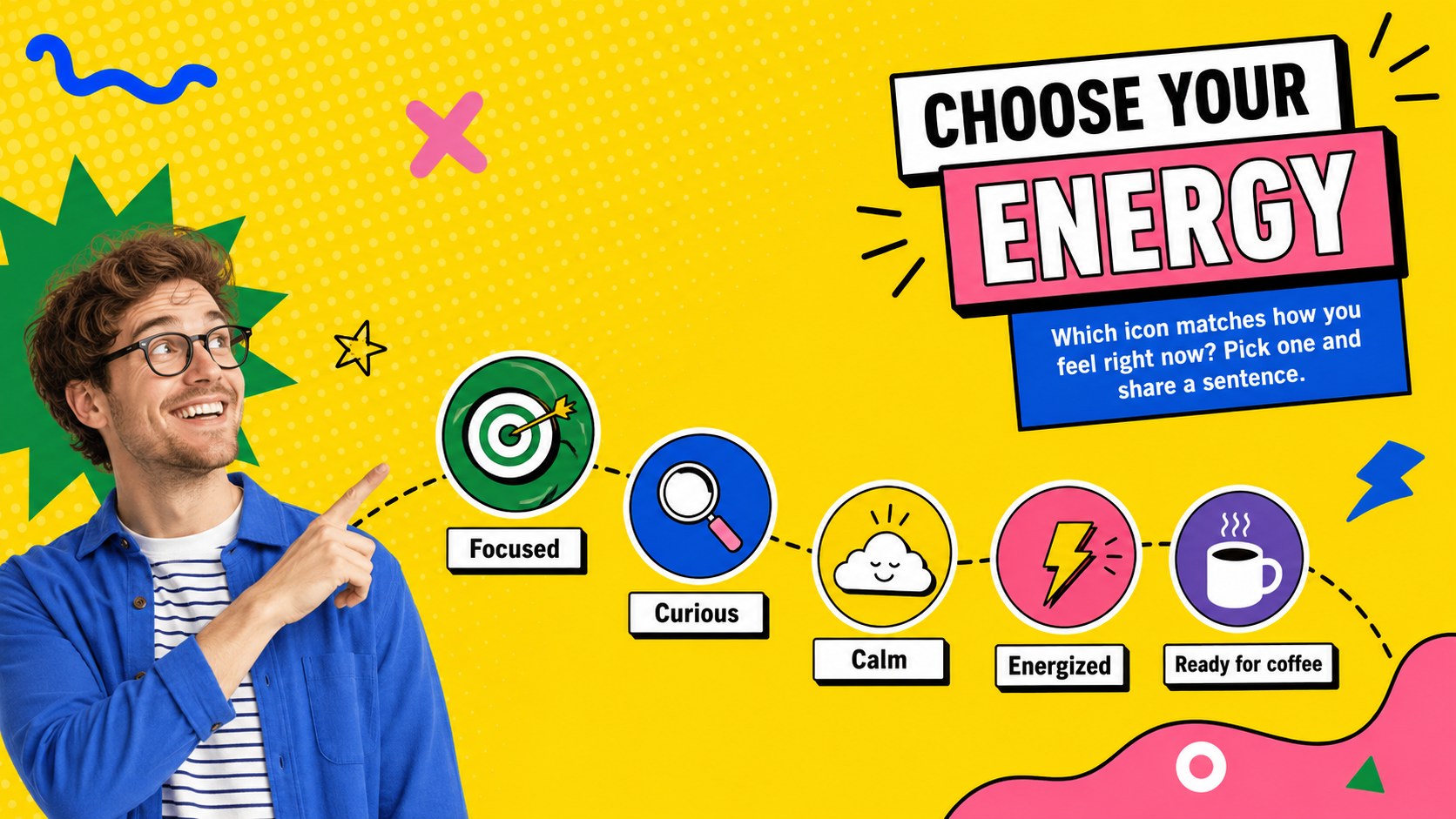
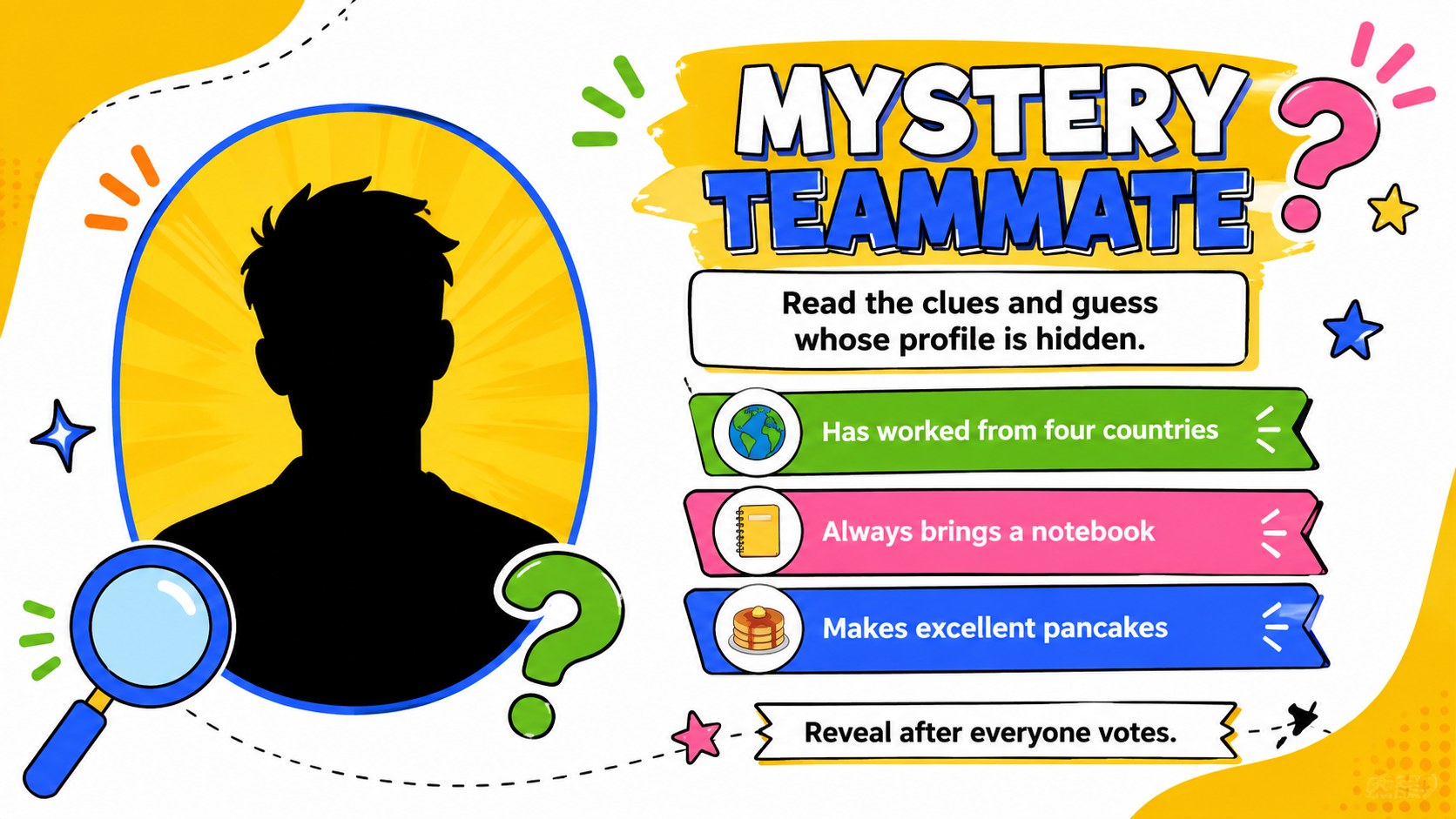
Turn routine video calls into active, welcoming sessions with this remote collaboration icebreaker deck. Its energetic yellow palette, bold typography, and playful illustrations create a friendly atmosphere without losing the clarity needed for workplace facilitation. Each layout gives participants an easy way to speak, choose, guess, draw, or work together.
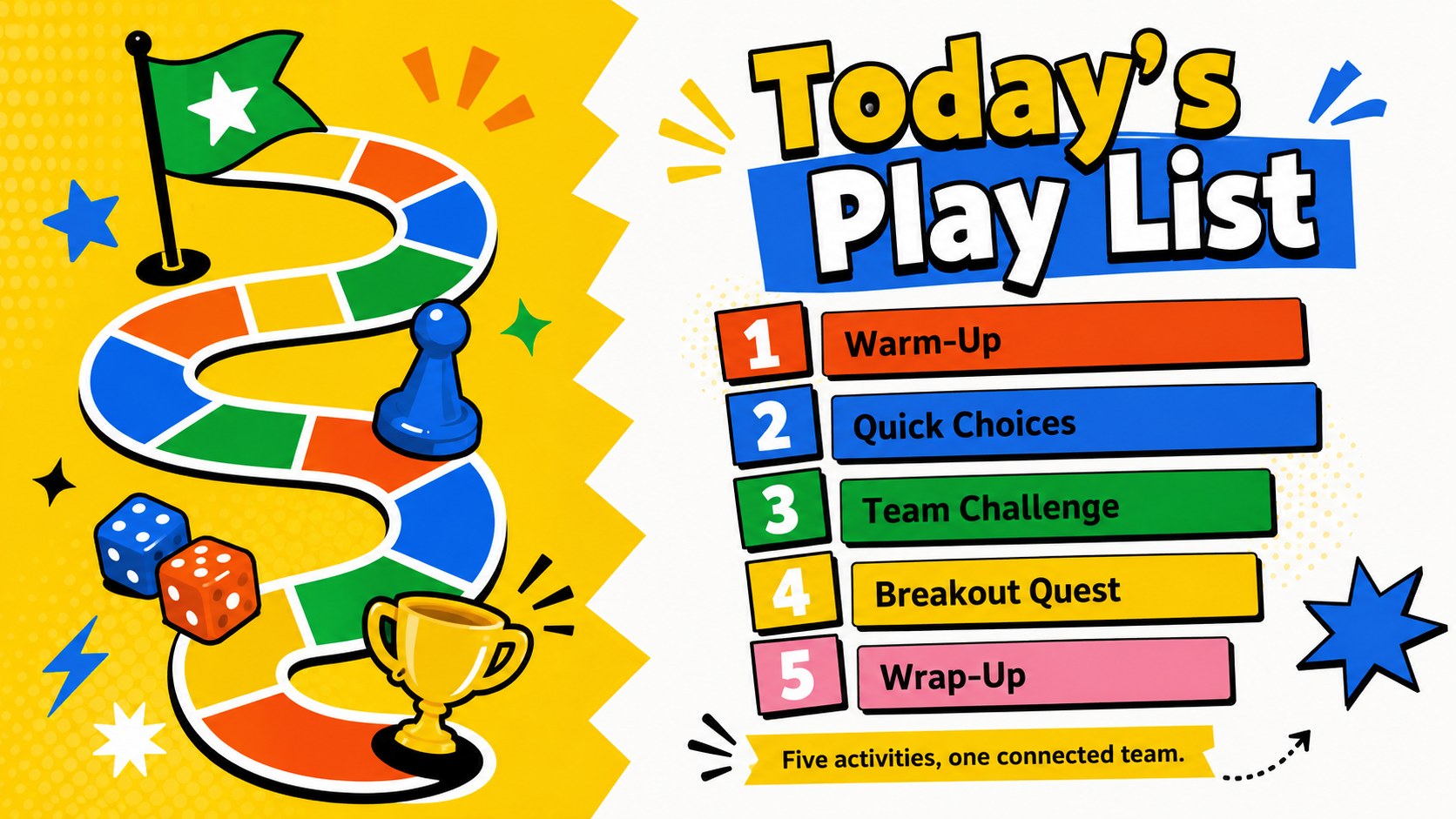
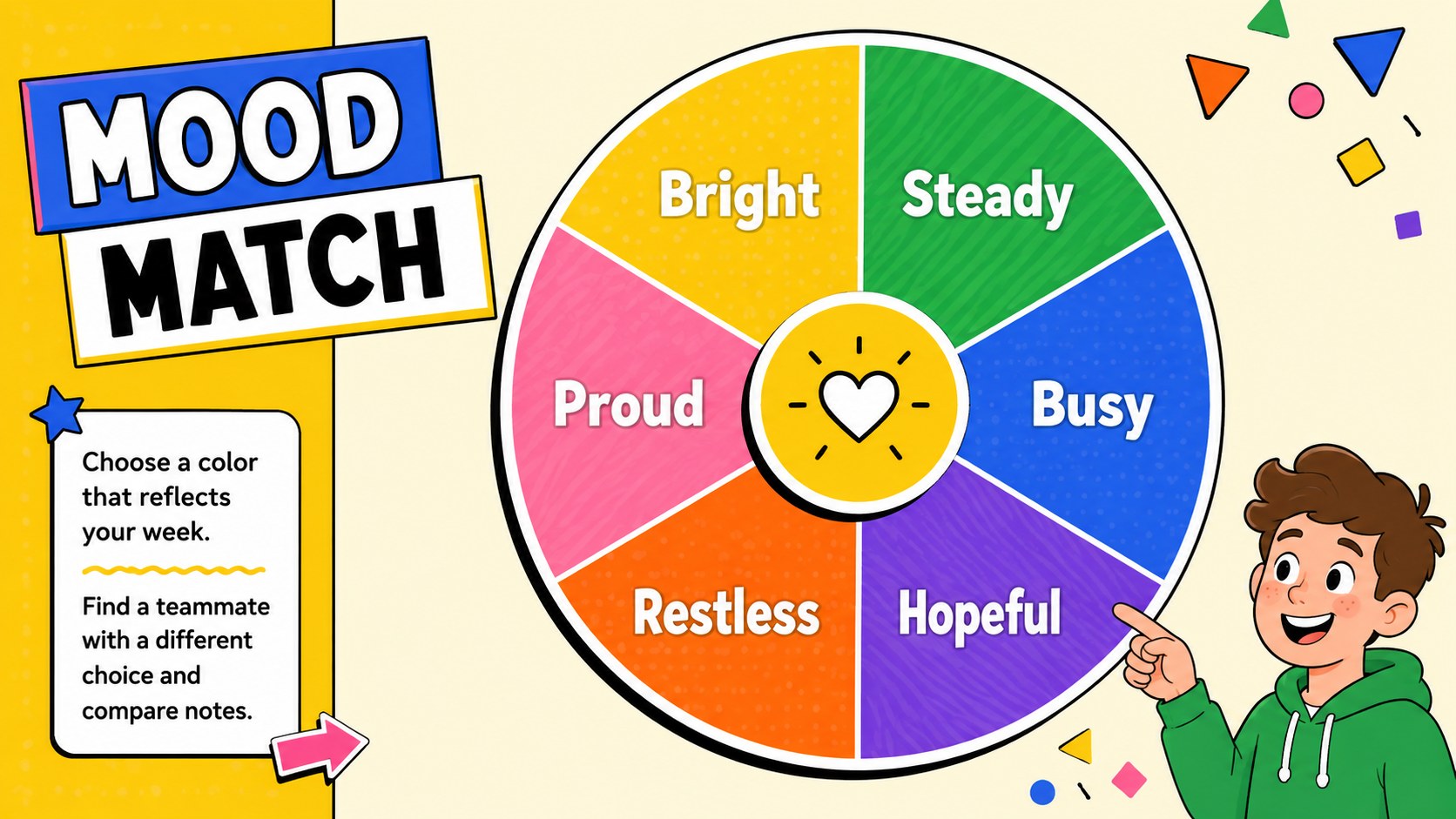
Inside, you will find virtual meeting icebreaker slides for quick mood checks, introductions, rapid-fire questions, team trivia, creative challenges, breakout activities, and group reflection. Flexible instructions, timers, score areas, answer reveals, and discussion prompts help hosts adapt each activity to short check-ins or longer workshops. The 16:9 layouts are fully editable in PowerPoint and Google Slides, so you can change questions, colors, fonts, illustrations, and activity rules for your group.
This remote team building activities presentation is designed for team leaders, facilitators, HR professionals, trainers, project managers, and educators working with distributed groups. Use the team bonding quiz slides during employee onboarding, cross-functional workshops, company socials, classroom sessions, or recurring remote meetings. The visual system keeps every activity consistent while offering enough layout variety to maintain attention from the opening check-in through the final team reflection.
Perfect for: remote employee onboarding; weekly team check-in; virtual company social; distributed team workshop; online classroom activity; cross-functional kickoff.
Frequently asked questions
Can I edit the activities and questions? Yes. Every question, instruction, answer choice, score area, and activity label can be edited to match your team, workshop topic, or available session time.
Practical details
Yes. Every question, instruction, answer choice, score area, and activity label can be edited to match your team, workshop topic, or available session time.
The deck works with Microsoft PowerPoint and Google Slides. You can present it during a video call or share the file with facilitators for collaborative preparation.
Yes. Replace the yellow palette, adjust fonts, move decorative elements, and swap illustrations while keeping the activity layouts intact. You can also add your organization's logo after downloading the template.
Yes. Hosts can run quick polls and trivia with the full group, then use breakout rooms for drawing, storytelling, and problem-solving activities. Instructions can be shortened or expanded for different group sizes.
Keep exploring
15Build an engaging World UFO Day session with this flying saucer history lesson deck, featuring retro green-and-brown slides for PowerPoint and Google Slides.
 15
15Plan a lively animal-learning journey with this jungle zoo adventure lesson deck, ready to customize in PowerPoint and Google Slides for young learners.
 16
16Turn environmental research into a clear story with a Watercolor Ecology Presentation Theme for PowerPoint and Google Slides in calming green and blue.
 16
16Build focused fashion, literature, and humanities presentations with the Red Triangle Editorial Theme, editable in PowerPoint and Google Slides.
 15
15Turn streaming stats, favorite tracks, and concert highlights into a bold annual listening recap slide deck for PowerPoint and Google Slides.
 15
15Turn highlights, milestones, and favorite moments into a colorful year in review slide deck with bold 3D graphics for PowerPoint and Google Slides.
 3
3Build a credible endorsement with Standout Colleague Recommendation Letter Slides, featuring colorful prompts for skills, achievements, and team impact.
 4
4Build clear beginner sessions with an ice hockey fundamentals training deck for coaches, PE teachers, and clubs, ready for PowerPoint and Google Slides.