
 15
15presentation
Flying Saucer History Lesson Deck
Build an engaging World UFO Day session with this flying saucer history lesson deck, featuring retro green-and-brown slides for PowerPoint and Google Slides.
Google SlidesPowerPoint
presentation · English
Shape proposals, lessons, and portfolios with a refined frame presentation theme featuring editable beige layouts for PowerPoint and Google Slides.

Design notes
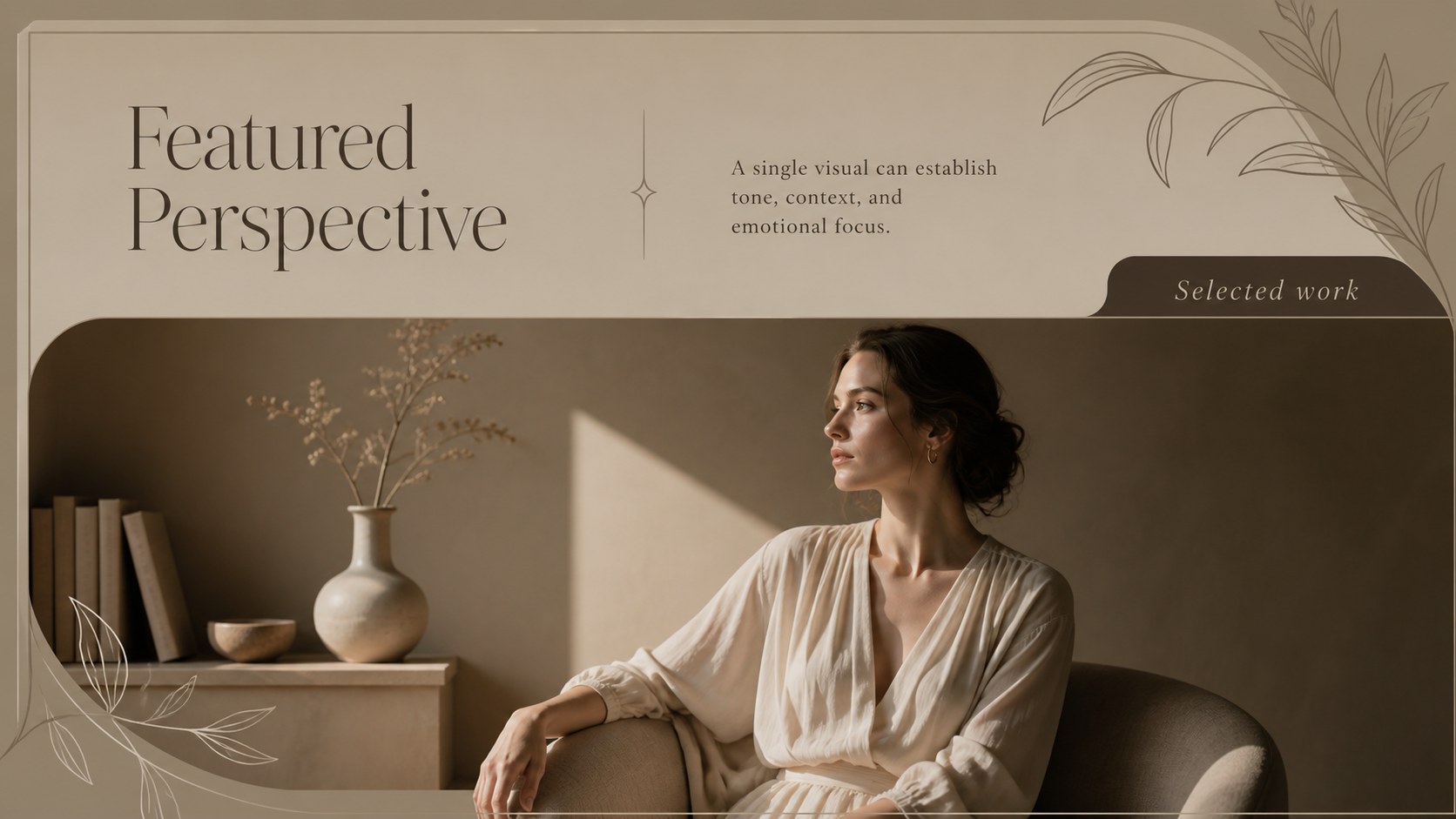
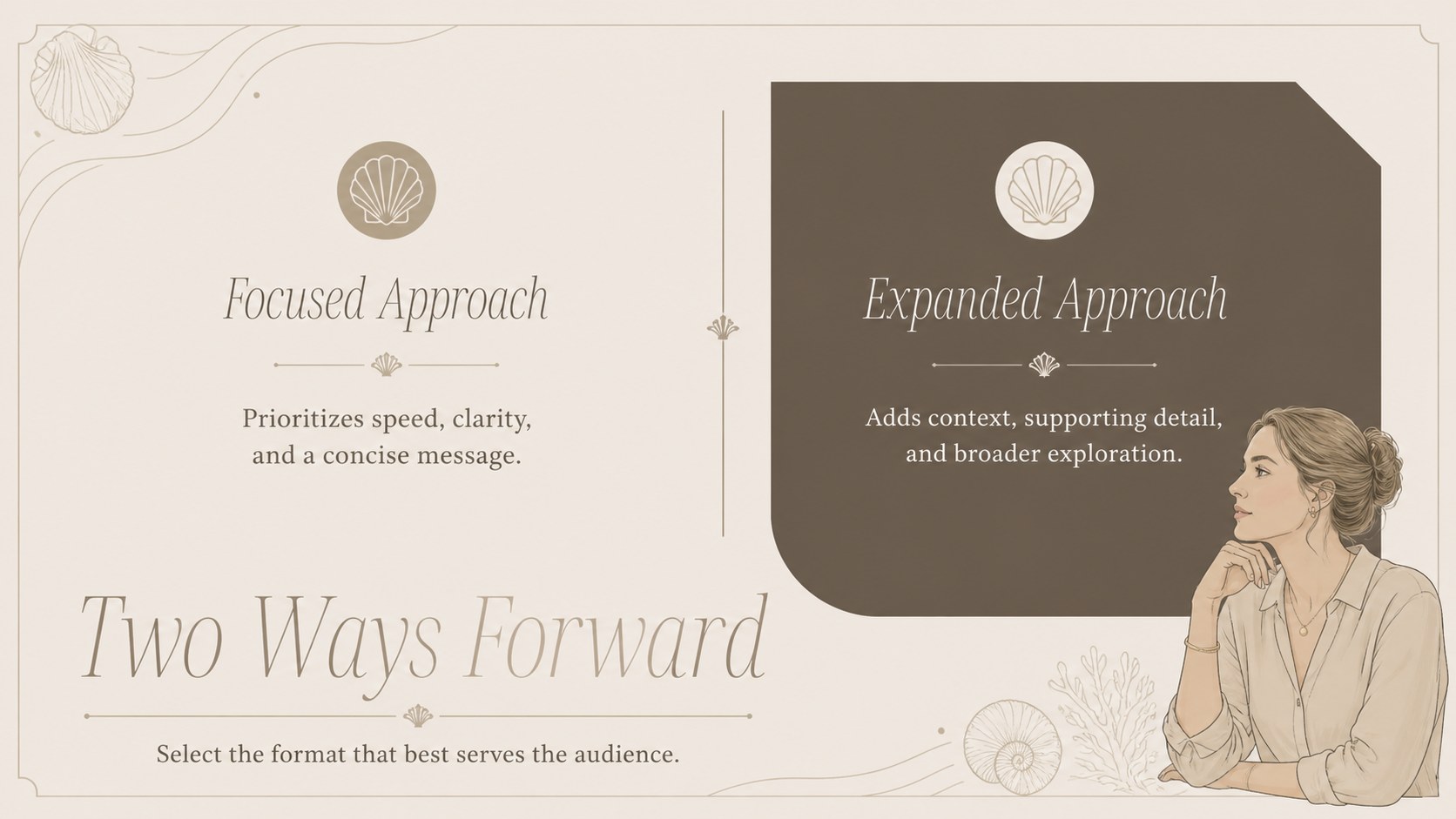
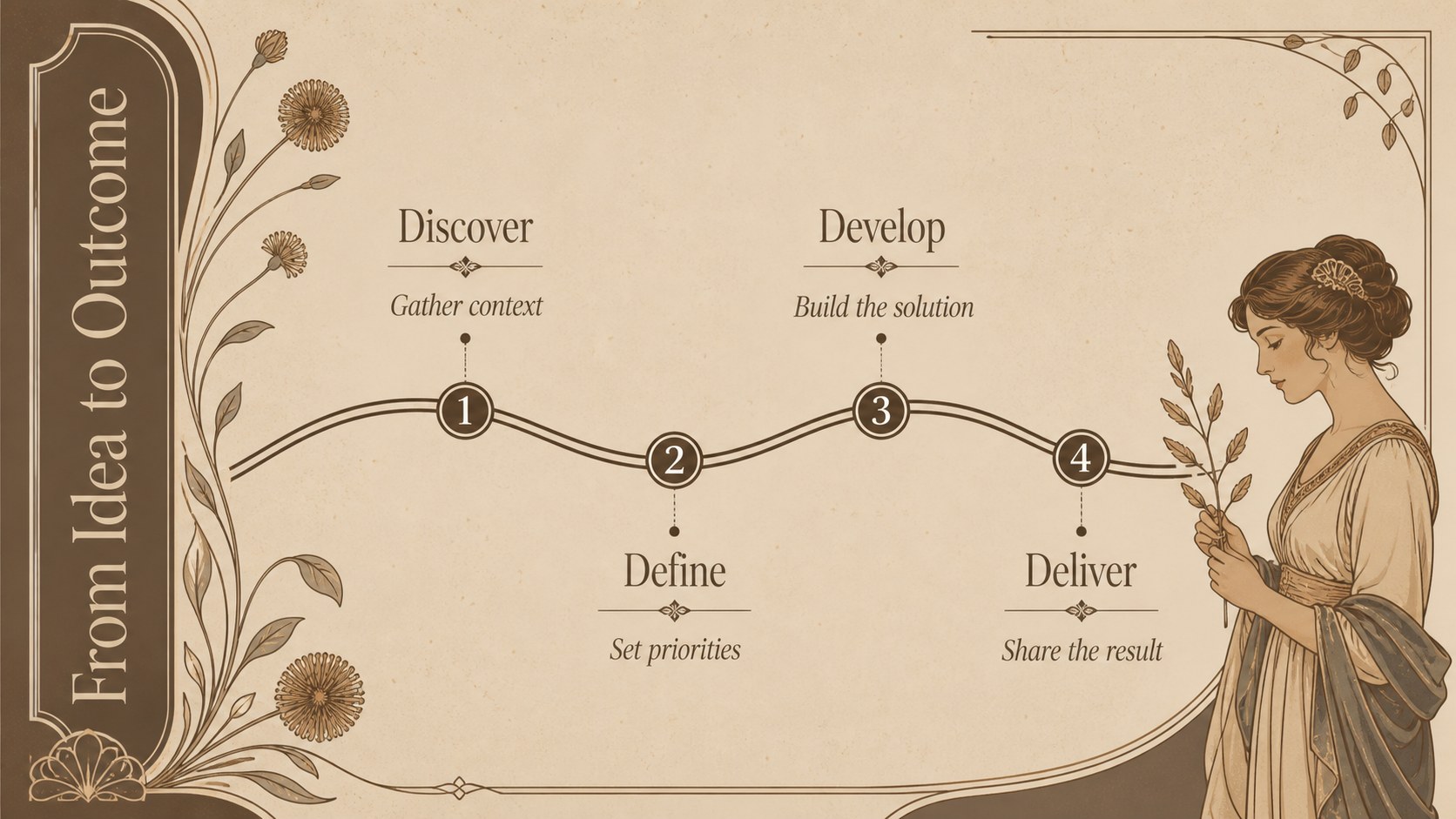
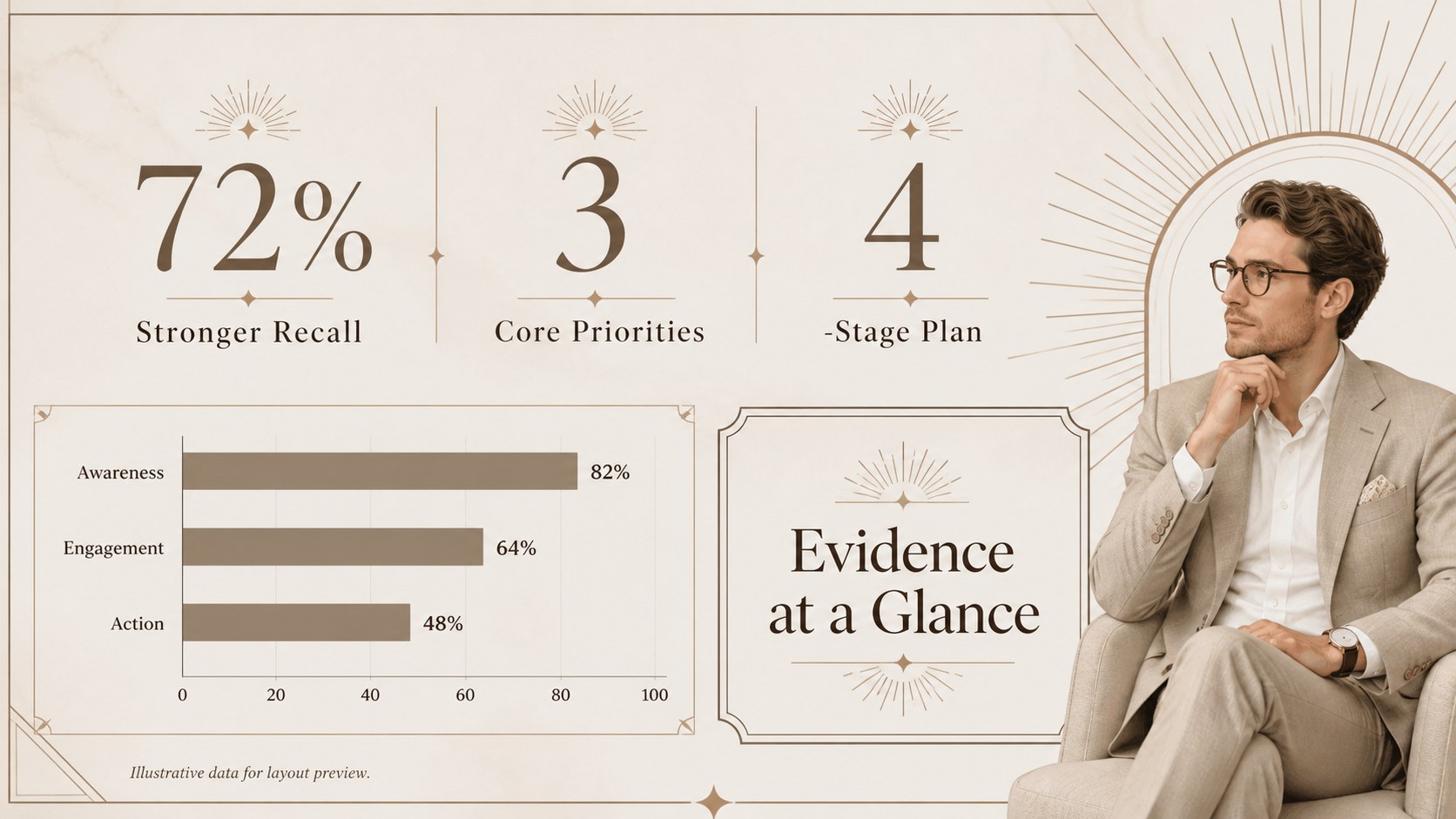
Give important ideas a composed visual setting with this refined frame presentation theme. Warm beige surfaces, deep brown typography, delicate linework, and subtle vintage details create an elevated look that remains practical and easy to read. The balanced design works equally well for formal meetings, thoughtful lessons, creative portfolios, and client-facing presentations.
Inside, you will find 15 editable 16:9 layouts covering an opening statement, agenda, project overview, key messages, image features, comparisons, timelines, data highlights, quotations, team introductions, and a closing page. Flexible content areas make this a useful beige editorial PowerPoint template for both concise pitches and longer narratives. Charts, text blocks, image frames, and decorative accents can be adapted without losing the consistent visual rhythm.
The deck is designed for professionals, educators, consultants, designers, and small teams seeking neutral luxury business slides with a warm, understated character. Use it to present a proposal, explain a concept, curate a portfolio, introduce a brand direction, or organize a classroom topic. Every slide can be customized in PowerPoint or Google Slides, including colors, fonts, photos, charts, and layout elements. The restrained palette and ornamental framing help audiences focus on the information while giving the finished presentation a distinctive, carefully considered appearance.
Perfect for: client proposal presentation; creative portfolio review; formal classroom lecture; brand direction briefing; consulting project update; editorial concept pitch.
Frequently asked questions
Can I edit every element in this presentation theme? Yes. Text, colors, typefaces, images, charts, borders, and decorative elements can be adjusted to suit your content and visual identity.
Practical details
Yes. Text, colors, typefaces, images, charts, borders, and decorative elements can be adjusted to suit your content and visual identity.
The template is designed for Microsoft PowerPoint and Google Slides. Some font spacing or transition effects may vary slightly between the two platforms.
Select the background, border, or accent elements and replace their fill or line colors through the platform's formatting controls. Keeping one light neutral, one dark text color, and one restrained accent will preserve the refined visual hierarchy.
Editorial photography, architectural details, product images, portraits, and muted lifestyle photos fit the framed compositions well. Use images with uncluttered focal points and warm or neutral tones for the most cohesive result.
Keep exploring
15Build an engaging World UFO Day session with this flying saucer history lesson deck, featuring retro green-and-brown slides for PowerPoint and Google Slides.
 15
15Plan a lively animal-learning journey with this jungle zoo adventure lesson deck, ready to customize in PowerPoint and Google Slides for young learners.
 16
16Turn environmental research into a clear story with a Watercolor Ecology Presentation Theme for PowerPoint and Google Slides in calming green and blue.
 16
16Build focused fashion, literature, and humanities presentations with the Red Triangle Editorial Theme, editable in PowerPoint and Google Slides.
 15
15Turn streaming stats, favorite tracks, and concert highlights into a bold annual listening recap slide deck for PowerPoint and Google Slides.
 15
15Turn highlights, milestones, and favorite moments into a colorful year in review slide deck with bold 3D graphics for PowerPoint and Google Slides.
 3
3Build a credible endorsement with Standout Colleague Recommendation Letter Slides, featuring colorful prompts for skills, achievements, and team impact.
 4
4Build clear beginner sessions with an ice hockey fundamentals training deck for coaches, PE teachers, and clubs, ready for PowerPoint and Google Slides.