
 15
15presentation
Flying Saucer History Lesson Deck
Build an engaging World UFO Day session with this flying saucer history lesson deck, featuring retro green-and-brown slides for PowerPoint and Google Slides.
Google SlidesPowerPoint
presentation · English
Teach the zodiac with an astrology birth chart basics theme featuring 14 editable, illustrated slides for PowerPoint and Google Slides in cosmic colors.
Design notes
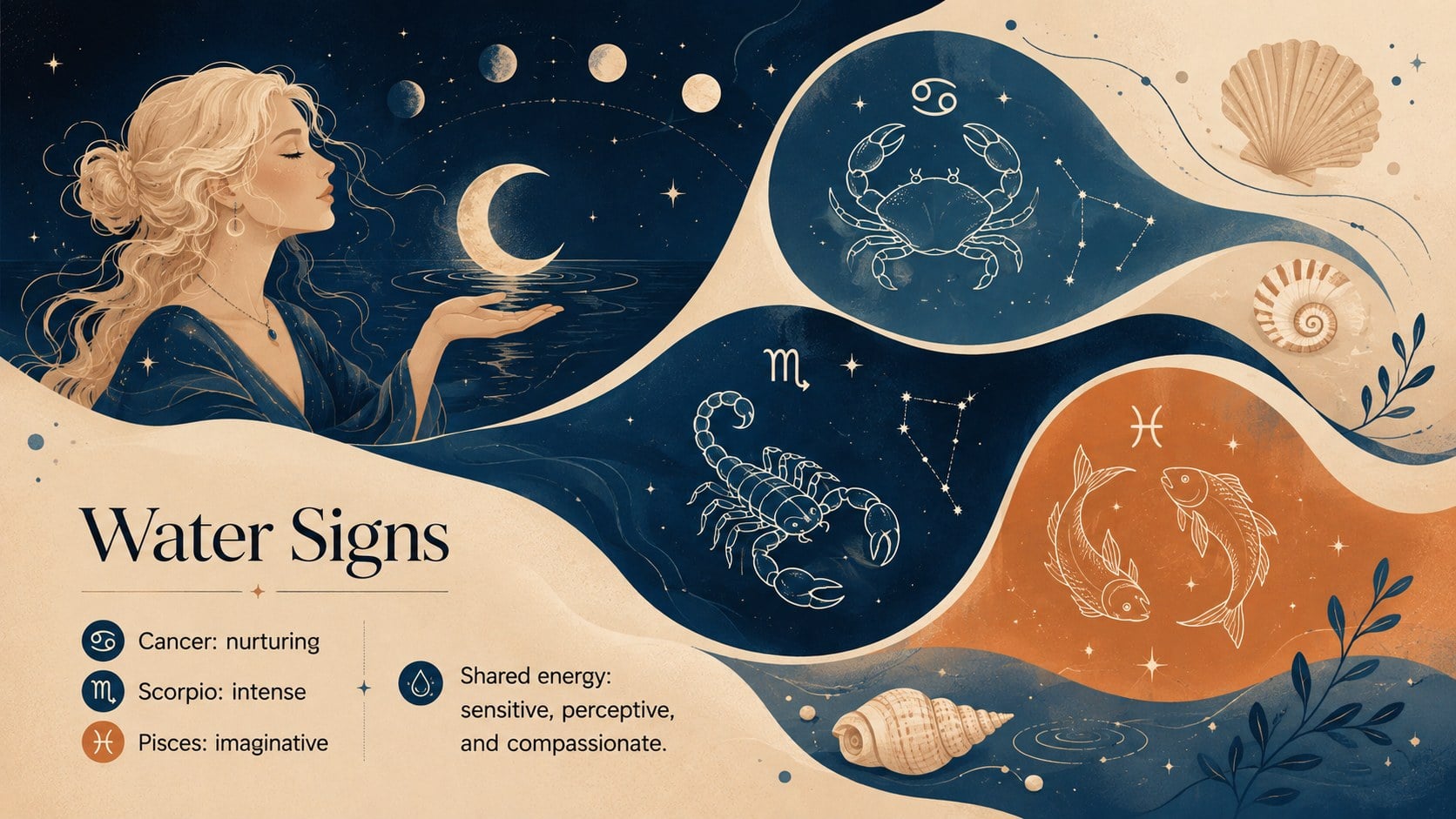
Turn a complex celestial subject into a clear visual story with this astrology birth chart basics theme. Designed in a striking mix of beige, orange, black, and blue, the deck pairs cosmic illustrations with flexible layouts that help newcomers understand the twelve zodiac signs without overwhelming them.
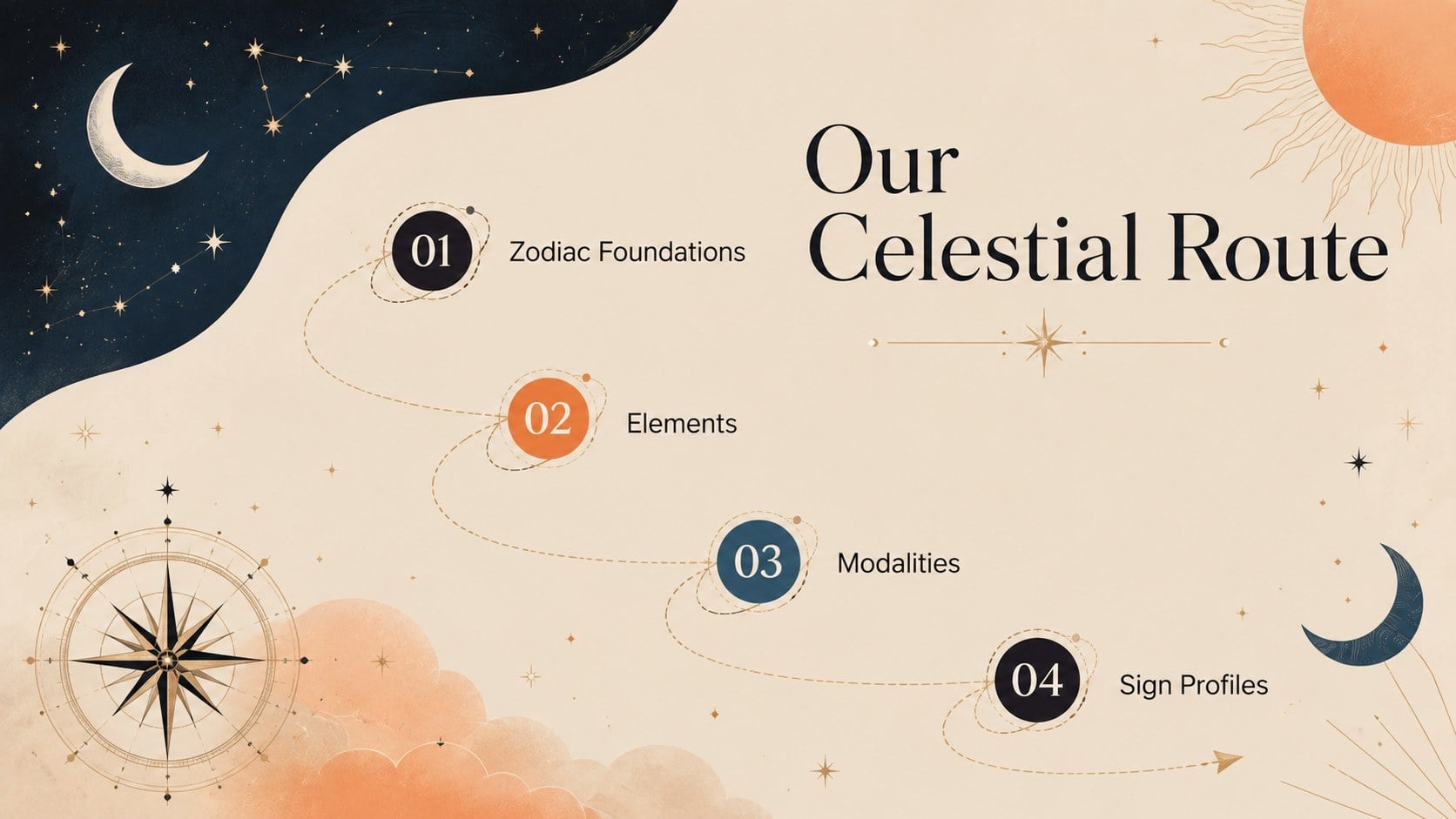
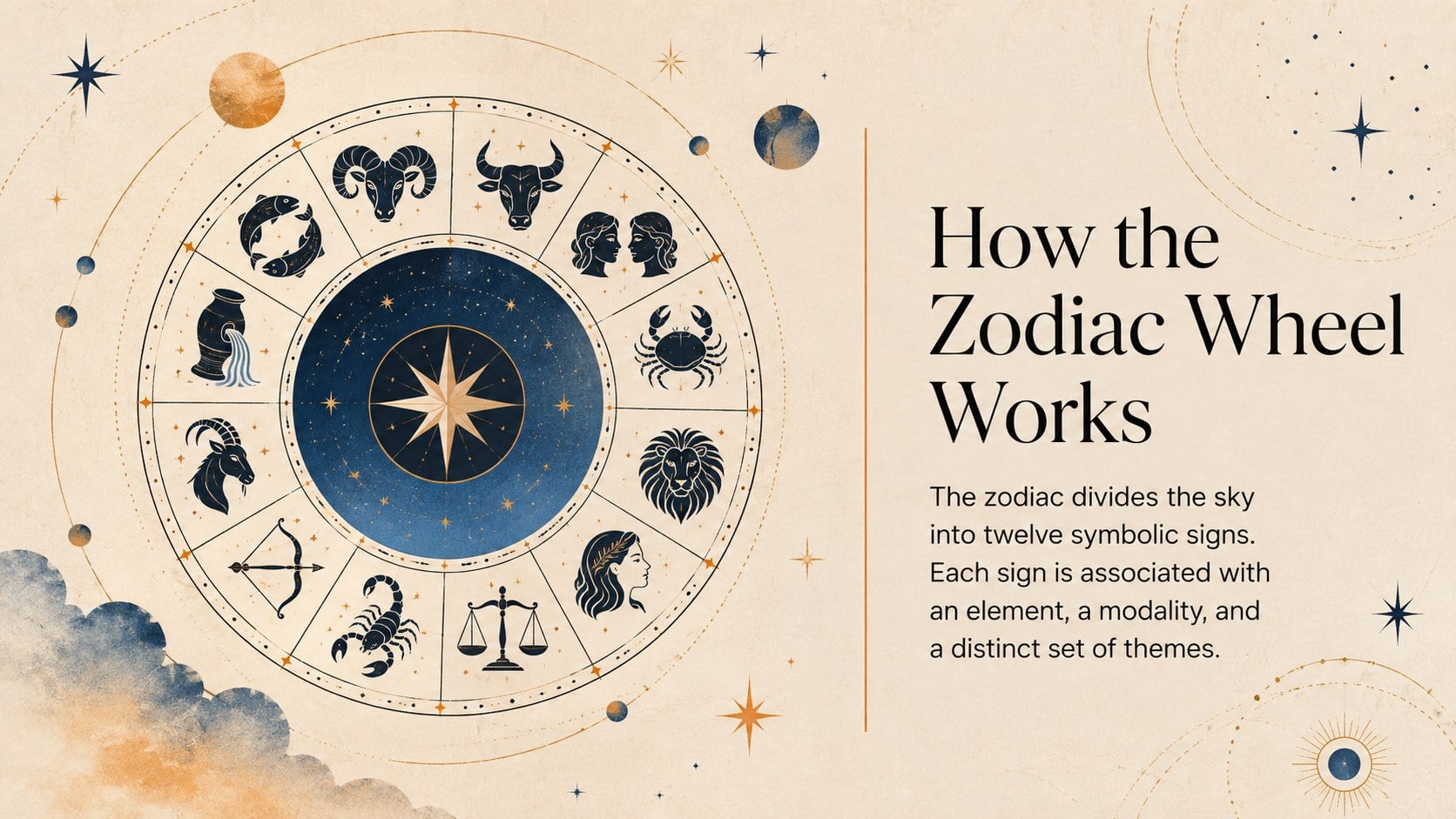
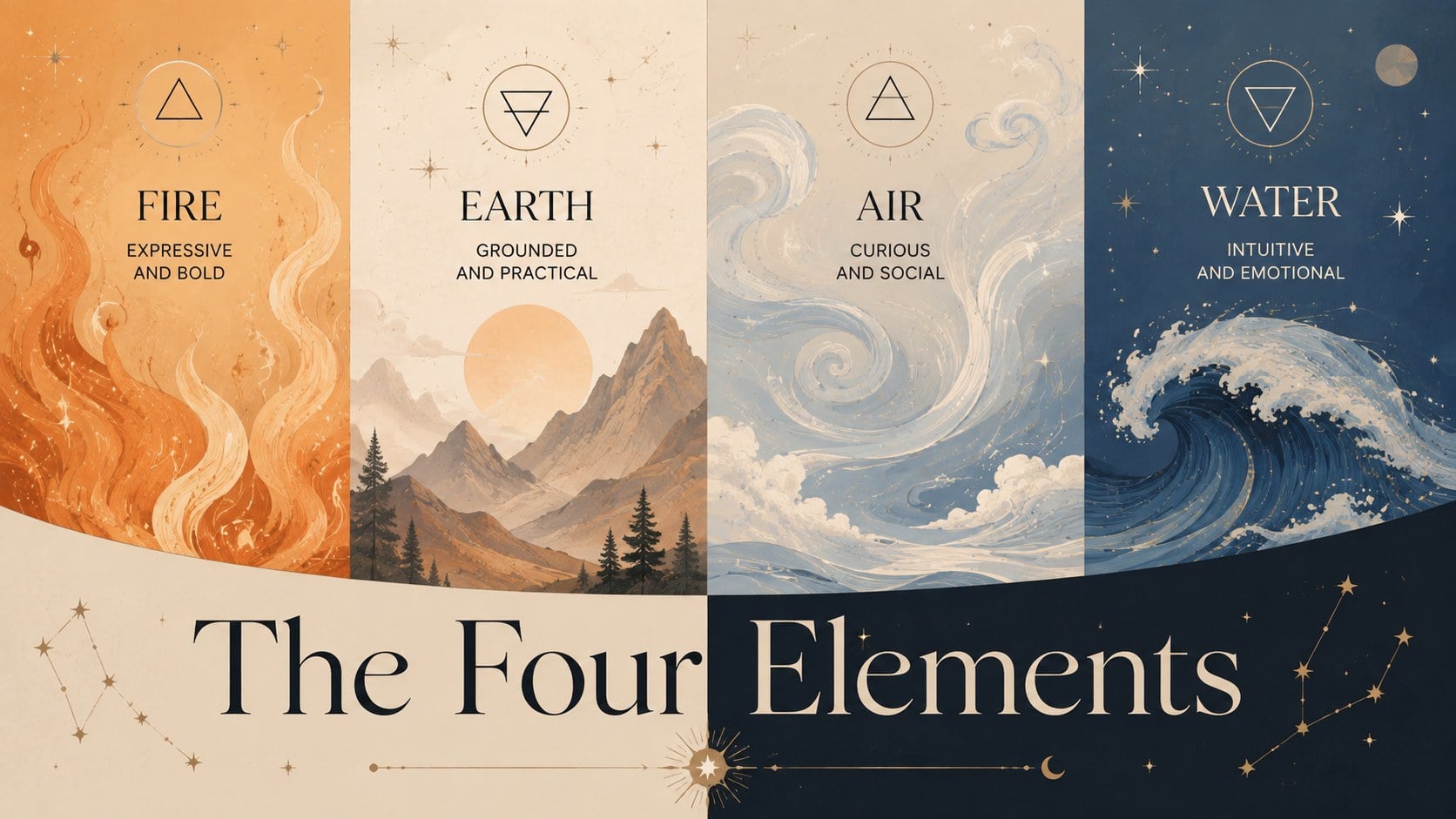
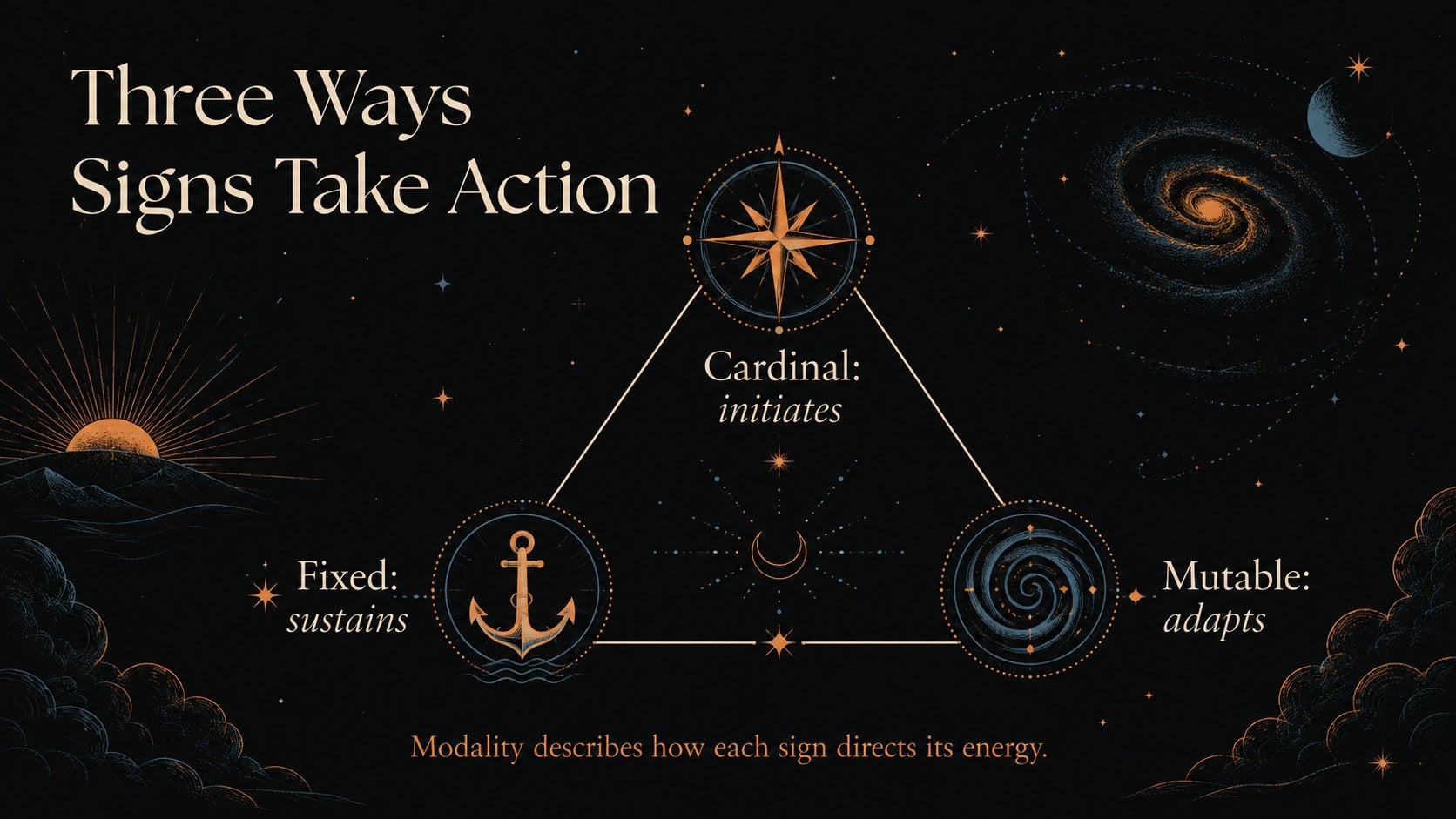
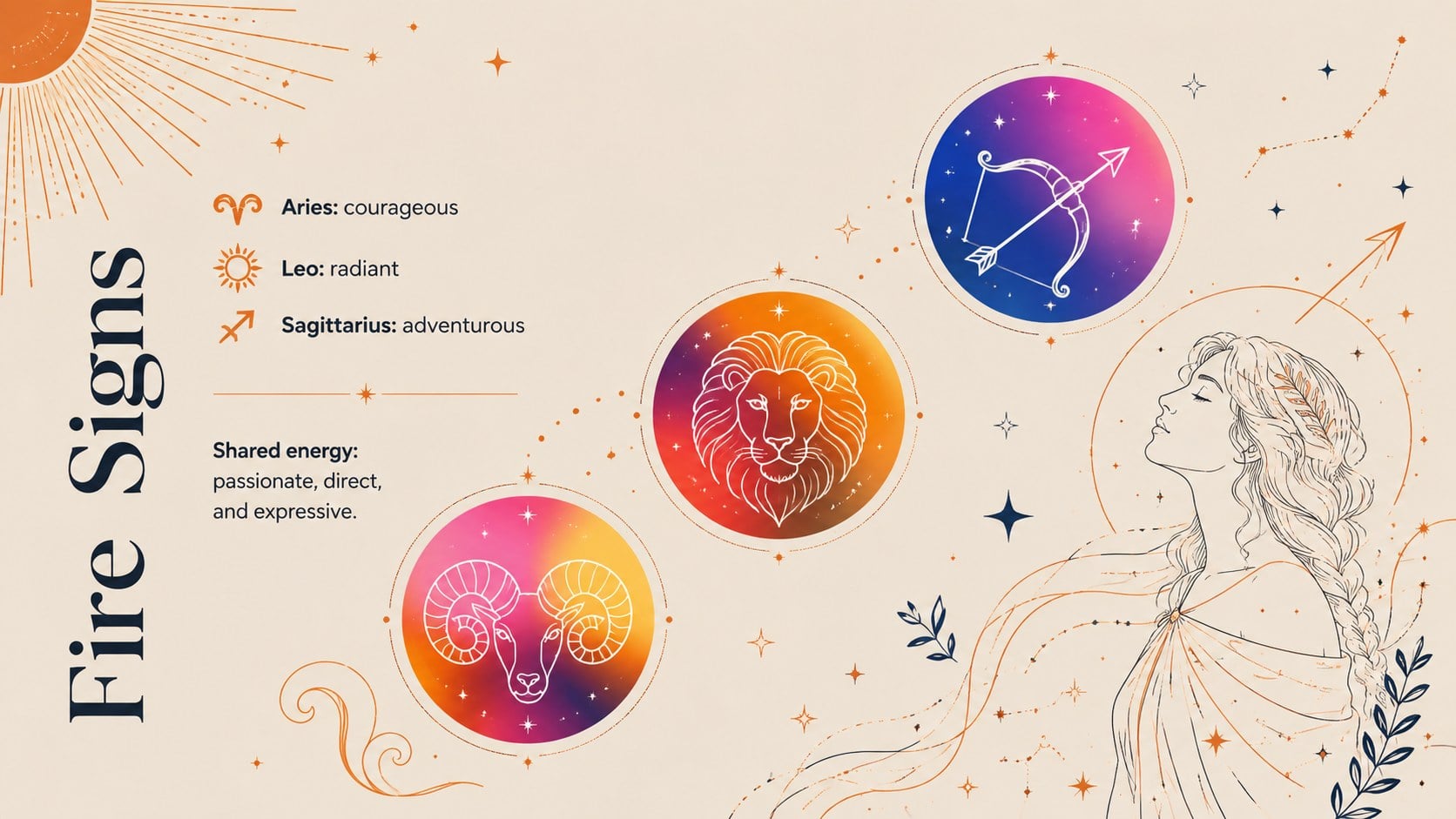
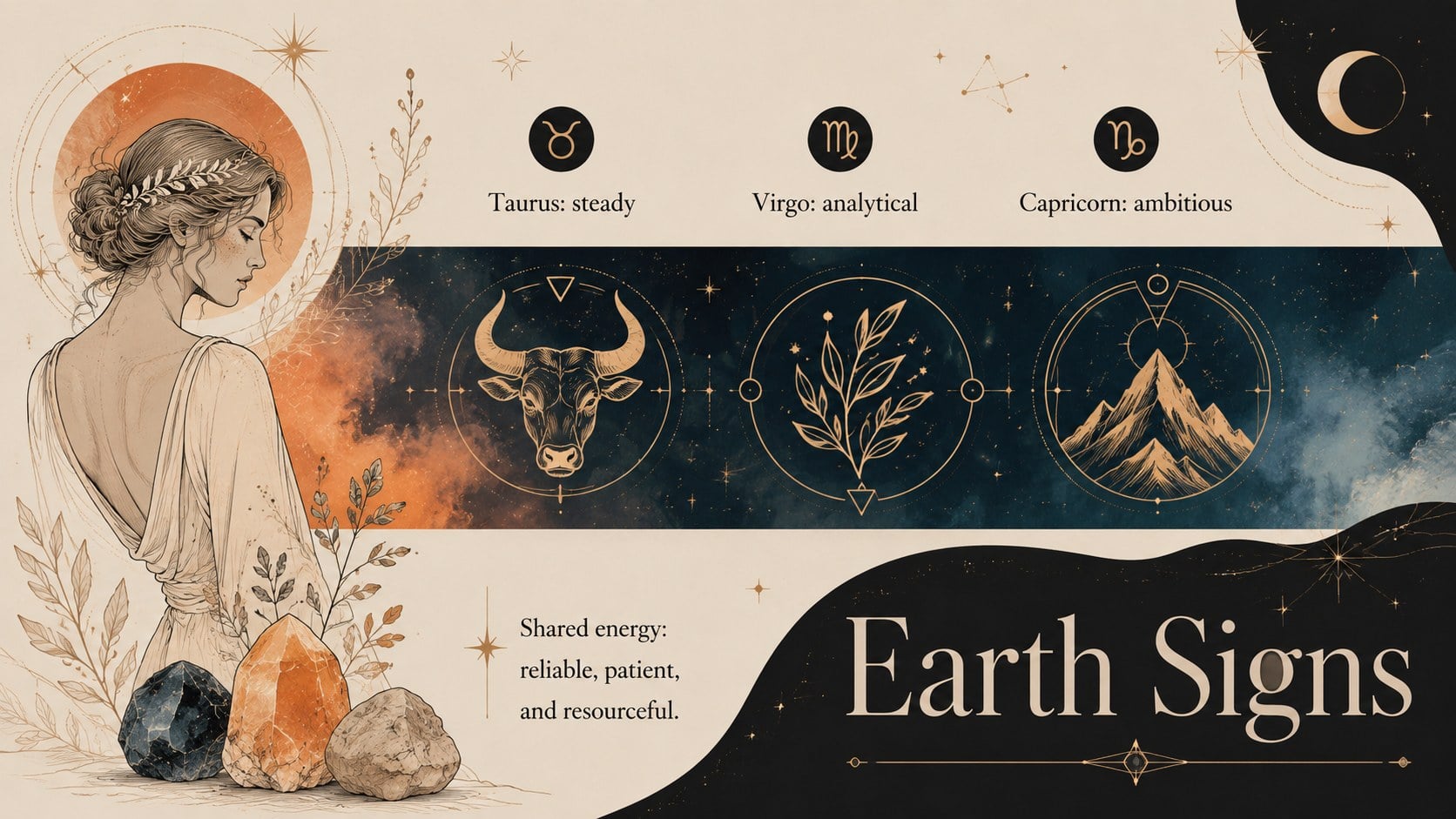
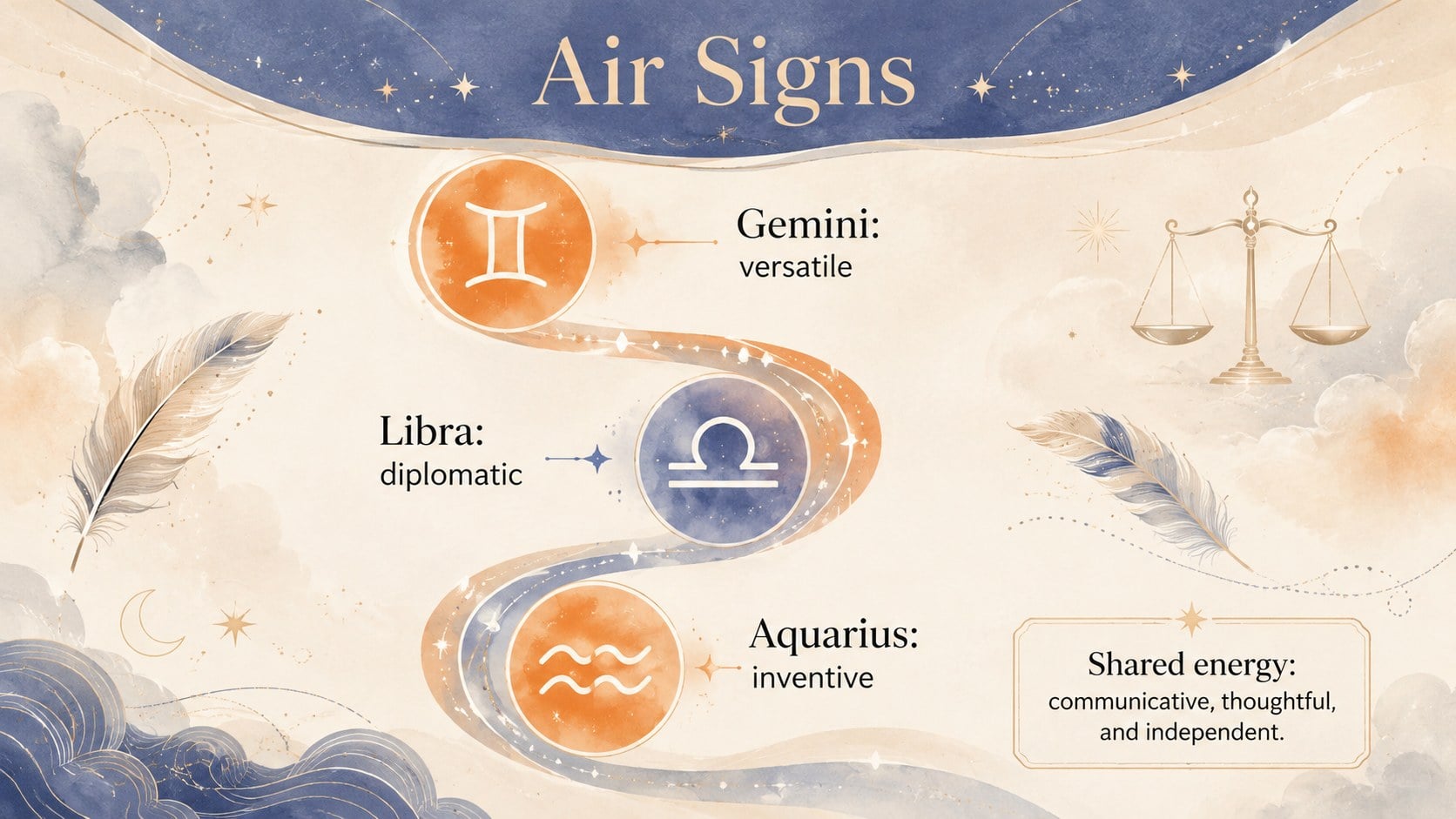
Across 14 editable slides, you can introduce the zodiac wheel, compare the four elements, explain the three modalities, and summarize the defining traits associated with each sign. Dedicated layouts support sign profiles, compatibility discussions, horoscope themes, timelines, comparison charts, and key takeaways. The illustrated astrology presentation template also includes space for myths, reflection questions, and audience discussion, making it easy to adapt the material to different levels of familiarity.
Use this zodiac signs lesson for classroom activities, astrology workshops, social events, personal birth chart discussions, or an engaging cultural studies presentation. It also works as a horoscope workshop slide deck for presenters who need a polished structure but want control over every detail. Replace the sample wording, adjust colors, move illustrations, and add your own charts or images in PowerPoint or Google Slides. The widescreen format is ready for projectors, online sessions, and exported handouts.
Perfect for: beginner astrology lesson; zodiac workshop; birth chart discussion; horoscope club presentation; cultural studies class.
Frequently asked questions
Can I edit every part of this astrology presentation? Yes. The text, colors, illustrations, shapes, and layout elements can be customized to match your lesson or event. You can also duplicate or remove slides as your presentation changes.
Practical details
Yes. The text, colors, illustrations, shapes, and layout elements can be customized to match your lesson or event. You can also duplicate or remove slides as your presentation changes.
The deck is designed for Microsoft PowerPoint and Google Slides. Open it in either platform to edit the content, present online, or export it as a PDF.
Yes. Replace the sample sign descriptions with chart placements, interpretations, dates, or custom observations. The profile and comparison layouts provide room for both concise notes and supporting visuals.
Yes. The sequence introduces foundational ideas before moving into traits, elements, modalities, and compatibility. Presenters can simplify the wording further or add advanced material for experienced audiences.
Keep exploring
15Build an engaging World UFO Day session with this flying saucer history lesson deck, featuring retro green-and-brown slides for PowerPoint and Google Slides.
 15
15Plan a lively animal-learning journey with this jungle zoo adventure lesson deck, ready to customize in PowerPoint and Google Slides for young learners.
 16
16Turn environmental research into a clear story with a Watercolor Ecology Presentation Theme for PowerPoint and Google Slides in calming green and blue.
 16
16Build focused fashion, literature, and humanities presentations with the Red Triangle Editorial Theme, editable in PowerPoint and Google Slides.
 15
15Turn streaming stats, favorite tracks, and concert highlights into a bold annual listening recap slide deck for PowerPoint and Google Slides.
 15
15Turn highlights, milestones, and favorite moments into a colorful year in review slide deck with bold 3D graphics for PowerPoint and Google Slides.
 3
3Build a credible endorsement with Standout Colleague Recommendation Letter Slides, featuring colorful prompts for skills, achievements, and team impact.
 4
4Build clear beginner sessions with an ice hockey fundamentals training deck for coaches, PE teachers, and clubs, ready for PowerPoint and Google Slides.