
 15
15presentation
Flying Saucer History Lesson Deck
Build an engaging World UFO Day session with this flying saucer history lesson deck, featuring retro green-and-brown slides for PowerPoint and Google Slides.
Google SlidesPowerPoint
presentation · English
Build a polished red lantern festival flyer theme for school, community, or family events, with editable layouts for PowerPoint and Google Slides.
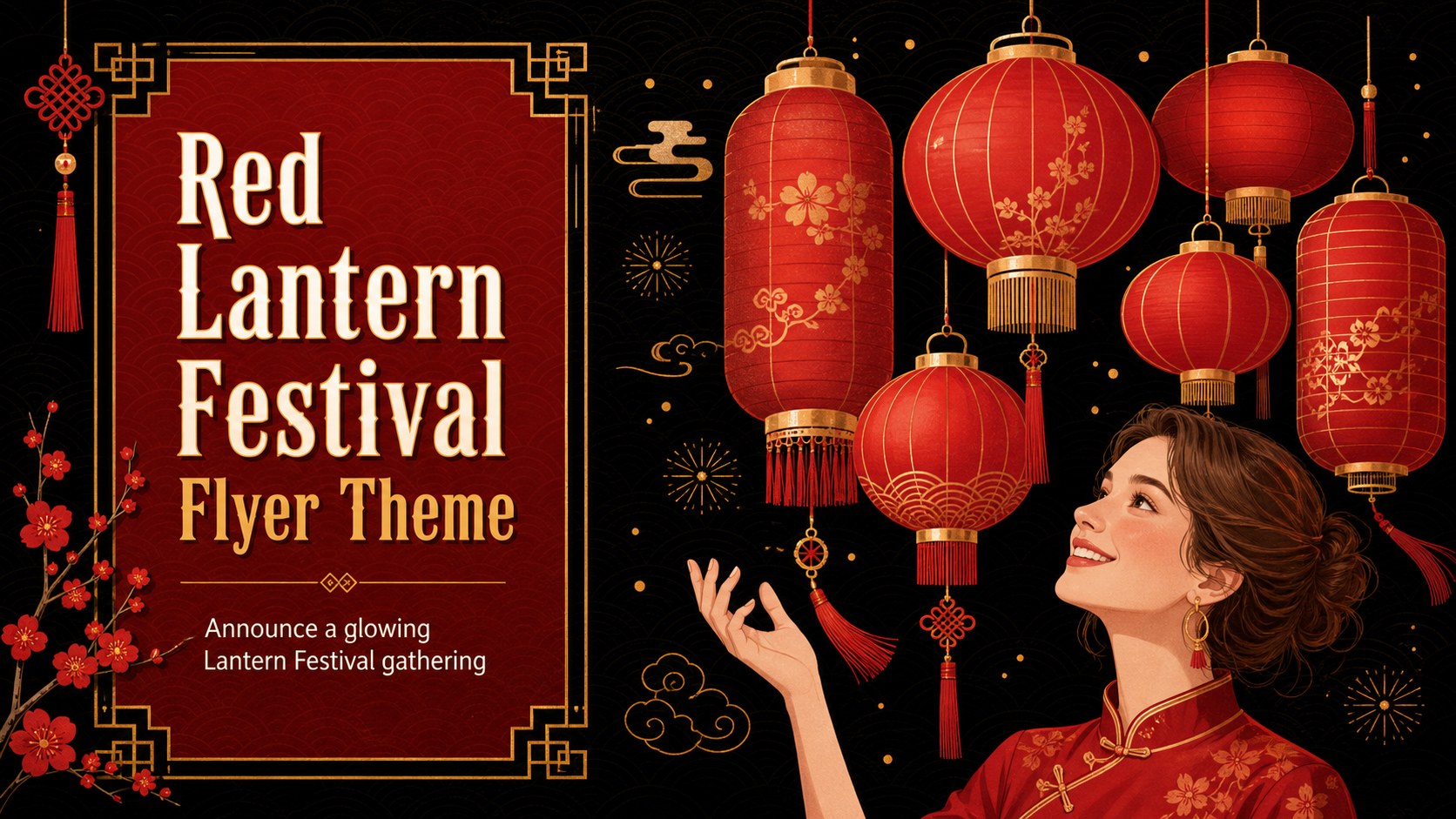
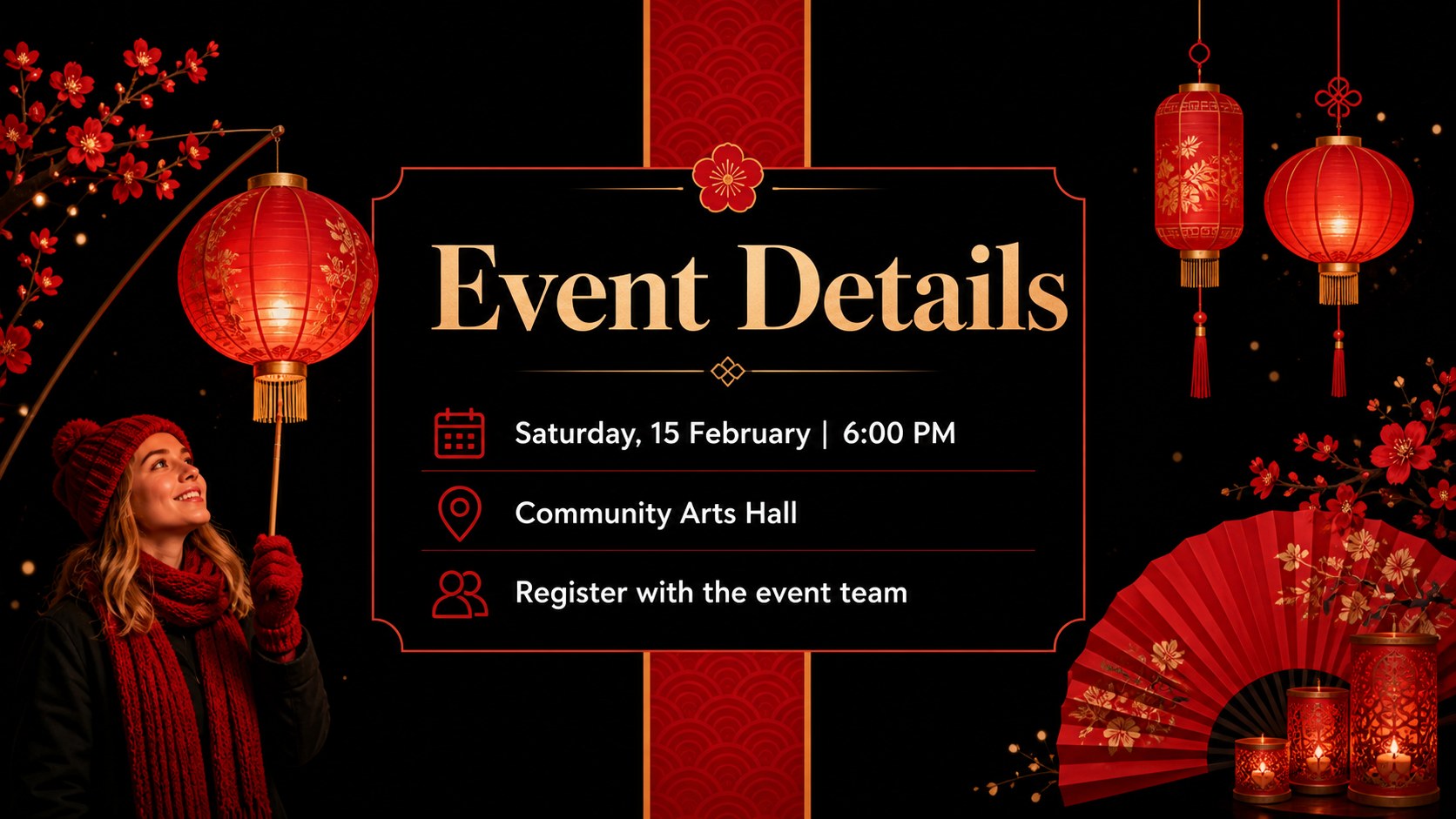
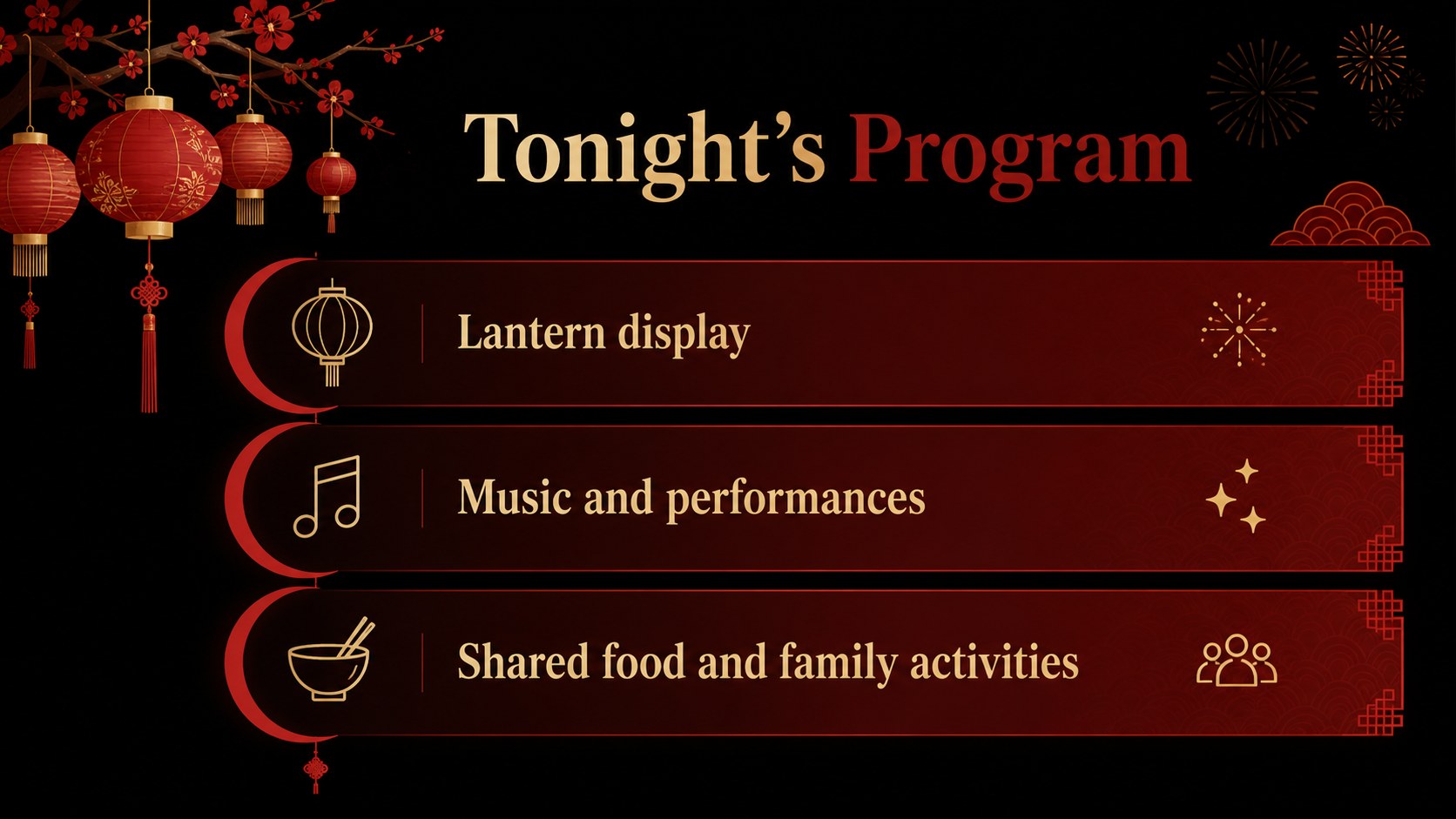
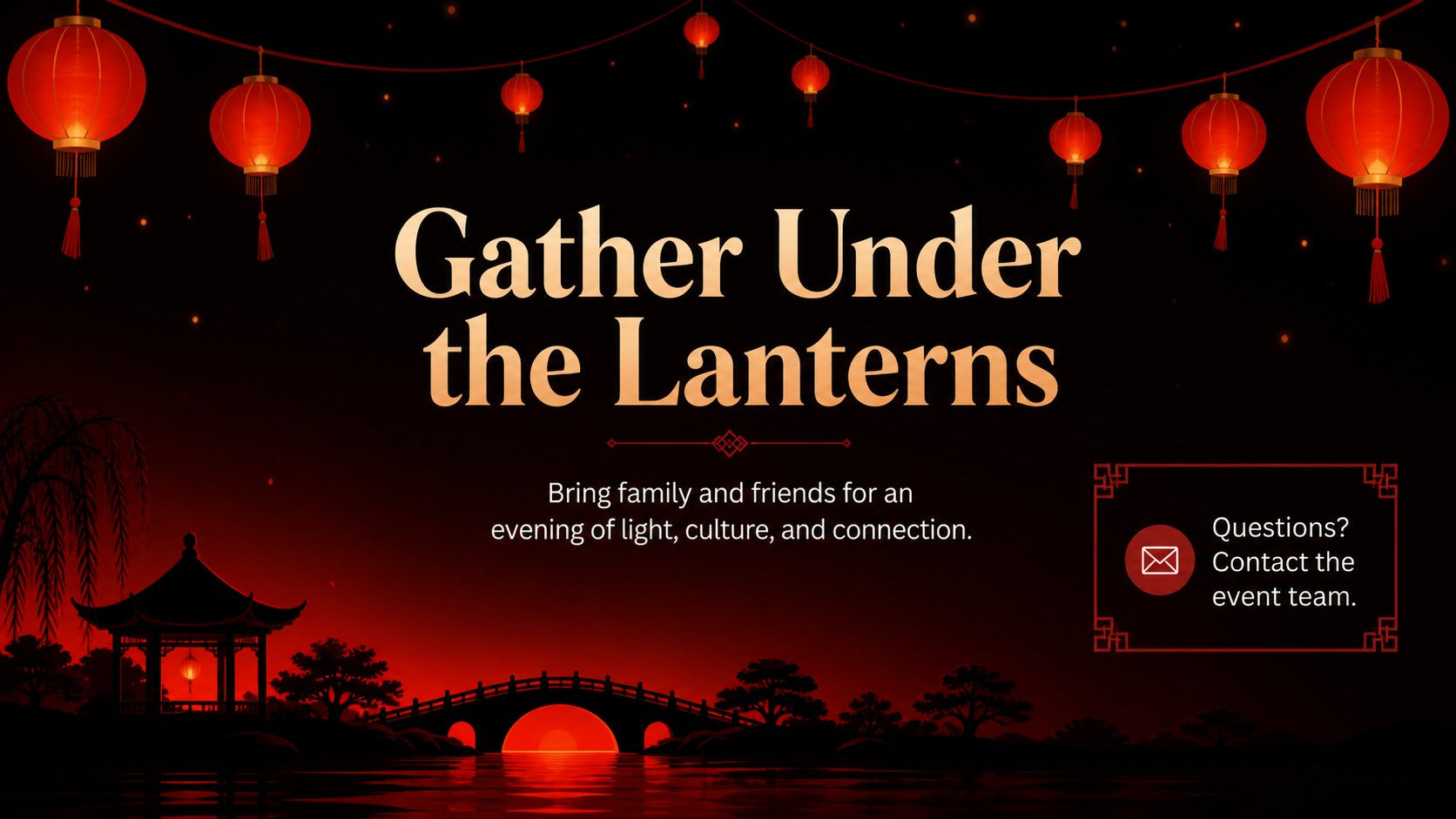
Design notes
Announce a glowing Lantern Festival gathering with a bold red-and-black flyer theme built for quick event promotion. This illustrated presentation template combines a dramatic dark background, vivid red accents, and festive lantern-inspired details to help your event information stand out. Use the red lantern festival flyer theme to introduce the celebration, organize key details, and create a cohesive visual identity across your announcement materials.
Inside, you will find four editable 16:9 slides for a cover announcement, event details, program highlights, and a closing invitation. Replace sample wording, adjust typography, add venue information, and insert your own photos or illustrations in PowerPoint or Google Slides. The layouts are useful for presenting dates, schedules, activities, registration instructions, contact details, and welcoming messages without losing the refined minimal character of the design.
This deck is suited to teachers, community organizers, cultural associations, family hosts, and event teams preparing a Chinese Lantern Festival program. Use it for a school cultural night flyer, a neighborhood celebration announcement, or a family reunion invitation. Its strong red palette and clean structure make it easy to adapt for digital sharing, printed handouts, presentation screens, and event signage.
Perfect for: school cultural night announcement; community Lantern Festival program; family reunion invitation; cultural association event briefing; holiday event signage presentation.
Frequently asked questions
Can I edit this template in PowerPoint? Yes. Download the PowerPoint version and replace the sample text, colors, images, and event details directly in your presentation software. The layouts are designed to remain easy to adjust without rebuilding the deck.
Practical details
Yes. Download the PowerPoint version and replace the sample text, colors, images, and event details directly in your presentation software. The layouts are designed to remain easy to adjust without rebuilding the deck.
Yes. Open the Google Slides version and create an editable copy in your Drive. You can then update the schedule, venue, typography, illustrations, and contact information from your browser.
The deck is formatted as 16:9 slides, so it works best for screens and digital sharing. You can export a slide as an image or PDF and adapt the dimensions for a handout or poster in your preferred design software.
You can include the celebration date, time, venue, performances, activities, registration instructions, host information, and contact details. The content blocks are flexible enough for school, community, and family events.
Keep exploring
15Build an engaging World UFO Day session with this flying saucer history lesson deck, featuring retro green-and-brown slides for PowerPoint and Google Slides.
 15
15Plan a lively animal-learning journey with this jungle zoo adventure lesson deck, ready to customize in PowerPoint and Google Slides for young learners.
 16
16Turn environmental research into a clear story with a Watercolor Ecology Presentation Theme for PowerPoint and Google Slides in calming green and blue.
 16
16Build focused fashion, literature, and humanities presentations with the Red Triangle Editorial Theme, editable in PowerPoint and Google Slides.
 15
15Turn streaming stats, favorite tracks, and concert highlights into a bold annual listening recap slide deck for PowerPoint and Google Slides.
 15
15Turn highlights, milestones, and favorite moments into a colorful year in review slide deck with bold 3D graphics for PowerPoint and Google Slides.
 3
3Build a credible endorsement with Standout Colleague Recommendation Letter Slides, featuring colorful prompts for skills, achievements, and team impact.
 4
4Build clear beginner sessions with an ice hockey fundamentals training deck for coaches, PE teachers, and clubs, ready for PowerPoint and Google Slides.