
 15
15presentation
Flying Saucer History Lesson Deck
Build an engaging World UFO Day session with this flying saucer history lesson deck, featuring retro green-and-brown slides for PowerPoint and Google Slides.
Google SlidesPowerPoint
presentation · English
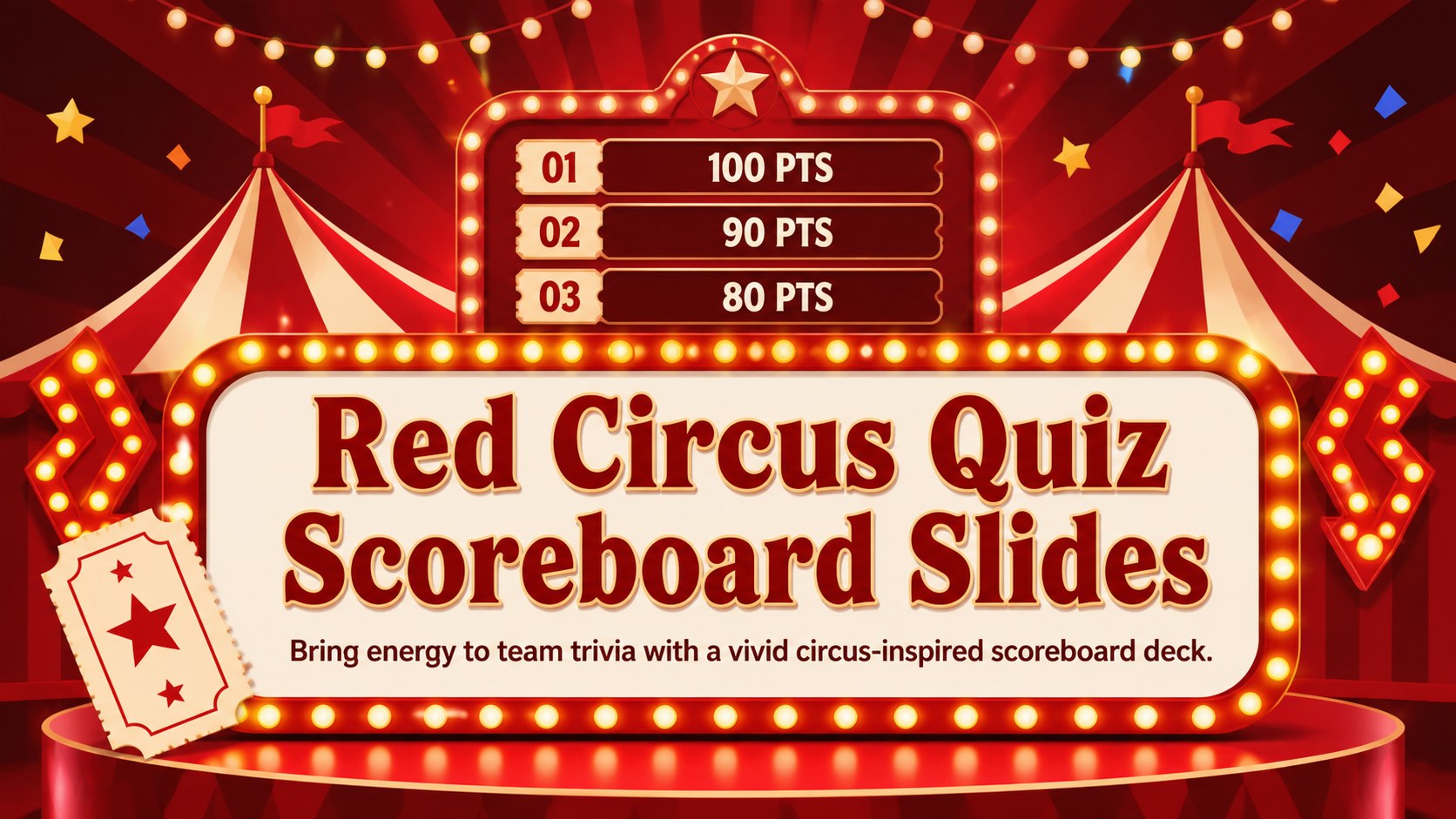
Run lively team challenges with red circus quiz scoreboard slides, featuring editable answer boards and round screens for PowerPoint and Google Slides.
Design notes
Turn an ordinary trivia session into a colorful competition with Red Circus Quiz Scoreboard Slides. This energetic presentation uses vivid red tones, theatrical lights, bold display type, and playful show-stage details to keep contestants focused on every question and score reveal. It works as a red circus game show presentation for family gatherings, classroom activities, office socials, and community events.
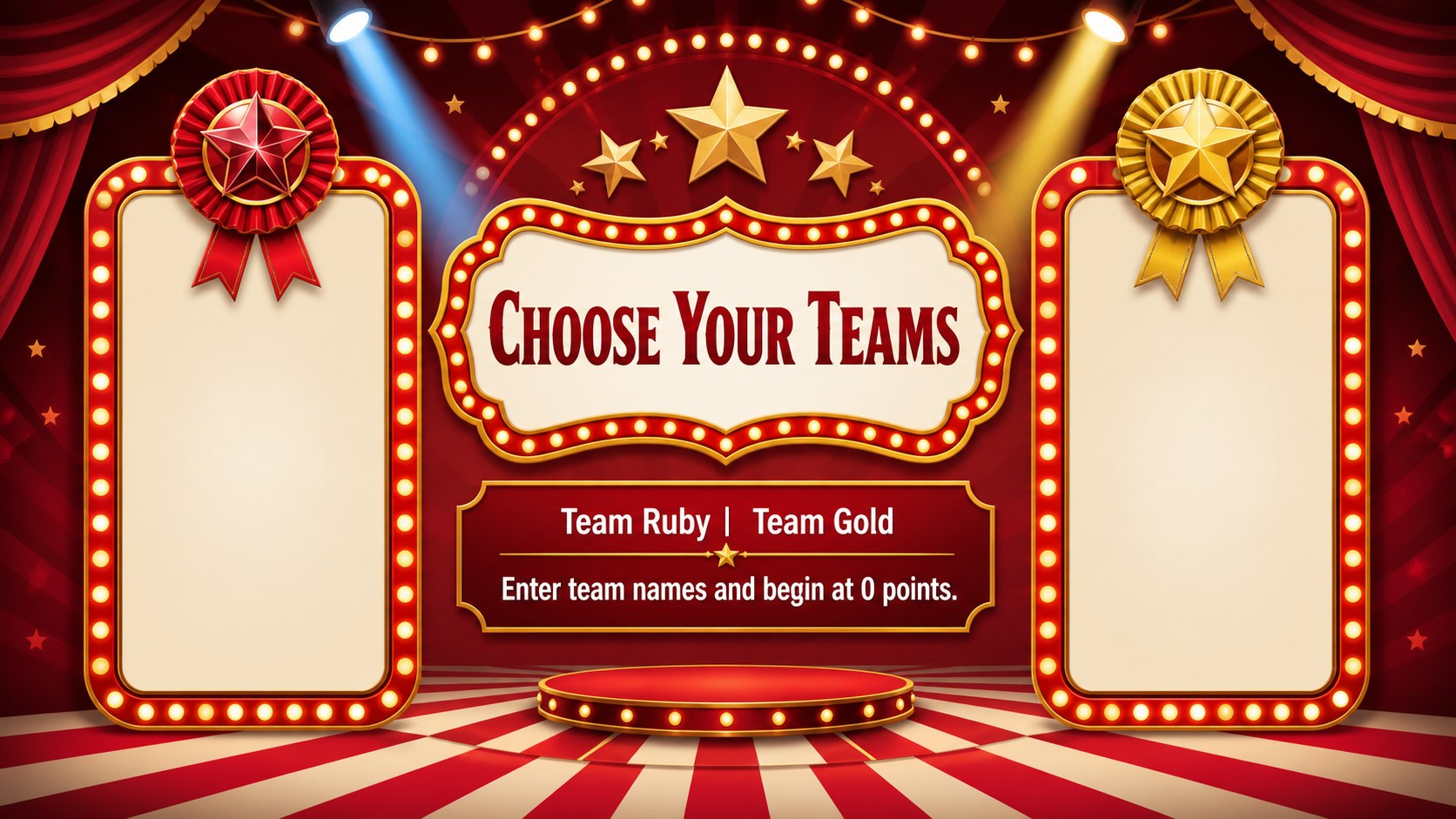
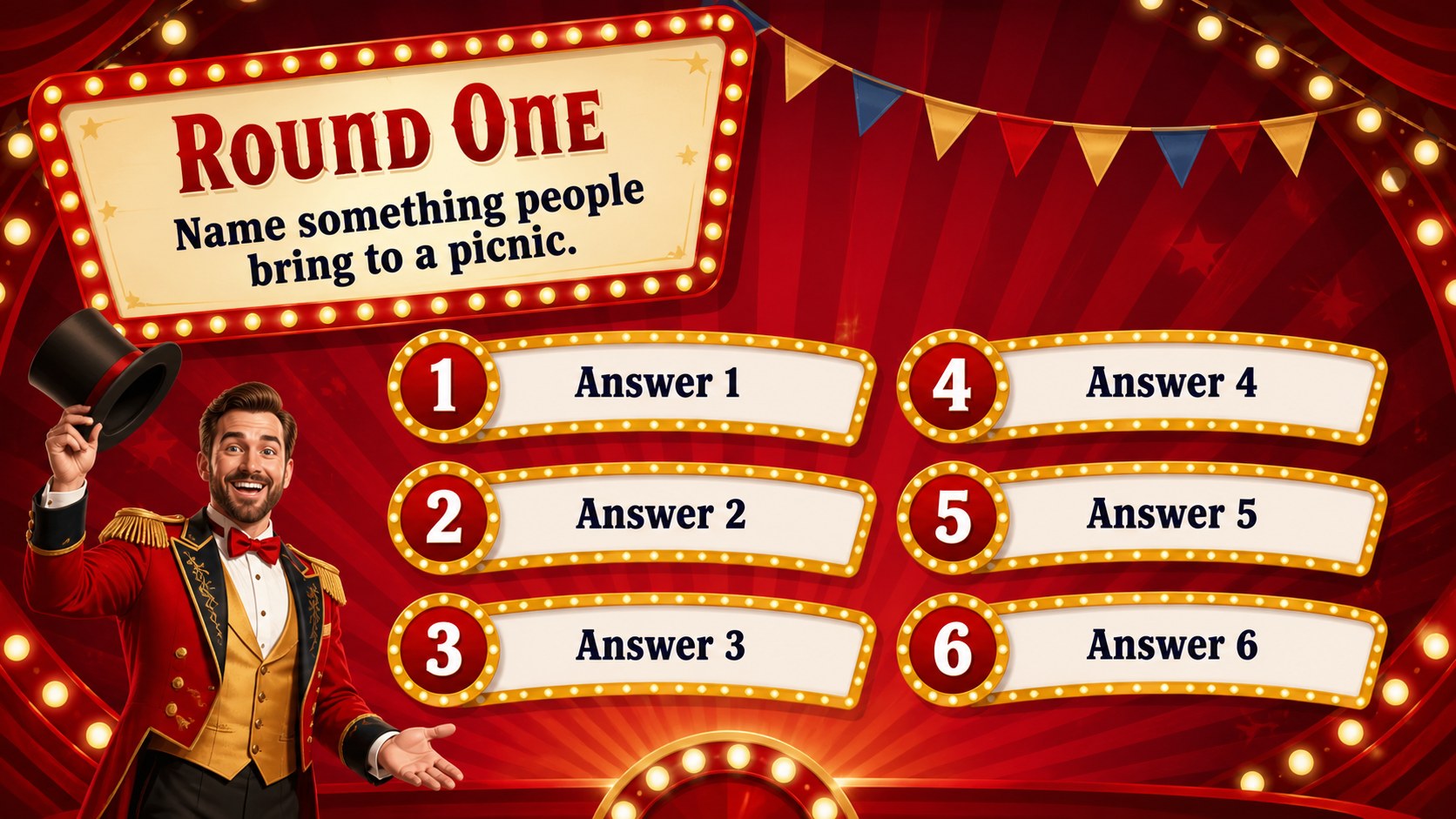
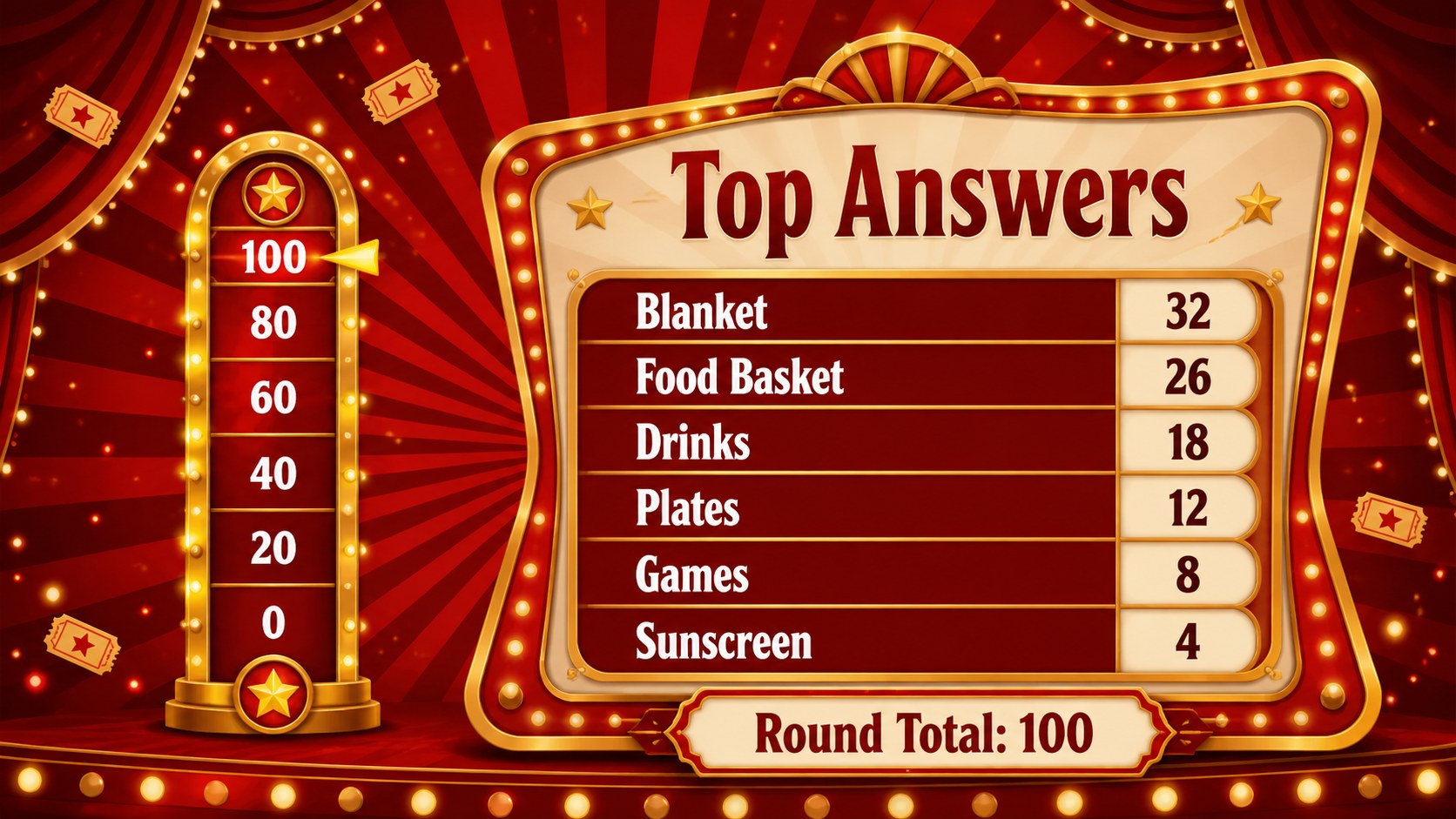
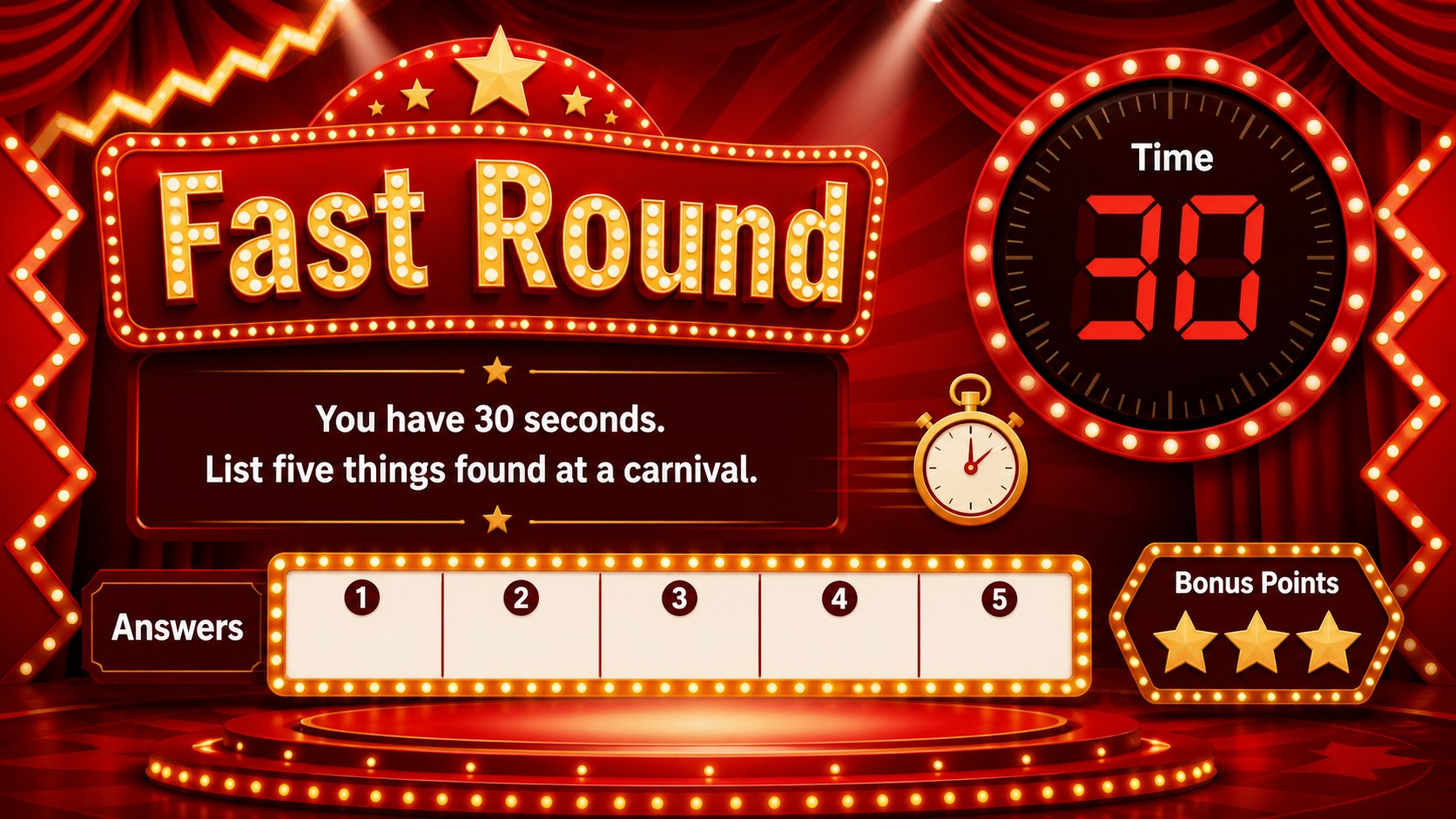
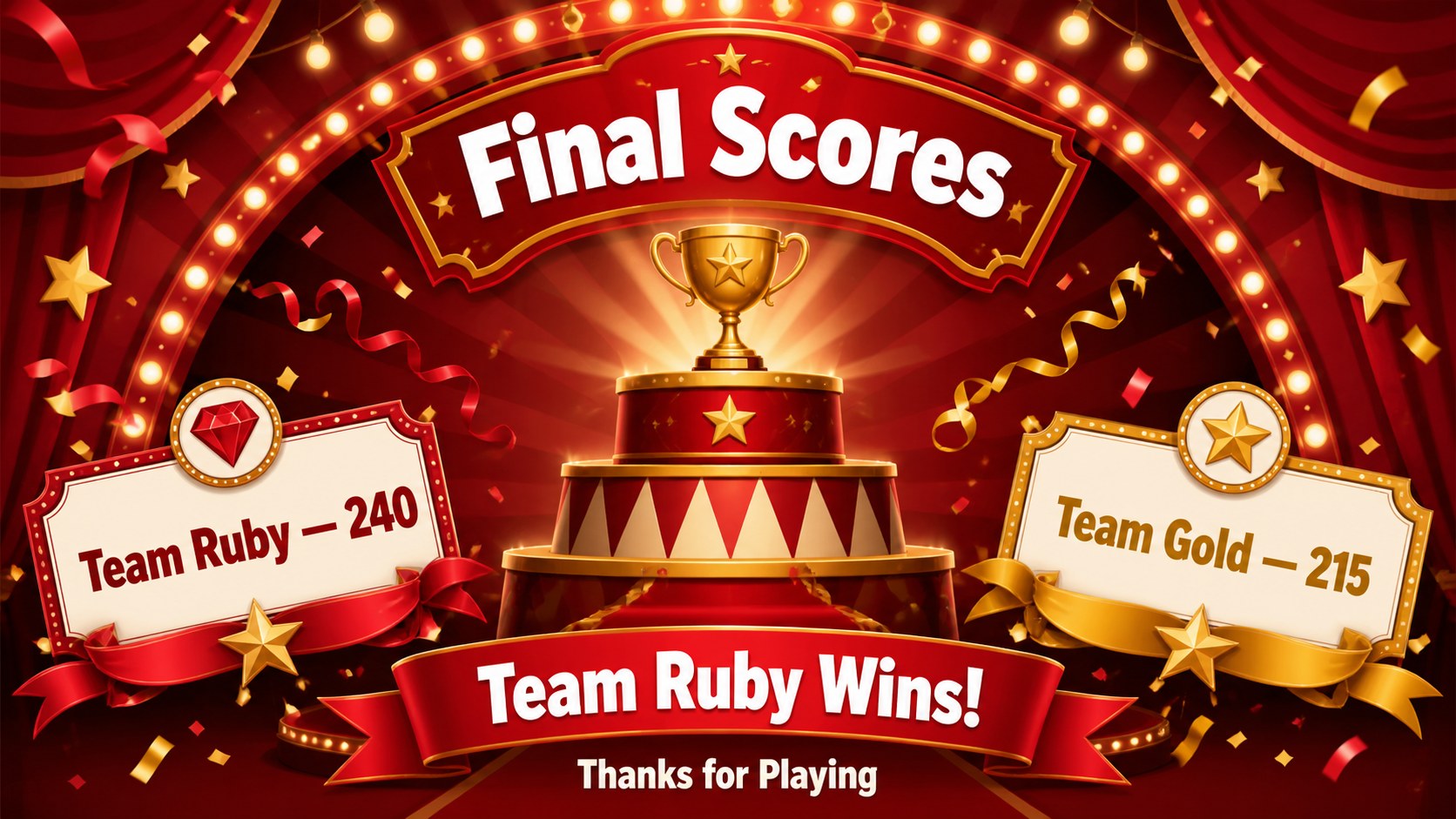
The six-slide deck includes an opening screen, team setup, question round, answer board, timed challenge, and final score display. Replace the sample prompts with your own material, rename the teams, adjust point values, and duplicate rounds as needed. The clear layouts make this an editable quiz scoreboard for PowerPoint, while the same visual system can also be adapted as a team trivia answer board in Google Slides.
Hosts, teachers, event organizers, youth leaders, and workplace facilitators can tailor the deck without changing its lively character. Use it for general knowledge contests, lesson reviews, icebreakers, holiday gatherings, or friendly department challenges. Every slide is designed to support quick scanning from across a room, with prominent questions, readable answer slots, and score areas that are easy to update during play.
Perfect for: family game night; classroom lesson review; office team trivia; birthday party quiz; community event challenge.
Frequently asked questions
Can I edit the questions, answers, and scores? Yes. All sample wording, team names, answer slots, and point values can be replaced with your own content. You can also duplicate the round layouts to create a longer competition.
Practical details
Yes. All sample wording, team names, answer slots, and point values can be replaced with your own content. You can also duplicate the round layouts to create a longer competition.
Yes. The presentation is designed for editing in both PowerPoint and Google Slides. Minor font or transition differences may occur depending on the platform and fonts installed.
Yes. You can adjust the colors, typography, stage decorations, and background elements while keeping the scoreboard structure intact. For clear projection, maintain strong contrast between the answer text and the background.
Duplicate the question, answer board, or timed challenge slides and replace their content. Keep the same answer-slot order and score placement so participants can follow each round easily.
Keep exploring
15Build an engaging World UFO Day session with this flying saucer history lesson deck, featuring retro green-and-brown slides for PowerPoint and Google Slides.
 15
15Plan a lively animal-learning journey with this jungle zoo adventure lesson deck, ready to customize in PowerPoint and Google Slides for young learners.
 16
16Turn environmental research into a clear story with a Watercolor Ecology Presentation Theme for PowerPoint and Google Slides in calming green and blue.
 16
16Build focused fashion, literature, and humanities presentations with the Red Triangle Editorial Theme, editable in PowerPoint and Google Slides.
 15
15Turn streaming stats, favorite tracks, and concert highlights into a bold annual listening recap slide deck for PowerPoint and Google Slides.
 15
15Turn highlights, milestones, and favorite moments into a colorful year in review slide deck with bold 3D graphics for PowerPoint and Google Slides.
 3
3Build a credible endorsement with Standout Colleague Recommendation Letter Slides, featuring colorful prompts for skills, achievements, and team impact.
 4
4Build clear beginner sessions with an ice hockey fundamentals training deck for coaches, PE teachers, and clubs, ready for PowerPoint and Google Slides.