
 15
15presentation
Flying Saucer History Lesson Deck
Build an engaging World UFO Day session with this flying saucer history lesson deck, featuring retro green-and-brown slides for PowerPoint and Google Slides.
Google SlidesPowerPoint
presentation · English
Build a red carpet awards night deck for film and television events, with polished nominee reveals, winner profiles, and elegant ceremony visuals.






Design notes
Give every announcement a sense of occasion with this red carpet awards night deck. Created for film and television celebrations, the design combines dramatic black backgrounds, rich red accents, crisp white type, and restrained gold details. Its cinematic presentation style helps hosts build anticipation while keeping nominees, categories, and results easy to follow.
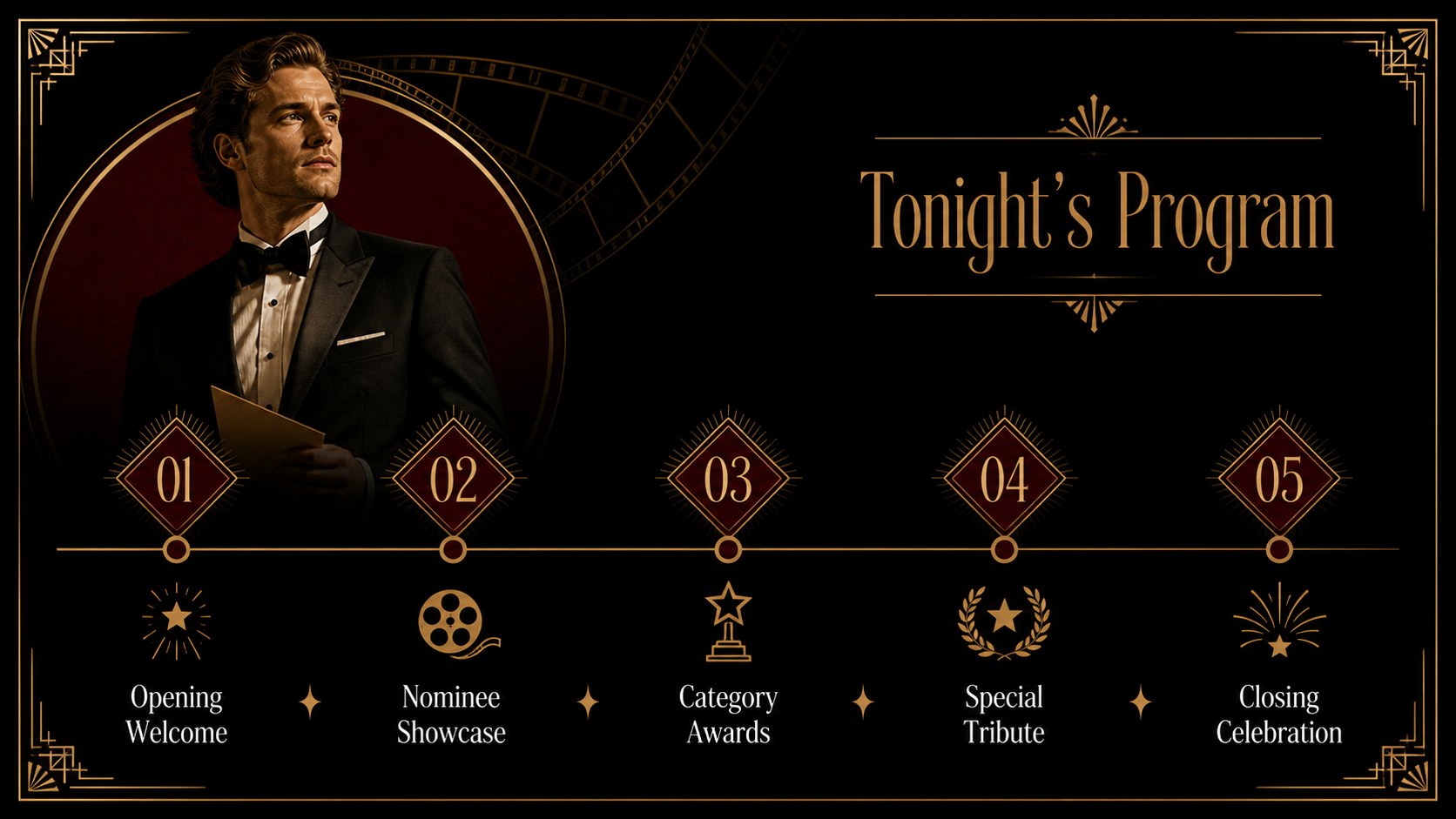
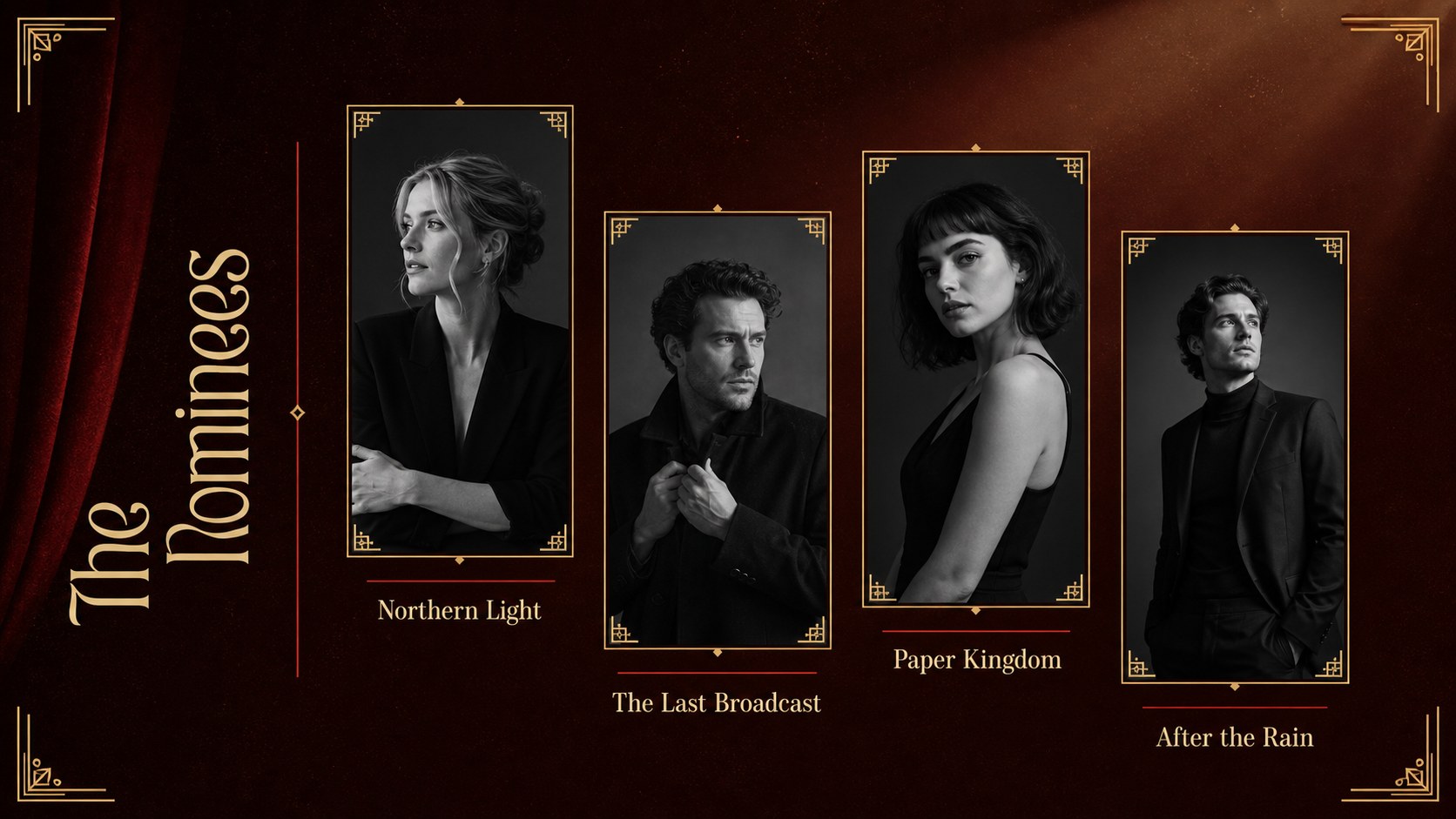
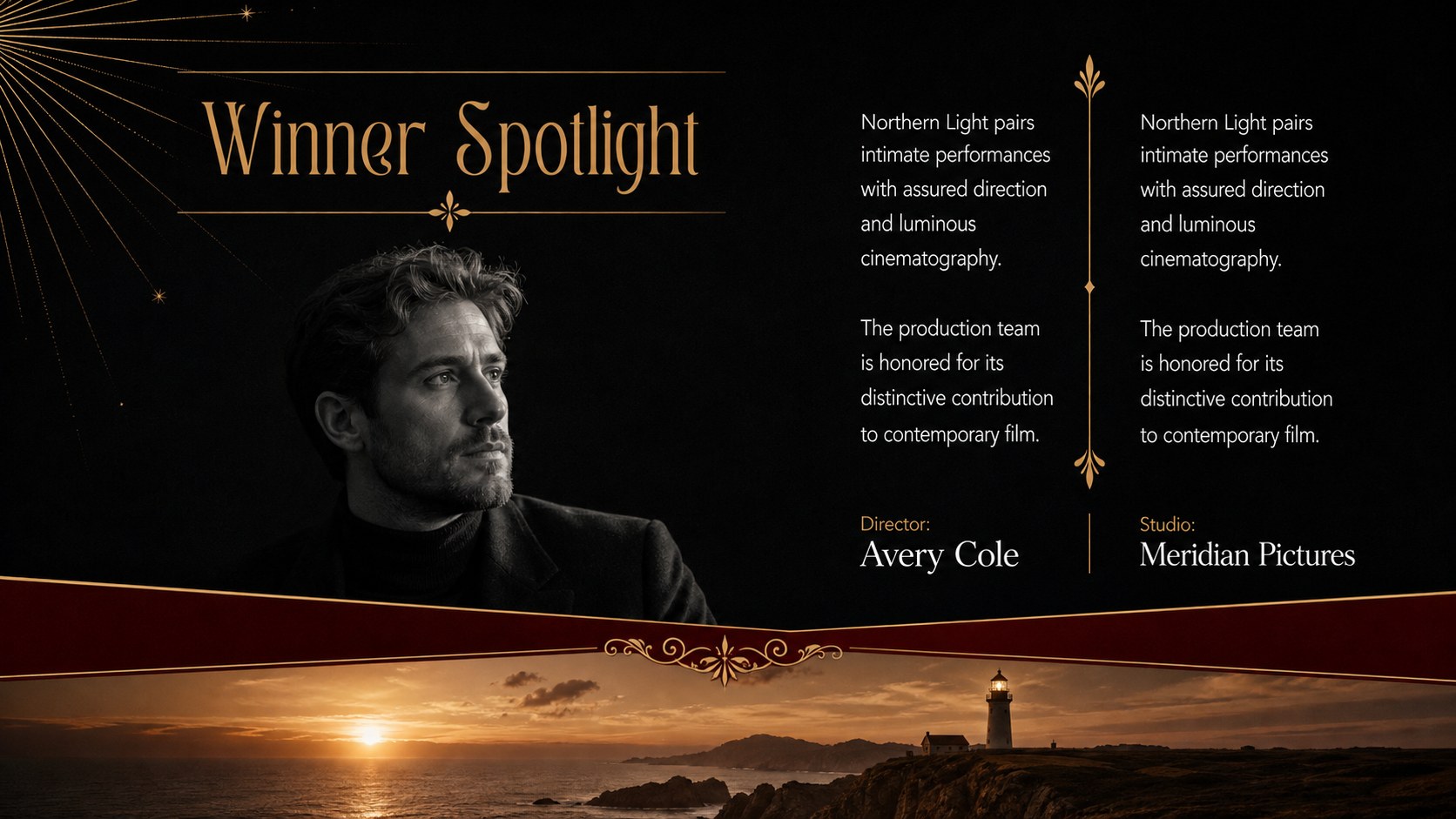
The deck includes layouts for an opening sequence, ceremony agenda, host introduction, award categories, nominee spotlights, winner reveals, acceptance quotes, performance interludes, audience choice results, production credits, and a closing tribute. Use it as a film awards ceremony presentation, a television industry awards template, or an elegant entertainment gala slide deck. The widescreen layouts provide space for photography, short video stills, names, statistics, and concise event copy without losing the refined visual rhythm.
Event producers, entertainment agencies, festival teams, schools, media organizations, and corporate communications departments can adapt the slides for formal ceremonies or lighthearted internal awards. Change the text, replace the image placeholders, adjust the category order, and apply animations in PowerPoint or Google Slides. With 16 coordinated slides, the template supports a complete show flow from the first welcome to the final thank-you while maintaining a consistent red, gold, black, and white identity.
Perfect for: film festival awards ceremony; television industry gala; student media awards; corporate recognition night; entertainment press event.
Frequently asked questions
Can I edit this awards deck in PowerPoint and Google Slides? Yes. Every slide can be edited in PowerPoint or Google Slides, including the text, colors, image placeholders, and layout elements. Some fonts or transition effects may vary slightly between platforms.
Practical details
Yes. Every slide can be edited in PowerPoint or Google Slides, including the text, colors, image placeholders, and layout elements. Some fonts or transition effects may vary slightly between platforms.
Duplicate the nominee and winner layouts for each category, then replace the sample names and images with your event content. You can also reorder the slides to match the ceremony schedule.
Yes. Replace the image placeholders with properly licensed portraits, production stills, or event photography. Use similarly framed images across each category to preserve the deck's polished visual consistency.
Yes. The category, nominee, winner, and recognition layouts can be adapted for school, company, arts, or community awards. Update the entertainment-specific wording while retaining the formal red-carpet design.
Keep exploring
15Build an engaging World UFO Day session with this flying saucer history lesson deck, featuring retro green-and-brown slides for PowerPoint and Google Slides.
 15
15Plan a lively animal-learning journey with this jungle zoo adventure lesson deck, ready to customize in PowerPoint and Google Slides for young learners.
 16
16Turn environmental research into a clear story with a Watercolor Ecology Presentation Theme for PowerPoint and Google Slides in calming green and blue.
 16
16Build focused fashion, literature, and humanities presentations with the Red Triangle Editorial Theme, editable in PowerPoint and Google Slides.
 15
15Turn streaming stats, favorite tracks, and concert highlights into a bold annual listening recap slide deck for PowerPoint and Google Slides.
 15
15Turn highlights, milestones, and favorite moments into a colorful year in review slide deck with bold 3D graphics for PowerPoint and Google Slides.
 3
3Build a credible endorsement with Standout Colleague Recommendation Letter Slides, featuring colorful prompts for skills, achievements, and team impact.
 4
4Build clear beginner sessions with an ice hockey fundamentals training deck for coaches, PE teachers, and clubs, ready for PowerPoint and Google Slides.