
 15
15presentation
Flying Saucer History Lesson Deck
Build an engaging World UFO Day session with this flying saucer history lesson deck, featuring retro green-and-brown slides for PowerPoint and Google Slides.
Google SlidesPowerPoint
presentation · English
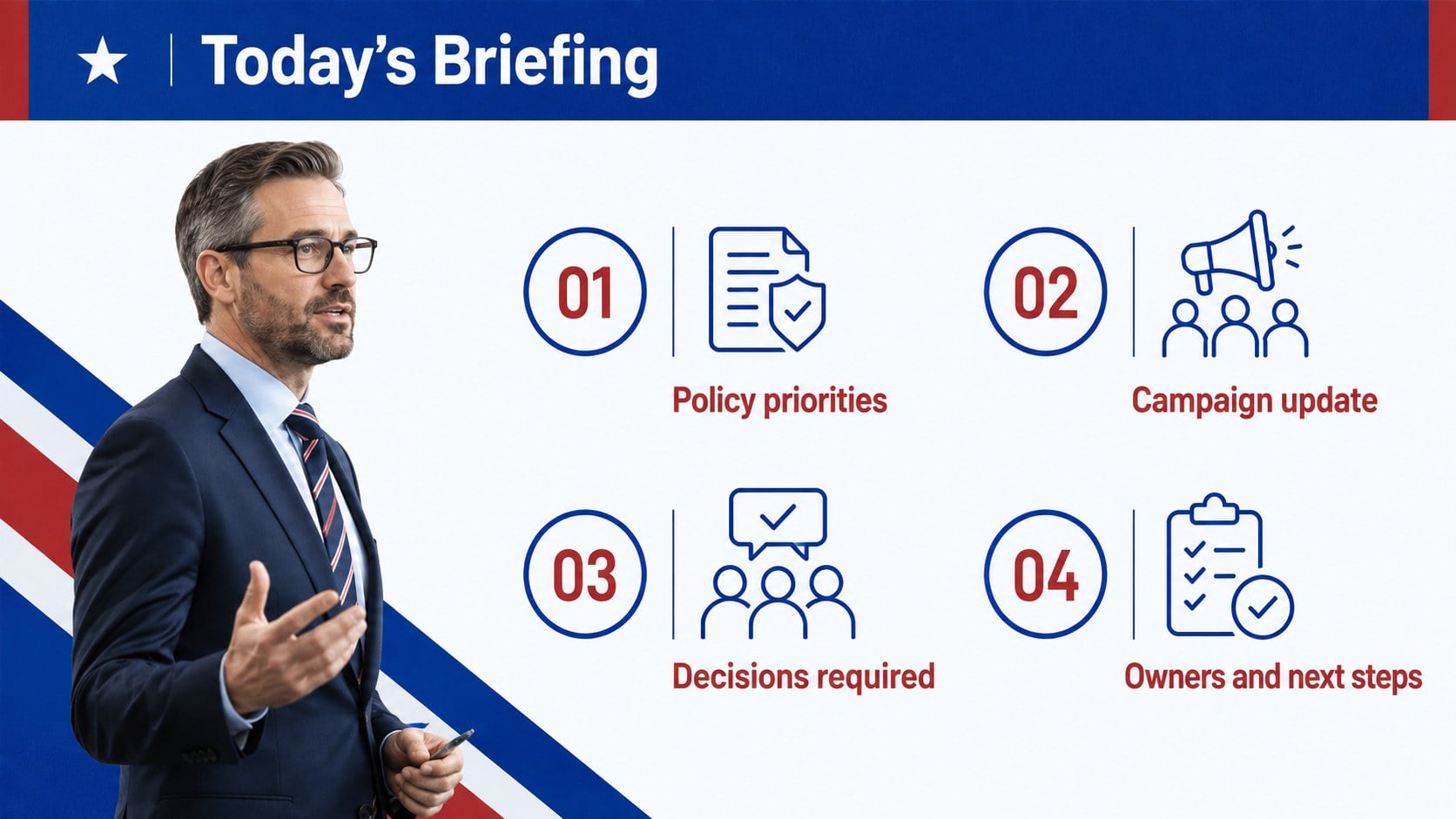
Run caucus sessions with a party strategy briefing deck for policy priorities, campaign updates, decisions, and next steps in PowerPoint and Google Slides.
Design notes
Bring structure and clarity to internal political discussions with this Red and Blue Party Strategy Briefing Deck. Designed for focused meetings rather than public campaign rallies, the layout uses a restrained patriotic palette, strong typography, and clean editorial spacing to keep attention on priorities, evidence, and decisions. Use this party strategy briefing deck when leaders need to align on policy positions, review campaign developments, or assign clear next steps.
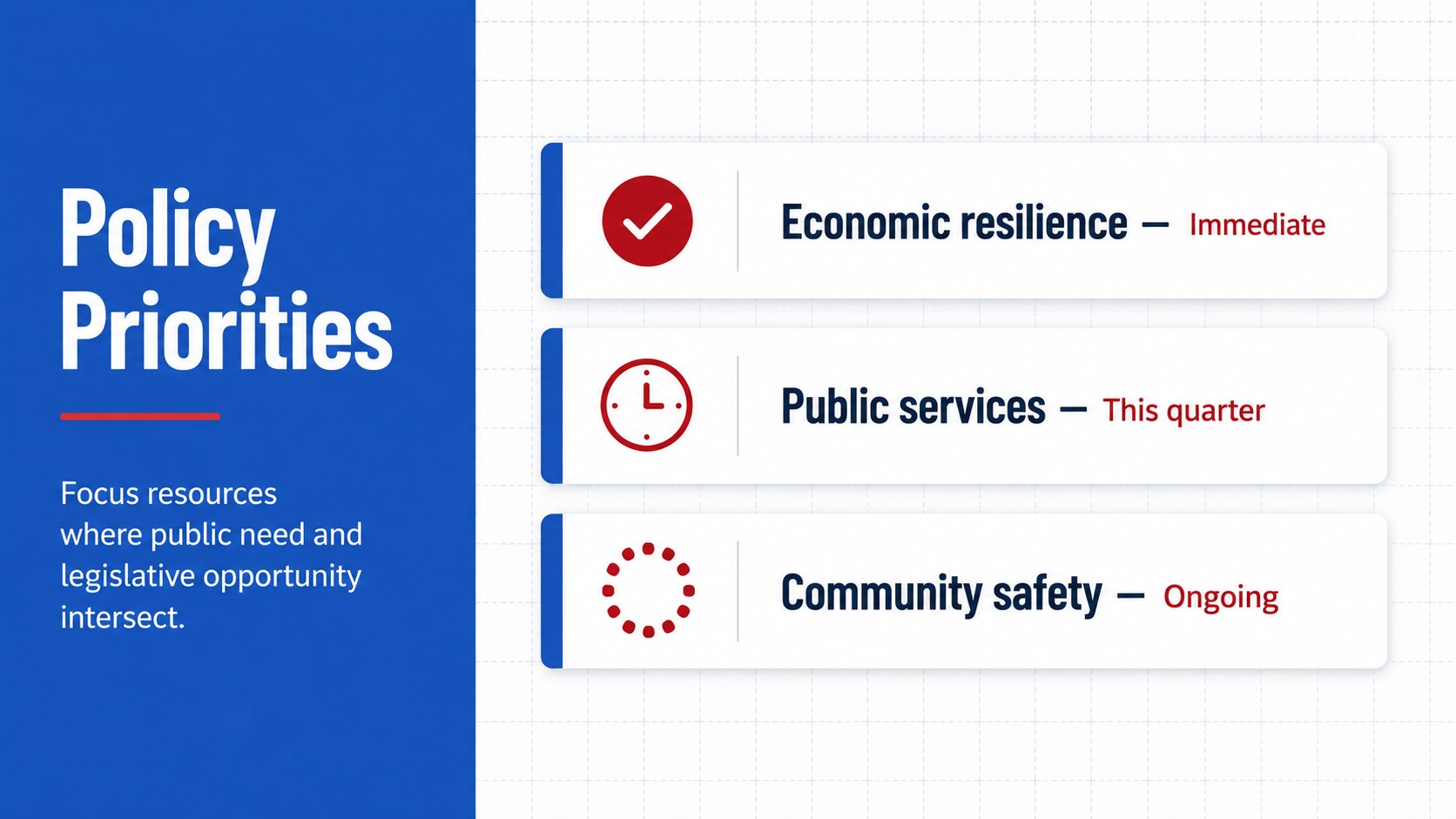
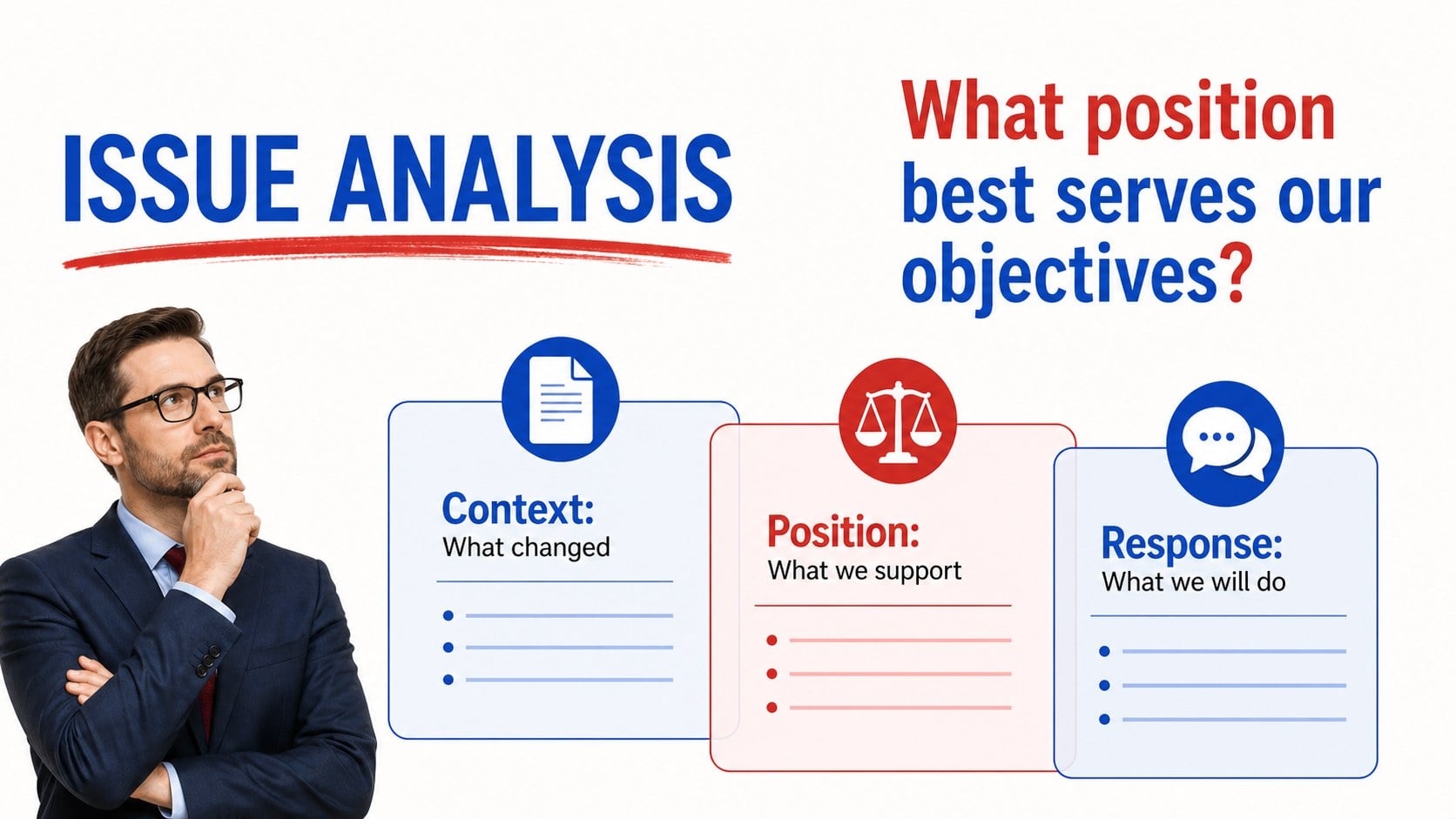
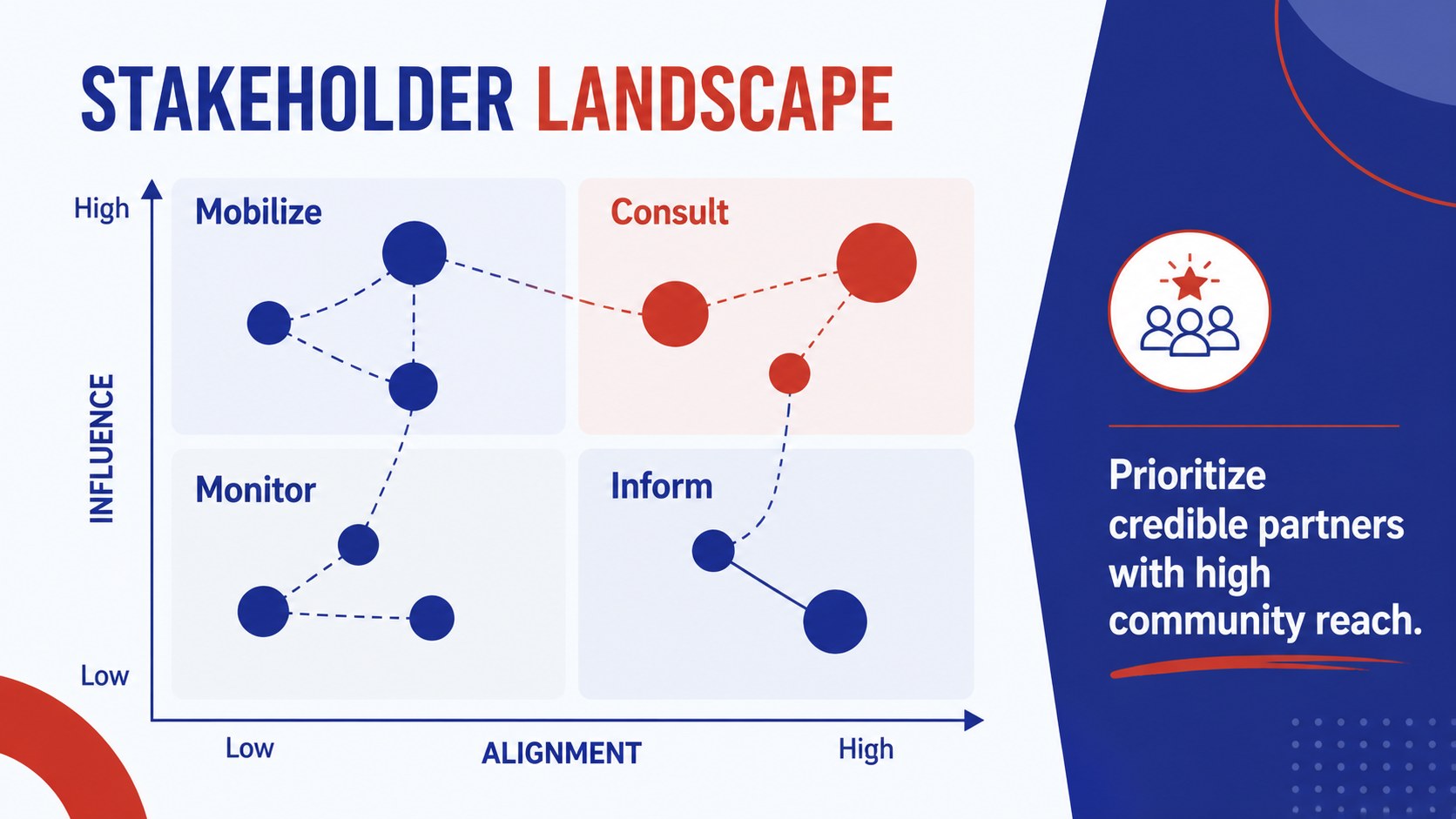
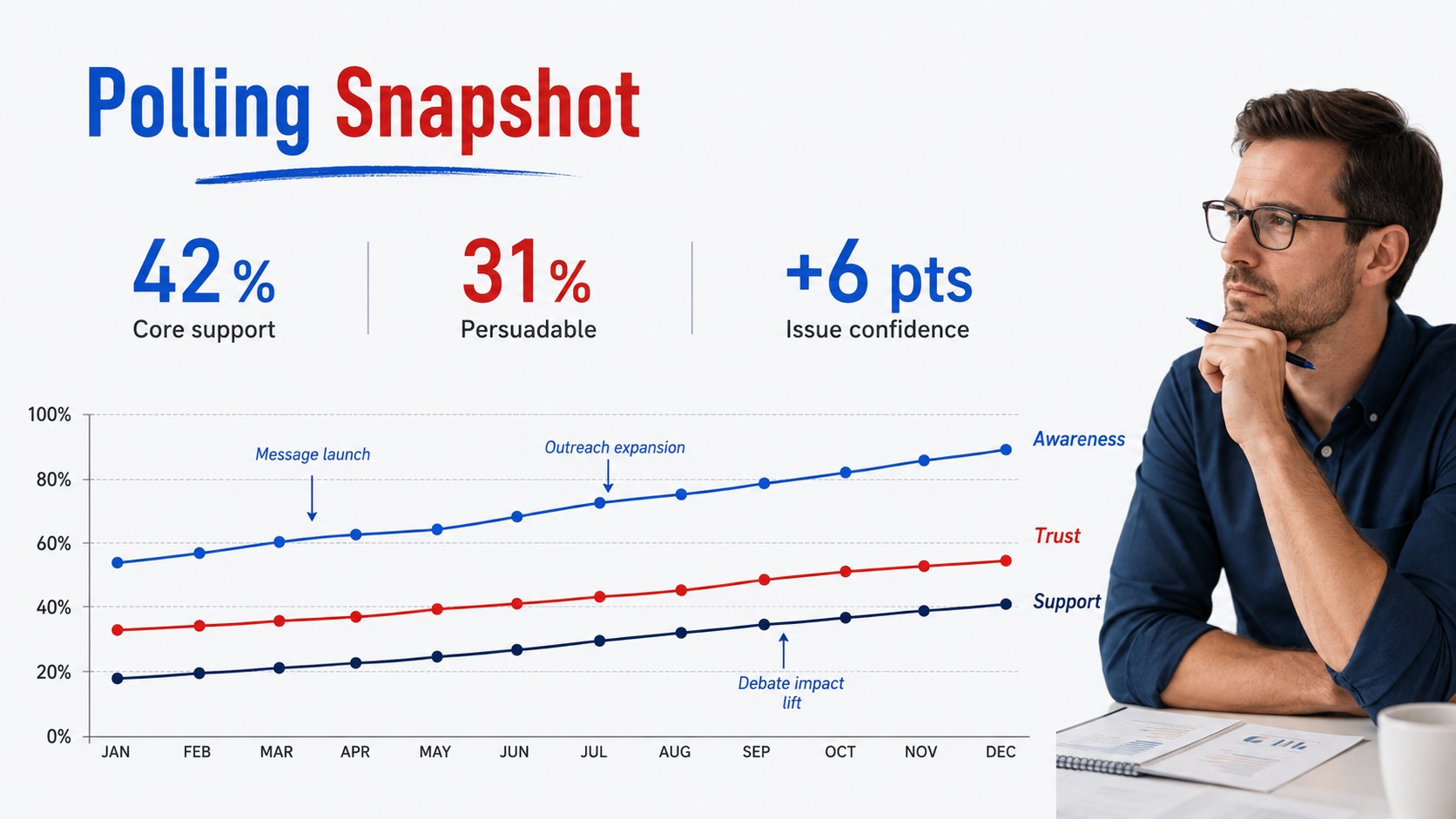
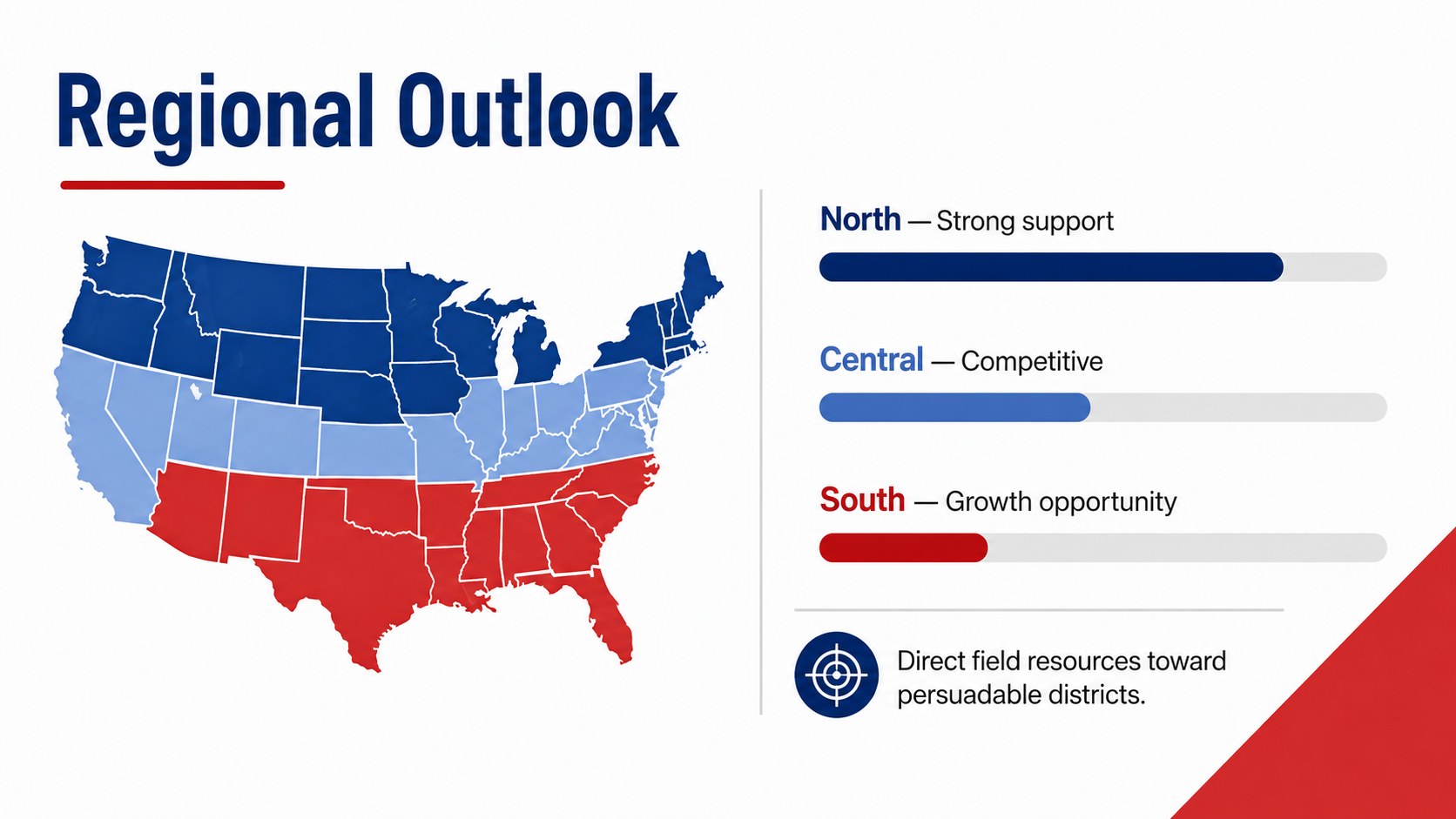
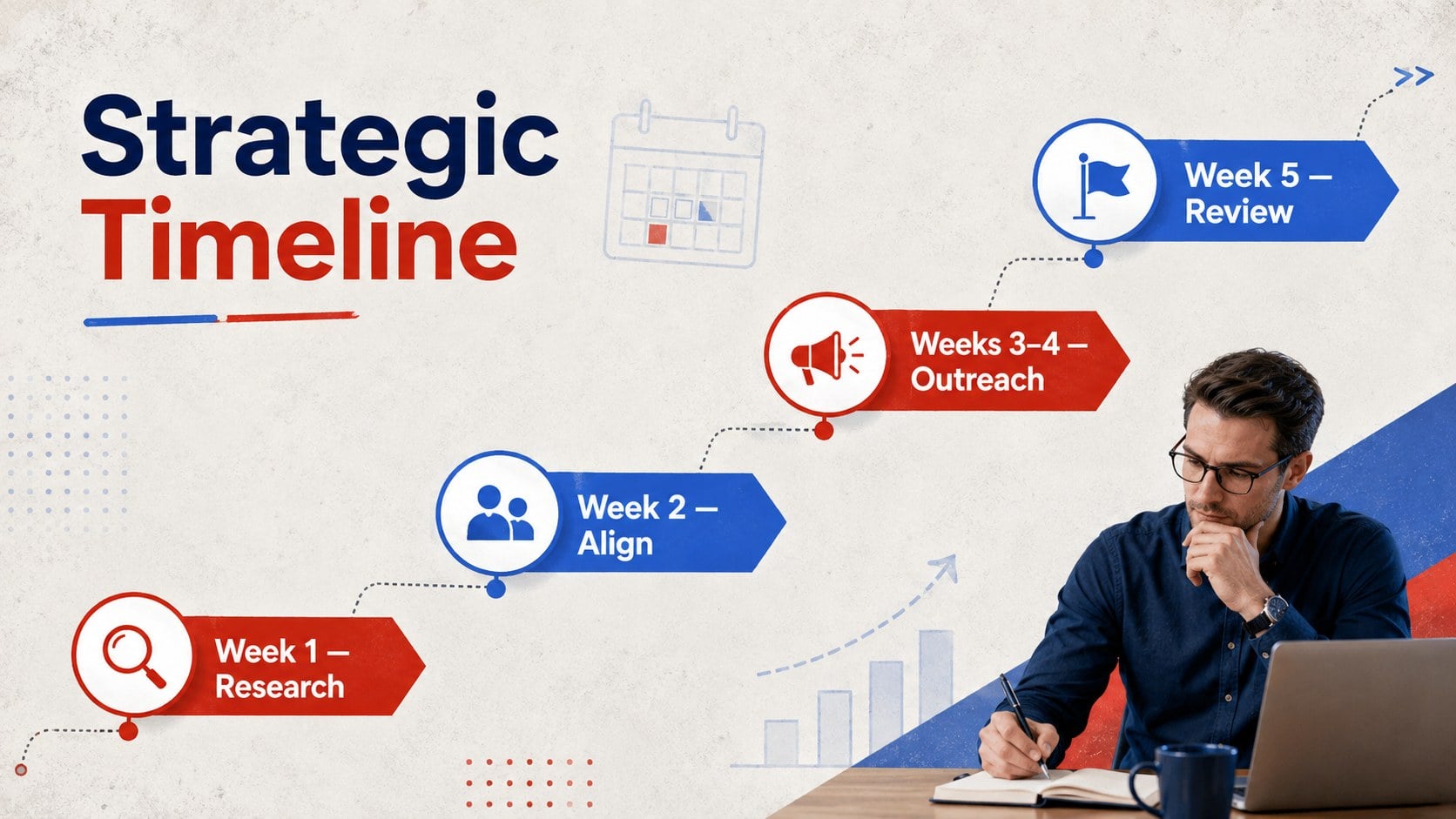
The 15-slide collection includes a political party meeting agenda template, leadership update, policy priority overview, issue analysis, stakeholder map, polling snapshot, regional comparison, strategic timeline, budget summary, risk matrix, decision page, and action tracker. Charts, tables, callouts, and section layouts can be adapted to suit local, state, or national discussions without overcrowding the message.
This legislative strategy presentation is suited to party officers, policy advisers, campaign managers, elected representatives, communications teams, and civic organizations. It also works as campaign planning slides for private workshops, coalition meetings, committee briefings, and post-election reviews. Every slide is editable in PowerPoint and Google Slides, allowing teams to replace sample wording, adjust the red and blue palette, revise data, and add their own photography or party-neutral symbols. The result is a practical framework for moving from discussion to documented decisions and accountable follow-through.
Perfect for: party leadership briefing; caucus strategy session; policy priority review; campaign planning workshop; legislative committee update; coalition coordination meeting.
Frequently asked questions
Can I edit this deck in PowerPoint and Google Slides? Yes. All text, colors, charts, shapes, and image placeholders can be edited in PowerPoint or Google Slides. Some font substitutions may occur if a typeface is not installed on your device.
Practical details
Yes. All text, colors, charts, shapes, and image placeholders can be edited in PowerPoint or Google Slides. Some font substitutions may occur if a typeface is not installed on your device.
Yes. Replace the theme colors with your organization's palette and update the accent shapes throughout the deck. Maintain strong contrast between text and backgrounds for accessible viewing.
Yes. The chart values, labels, timelines, tables, and action items are editable. Replace the sample content with verified internal data before presenting.
It can be adapted for public use, although its structure is optimized for internal strategy and policy briefings. Remove confidential notes, unpublished polling, and private assignments before sharing externally.
Keep exploring
15Build an engaging World UFO Day session with this flying saucer history lesson deck, featuring retro green-and-brown slides for PowerPoint and Google Slides.
 15
15Plan a lively animal-learning journey with this jungle zoo adventure lesson deck, ready to customize in PowerPoint and Google Slides for young learners.
 16
16Turn environmental research into a clear story with a Watercolor Ecology Presentation Theme for PowerPoint and Google Slides in calming green and blue.
 16
16Build focused fashion, literature, and humanities presentations with the Red Triangle Editorial Theme, editable in PowerPoint and Google Slides.
 15
15Turn streaming stats, favorite tracks, and concert highlights into a bold annual listening recap slide deck for PowerPoint and Google Slides.
 15
15Turn highlights, milestones, and favorite moments into a colorful year in review slide deck with bold 3D graphics for PowerPoint and Google Slides.
 3
3Build a credible endorsement with Standout Colleague Recommendation Letter Slides, featuring colorful prompts for skills, achievements, and team impact.
 4
4Build clear beginner sessions with an ice hockey fundamentals training deck for coaches, PE teachers, and clubs, ready for PowerPoint and Google Slides.