
 15
15presentation
Flying Saucer History Lesson Deck
Build an engaging World UFO Day session with this flying saucer history lesson deck, featuring retro green-and-brown slides for PowerPoint and Google Slides.
Google SlidesPowerPoint
presentation · English
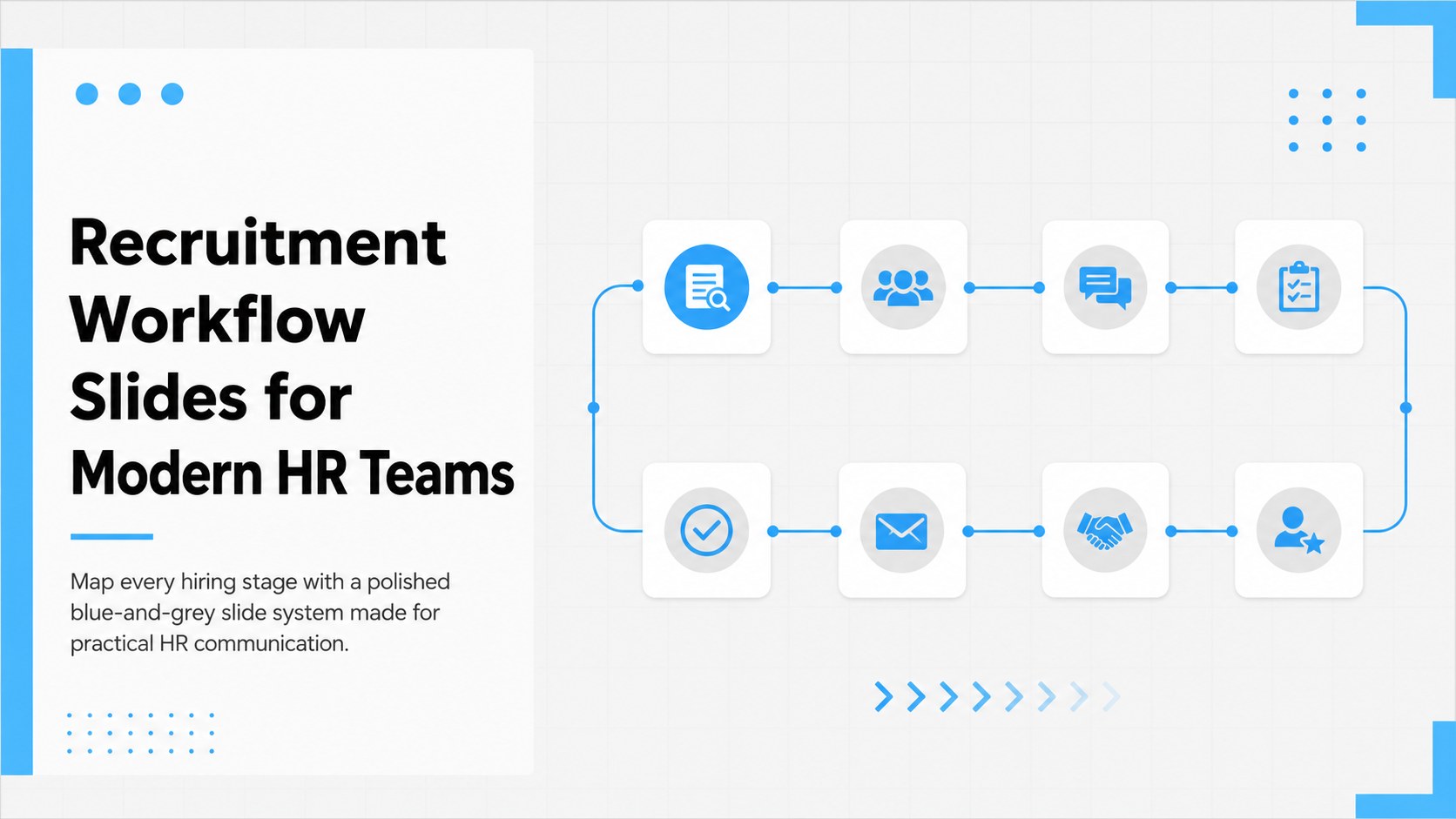
Build a clearer recruitment workflow with blue and grey presentation slides for HR teams, hiring managers, interviews, onboarding, and process training.

Design notes
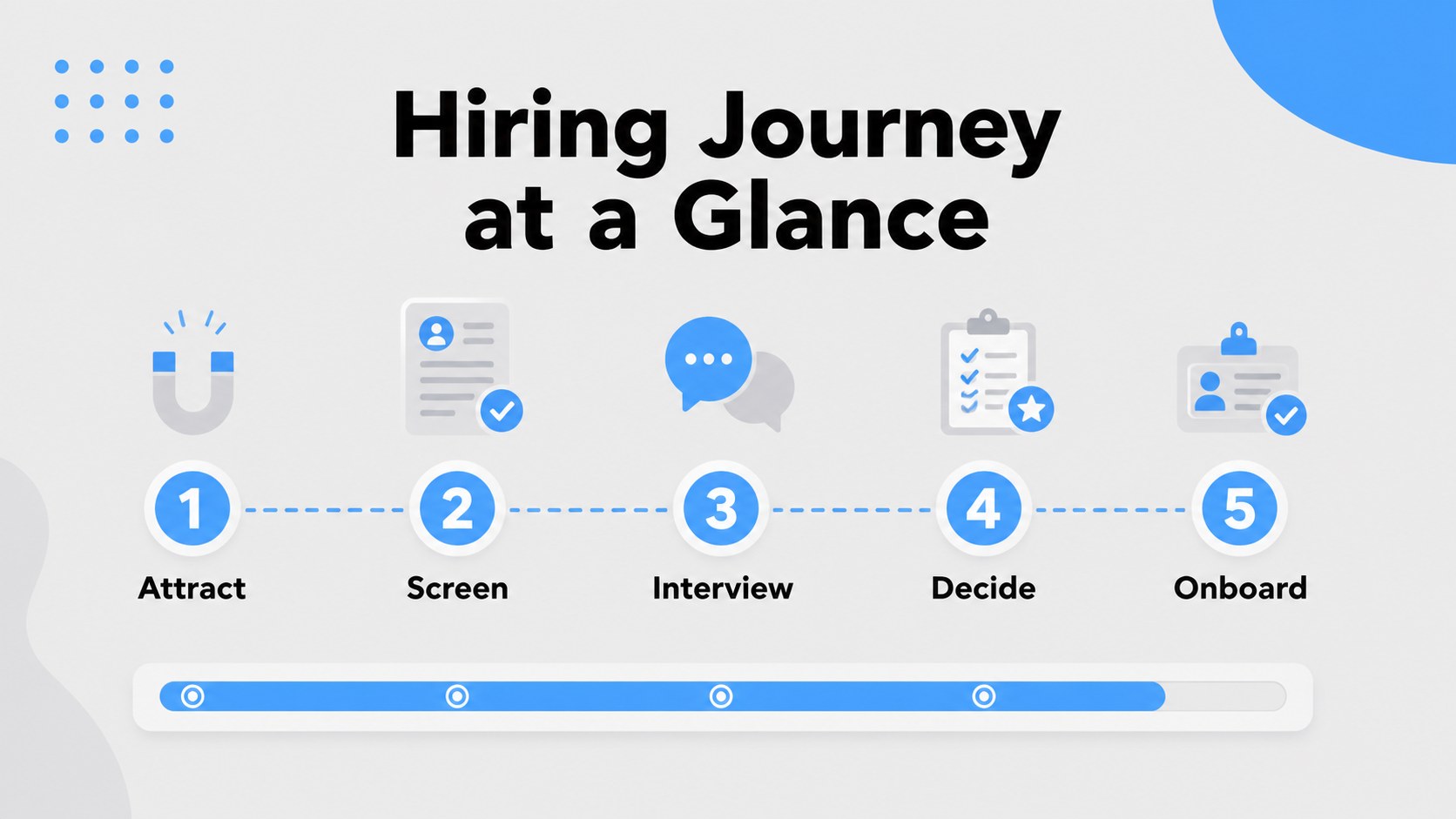
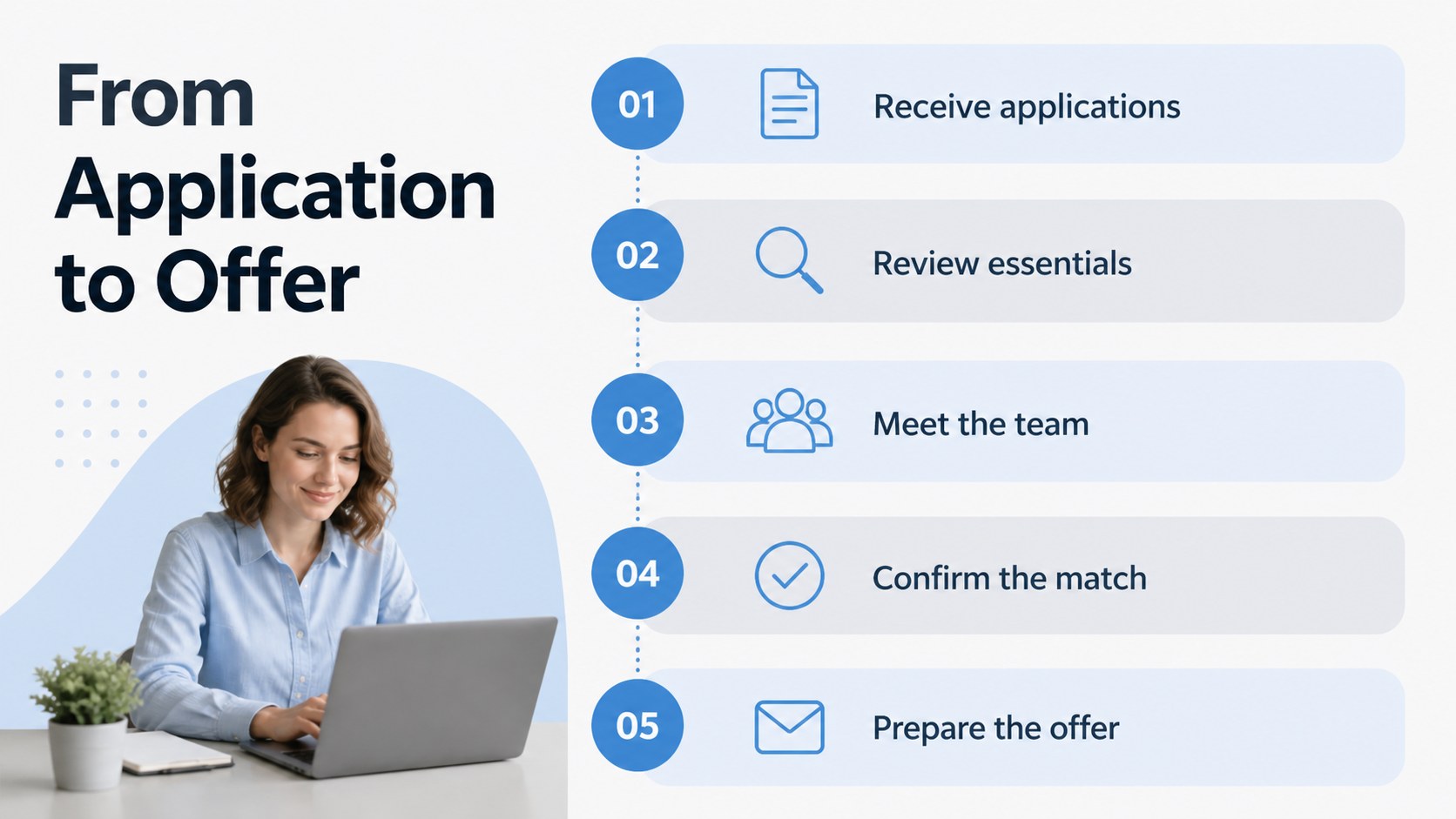
Recruitment Workflow Slides for Modern HR Teams gives HR professionals a structured way to explain how candidates move from application to onboarding. The restrained blue and grey palette, clean interface-inspired details, and spacious layouts help teams present sensitive hiring information with clarity and consistency.
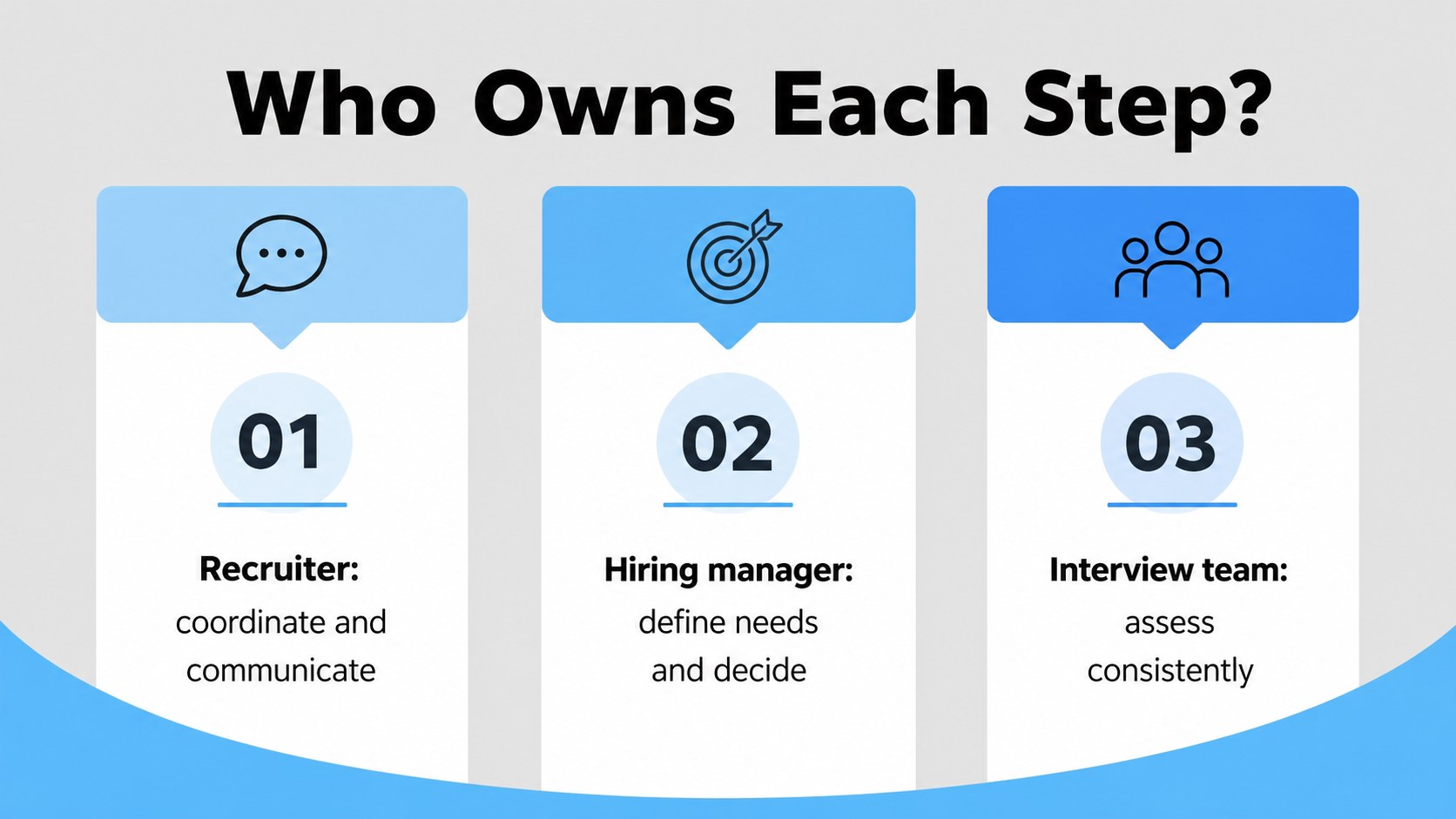
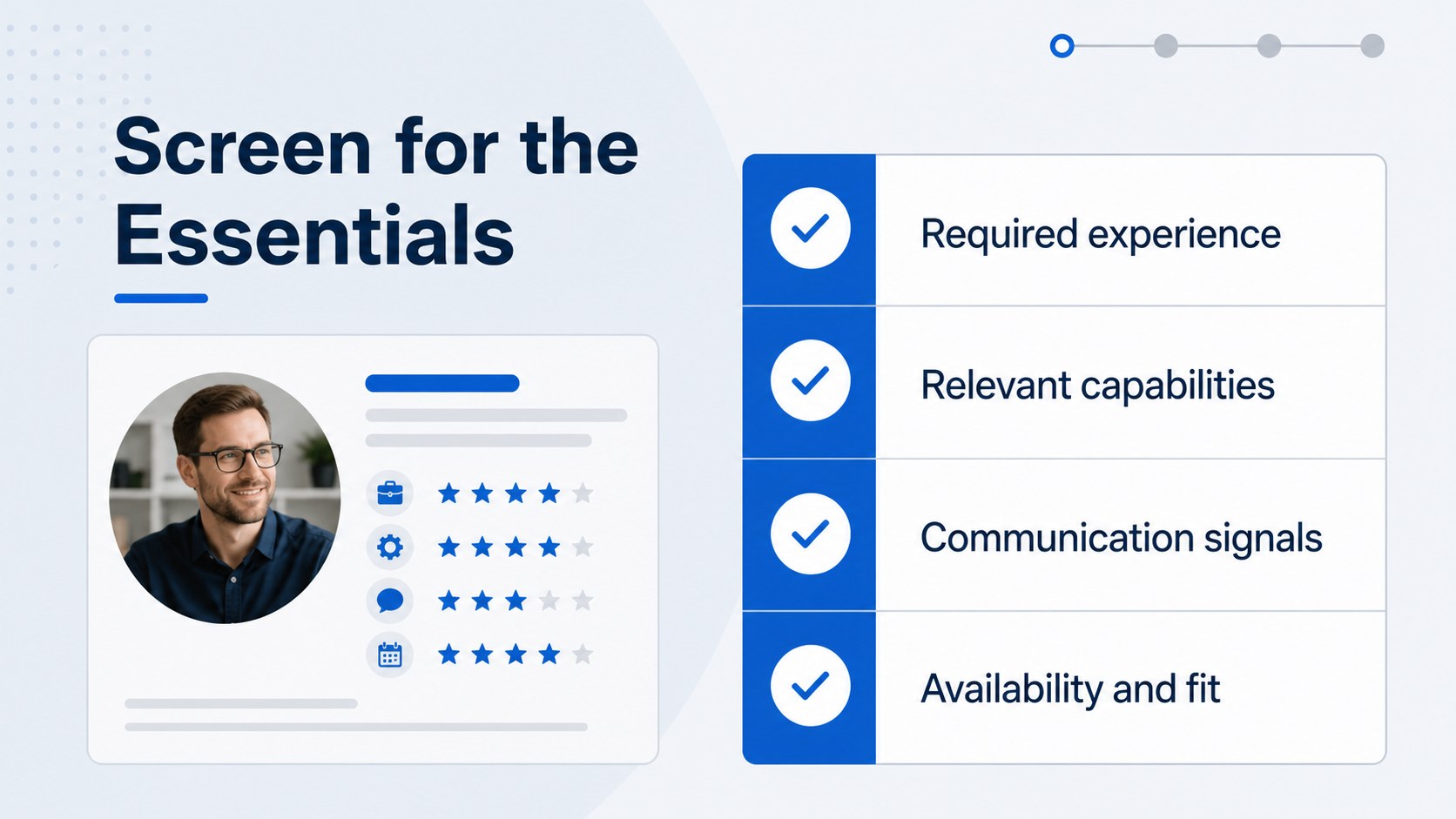
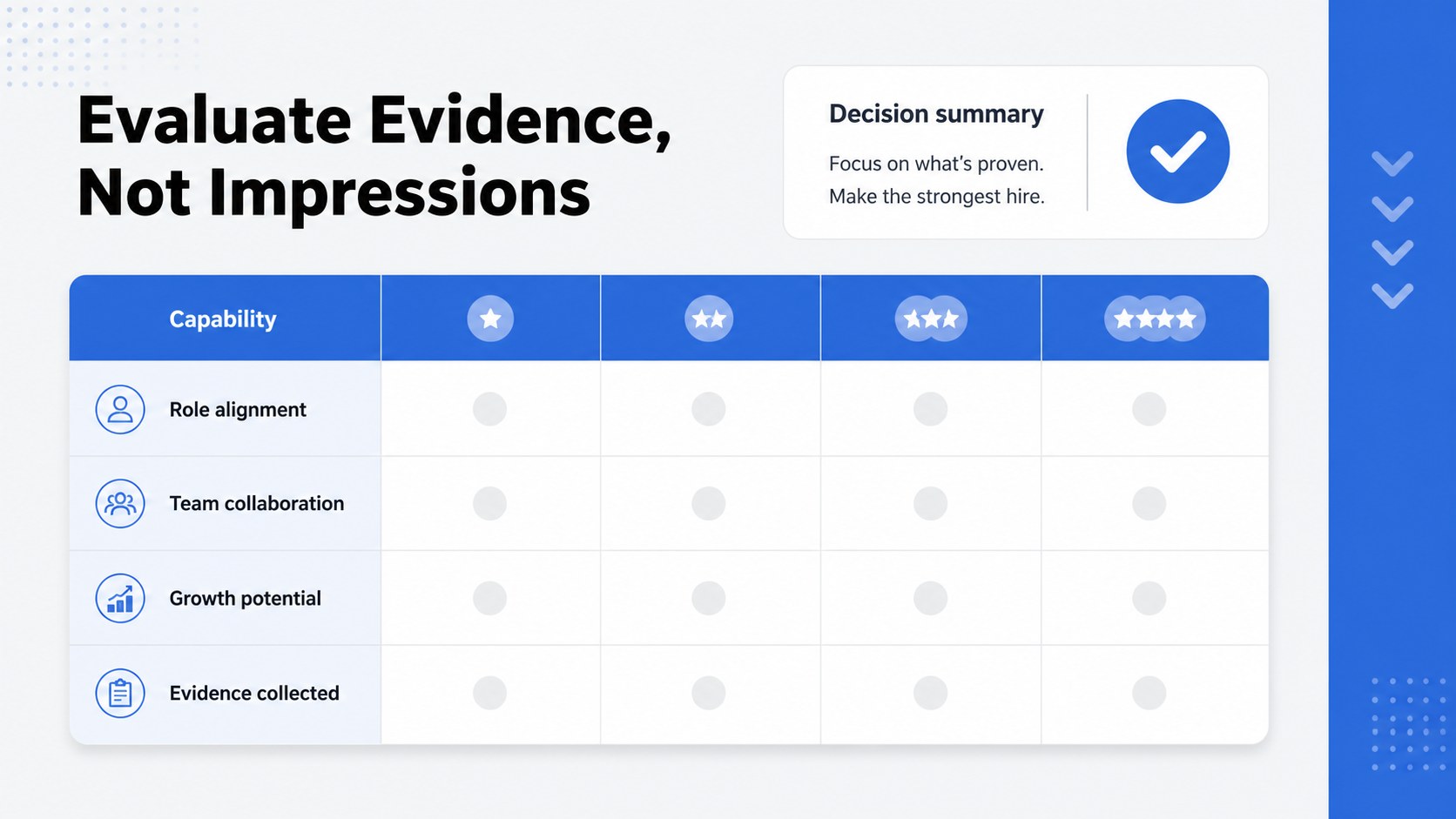
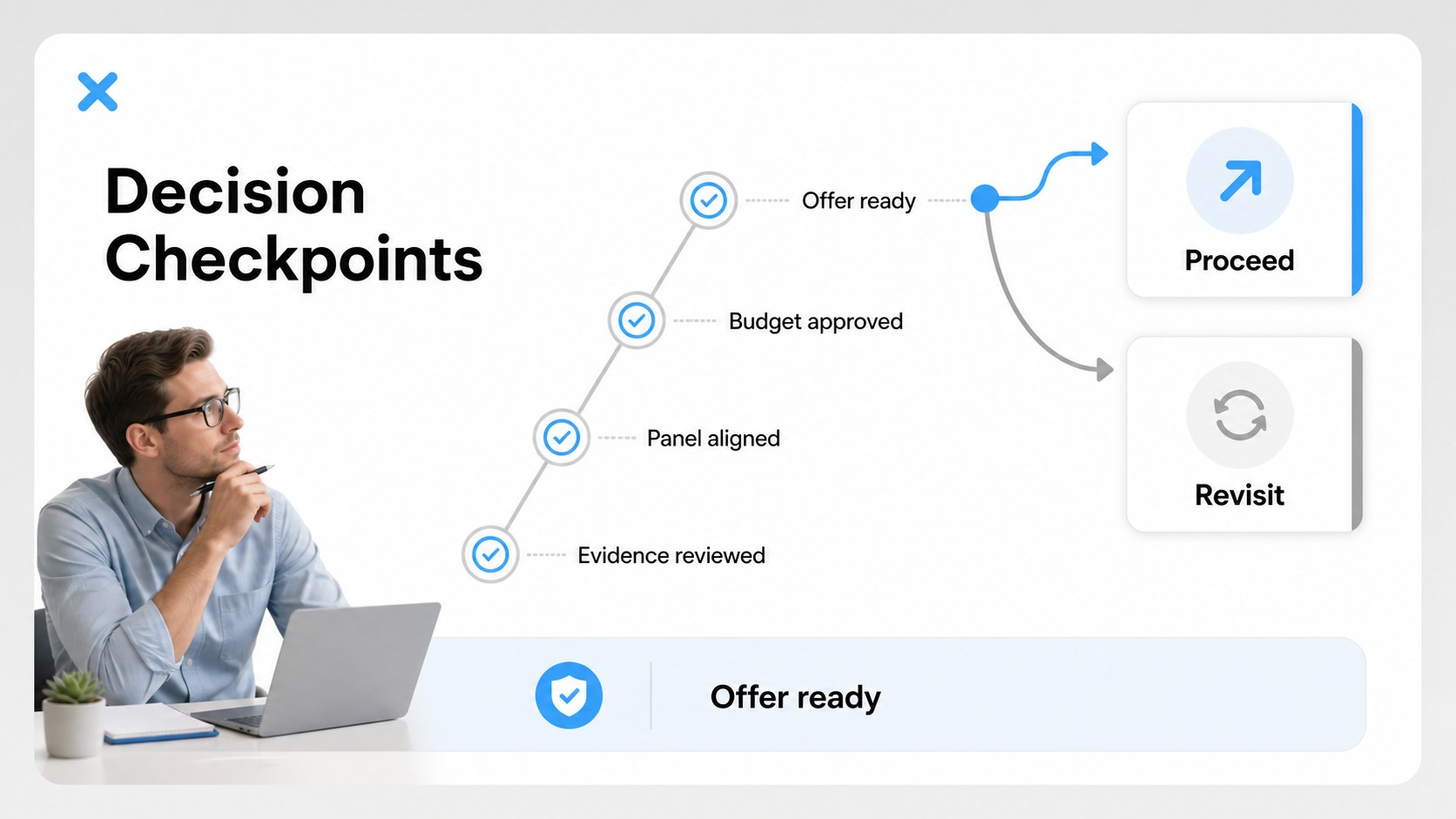
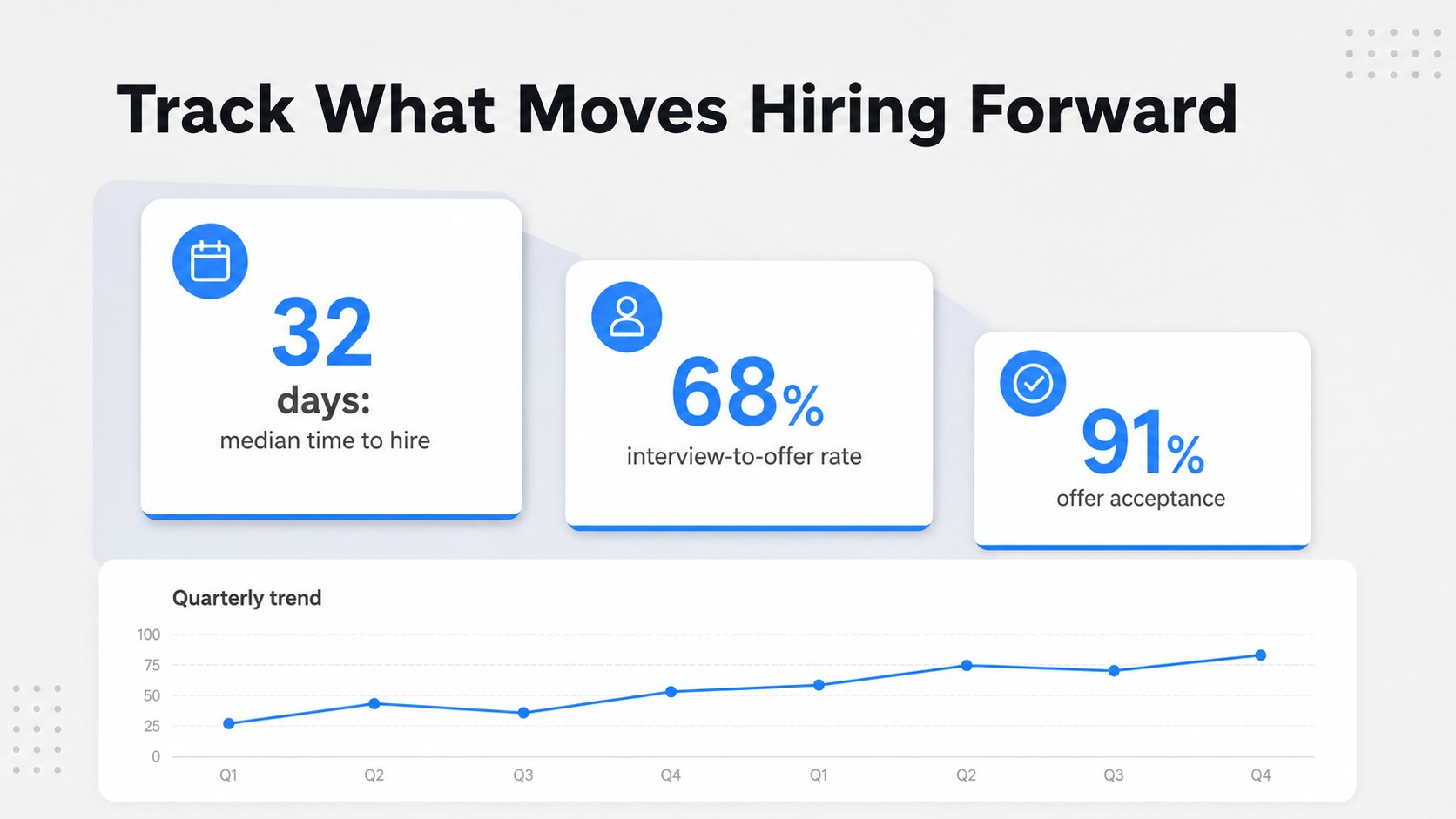
Inside, you will find editable slides for recruitment stages, role ownership, candidate criteria, interview steps, evaluation checkpoints, decision paths, hiring metrics, and new employee handoffs. Use the layouts to build a recruitment workflow presentation for an internal operations meeting, manager training session, or people-team handbook. Timeline, process map, comparison, checklist, profile, and data-focused compositions make it easy to adapt the deck to different hiring models.
This template is designed for recruiters, HR business partners, talent acquisition leads, department managers, and consultants. It works in PowerPoint and Google Slides, with 20 ready-to-use 16:9 layouts that can be rearranged, recolored, and filled with your own policies and examples. Blinker and Prompt are used for the typography, while the modern UI styling keeps information easy to scan. Turn complex hiring steps into a practical recruitment process deck that supports alignment, training, and repeatable decision-making.
Perfect for: HR process training session; hiring manager workshop; talent acquisition operations review; recruitment policy briefing; new employee onboarding overview.
Frequently asked questions
Can I edit these recruitment workflow slides? Yes. Text, colors, icons, shapes, diagrams, and images can be edited to match your organization’s hiring policies. You can also duplicate, delete, or reorder layouts as your process changes.
Practical details
Yes. Text, colors, icons, shapes, diagrams, and images can be edited to match your organization’s hiring policies. You can also duplicate, delete, or reorder layouts as your process changes.
The template is designed for PowerPoint and Google Slides. Both formats support editing the slide content, layout elements, and visual styling.
Yes. Replace the existing theme colors with your brand palette while keeping the same clean visual structure. Use accent colors selectively for decisions, stages, or performance indicators.
It includes process maps, interview checkpoints, role-based responsibilities, and evaluation layouts that work well for manager training. Add your own examples, approval rules, and candidate criteria to make the material specific to your team.
Keep exploring
15Build an engaging World UFO Day session with this flying saucer history lesson deck, featuring retro green-and-brown slides for PowerPoint and Google Slides.
 15
15Plan a lively animal-learning journey with this jungle zoo adventure lesson deck, ready to customize in PowerPoint and Google Slides for young learners.
 16
16Turn environmental research into a clear story with a Watercolor Ecology Presentation Theme for PowerPoint and Google Slides in calming green and blue.
 16
16Build focused fashion, literature, and humanities presentations with the Red Triangle Editorial Theme, editable in PowerPoint and Google Slides.
 15
15Turn streaming stats, favorite tracks, and concert highlights into a bold annual listening recap slide deck for PowerPoint and Google Slides.
 15
15Turn highlights, milestones, and favorite moments into a colorful year in review slide deck with bold 3D graphics for PowerPoint and Google Slides.
 3
3Build a credible endorsement with Standout Colleague Recommendation Letter Slides, featuring colorful prompts for skills, achievements, and team impact.
 4
4Build clear beginner sessions with an ice hockey fundamentals training deck for coaches, PE teachers, and clubs, ready for PowerPoint and Google Slides.