
 15
15presentation
Flying Saucer History Lesson Deck
Build an engaging World UFO Day session with this flying saucer history lesson deck, featuring retro green-and-brown slides for PowerPoint and Google Slides.
Google SlidesPowerPoint
presentation · English
Build reading inference practice slides that turn clues into classroom discussion, with colorful blue layouts for middle school PowerPoint and Google Slides.
Design notes
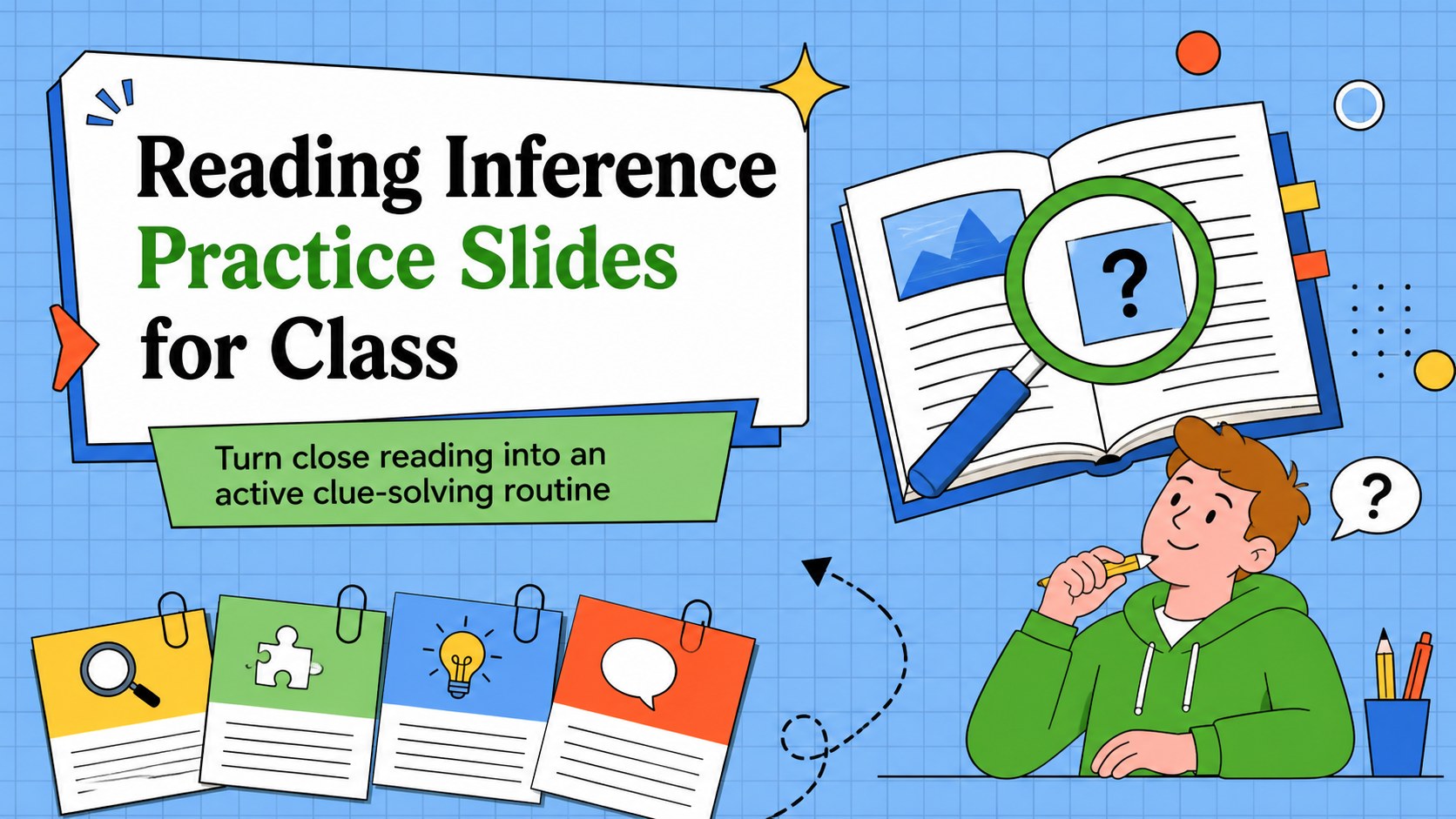
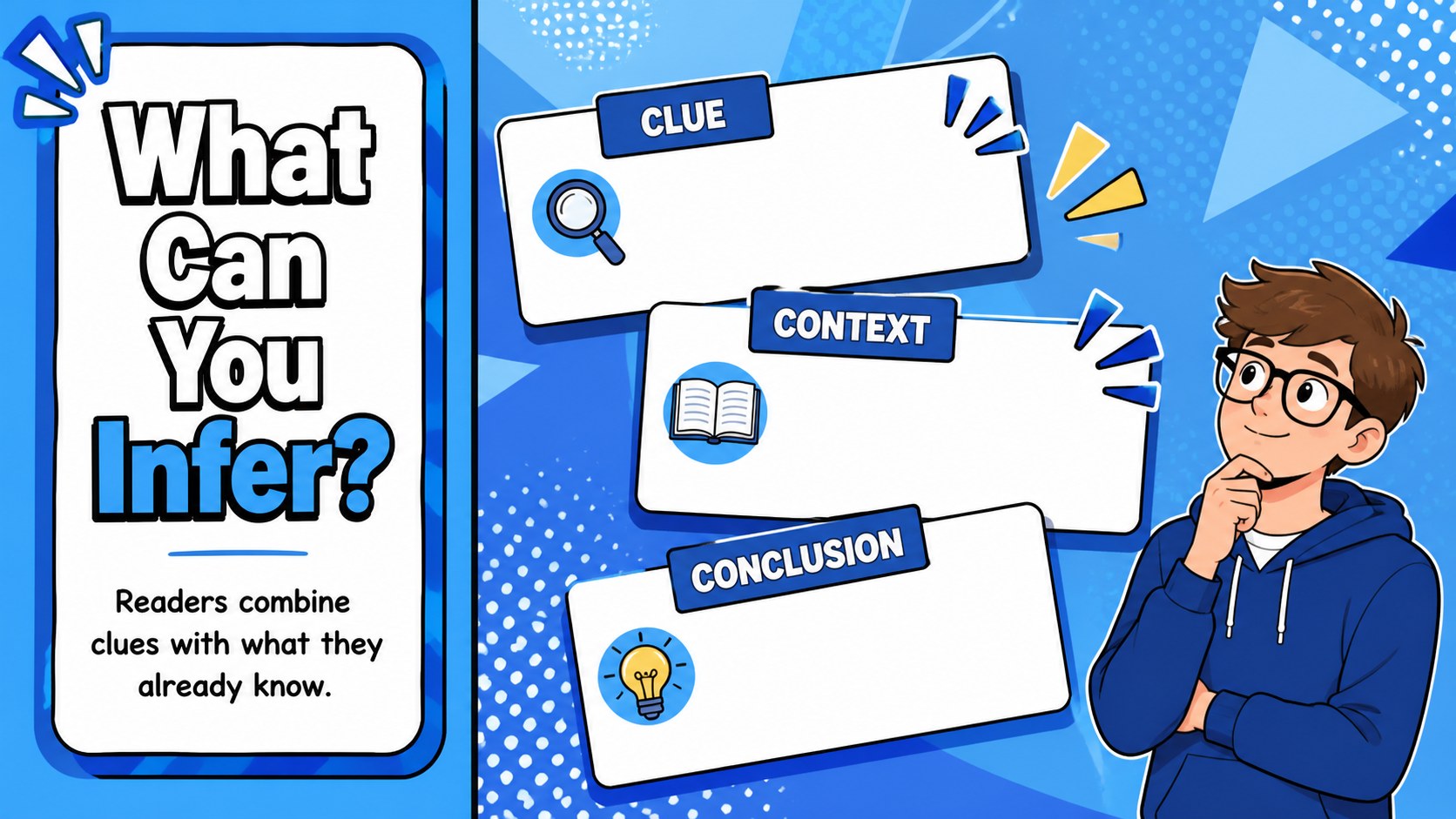
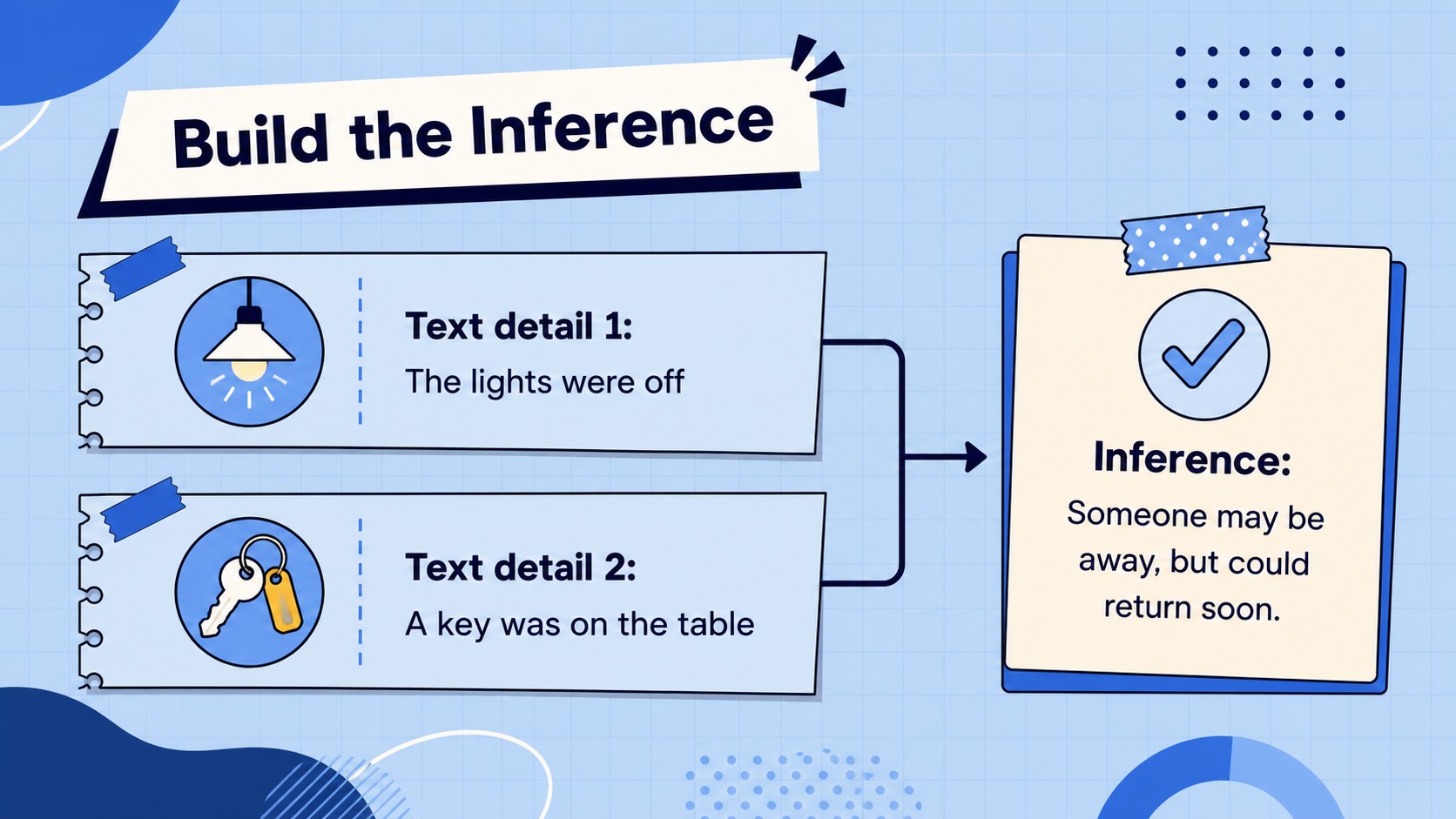
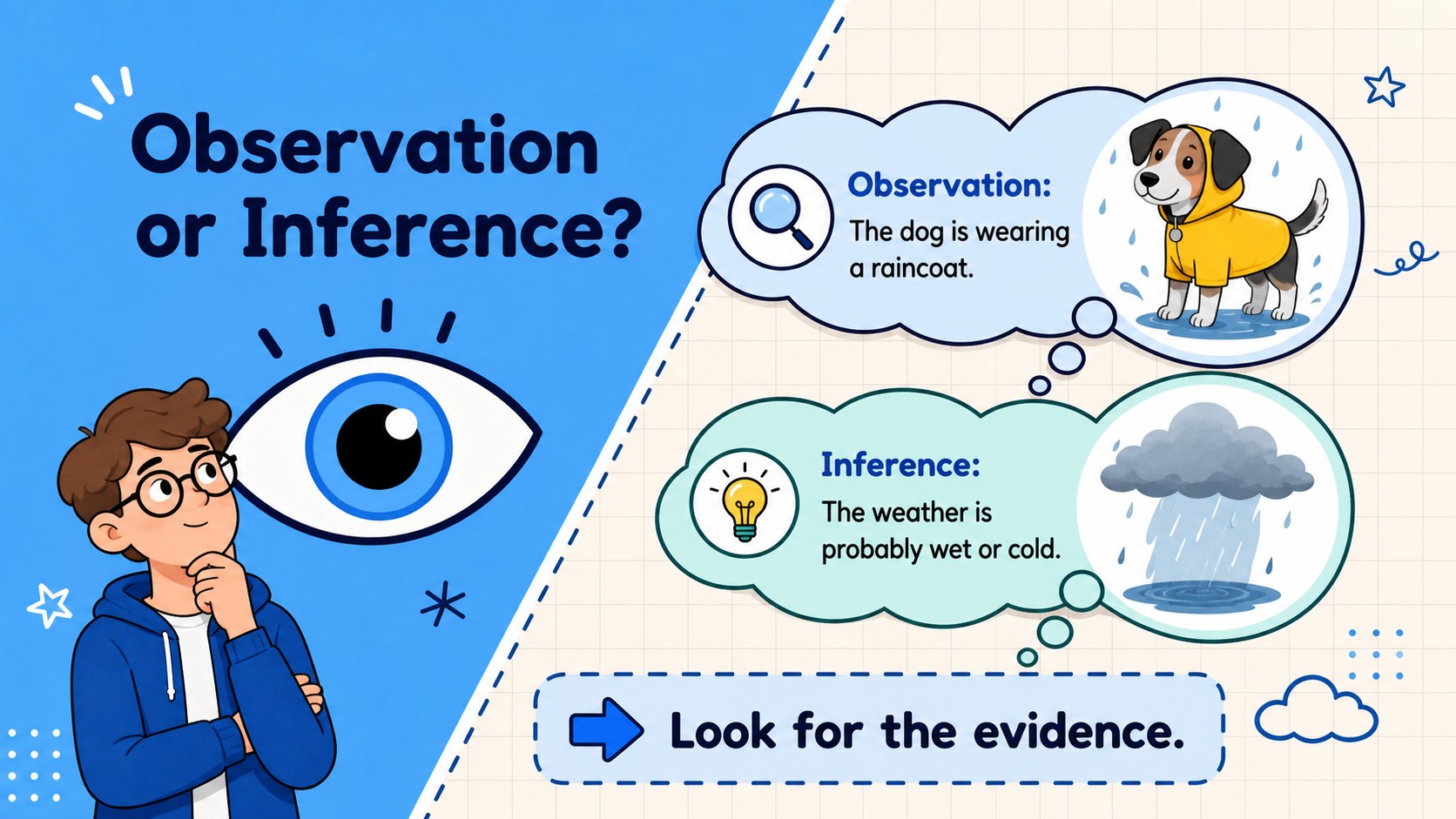
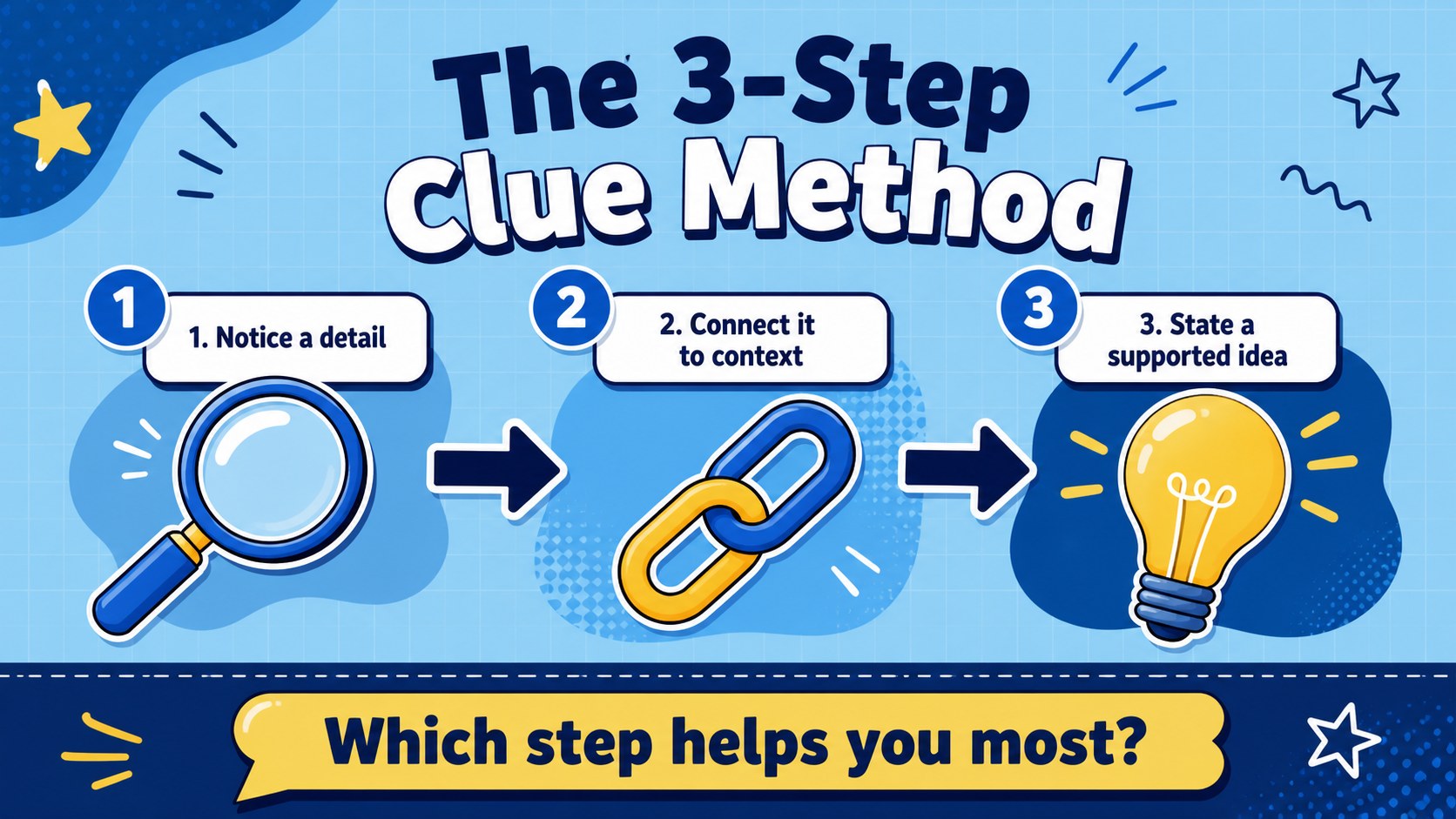
Turn close reading into an active clue-solving routine with Reading Inference Practice Slides for Class. This colorful blue presentation deck helps middle school learners look beyond the obvious, identify supporting clues, and explain how they reached a conclusion. The visual storytelling approach gives teachers a lively way to introduce inference before moving into guided practice and independent responses.
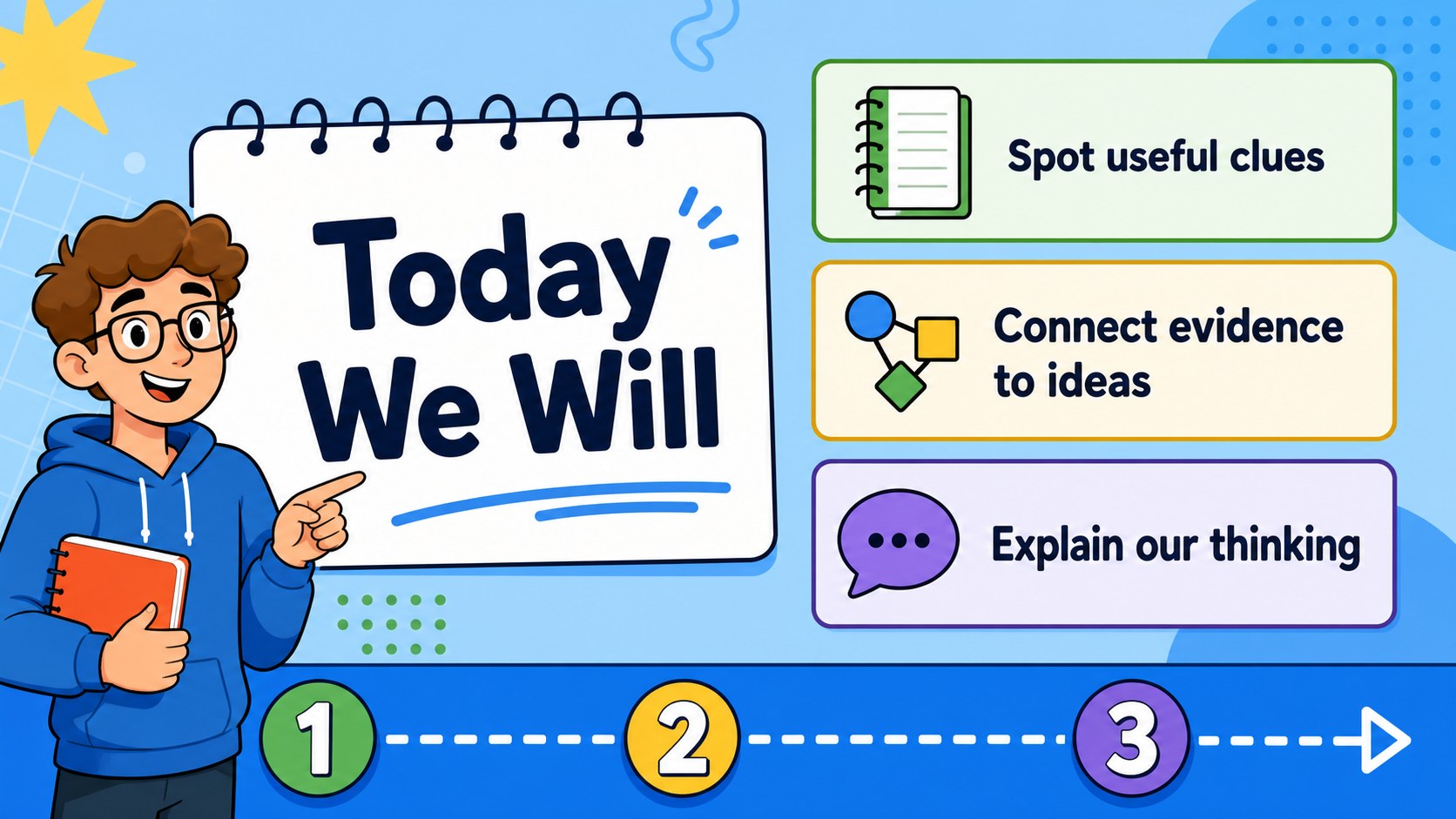
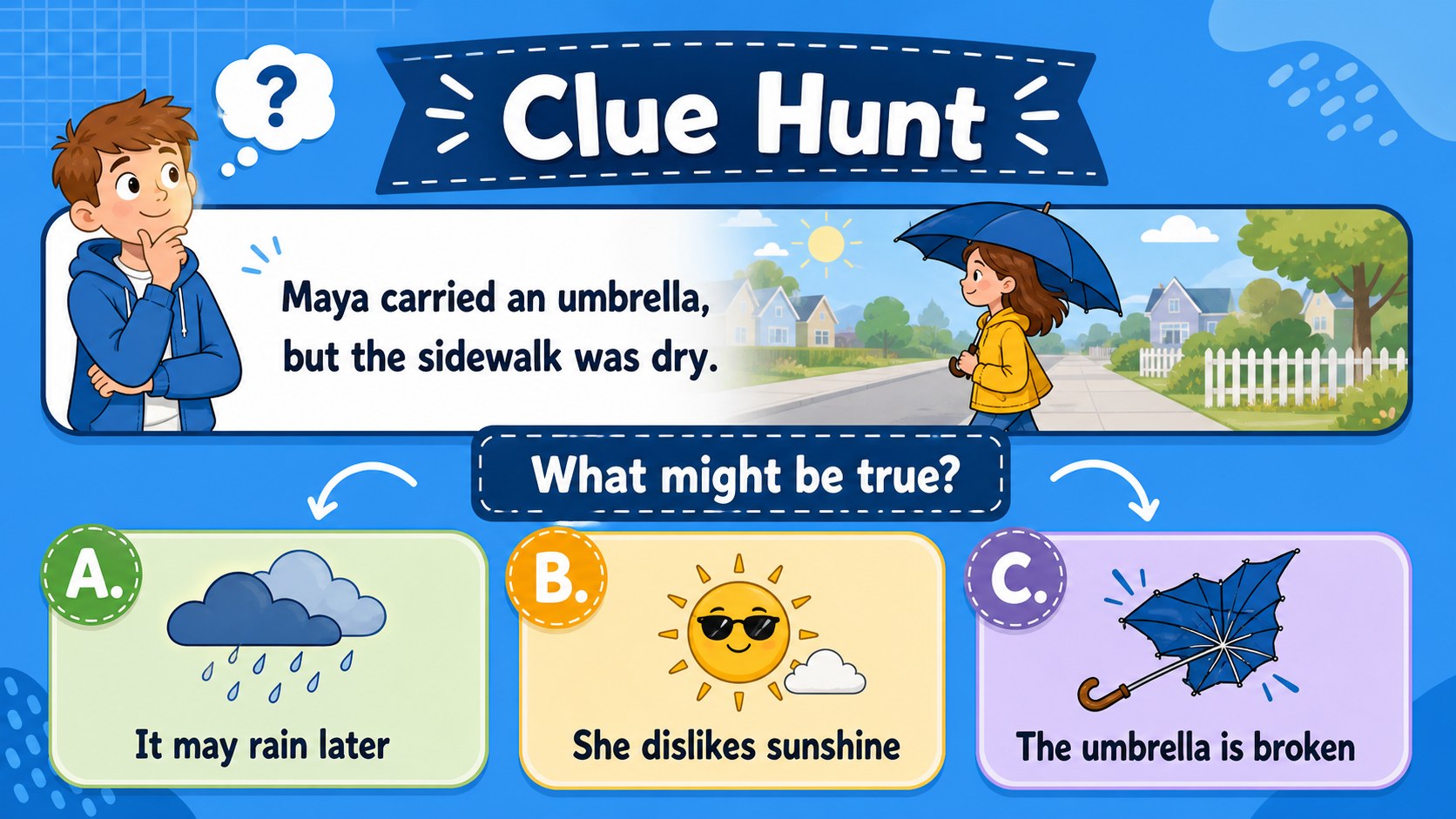
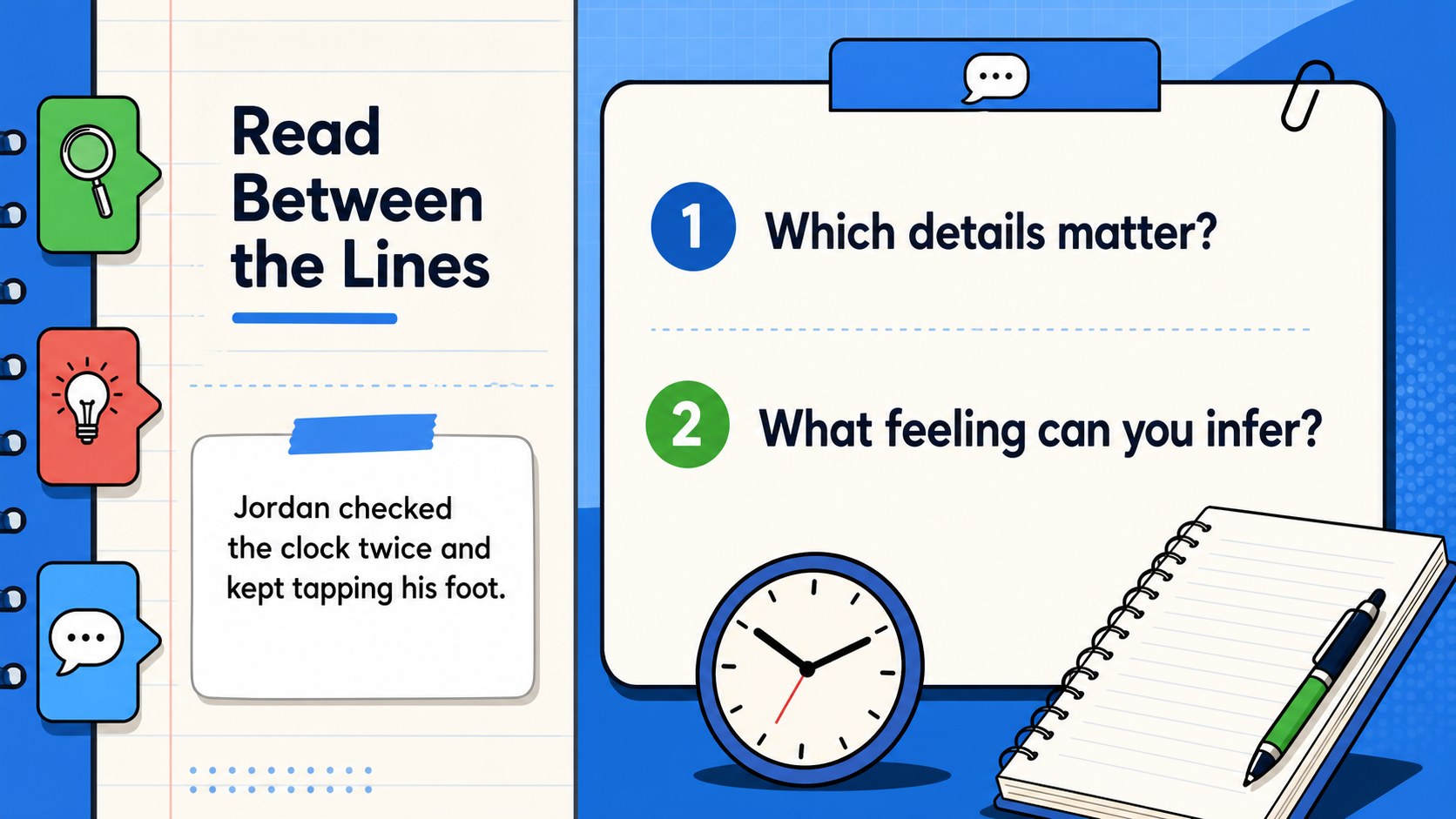
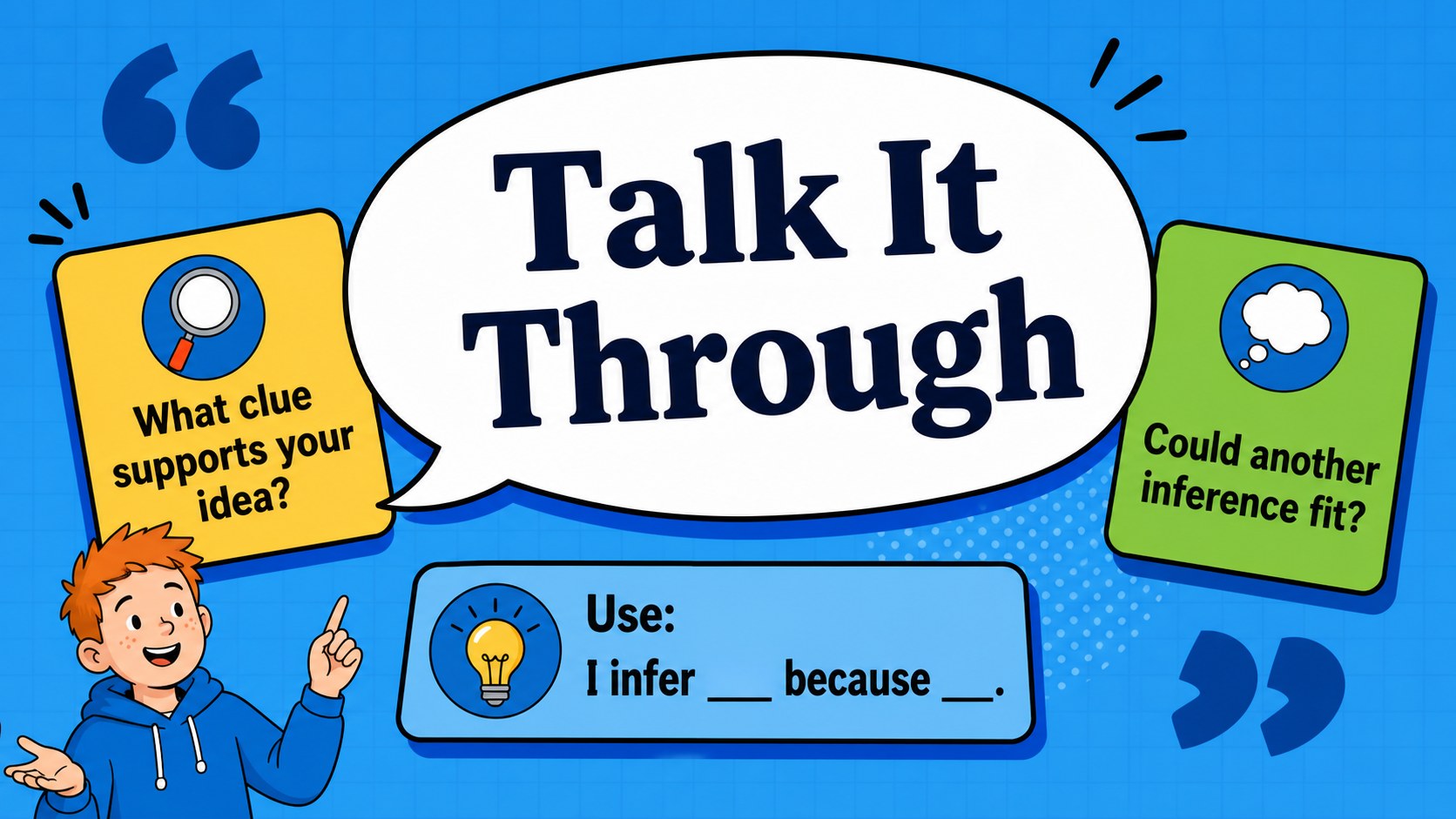
Inside the template, you will find lesson objectives, warm-up questions, short reading scenarios, evidence-and-conclusion organizers, discussion prompts, quiz layouts, answer-reveal moments, and reflection slides. Bright geometric accents, illustrated details, bold headings, and flexible text areas keep the lesson energetic while leaving room for your own passages, examples, and vocabulary. The layouts are easy to adapt in PowerPoint or Google Slides, and they work for both projected classroom instruction and online teaching.
Use this middle school inference skills deck for English language arts lessons, reading intervention, small-group instruction, tutoring, or review sessions. Teachers can model the thinking process, students can annotate clues, and groups can compare interpretations before presenting their reasoning. Replace the sample text with fiction, nonfiction, media excerpts, or subject-area content to build a reusable reading comprehension resource.
Perfect for: middle school ELA lesson; reading intervention session; small-group tutoring; inference skills review; online literacy workshop.
Frequently asked questions
Can I edit these slides in PowerPoint or Google Slides? Yes. The template is designed for both PowerPoint and Google Slides. Edit the text, colors, images, diagrams, and lesson examples directly in the platform you use.
Practical details
Yes. The template is designed for both PowerPoint and Google Slides. Edit the text, colors, images, diagrams, and lesson examples directly in the platform you use.
Yes. Swap in your own fiction passages, nonfiction excerpts, or subject-specific examples. The evidence charts, question layouts, and response prompts are structured to support new content.
Yes. Adjust the reading complexity, vocabulary, and question difficulty for grades six through eight. You can also hide advanced activities or duplicate practice slides for additional support.
Yes. Present it during a video lesson, share it on screen, or provide an editable copy for asynchronous work. Discussion and reflection layouts can also support breakout-room or independent activities.
Keep exploring
15Build an engaging World UFO Day session with this flying saucer history lesson deck, featuring retro green-and-brown slides for PowerPoint and Google Slides.
 15
15Plan a lively animal-learning journey with this jungle zoo adventure lesson deck, ready to customize in PowerPoint and Google Slides for young learners.
 16
16Turn environmental research into a clear story with a Watercolor Ecology Presentation Theme for PowerPoint and Google Slides in calming green and blue.
 16
16Build focused fashion, literature, and humanities presentations with the Red Triangle Editorial Theme, editable in PowerPoint and Google Slides.
 15
15Turn streaming stats, favorite tracks, and concert highlights into a bold annual listening recap slide deck for PowerPoint and Google Slides.
 15
15Turn highlights, milestones, and favorite moments into a colorful year in review slide deck with bold 3D graphics for PowerPoint and Google Slides.
 3
3Build a credible endorsement with Standout Colleague Recommendation Letter Slides, featuring colorful prompts for skills, achievements, and team impact.
 4
4Build clear beginner sessions with an ice hockey fundamentals training deck for coaches, PE teachers, and clubs, ready for PowerPoint and Google Slides.