
 15
15presentation
Flying Saucer History Lesson Deck
Build an engaging World UFO Day session with this flying saucer history lesson deck, featuring retro green-and-brown slides for PowerPoint and Google Slides.
Google SlidesPowerPoint
presentation · English
Build stronger comprehension with a reading between the lines classroom deck for middle school inference practice, discussion, quizzes, and review.
Design notes
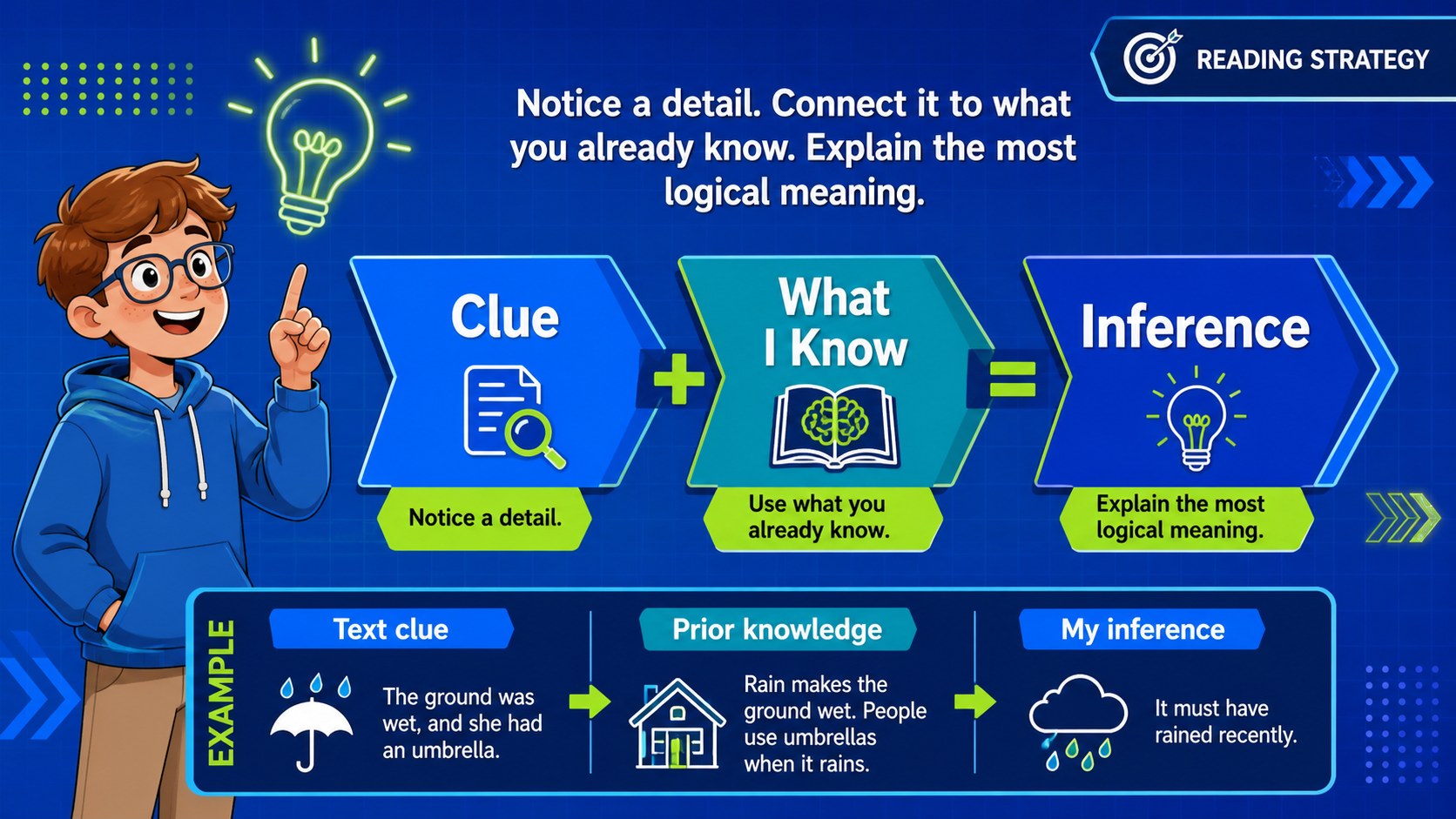
The reading between the lines classroom deck helps middle school students discover how readers combine textual clues with prior knowledge to reach logical conclusions. Bright blue tones, neon accents, geometric details, and energetic illustrations give the lesson a contemporary classroom feel while keeping each activity clear and easy to follow.
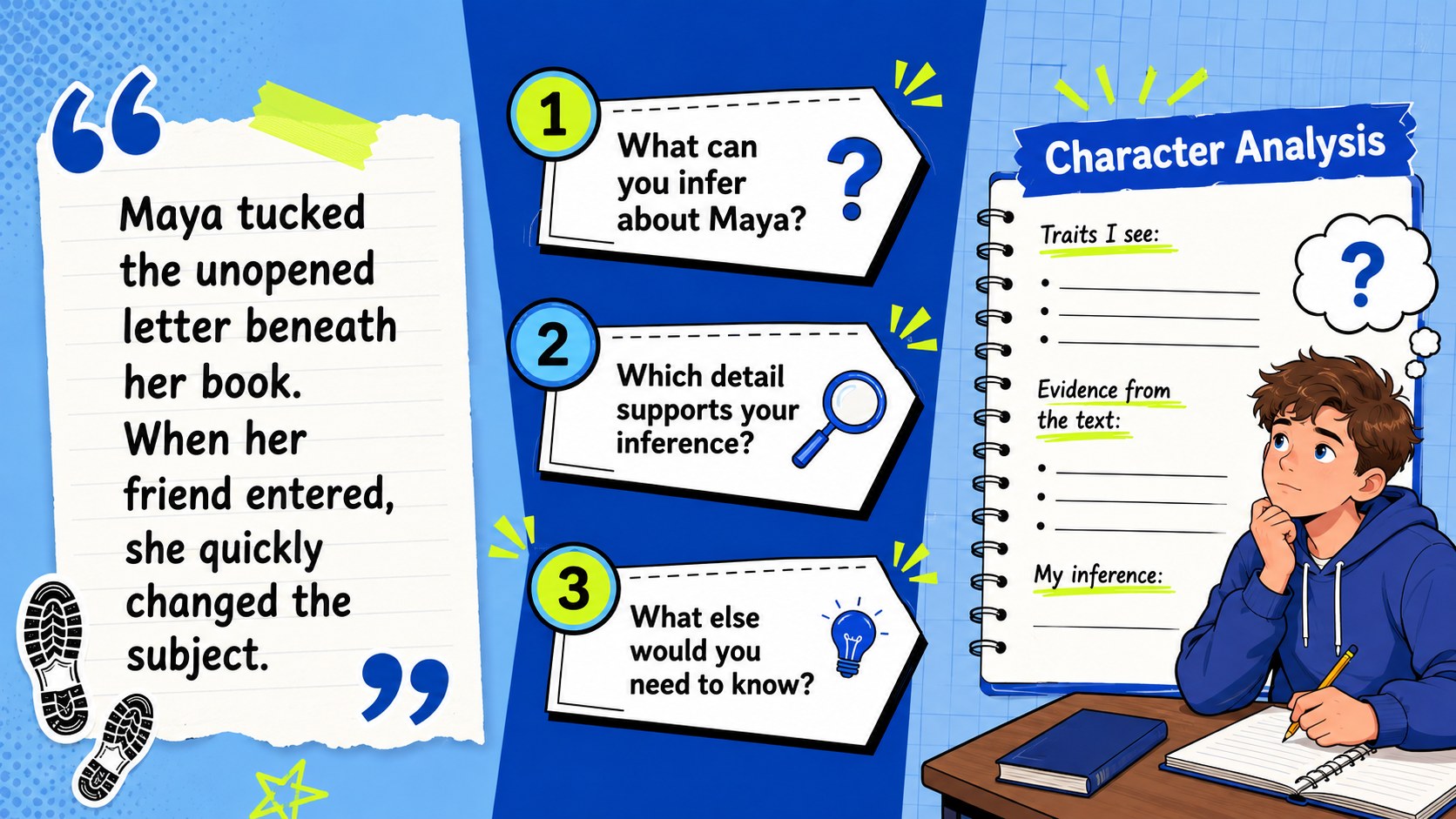
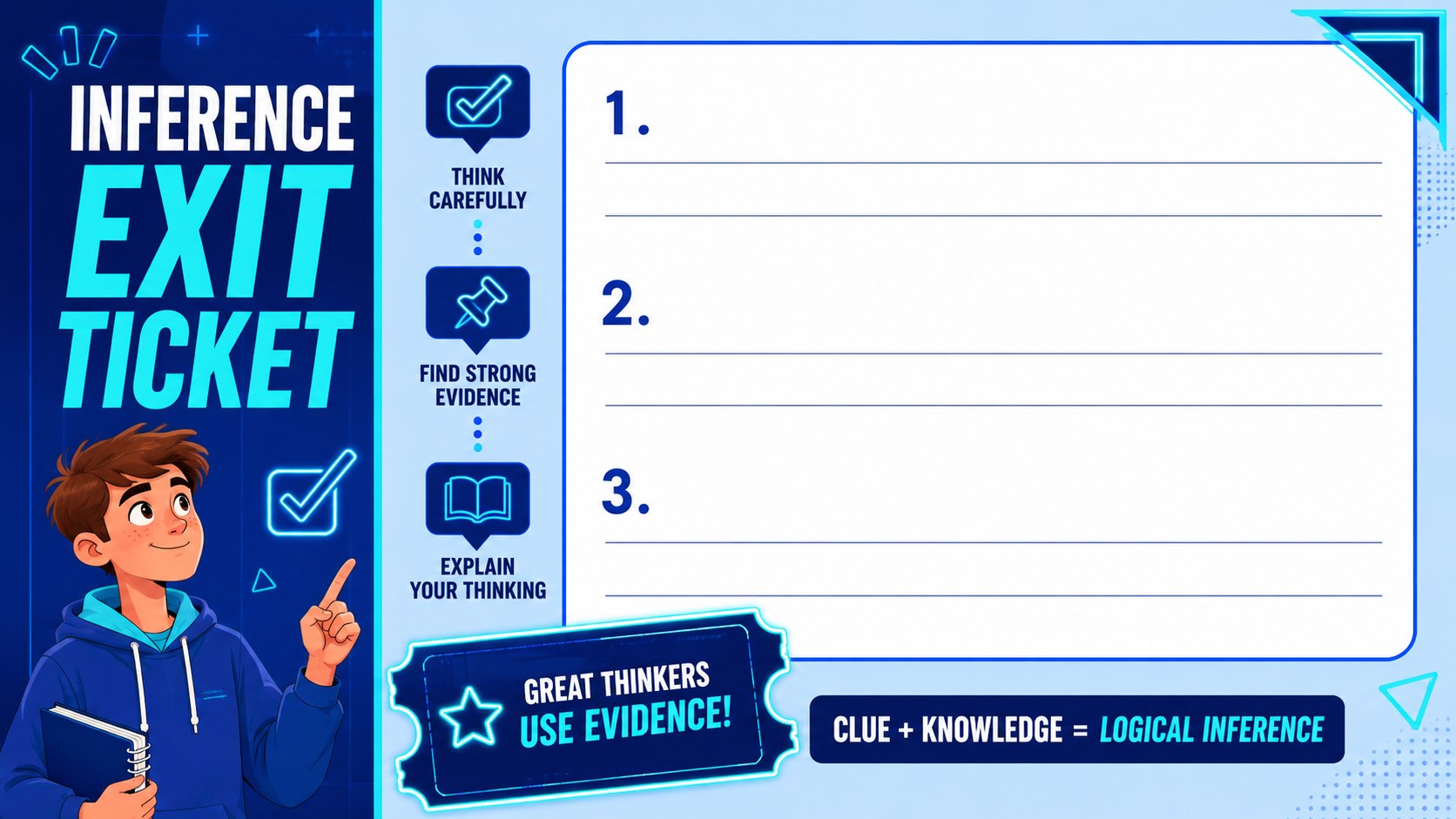
Inside, teachers will find a structured introduction to inference, a clue-plus-knowledge framework, short reading passages, character and setting analysis, guided questions, partner discussion prompts, and a quick exit ticket. These middle school inference lesson slides can support direct instruction or serve as reading comprehension inference activities during small-group work. Editable layouts make it simple to replace passages, adjust question difficulty, add images, or connect examples to a current novel or short story.
Built for language arts teachers, literacy specialists, tutors, and homeschool educators, the deck works well with grades 6-8 in both face-to-face and remote lessons. Use it for a lesson opener, close-reading workshop, story analysis station, review session, or formative assessment. The included text evidence presentation for students encourages learners to explain not only what they inferred, but which details support their thinking. Every slide can be customized in PowerPoint or Google Slides, allowing educators to adapt the colors, fonts, examples, and pacing to their classroom needs.
Perfect for: middle school inference lesson; close-reading workshop; character analysis activity; small-group literacy practice; reading comprehension review; formative assessment.
Frequently asked questions
Can I edit the reading passages and questions? Yes. Replace the sample passages, rewrite prompts, add answer choices, or adjust the difficulty for your students directly in PowerPoint or Google Slides.
Practical details
Yes. Replace the sample passages, rewrite prompts, add answer choices, or adjust the difficulty for your students directly in PowerPoint or Google Slides.
The presentation is designed for PowerPoint and Google Slides. Fonts or animations may vary slightly between platforms, so review the deck before teaching.
Yes. You can update the blue and neon palette, change fonts, move geometric elements, and replace illustrations while preserving the lesson structure.
The content is intended primarily for grades 6-8. Teachers can simplify the passages for younger readers or add more nuanced evidence questions for advanced students.
Keep exploring
15Build an engaging World UFO Day session with this flying saucer history lesson deck, featuring retro green-and-brown slides for PowerPoint and Google Slides.
 15
15Plan a lively animal-learning journey with this jungle zoo adventure lesson deck, ready to customize in PowerPoint and Google Slides for young learners.
 16
16Turn environmental research into a clear story with a Watercolor Ecology Presentation Theme for PowerPoint and Google Slides in calming green and blue.
 16
16Build focused fashion, literature, and humanities presentations with the Red Triangle Editorial Theme, editable in PowerPoint and Google Slides.
 15
15Turn streaming stats, favorite tracks, and concert highlights into a bold annual listening recap slide deck for PowerPoint and Google Slides.
 15
15Turn highlights, milestones, and favorite moments into a colorful year in review slide deck with bold 3D graphics for PowerPoint and Google Slides.
 3
3Build a credible endorsement with Standout Colleague Recommendation Letter Slides, featuring colorful prompts for skills, achievements, and team impact.
 4
4Build clear beginner sessions with an ice hockey fundamentals training deck for coaches, PE teachers, and clubs, ready for PowerPoint and Google Slides.