
 15
15presentation
Flying Saucer History Lesson Deck
Build an engaging World UFO Day session with this flying saucer history lesson deck, featuring retro green-and-brown slides for PowerPoint and Google Slides.
Google SlidesPowerPoint
presentation · English
Bring summer schedules into focus with a Purple July Monthly Organizer, featuring editable PowerPoint and Google Slides pages in a fluid glass style.
Design notes
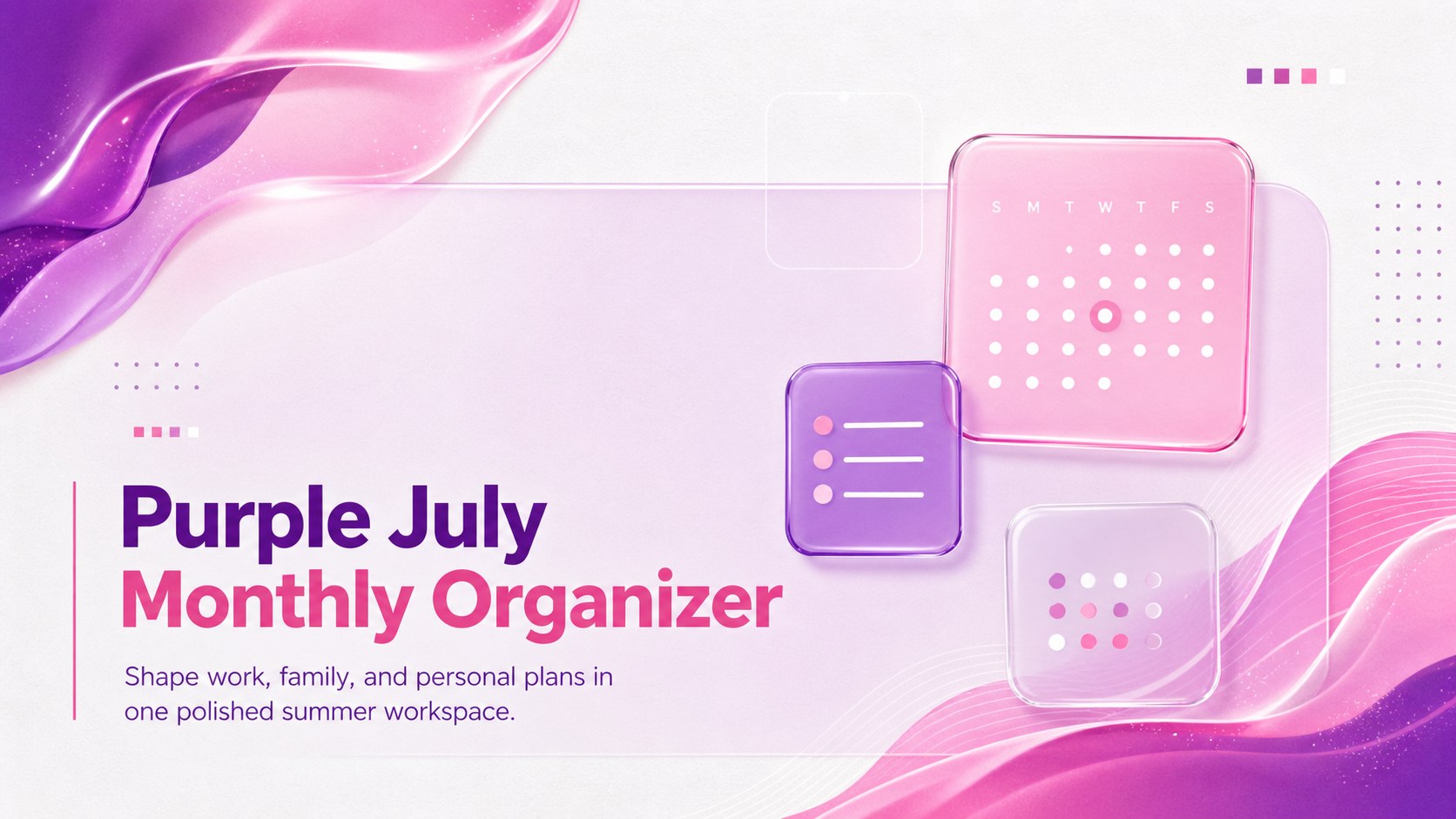
Bring structure to a busy summer month with the Purple July Monthly Organizer, a polished planning deck created for PowerPoint and Google Slides. Its white canvas, translucent glass panels, and flowing purple-to-pink accents offer a clean way to organize appointments, deadlines, celebrations, and personal priorities without making the schedule feel crowded.
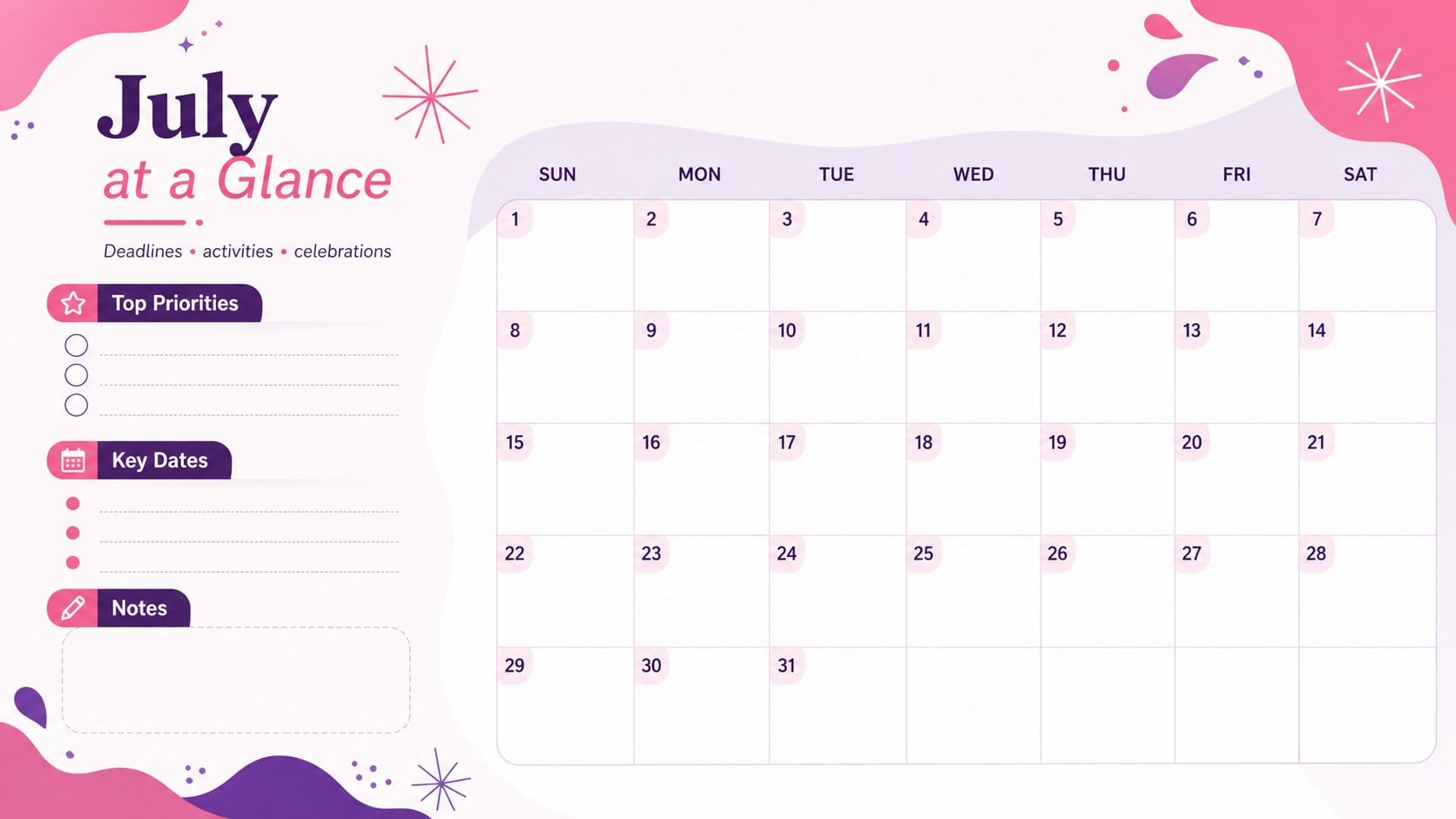
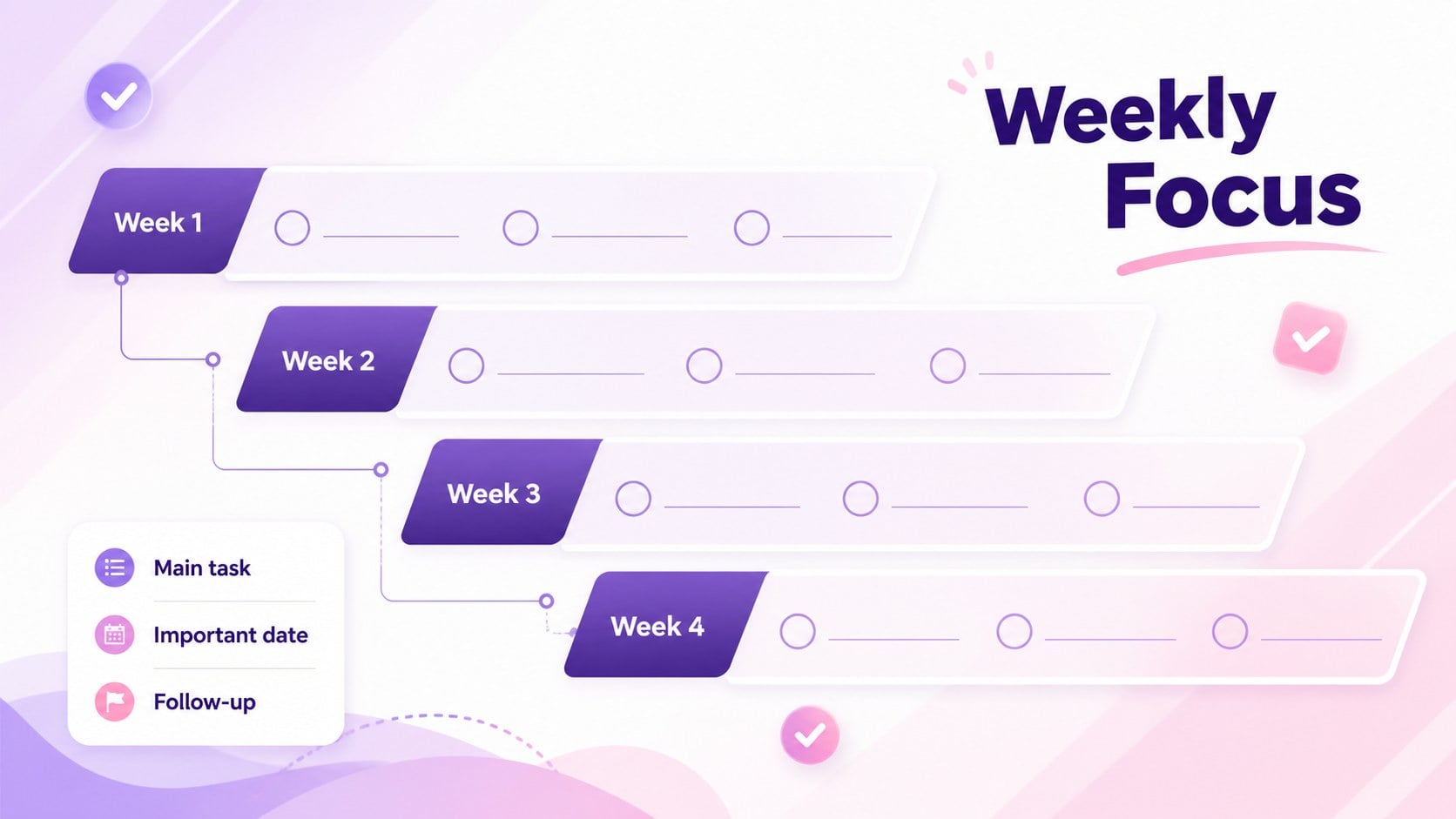
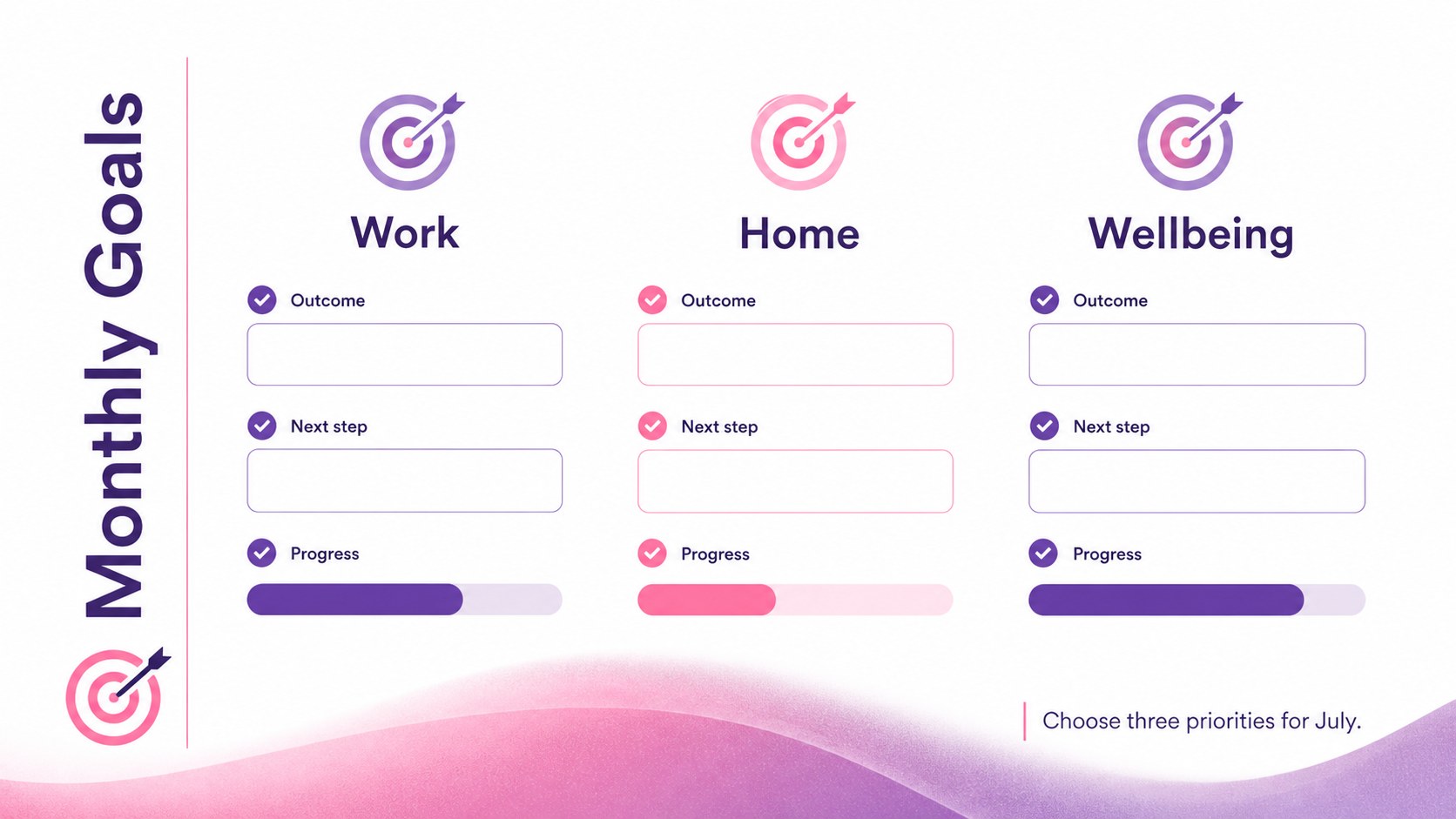
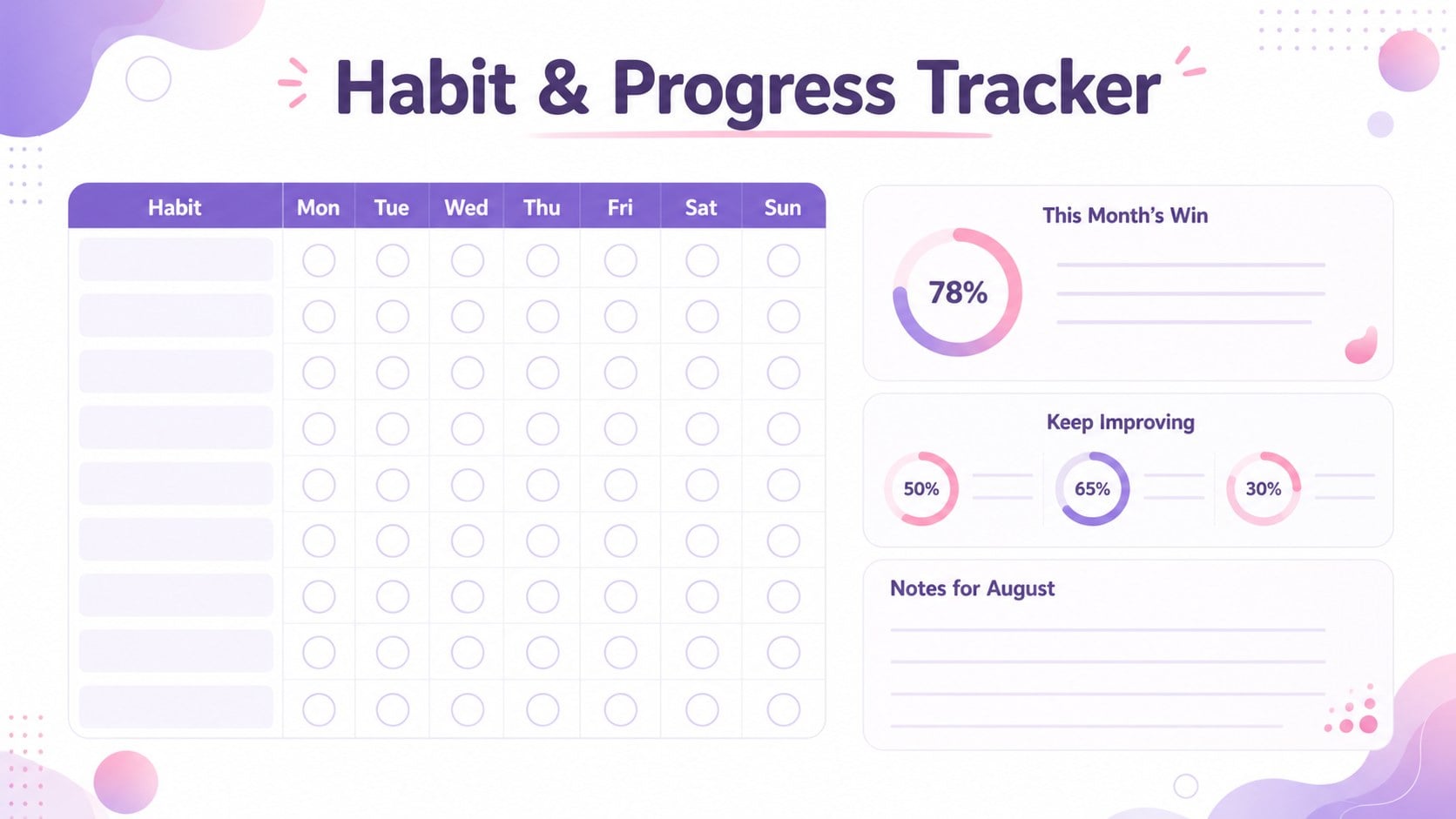
The five-page set includes a title page, a complete July calendar, a weekly focus layout, a monthly goals page, and a habit and progress tracker. These editable July planner slides give you practical spaces for key dates, task lists, notes, milestones, and reminders. Adjust the wording, move layout elements, apply your preferred fonts, or refine the accent colors while preserving the modern glassmorphism look. Use the deck as a purple summer schedule template for printing, presenting, or sharing digitally with a household, classroom, or project team.
This monthly goal planning presentation works well for professionals coordinating deliverables, parents arranging activities, students managing summer coursework, and individuals building consistent routines. The uncluttered layouts support quick updates throughout the month, while the bright gradient details make important information stand out. Whether you are mapping project checkpoints or balancing social events with personal goals, the organizer turns scattered plans into one coherent July view.
Perfect for: family summer activity planning; July project deadline tracking; student vacation study schedule; personal habit monitoring; team milestone coordination.
Frequently asked questions
Can I edit every part of this July organizer? Yes. You can change the dates, text, fonts, accent colors, shapes, and planning categories to match your schedule.
Practical details
Yes. You can change the dates, text, fonts, accent colors, shapes, and planning categories to match your schedule.
The layouts are designed for PowerPoint and Google Slides. Both platforms allow you to update the planning pages and present or export the finished organizer.
Yes. After customizing the content, export the pages as PDF files and select the appropriate scaling option in your printer settings.
Replace the personal planning labels with project names, owners, deadlines, and status notes. Use the weekly and progress layouts to review responsibilities during check-ins.
Keep exploring
15Build an engaging World UFO Day session with this flying saucer history lesson deck, featuring retro green-and-brown slides for PowerPoint and Google Slides.
 15
15Plan a lively animal-learning journey with this jungle zoo adventure lesson deck, ready to customize in PowerPoint and Google Slides for young learners.
 16
16Turn environmental research into a clear story with a Watercolor Ecology Presentation Theme for PowerPoint and Google Slides in calming green and blue.
 16
16Build focused fashion, literature, and humanities presentations with the Red Triangle Editorial Theme, editable in PowerPoint and Google Slides.
 15
15Turn streaming stats, favorite tracks, and concert highlights into a bold annual listening recap slide deck for PowerPoint and Google Slides.
 15
15Turn highlights, milestones, and favorite moments into a colorful year in review slide deck with bold 3D graphics for PowerPoint and Google Slides.
 3
3Build a credible endorsement with Standout Colleague Recommendation Letter Slides, featuring colorful prompts for skills, achievements, and team impact.
 4
4Build clear beginner sessions with an ice hockey fundamentals training deck for coaches, PE teachers, and clubs, ready for PowerPoint and Google Slides.