
 15
15presentation
Flying Saucer History Lesson Deck
Build an engaging World UFO Day session with this flying saucer history lesson deck, featuring retro green-and-brown slides for PowerPoint and Google Slides.
Google SlidesPowerPoint
presentation · English
Build festive event announcements fast with this Purple Holiday Festival Poster Kit, featuring illustrated layouts for PowerPoint and Google Slides.
Design notes
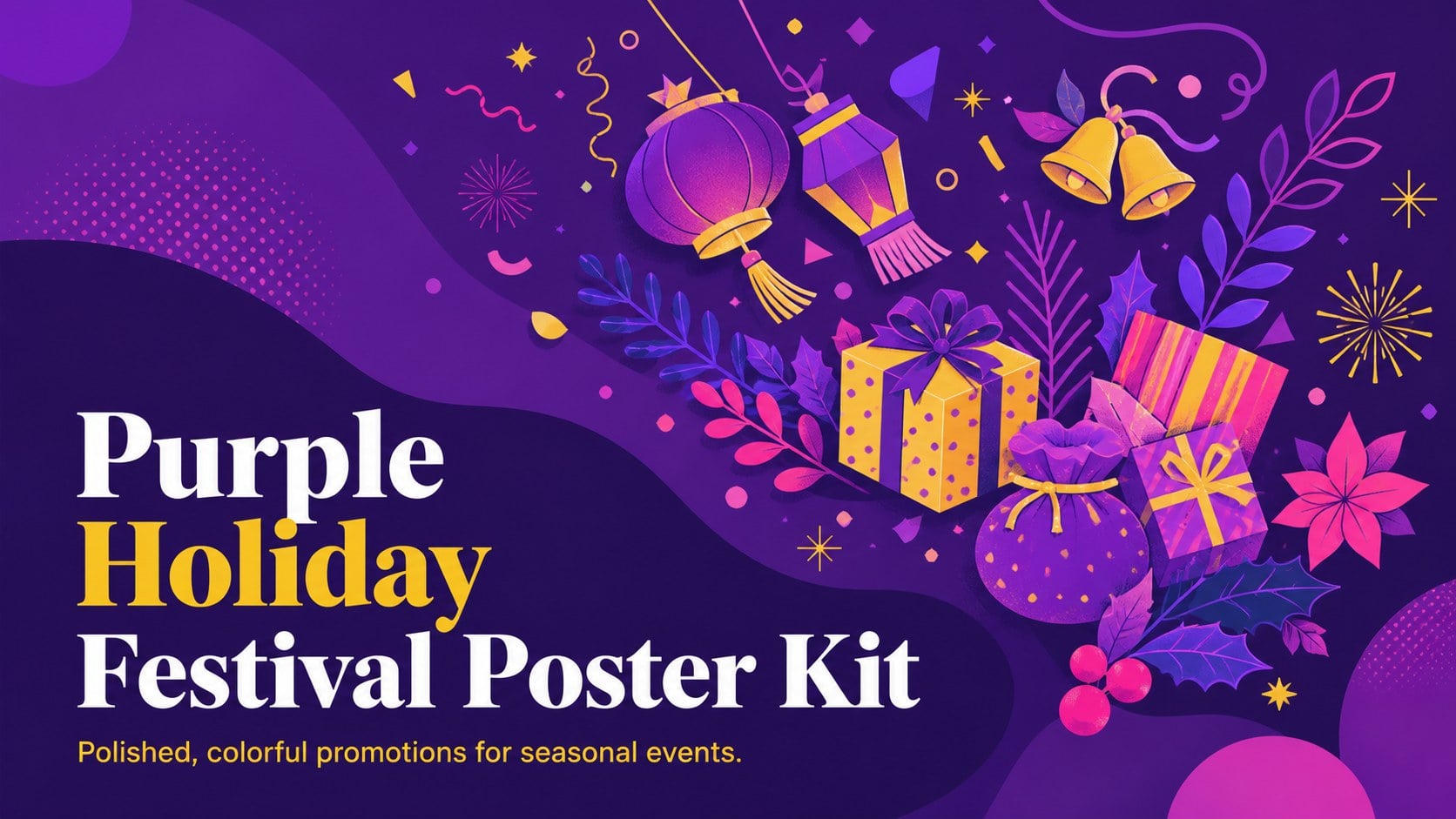
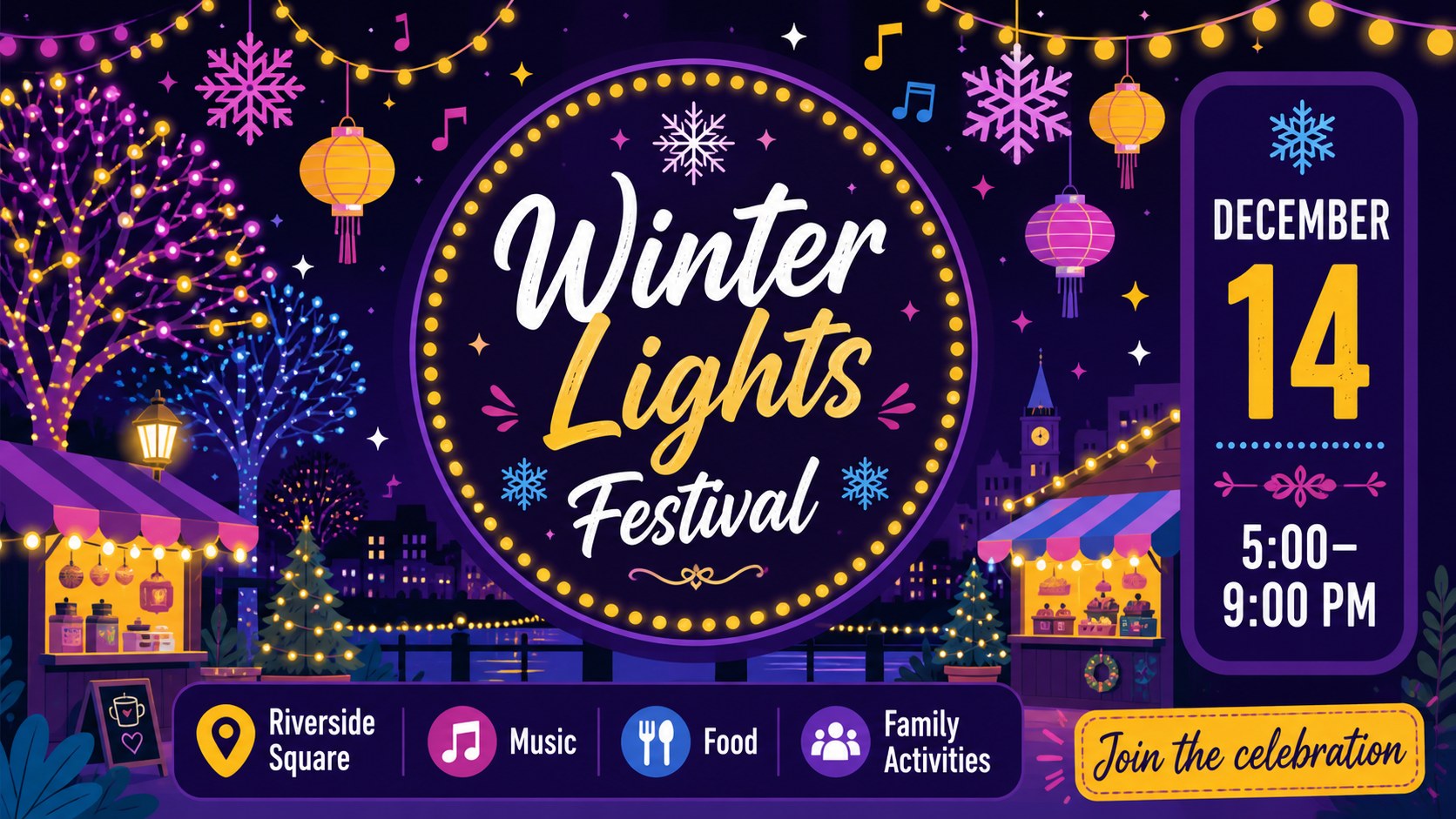
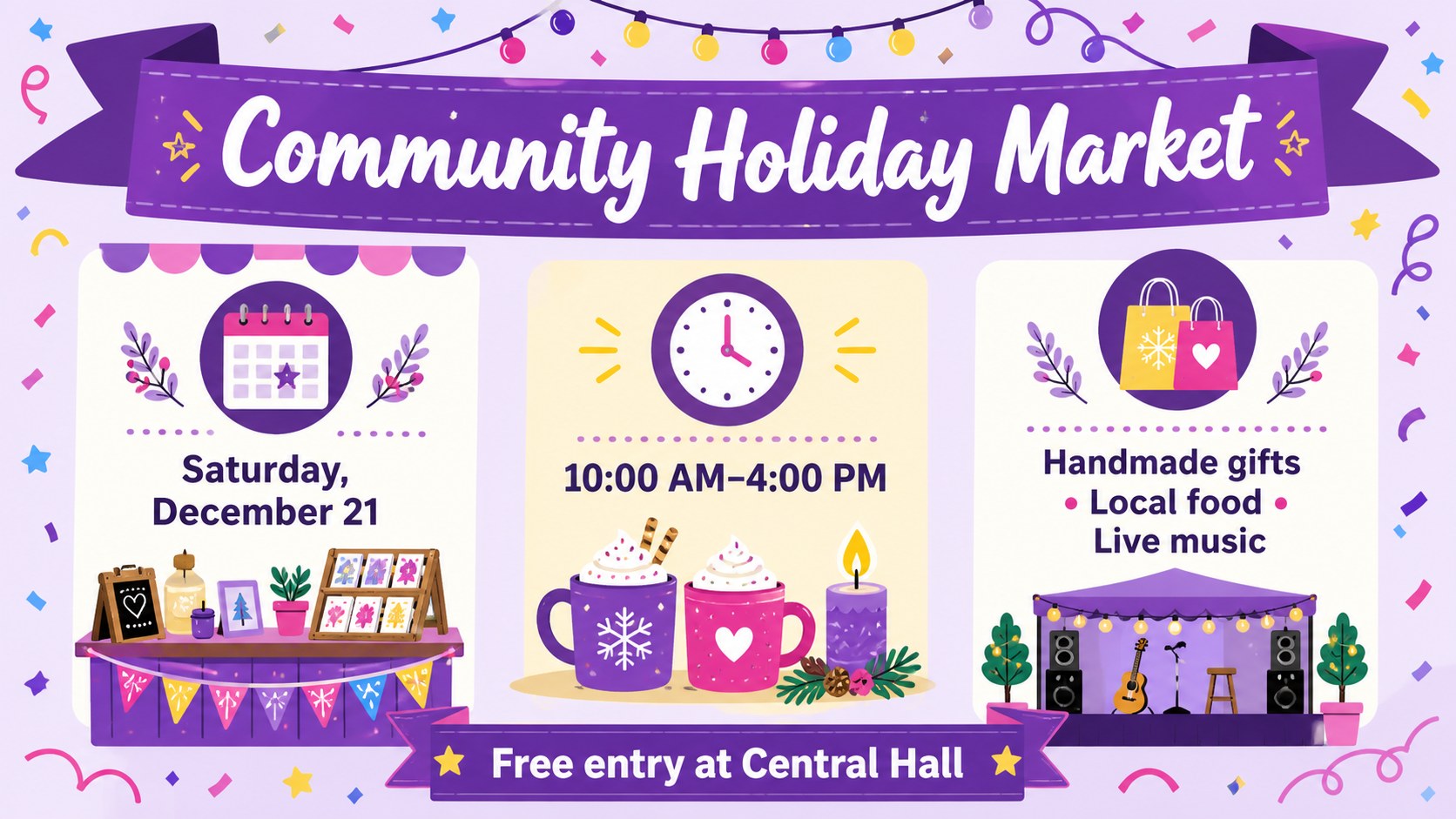
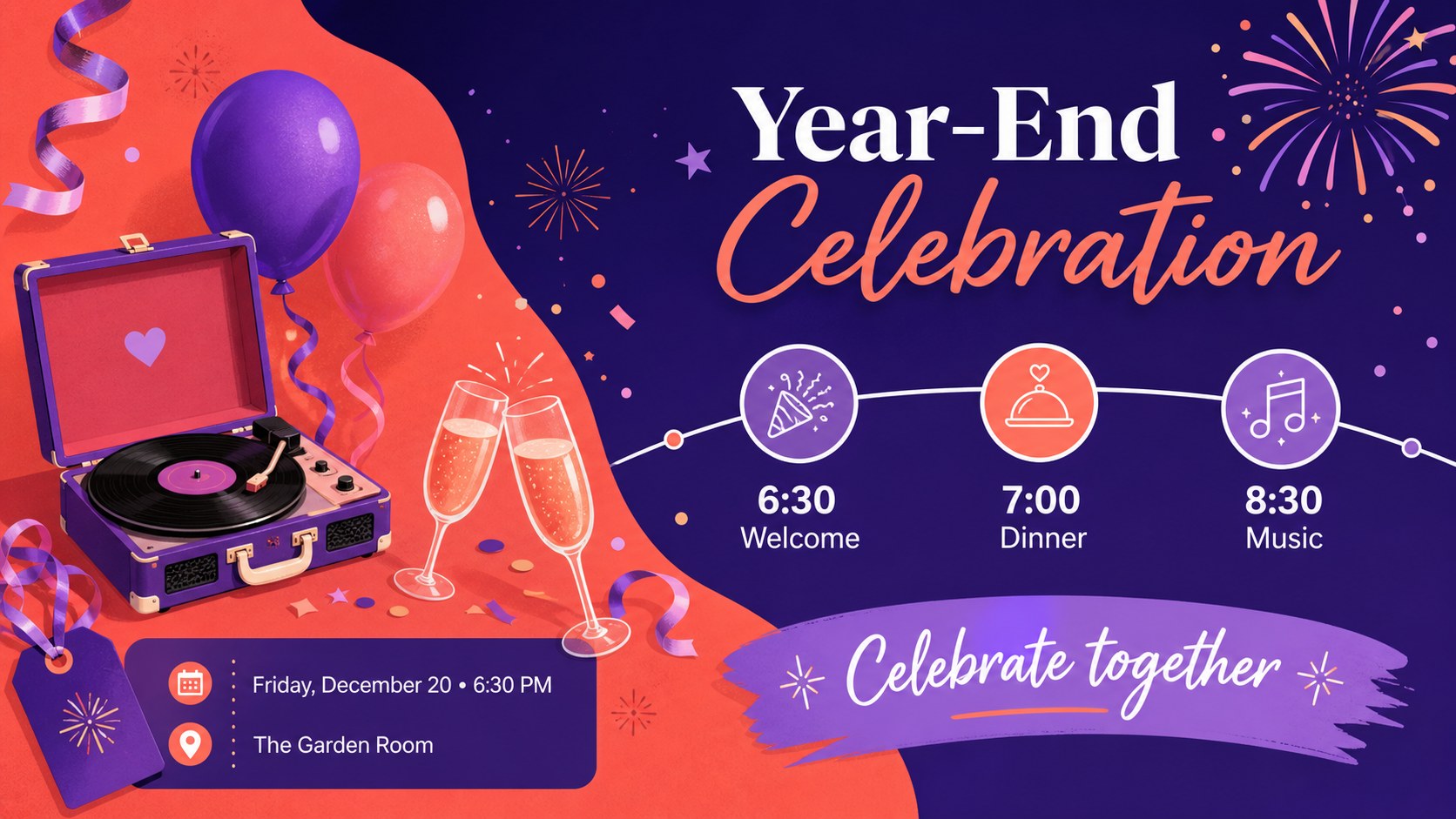
The Purple Holiday Festival Poster Kit helps organizers turn essential event information into cheerful, attention-grabbing promotions. Its colorful illustrated style combines rich purple tones, bright accents, playful gradients, and lively seasonal graphics. Edit the layouts in PowerPoint or Google Slides to announce a public festival, workplace gathering, school celebration, or neighborhood holiday market.
Inside the kit are four coordinated designs for creating an illustrated holiday event poster, a seasonal festival announcement, and supporting promotional slides. Flexible text areas accommodate event names, dates, locations, admission details, schedules, and calls to action. Decorative shapes, frames, icons, and festive illustrations can be resized, recolored, moved, or removed, while transitions and animations can add energy to digital displays. Each composition can also be adapted for printing or online sharing.
This holiday event poster template is suited to community coordinators, teachers, office teams, local businesses, venue managers, and volunteer groups. Use it to promote a winter fair, end-of-year party, cultural celebration, charity drive, or festive market without building a design from scratch. The bright illustrated holiday flyer layouts maintain a unified visual identity while leaving enough room for practical information. Replace the sample wording, apply your organization’s colors, insert a logo if needed, and export the finished announcement in the format required for screens, email, social posts, or printed displays.
Perfect for: community winter festival promotion; office holiday party announcement; school seasonal celebration; holiday market advertising; charity event promotion.
Frequently asked questions
Can I edit the poster text and event details? Yes. Replace the sample headlines, dates, locations, schedules, and calls to action directly in PowerPoint or Google Slides. Text boxes and decorative elements can also be moved or resized.
Practical details
Yes. Replace the sample headlines, dates, locations, schedules, and calls to action directly in PowerPoint or Google Slides. Text boxes and decorative elements can also be moved or resized.
The template is designed for PowerPoint and Google Slides. Both platforms support editing the layouts, colors, typography, shapes, and illustrations.
Yes. Change the purple base, bright accent colors, gradients, and text colors to coordinate with your event or organization. Keep sufficient contrast between text and the background for clear reading.
Yes. The layouts can be exported for digital displays, email announcements, and social promotion, or prepared for printing. Check the final dimensions and margins before sending a design to a commercial printer.
Keep exploring
15Build an engaging World UFO Day session with this flying saucer history lesson deck, featuring retro green-and-brown slides for PowerPoint and Google Slides.
 15
15Plan a lively animal-learning journey with this jungle zoo adventure lesson deck, ready to customize in PowerPoint and Google Slides for young learners.
 16
16Turn environmental research into a clear story with a Watercolor Ecology Presentation Theme for PowerPoint and Google Slides in calming green and blue.
 16
16Build focused fashion, literature, and humanities presentations with the Red Triangle Editorial Theme, editable in PowerPoint and Google Slides.
 15
15Turn streaming stats, favorite tracks, and concert highlights into a bold annual listening recap slide deck for PowerPoint and Google Slides.
 15
15Turn highlights, milestones, and favorite moments into a colorful year in review slide deck with bold 3D graphics for PowerPoint and Google Slides.
 3
3Build a credible endorsement with Standout Colleague Recommendation Letter Slides, featuring colorful prompts for skills, achievements, and team impact.
 4
4Build clear beginner sessions with an ice hockey fundamentals training deck for coaches, PE teachers, and clubs, ready for PowerPoint and Google Slides.