
 15
15presentation
Flying Saucer History Lesson Deck
Build an engaging World UFO Day session with this flying saucer history lesson deck, featuring retro green-and-brown slides for PowerPoint and Google Slides.
Google SlidesPowerPoint
presentation · English
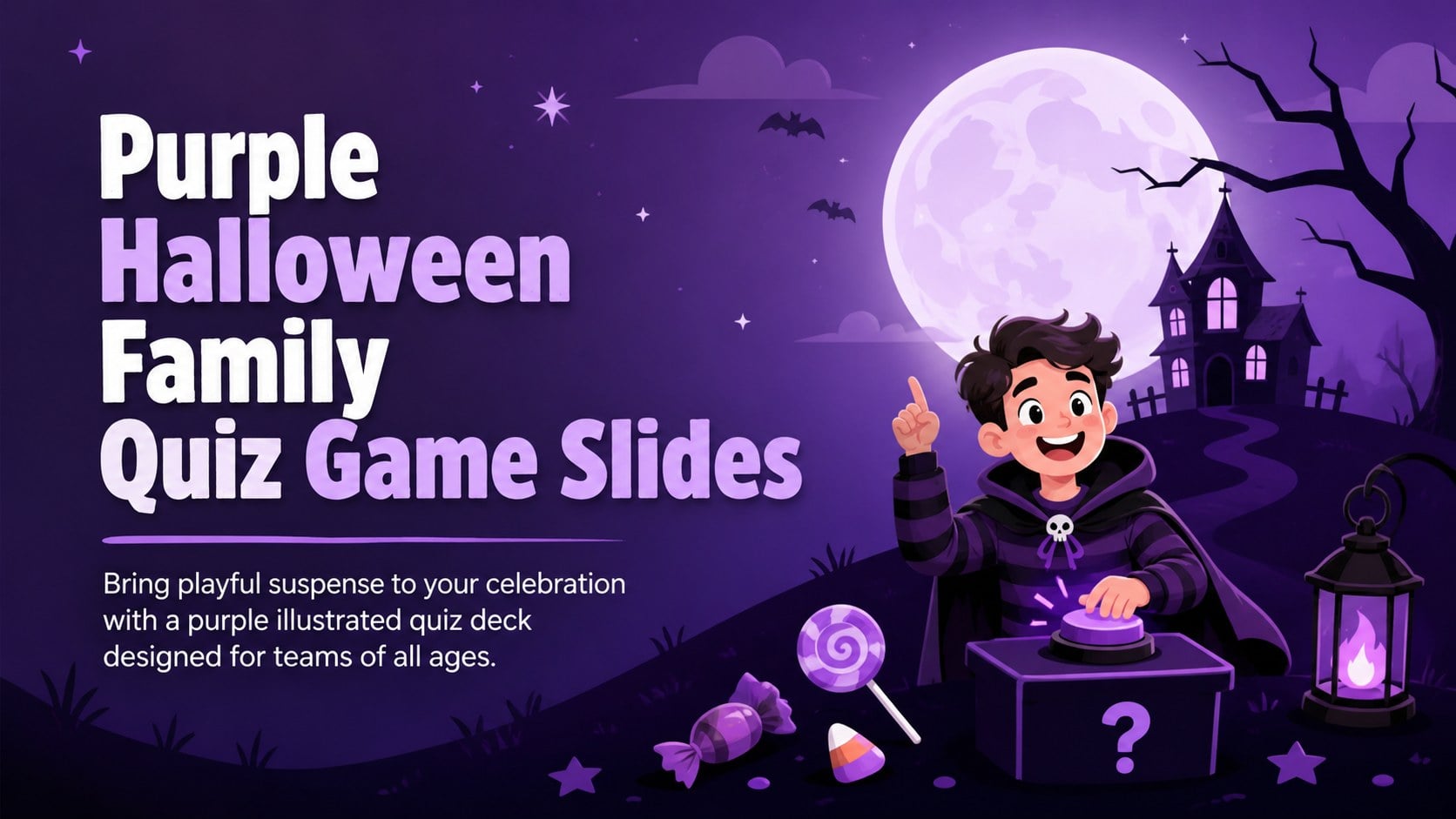
Turn any party or classroom into a lively contest with Halloween family quiz game slides in a cute purple style for PowerPoint and Google Slides.
Design notes
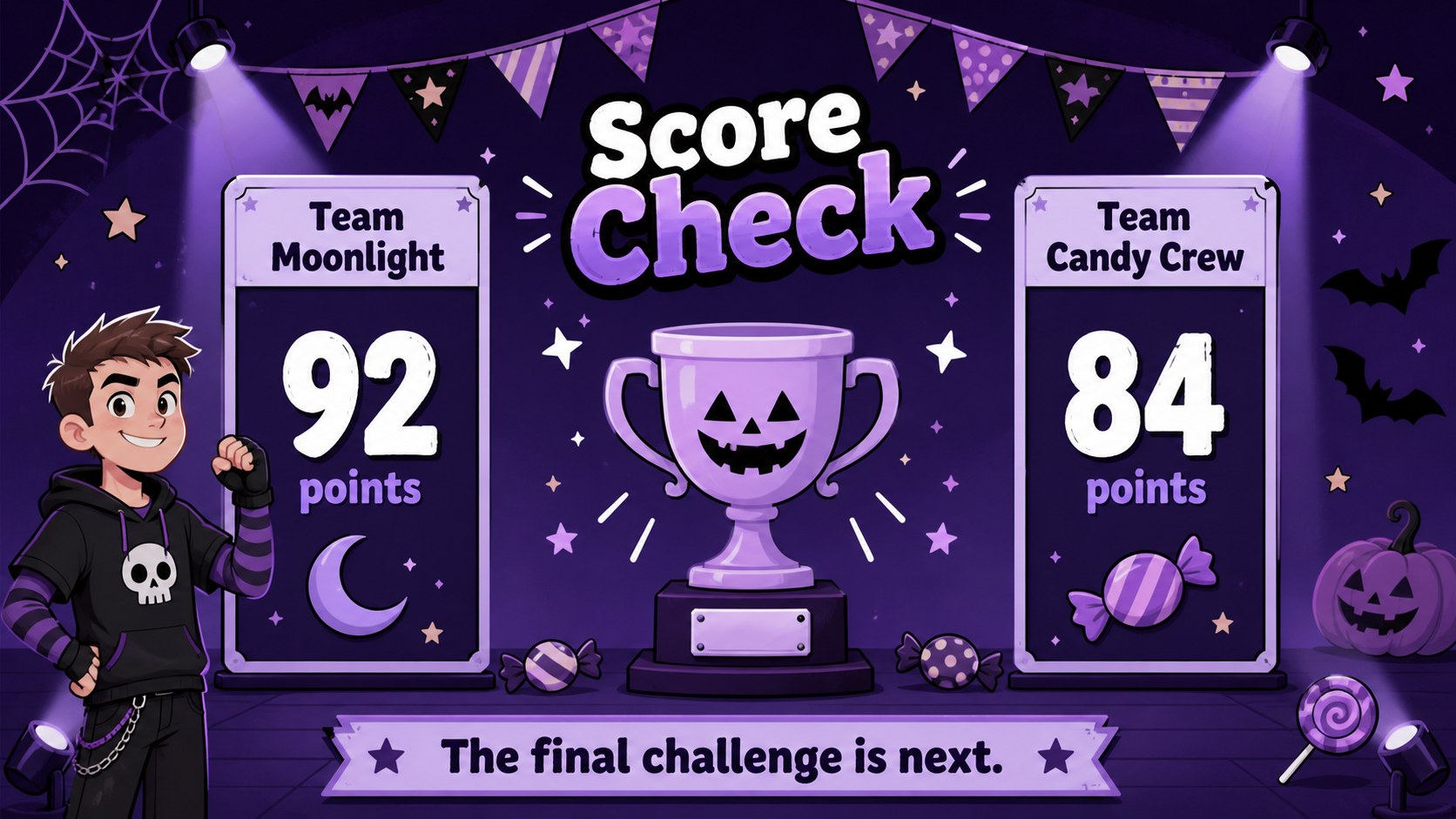
Make your seasonal gathering more interactive with Halloween family quiz game slides built for quick setup and lively group play. The purple palette, cute nighttime illustrations, and bright game-board details create a festive atmosphere without making the content difficult to read. Use the deck as a kid friendly Halloween survey game at home, in class, or during a community celebration.
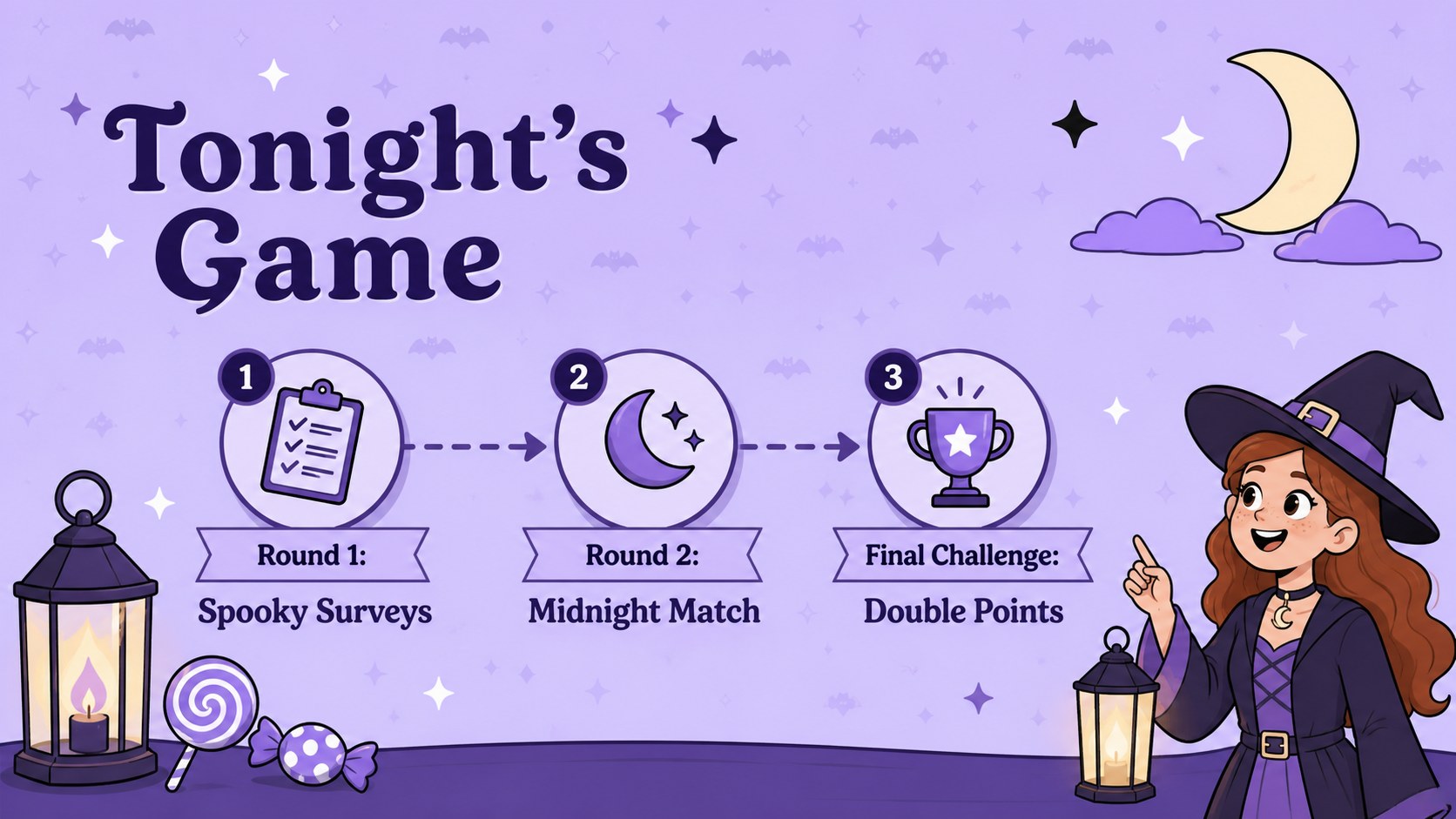
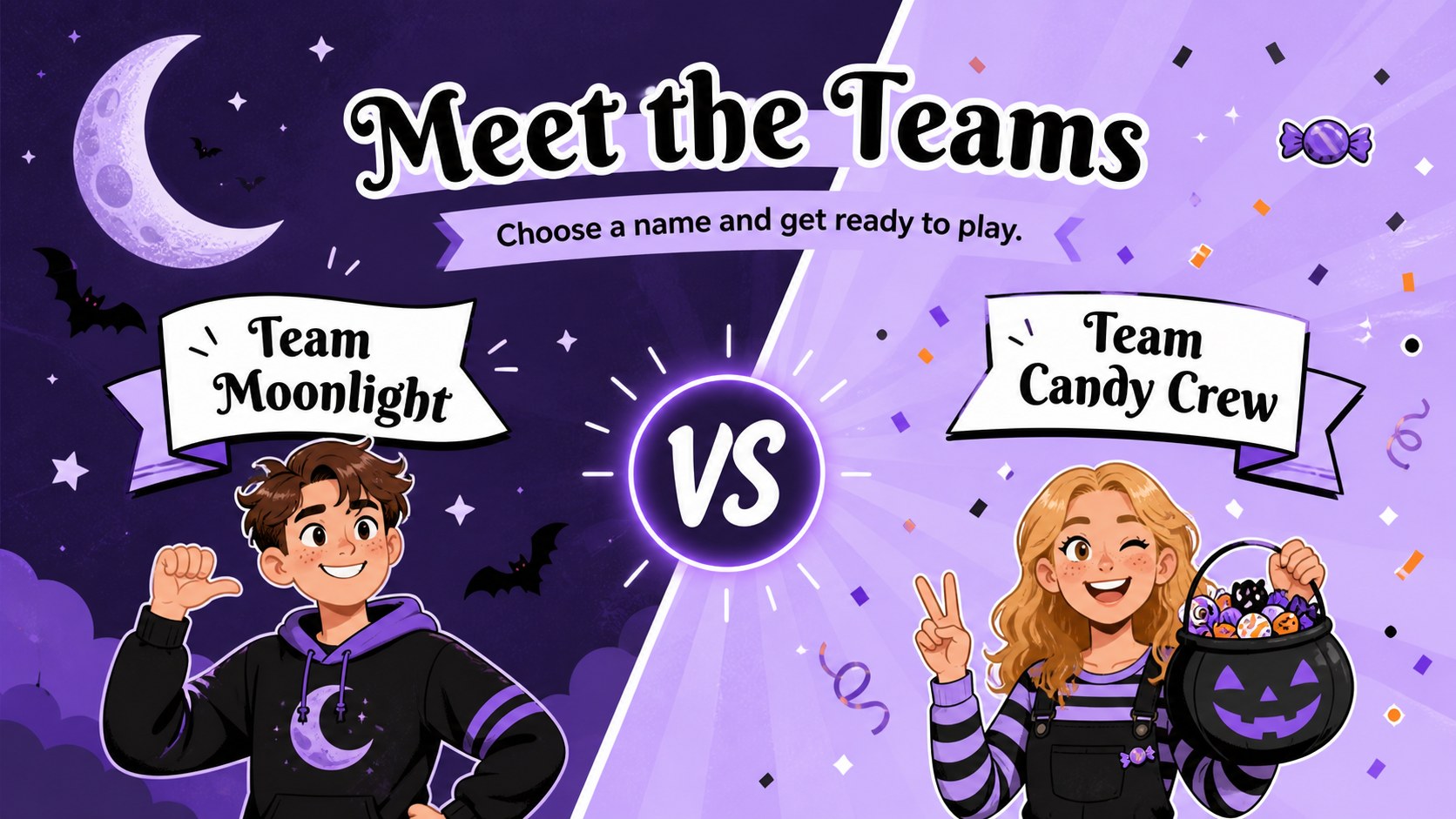
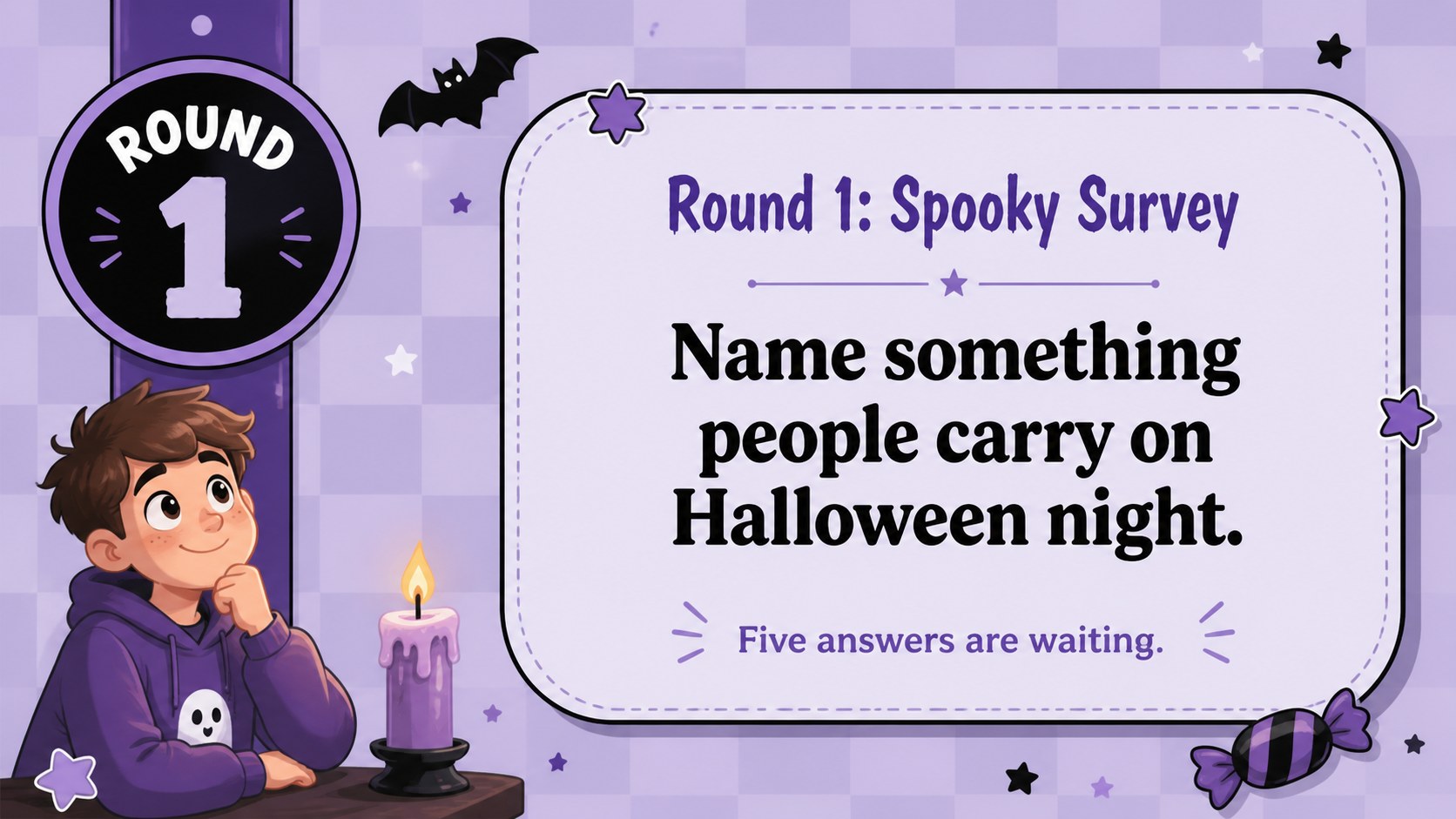
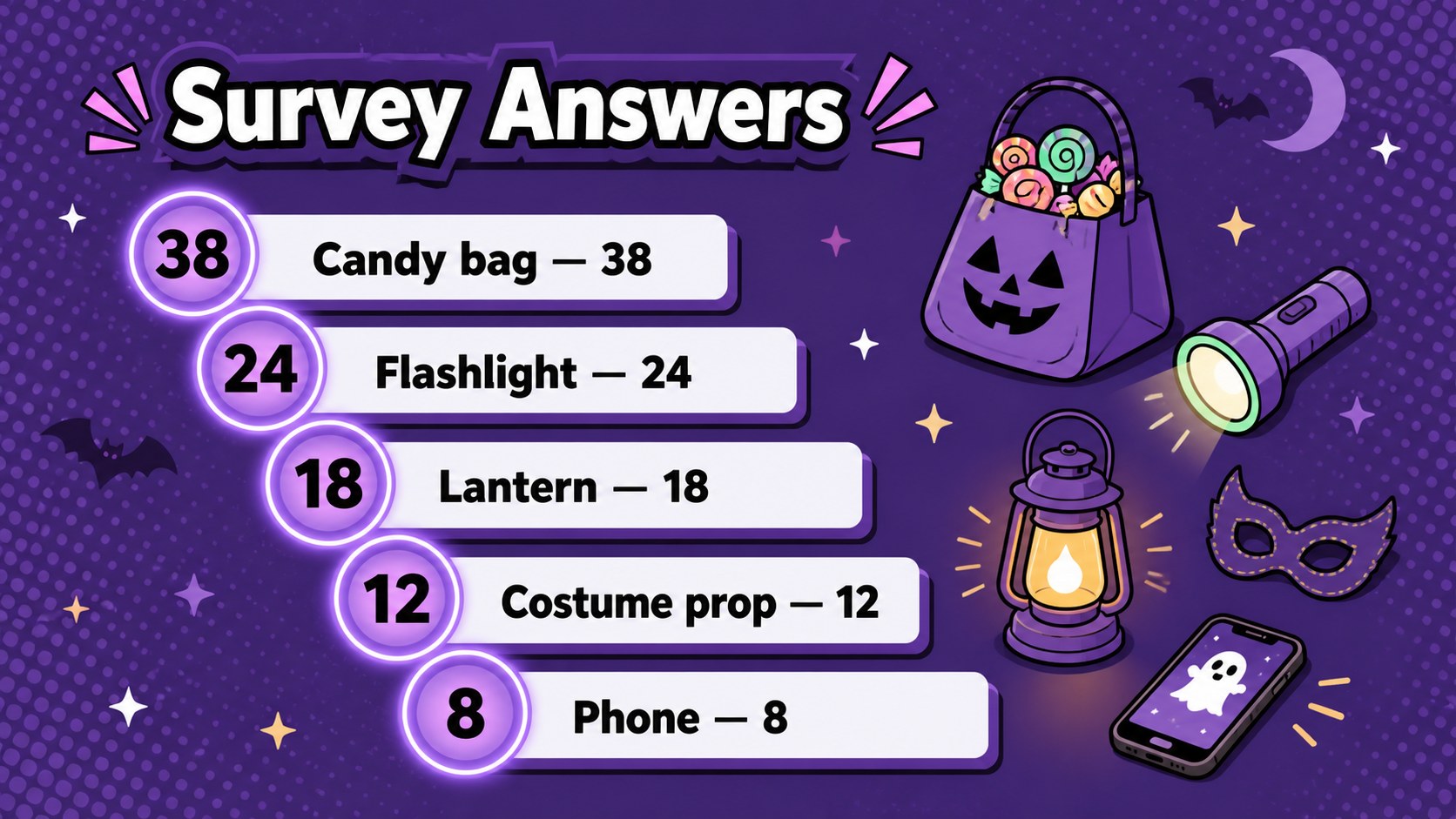
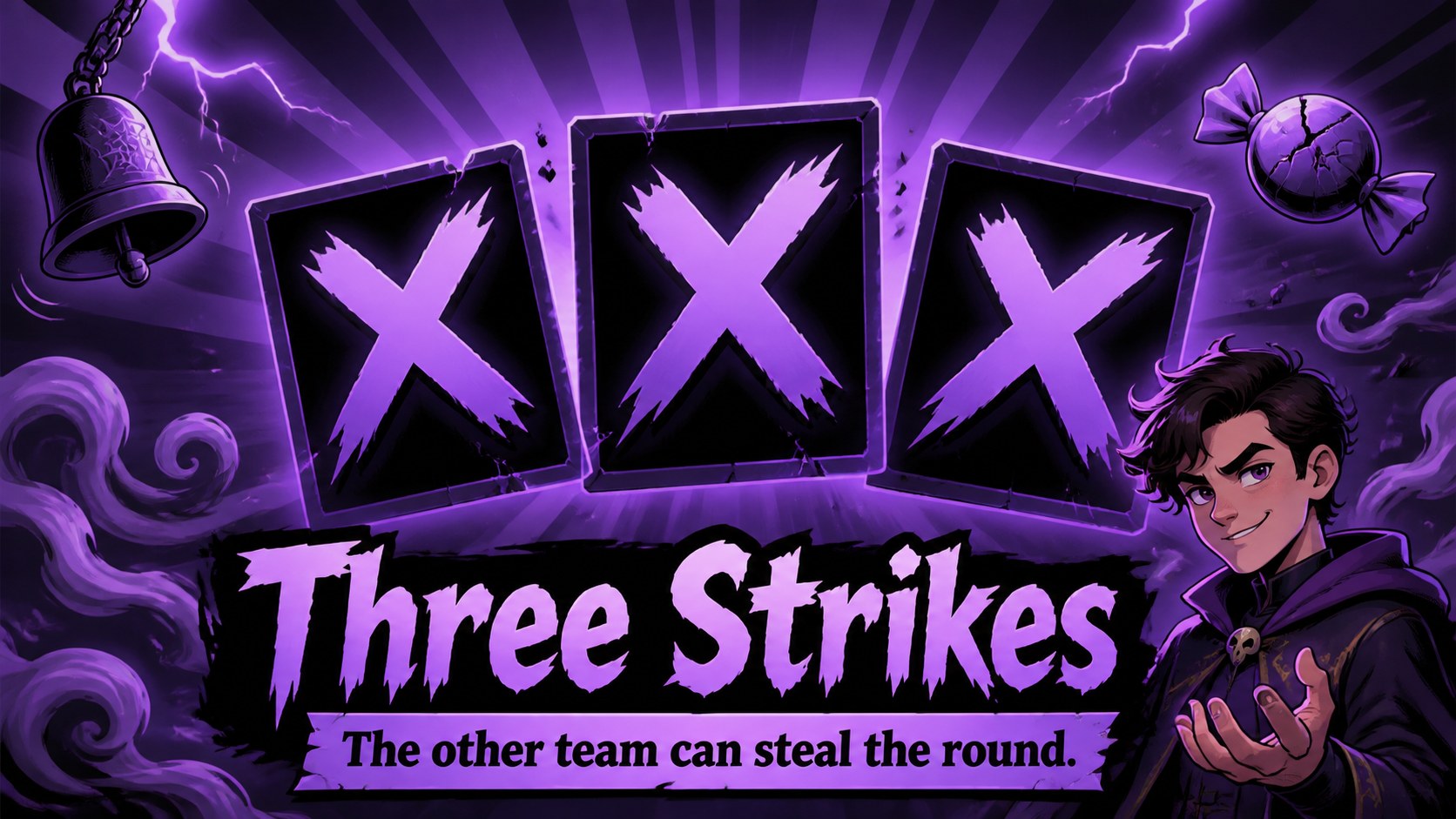
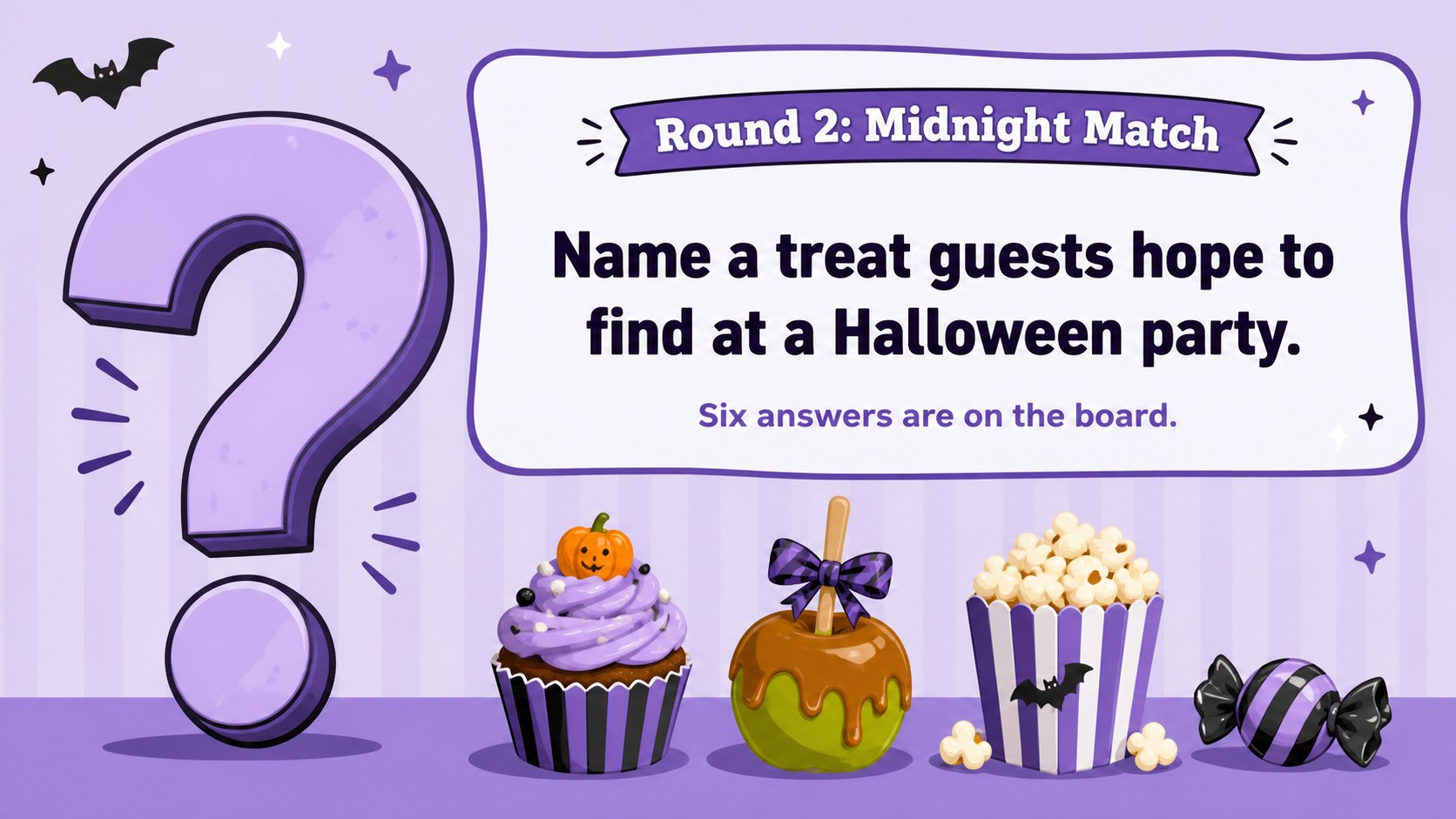
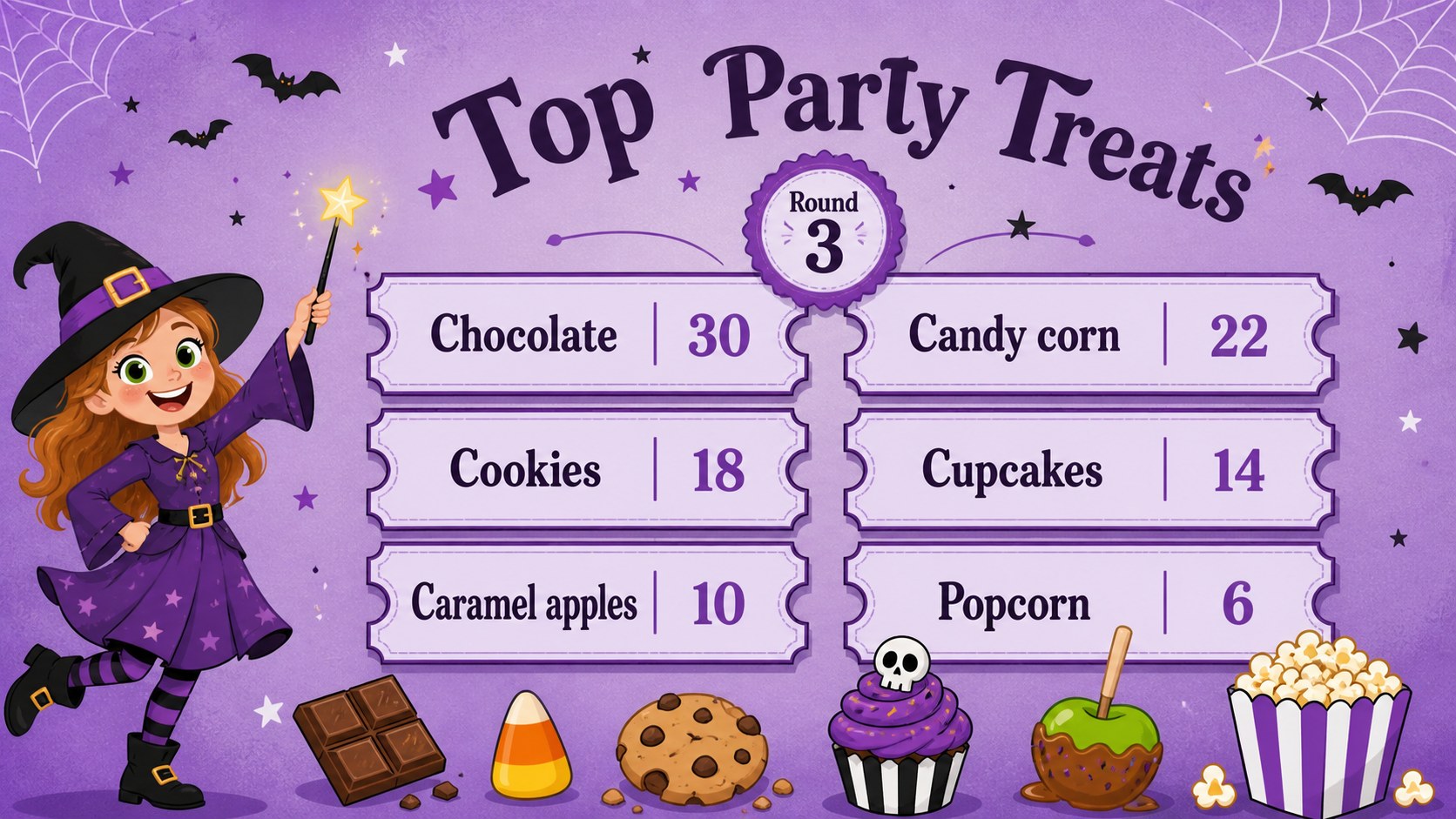
Inside, you will find 15 widescreen layouts covering team introductions, survey questions, answer reveals, score updates, bonus rounds, a tie-breaker, and a winner announcement. Clear text areas make it easy to replace every prompt, while coordinated icons and decorative accents keep the full presentation visually consistent. Animation and transition options in PowerPoint or Google Slides can add suspense as each answer is revealed.
This purple Halloween trivia presentation works well for teachers, parents, youth leaders, event hosts, and office social committees. Adapt it into a classroom Halloween quiz PowerPoint, a family party challenge, or a virtual team activity. You can change the wording, rearrange game elements, adjust the typefaces, and introduce your own scoring rules while preserving the cute illustrated style. The reusable layouts also support multiple rounds, so you can build a short warm-up or a complete evening game without designing each screen from scratch.
Perfect for: family Halloween party; classroom seasonal quiz; youth group game night; office Halloween social; virtual team challenge.
Frequently asked questions
Can I replace the quiz questions and answers? Yes. All question, answer, team, and score text can be edited in PowerPoint or Google Slides, allowing you to tailor the game to any age group or event.
Practical details
Yes. All question, answer, team, and score text can be edited in PowerPoint or Google Slides, allowing you to tailor the game to any age group or event.
The deck is designed for Microsoft PowerPoint and Google Slides. Some fonts, transitions, or animations may vary slightly between the two platforms.
Yes. You can update the colors, fonts, illustrations, backgrounds, and decorative elements while keeping the existing game structure intact.
Present the answer screens one at a time or apply entrance animations to individual answer rows. Test the slideshow before the event to confirm that each reveal appears in the intended order.
Keep exploring
15Build an engaging World UFO Day session with this flying saucer history lesson deck, featuring retro green-and-brown slides for PowerPoint and Google Slides.
 15
15Plan a lively animal-learning journey with this jungle zoo adventure lesson deck, ready to customize in PowerPoint and Google Slides for young learners.
 16
16Turn environmental research into a clear story with a Watercolor Ecology Presentation Theme for PowerPoint and Google Slides in calming green and blue.
 16
16Build focused fashion, literature, and humanities presentations with the Red Triangle Editorial Theme, editable in PowerPoint and Google Slides.
 15
15Turn streaming stats, favorite tracks, and concert highlights into a bold annual listening recap slide deck for PowerPoint and Google Slides.
 15
15Turn highlights, milestones, and favorite moments into a colorful year in review slide deck with bold 3D graphics for PowerPoint and Google Slides.
 3
3Build a credible endorsement with Standout Colleague Recommendation Letter Slides, featuring colorful prompts for skills, achievements, and team impact.
 4
4Build clear beginner sessions with an ice hockey fundamentals training deck for coaches, PE teachers, and clubs, ready for PowerPoint and Google Slides.