
 15
15presentation
Flying Saucer History Lesson Deck
Build an engaging World UFO Day session with this flying saucer history lesson deck, featuring retro green-and-brown slides for PowerPoint and Google Slides.
Google SlidesPowerPoint
presentation · English
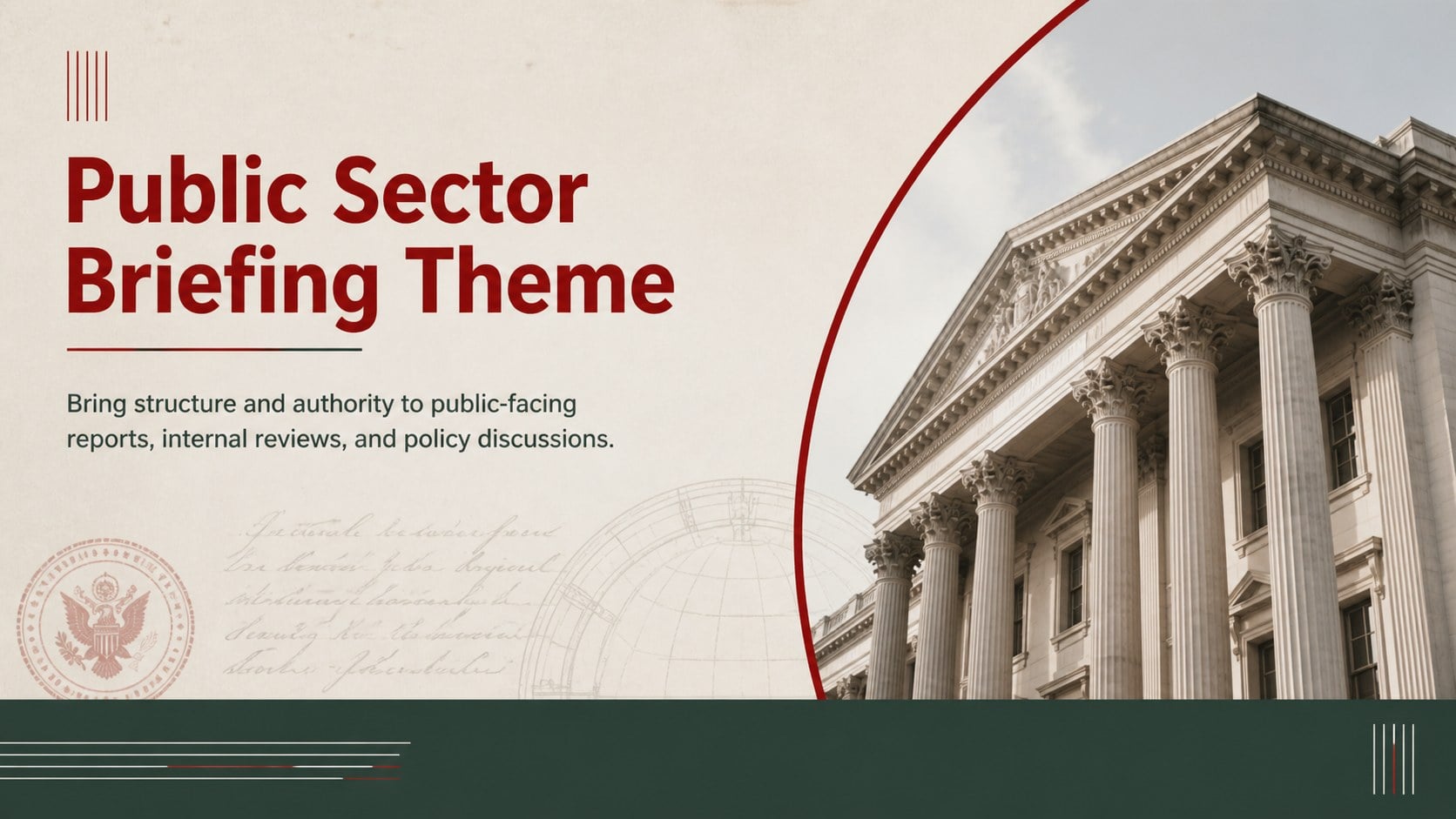
Build clear policy, budget, and community updates with this public sector briefing theme for editable PowerPoint and Google Slides presentations.
Design notes
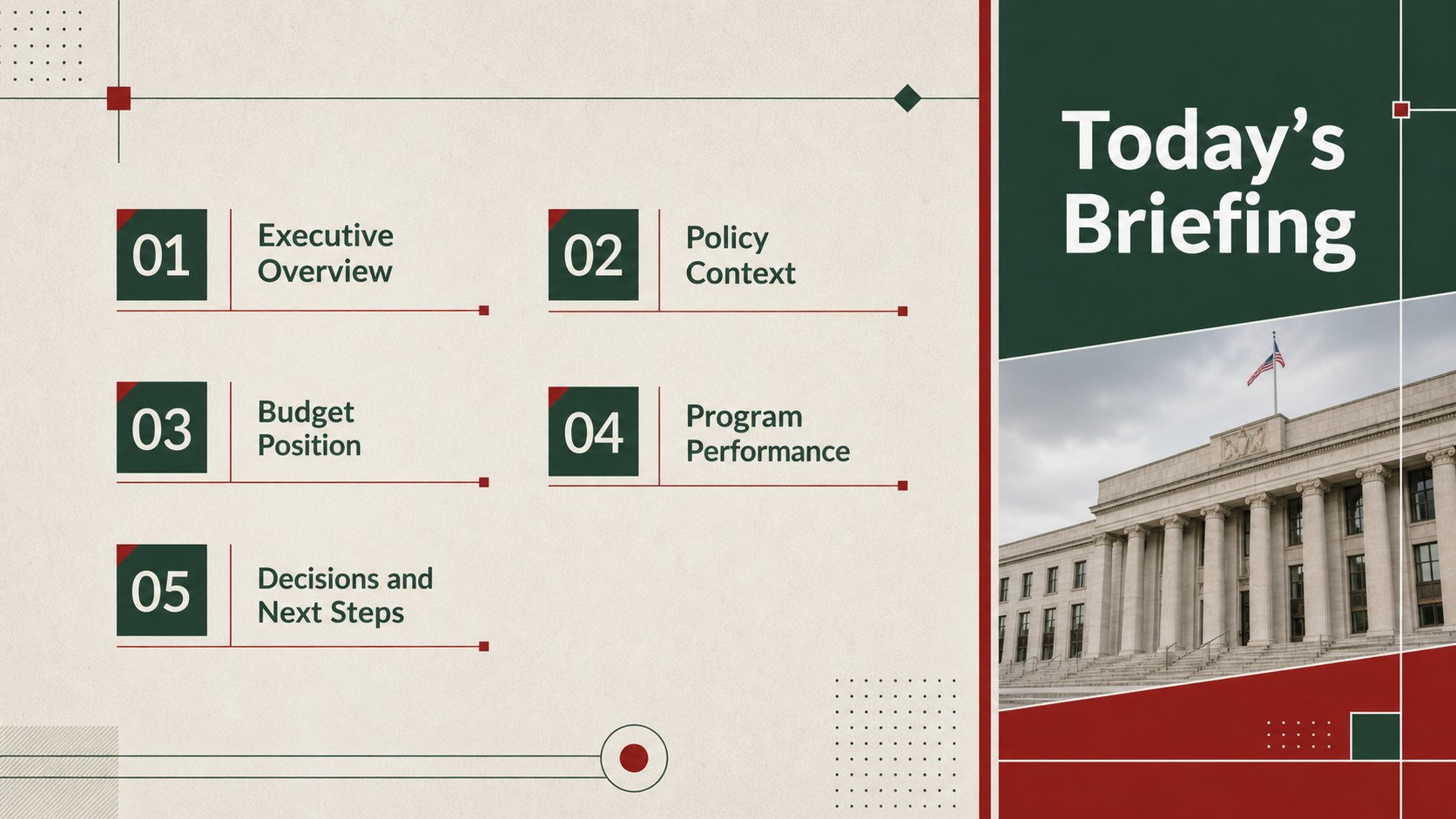
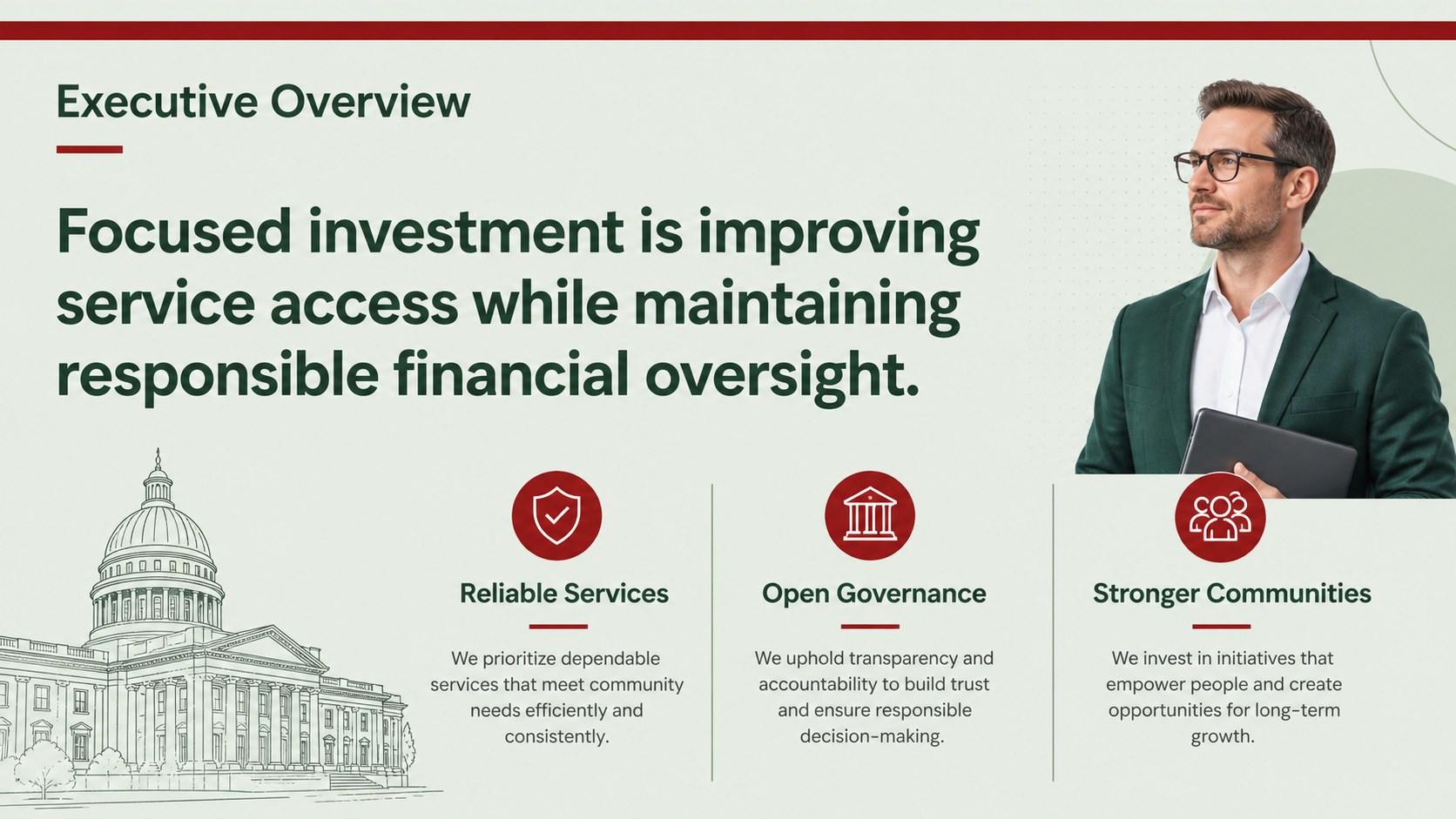
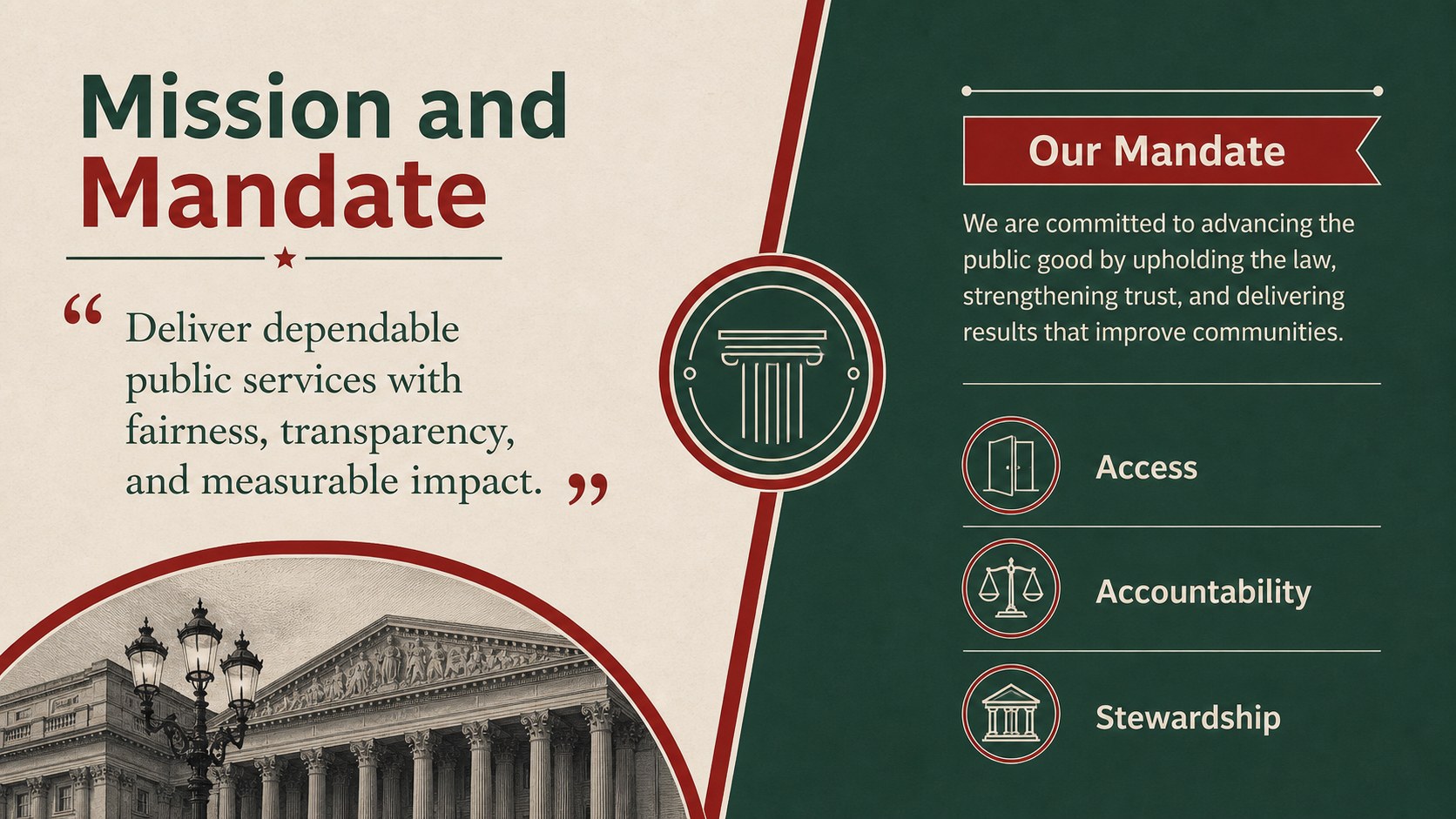
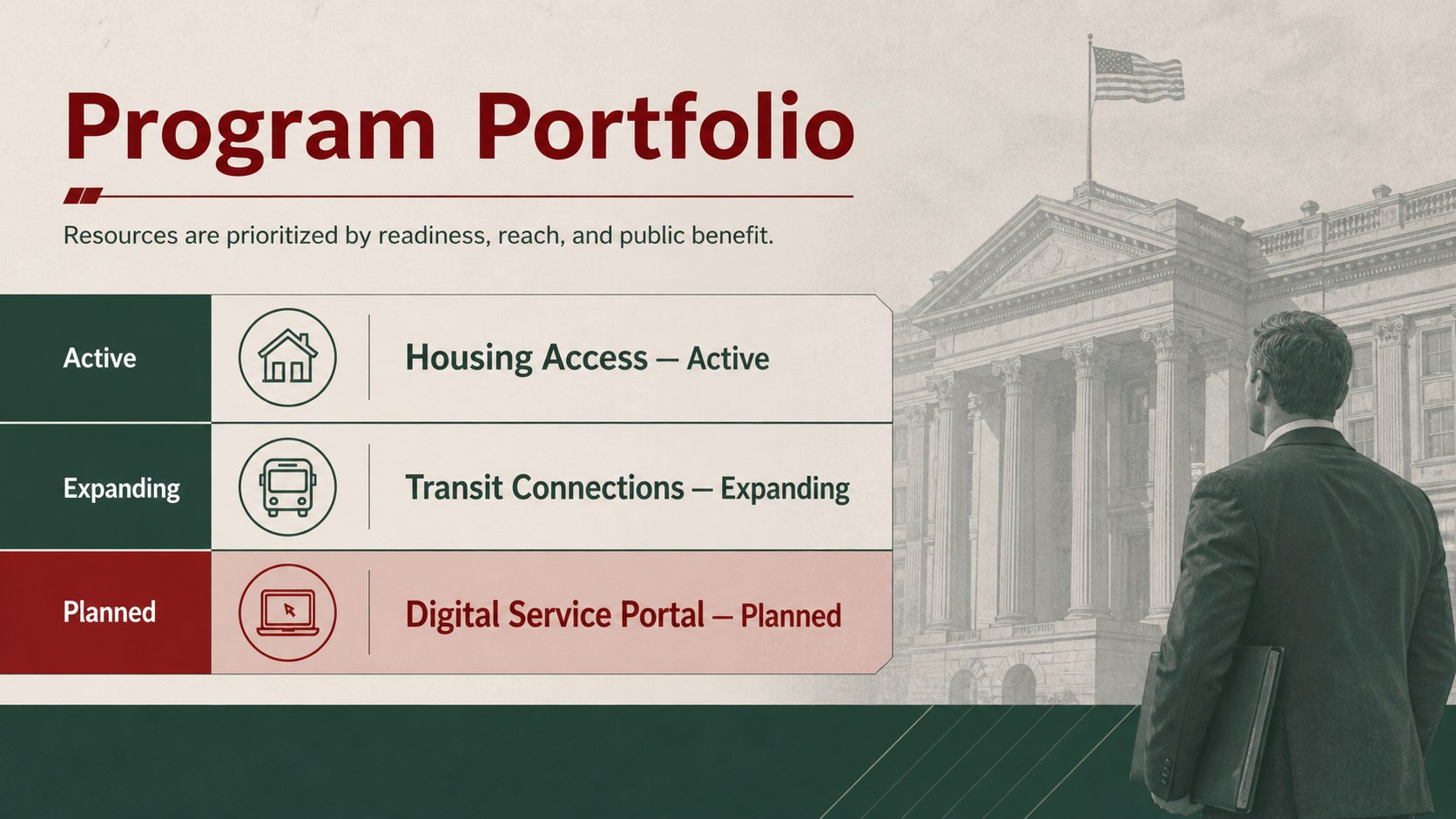
The Public Sector Briefing Theme gives government teams a clear, professional framework for presenting decisions, results, and upcoming priorities. Its restrained green and red palette, structured typography, and subtle vintage-inspired details create an official tone without making information feel dated or difficult to scan. Every layout can be edited in PowerPoint or Google Slides.
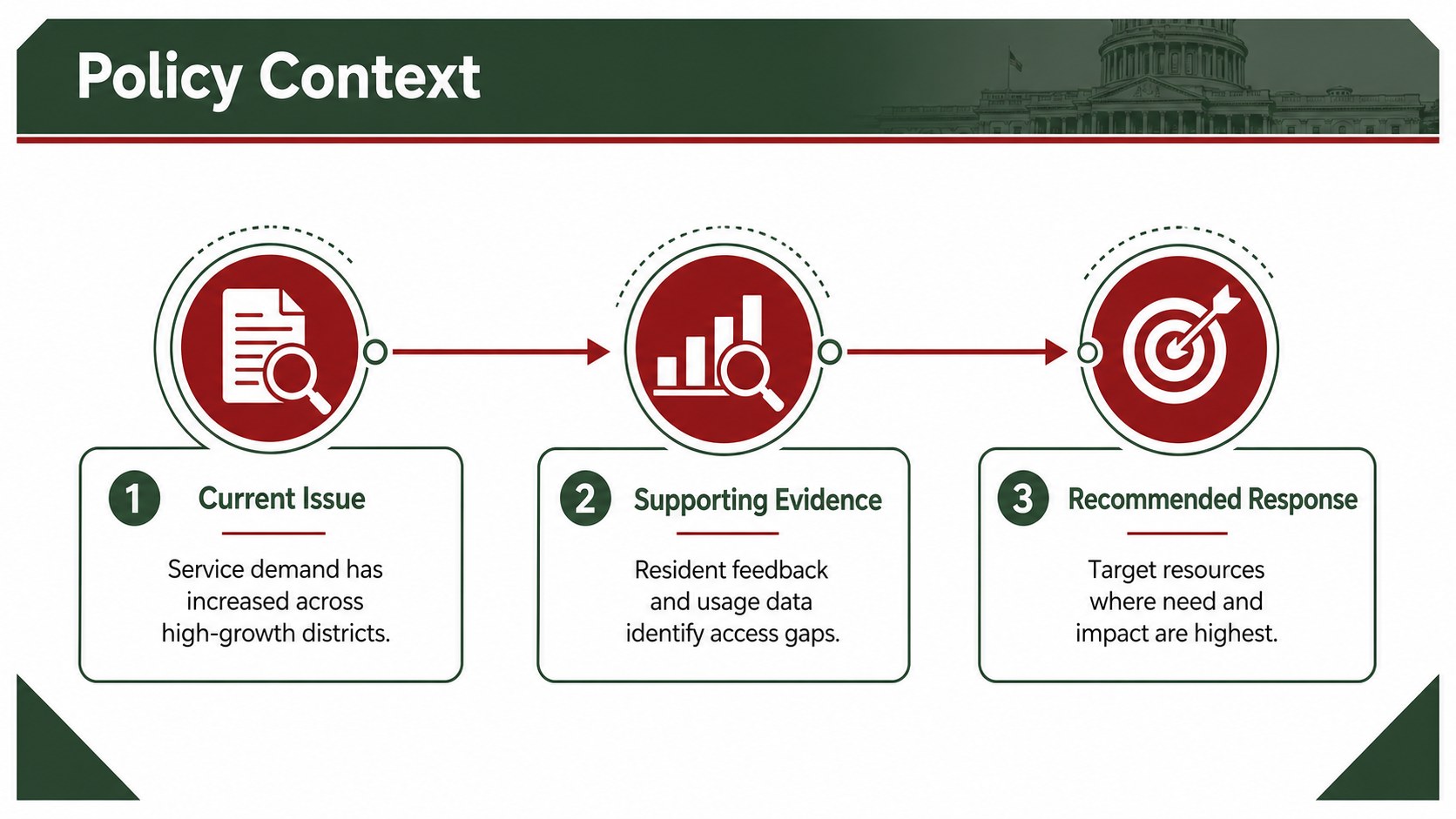
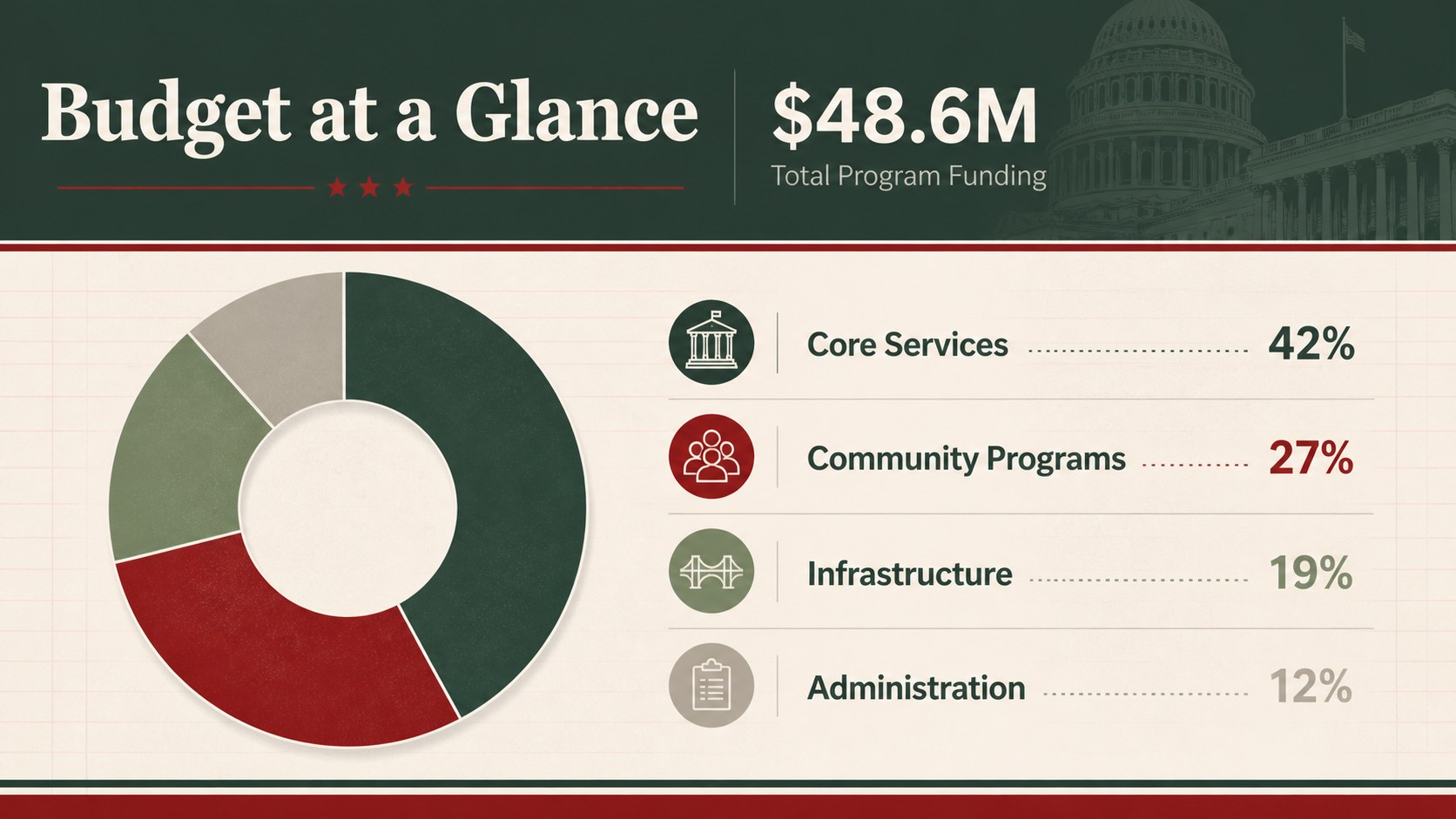
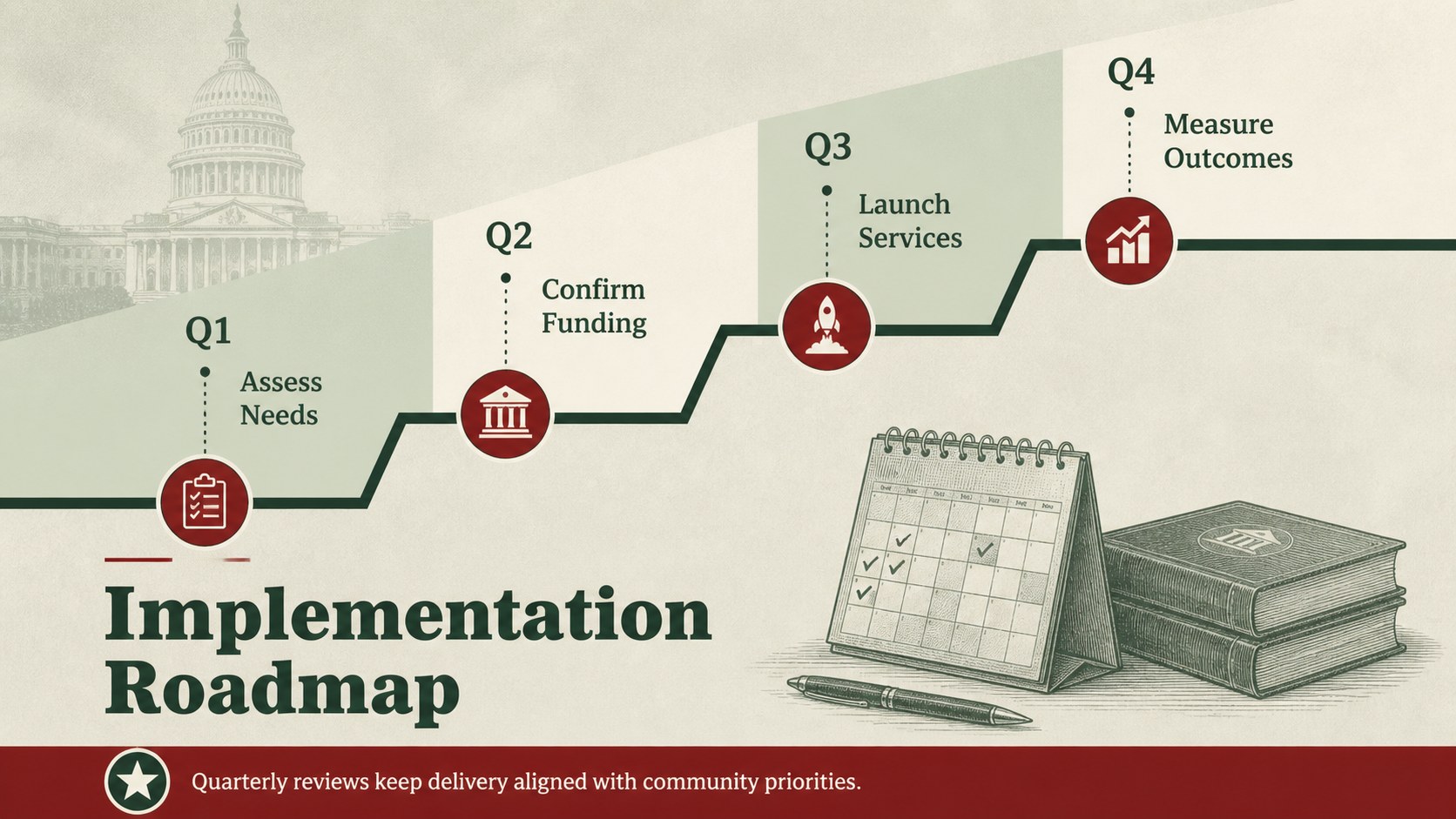
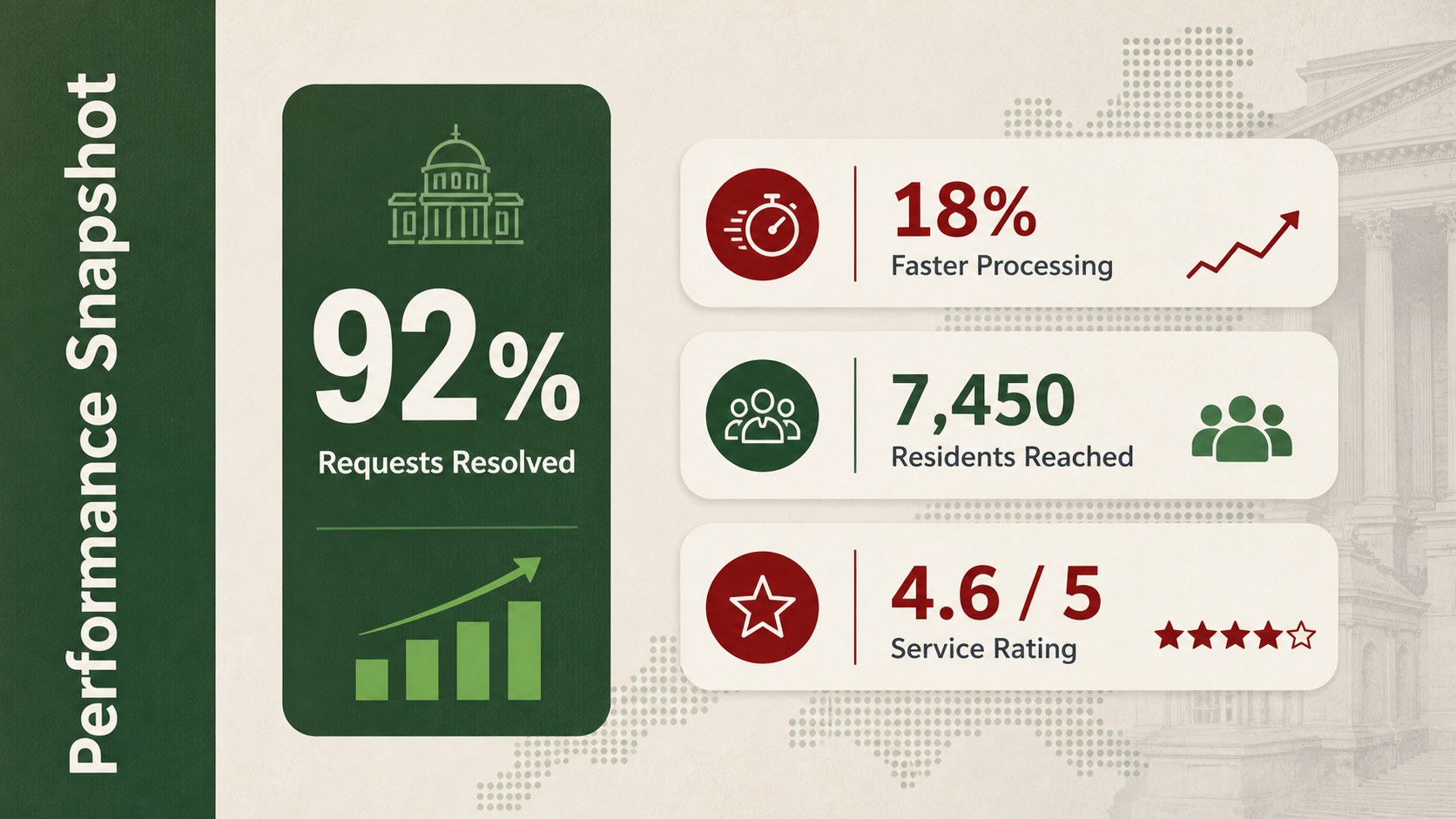
Inside the deck are 15 coordinated slides for an agenda, executive summary, agency mission, policy context, financial overview, program timeline, performance metrics, stakeholder mapping, risk reporting, regional data, public engagement, and next steps. The varied layouts support concise statements as well as tables, charts, milestones, and demographic findings. Use it as a government budget presentation template, adapt the layouts into public policy proposal slides, or assemble a municipal project update deck for council members and residents.
This theme is designed for civil servants, municipal departments, public administrators, policy advisers, nonprofit partners, and consultants working with government organizations. It suits formal briefings, departmental reviews, grant updates, community meetings, and planning sessions. Replace the sample wording, adjust the colors to match departmental standards, and insert your own figures or photographs while preserving the deck's consistent visual hierarchy. The result is a practical presentation that helps audiences understand the issue, examine supporting evidence, and identify the action required.
Perfect for: city council policy briefing; departmental budget review; community program update; public agency performance report; municipal planning meeting.
Frequently asked questions
Can I edit every element in this presentation? Yes. Text, colors, charts, shapes, photographs, and layout elements can be customized to match your department's information and visual standards.
Practical details
Yes. Text, colors, charts, shapes, photographs, and layout elements can be customized to match your department's information and visual standards.
The theme is designed for PowerPoint and Google Slides. Both versions use a widescreen 16:9 format suitable for meeting-room displays and online presentations.
Yes. Use the financial overview, performance metric, timeline, and next-step layouts to organize revenue, spending, outcomes, and proposed actions.
Replace the sample colors with approved brand values, add your own photography, and update the typography if required. Keep the established heading hierarchy and spacing for a consistent, readable result.
Keep exploring
15Build an engaging World UFO Day session with this flying saucer history lesson deck, featuring retro green-and-brown slides for PowerPoint and Google Slides.
 15
15Plan a lively animal-learning journey with this jungle zoo adventure lesson deck, ready to customize in PowerPoint and Google Slides for young learners.
 16
16Turn environmental research into a clear story with a Watercolor Ecology Presentation Theme for PowerPoint and Google Slides in calming green and blue.
 16
16Build focused fashion, literature, and humanities presentations with the Red Triangle Editorial Theme, editable in PowerPoint and Google Slides.
 15
15Turn streaming stats, favorite tracks, and concert highlights into a bold annual listening recap slide deck for PowerPoint and Google Slides.
 15
15Turn highlights, milestones, and favorite moments into a colorful year in review slide deck with bold 3D graphics for PowerPoint and Google Slides.
 3
3Build a credible endorsement with Standout Colleague Recommendation Letter Slides, featuring colorful prompts for skills, achievements, and team impact.
 4
4Build clear beginner sessions with an ice hockey fundamentals training deck for coaches, PE teachers, and clubs, ready for PowerPoint and Google Slides.