
 15
15presentation
Flying Saucer History Lesson Deck
Build an engaging World UFO Day session with this flying saucer history lesson deck, featuring retro green-and-brown slides for PowerPoint and Google Slides.
Google SlidesPowerPoint
presentation · English
Build a clear project coordination meeting template with polished green layouts for timelines, updates, decisions, and goals in PowerPoint or Google Slides.
Design notes
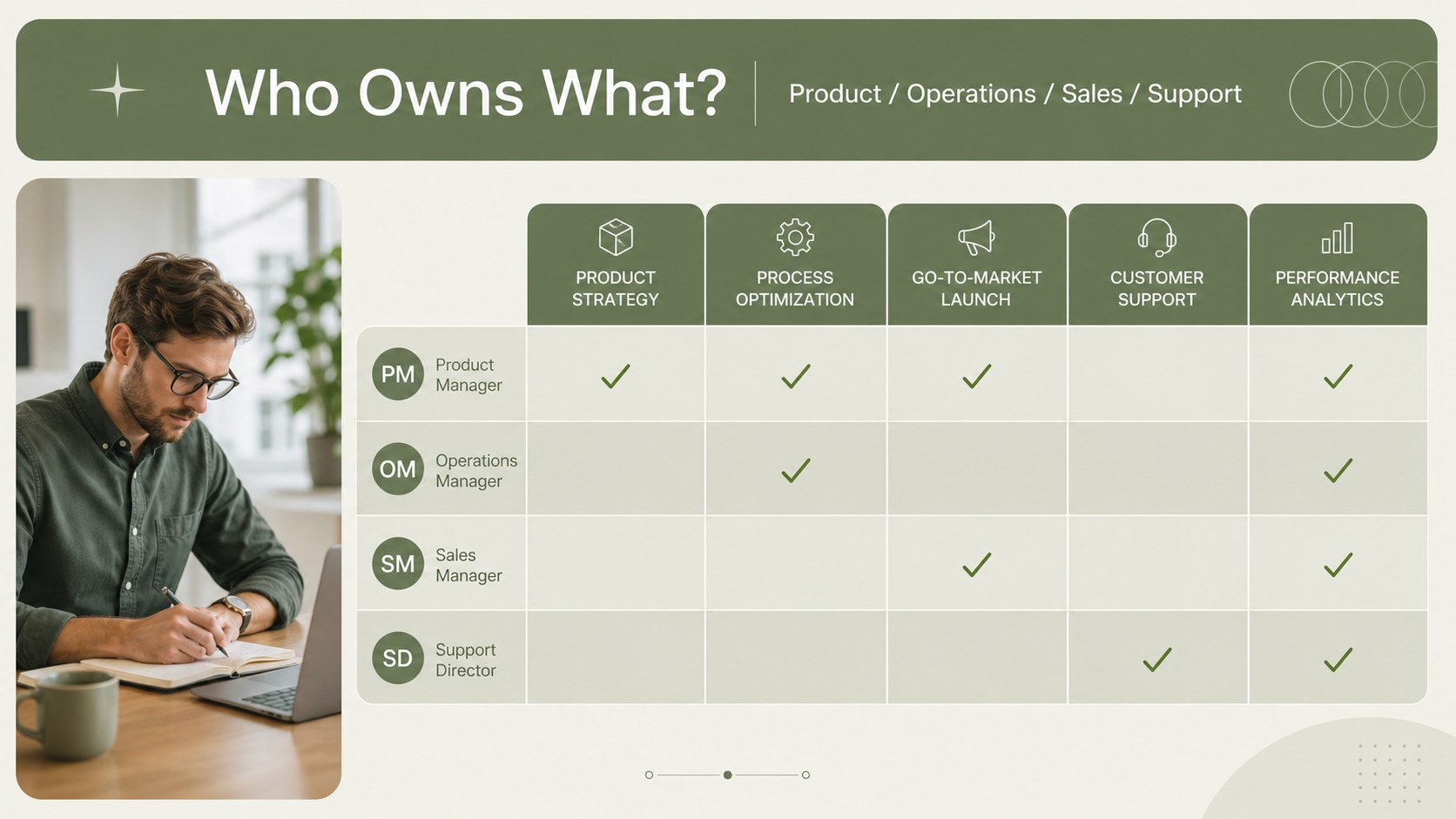
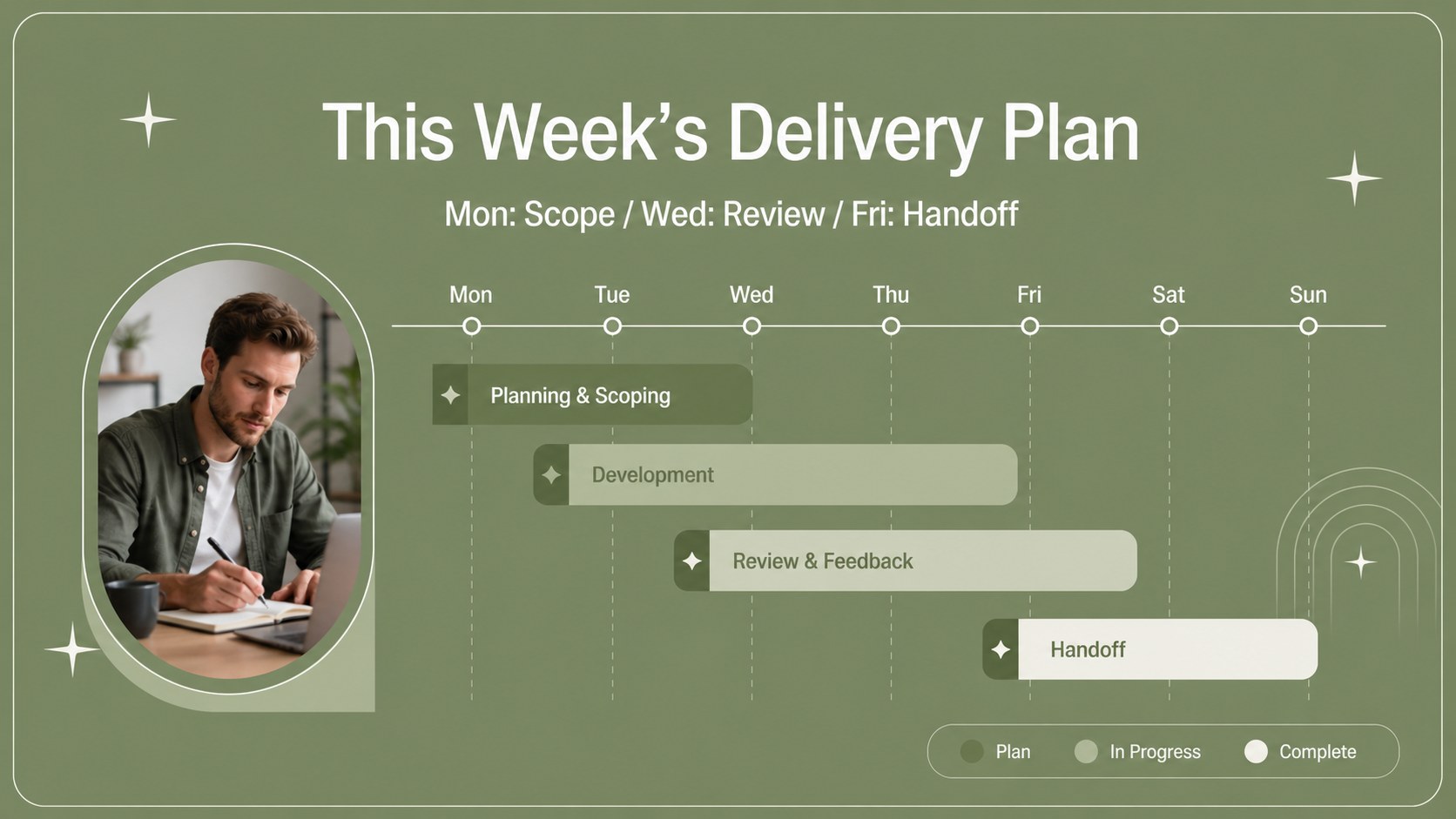
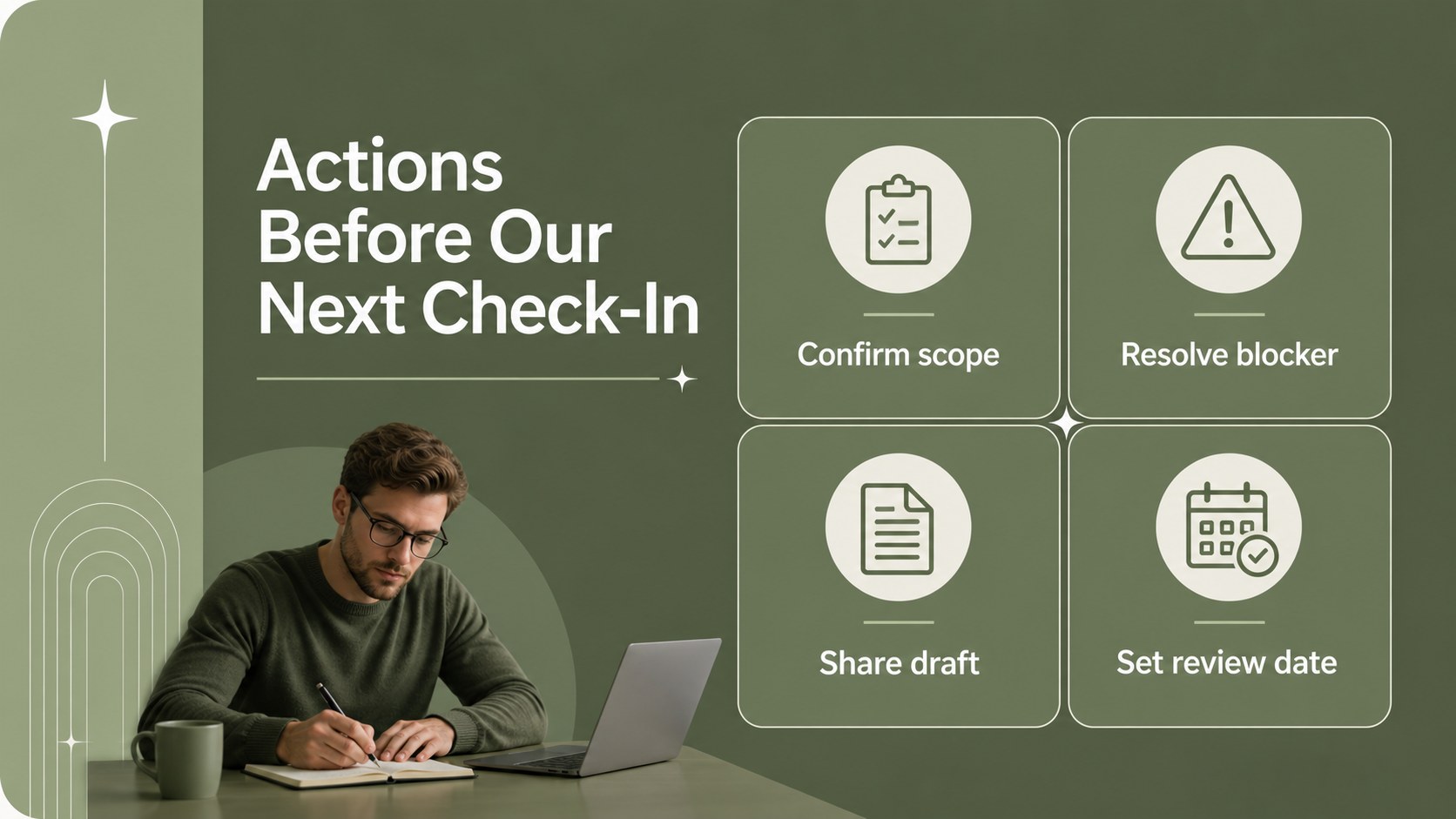
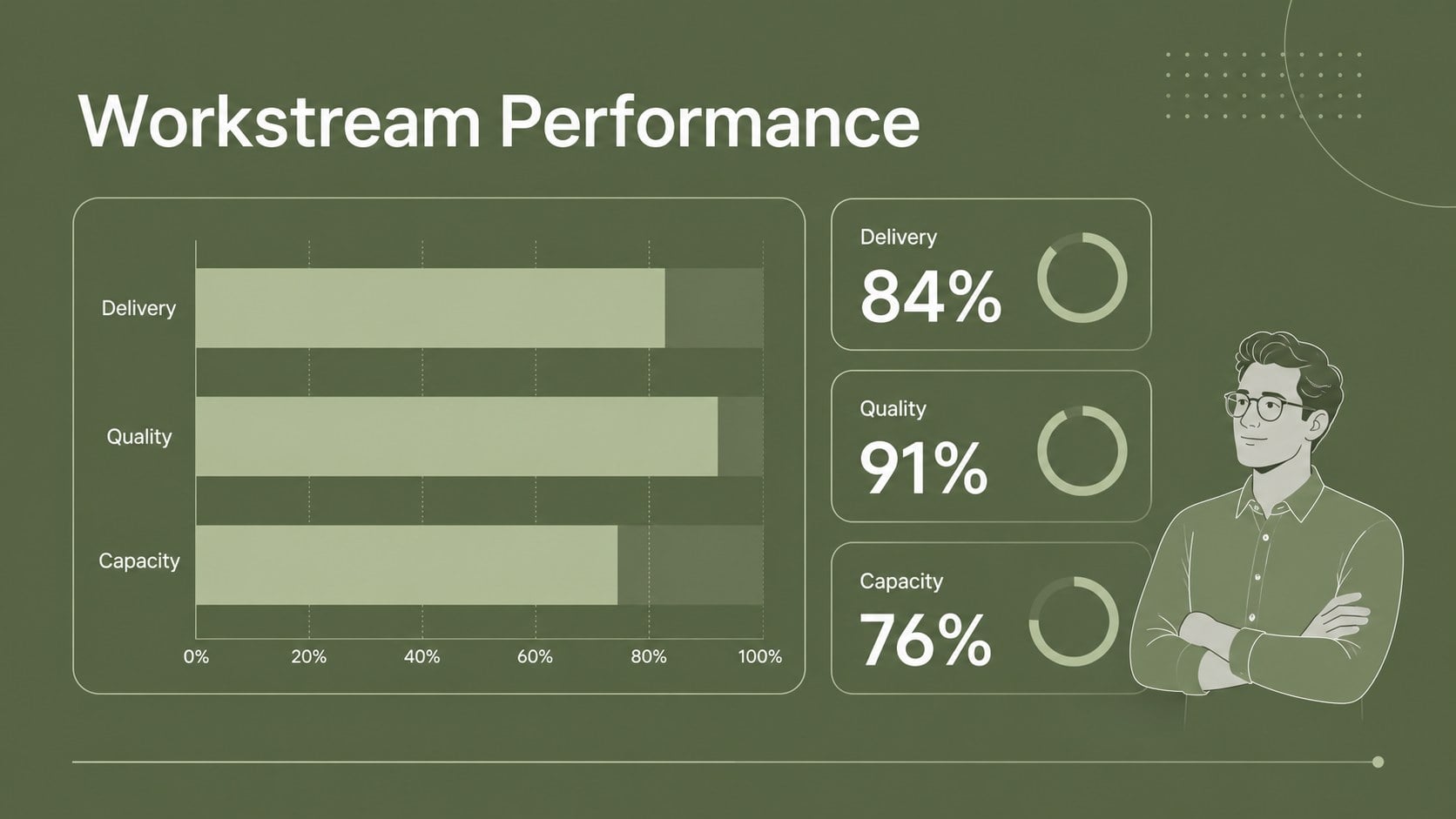
Project coordination meeting template for teams that need a sharper way to align priorities, report progress, and move work forward. Its restrained green palette, airy spacing, and modern typography create a professional setting for practical discussions without making the information feel crowded. Use the deck to frame a project status review, clarify ownership, or guide a planning conversation from current results to upcoming actions.
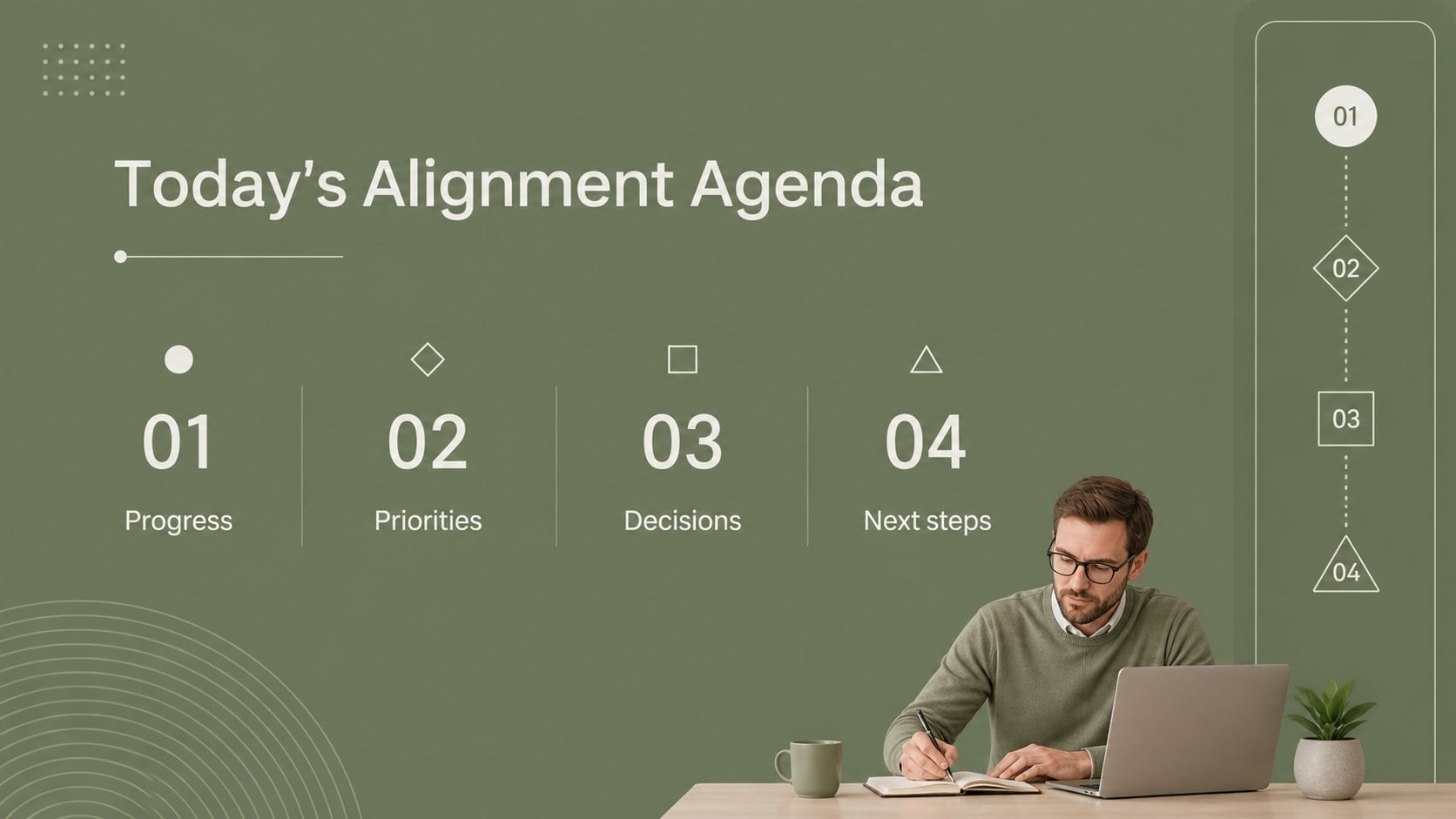
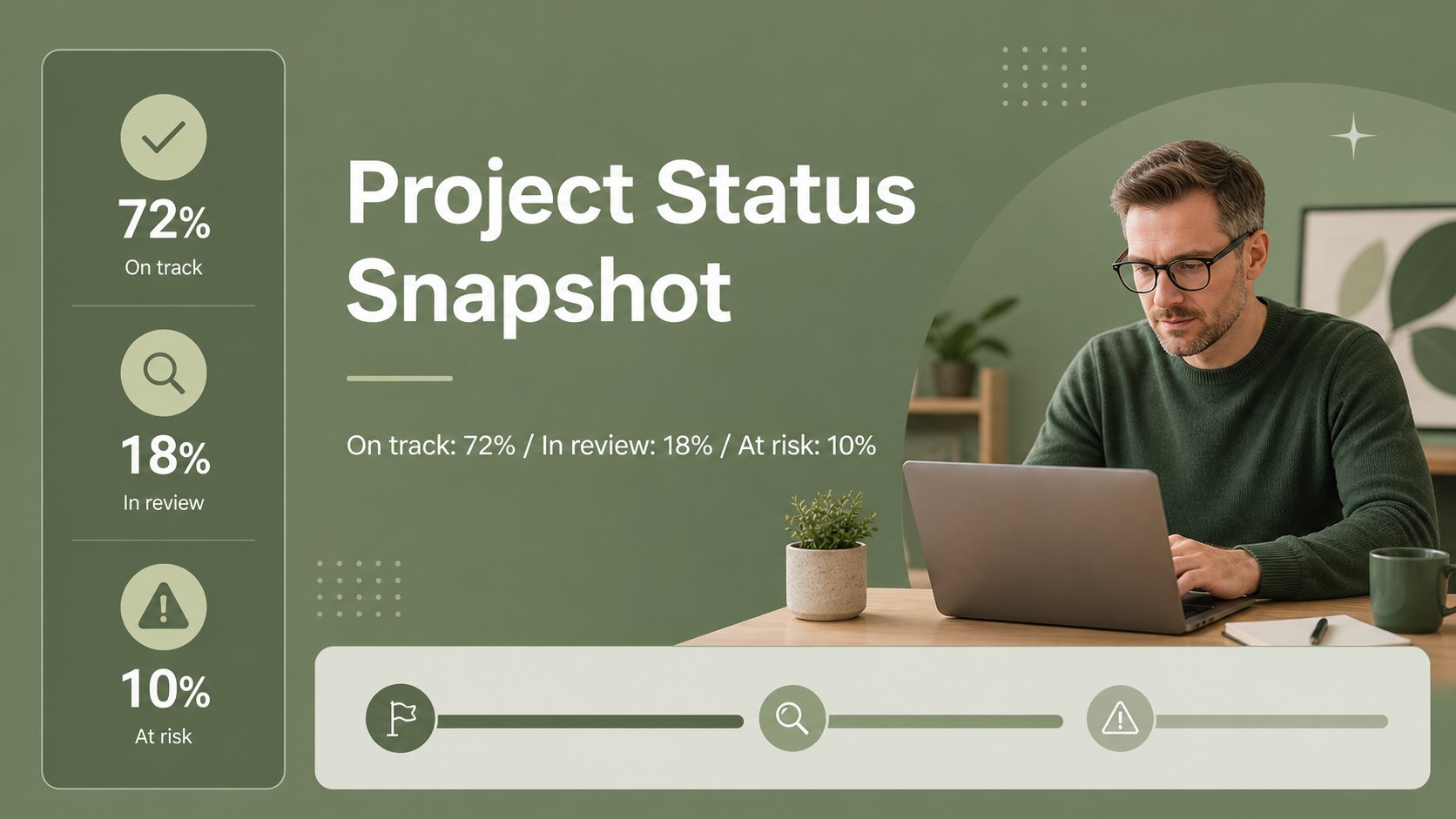
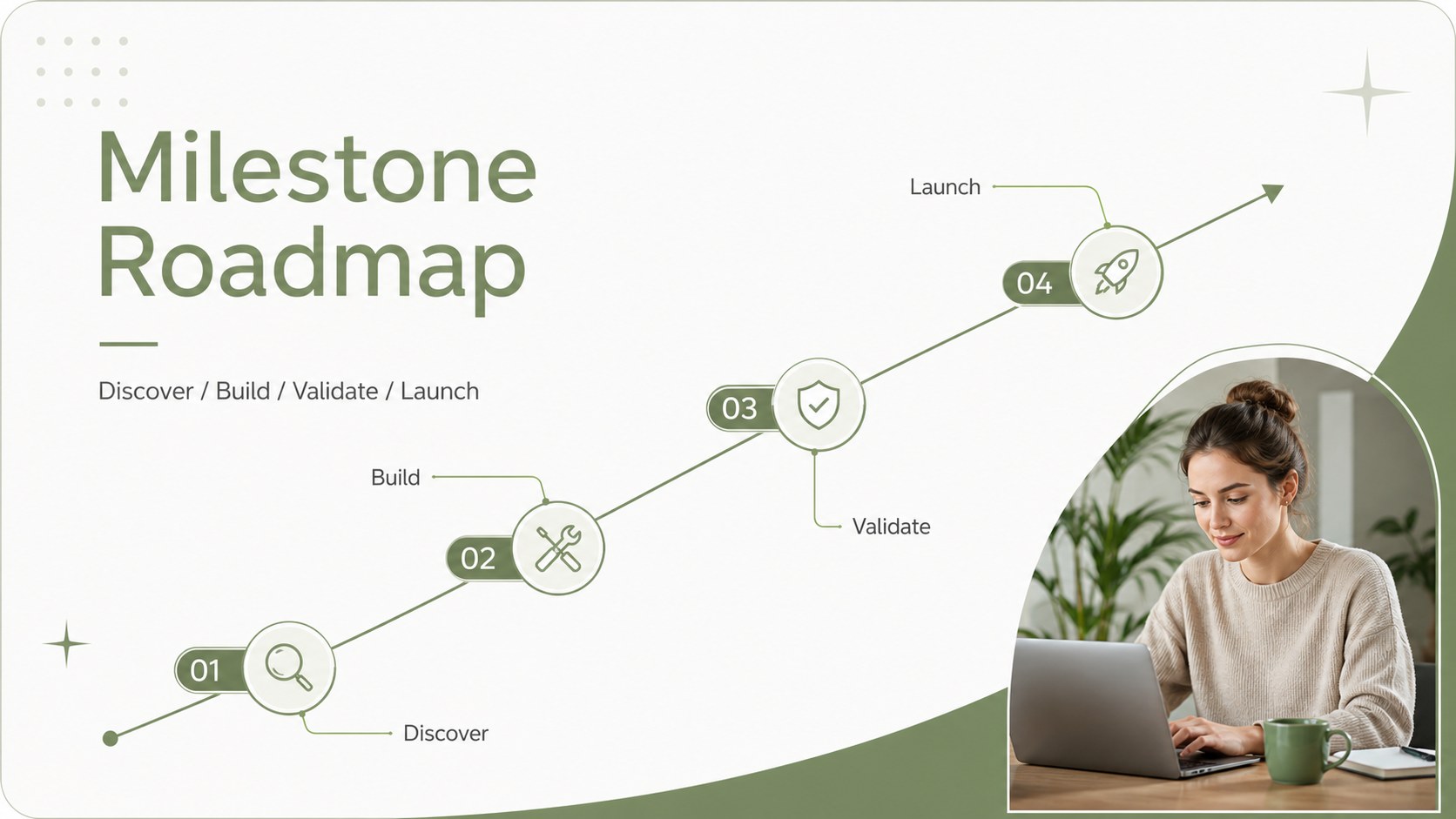
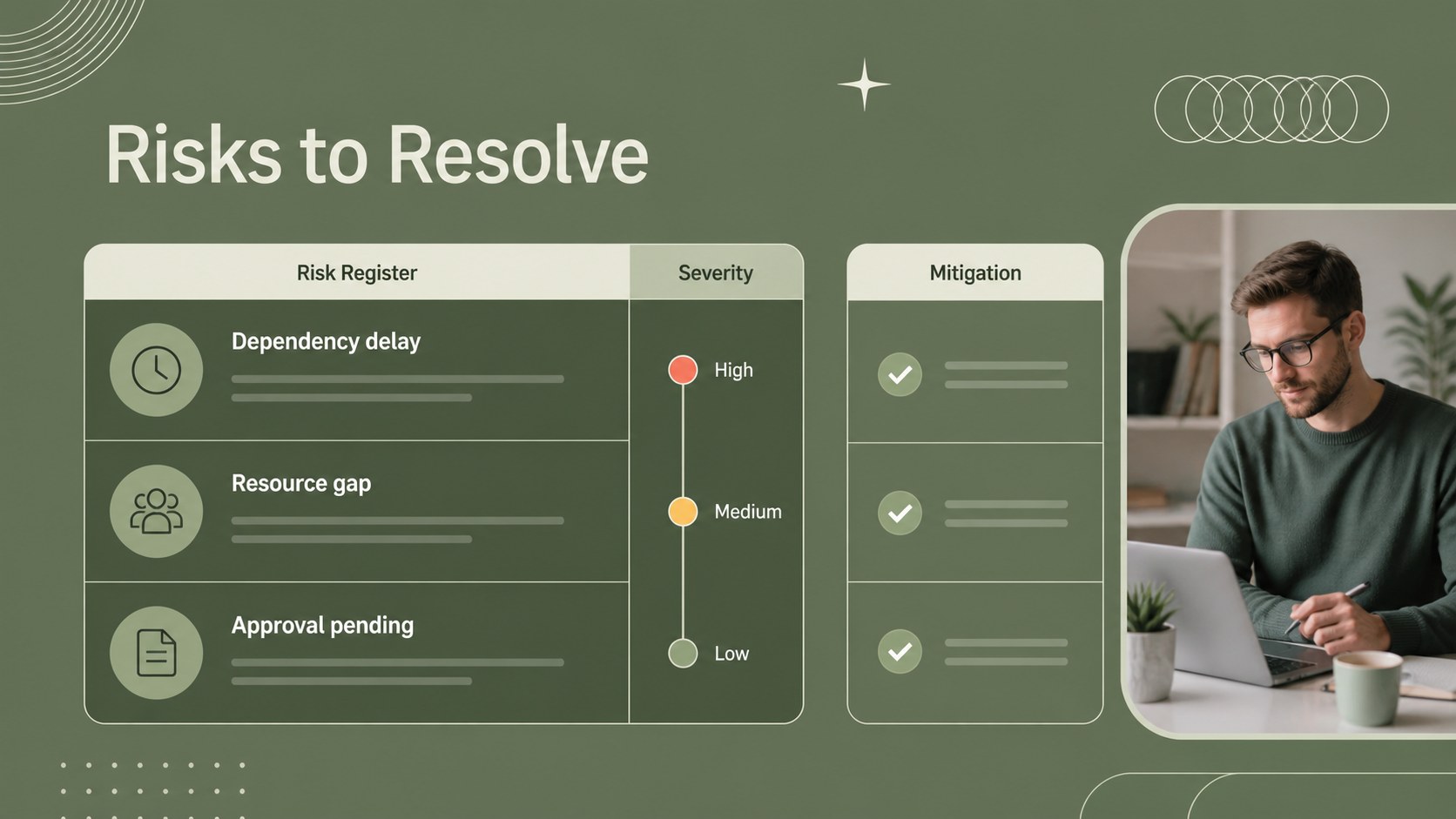
Inside, you will find 20 editable 16:9 layouts for agendas, milestone roadmaps, task ownership, progress updates, timelines, goals, risks, decisions, and closing actions. Reusable charts, frames, lines, and shapes help you turn raw project information into scannable visuals, while animation and transition options support a smooth delivery. The files work with PowerPoint and Google Slides, making it simple to adapt the presentation for remote or in-person meetings.
This project coordination meeting template suits project managers, operations leads, department heads, consultants, and business teams. Apply the layouts to weekly planning meetings, cross-functional project reviews, quarterly execution updates, or client-facing delivery check-ins. Adjust the text, colors, charts, and imagery to match your organization while keeping the calm green editorial style intact.
Perfect for: weekly project review; cross-functional planning meeting; client delivery update; quarterly operations briefing; team action planning.
Frequently asked questions
Can I edit the presentation in PowerPoint? Yes. The presentation is designed for PowerPoint and can be customized with your own text, charts, images, fonts, and colors. You can also rearrange or duplicate layouts to fit the agenda.
Practical details
Yes. The presentation is designed for PowerPoint and can be customized with your own text, charts, images, fonts, and colors. You can also rearrange or duplicate layouts to fit the agenda.
Yes, the deck can be used in Google Slides for browser-based editing and collaboration. Review imported fonts and transitions after uploading, then adjust them where needed.
The layouts support agendas, project milestones, progress metrics, responsibilities, risks, decisions, timelines, and next steps. They can be adapted for recurring team meetings or one-time project briefings.
Yes. Replace the accent colors with your organization’s brand colors while preserving the template’s clean structure. Charts, shapes, backgrounds, and text elements are editable.
Keep exploring
15Build an engaging World UFO Day session with this flying saucer history lesson deck, featuring retro green-and-brown slides for PowerPoint and Google Slides.
 15
15Plan a lively animal-learning journey with this jungle zoo adventure lesson deck, ready to customize in PowerPoint and Google Slides for young learners.
 16
16Turn environmental research into a clear story with a Watercolor Ecology Presentation Theme for PowerPoint and Google Slides in calming green and blue.
 16
16Build focused fashion, literature, and humanities presentations with the Red Triangle Editorial Theme, editable in PowerPoint and Google Slides.
 15
15Turn streaming stats, favorite tracks, and concert highlights into a bold annual listening recap slide deck for PowerPoint and Google Slides.
 15
15Turn highlights, milestones, and favorite moments into a colorful year in review slide deck with bold 3D graphics for PowerPoint and Google Slides.
 3
3Build a credible endorsement with Standout Colleague Recommendation Letter Slides, featuring colorful prompts for skills, achievements, and team impact.
 4
4Build clear beginner sessions with an ice hockey fundamentals training deck for coaches, PE teachers, and clubs, ready for PowerPoint and Google Slides.