
 15
15presentation
Flying Saucer History Lesson Deck
Build an engaging World UFO Day session with this flying saucer history lesson deck, featuring retro green-and-brown slides for PowerPoint and Google Slides.
Google SlidesPowerPoint
presentation · English
Turn everyday work habits into a witty visual story with Productivity Loop Humor Slides, an editable grey and colorful deck for PowerPoint and Google Slides.
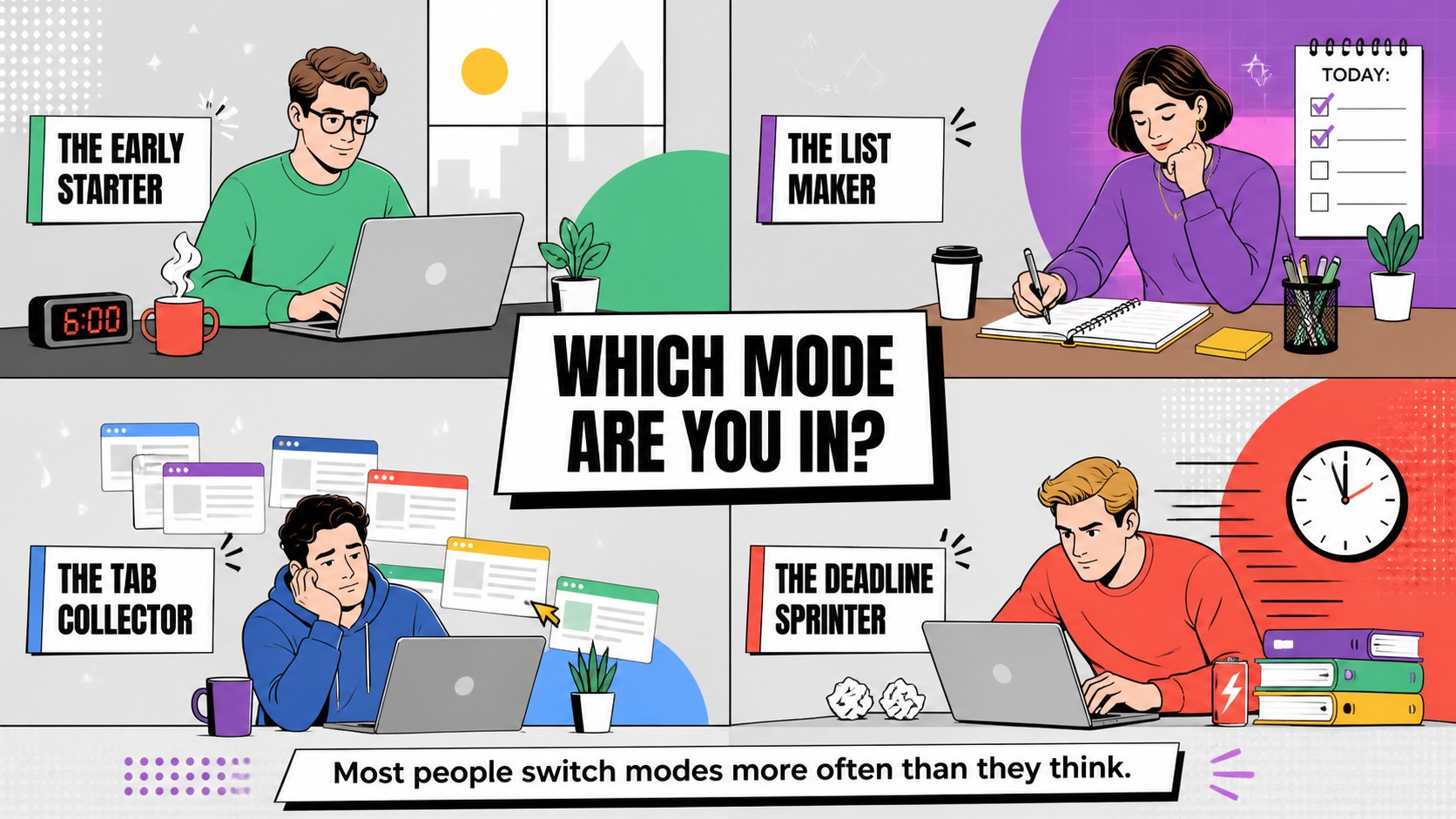
Design notes
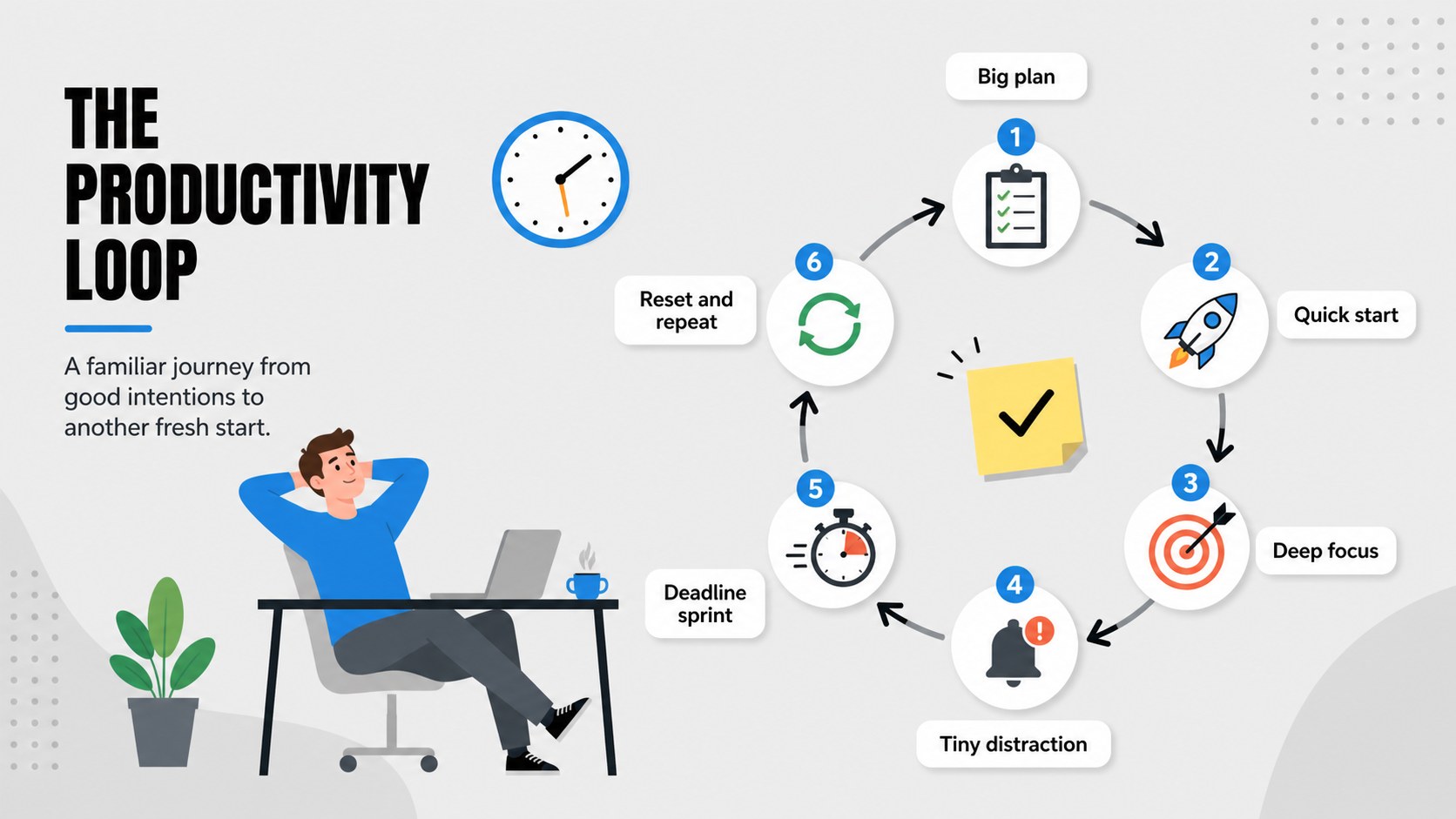
Productivity Loop Humor Slides turns the familiar cycle of planning, focusing, getting distracted, and starting again into a lighthearted visual story. Built around a colorful grey palette and bold illustrated details, the deck helps you discuss everyday work habits without making the topic feel overly serious. Use its funny productivity cycle presentation layouts to open a workshop, energize a classroom discussion, or add a relatable moment to a team meeting.
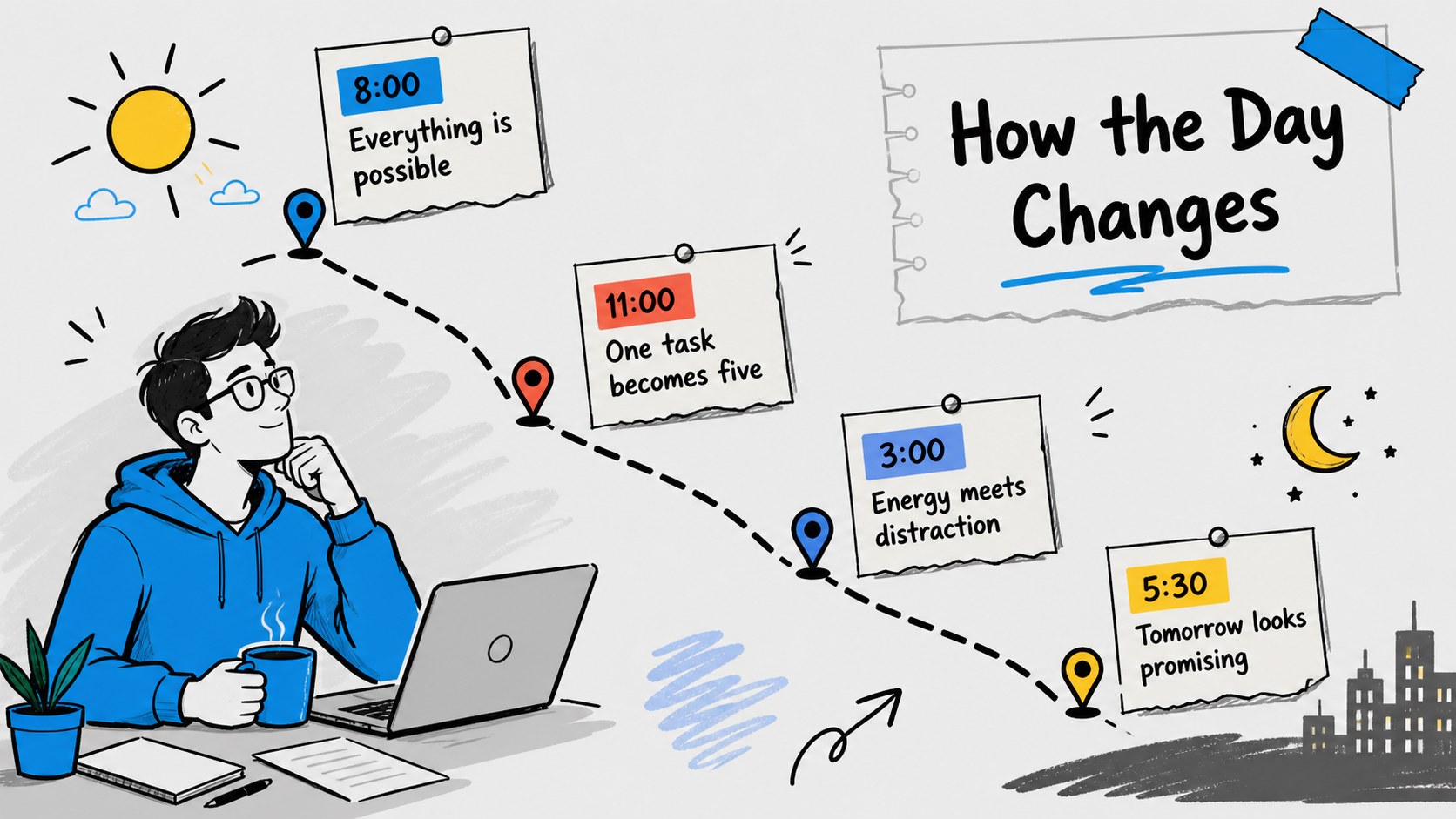
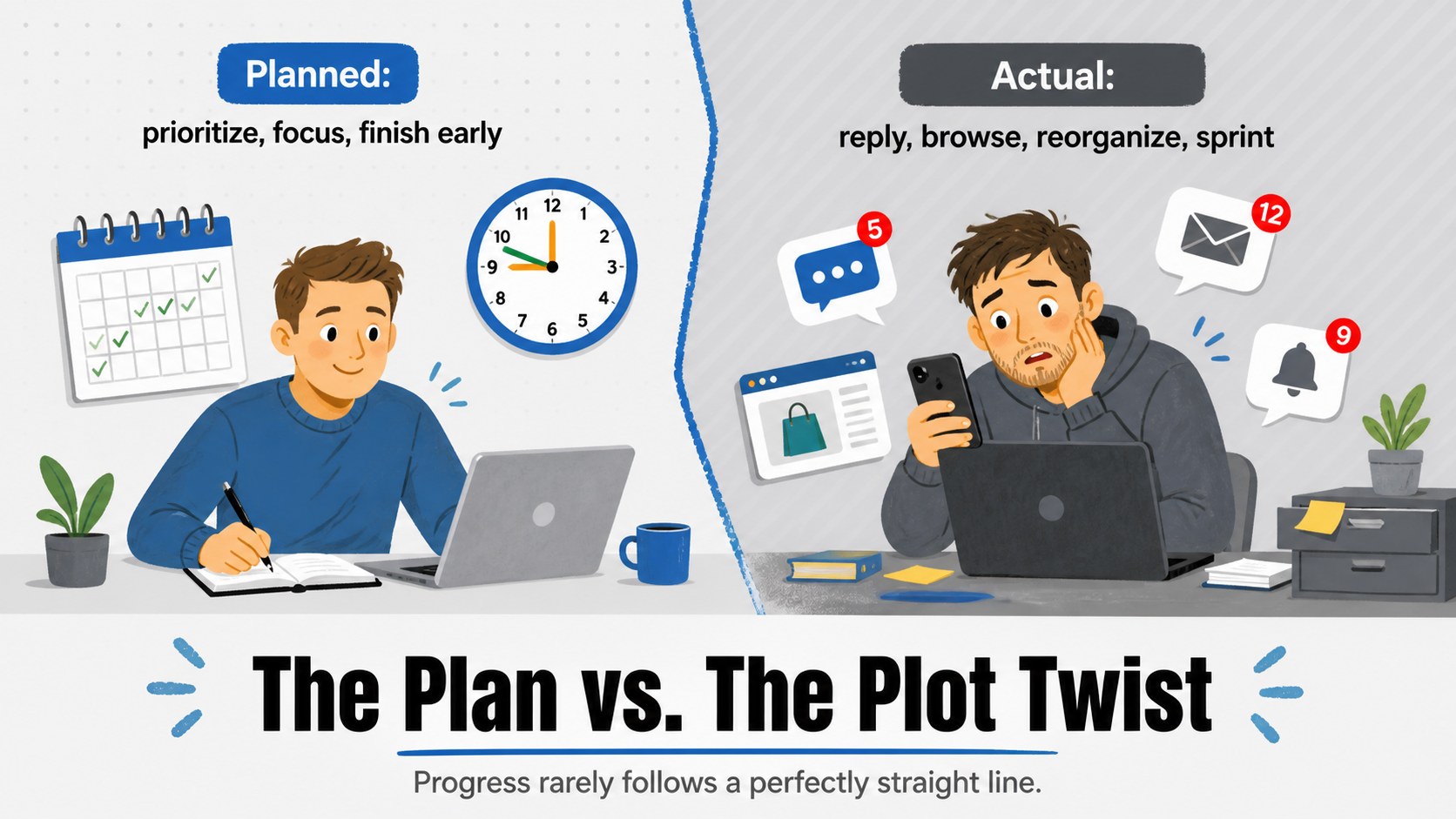
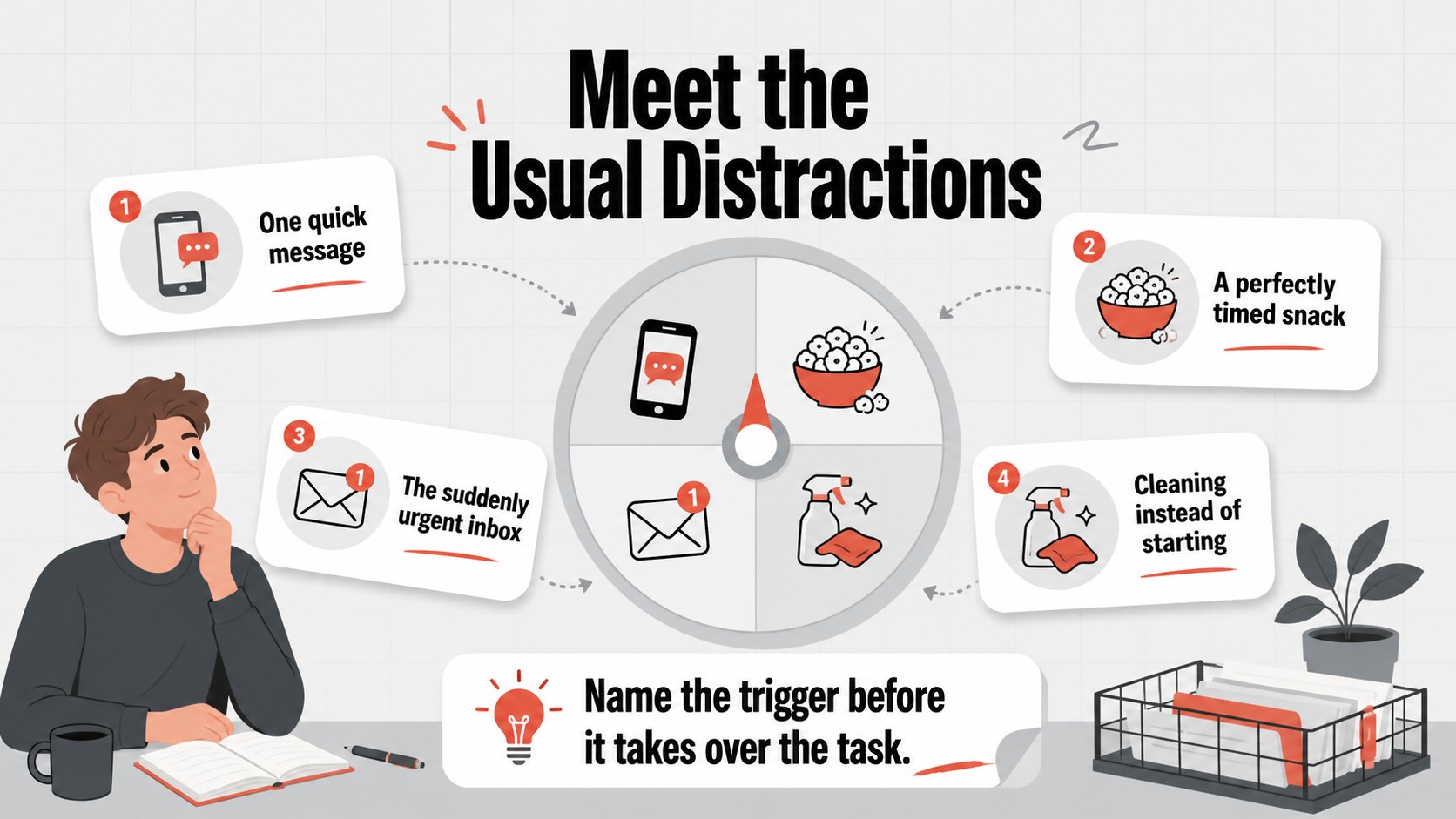
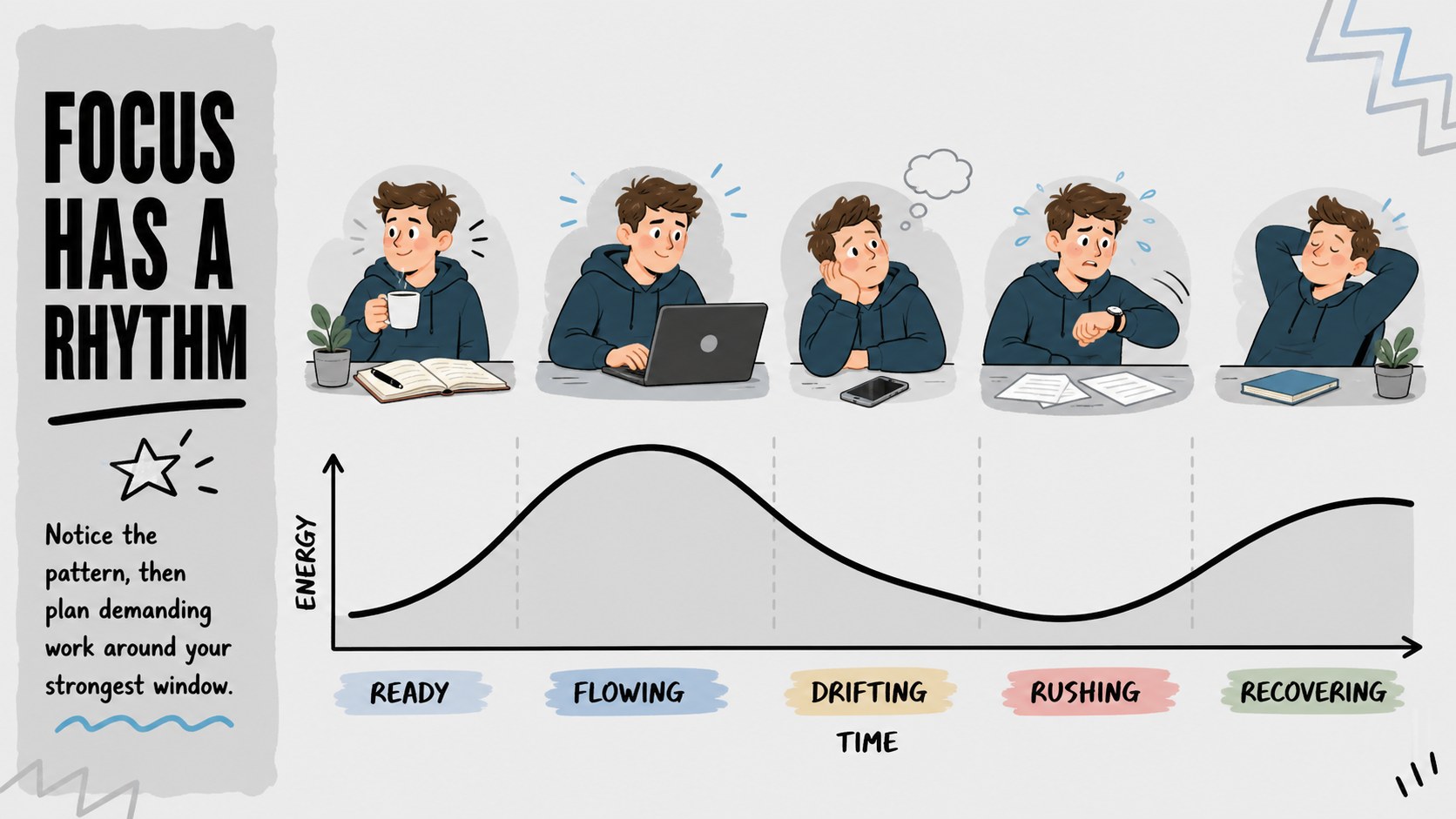
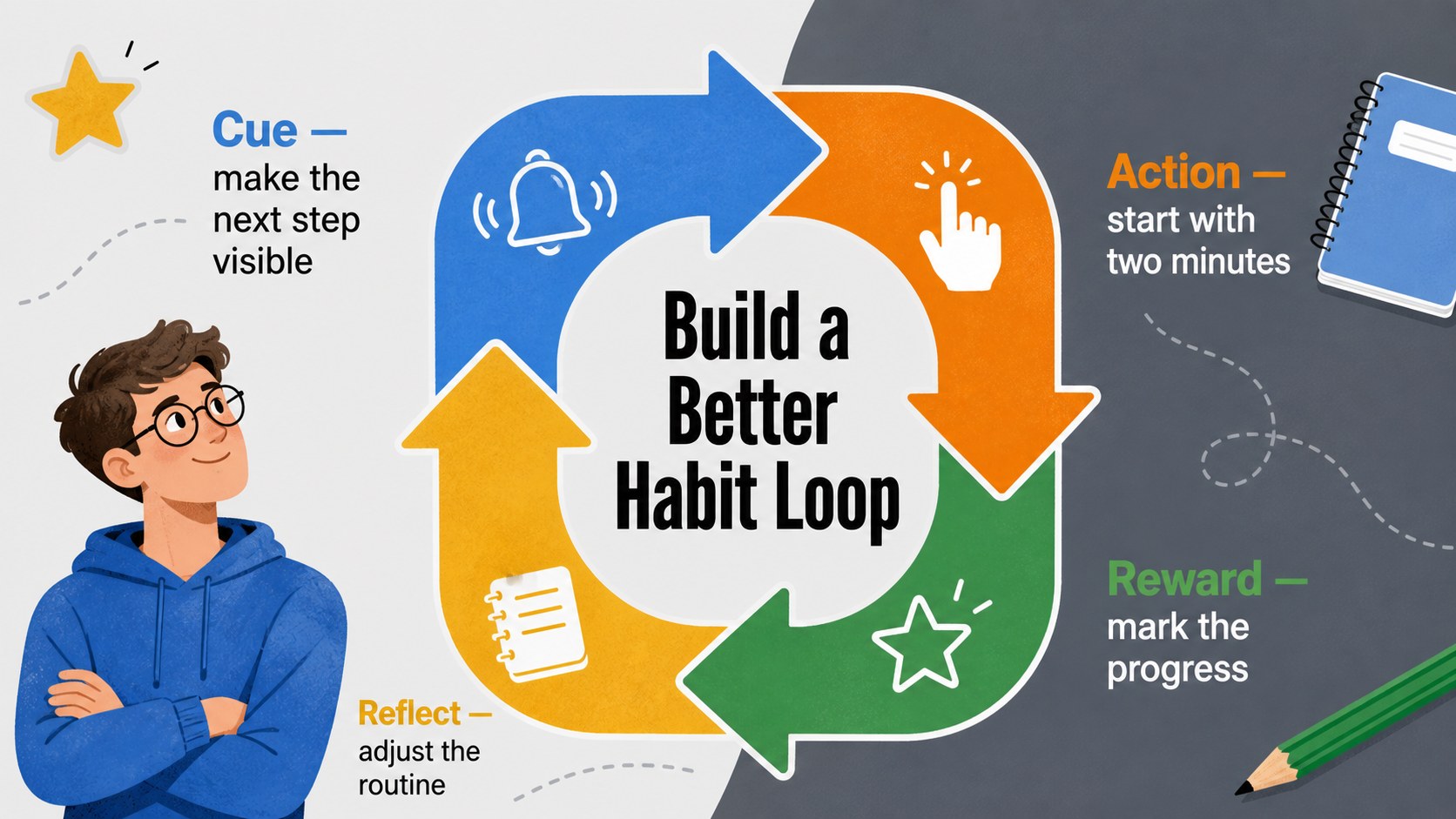
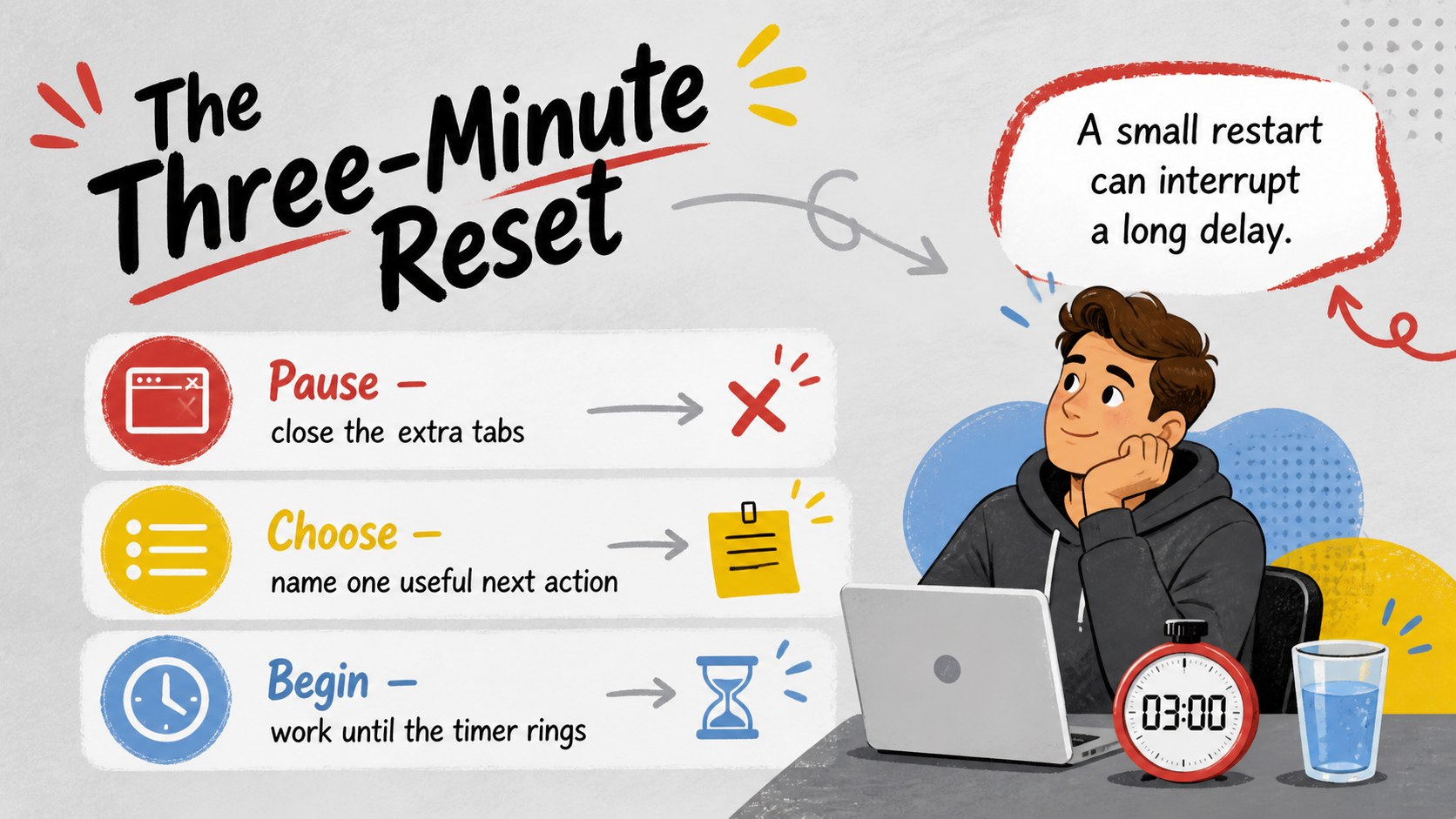
Inside are 15 editable widescreen slides featuring circular processes, loop diagrams, task stages, comparison layouts, timelines, reflection prompts, and humorous workflow scenes. The varied structures let you build an editable productivity loop diagram, explain common procrastination triggers, map energy levels, or show how small resets lead back to useful action. Clear typography and simple visual hierarchy keep each idea readable while playful illustrations provide personality.
The template suits teachers, students, trainers, project teams, remote workers, and speakers covering time management or personal development. Customize the wording, colors, shapes, and diagrams in PowerPoint or Google Slides to match your audience. Whether you need a humorous time management slideshow for a workshop or a relatable productivity stages deck for an informal presentation, the slides offer a flexible framework for turning repeated habits into a clear and engaging conversation.
Perfect for: time management workshop; student study skills lesson; team productivity meeting; remote work training; personal development talk; procrastination discussion.
Frequently asked questions
Can I edit every part of the slides? Yes. You can revise the text, recolor shapes, move illustrations, and adjust each diagram to reflect your own productivity process.
Practical details
Yes. You can revise the text, recolor shapes, move illustrations, and adjust each diagram to reflect your own productivity process.
The template is designed for PowerPoint and Google Slides. Its 16:9 format is ready for modern screens, projectors, and online meetings.
Yes. Replace the casual captions with workplace examples, training prompts, or team-specific situations while keeping the visual loop structure.
Yes. Teachers can use the diagrams for study-skills lessons, reflection exercises, and conversations about distraction, motivation, and sustainable routines.
Keep exploring
15Build an engaging World UFO Day session with this flying saucer history lesson deck, featuring retro green-and-brown slides for PowerPoint and Google Slides.
 15
15Plan a lively animal-learning journey with this jungle zoo adventure lesson deck, ready to customize in PowerPoint and Google Slides for young learners.
 16
16Turn environmental research into a clear story with a Watercolor Ecology Presentation Theme for PowerPoint and Google Slides in calming green and blue.
 16
16Build focused fashion, literature, and humanities presentations with the Red Triangle Editorial Theme, editable in PowerPoint and Google Slides.
 15
15Turn streaming stats, favorite tracks, and concert highlights into a bold annual listening recap slide deck for PowerPoint and Google Slides.
 15
15Turn highlights, milestones, and favorite moments into a colorful year in review slide deck with bold 3D graphics for PowerPoint and Google Slides.
 3
3Build a credible endorsement with Standout Colleague Recommendation Letter Slides, featuring colorful prompts for skills, achievements, and team impact.
 4
4Build clear beginner sessions with an ice hockey fundamentals training deck for coaches, PE teachers, and clubs, ready for PowerPoint and Google Slides.