
 15
15presentation
Flying Saucer History Lesson Deck
Build an engaging World UFO Day session with this flying saucer history lesson deck, featuring retro green-and-brown slides for PowerPoint and Google Slides.
Google SlidesPowerPoint
presentation · English
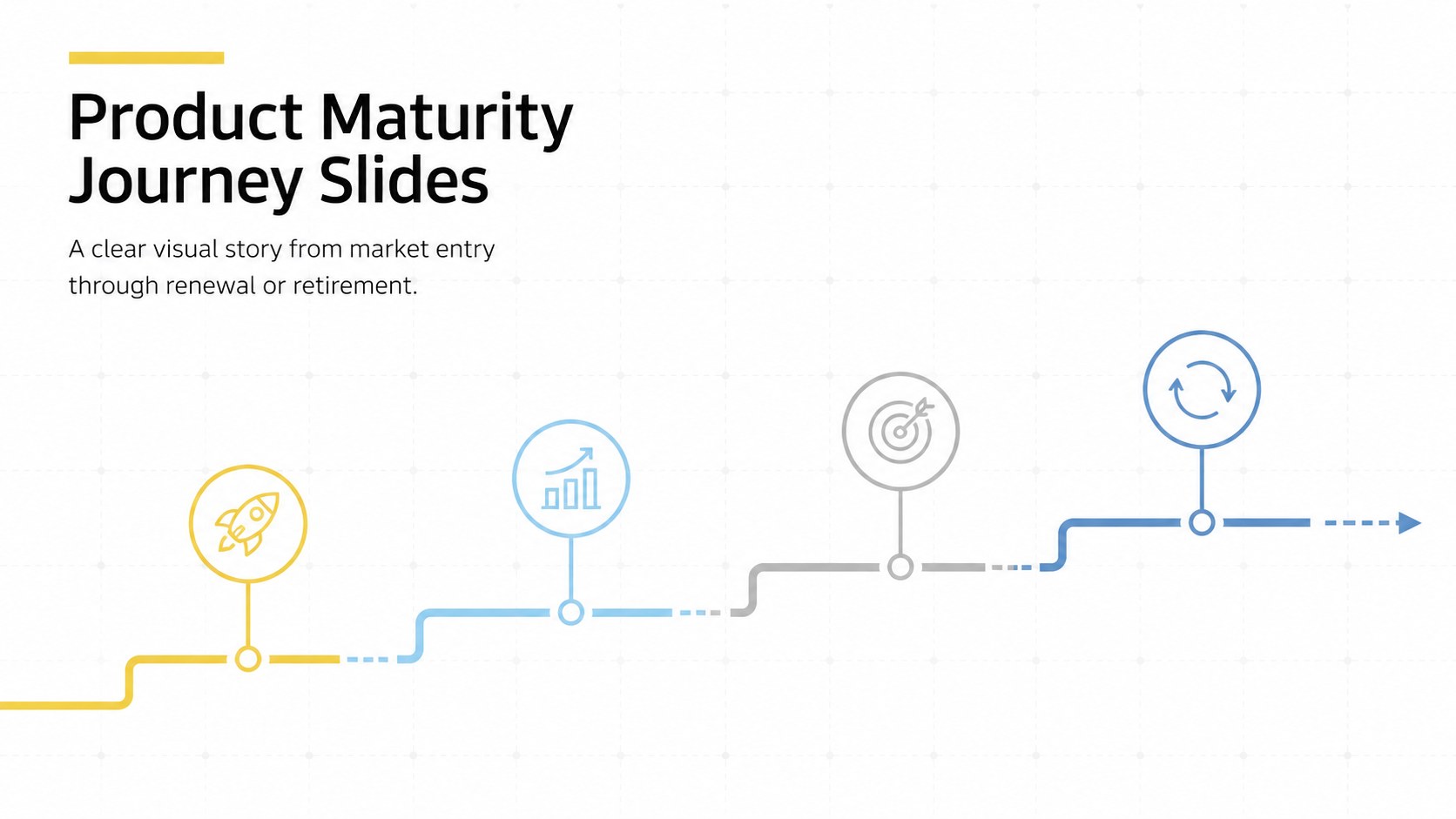
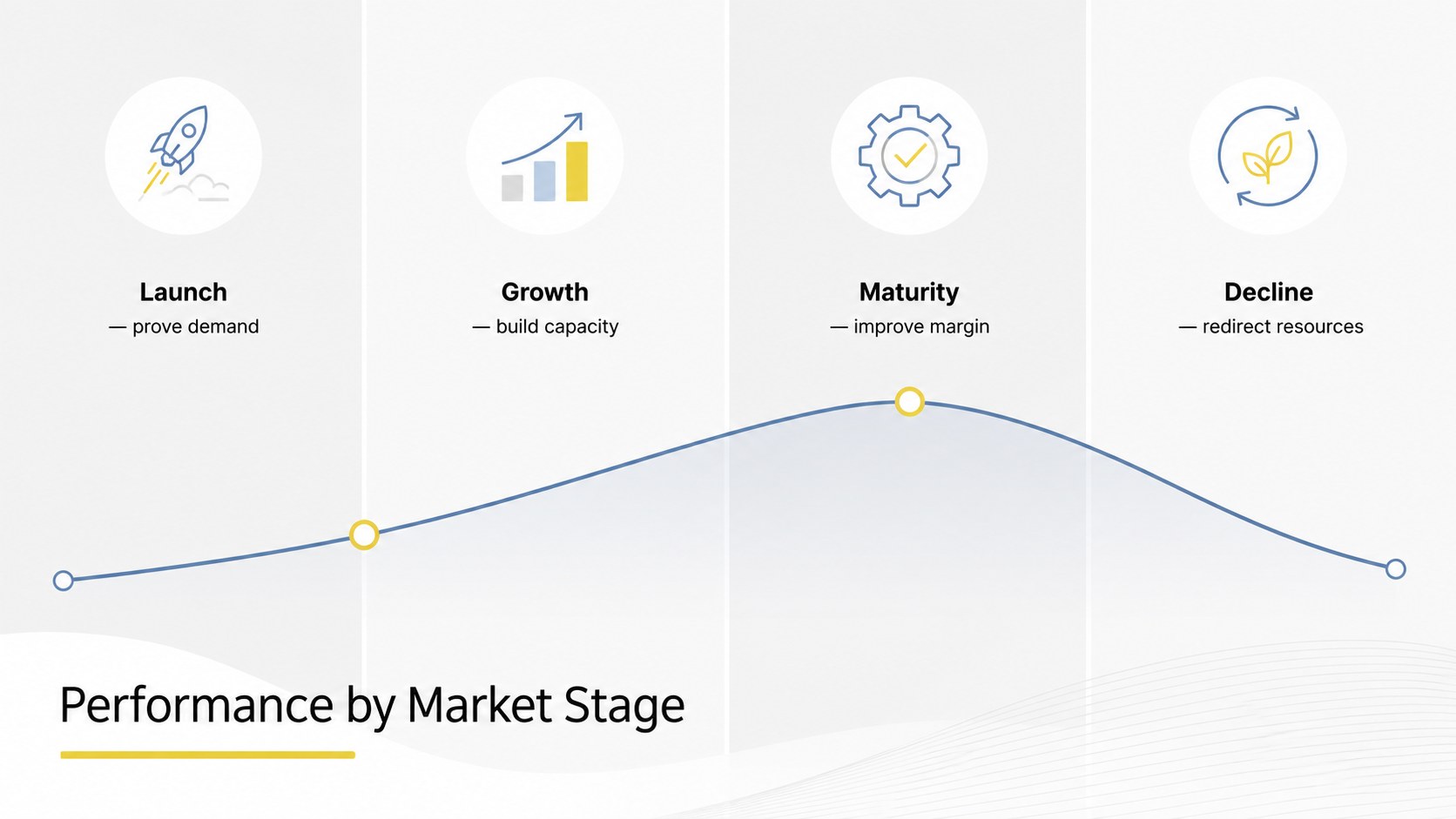
Map launch, growth, maturity, and decline with Product Maturity Journey Slides, a clean white infographic set for PowerPoint and Google Slides.
Design notes
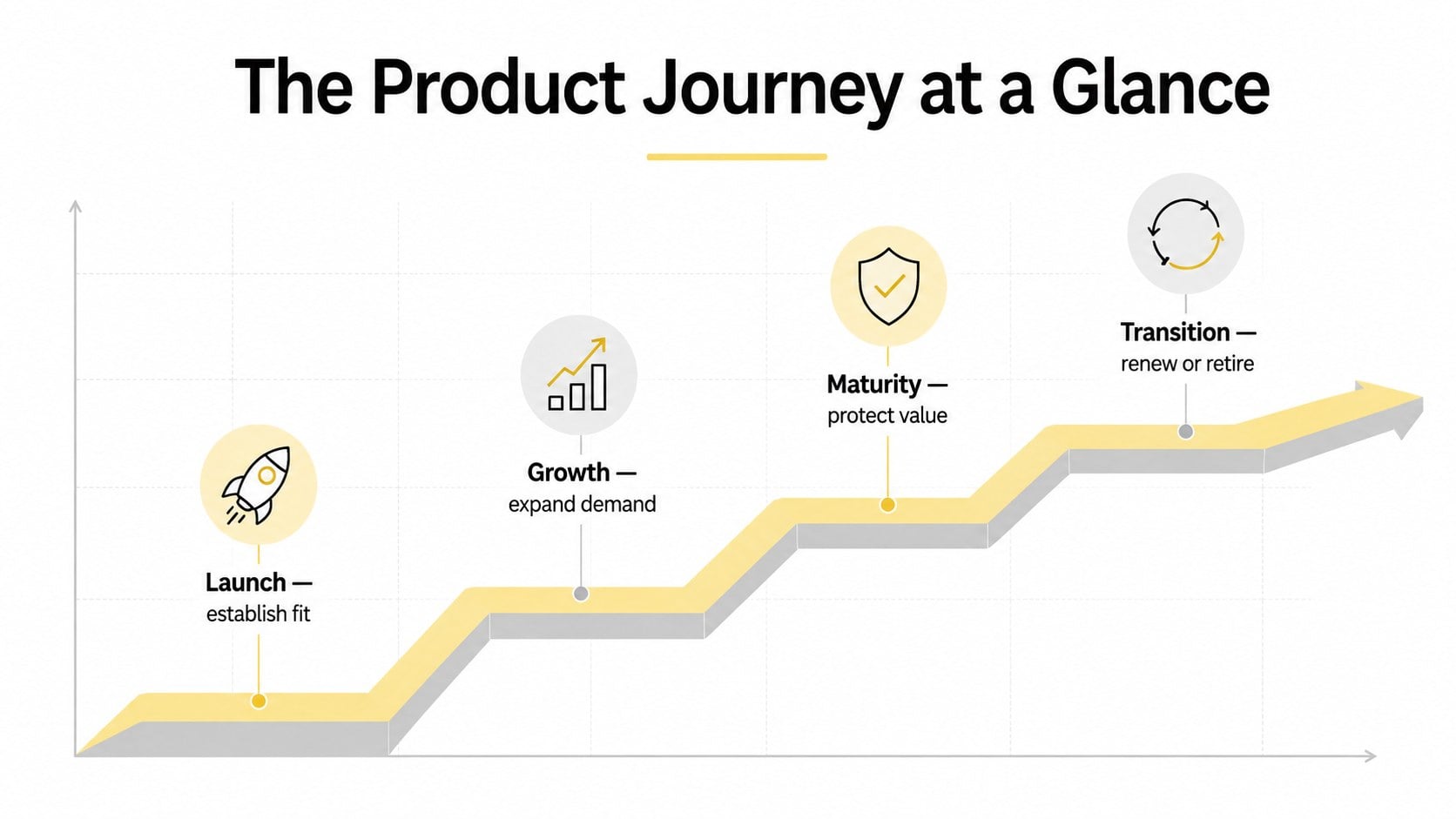
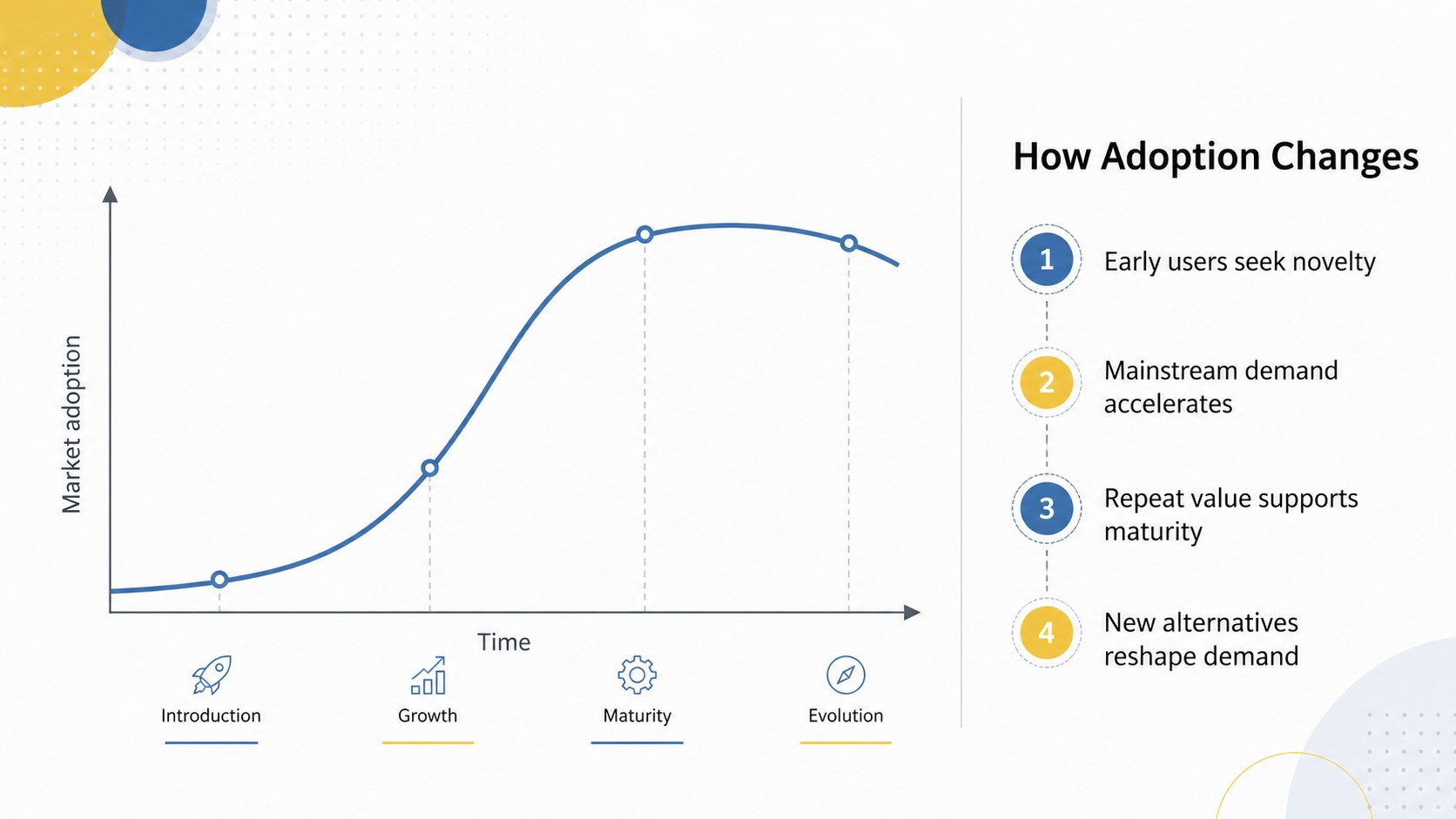
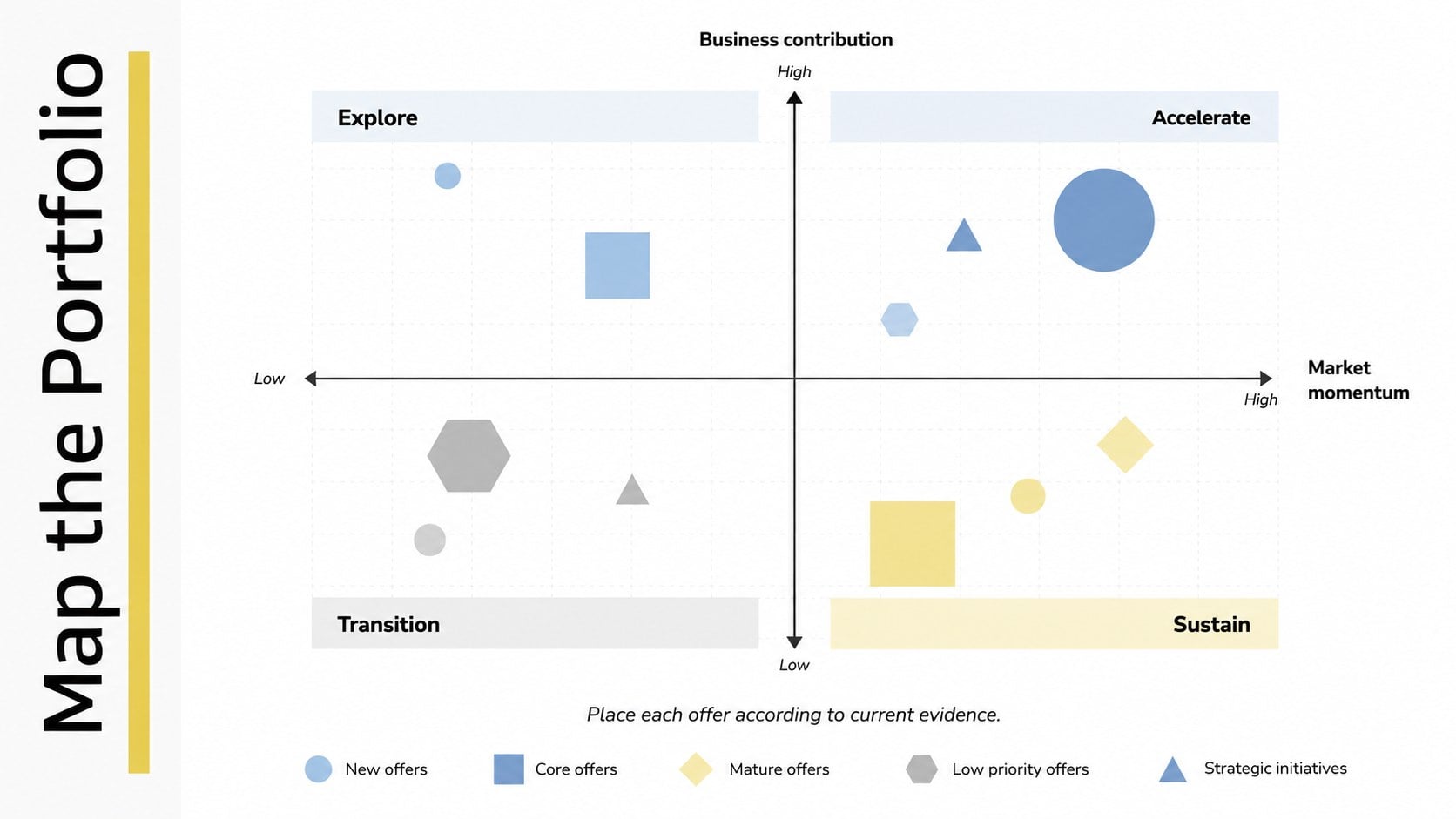
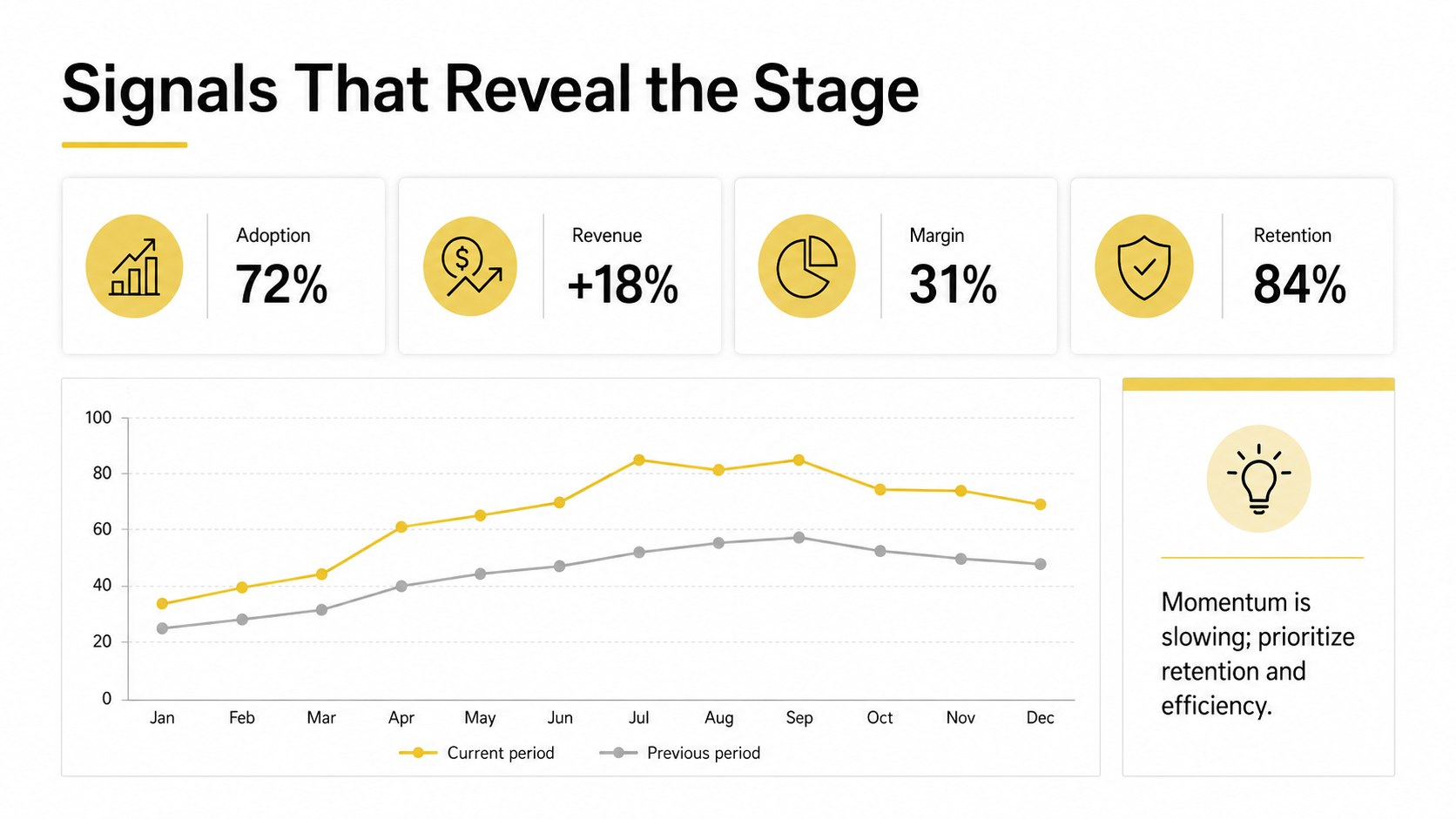
Product Maturity Journey Slides help teams explain how an offering changes from initial development to market exit. The restrained white canvas, precise geometric shapes, and structured visual hierarchy keep attention on decisions, metrics, and movement between phases. Use the layouts to create a launch growth maturity decline diagram, compare adoption patterns, or communicate the current health of a product portfolio.
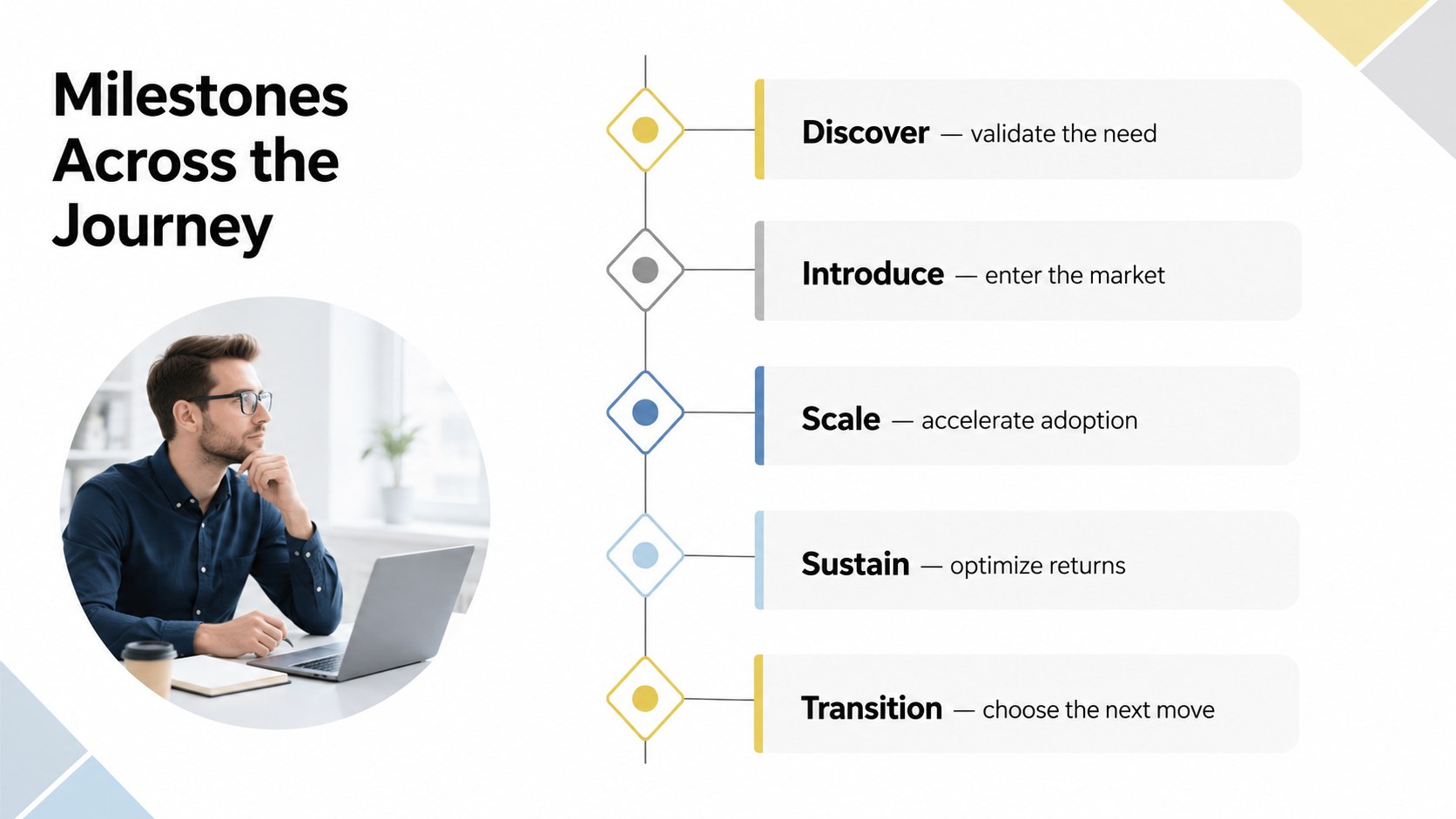
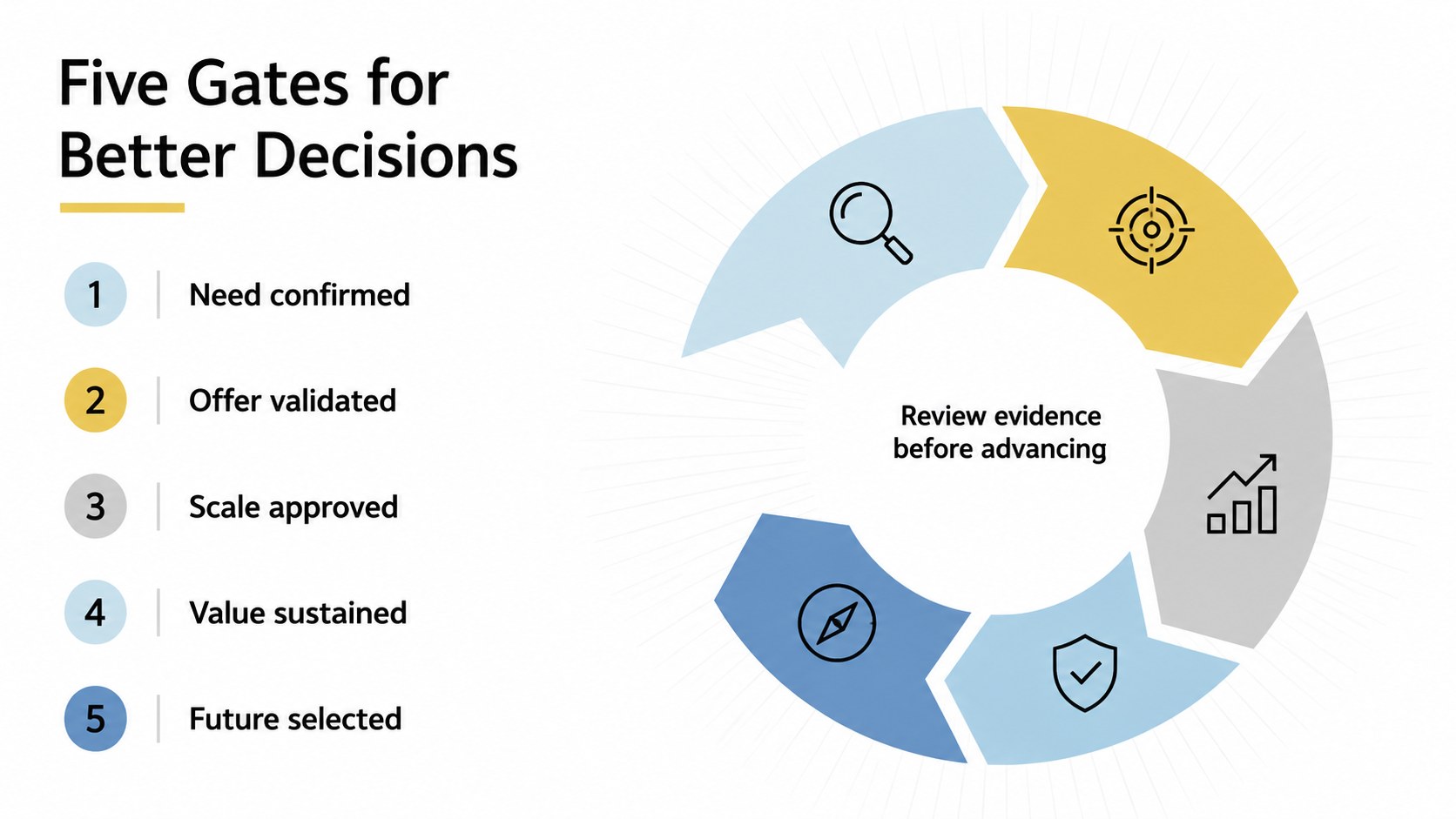
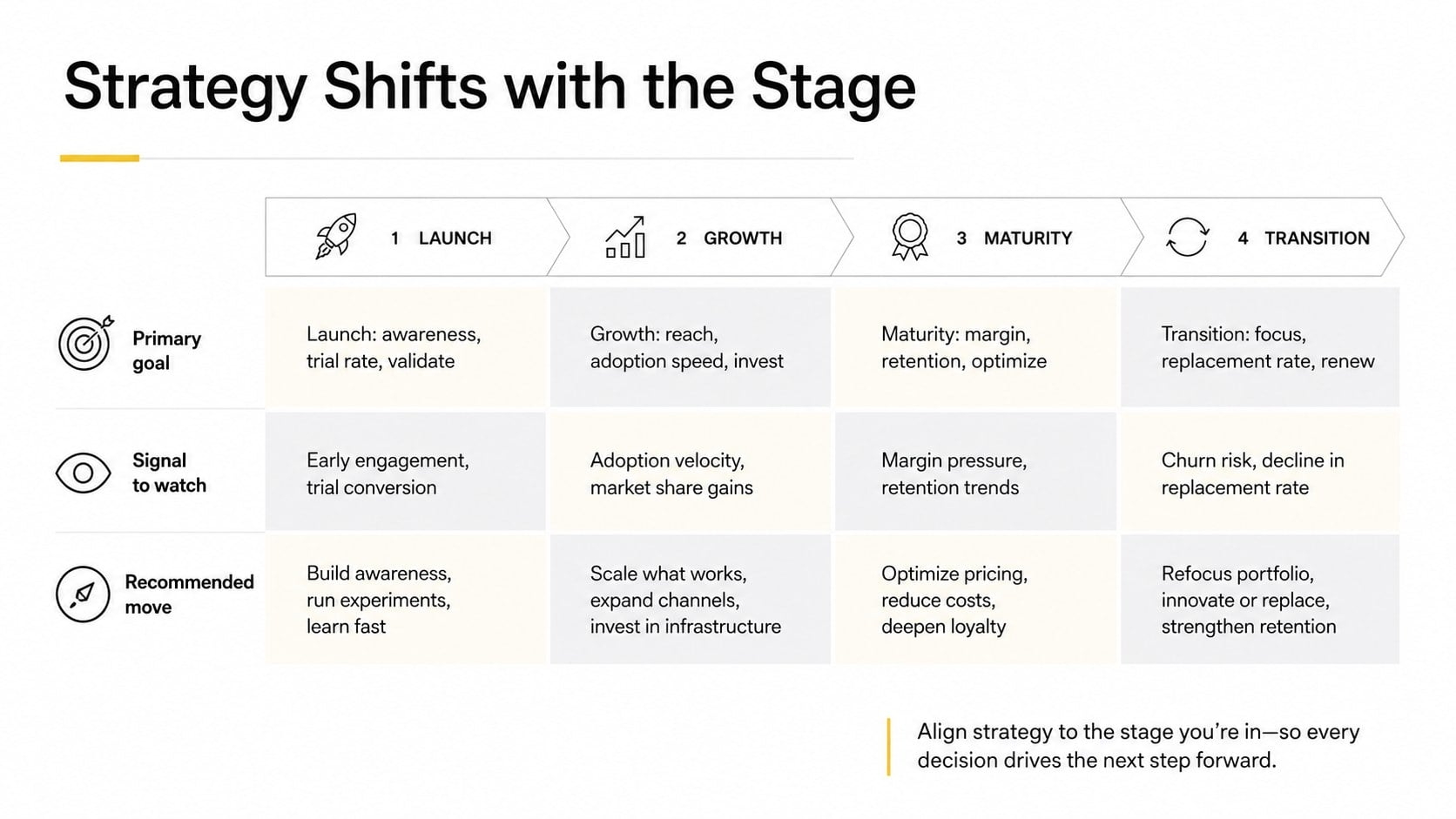
The collection includes 14 editable widescreen layouts for stage overviews, timelines, circular processes, comparison charts, milestone paths, adoption curves, performance indicators, phase gates, and strategic recommendations. Each slide can be adapted with your own labels, figures, colors, and priorities in PowerPoint or Google Slides. Coordinated typography and modular diagram elements make it easy to build a consistent product adoption curve presentation without designing every visual from scratch.
Product managers can use the deck for quarterly portfolio reviews, while marketers can connect campaign priorities to changing levels of demand. Founders, consultants, analysts, and strategy teams can also apply it to investment discussions, roadmap workshops, market assessments, and product sunset planning deck sessions. Whether you are introducing a new offer, defending investment in a mature line, or preparing a controlled withdrawal, the template presents the full journey in a concise and professional format.
Perfect for: quarterly product portfolio review; new offering launch workshop; market maturity assessment; product investment decision; end-of-life planning session.
Frequently asked questions
Can I edit every diagram and label? Yes. The text, shapes, stage labels, colors, and data points are editable, so you can align each visual with your own product model and reporting needs.
Practical details
Yes. The text, shapes, stage labels, colors, and data points are editable, so you can align each visual with your own product model and reporting needs.
The template is designed for PowerPoint and Google Slides. Both formats support the widescreen layouts and allow teams to update the content collaboratively.
Yes. Duplicate, remove, or rearrange diagram segments to match a three-stage, five-stage, or custom phase-gate framework. Keep labels concise to preserve the clean visual hierarchy.
Replace accent colors with your approved palette and apply your preferred fonts to the master styles. You can also add internal product icons or approved photography without changing the core infographic structure.
Keep exploring
15Build an engaging World UFO Day session with this flying saucer history lesson deck, featuring retro green-and-brown slides for PowerPoint and Google Slides.
 15
15Plan a lively animal-learning journey with this jungle zoo adventure lesson deck, ready to customize in PowerPoint and Google Slides for young learners.
 16
16Turn environmental research into a clear story with a Watercolor Ecology Presentation Theme for PowerPoint and Google Slides in calming green and blue.
 16
16Build focused fashion, literature, and humanities presentations with the Red Triangle Editorial Theme, editable in PowerPoint and Google Slides.
 15
15Turn streaming stats, favorite tracks, and concert highlights into a bold annual listening recap slide deck for PowerPoint and Google Slides.
 15
15Turn highlights, milestones, and favorite moments into a colorful year in review slide deck with bold 3D graphics for PowerPoint and Google Slides.
 3
3Build a credible endorsement with Standout Colleague Recommendation Letter Slides, featuring colorful prompts for skills, achievements, and team impact.
 4
4Build clear beginner sessions with an ice hockey fundamentals training deck for coaches, PE teachers, and clubs, ready for PowerPoint and Google Slides.