
 15
15presentation
Flying Saucer History Lesson Deck
Build an engaging World UFO Day session with this flying saucer history lesson deck, featuring retro green-and-brown slides for PowerPoint and Google Slides.
Google SlidesPowerPoint
presentation · English
Build a sharper rollout with this product launch planning deck, featuring editable pink and purple geometric slides for PowerPoint and Google Slides.



Design notes
Bring structure and visual energy to your next rollout with this product launch planning deck for PowerPoint and Google Slides. Its modern pink and purple palette, crisp typography, and playful geometric accents help teams communicate ambitious ideas without losing sight of practical details. Every layout is editable, making it easy to adapt the presentation to a new product, service, feature, or campaign.
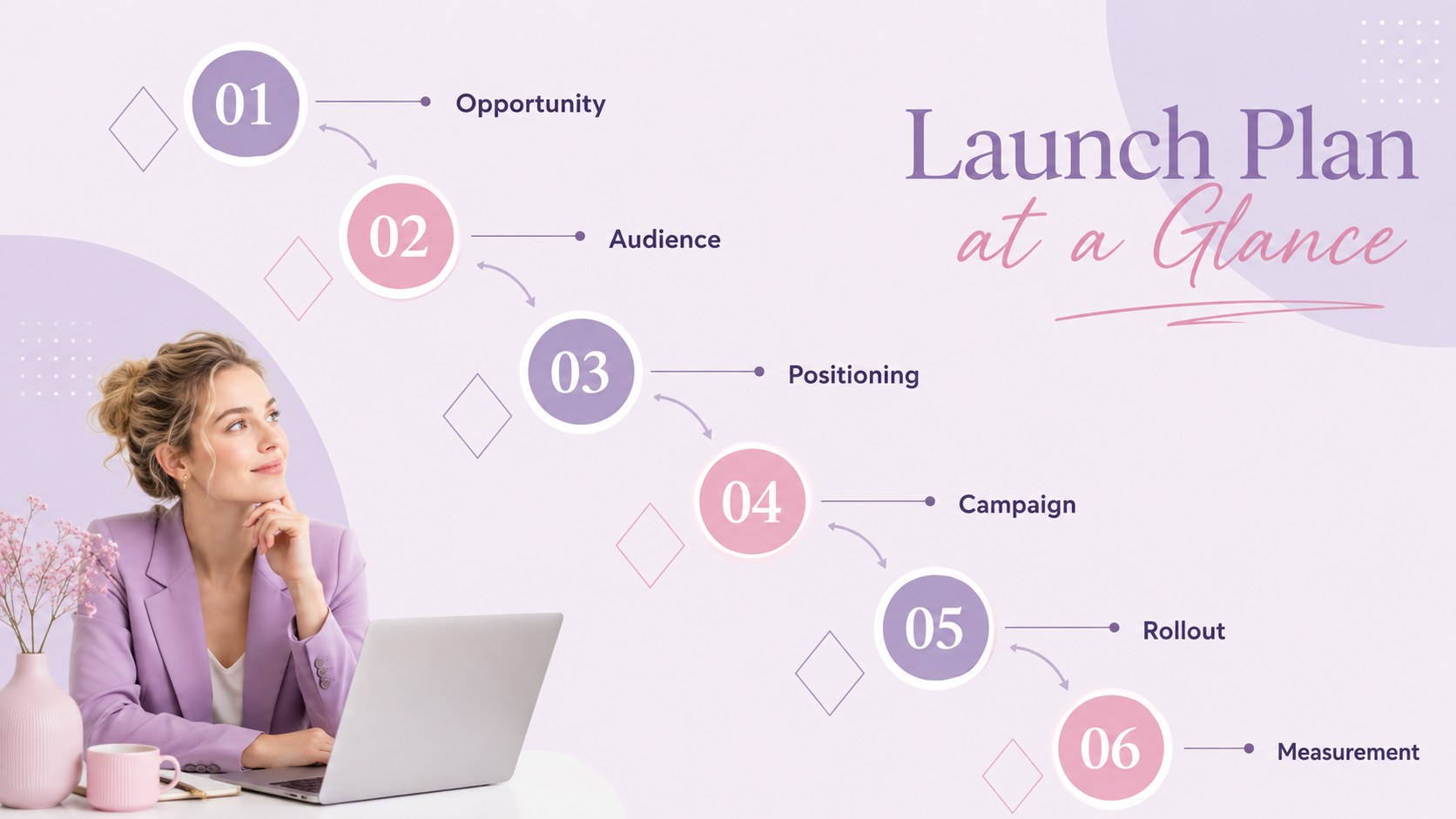
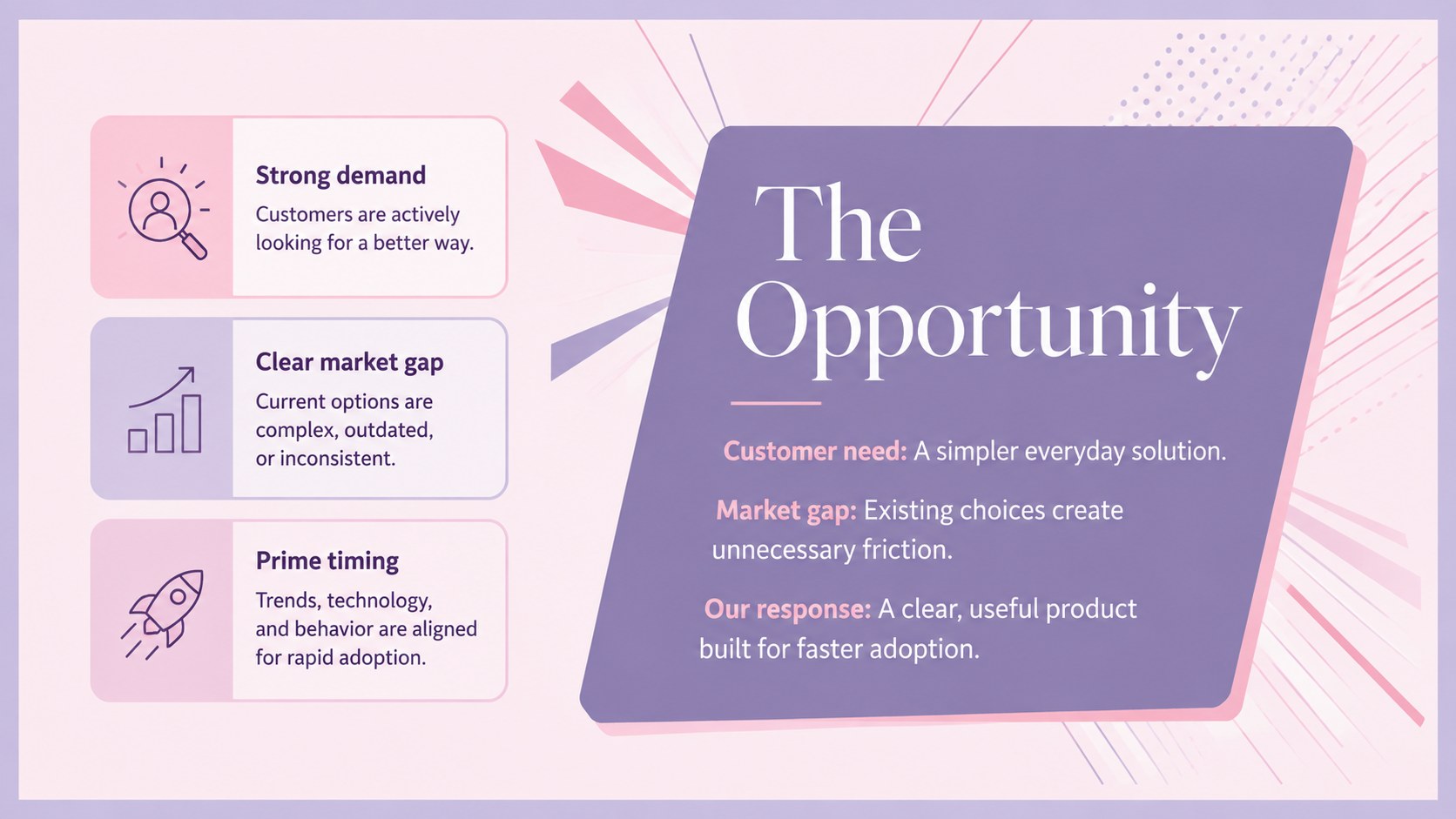
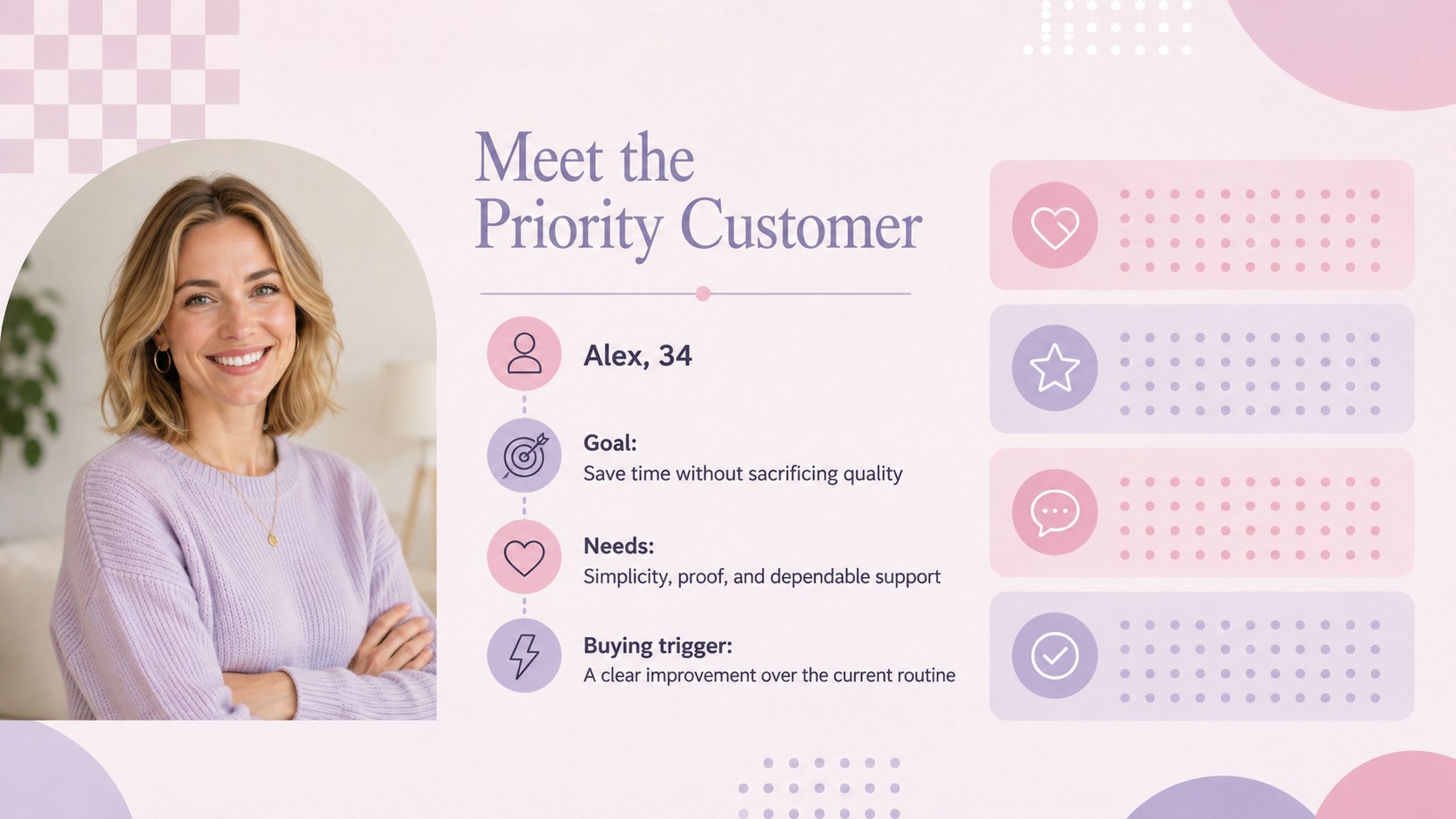
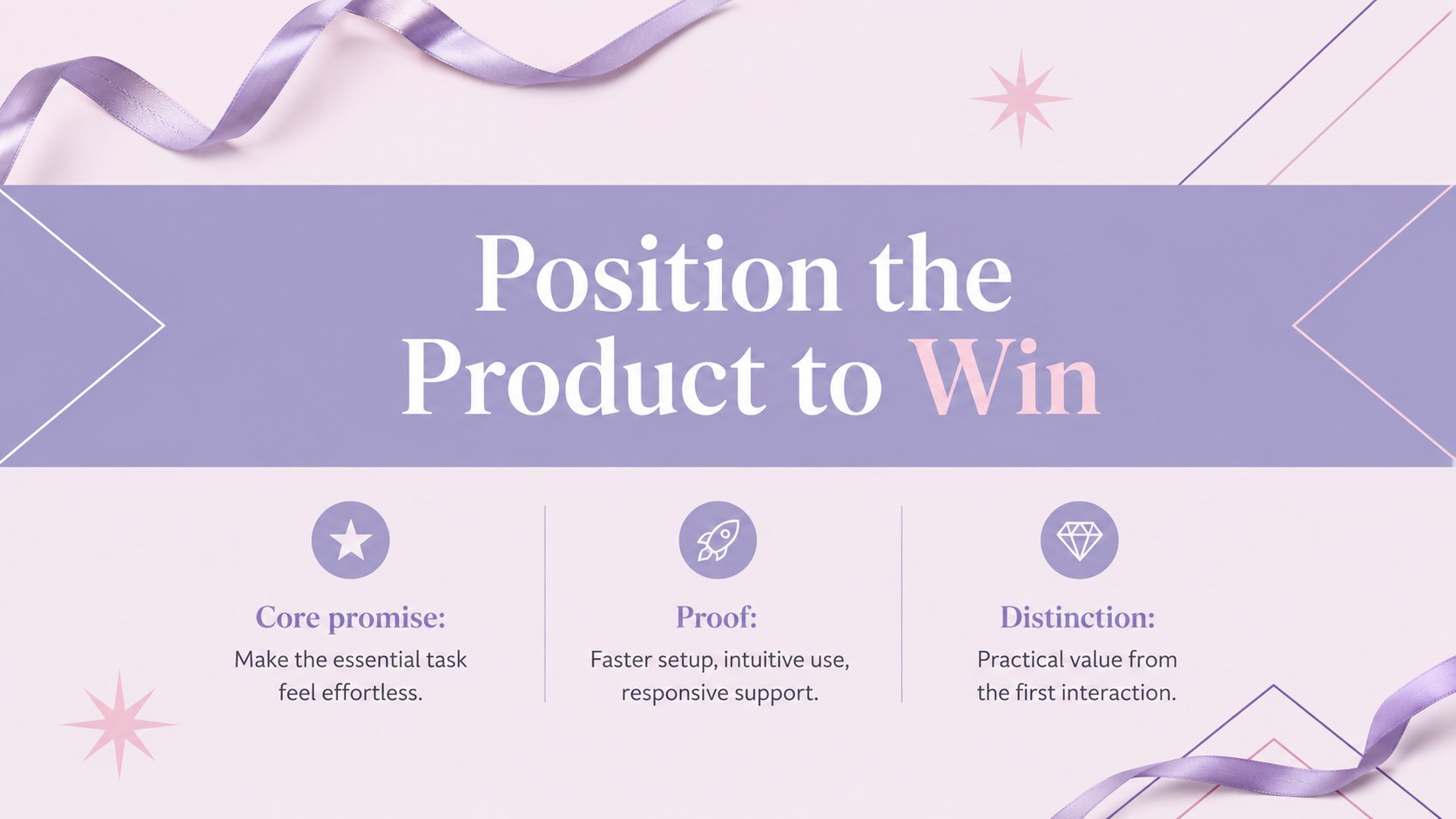
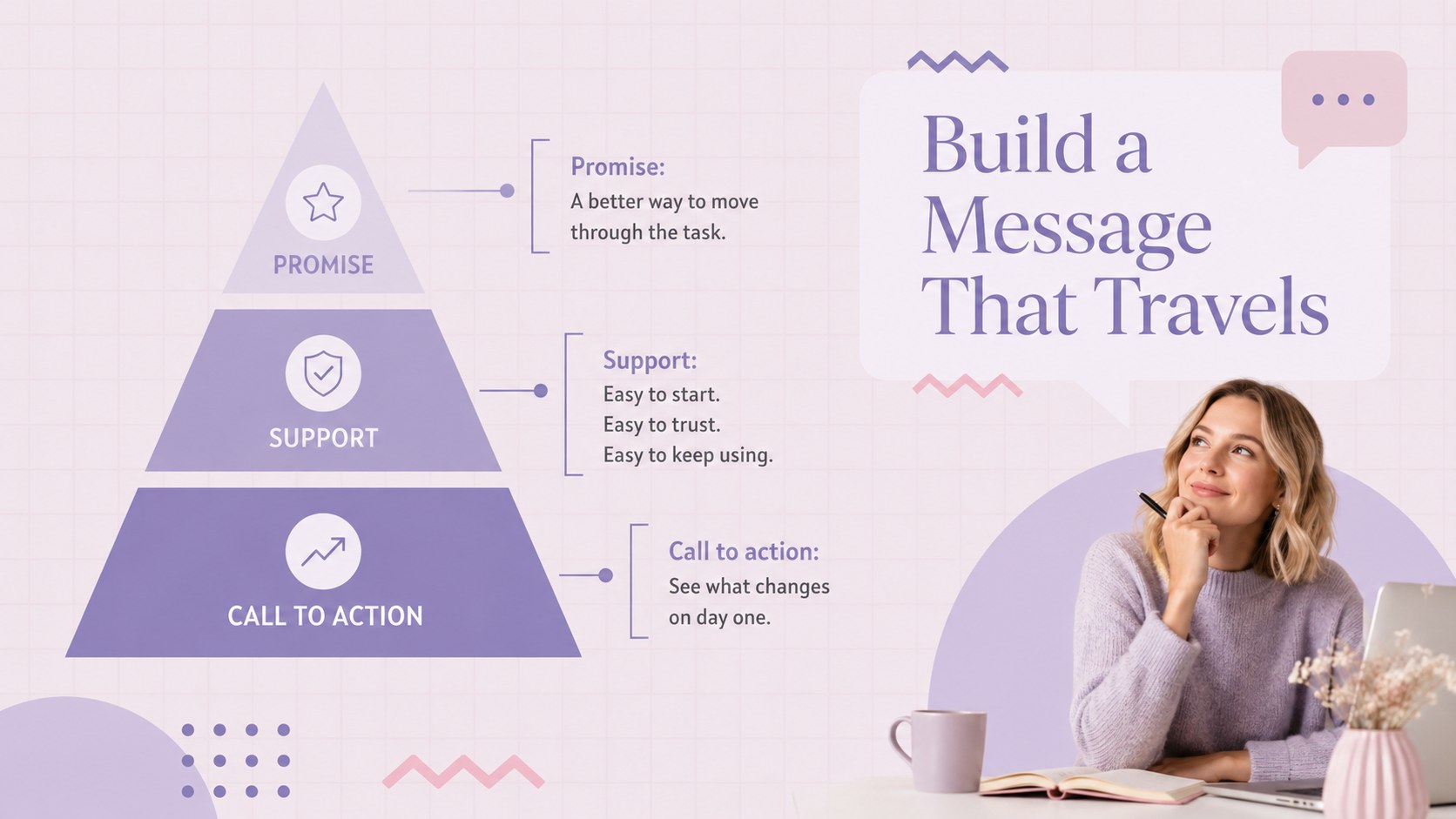
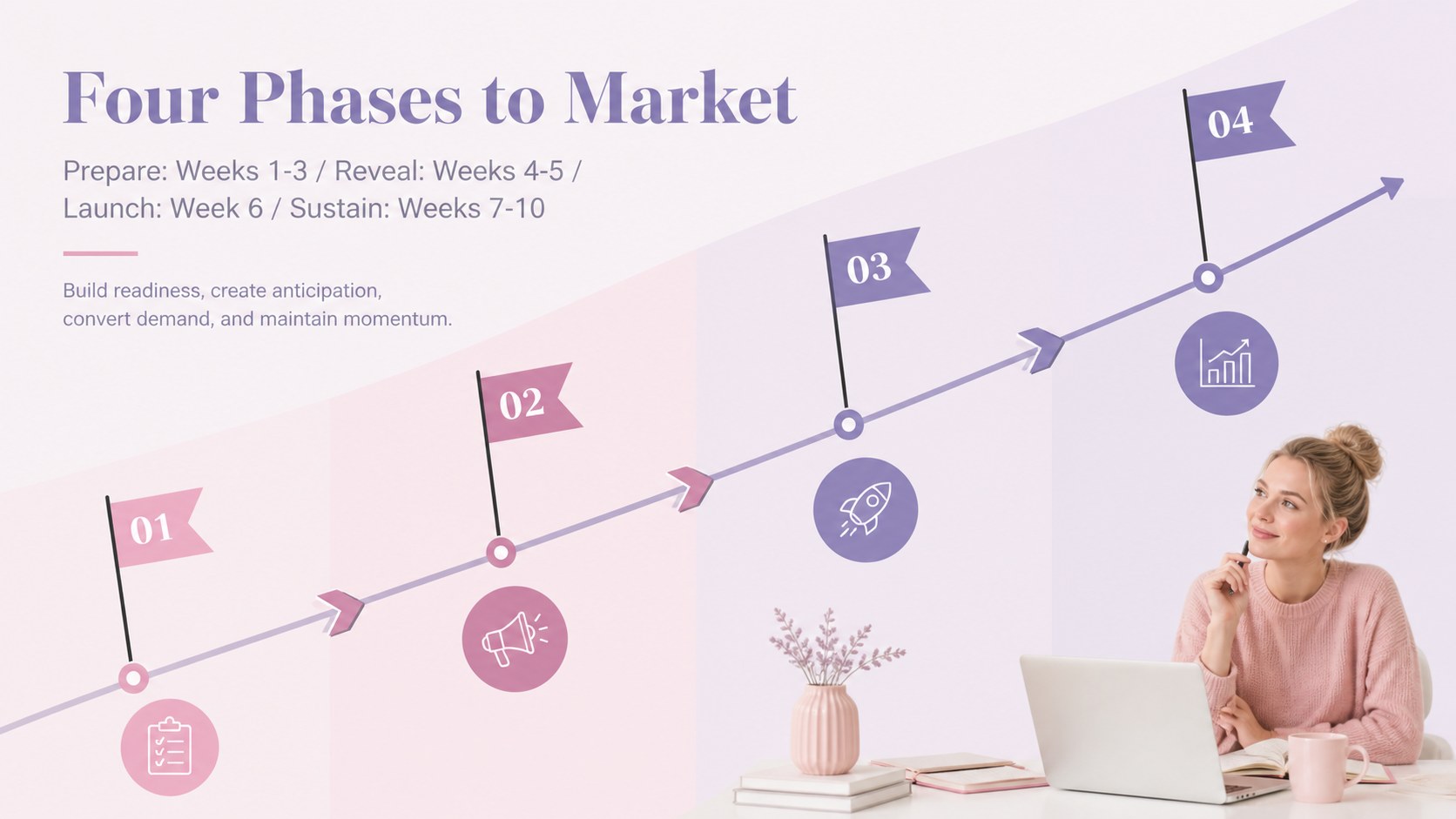
The deck covers the essential stages of a launch, including opportunity framing, audience profiles, positioning, goals, key messages, channel strategy, campaign phases, milestones, ownership, performance indicators, and next steps. Use it as a product launch roadmap presentation for cross-functional planning or reshape it into a go-to-market timeline slide deck for stakeholder reviews. Charts, comparison layouts, timelines, and structured content pages keep information clear while maintaining a lively, polished appearance.
Designed for product marketers, startup founders, brand teams, campaign managers, and agency strategists, this template works equally well for internal workshops, executive briefings, and client presentations. It can also support a new product rollout strategy when sales, marketing, product, and customer success teams need one shared plan. Replace the sample wording, adjust colors and type, add your own charts or photography, and present directly in PowerPoint or Google Slides. The widescreen 16:9 format is ready for virtual meetings, conference rooms, and exported PDF handouts.
Perfect for: cross-functional launch workshop; startup product release briefing; executive rollout review; client campaign proposal; sales enablement meeting.
Frequently asked questions
Can I edit this deck in PowerPoint and Google Slides? Yes. The layouts, text, colors, and shapes can be edited in both PowerPoint and Google Slides. Some font spacing or transitions may vary slightly between platforms.
Practical details
Yes. The layouts, text, colors, and shapes can be edited in both PowerPoint and Google Slides. Some font spacing or transitions may vary slightly between platforms.
Replace the sample copy with your launch goals, audience insights, messaging, dates, owners, and metrics. You can also apply brand colors, switch fonts, and insert product screenshots or campaign imagery.
Yes. It includes slides for objectives, customer profiles, positioning, campaign channels, rollout phases, milestones, responsibilities, and performance indicators. The layouts can be duplicated or reordered to match your process.
Yes. The 16:9 widescreen format is designed for screen sharing as well as conference-room displays. You can also export the completed deck as a PDF for distribution.
Keep exploring
15Build an engaging World UFO Day session with this flying saucer history lesson deck, featuring retro green-and-brown slides for PowerPoint and Google Slides.
 15
15Plan a lively animal-learning journey with this jungle zoo adventure lesson deck, ready to customize in PowerPoint and Google Slides for young learners.
 16
16Turn environmental research into a clear story with a Watercolor Ecology Presentation Theme for PowerPoint and Google Slides in calming green and blue.
 16
16Build focused fashion, literature, and humanities presentations with the Red Triangle Editorial Theme, editable in PowerPoint and Google Slides.
 15
15Turn streaming stats, favorite tracks, and concert highlights into a bold annual listening recap slide deck for PowerPoint and Google Slides.
 15
15Turn highlights, milestones, and favorite moments into a colorful year in review slide deck with bold 3D graphics for PowerPoint and Google Slides.
 3
3Build a credible endorsement with Standout Colleague Recommendation Letter Slides, featuring colorful prompts for skills, achievements, and team impact.
 4
4Build clear beginner sessions with an ice hockey fundamentals training deck for coaches, PE teachers, and clubs, ready for PowerPoint and Google Slides.