
 15
15presentation
Flying Saucer History Lesson Deck
Build an engaging World UFO Day session with this flying saucer history lesson deck, featuring retro green-and-brown slides for PowerPoint and Google Slides.
Google SlidesPowerPoint
presentation · English
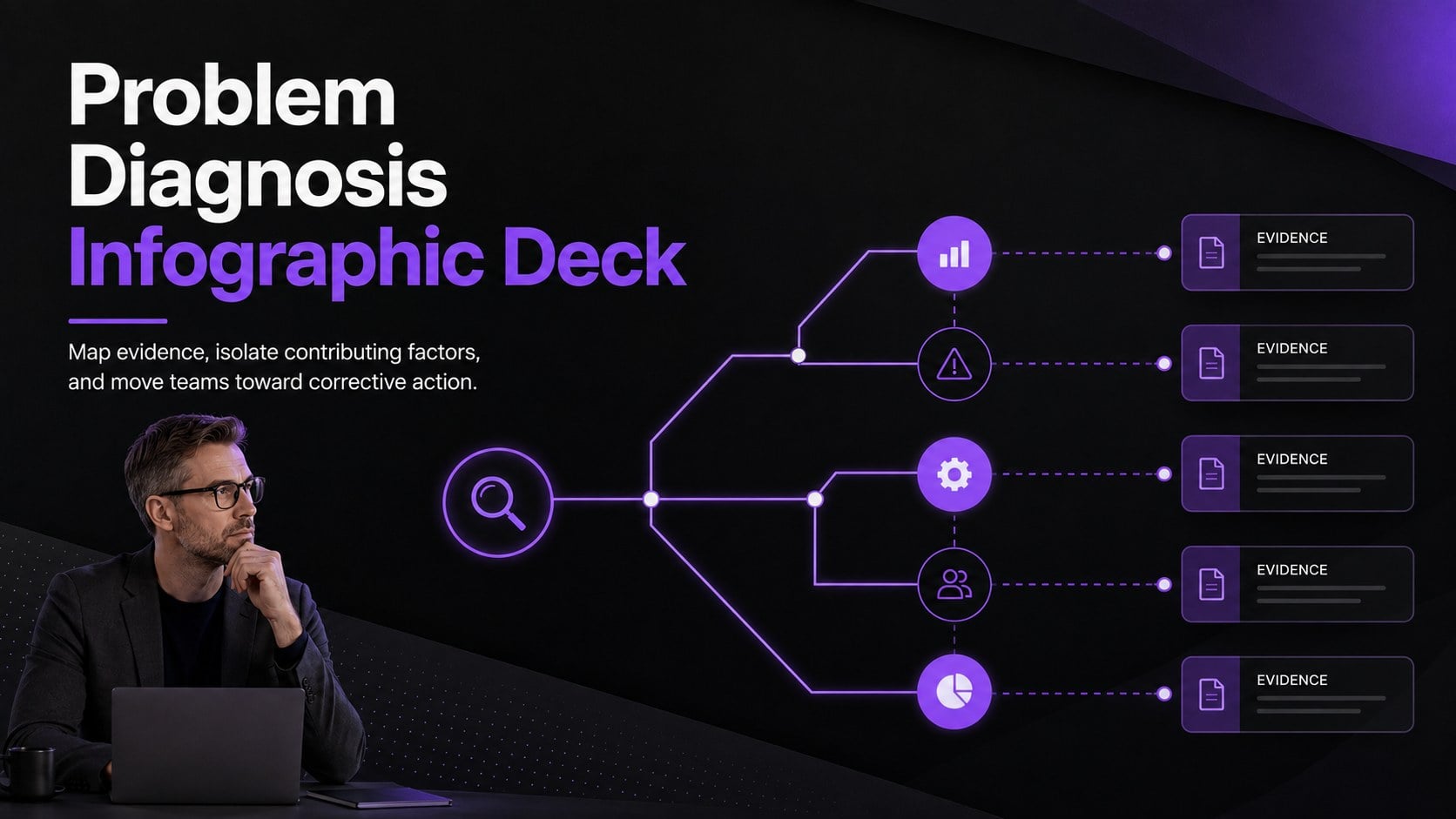
Use this problem diagnosis infographic deck to map root causes, compare evidence, and present corrective actions in polished black and purple slides.
Design notes
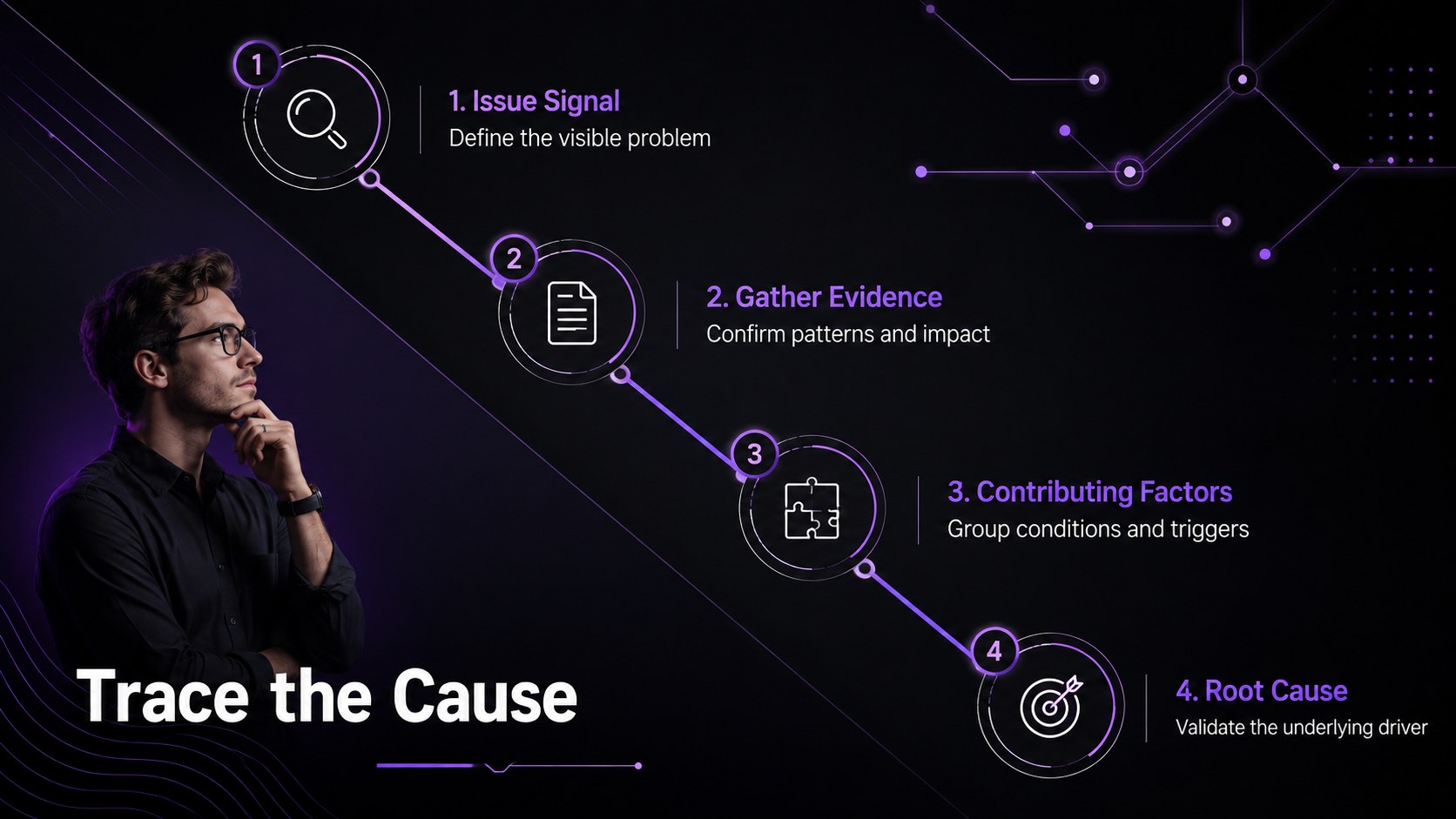
The Problem Diagnosis Infographic Deck gives teams a clear visual framework for moving from a visible issue to its underlying causes. Its modern black and purple design uses strong contrast, restrained typography, and focused diagrams to keep attention on evidence rather than decoration. Use it to explain recurring failures, operational delays, quality concerns, customer complaints, or project setbacks without overwhelming your audience.
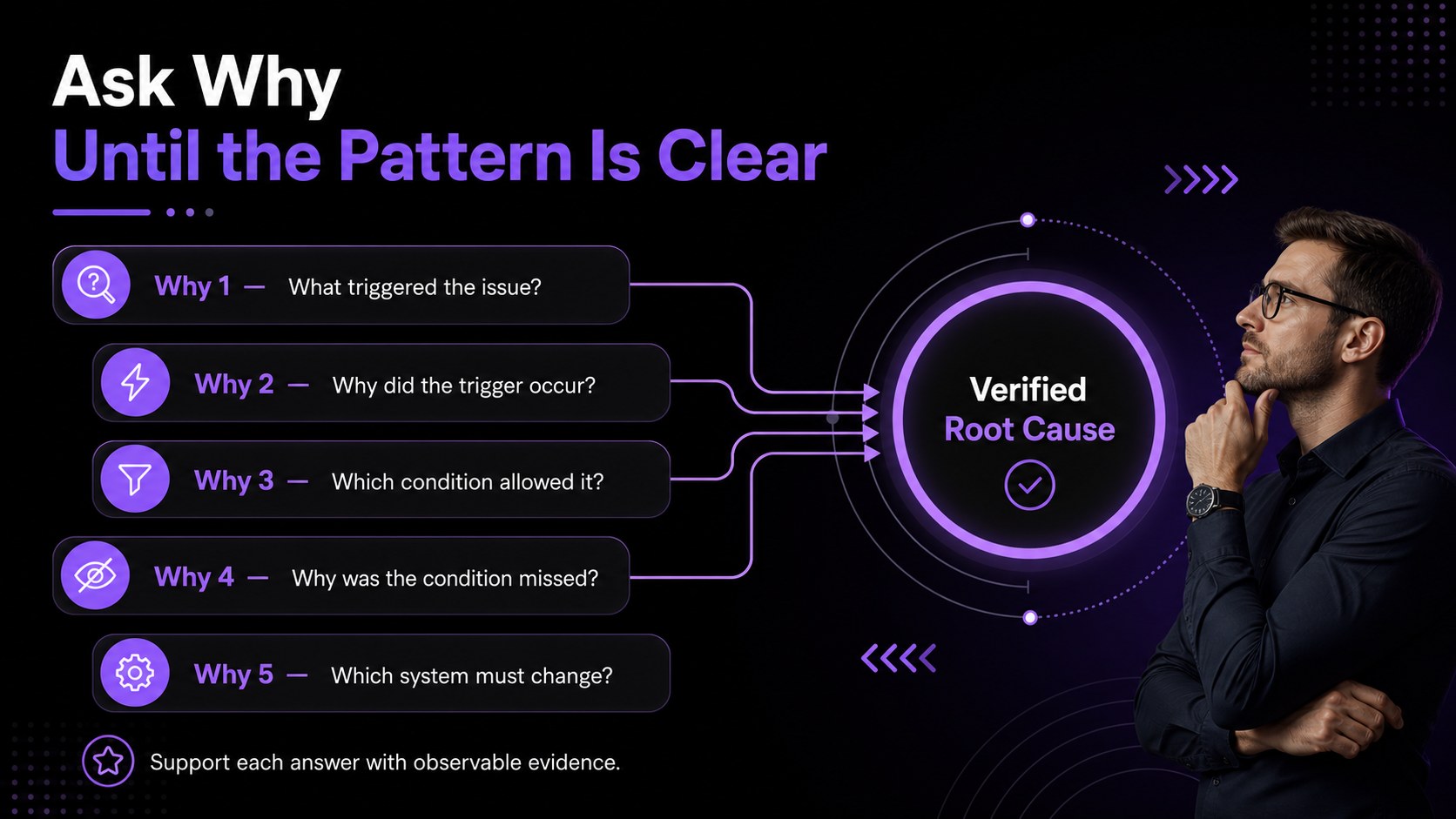
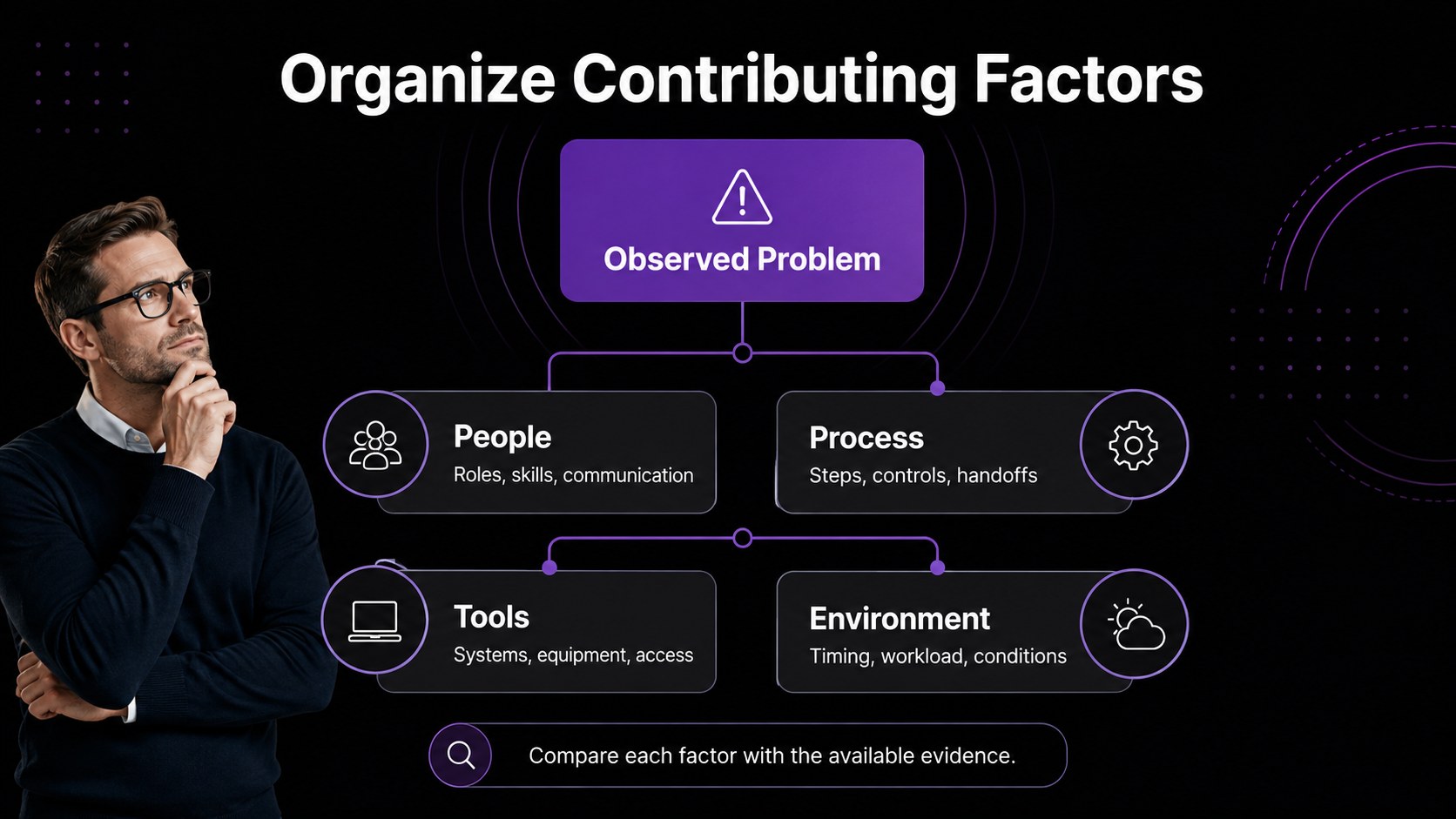
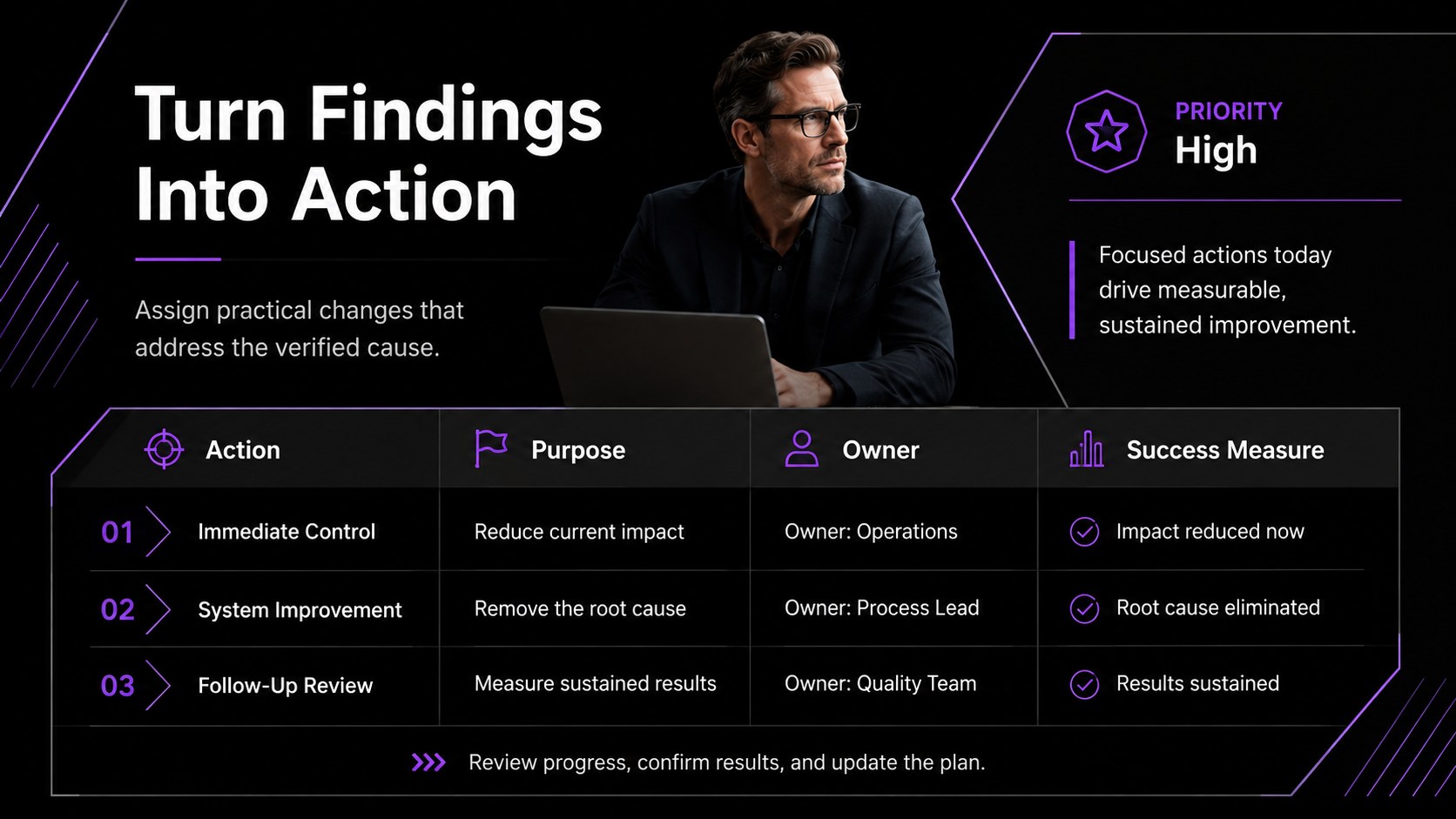
Inside are five editable layouts for structured investigation and follow-through. Build a cause-and-effect overview, document a Five Whys sequence, organize contributing factors, compare evidence, and connect findings with corrective actions. The deck also works as a five whys presentation template or a set of fishbone analysis slides for business reviews. Every layout can be adapted with your own labels, priorities, icons, shapes, and supporting data in PowerPoint or Google Slides.
This resource is designed for operations managers, quality teams, project leaders, consultants, analysts, and workshop facilitators. It is especially useful when a corrective action planning presentation needs to show not only what happened, but why it happened and what should change next. Present the full investigation as a concise briefing, or reuse individual infographics in reports, retrospectives, incident reviews, and process improvement meetings. The minimalist visual system keeps technical findings readable while leaving enough flexibility for different industries and organizational settings.
Perfect for: incident investigation briefing; quality improvement review; project retrospective; operations problem-solving workshop; corrective action meeting.
Frequently asked questions
Can I edit every part of the infographics? Yes. The text, colors, shapes, connectors, icons, and diagram labels can be customized to match your investigation and reporting standards.
Practical details
Yes. The text, colors, shapes, connectors, icons, and diagram labels can be customized to match your investigation and reporting standards.
The deck is designed for PowerPoint and Google Slides. You can present it directly or export finished slides to common sharing formats.
Yes. The layouts include space for sequential why questions, grouped contributing factors, supporting evidence, and a final root cause statement.
Replace the sample wording with your findings, apply your preferred fonts, and adjust the purple accents to fit your visual identity. Keep the dark background and high-contrast text when readability is a priority.
Keep exploring
15Build an engaging World UFO Day session with this flying saucer history lesson deck, featuring retro green-and-brown slides for PowerPoint and Google Slides.
 15
15Plan a lively animal-learning journey with this jungle zoo adventure lesson deck, ready to customize in PowerPoint and Google Slides for young learners.
 16
16Turn environmental research into a clear story with a Watercolor Ecology Presentation Theme for PowerPoint and Google Slides in calming green and blue.
 16
16Build focused fashion, literature, and humanities presentations with the Red Triangle Editorial Theme, editable in PowerPoint and Google Slides.
 15
15Turn streaming stats, favorite tracks, and concert highlights into a bold annual listening recap slide deck for PowerPoint and Google Slides.
 15
15Turn highlights, milestones, and favorite moments into a colorful year in review slide deck with bold 3D graphics for PowerPoint and Google Slides.
 3
3Build a credible endorsement with Standout Colleague Recommendation Letter Slides, featuring colorful prompts for skills, achievements, and team impact.
 4
4Build clear beginner sessions with an ice hockey fundamentals training deck for coaches, PE teachers, and clubs, ready for PowerPoint and Google Slides.