
 15
15presentation
Flying Saucer History Lesson Deck
Build an engaging World UFO Day session with this flying saucer history lesson deck, featuring retro green-and-brown slides for PowerPoint and Google Slides.
Google SlidesPowerPoint
presentation · English
Plan thoughtful inclusion sessions with a pride dialogue facilitation deck featuring bold red-purple visuals, discussion prompts, charts, and editable slides.


Design notes
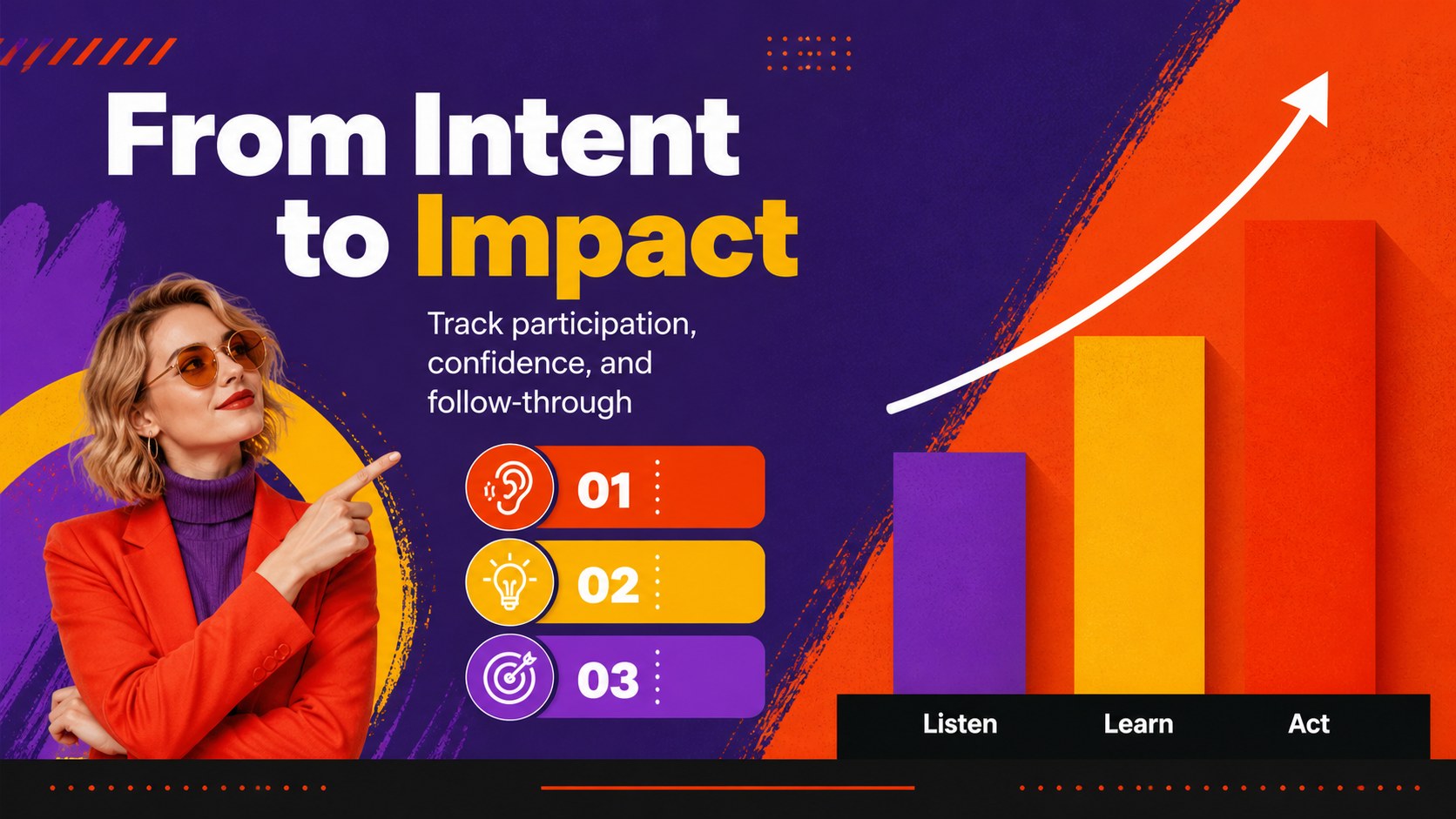
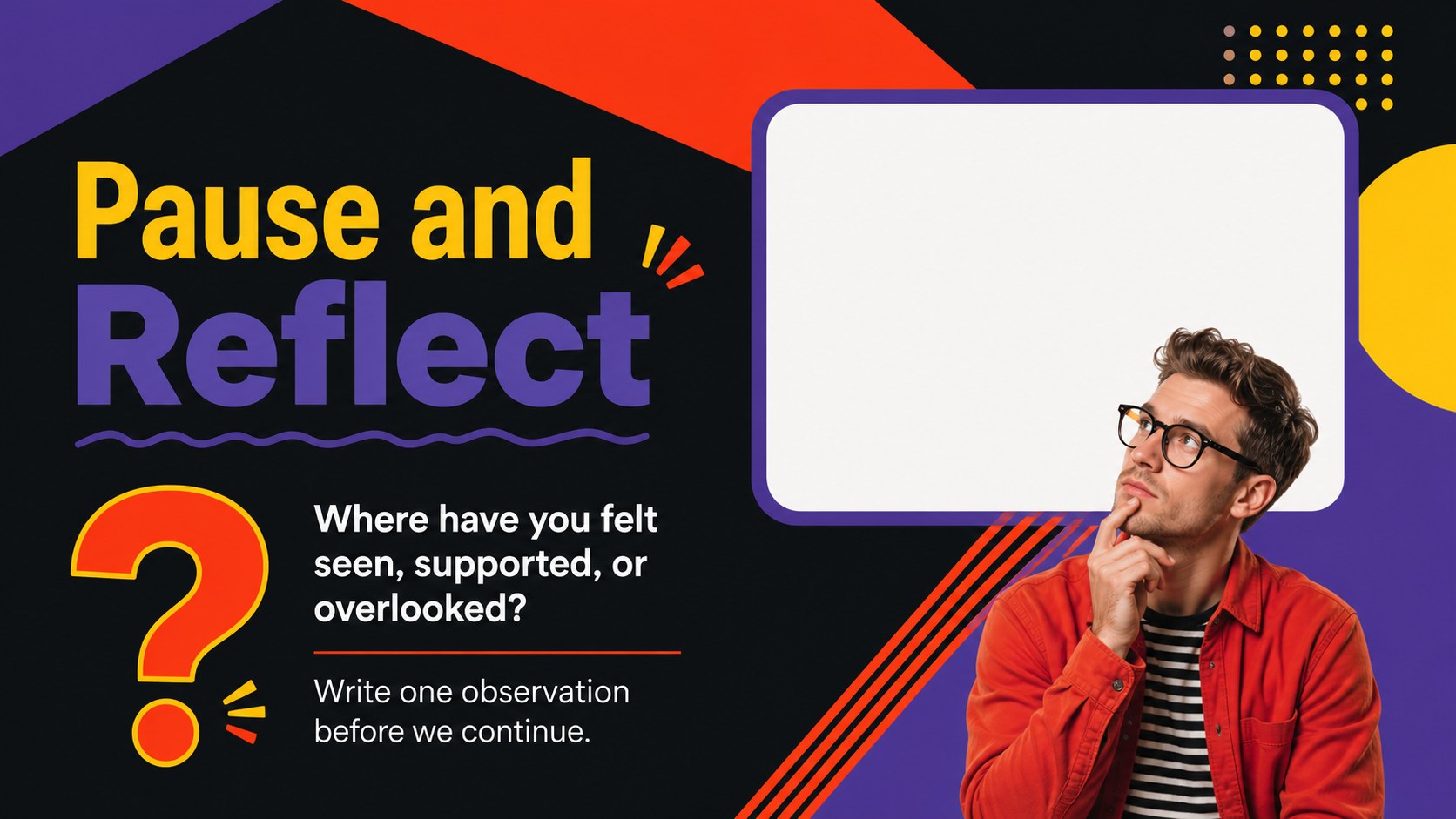
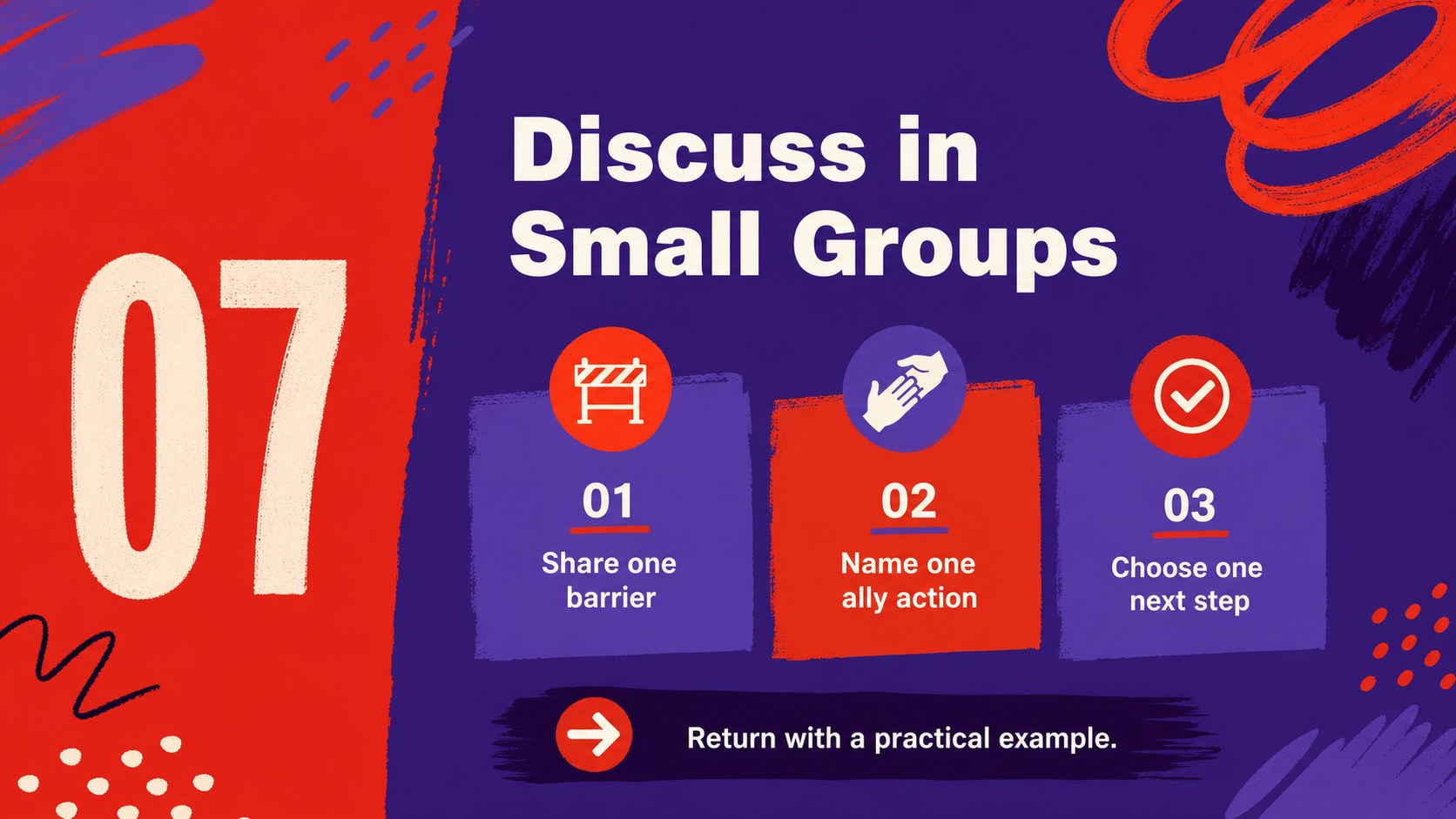
Turn an inclusion session into a focused, participatory experience with this pride dialogue facilitation deck. Its energetic red and purple visual language combines geometric shapes, solid color fields, and modern typography to support conversations about identity, belonging, allyship, and community care.
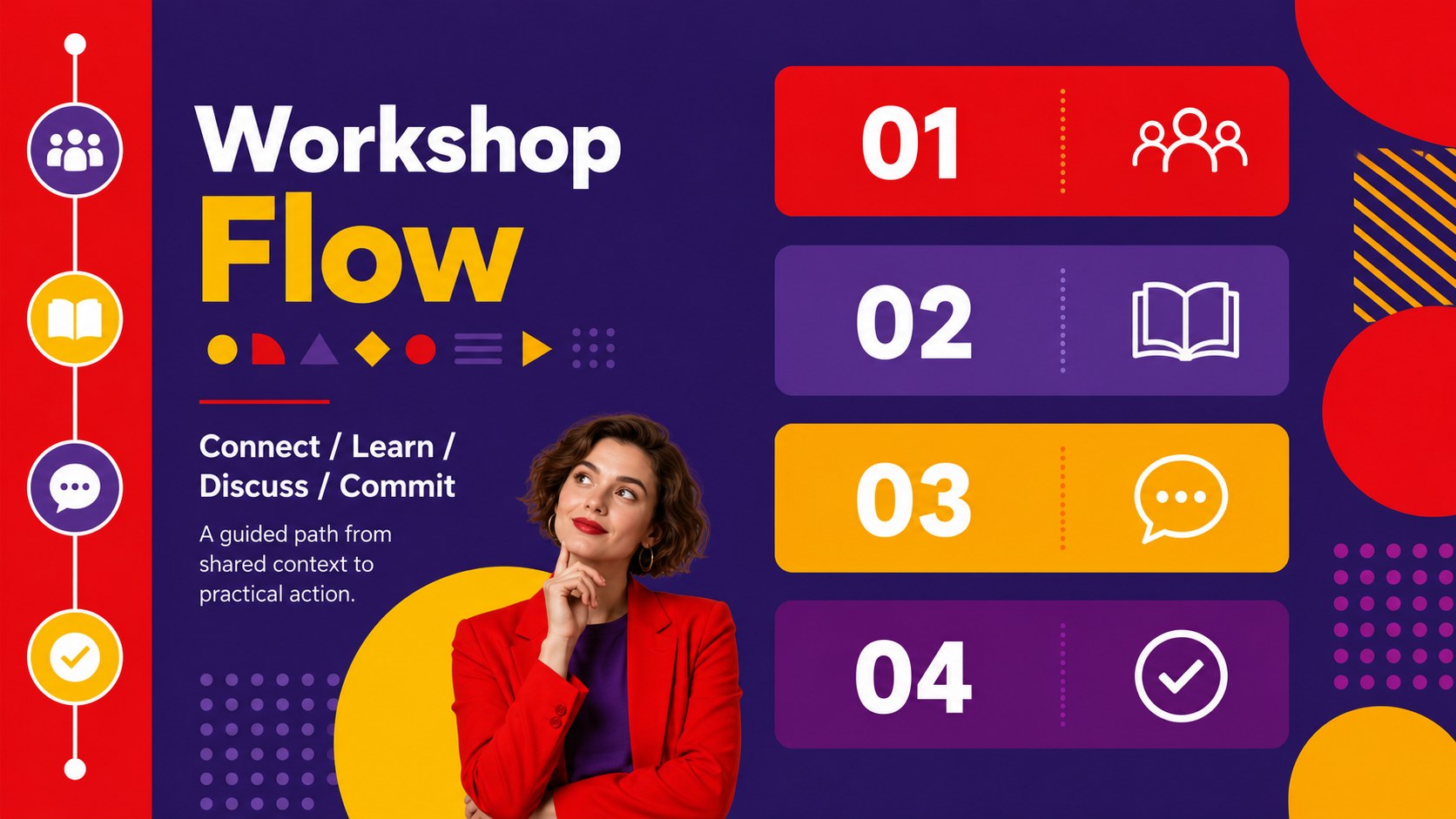
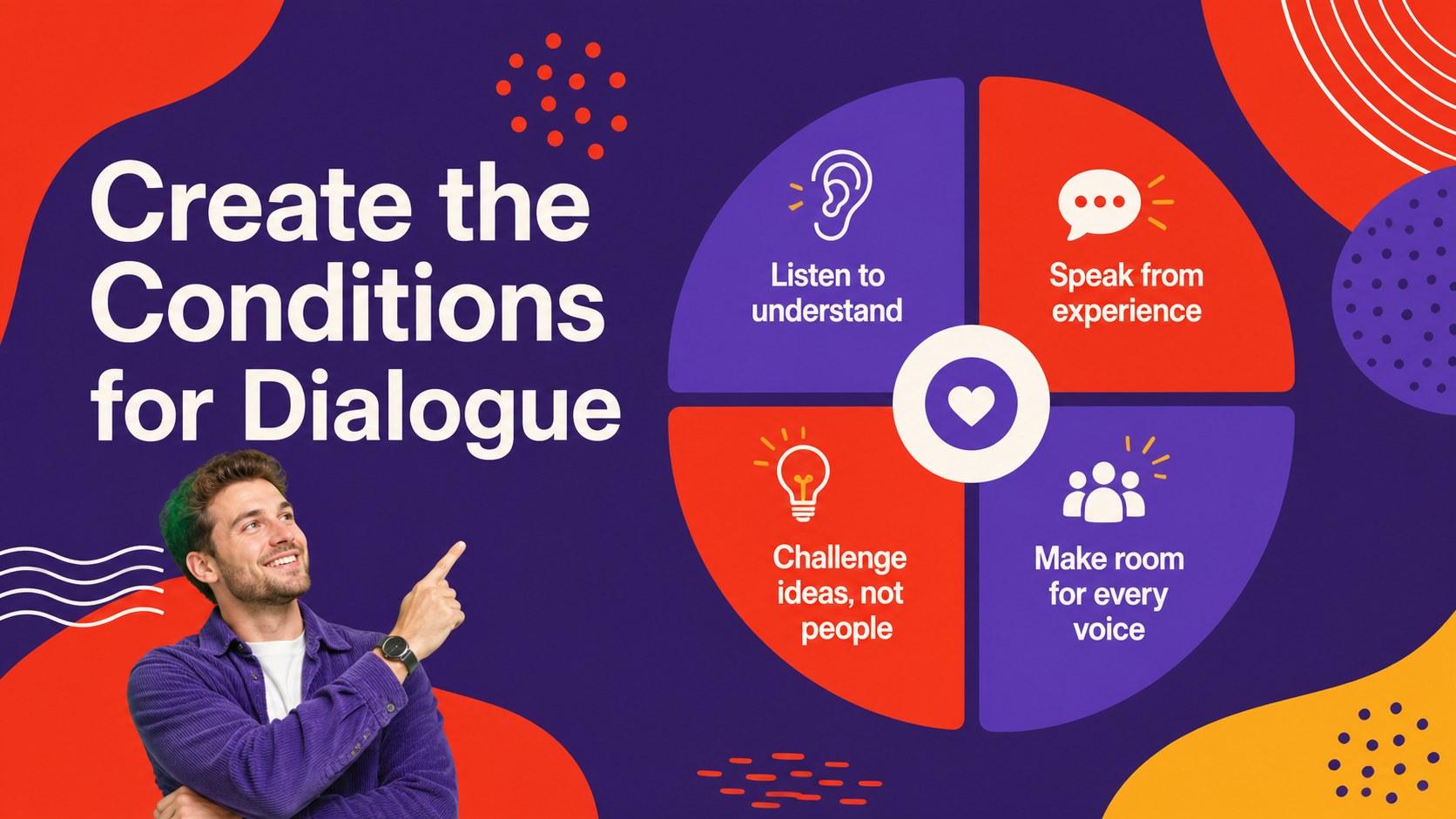
Inside, you will find more than 25 editable slide layouts for opening a workshop, setting shared agreements, introducing key concepts, presenting data, guiding small-group discussion, collecting reflections, and closing with practical commitments. Use the included charts, diagrams, frames, timelines, and prompt-based layouts to adapt the deck to your organization, school, nonprofit, or community event. The design works especially well for an LGBTQ+ inclusion training presentation, a workplace allyship workshop, or a community pride event agenda.
This pride dialogue facilitation deck is made for educators, facilitators, HR teams, nonprofit organizers, student groups, and public speakers who need a confident presentation framework without starting from a blank slide. Edit the text, rearrange sections, and apply your own examples in PowerPoint or Google Slides. The files are easy to customize, present, download, and share, while animation and transition options help create a polished session flow. Archivo Black and Lato provide strong contrast and readable hierarchy throughout.
Perfect for: workplace allyship workshop; school inclusion training; community pride event; nonprofit awareness session; student group discussion; HR diversity presentation.
Frequently asked questions
Can I edit this deck in PowerPoint? Yes. The presentation is compatible with PowerPoint, and its text, colors, layouts, charts, and shapes can be adjusted for your session. Replace the sample prompts with language that fits your audience and policies.
Practical details
Yes. The presentation is compatible with PowerPoint, and its text, colors, layouts, charts, and shapes can be adjusted for your session. Replace the sample prompts with language that fits your audience and policies.
Yes, you can open and customize the deck in Google Slides. Check fonts and spacing after import, then update the speaker notes and examples before presenting.
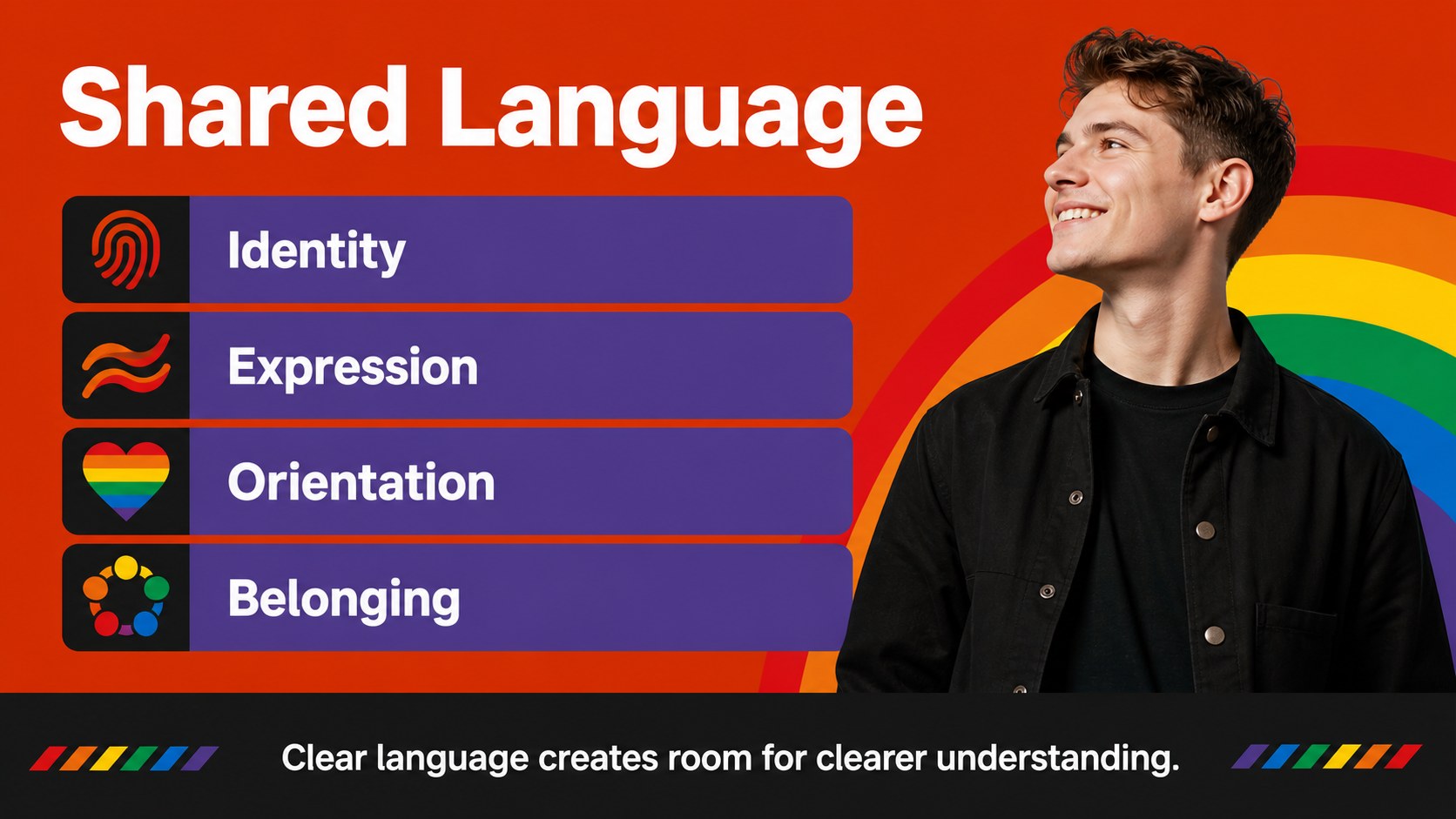
The layouts support discussions about identity, belonging, allyship, representation, inclusive language, and community action. You can also adapt the structure for a pride month workshop, staff training, or student-led event.
Yes. The color system is editable, so you can preserve the bold visual style while matching organizational branding or accessibility requirements. Keep strong contrast between the background, headlines, and body copy.
Keep exploring
15Build an engaging World UFO Day session with this flying saucer history lesson deck, featuring retro green-and-brown slides for PowerPoint and Google Slides.
 15
15Plan a lively animal-learning journey with this jungle zoo adventure lesson deck, ready to customize in PowerPoint and Google Slides for young learners.
 16
16Turn environmental research into a clear story with a Watercolor Ecology Presentation Theme for PowerPoint and Google Slides in calming green and blue.
 16
16Build focused fashion, literature, and humanities presentations with the Red Triangle Editorial Theme, editable in PowerPoint and Google Slides.
 15
15Turn streaming stats, favorite tracks, and concert highlights into a bold annual listening recap slide deck for PowerPoint and Google Slides.
 15
15Turn highlights, milestones, and favorite moments into a colorful year in review slide deck with bold 3D graphics for PowerPoint and Google Slides.
 3
3Build a credible endorsement with Standout Colleague Recommendation Letter Slides, featuring colorful prompts for skills, achievements, and team impact.
 4
4Build clear beginner sessions with an ice hockey fundamentals training deck for coaches, PE teachers, and clubs, ready for PowerPoint and Google Slides.