
 15
15presentation
Flying Saucer History Lesson Deck
Build an engaging World UFO Day session with this flying saucer history lesson deck, featuring retro green-and-brown slides for PowerPoint and Google Slides.
Google SlidesPowerPoint
presentation · English
Build a welcoming pride community workshop with bright geometric slides for updates, outreach, and inclusion planning in PowerPoint or Google Slides.
Design notes
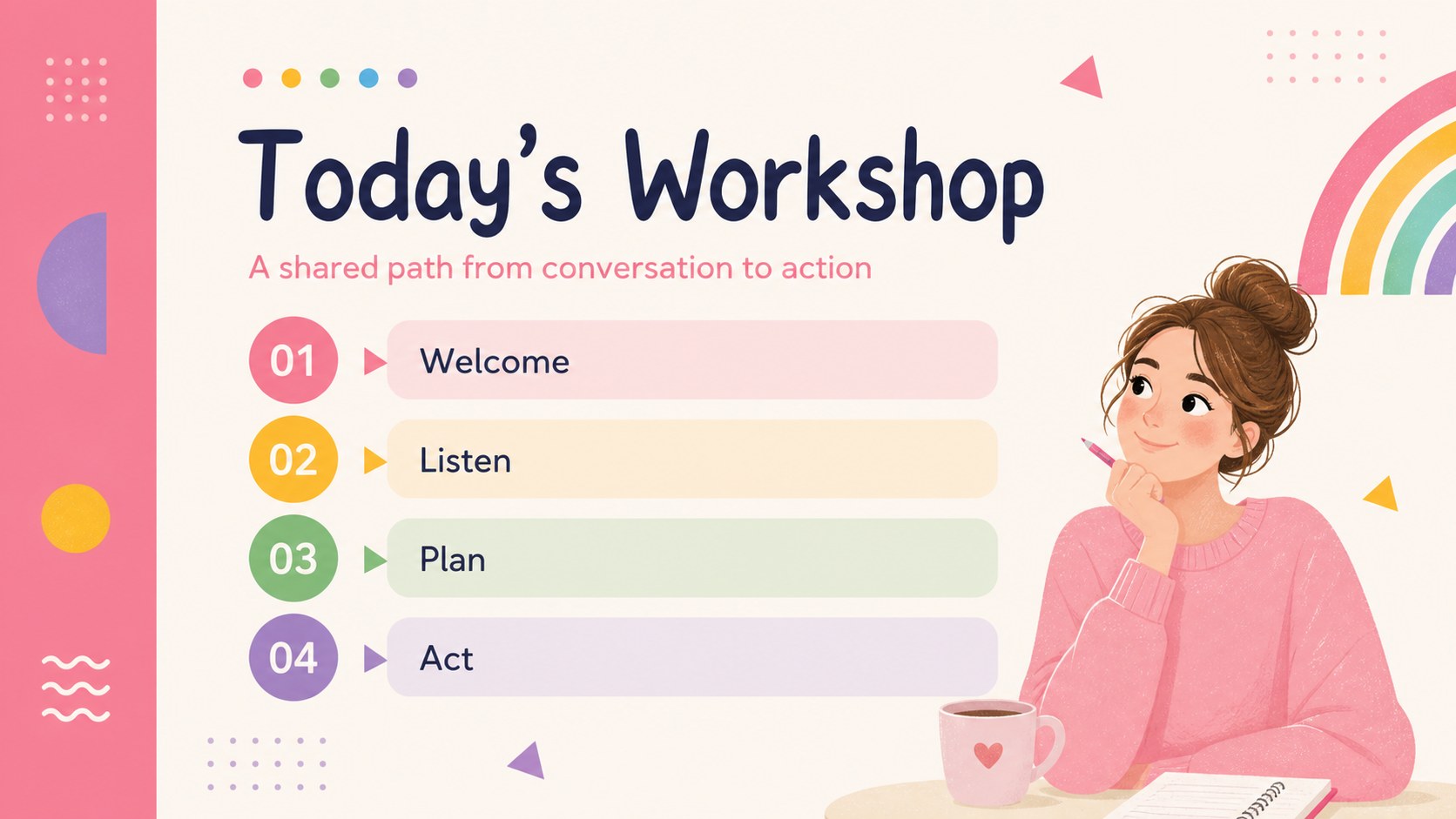
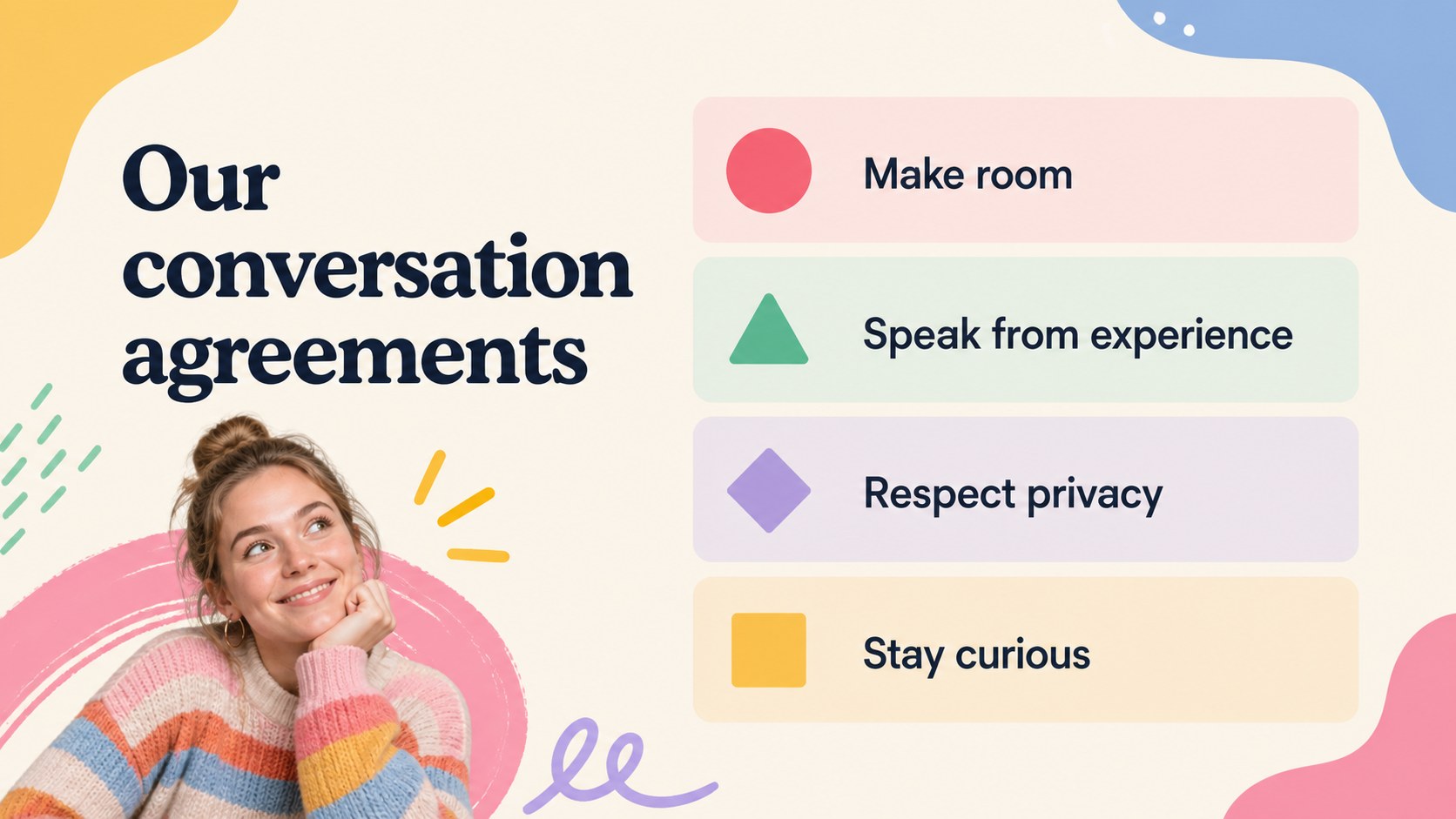
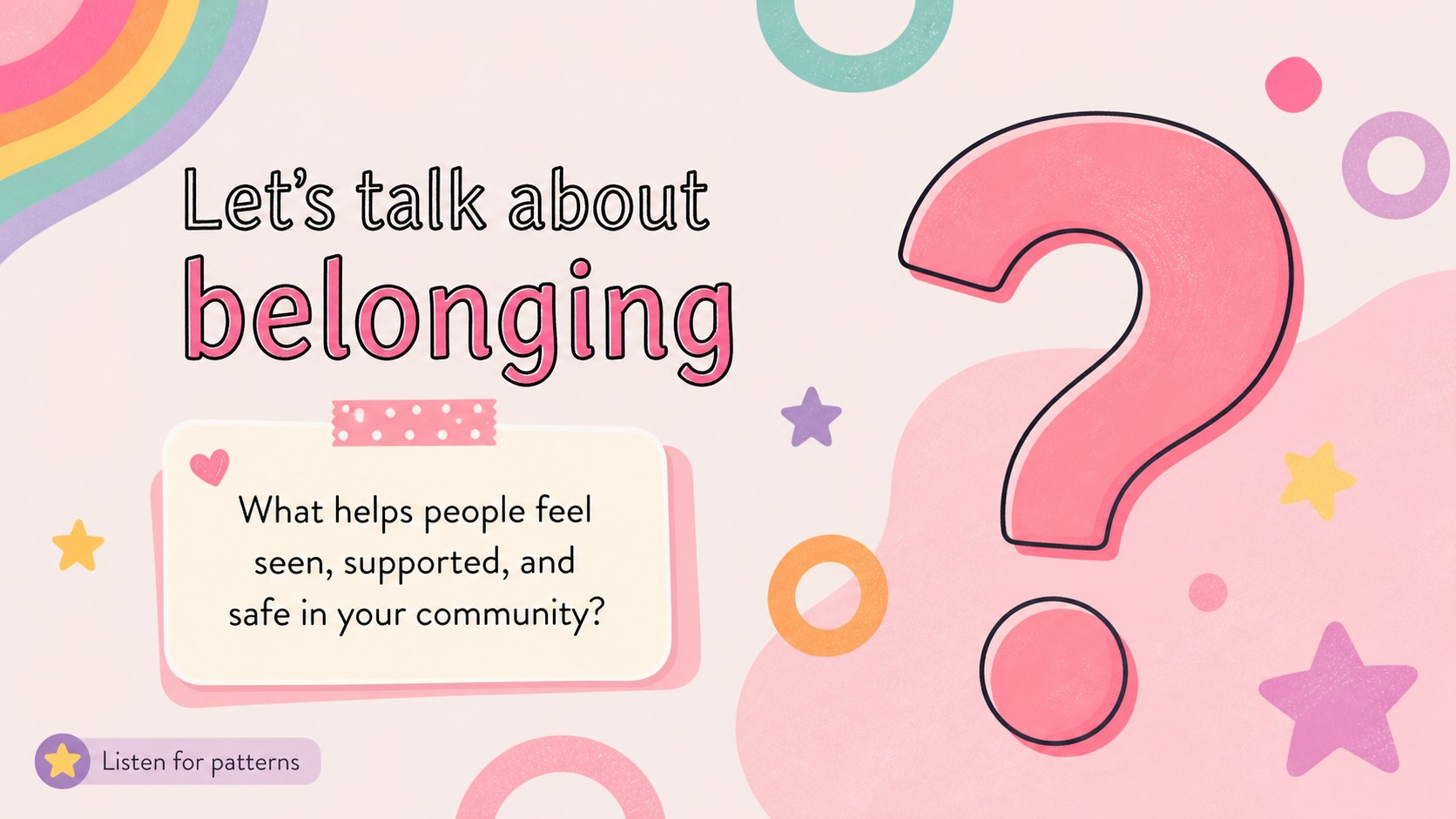
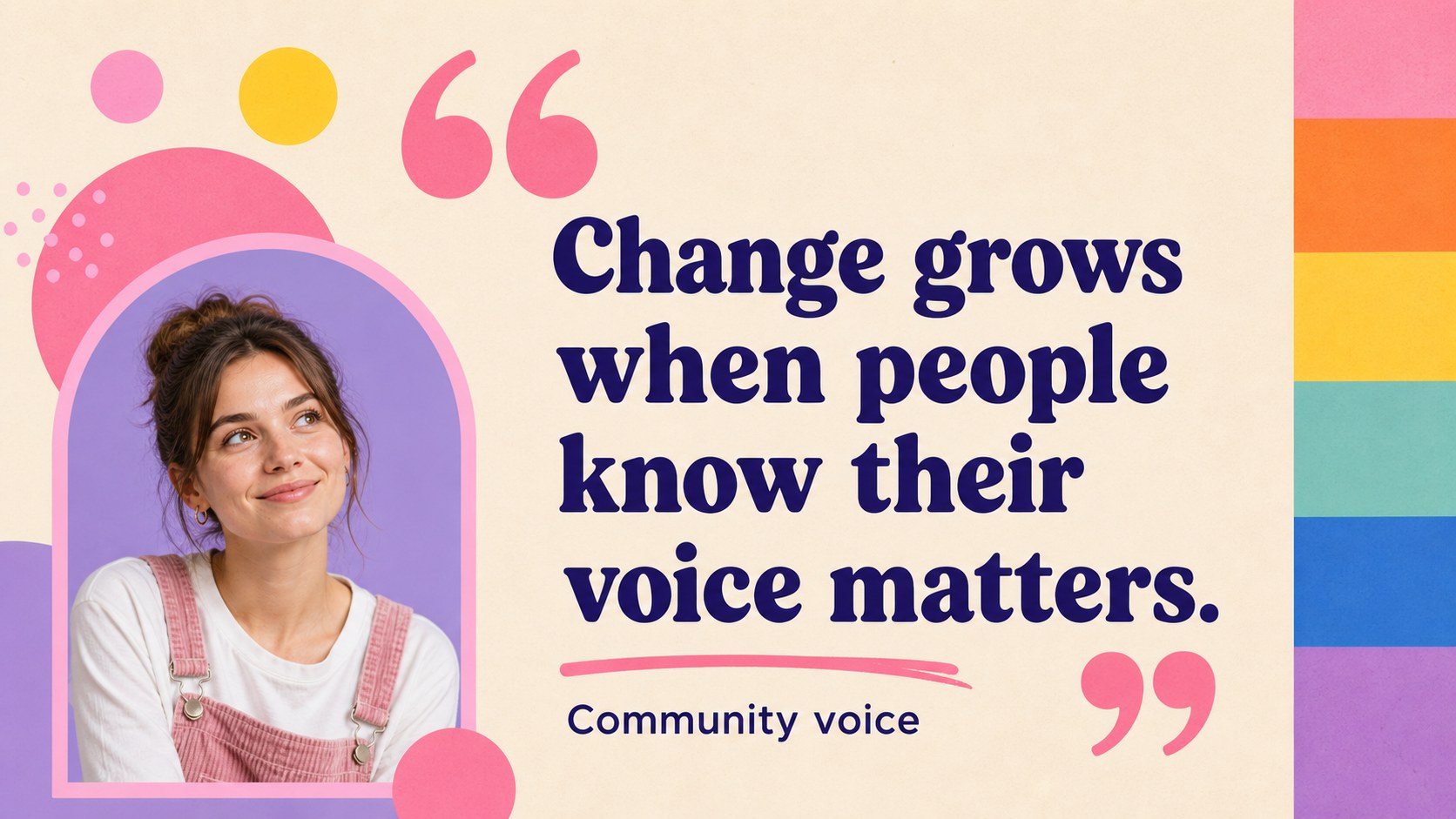
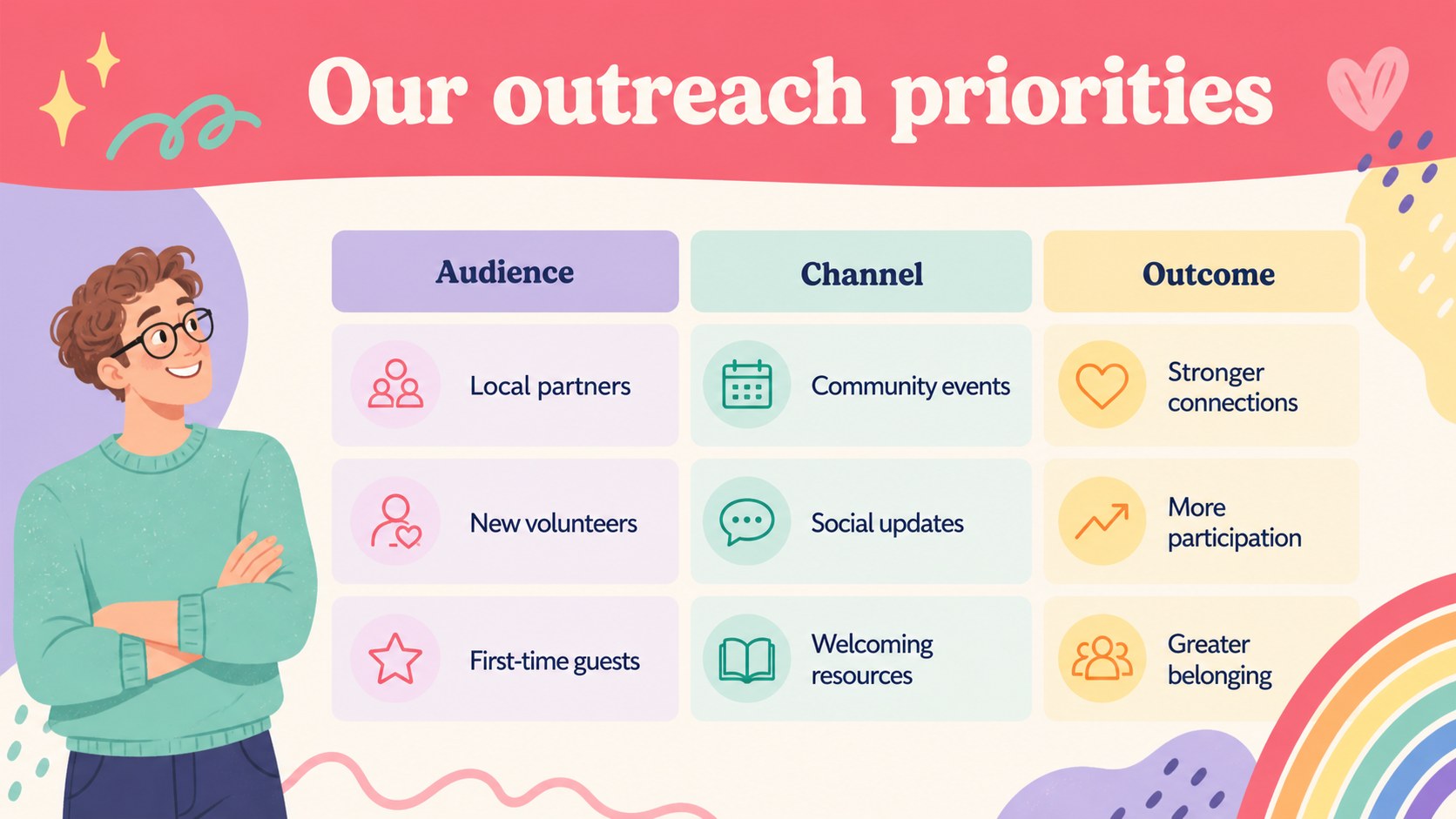
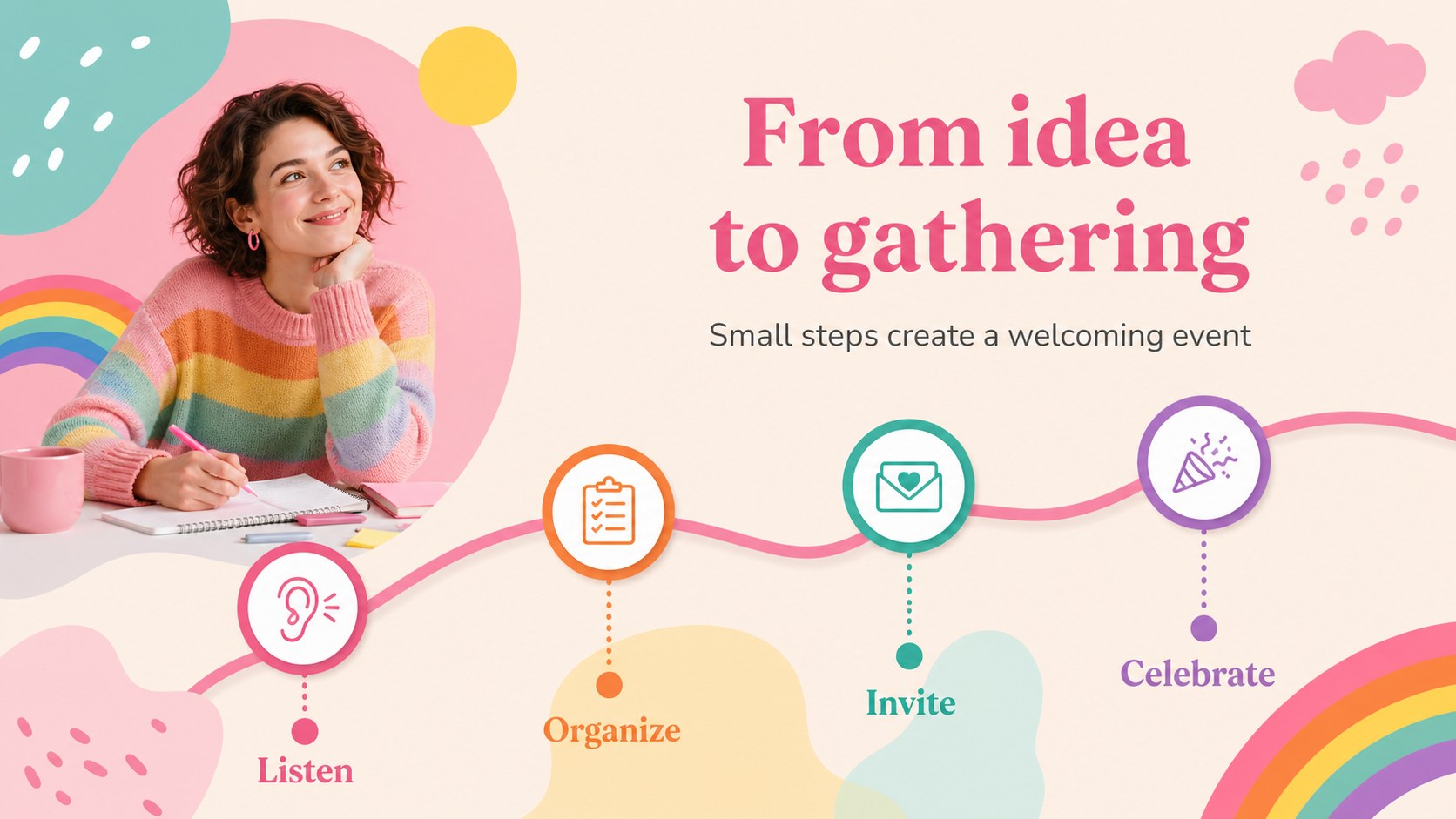
Pride community workshop slides give organizers a colorful, approachable way to guide conversations, share updates, and turn community ideas into action. The design combines soft pink, rainbow accents, rounded forms, and playful geometric details while keeping information easy to scan. Use the deck for an LGBTQ+ gathering, volunteer orientation, inclusion workshop, or community event briefing.
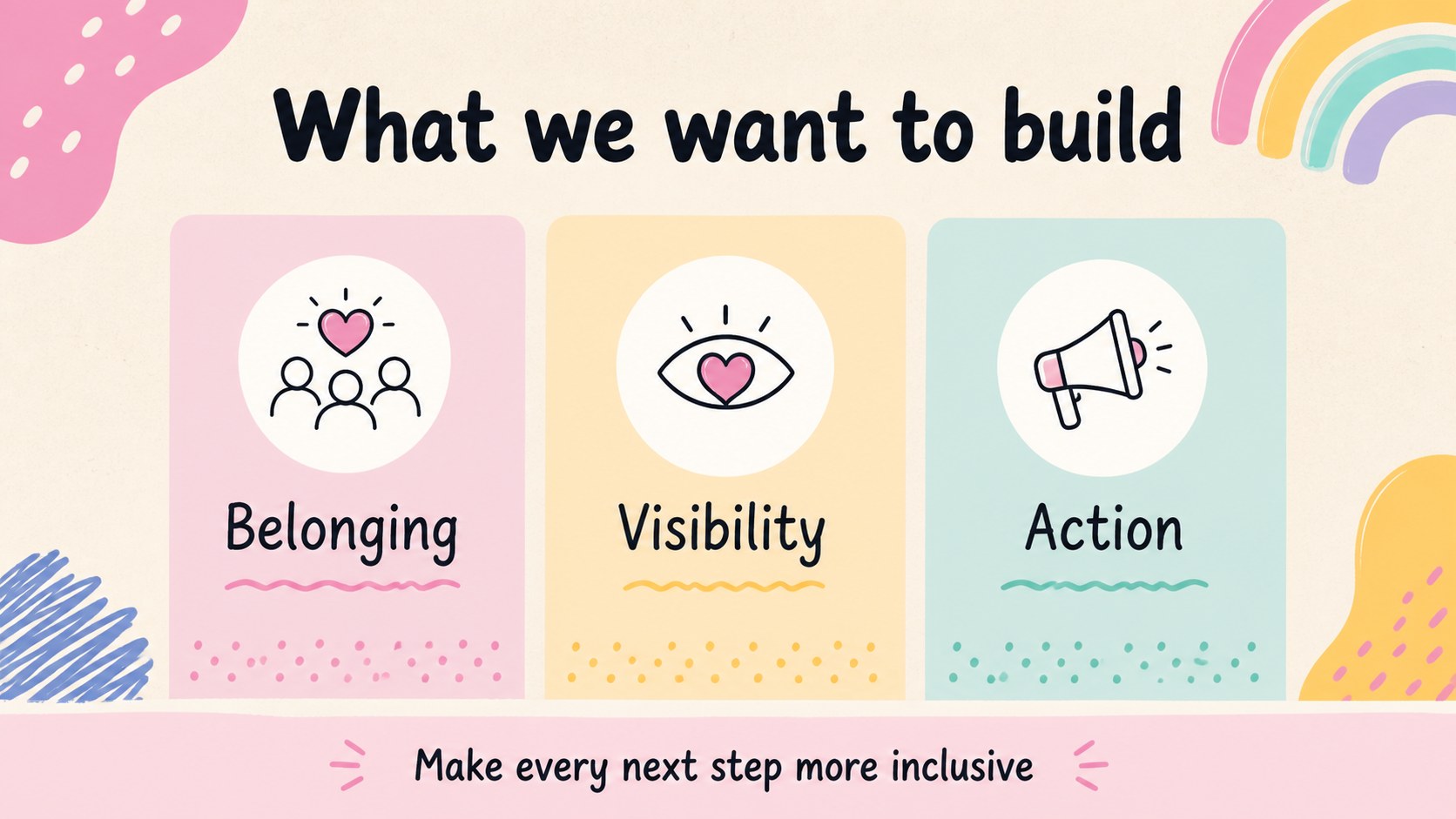
Inside, you’ll find more than 25 editable layouts for welcome messages, workshop goals, discussion prompts, schedules, community guidelines, team introductions, project updates, survey results, and closing commitments. Charts, photo frames, timelines, comparison layouts, and quote slides help vary the pace without losing visual consistency. The deck also works well as a pride event planning presentation or an LGBTQ+ outreach strategy deck when you need to explain priorities and next steps.
The template is designed for nonprofit teams, community organizers, educators, employee resource groups, and marketing professionals. Edit the text, colors, graphics, and images in PowerPoint or Google Slides, then present live or share the finished file with collaborators. Nunito is used throughout, with pink as the signature color supported by pastel, rainbow, and multicolor accents.
Perfect for: LGBTQ+ community workshop; pride event planning presentation; volunteer orientation; employee resource group meeting; inclusion strategy briefing.
Frequently asked questions
Can I edit these slides in PowerPoint? Yes. The presentation is compatible with PowerPoint and includes editable text, shapes, charts, and image areas. Replace the sample content with your own workshop details and branding.
Practical details
Yes. The presentation is compatible with PowerPoint and includes editable text, shapes, charts, and image areas. Replace the sample content with your own workshop details and branding.
Yes, you can open and customize the deck in Google Slides. Review fonts and spacing after importing, then adjust any elements that need platform-specific positioning.
Yes. Update the theme colors or edit individual shapes to match your organization or event identity. The layouts remain usable when you introduce additional brand colors.
Use it for agendas, discussion prompts, community guidelines, outreach plans, volunteer roles, survey findings, and action steps. The varied layouts support both conversation-led sessions and formal progress updates.
Keep exploring
15Build an engaging World UFO Day session with this flying saucer history lesson deck, featuring retro green-and-brown slides for PowerPoint and Google Slides.
 15
15Plan a lively animal-learning journey with this jungle zoo adventure lesson deck, ready to customize in PowerPoint and Google Slides for young learners.
 16
16Turn environmental research into a clear story with a Watercolor Ecology Presentation Theme for PowerPoint and Google Slides in calming green and blue.
 16
16Build focused fashion, literature, and humanities presentations with the Red Triangle Editorial Theme, editable in PowerPoint and Google Slides.
 15
15Turn streaming stats, favorite tracks, and concert highlights into a bold annual listening recap slide deck for PowerPoint and Google Slides.
 15
15Turn highlights, milestones, and favorite moments into a colorful year in review slide deck with bold 3D graphics for PowerPoint and Google Slides.
 3
3Build a credible endorsement with Standout Colleague Recommendation Letter Slides, featuring colorful prompts for skills, achievements, and team impact.
 4
4Build clear beginner sessions with an ice hockey fundamentals training deck for coaches, PE teachers, and clubs, ready for PowerPoint and Google Slides.