
 15
15presentation
Flying Saucer History Lesson Deck
Build an engaging World UFO Day session with this flying saucer history lesson deck, featuring retro green-and-brown slides for PowerPoint and Google Slides.
Google SlidesPowerPoint
presentation · English
Build a sharper pricing narrative with this Pricing Strategy Marketing Mix Deck, featuring colorful editable visuals for PowerPoint and Google Slides.


Design notes
Turn complex pricing decisions into an accessible business story with the Pricing Strategy Marketing Mix Deck. Its energetic green, red, and orange design helps presenters explain how price influences demand, perceived value, competitive standing, and the wider marketing mix. Illustrated layouts keep strategic discussions engaging without losing a professional tone.
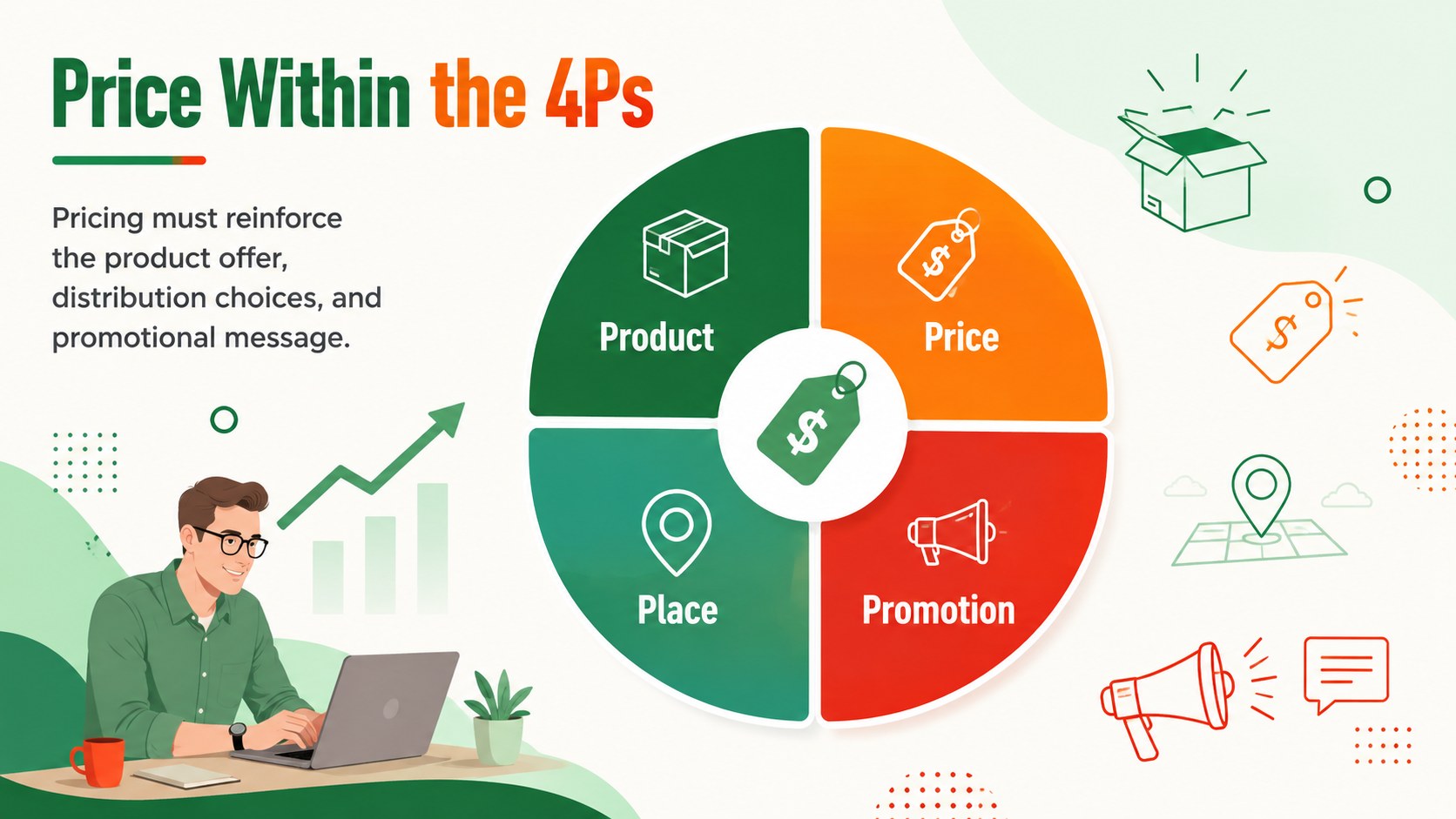
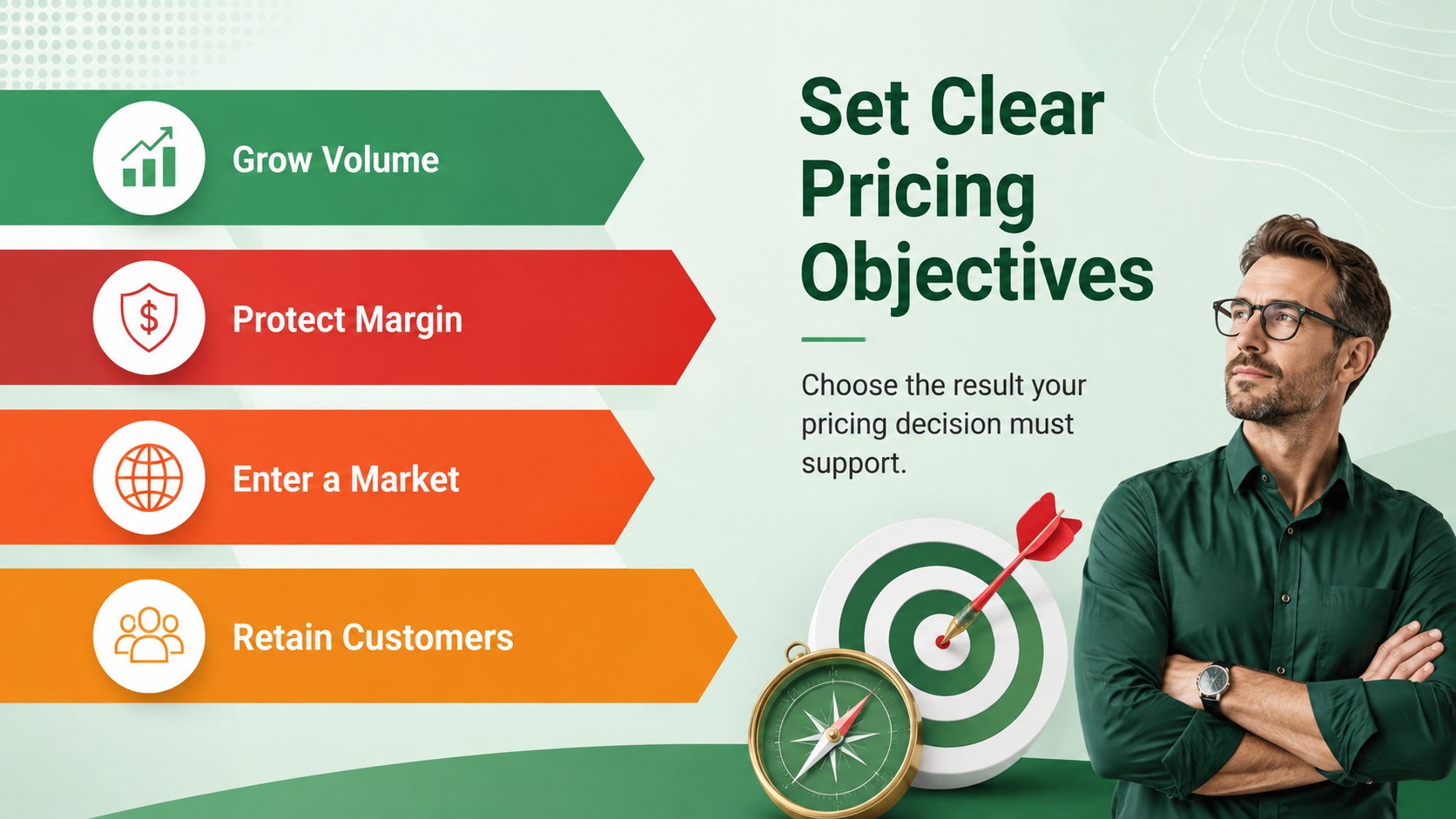
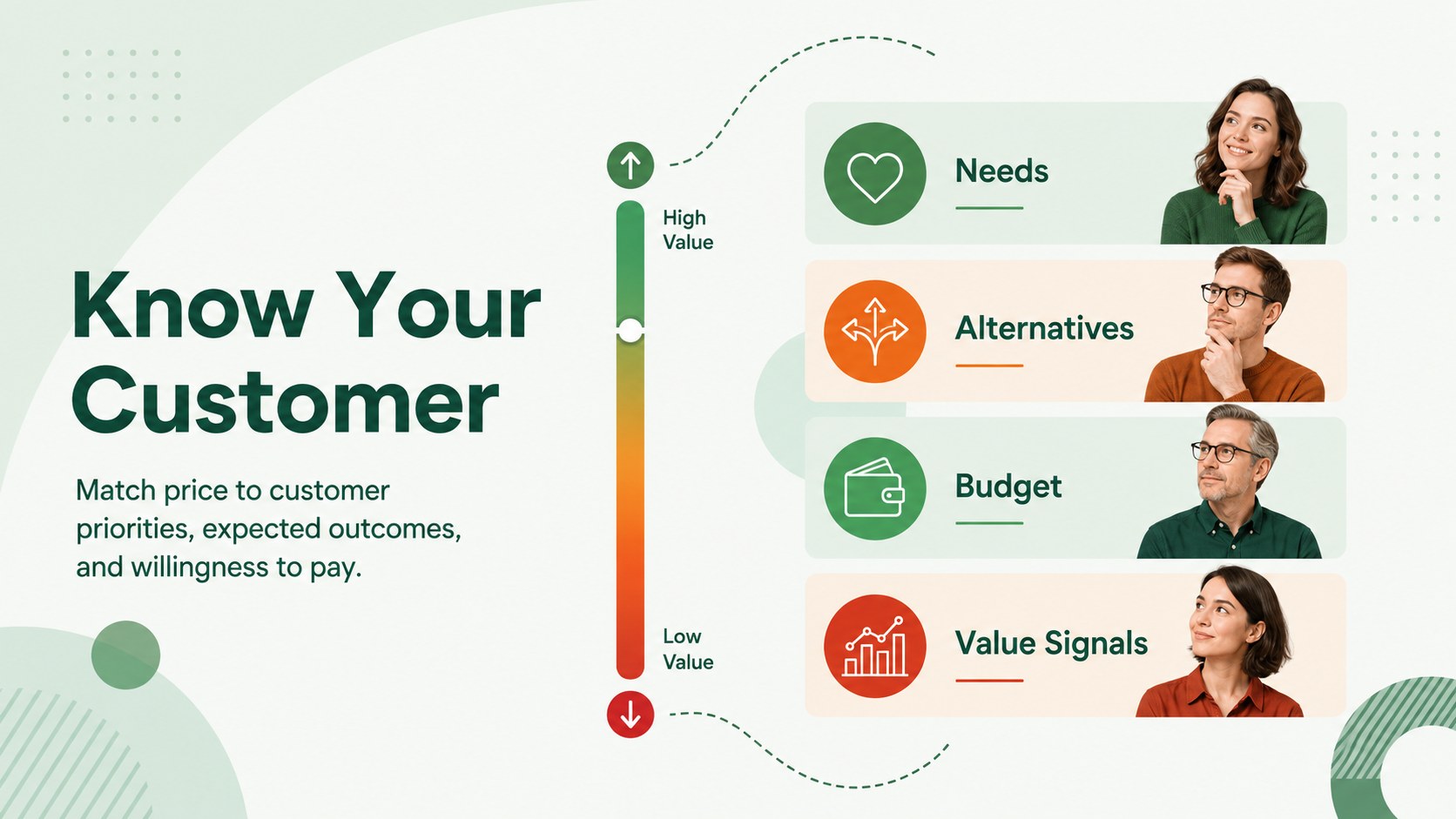
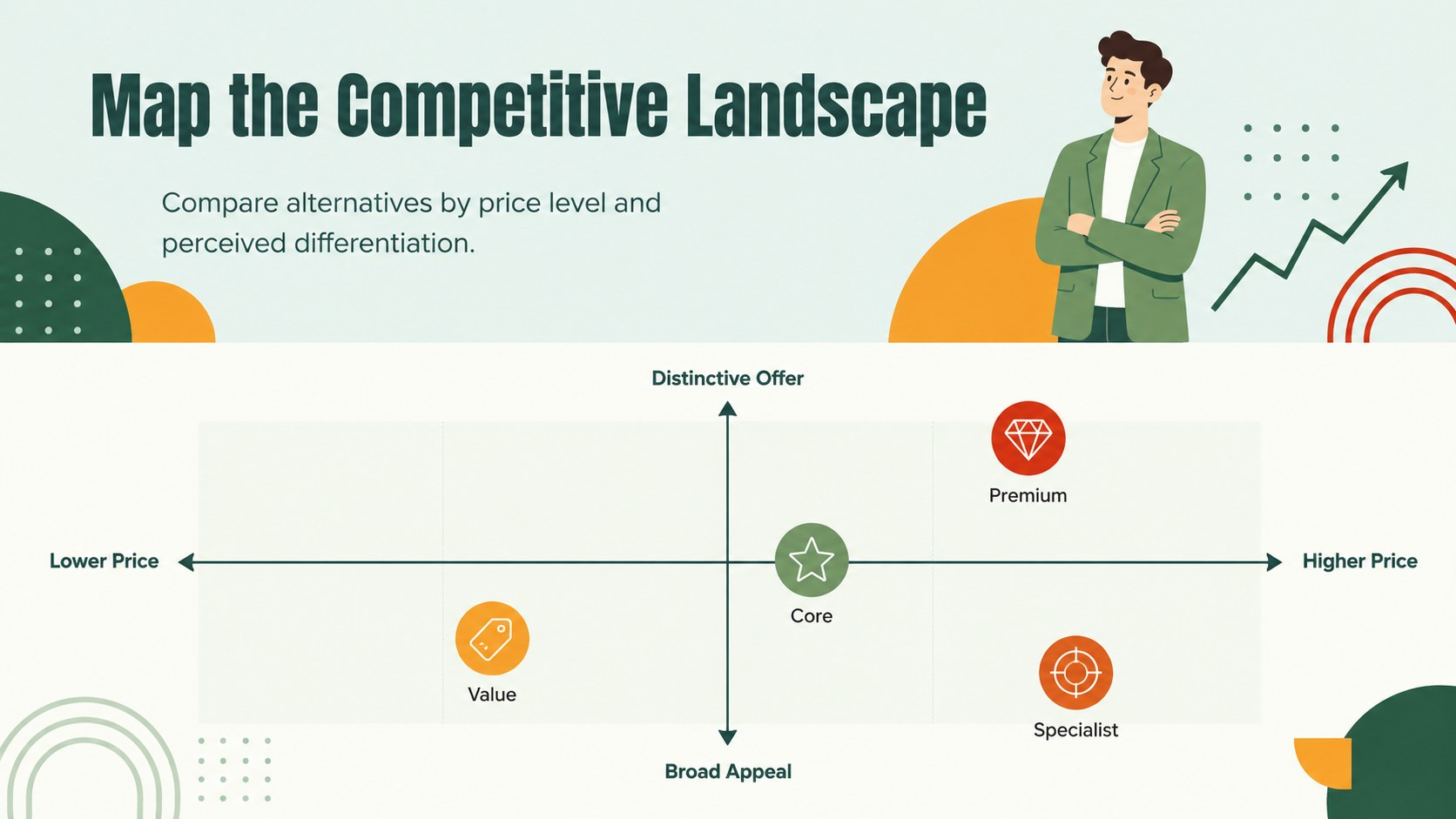
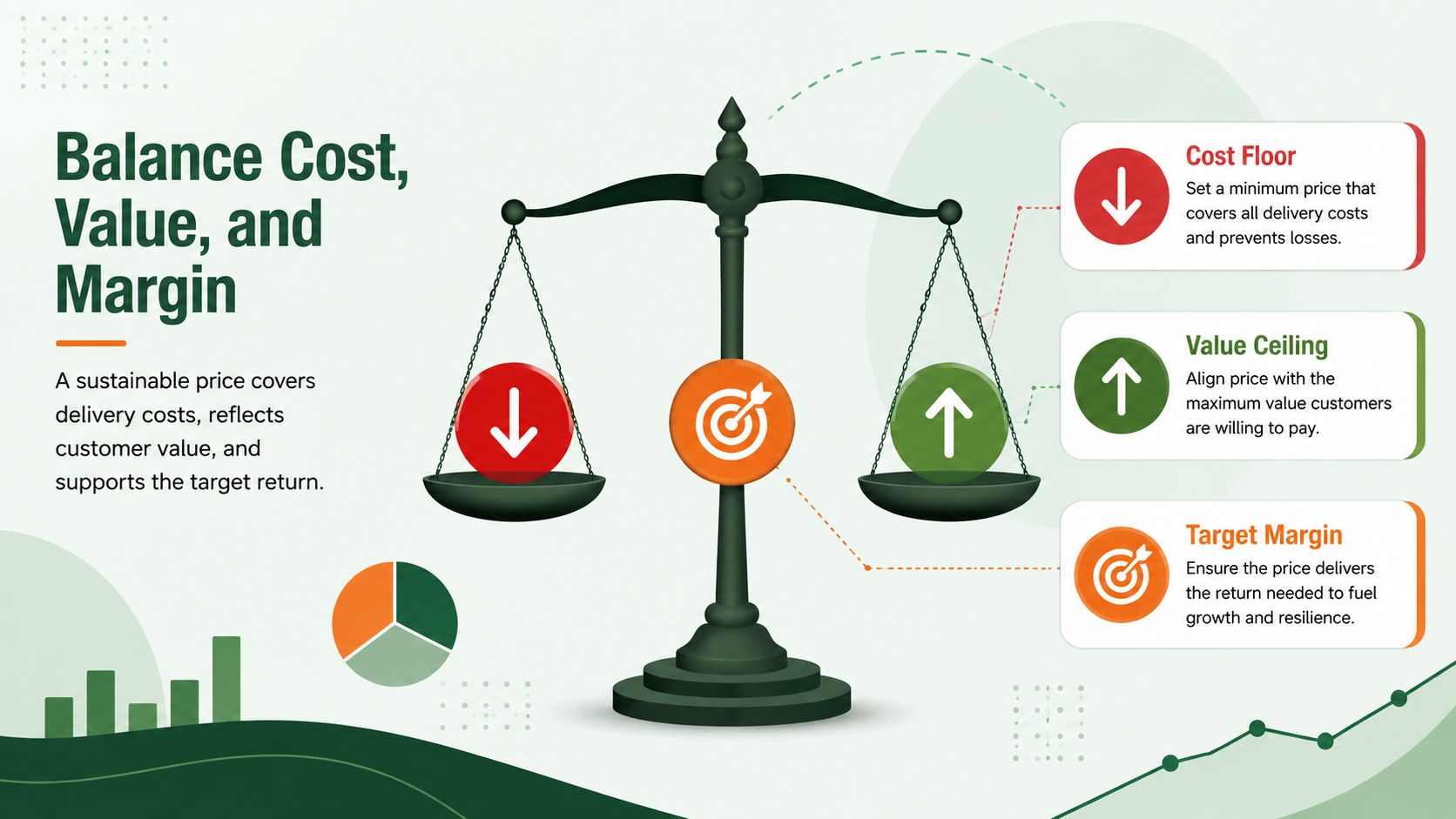
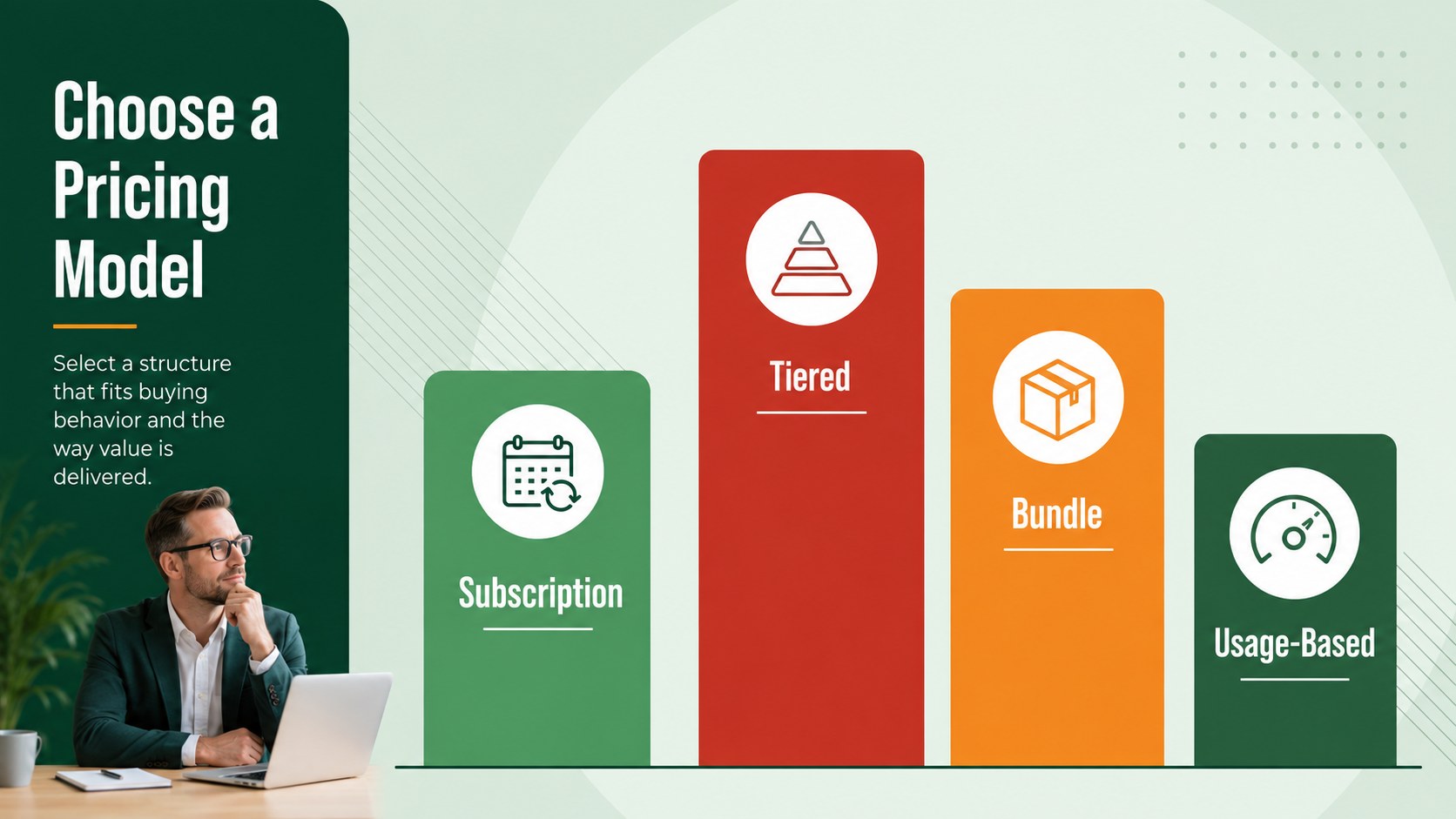
The deck includes slides for pricing objectives, customer segments, competitor comparisons, cost and margin considerations, positioning maps, pricing models, promotional effects, channel factors, and testing plans. Use the editable diagrams, tables, charts, and summary layouts to create a focused price positioning presentation template for a specific product or market. It also works as a 4Ps pricing strategy presentation when price must be discussed alongside product, place, and promotion.
Designed for marketing managers, consultants, founders, sales leaders, educators, and business students, these marketing pricing analysis slides support both planning and teaching. Present a new offer to stakeholders, compare premium and value positions, train a commercial team, or structure a classroom case study. Every slide can be adapted in PowerPoint or Google Slides, including text, colors, data, and visual elements. The consistent illustrated style makes it easy to build a coherent narrative from market context through recommendation, while the bold palette highlights important figures, trade-offs, and next steps.
Perfect for: product pricing workshop; competitive price review; marketing strategy class; stakeholder pricing proposal; sales team training; new offer positioning.
Frequently asked questions
Can I edit the pricing examples and charts? Yes. Replace the sample figures, labels, comparison points, and recommendations with your own market data, then adjust the chart colors or structure as needed.
Practical details
Yes. Replace the sample figures, labels, comparison points, and recommendations with your own market data, then adjust the chart colors or structure as needed.
The deck is designed for PowerPoint and Google Slides. Core text, shapes, tables, and layout elements remain editable in both platforms.
Yes. Change the green, red, and orange accents through the theme colors or by editing individual elements while preserving the visual hierarchy.
Yes. The sequence introduces pricing objectives, customer value, competition, costs, positioning, and testing in a format suitable for lessons, workshops, and case discussions.
Keep exploring
15Build an engaging World UFO Day session with this flying saucer history lesson deck, featuring retro green-and-brown slides for PowerPoint and Google Slides.
 15
15Plan a lively animal-learning journey with this jungle zoo adventure lesson deck, ready to customize in PowerPoint and Google Slides for young learners.
 16
16Turn environmental research into a clear story with a Watercolor Ecology Presentation Theme for PowerPoint and Google Slides in calming green and blue.
 16
16Build focused fashion, literature, and humanities presentations with the Red Triangle Editorial Theme, editable in PowerPoint and Google Slides.
 15
15Turn streaming stats, favorite tracks, and concert highlights into a bold annual listening recap slide deck for PowerPoint and Google Slides.
 15
15Turn highlights, milestones, and favorite moments into a colorful year in review slide deck with bold 3D graphics for PowerPoint and Google Slides.
 3
3Build a credible endorsement with Standout Colleague Recommendation Letter Slides, featuring colorful prompts for skills, achievements, and team impact.
 4
4Build clear beginner sessions with an ice hockey fundamentals training deck for coaches, PE teachers, and clubs, ready for PowerPoint and Google Slides.