
 15
15presentation
Flying Saucer History Lesson Deck
Build an engaging World UFO Day session with this flying saucer history lesson deck, featuring retro green-and-brown slides for PowerPoint and Google Slides.
Google SlidesPowerPoint
presentation · English
Build a clear campaign narrative with this Presidential Race Strategy Briefing, featuring bold blue-and-white maps for PowerPoint and Google Slides.
Design notes
Organize campaign insights with a Presidential Race Strategy Briefing designed for clear, persuasive communication. Its bold blue-and-white palette, strong typography, and geographic graphics create an authoritative setting for presenting voter trends, policy priorities, electoral pathways, and strategic recommendations.
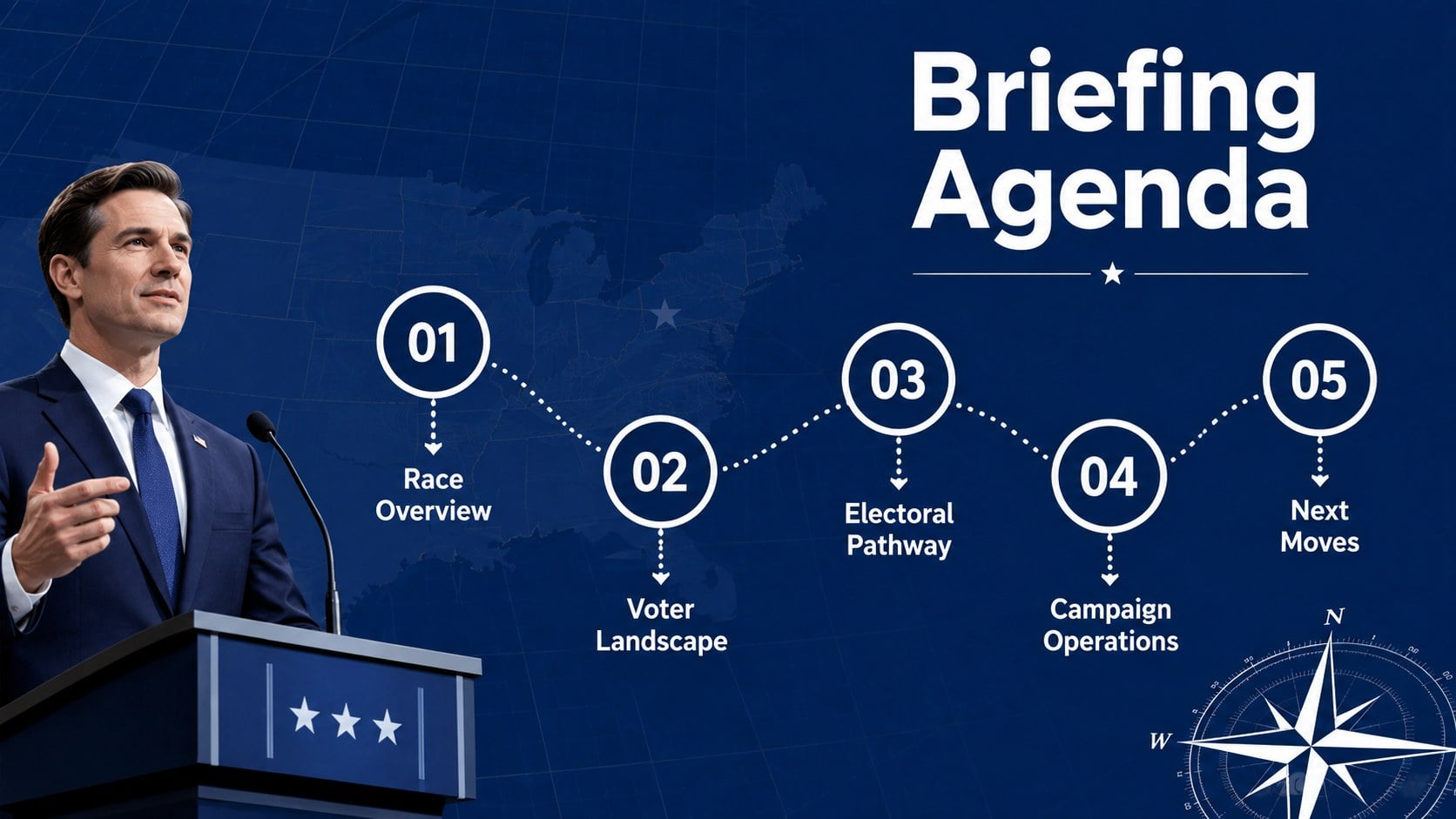
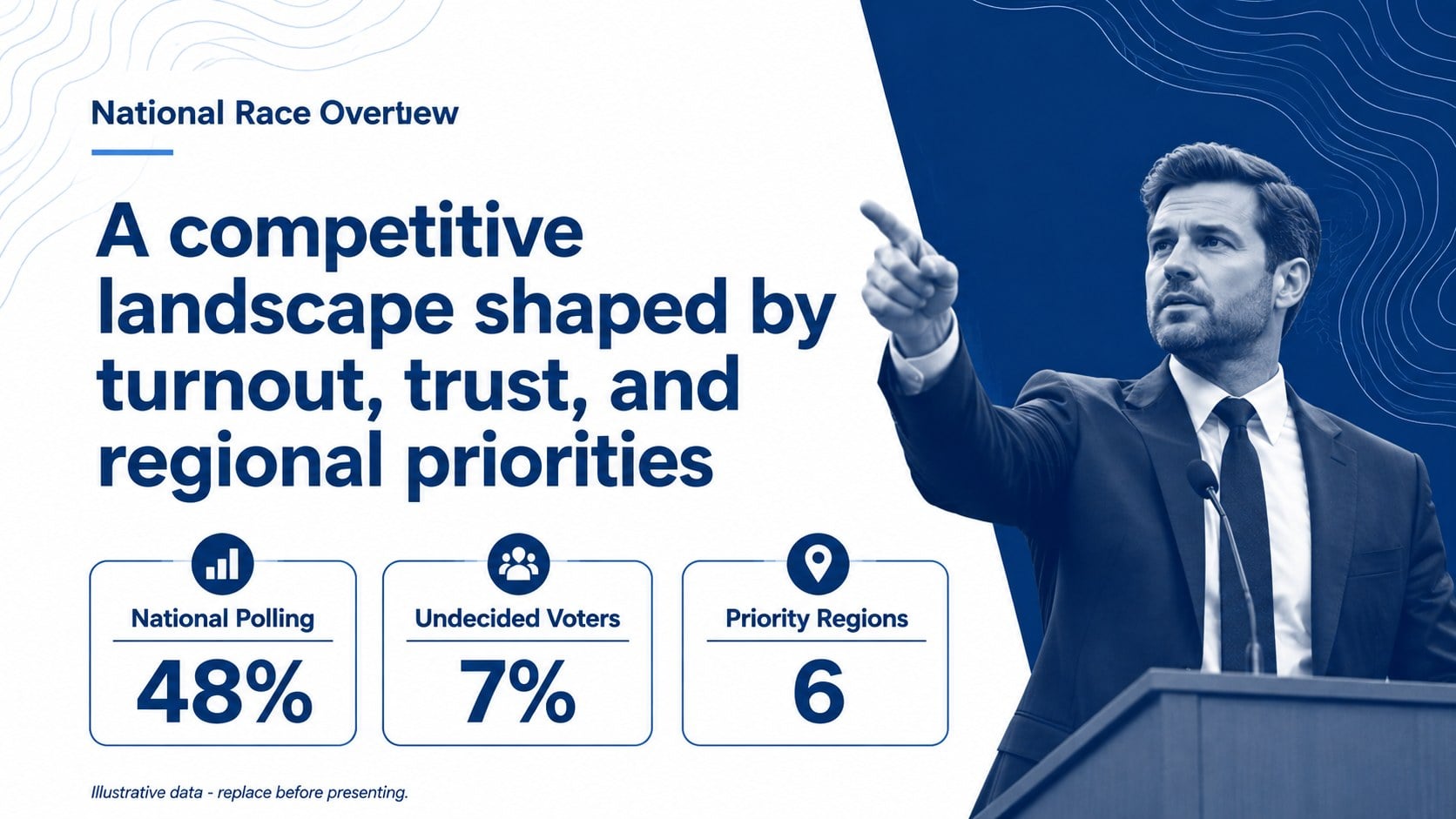
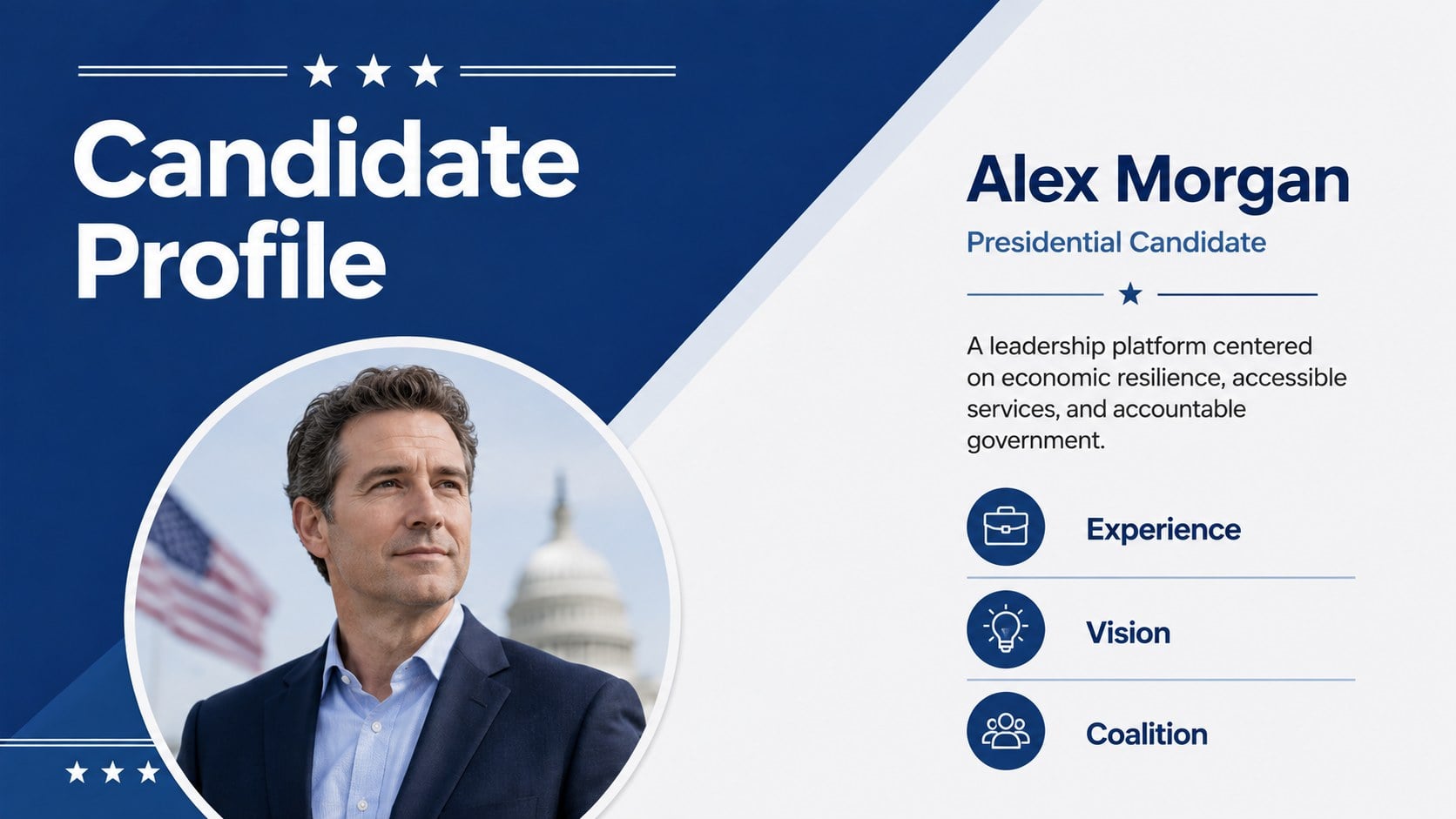
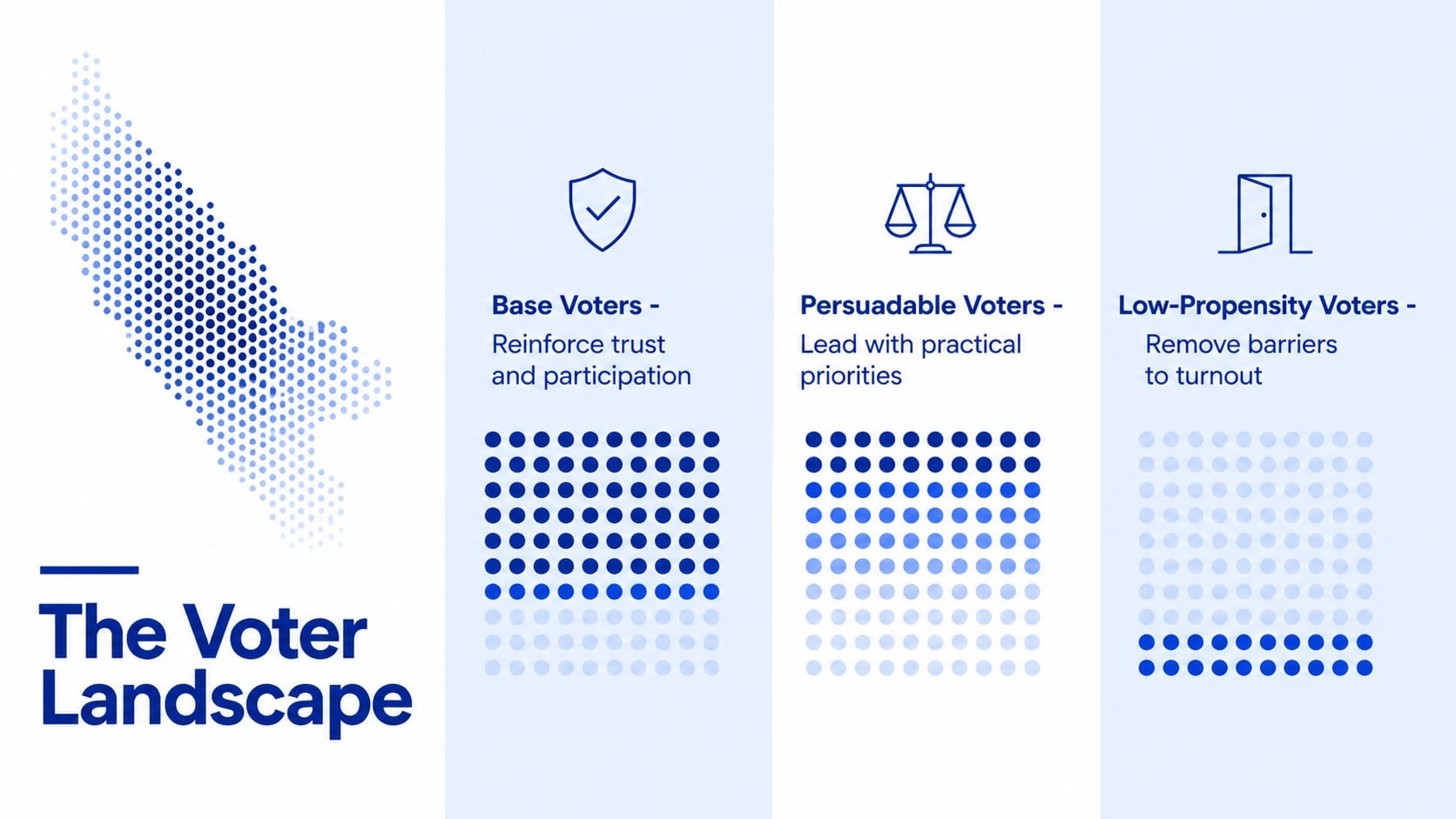
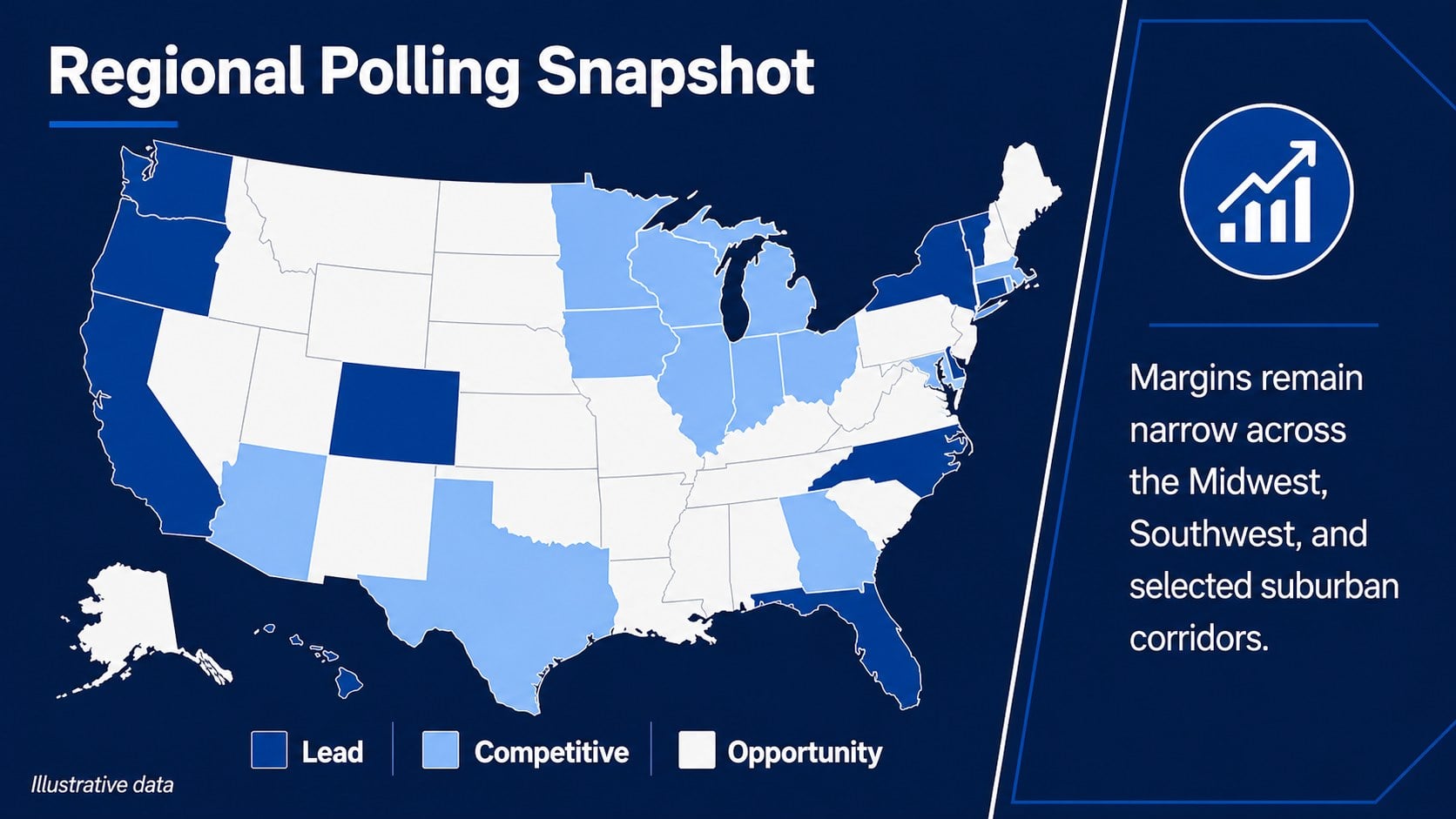
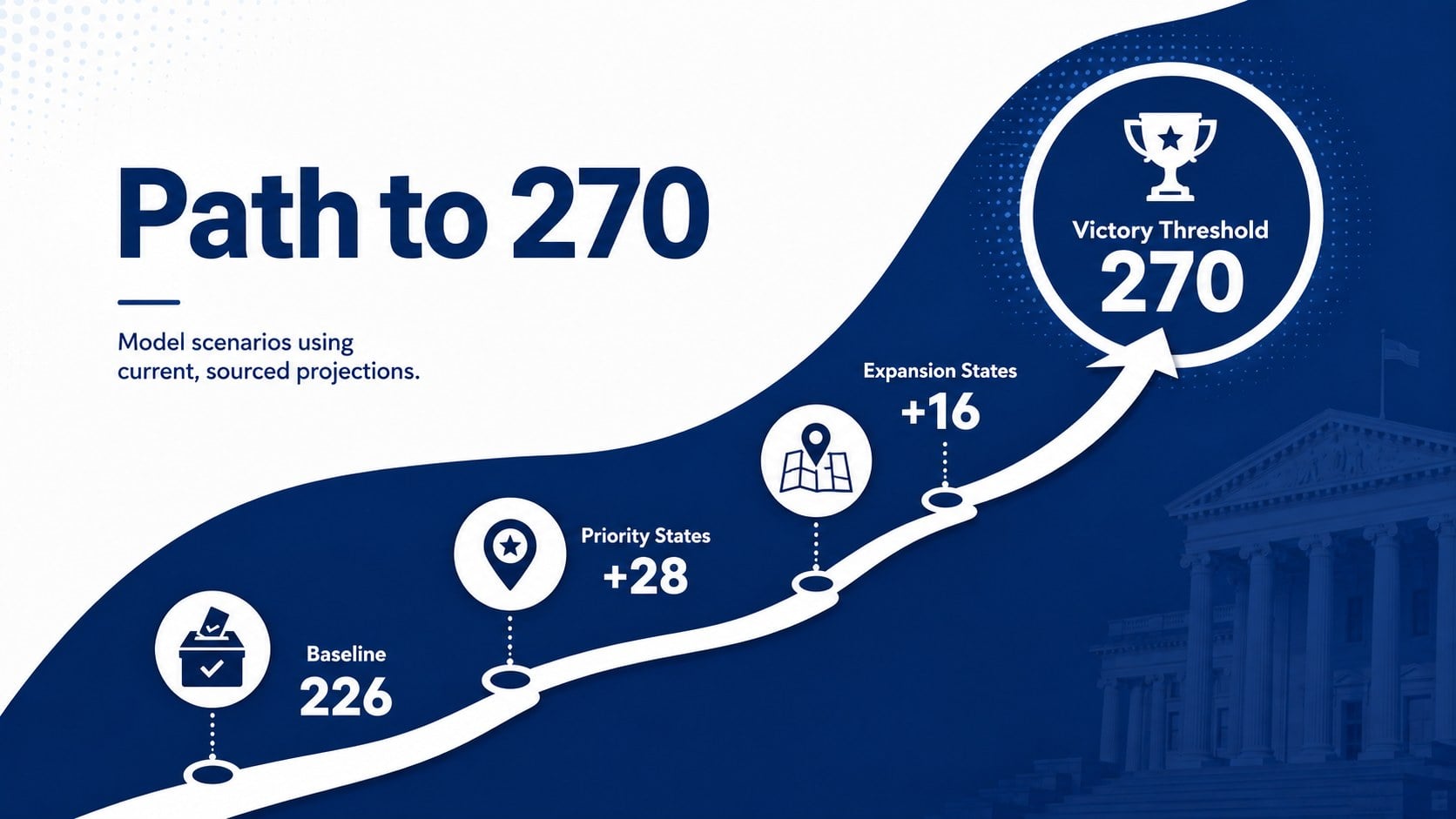
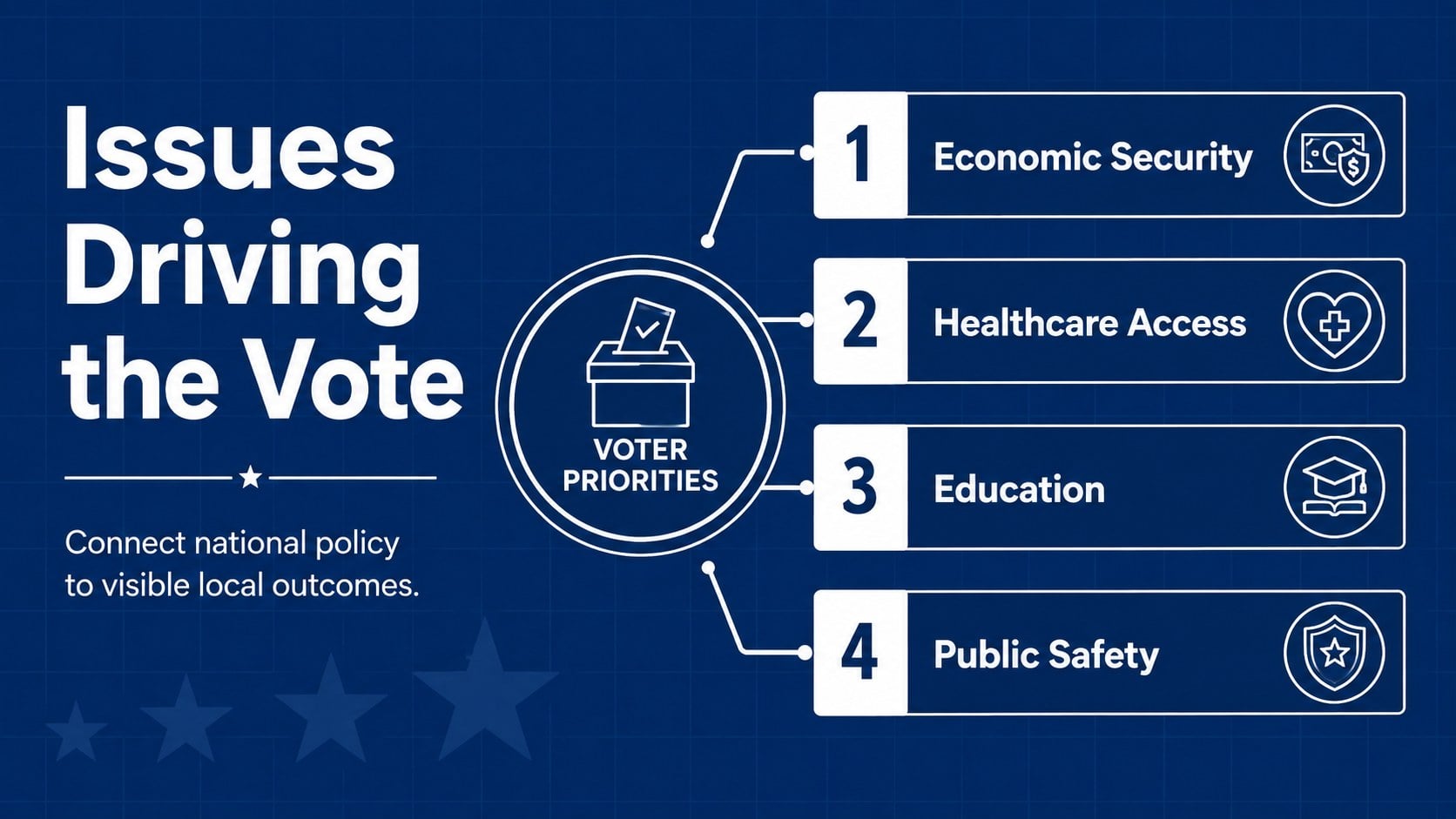
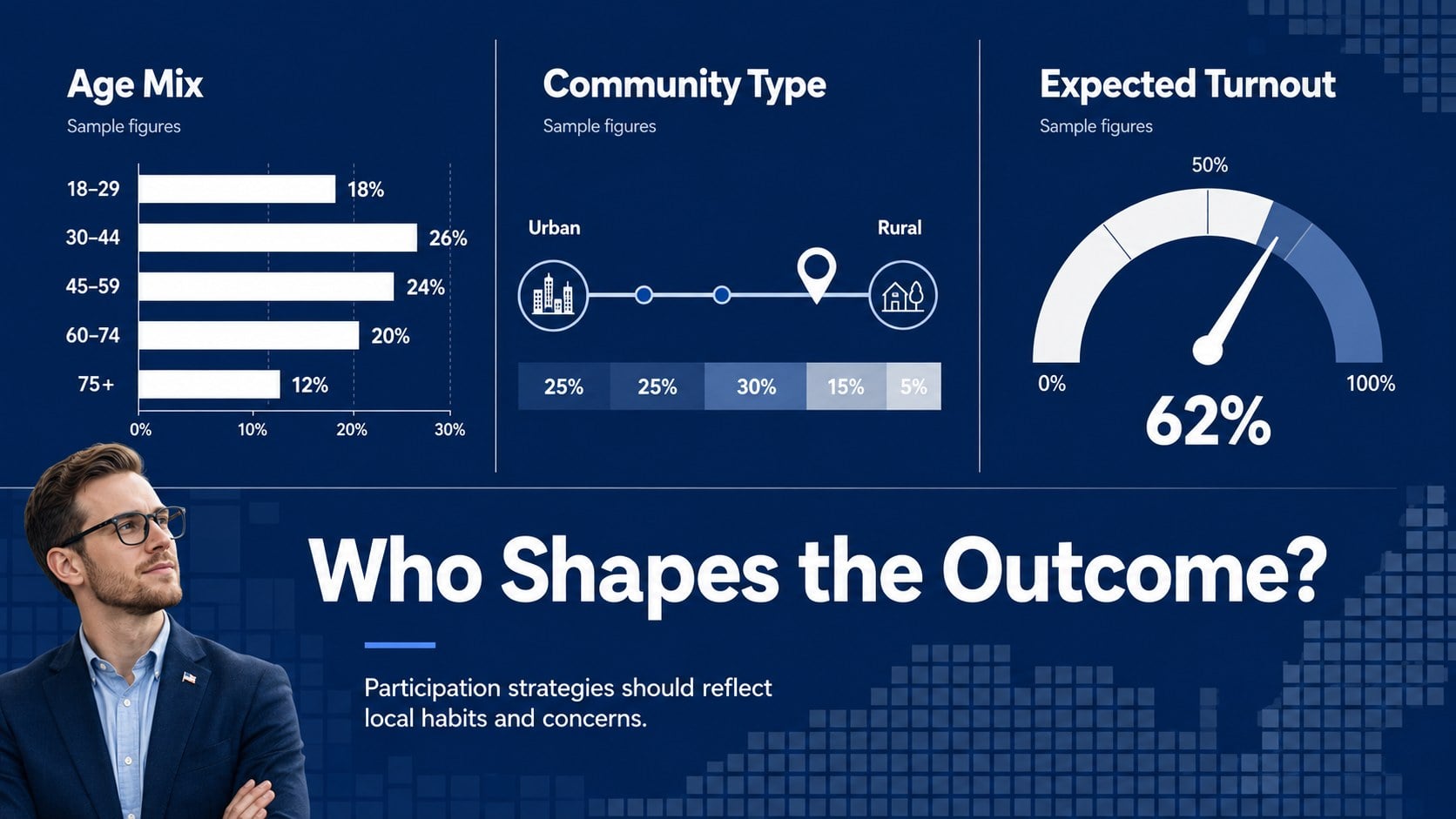
The 15-slide presidential election campaign presentation includes a cover, briefing agenda, national race overview, candidate profile, voter landscape, regional polling map, electoral vote pathway, issue priorities, demographic analysis, campaign timeline, media strategy, field operations, fundraising snapshot, final recommendations, and closing slide. Flexible layouts support maps, charts, percentages, timelines, comparison tables, and concise talking points without making complex information feel crowded. Use the blue and white election slides as provided or adapt colors, fonts, data, and section order to suit a specific campaign or classroom discussion.
Created for campaign teams, political consultants, government educators, journalists, and civic organizations, this political campaign strategy deck works equally well for internal planning sessions and public-facing briefings. Every slide is editable in PowerPoint and Google Slides, making it straightforward to update polling figures, replace regional data, add candidate photography, or tailor policy messaging. The restrained visual system keeps attention on evidence while providing enough variety for a complete, coherent presentation.
Perfect for: campaign strategy meeting; electoral map analysis; polling results briefing; political science lesson; candidate policy comparison; election night update.
Frequently asked questions
Can I edit every part of this election briefing? Yes. Text, colors, maps, charts, icons, and layout elements can be customized to reflect your campaign, course, or research project. Replace the sample figures with verified polling and electoral data before presenting.
Practical details
Yes. Text, colors, maps, charts, icons, and layout elements can be customized to reflect your campaign, course, or research project. Replace the sample figures with verified polling and electoral data before presenting.
The template is designed for Microsoft PowerPoint and Google Slides. Minor differences in fonts, animation timing, or element spacing may occur when moving between platforms.
Yes. You can recolor regions, update labels, add callouts, and revise electoral figures to match your analysis. Keep the map legend consistent so viewers can interpret the data quickly.
Yes. The neutral structure works for civics lessons, election analysis, journalism, and academic research as well as campaign planning. Replace partisan messaging with balanced terminology and cite all external data sources.
Keep exploring
15Build an engaging World UFO Day session with this flying saucer history lesson deck, featuring retro green-and-brown slides for PowerPoint and Google Slides.
 15
15Plan a lively animal-learning journey with this jungle zoo adventure lesson deck, ready to customize in PowerPoint and Google Slides for young learners.
 16
16Turn environmental research into a clear story with a Watercolor Ecology Presentation Theme for PowerPoint and Google Slides in calming green and blue.
 16
16Build focused fashion, literature, and humanities presentations with the Red Triangle Editorial Theme, editable in PowerPoint and Google Slides.
 15
15Turn streaming stats, favorite tracks, and concert highlights into a bold annual listening recap slide deck for PowerPoint and Google Slides.
 15
15Turn highlights, milestones, and favorite moments into a colorful year in review slide deck with bold 3D graphics for PowerPoint and Google Slides.
 3
3Build a credible endorsement with Standout Colleague Recommendation Letter Slides, featuring colorful prompts for skills, achievements, and team impact.
 4
4Build clear beginner sessions with an ice hockey fundamentals training deck for coaches, PE teachers, and clubs, ready for PowerPoint and Google Slides.