
 15
15presentation
Flying Saucer History Lesson Deck
Build an engaging World UFO Day session with this flying saucer history lesson deck, featuring retro green-and-brown slides for PowerPoint and Google Slides.
Google SlidesPowerPoint
presentation · English
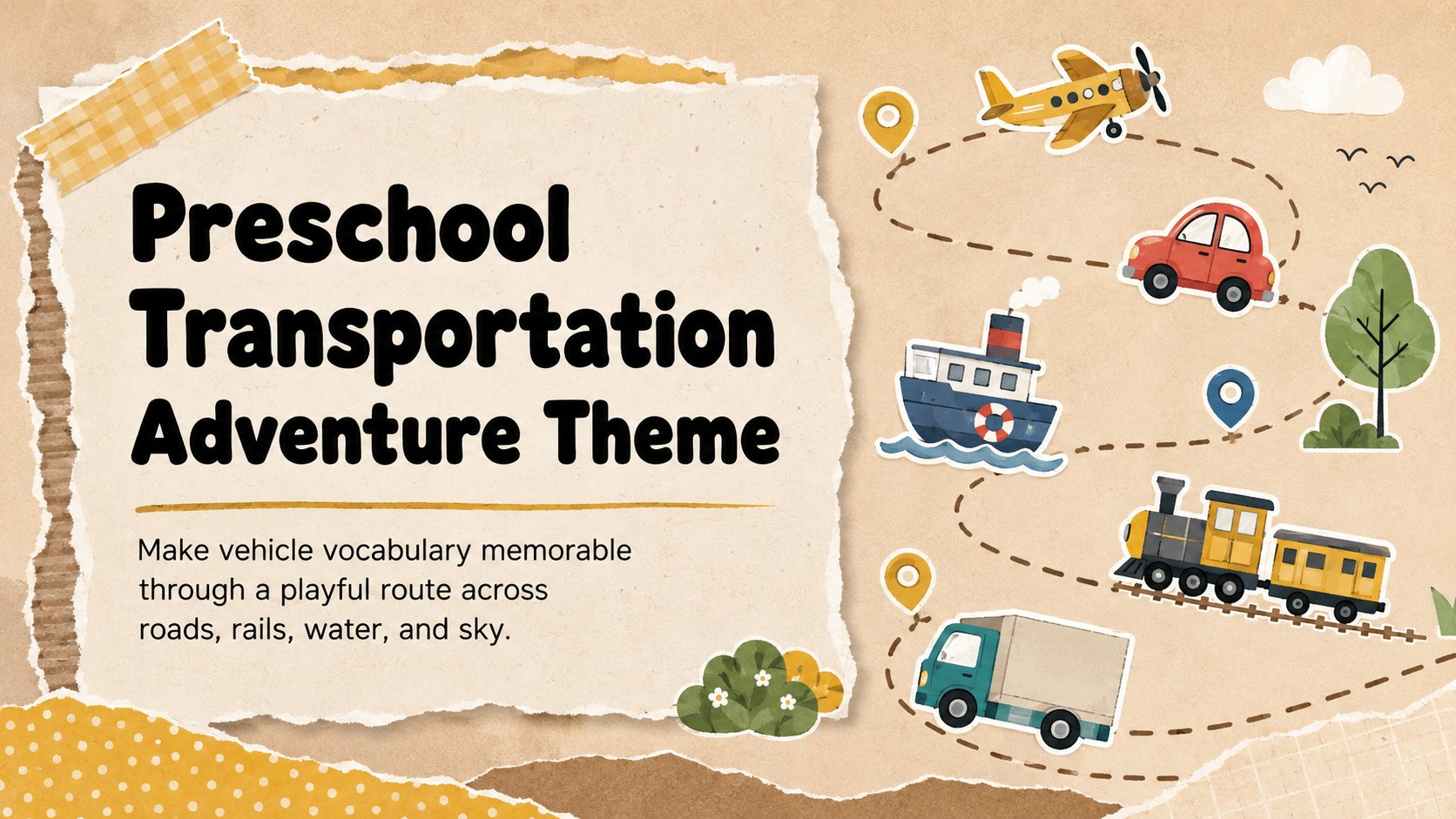
Plan an engaging vehicle lesson with the Preschool Transportation Adventure Theme, featuring warm scrapbook visuals for PowerPoint and Google Slides.
Design notes
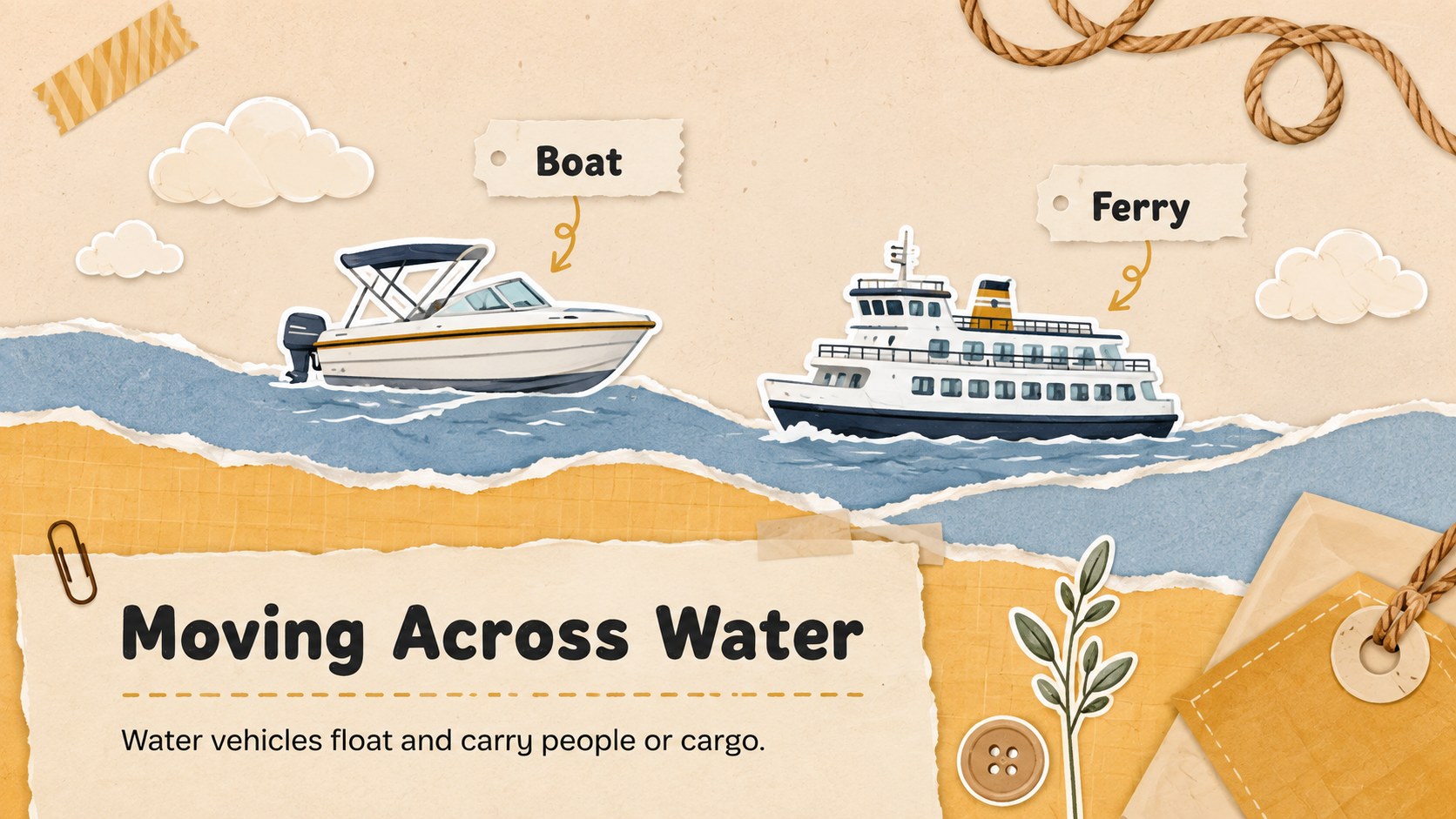
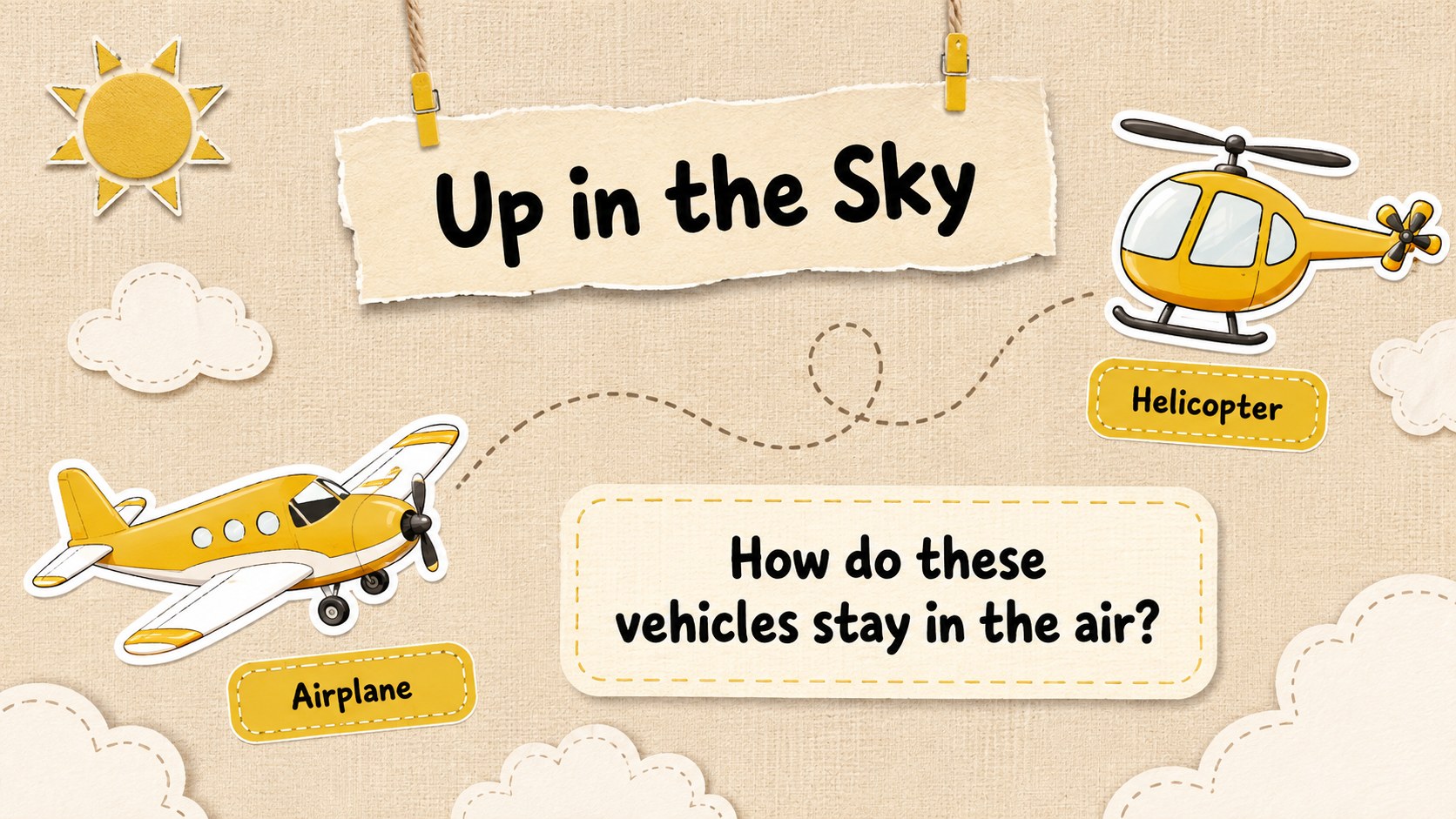
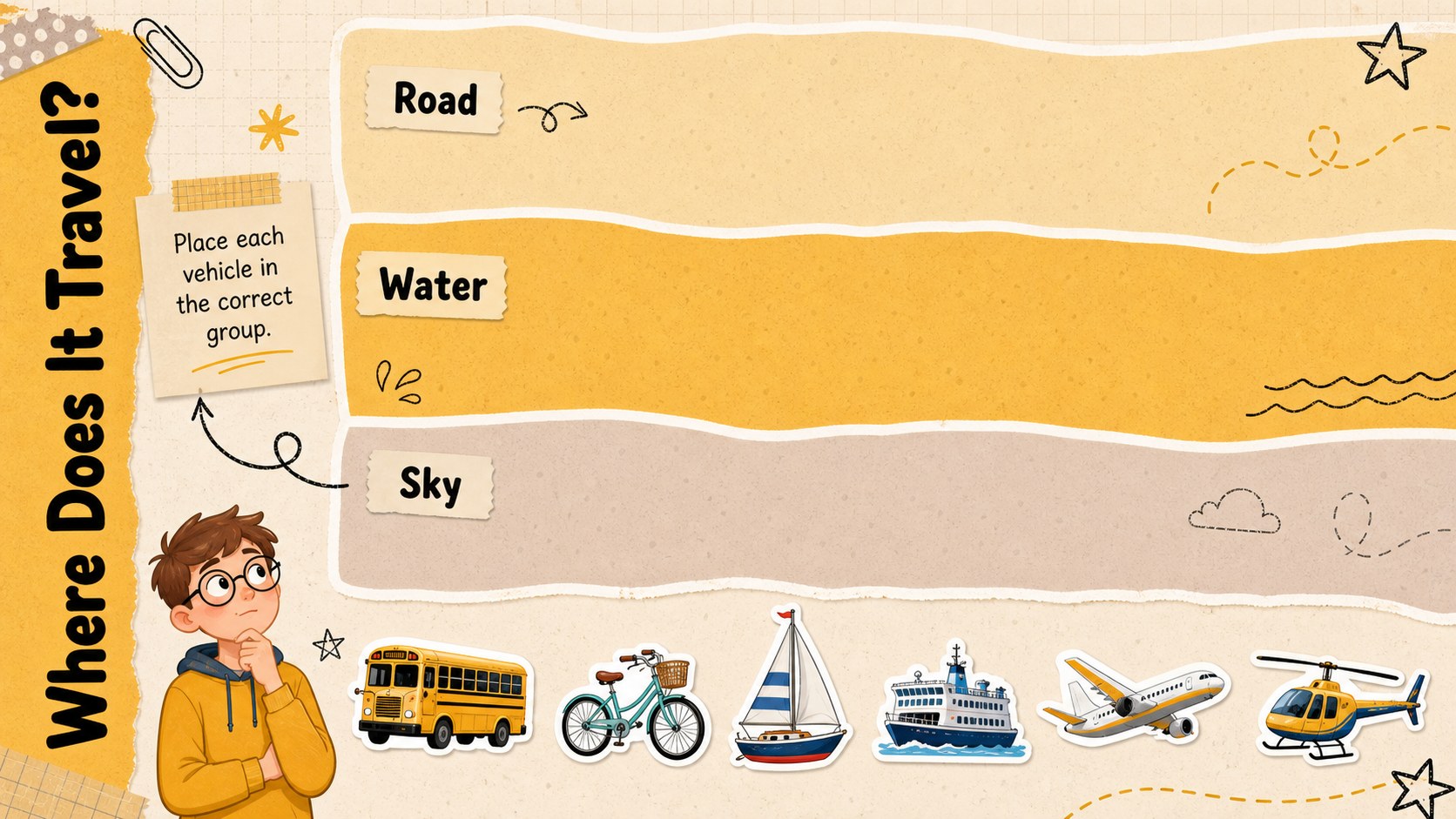
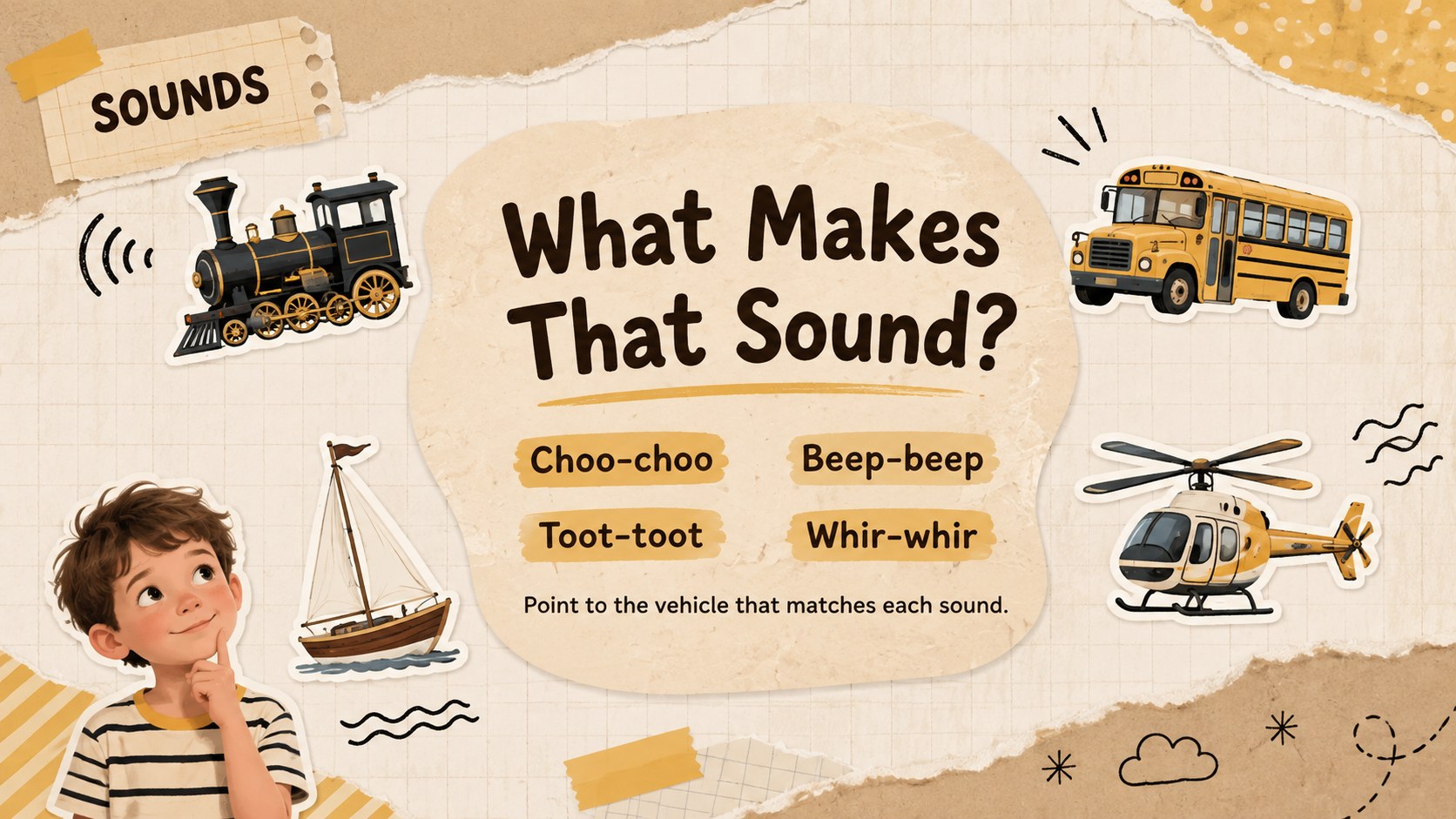
Turn an everyday preschool topic into a lively classroom journey with the Preschool Transportation Adventure Theme. Designed for early learners, this warm beige and sunny yellow deck introduces familiar vehicles through simple words, playful illustrations, and clear visual activities. Its handmade scrapbook character feels friendly and creative without distracting from the lesson.
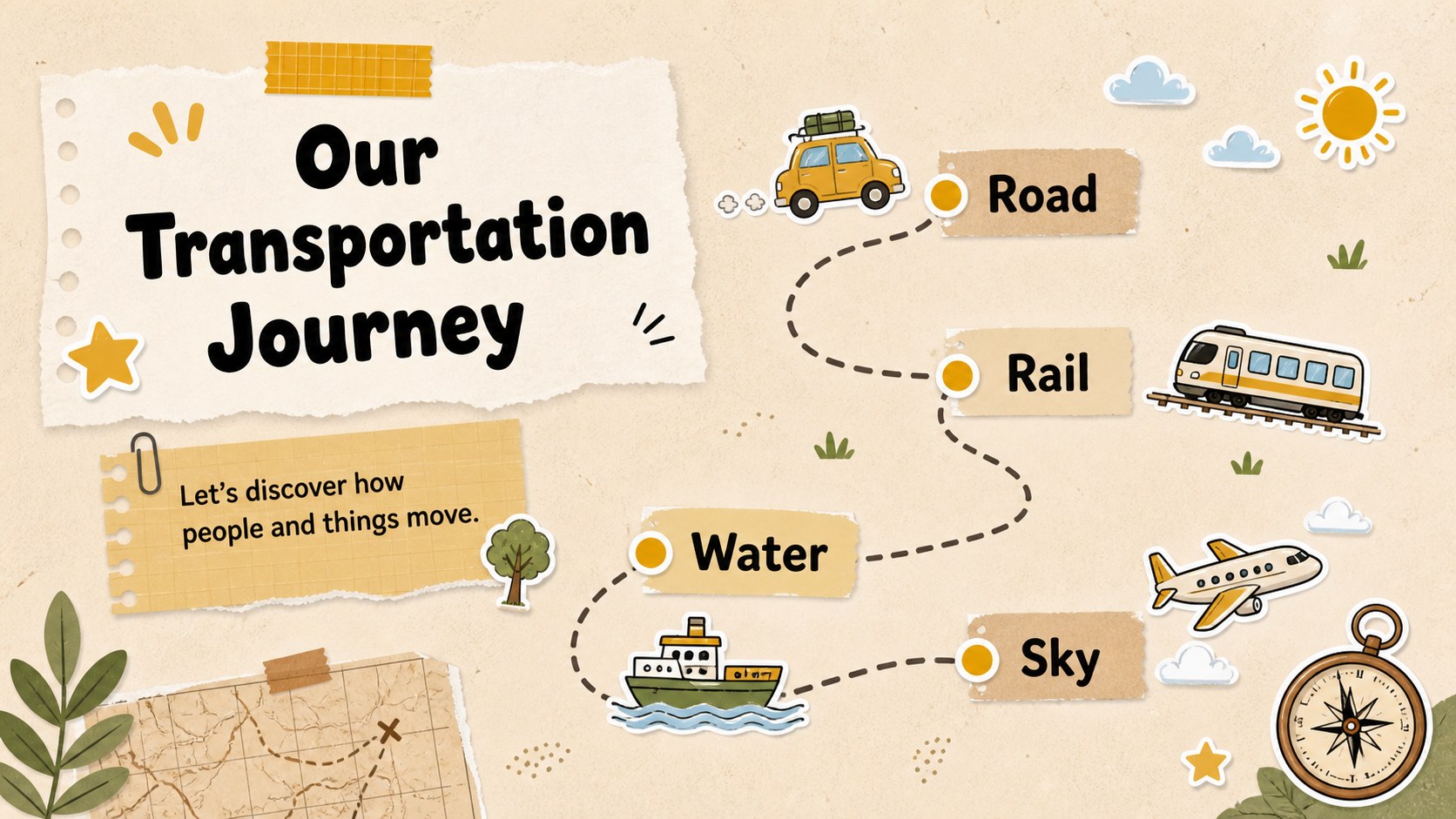
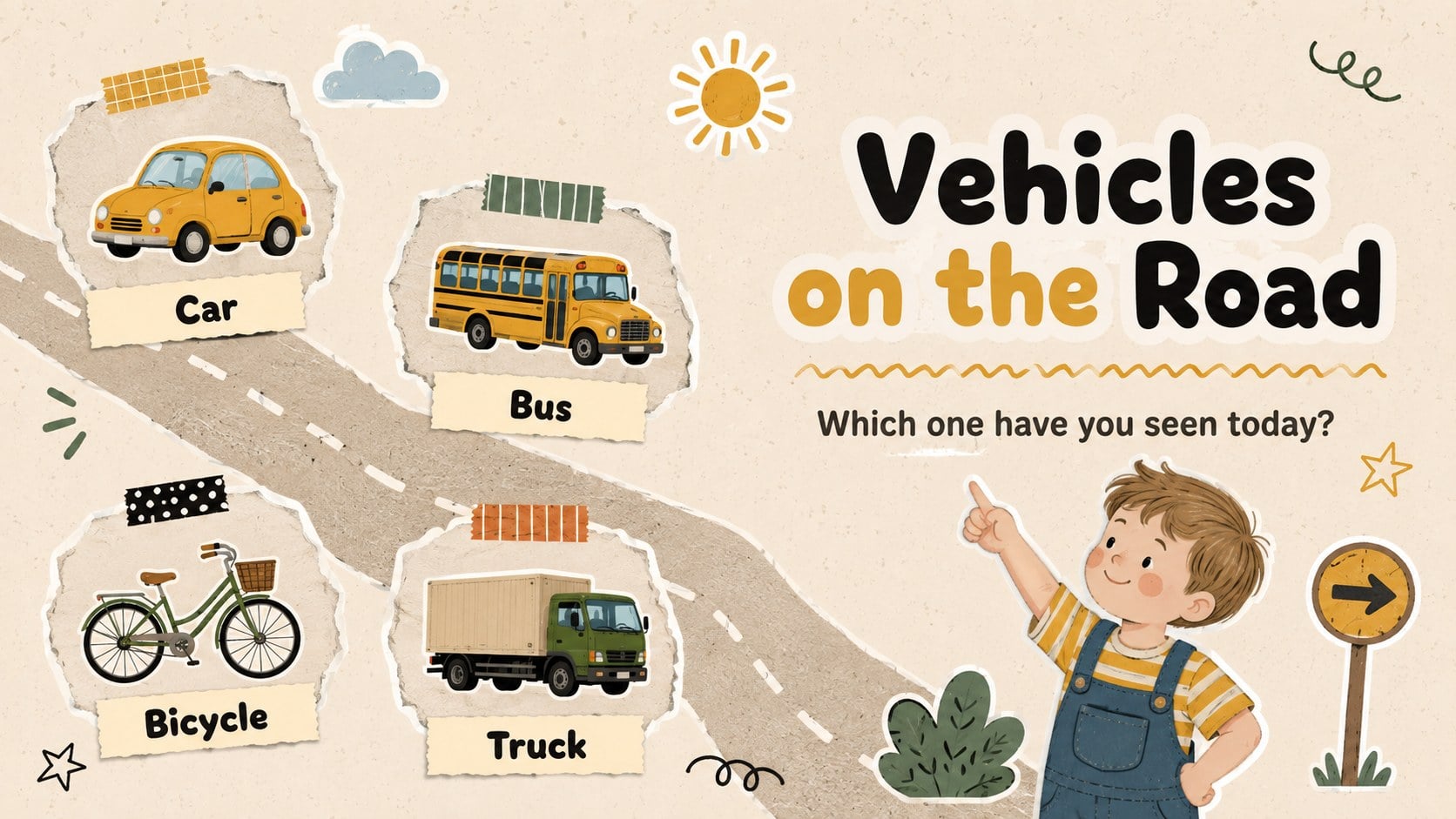
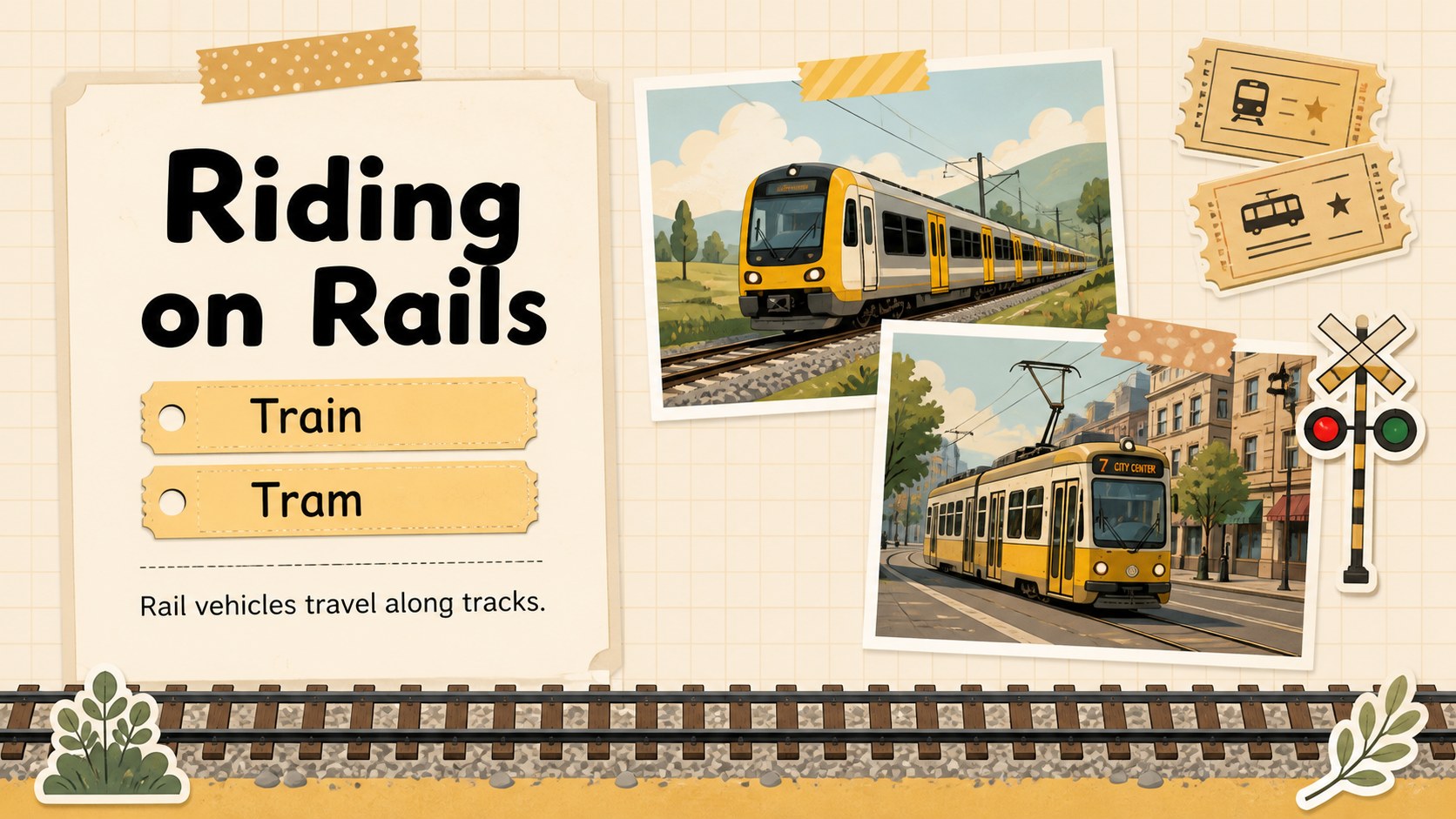
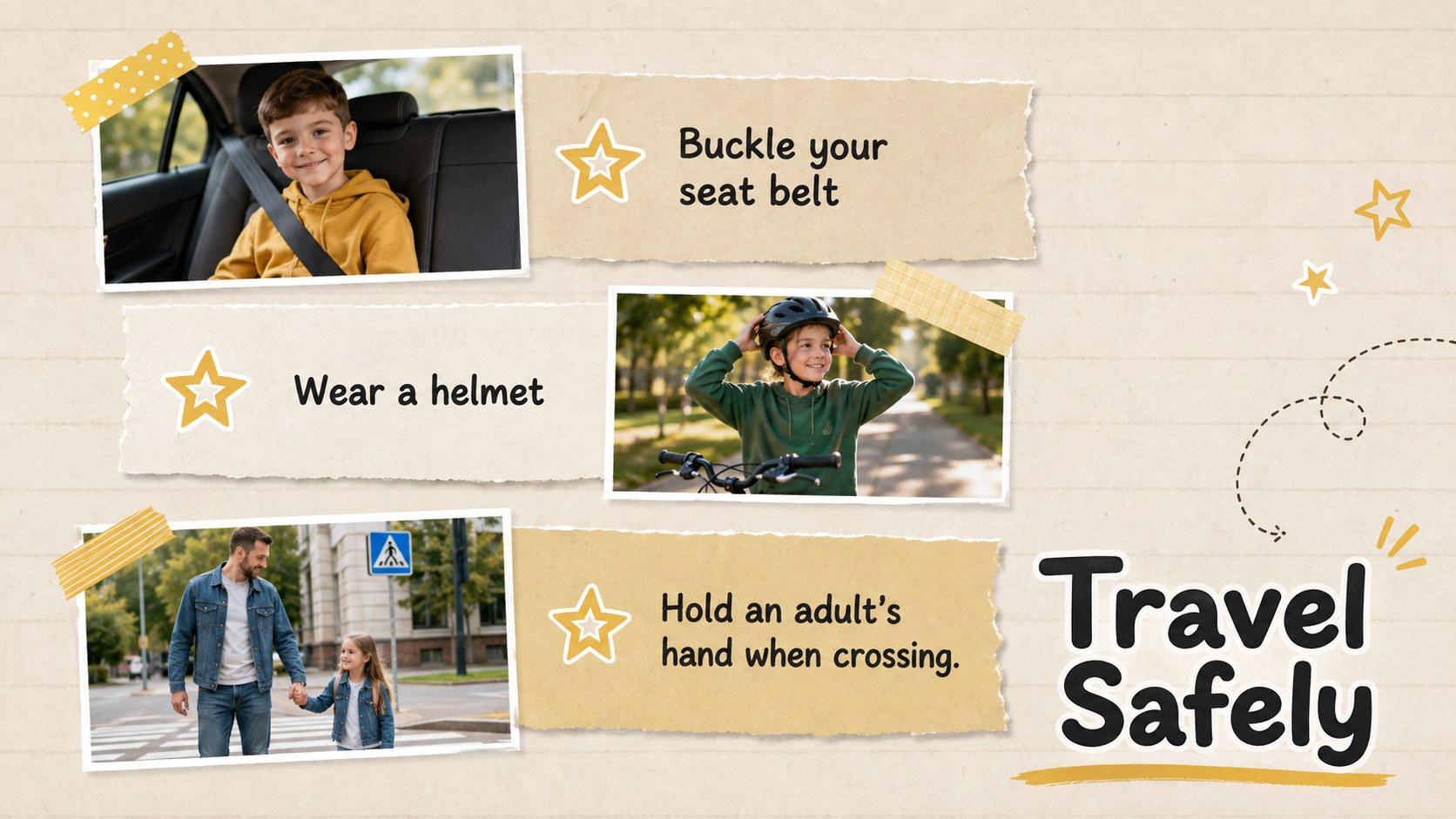
The 15-slide preschool transportation lesson template includes an opening question, vehicle vocabulary, land, rail, air, and water transport examples, sorting tasks, sound recognition, safety reminders, matching activities, and a cheerful recap. Teachers can adapt the short prompts, replace pictures, or rearrange activities to suit their class. The land air water vehicles lesson also provides opportunities for movement, storytelling, and group discussion.
Use this vehicle learning presentation for preschool during circle time, a community helpers unit, a travel theme, or an introductory transport lesson. The layouts are built for PowerPoint and Google Slides in a classroom-friendly 16:9 format. Large headings and concise text help children follow along on a shared screen, while the varied activities support participation from both verbal and visual learners. Every element can be customized so educators can add local vehicles, adjust vocabulary difficulty, or create a personalized review game.
Perfect for: preschool circle time; vehicle vocabulary lesson; land air and water sorting; community helpers unit; transport safety discussion.
Frequently asked questions
Can I edit the vehicle names and activities? Yes. All headings, labels, prompts, and activity instructions can be edited to match your learners' vocabulary level or local transport examples.
Practical details
Yes. All headings, labels, prompts, and activity instructions can be edited to match your learners' vocabulary level or local transport examples.
The template is designed for Microsoft PowerPoint and Google Slides. Its 16:9 layout is suitable for classroom projectors, interactive displays, and online lessons.
Yes. You can update background colors, accents, shapes, and text while preserving the scrapbook-inspired layout. For clear classroom viewing, maintain strong contrast between text and backgrounds.
Most slides are intended for teacher-led discussion, but the sorting and matching pages can be adapted as individual practice. Duplicate those slides to create extra review rounds or personalized tasks.
Keep exploring
15Build an engaging World UFO Day session with this flying saucer history lesson deck, featuring retro green-and-brown slides for PowerPoint and Google Slides.
 15
15Plan a lively animal-learning journey with this jungle zoo adventure lesson deck, ready to customize in PowerPoint and Google Slides for young learners.
 16
16Turn environmental research into a clear story with a Watercolor Ecology Presentation Theme for PowerPoint and Google Slides in calming green and blue.
 16
16Build focused fashion, literature, and humanities presentations with the Red Triangle Editorial Theme, editable in PowerPoint and Google Slides.
 15
15Turn streaming stats, favorite tracks, and concert highlights into a bold annual listening recap slide deck for PowerPoint and Google Slides.
 15
15Turn highlights, milestones, and favorite moments into a colorful year in review slide deck with bold 3D graphics for PowerPoint and Google Slides.
 3
3Build a credible endorsement with Standout Colleague Recommendation Letter Slides, featuring colorful prompts for skills, achievements, and team impact.
 4
4Build clear beginner sessions with an ice hockey fundamentals training deck for coaches, PE teachers, and clubs, ready for PowerPoint and Google Slides.