
 15
15presentation
Flying Saucer History Lesson Deck
Build an engaging World UFO Day session with this flying saucer history lesson deck, featuring retro green-and-brown slides for PowerPoint and Google Slides.
Google SlidesPowerPoint
presentation · English
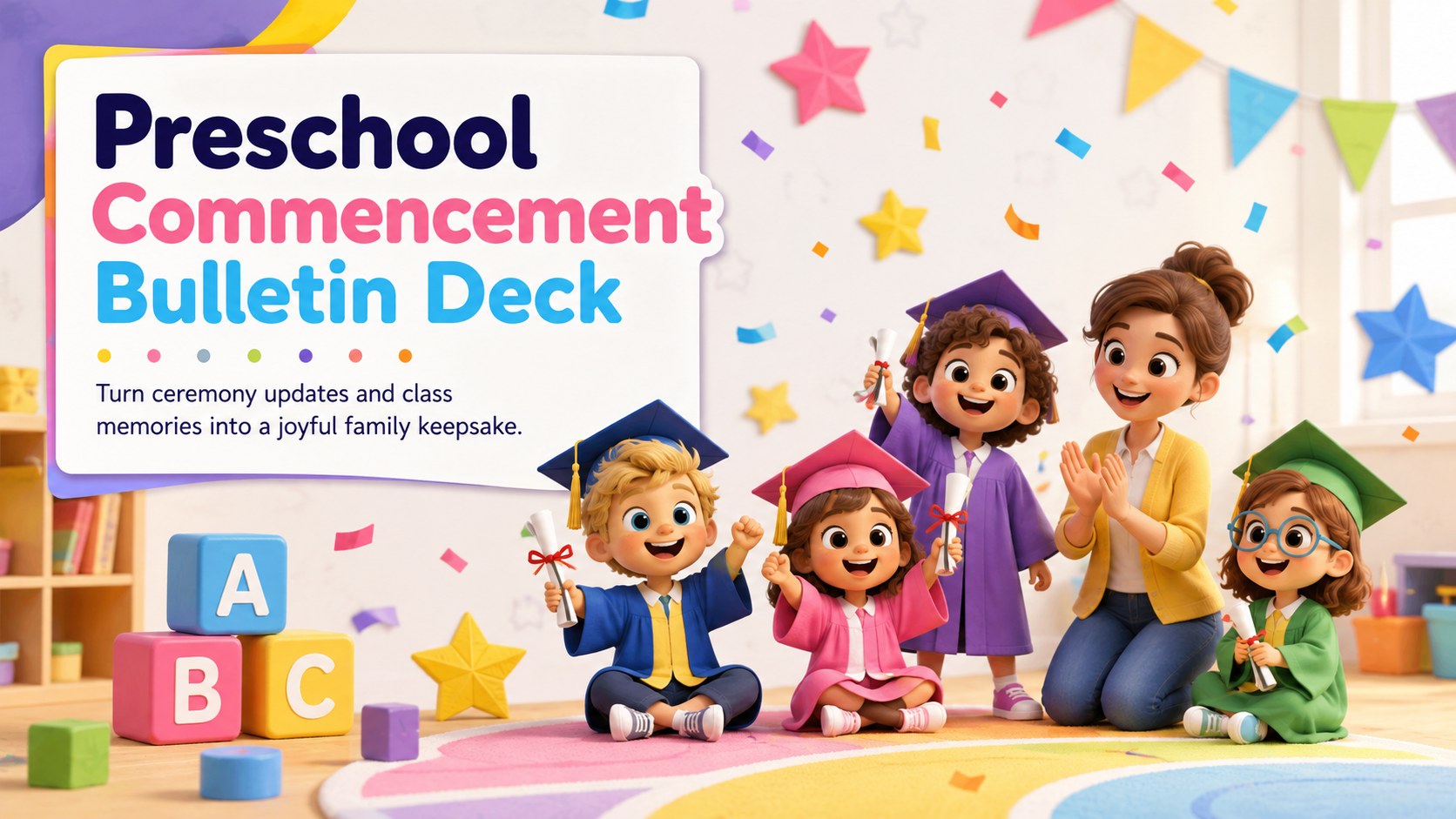
Share ceremony details, class milestones, and memories with a preschool commencement bulletin deck for PowerPoint and Google Slides that keeps parents…
Design notes
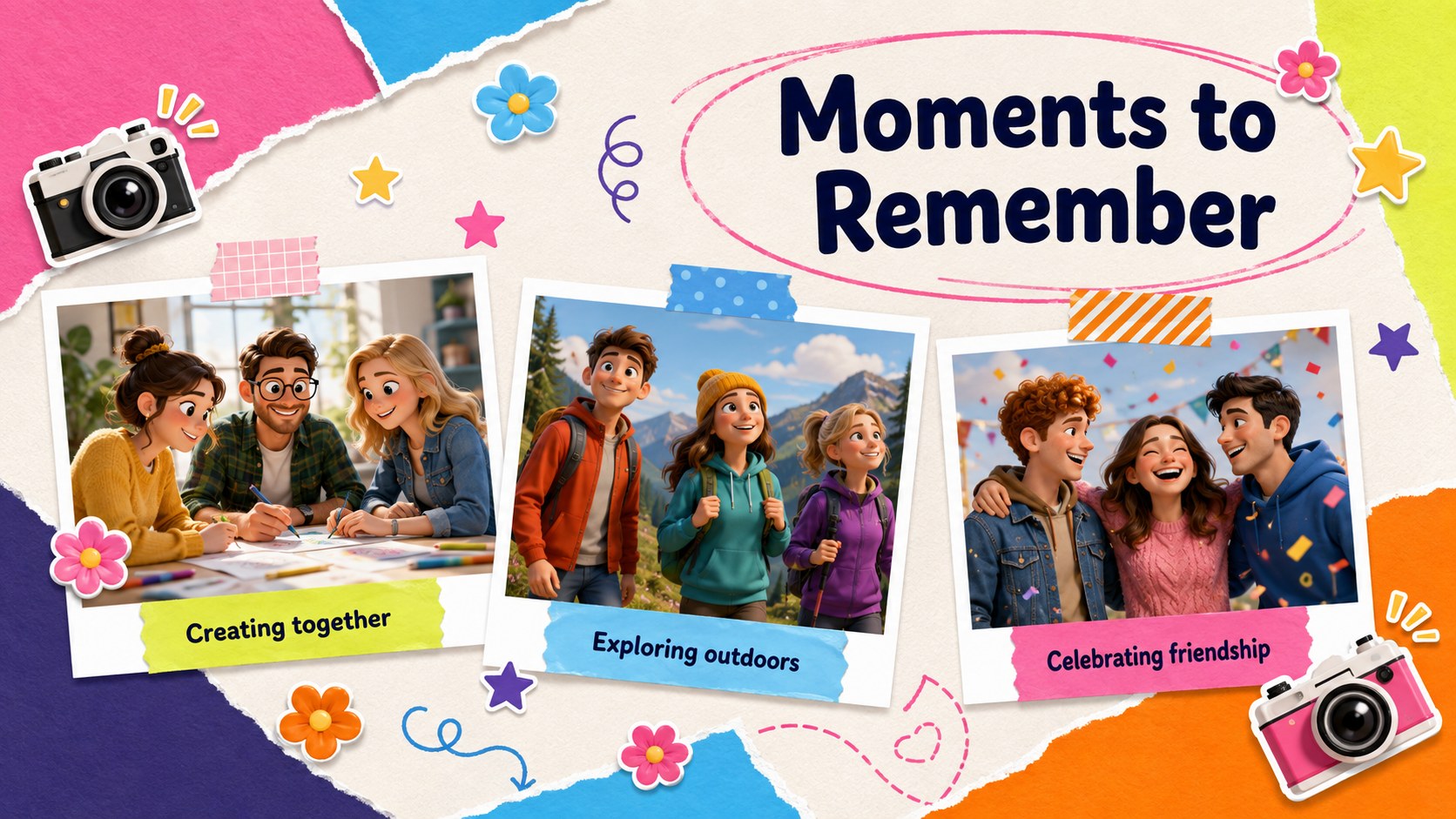
Bring the final weeks of the school year together with a preschool commencement bulletin deck designed for cheerful, family-friendly communication. Colorful backgrounds, playful typography, and original 3D characters create an upbeat setting for announcing the ceremony, recognizing young learners, and preserving favorite classroom moments.
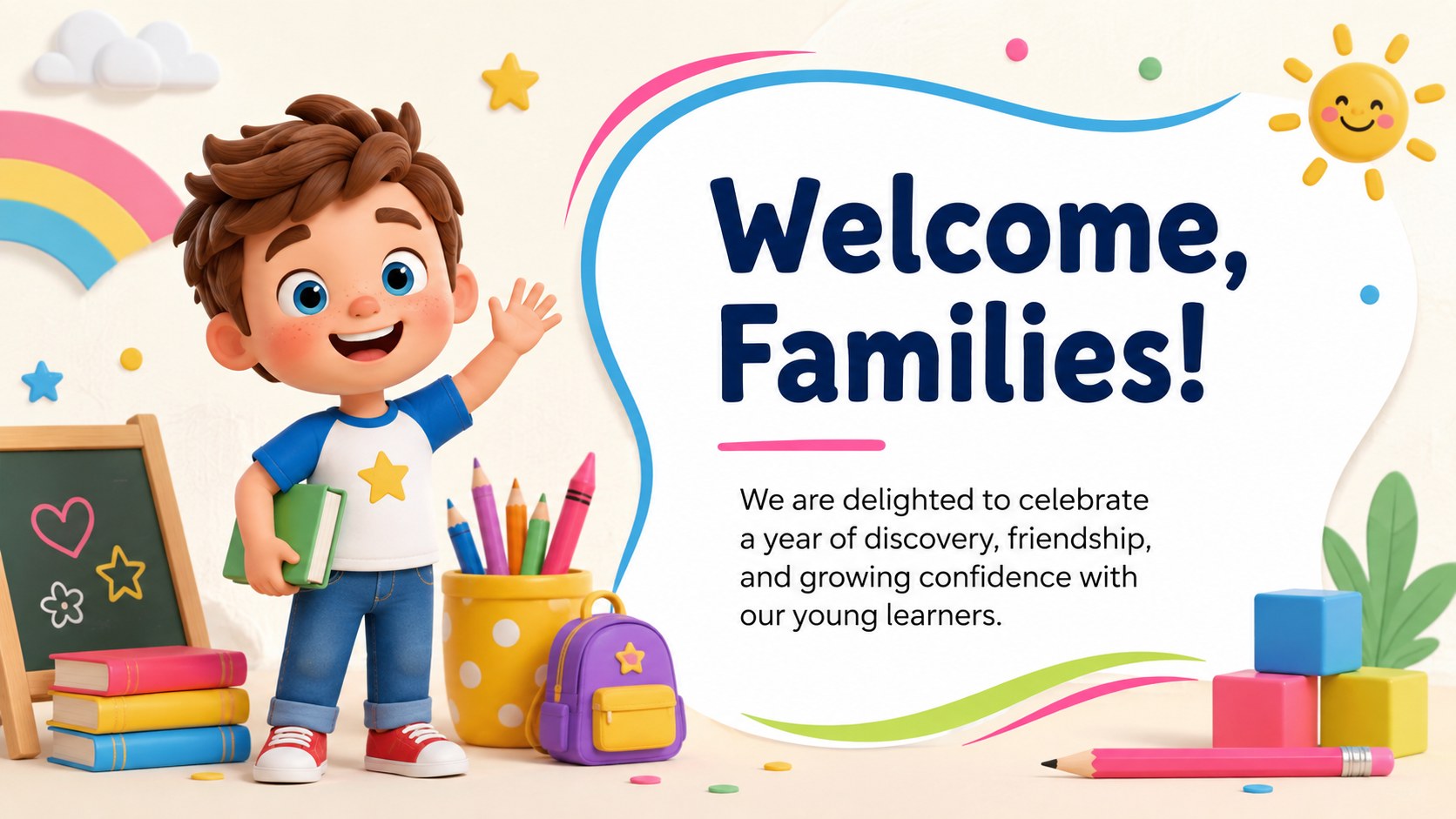
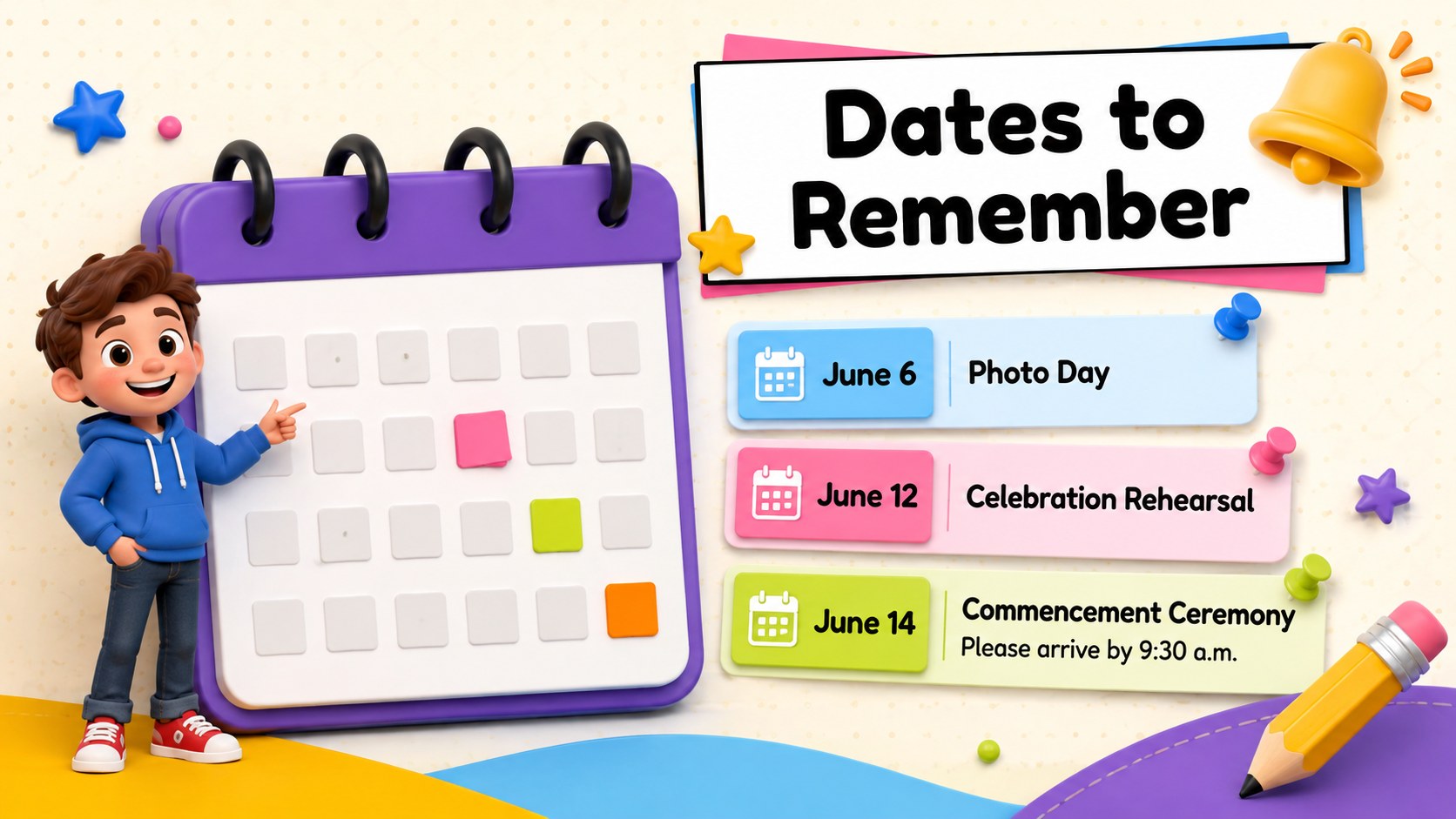
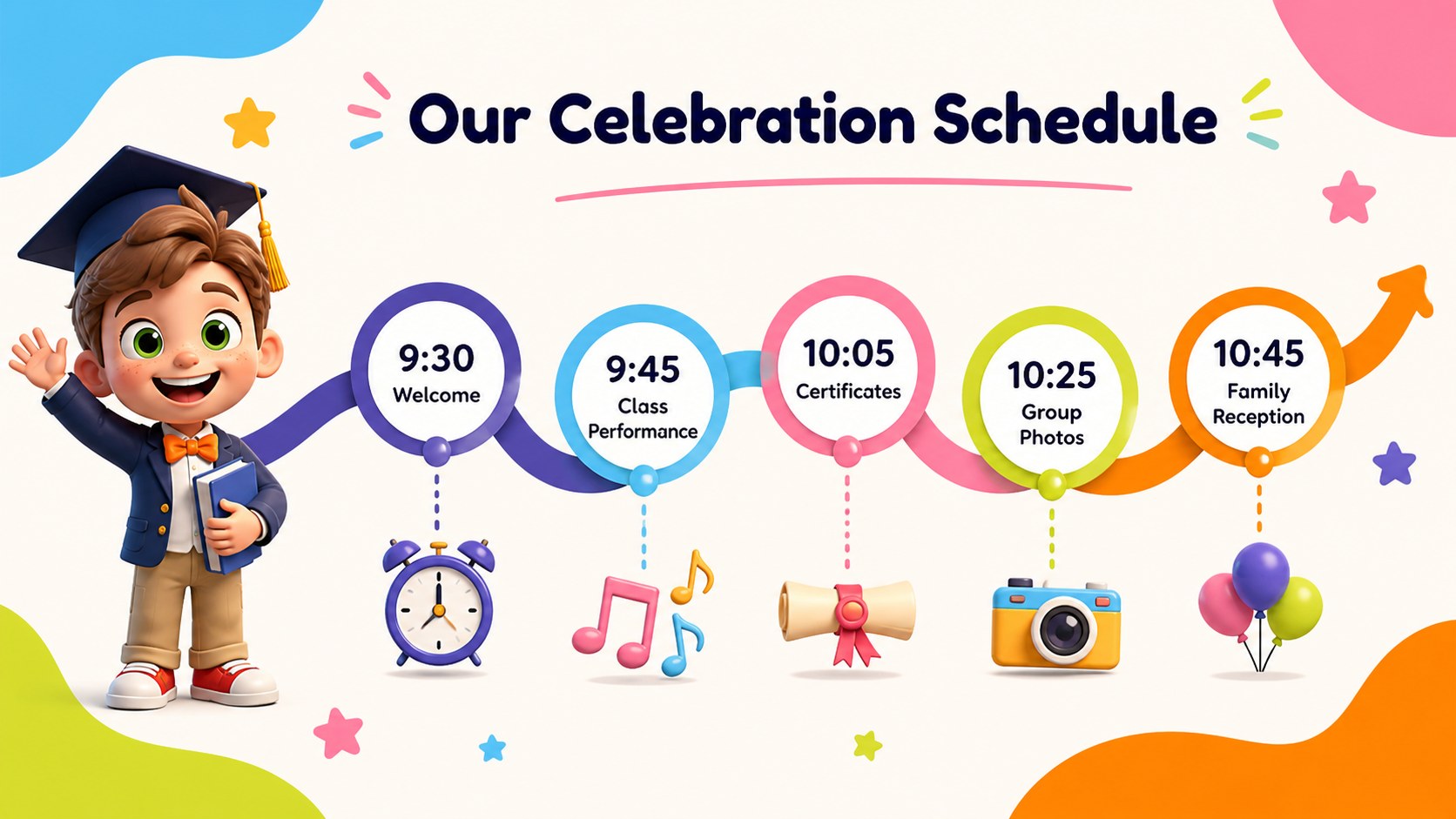
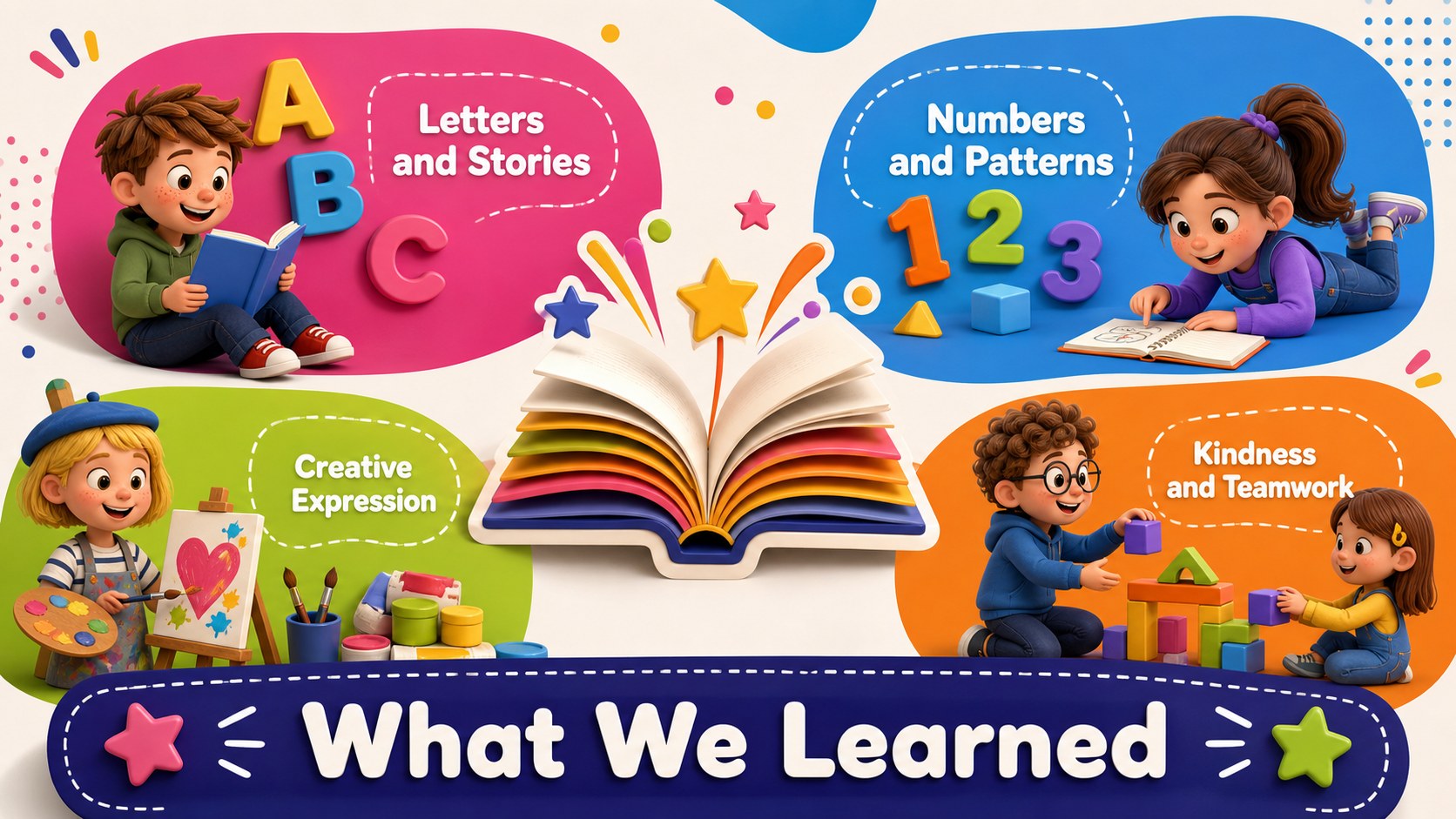
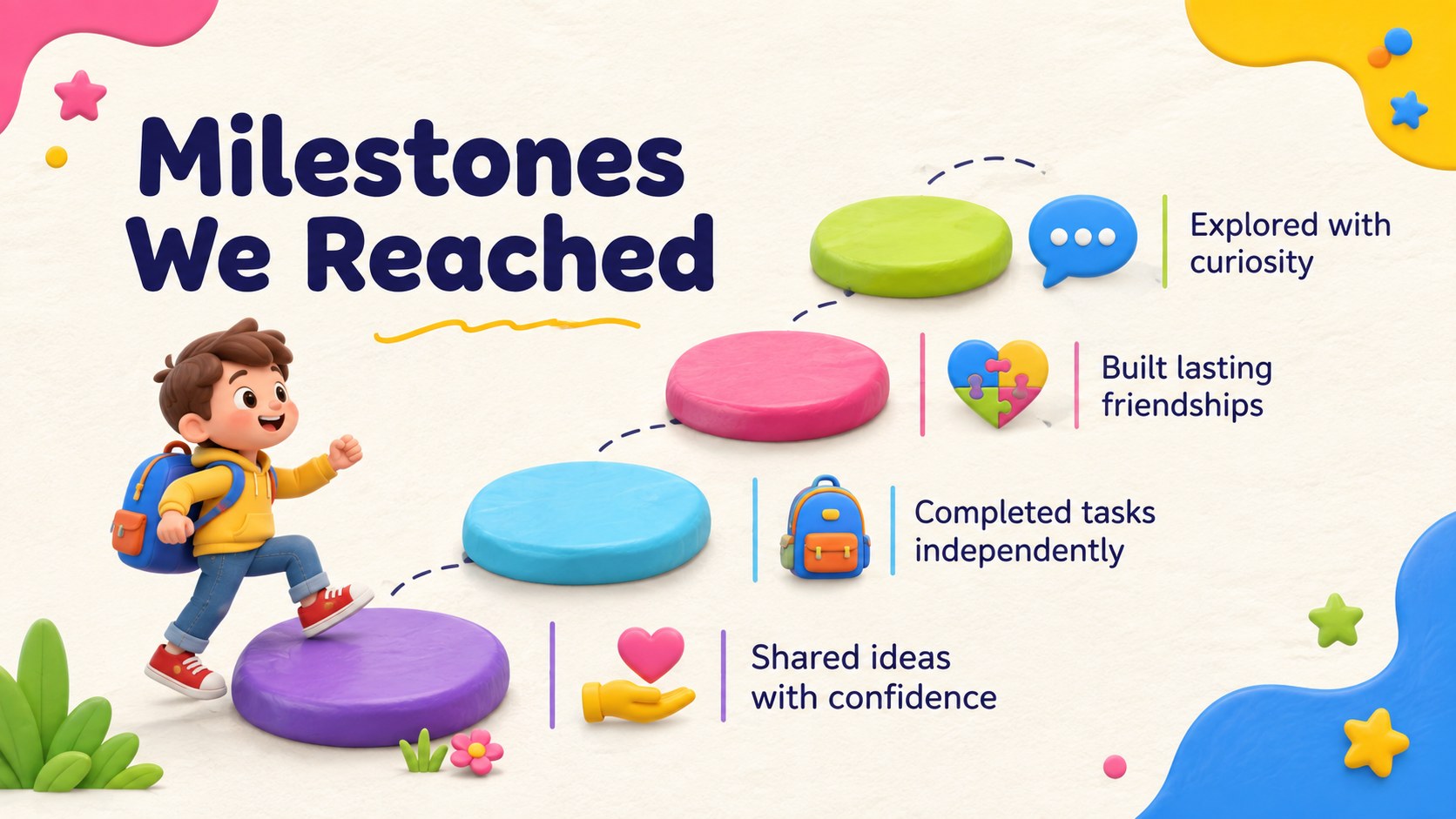
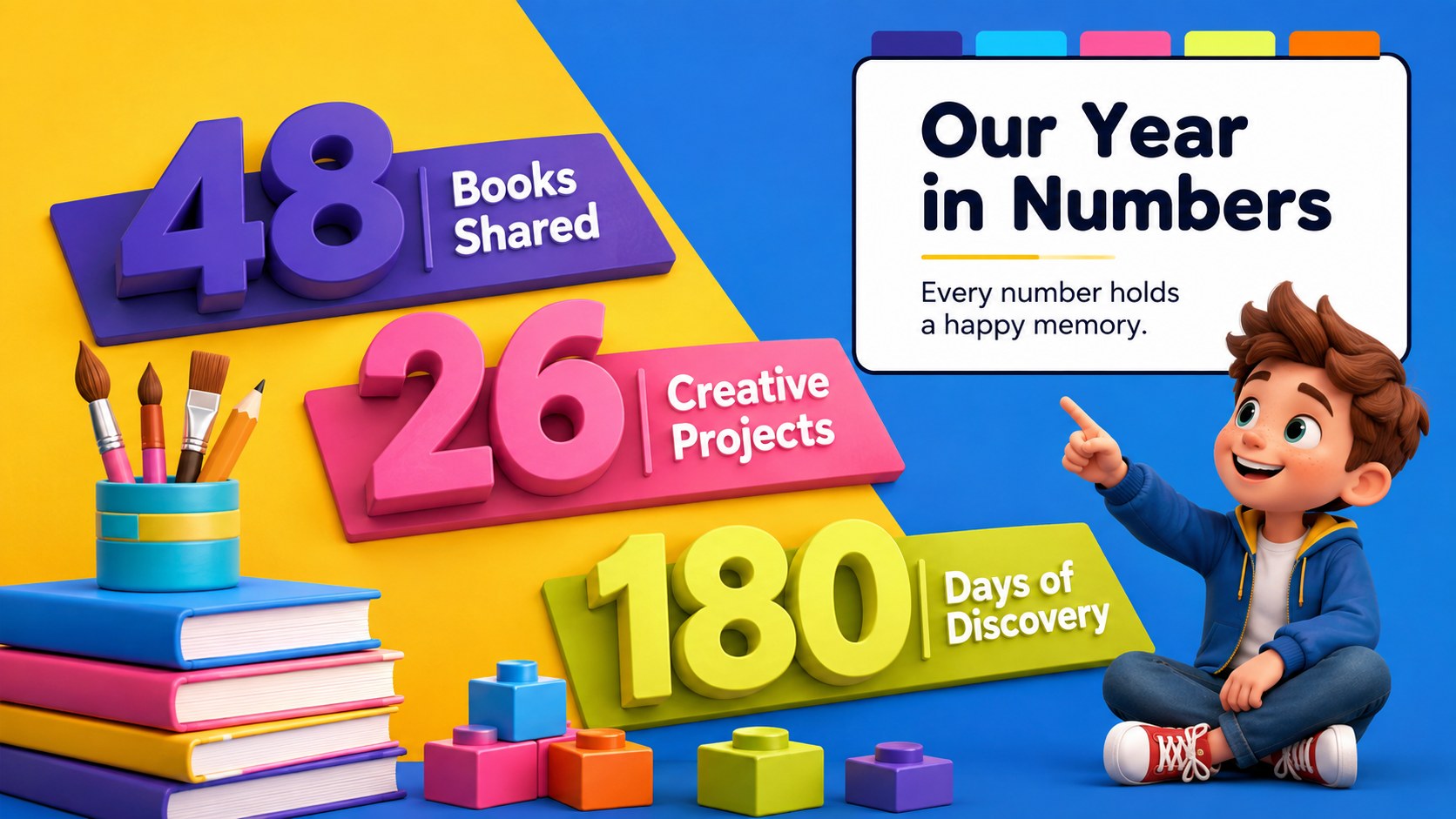
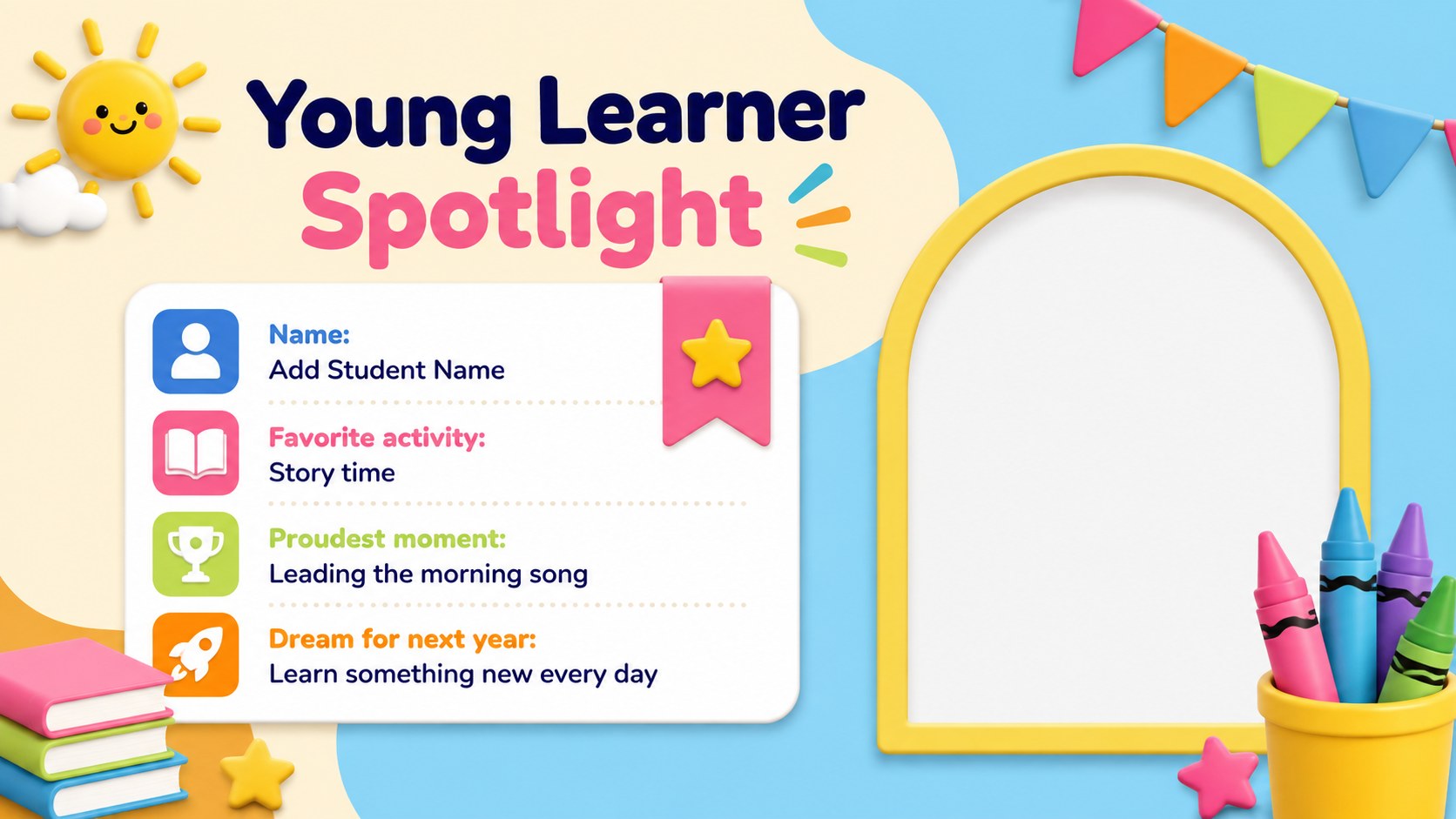
The 15-slide sequence includes layouts for a welcome message, important dates, graduation day schedule, learning highlights, class statistics, student spotlights, awards, photo memories, teacher notes, family acknowledgments, and a closing message. Use it as a preschool graduation family newsletter template or adapt the pages into an early years graduation announcement. Every layout can be edited in PowerPoint or Google Slides, with flexible spaces for photographs, names, short stories, event details, and classroom achievements.
This deck is made for preschool teachers, early learning centers, school administrators, and parent committees preparing an end-of-year celebration. It also works as a preschool ceremony photo newsletter that families can revisit after the event. Adjust the colors, rearrange the content, replace the sample images, and add your school information without changing the friendly visual character. Whether presented on screen, shared digitally, or printed as selected pages, the deck offers a polished way to celebrate growth and keep families informed.
Perfect for: preschool graduation announcement; ceremony schedule presentation; end-of-year family newsletter; class memory showcase; young learner awards ceremony.
Frequently asked questions
Can I edit this deck in PowerPoint and Google Slides? Yes. The layouts, text, colors, photographs, and decorative elements can be customized in PowerPoint or Google Slides. Some visual effects may vary slightly between the two platforms.
Practical details
Yes. The layouts, text, colors, photographs, and decorative elements can be customized in PowerPoint or Google Slides. Some visual effects may vary slightly between the two platforms.
Yes. Replace the sample content with student names, portraits, group photographs, artwork, or activity snapshots. Confirm your school's photo-sharing permissions before distributing the finished bulletin.
Yes. Individual pages can be exported as PDF files and printed as ceremony handouts or keepsakes. Review margins and image resolution before printing to ensure clear results.
Update the background accents, headings, shapes, and character clothing with your preferred palette. Keep strong contrast between text and backgrounds so event details remain easy to read.
Keep exploring
15Build an engaging World UFO Day session with this flying saucer history lesson deck, featuring retro green-and-brown slides for PowerPoint and Google Slides.
 15
15Plan a lively animal-learning journey with this jungle zoo adventure lesson deck, ready to customize in PowerPoint and Google Slides for young learners.
 16
16Turn environmental research into a clear story with a Watercolor Ecology Presentation Theme for PowerPoint and Google Slides in calming green and blue.
 16
16Build focused fashion, literature, and humanities presentations with the Red Triangle Editorial Theme, editable in PowerPoint and Google Slides.
 15
15Turn streaming stats, favorite tracks, and concert highlights into a bold annual listening recap slide deck for PowerPoint and Google Slides.
 15
15Turn highlights, milestones, and favorite moments into a colorful year in review slide deck with bold 3D graphics for PowerPoint and Google Slides.
 3
3Build a credible endorsement with Standout Colleague Recommendation Letter Slides, featuring colorful prompts for skills, achievements, and team impact.
 4
4Build clear beginner sessions with an ice hockey fundamentals training deck for coaches, PE teachers, and clubs, ready for PowerPoint and Google Slides.