
 15
15presentation
Flying Saucer History Lesson Deck
Build an engaging World UFO Day session with this flying saucer history lesson deck, featuring retro green-and-brown slides for PowerPoint and Google Slides.
Google SlidesPowerPoint
presentation · English
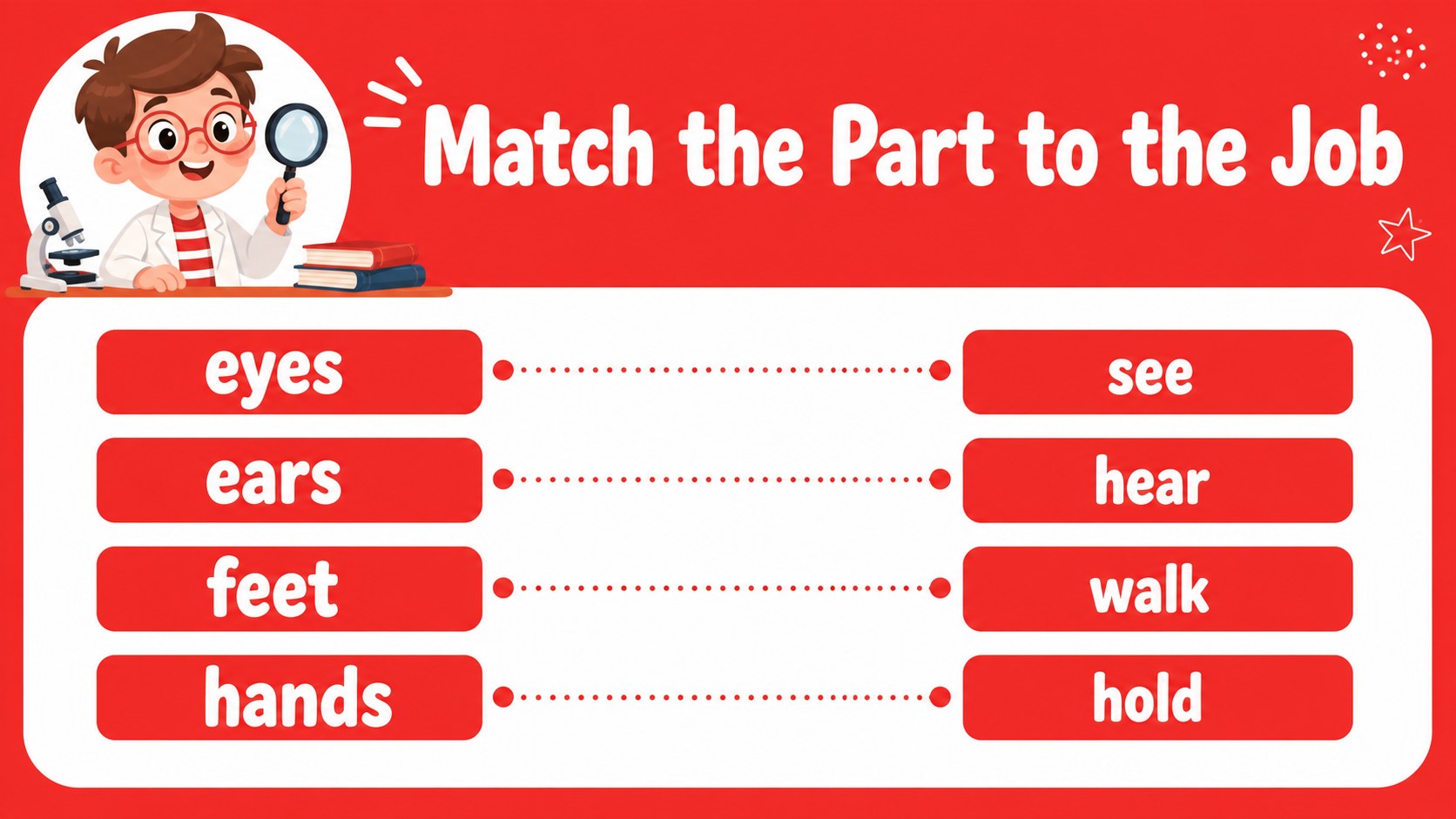
Teach young learners with a playful preschool body parts lesson deck featuring red-and-white visuals, editable activities, and friendly anatomy prompts.
Design notes
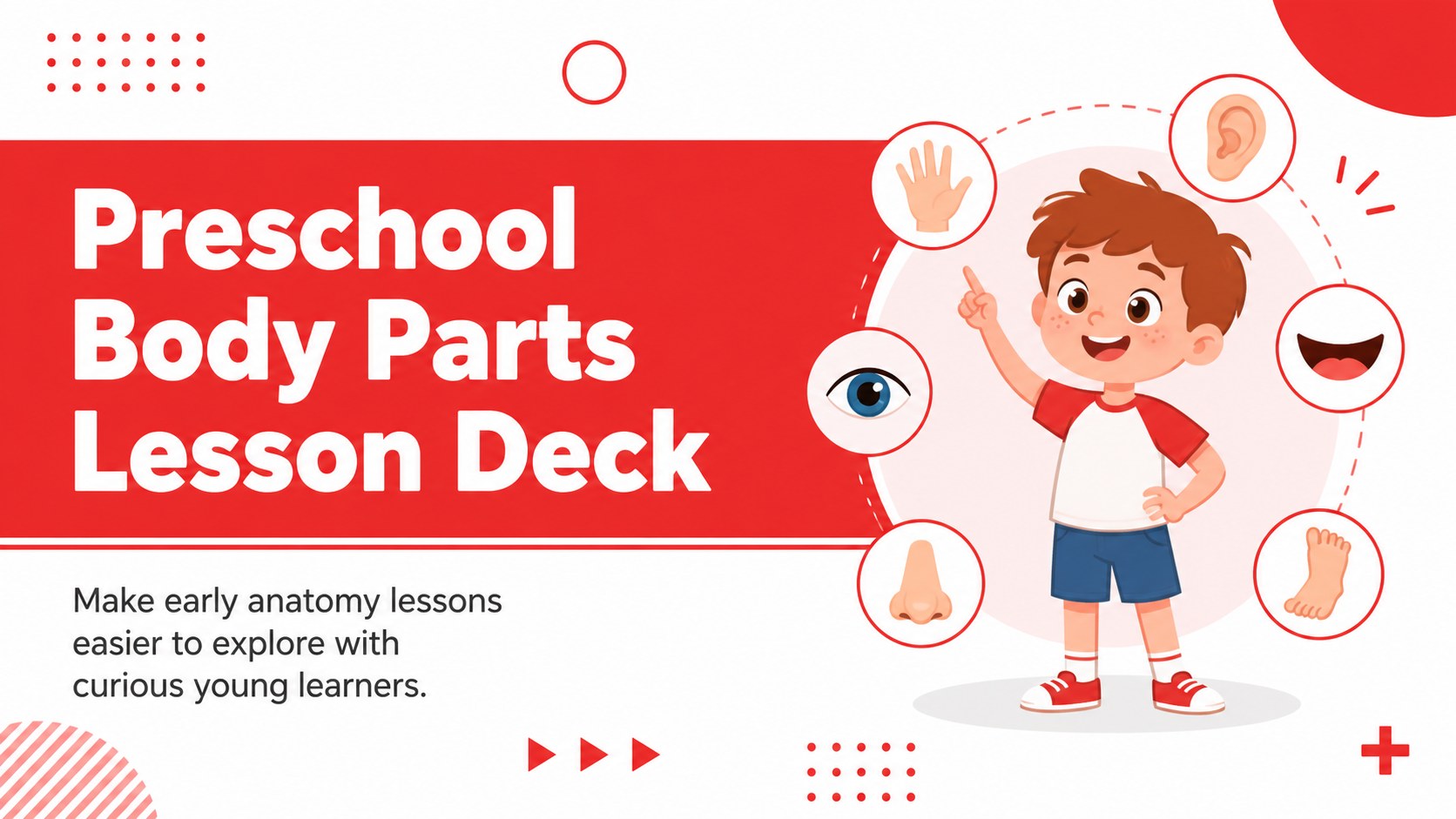
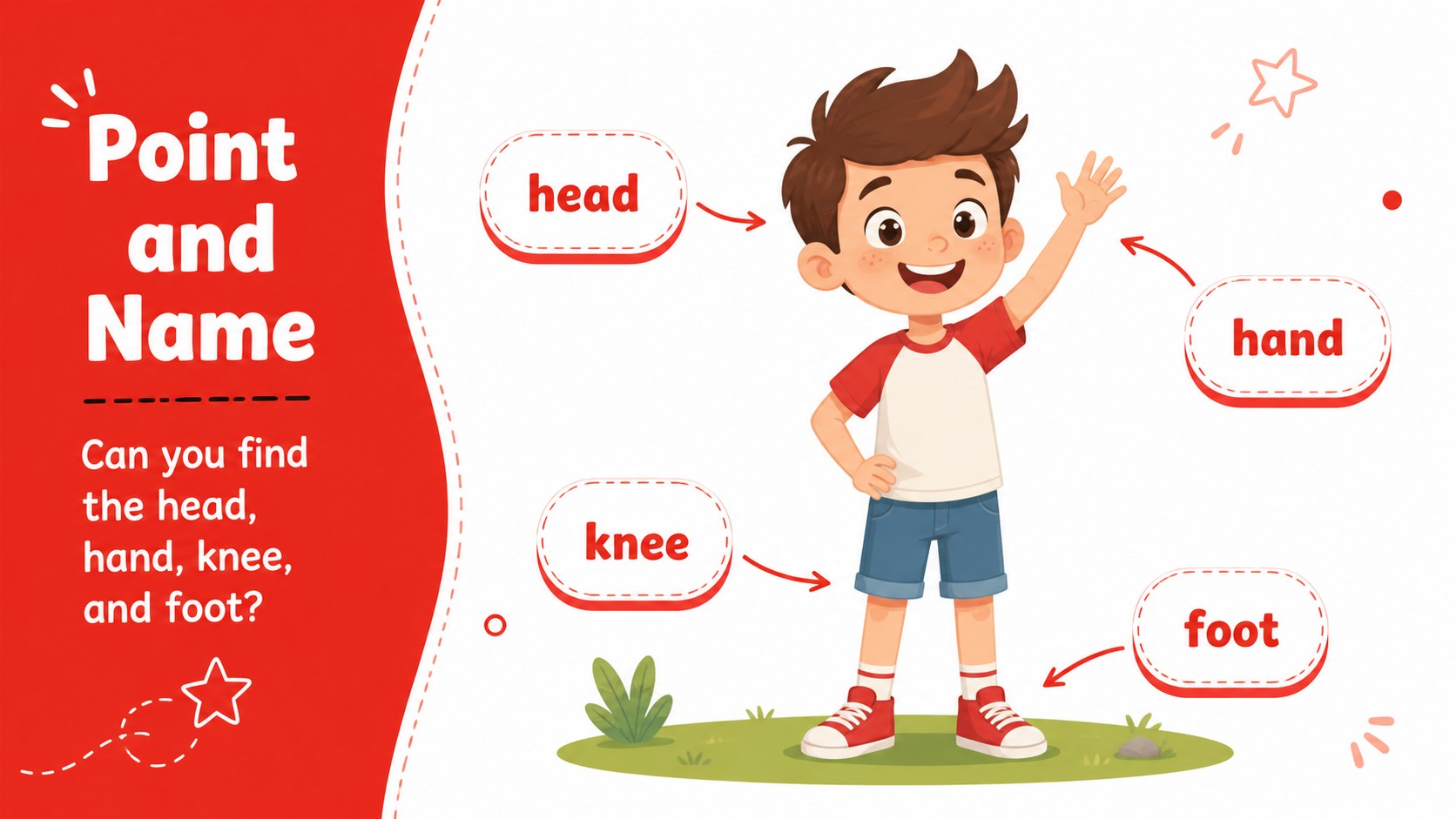
Make early anatomy lessons easier to explore with this preschool body parts lesson deck, designed for teachers, caregivers, and education creators working with young children. Its cheerful red-and-white palette, bold display type, and friendly illustrated science style help turn basic anatomy into an approachable classroom experience.
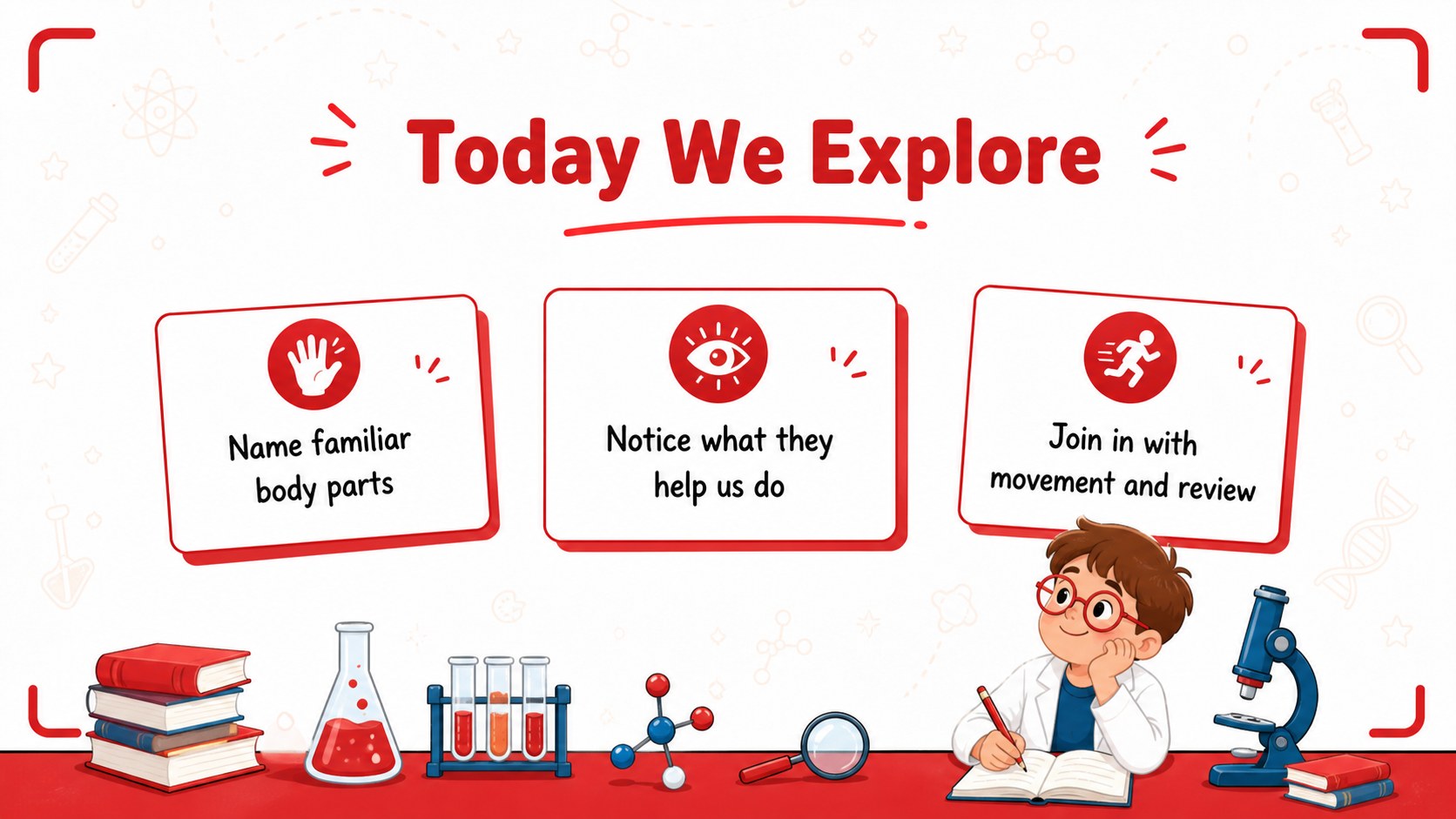
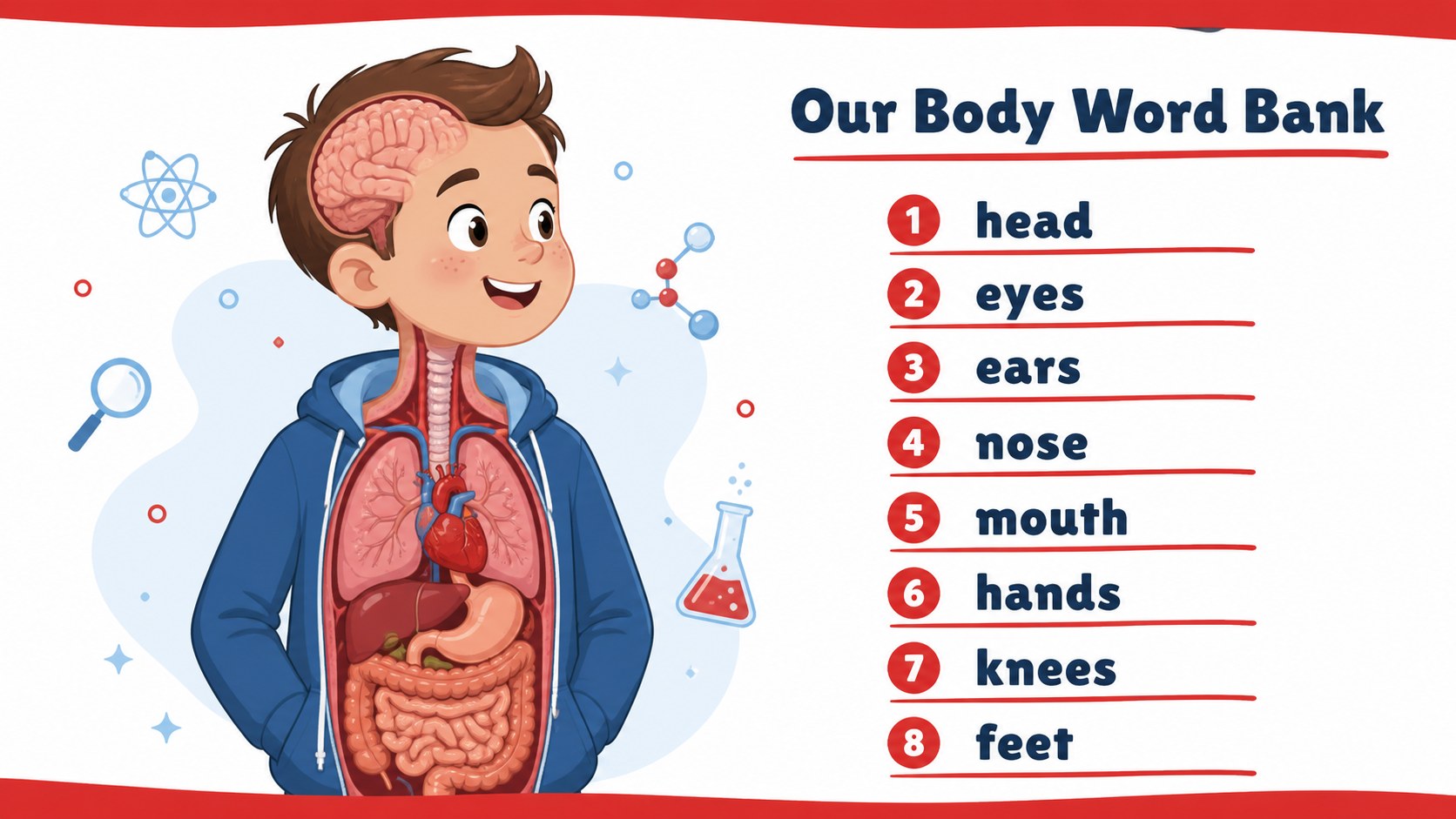
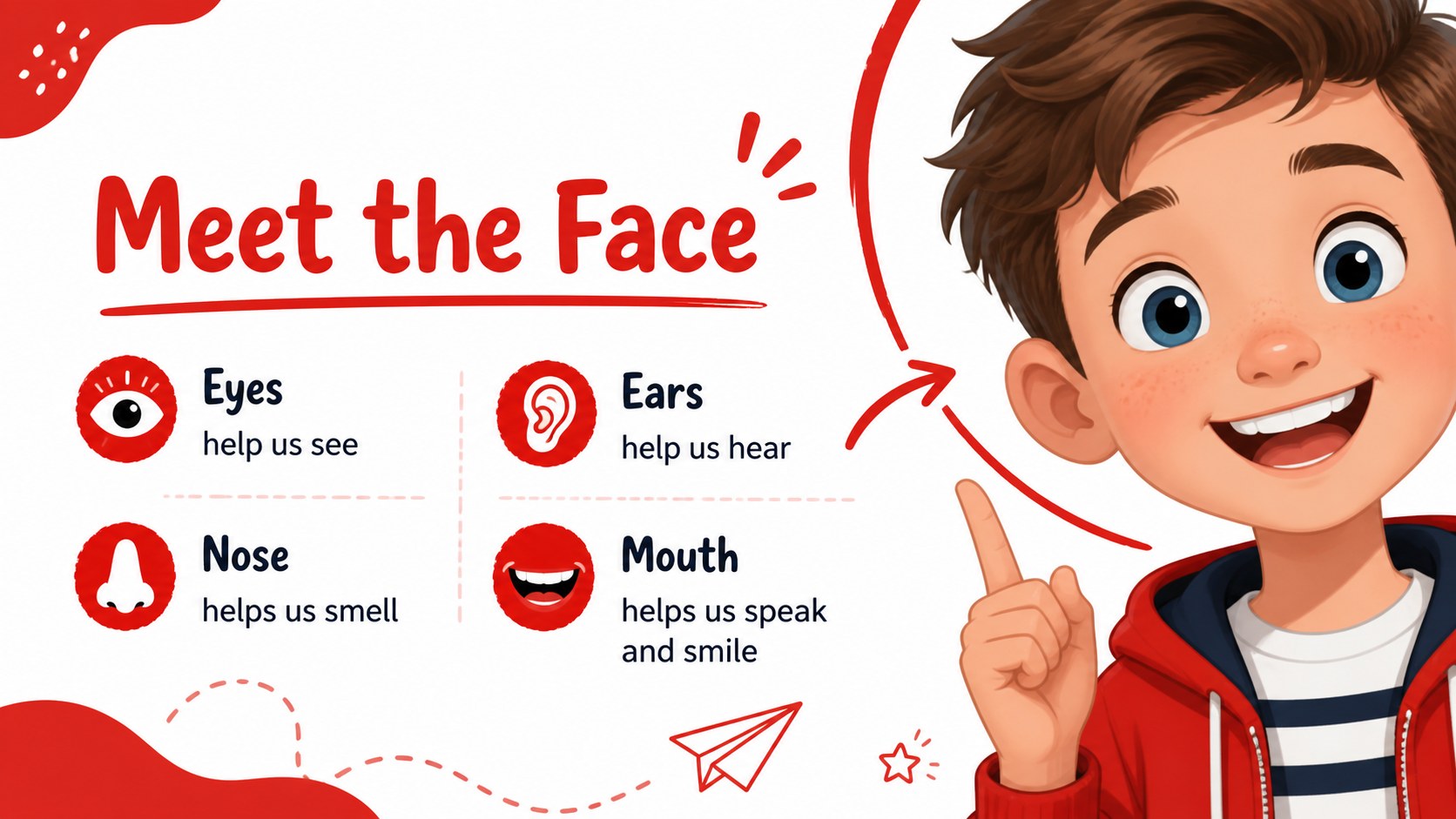
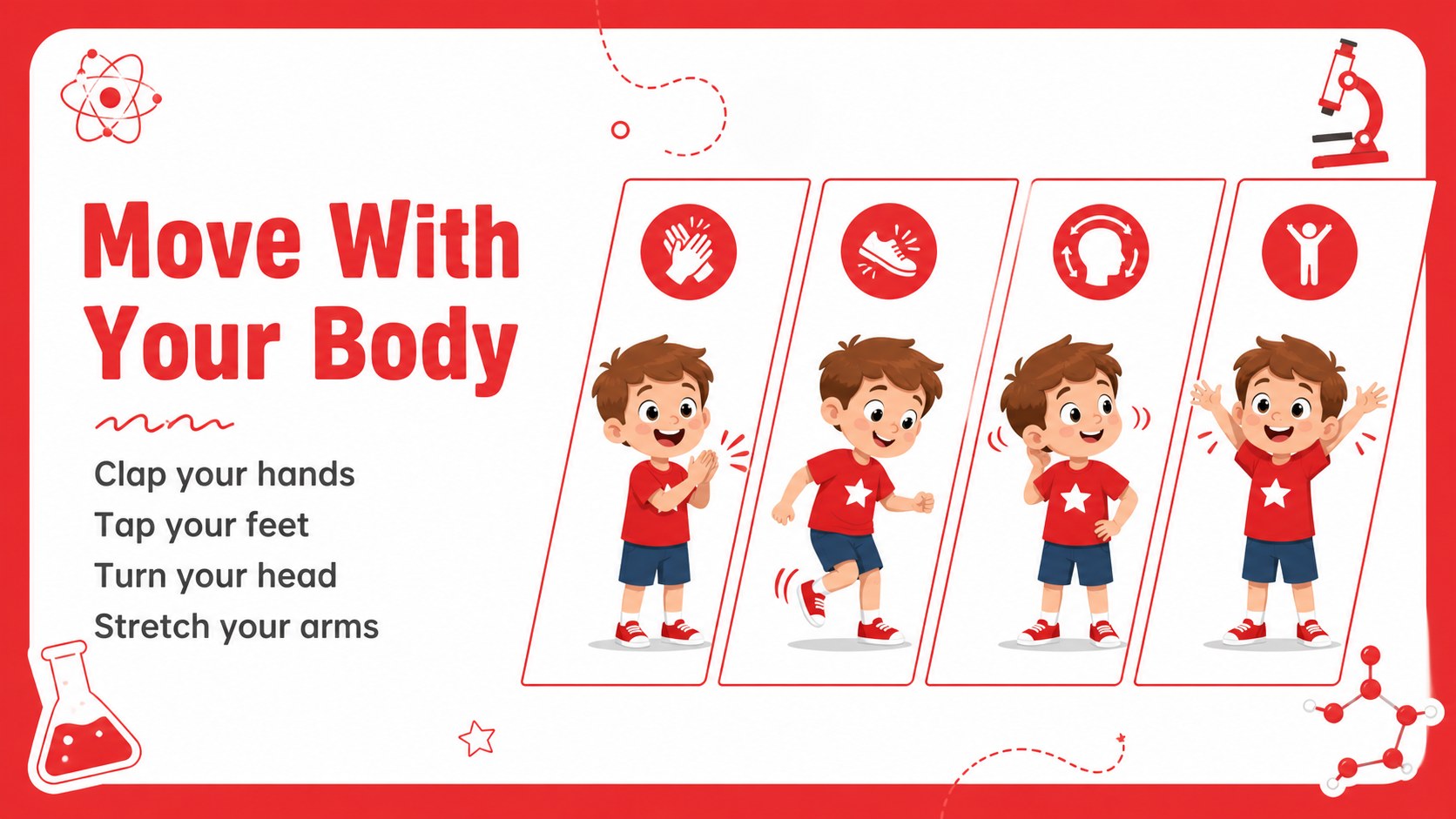
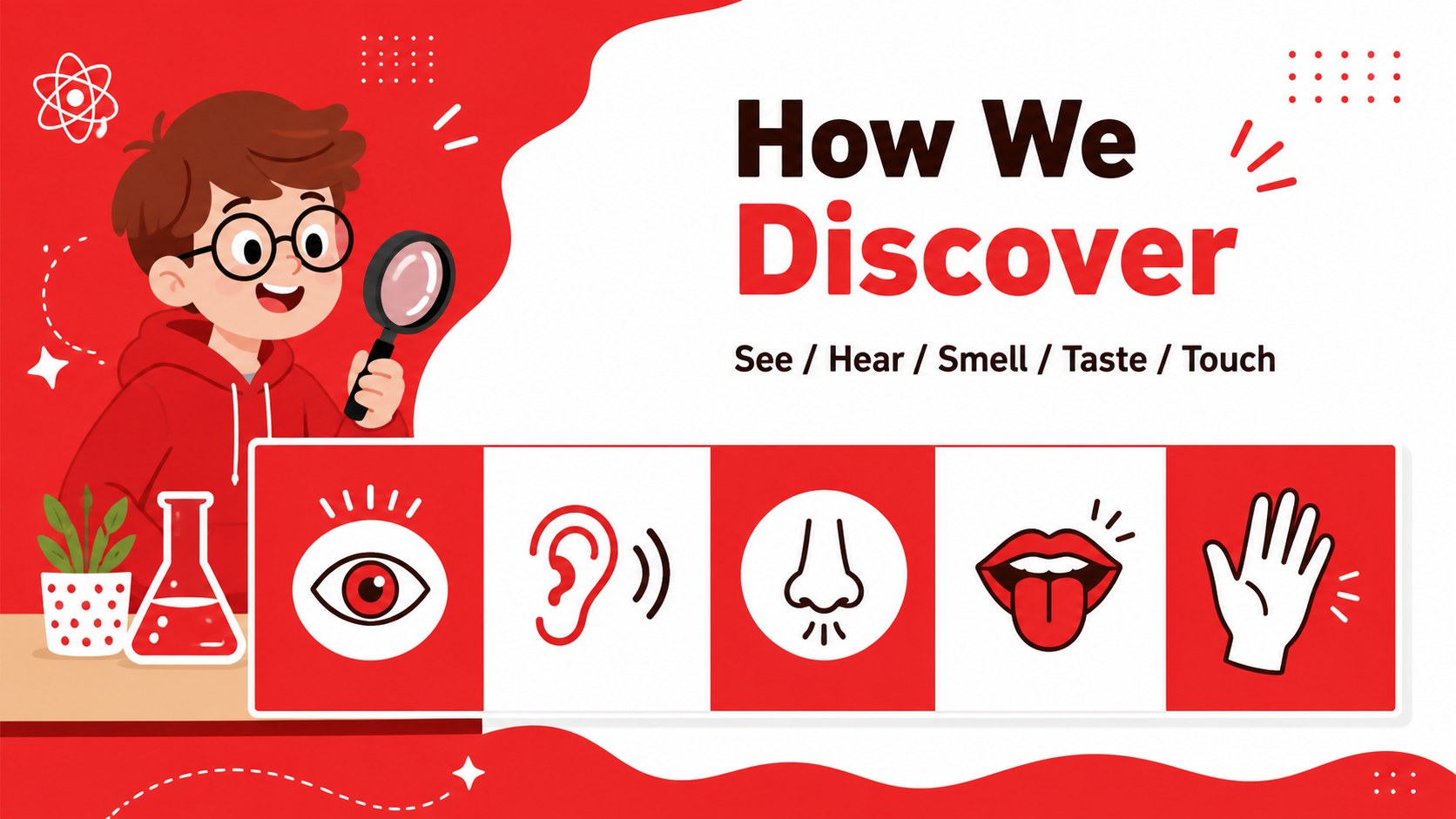
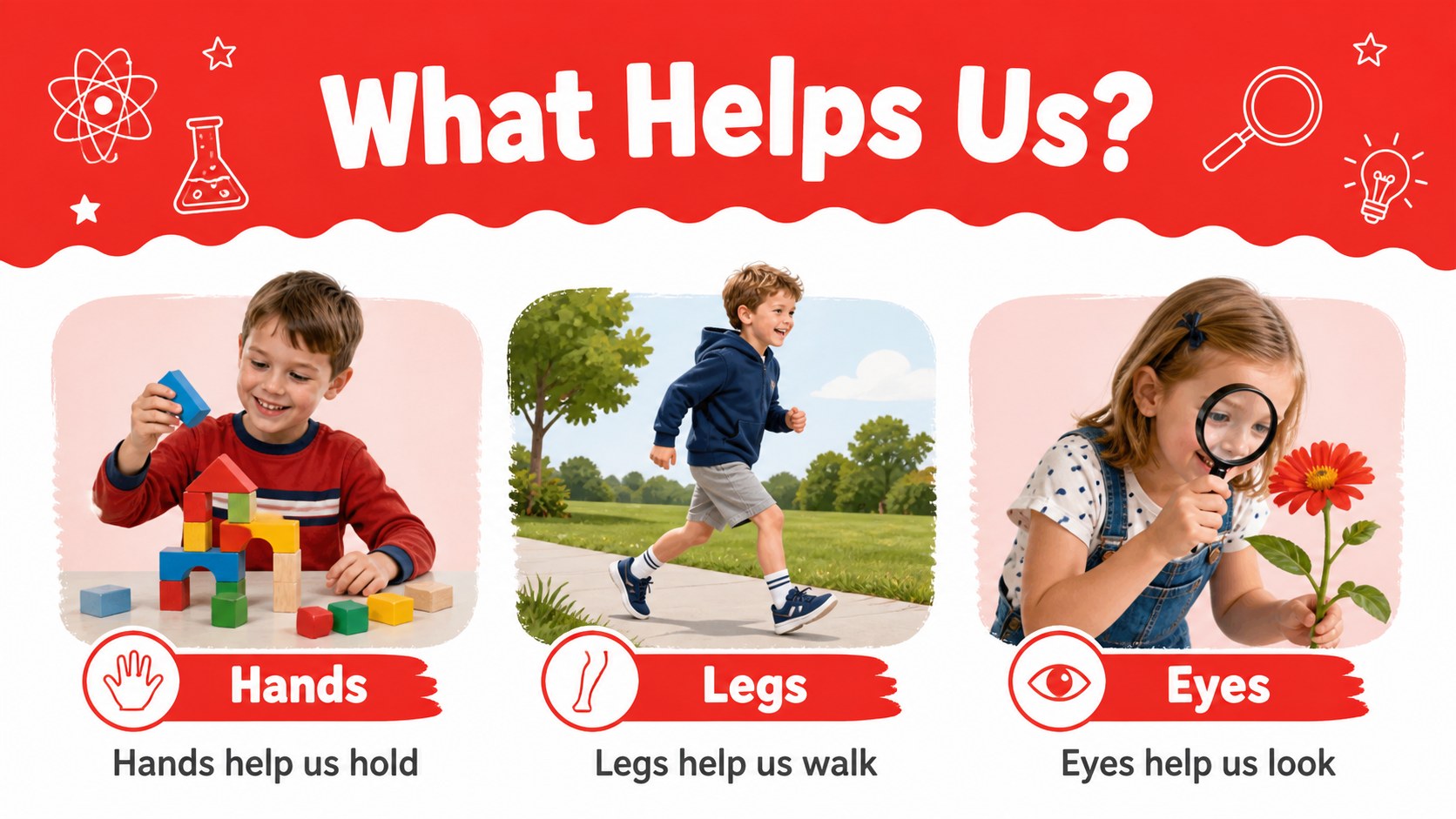
The deck includes a cover, learning objectives, vocabulary pages, body-part labeling activities, movement prompts, simple comparisons, review questions, and a closing recap. Use the layouts to introduce eyes, ears, nose, mouth, hands, feet, and other familiar parts without overwhelming new learners. The clear visual hierarchy also makes it useful as a body parts presentation for kindergarten, a circle-time activity, or a printable lesson companion.
Edit the text, illustrations, colors, and examples, then export the finished design for PowerPoint or Google Slides. Teachers can add classroom instructions, while homeschool educators and childcare teams can adapt the slides for small-group learning. With its large text areas and colorful anatomy activities for kids, the template supports short explanations, speaking practice, matching games, and guided observation. It is a flexible starting point for lessons that help children name body parts and connect them to everyday actions.
Perfect for: preschool anatomy lesson; kindergarten science class; homeschool body parts activity; childcare circle-time presentation; early learning vocabulary review.
Frequently asked questions
Can I edit this deck? Yes. Open the template to replace text, adjust layouts, change colors, and add classroom images or instructions. Its drag-and-drop editor works well for quick lesson updates.
Practical details
Yes. Open the template to replace text, adjust layouts, change colors, and add classroom images or instructions. Its drag-and-drop editor works well for quick lesson updates.
Yes. After customizing the design, export it as a PowerPoint file or send it to Google Drive as an editable Google Slides copy. Check the exported fonts and illustrations before presenting.
The visual language is best suited to preschool and early kindergarten learners. You can simplify the vocabulary for younger children or add more labels and review questions for older students.
Replace the sample labels with words from your curriculum and add prompts such as “Touch your nose” or “Which part helps you hear?” You can also duplicate the activity layouts to create matching, sorting, or recap exercises.
Keep exploring
15Build an engaging World UFO Day session with this flying saucer history lesson deck, featuring retro green-and-brown slides for PowerPoint and Google Slides.
 15
15Plan a lively animal-learning journey with this jungle zoo adventure lesson deck, ready to customize in PowerPoint and Google Slides for young learners.
 16
16Turn environmental research into a clear story with a Watercolor Ecology Presentation Theme for PowerPoint and Google Slides in calming green and blue.
 16
16Build focused fashion, literature, and humanities presentations with the Red Triangle Editorial Theme, editable in PowerPoint and Google Slides.
 15
15Turn streaming stats, favorite tracks, and concert highlights into a bold annual listening recap slide deck for PowerPoint and Google Slides.
 15
15Turn highlights, milestones, and favorite moments into a colorful year in review slide deck with bold 3D graphics for PowerPoint and Google Slides.
 3
3Build a credible endorsement with Standout Colleague Recommendation Letter Slides, featuring colorful prompts for skills, achievements, and team impact.
 4
4Build clear beginner sessions with an ice hockey fundamentals training deck for coaches, PE teachers, and clubs, ready for PowerPoint and Google Slides.