
 15
15presentation
Flying Saucer History Lesson Deck
Build an engaging World UFO Day session with this flying saucer history lesson deck, featuring retro green-and-brown slides for PowerPoint and Google Slides.
Google SlidesPowerPoint
presentation · English
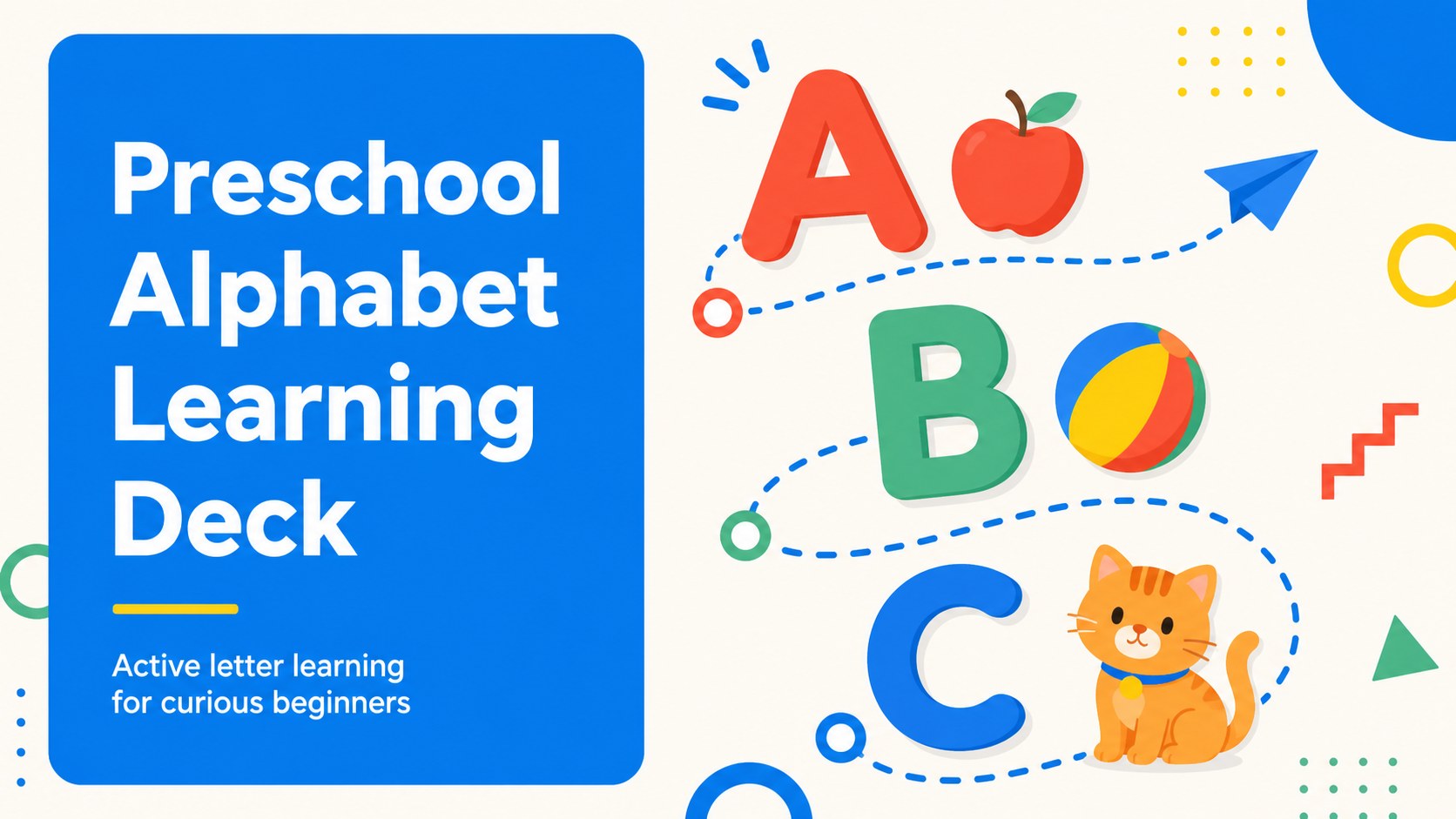
Build an engaging preschool alphabet lesson with a colorful ABC learning deck for classrooms or home use, editable in PowerPoint and Google Slides.
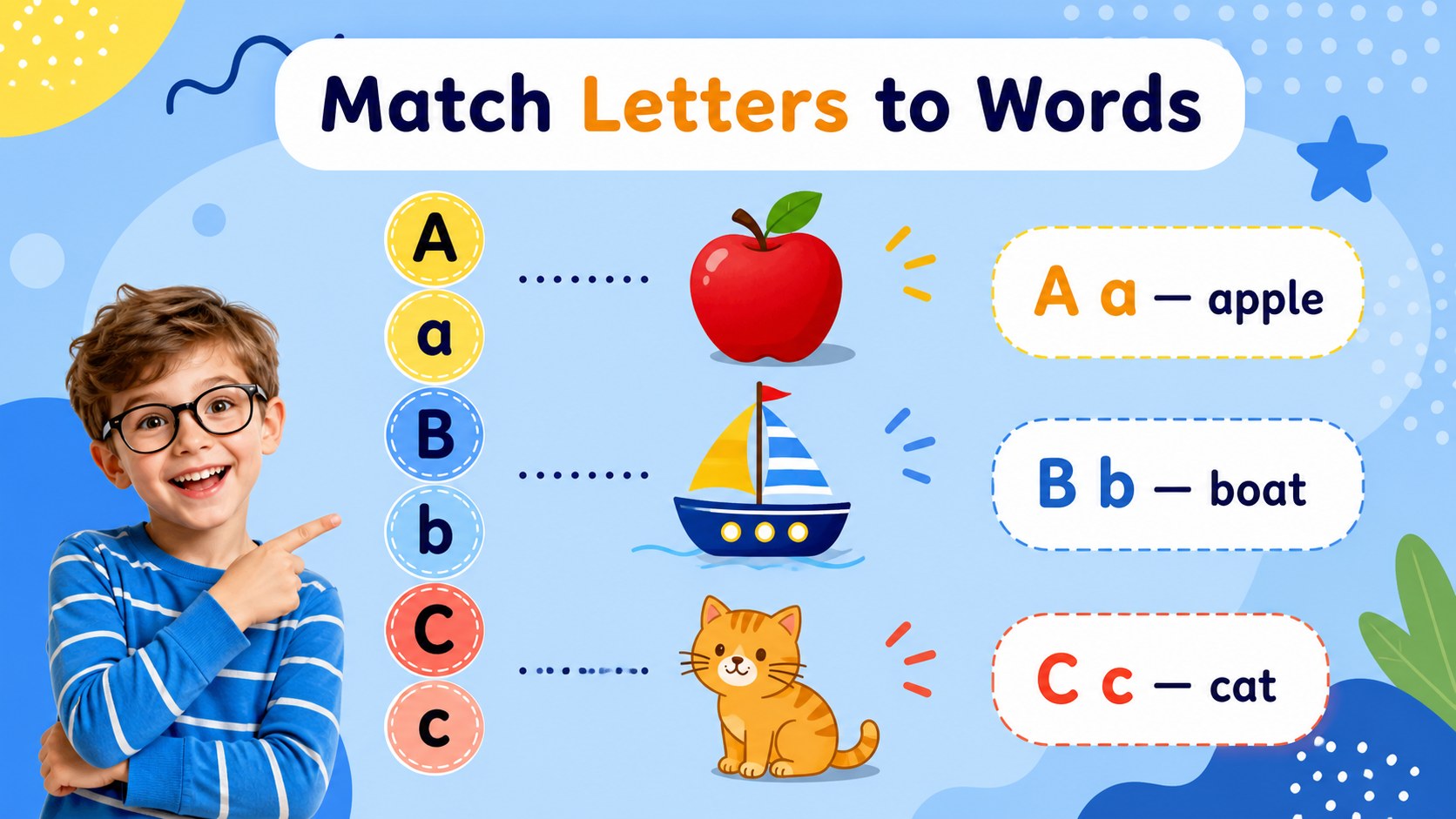
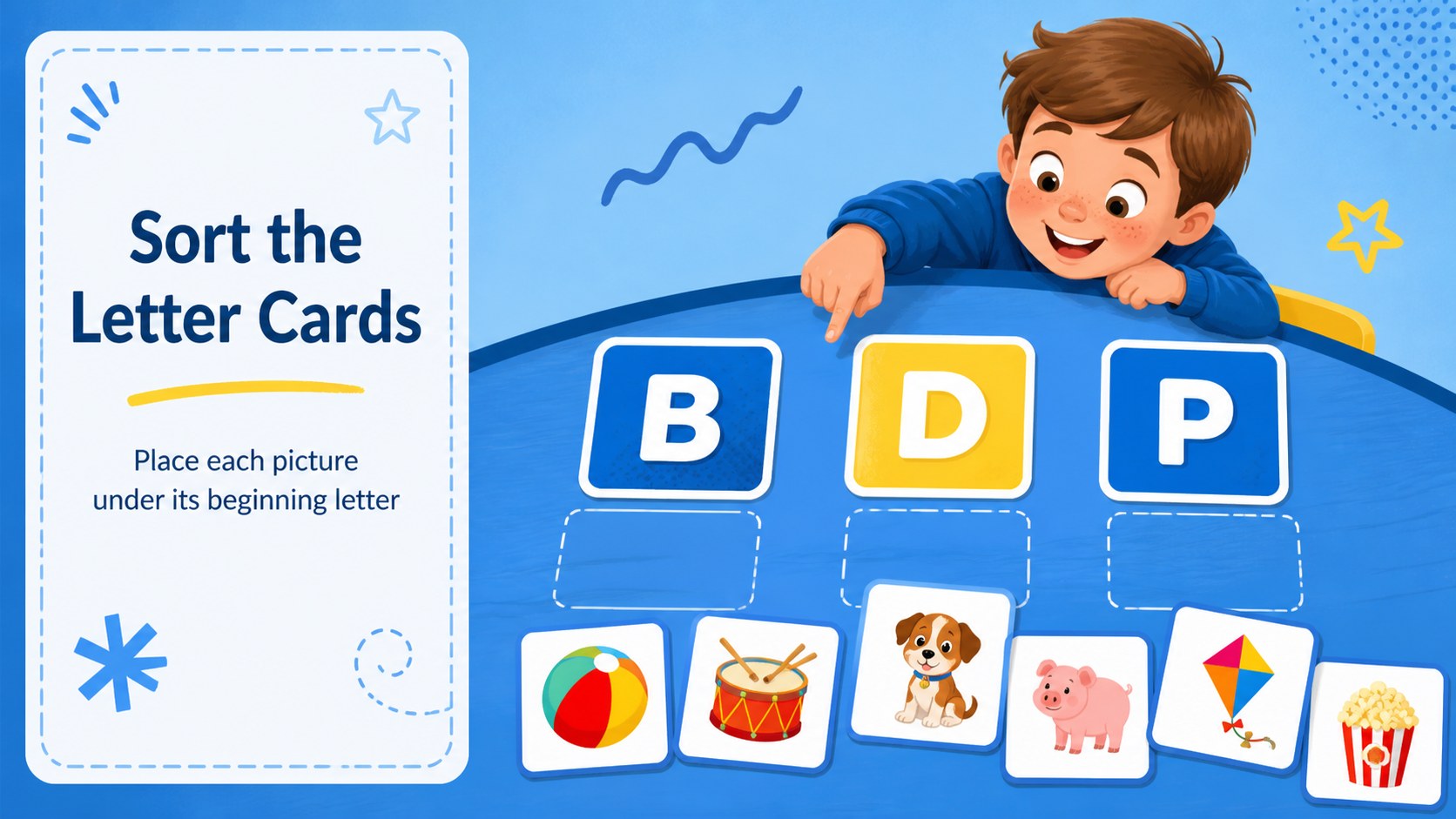
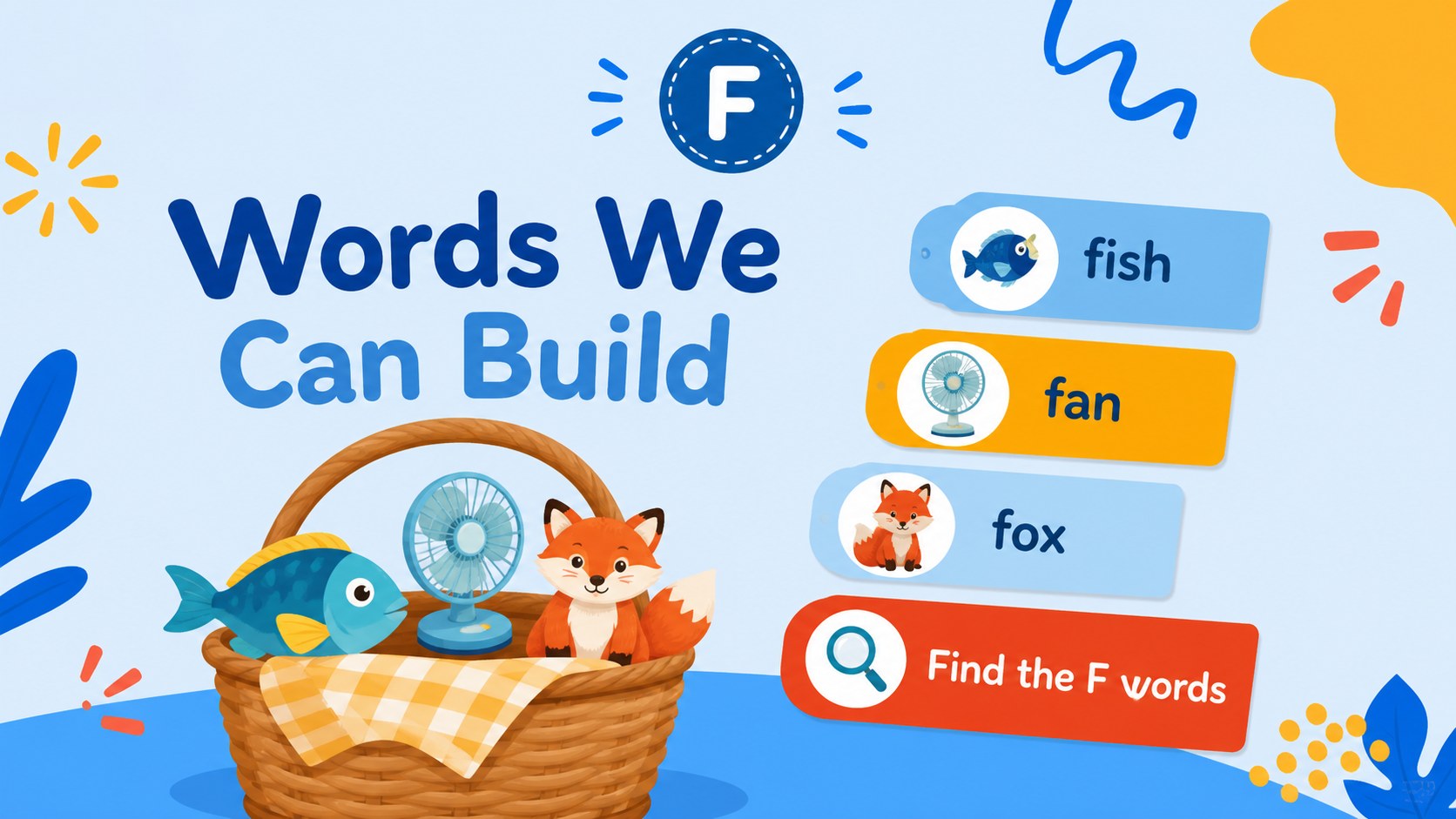
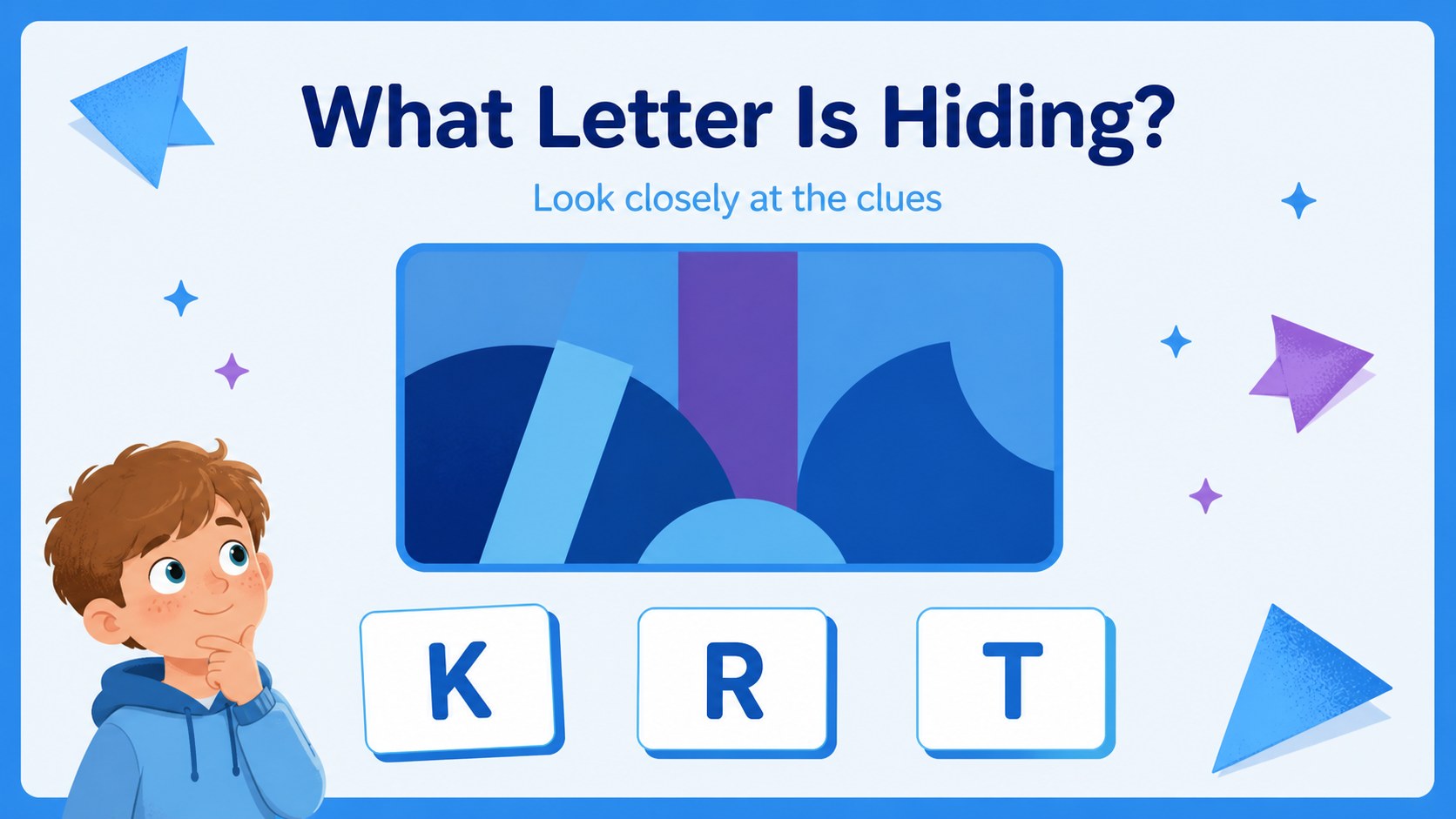
Design notes
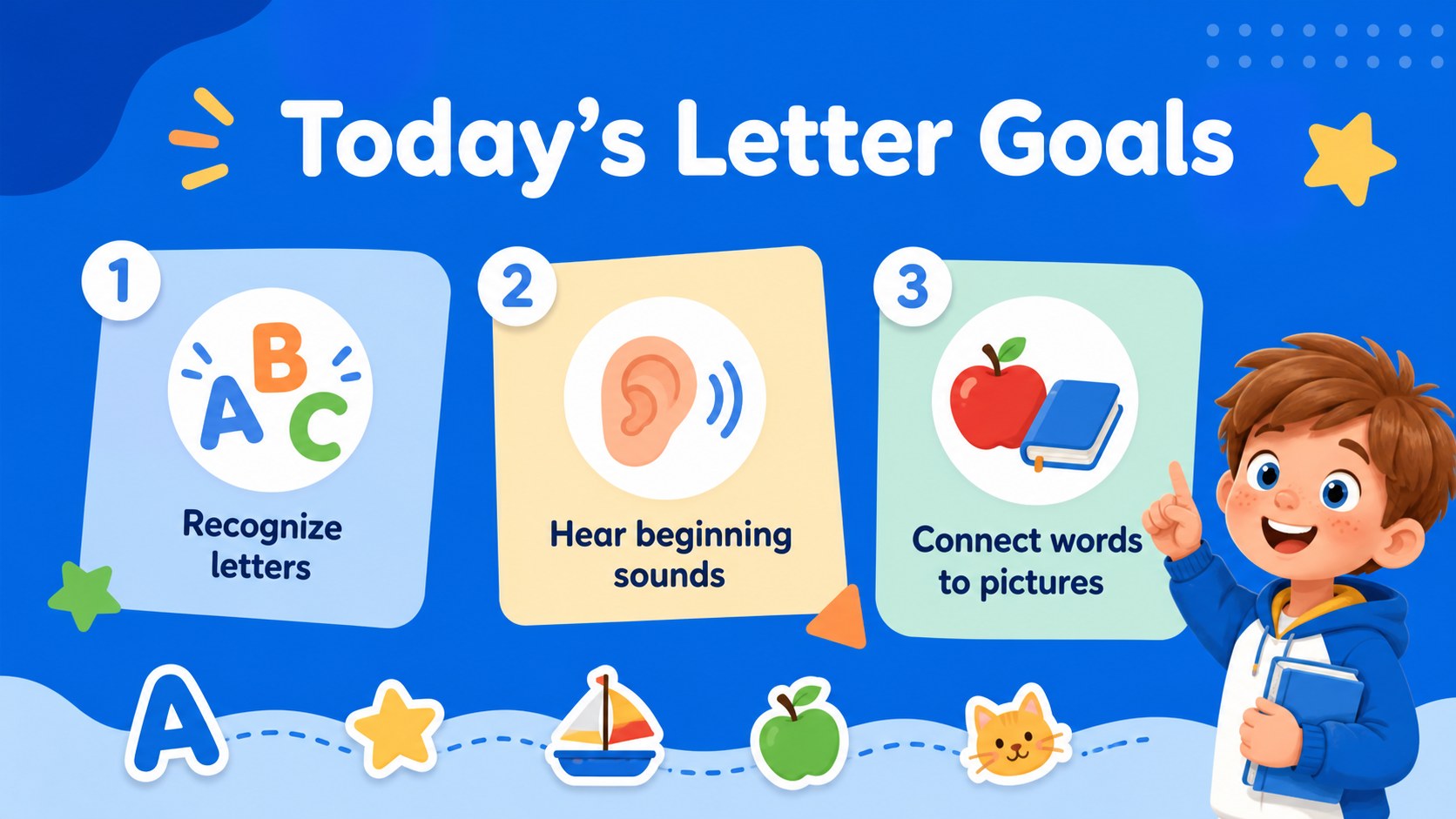
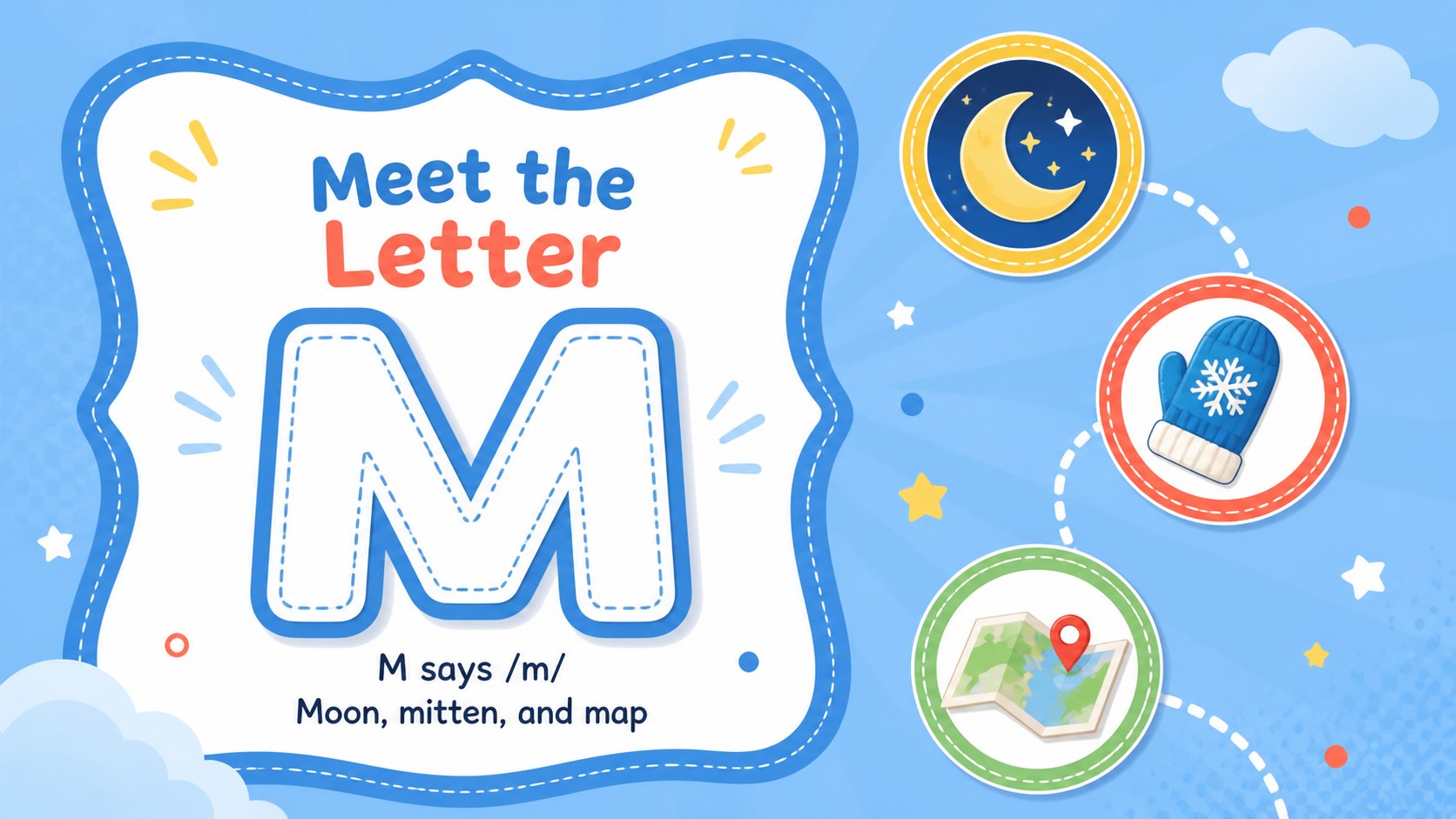
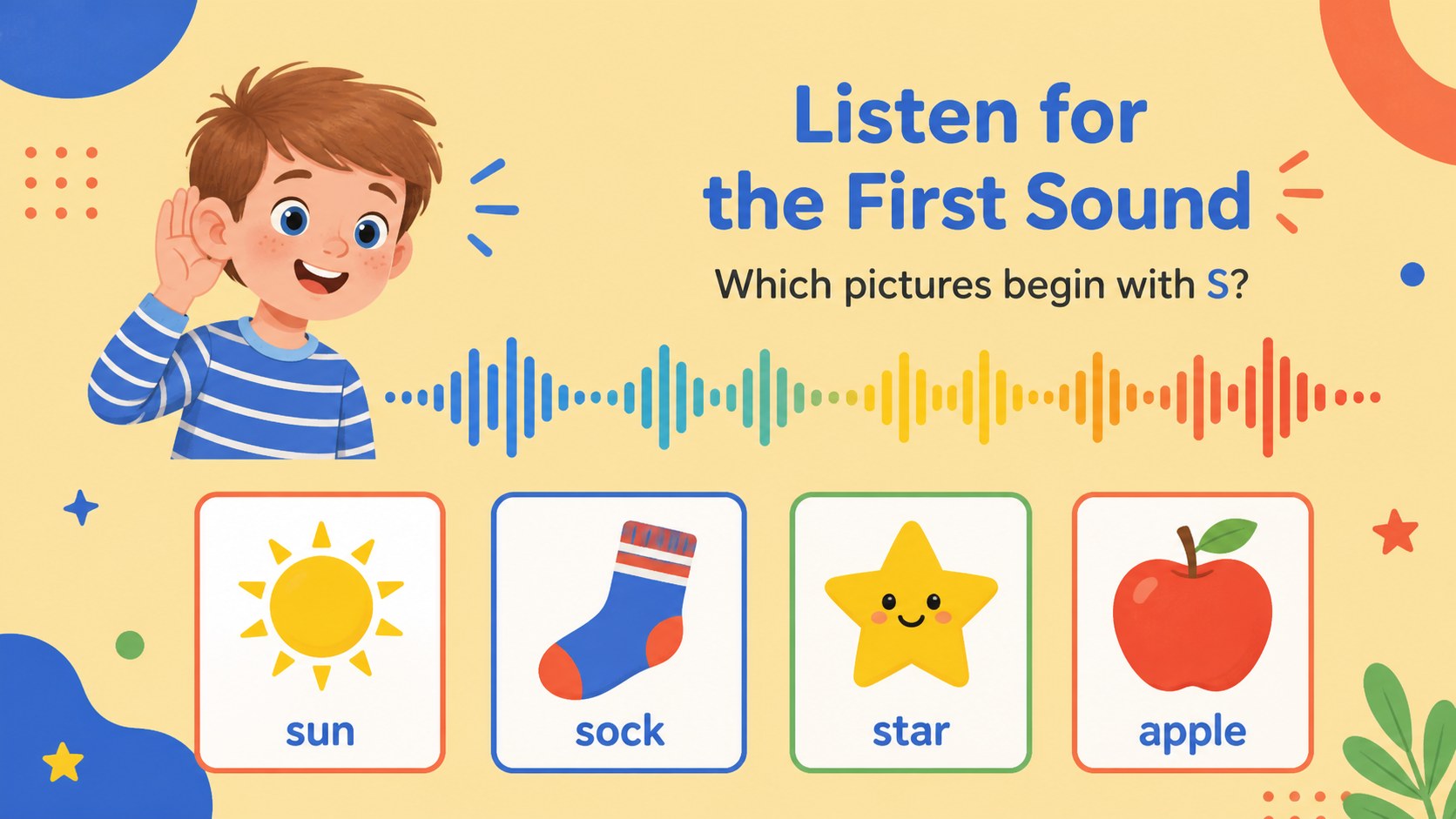
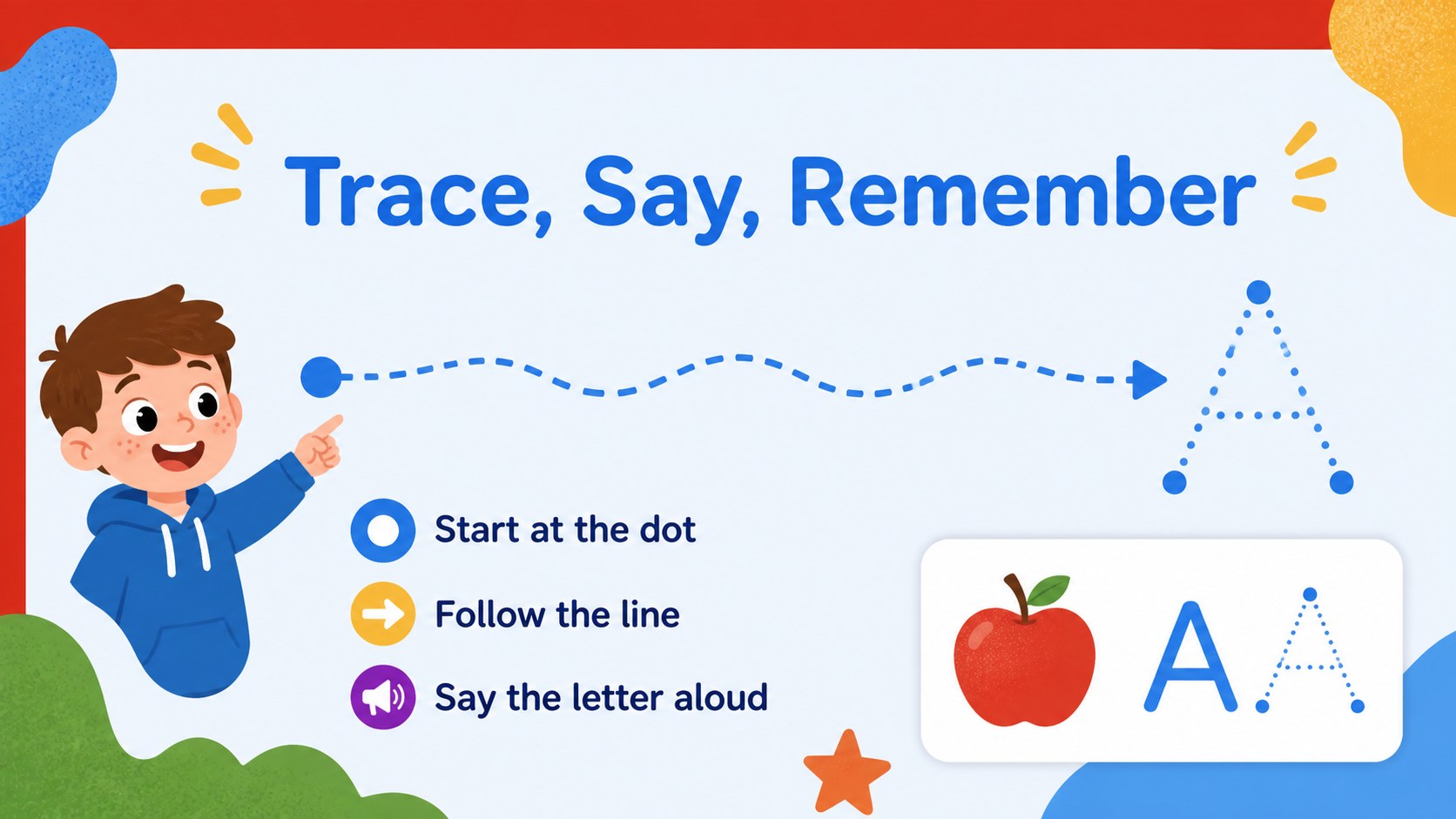
Preschool Alphabet Learning Deck is a bright, flexible resource for introducing young children to letters, sounds, and first vocabulary words. Its cheerful blue-led palette, bold shapes, and friendly illustrated style help keep early learners focused without making the lesson feel crowded. Use the deck as a guided lesson, a warm-up activity, or a printable-style visual aid for small-group practice.
Inside, you’ll find 25+ editable slides for letter recognition, picture-word connections, phonics prompts, matching activities, review rounds, and simple classroom games. The layouts can be adapted in PowerPoint or Google Slides, with room for custom images, labels, teacher notes, animations, and transitions. Built-in charts, frames, lines, shapes, emojis, image libraries, audio, video, and collaboration tools make it easy to create an interactive ABC classroom activity slides sequence.
This preschool alphabet learning deck is designed for early-years teachers, homeschool families, tutors, daycare teams, and parents planning short learning sessions. Add your own examples, change the pacing, or create a themed letter set for seasonal units. The Cabin and Nunito fonts support a clear, approachable look, while the colorful blue education slides keep the presentation lively and easy to scan.
Perfect for: preschool phonics lesson; homeschool alphabet practice; daycare group activity; tutor-led letter review; early literacy center; parent-child learning session.
Frequently asked questions
Can I edit the deck in Google Slides? Yes. The presentation is designed for Google Slides and PowerPoint. You can replace text and images, adjust colors, add notes, and rearrange slides in the platform you prefer.
Practical details
Yes. The presentation is designed for Google Slides and PowerPoint. You can replace text and images, adjust colors, add notes, and rearrange slides in the platform you prefer.
Yes. The layouts support basic letter recognition, sound practice, picture associations, and vocabulary building. Teachers or parents can simplify the activities for beginners or add custom examples for children who need more challenge.
You can change the example words, illustrations, labels, and activity instructions. This makes it possible to match the deck to a classroom theme, a child’s interests, or the language and phonics sequence you are teaching.
Yes. Add animations, transitions, audio clips, videos, or clickable navigation to create a more active lesson. You can also duplicate activity layouts to build extra practice rounds.
Keep exploring
15Build an engaging World UFO Day session with this flying saucer history lesson deck, featuring retro green-and-brown slides for PowerPoint and Google Slides.
 15
15Plan a lively animal-learning journey with this jungle zoo adventure lesson deck, ready to customize in PowerPoint and Google Slides for young learners.
 16
16Turn environmental research into a clear story with a Watercolor Ecology Presentation Theme for PowerPoint and Google Slides in calming green and blue.
 16
16Build focused fashion, literature, and humanities presentations with the Red Triangle Editorial Theme, editable in PowerPoint and Google Slides.
 15
15Turn streaming stats, favorite tracks, and concert highlights into a bold annual listening recap slide deck for PowerPoint and Google Slides.
 15
15Turn highlights, milestones, and favorite moments into a colorful year in review slide deck with bold 3D graphics for PowerPoint and Google Slides.
 3
3Build a credible endorsement with Standout Colleague Recommendation Letter Slides, featuring colorful prompts for skills, achievements, and team impact.
 4
4Build clear beginner sessions with an ice hockey fundamentals training deck for coaches, PE teachers, and clubs, ready for PowerPoint and Google Slides.